How to install Deluge bit-torrent client 1.3.15 on Ubuntu 16.04
How to install Deluge BitTorrent client 1.3.15 on Ubuntu 16.04
Deluge is a fully-featured cross-platform BitTorrent client. Deluge has been designed using the client server model with a daemon process, which handles all the BitTorrent activity. It also contains the common features to BitTorrent clients such as Protocol Encryption, DHT, Local Peer Discovery (LSD), Peer Exchange (PEX), UPnP, NAT-PMP, Proxy support, Web seeds, global and per-torrent speed limits. This tutorial will explain the installation procedure of Deluge BitTorrent client on Ubuntu 16.04.
Installation procedure
To start the installation procedure, add the deluge package into repository via ppa by executing the following command.
root@linuxhelpubnt:~# add-apt-repository ppa:deluge-team/ppa
 Deluge Stable Release Packages
This repository contains packages for the latest stable releases of Deluge and stable libtorrent releases.
Press [ENTER] to continue or ctrl-c to cancel adding it
.
.
.
gpg: key 249AD24C: public key " Launchpad PPA for Deluge Team"  imported
gpg: no ultimately trusted keys found
gpg: Total number processed: 1
gpg:               imported: 1  (RSA: 1)
OK
The repository is added to the target system. Update the target system by executing the apt-get update command.
root@linuxhelpubnt:~# apt-get update
Get:1 http://security.ubuntu.com/ubuntu xenial-security InRelease [102 kB]
Get:2 http://ppa.launchpad.net/deluge-team/ppa/ubuntu xenial InRelease [17.5 kB]
Hit:3 http://in.archive.ubuntu.com/ubuntu xenial InRelease
.
.
.
Get:8 http://in.archive.ubuntu.com/ubuntu xenial-backports InRelease [102 kB]
Fetched 332 kB in 2s (142 kB/s)
AppStream cache update completed, but some metadata was ignored due to errors.
Reading package lists... Done
The target system is updated with the required repositories. Install the deluge package by running the following install command.
root@linuxhelpubnt:~# apt-get install deluge
Reading package lists... Done
Building dependency tree
Reading state information... Done
The following additional packages will be installed:
  binutils cpp-5 deluge-common deluge-gtk g++-5 gcc-5 gcc-5-base libappindicator1 libasan2
  libatomic1 libblas-common libblas3 libboost-python1.58.0 libcc1-0 libcilkrts5 libfluidsynth1
  libgcc-5-dev libgfortran3 libglade2-0 libgomp1 libitm1 liblapack3 liblsan0 libmad0 libmikmod3
.
.
.
Setting up python-pygame (1.9.1release+dfsg-10) ...
Setting up python-serial (3.0.1-1) ...
Setting up python-setproctitle (1.1.8-1build2) ...
Processing triggers for libc-bin (2.23-0ubuntu3) ...
The application is installed successfully. Now launch the deluge bit-torrent client by typing the package name in the ubuntu dashboard and click on the icon to run the application.
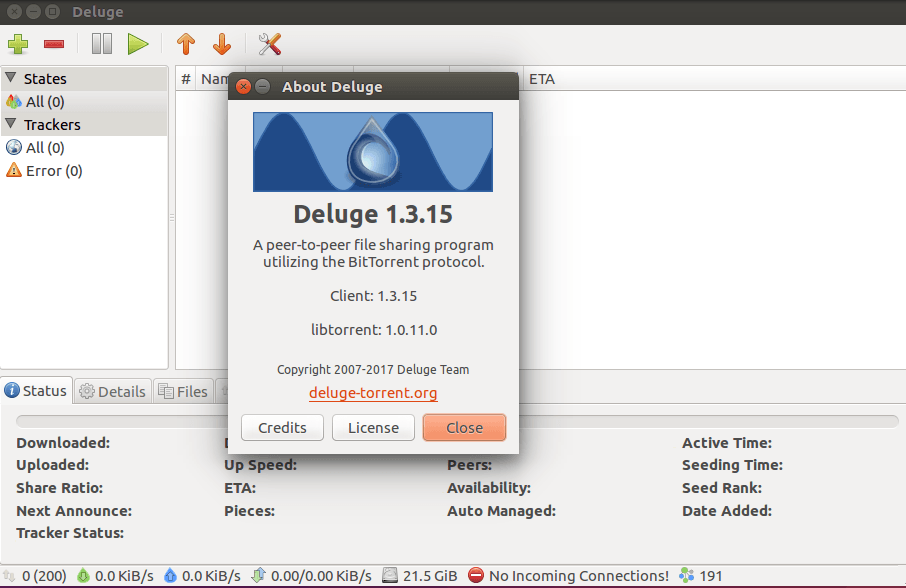
The Deluge can be used to download audio and video files with good speed.
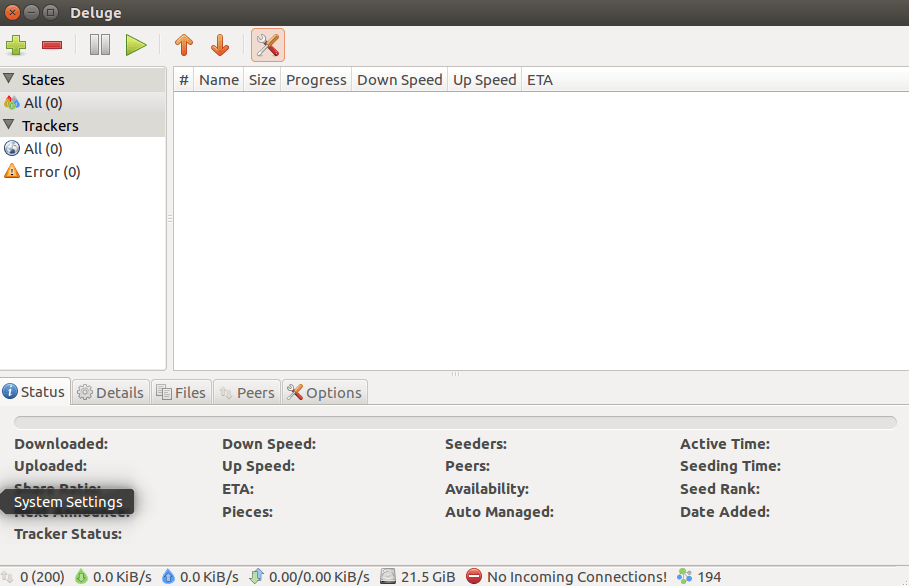
Wasn' t that an easy installation procedure? Deluge uses the front and back end architecture called libtorrent, a software library written in C++.
Comments ( 0 )
No comments available