How to install DeVeDe in Ubuntu
To install DeVeDe in Ubuntu
DeVeDe is an open source utility used to create DVD-Video or VideoCD (VCD) that suits home DVD players. It supports both PAL and NTSC video systems. Users can transform various video formats into a DVD Player playable video. It also allows the users to create menus, subtitles, audio shifting, video editing functionality of the DVD-Video. Installation of DeVeDe in Ubuntu is discussed in this manual.
Installation of DeVeDe
Download the DeVeDe installation package as shown below.
root@linuxhelp:/home/user1# wget http://www.rastersoft.com/descargas/devedeng/python3-devedeng-xenial_4.8.0-ubuntu1_all.deb
--2016-08-24 04:30:00--  http://www.rastersoft.com/descargas/devedeng/python3-devedeng-xenial_4.8.0-ubuntu1_all.deb
Resolving www.rastersoft.com (www.rastersoft.com)... 5.135.177.228
Connecting to www.rastersoft.com (www.rastersoft.com)|5.135.177.228|:80... connected.
.
.
2016-08-24 04:30:06 (340 KB/s) - ' python3-devedeng-xenial_4.8.0-ubuntu1_all.deb'  saved [1621080/1621080]
root@linuxhelp:/home/user1# dpkg -i python3-devedeng-xenial_4.8.0-ubuntu1_all.deb
Selecting previously unselected package python3-devedeng.
.
.
dpkg: error processing package python3-devedeng (--install):
 dependency problems - leaving unconfigured
Processing triggers for man-db (2.7.5-1) ...
Processing triggers for gnome-menus (3.13.3-6ubuntu3) ...
Processing triggers for desktop-file-utils (0.22-1ubuntu5) ...
Processing triggers for bamfdaemon (0.5.3~bzr0+16.04.20160415-0ubuntu1) ...
Rebuilding /usr/share/applications/bamf-2.index...
Processing triggers for mime-support (3.59ubuntu1) ...
Errors were encountered while processing:
 python3-devedeng
Run the below command to solve the dependency problem.
root@linuxhelp:/home/user1# apt-get -f install
Reading package lists... Done
Building dependency tree
Reading state information... Done
Correcting dependencies... Done
.
.
Setting up vdpau-driver-all:amd64 (1.1.1-3ubuntu1) ...
Setting up rtmpdump (2.4+20151223.gitfa8646d-1build1) ...
Setting up youtube-dl (2016.02.22-1) ...
Processing triggers for libc-bin (2.23-0ubuntu3) ...
Now the dependency problem is resolved
Now use the following command to install the DeVeDe package.
root@linuxhelp:/home/user1# dpkg -i python3-devedeng-xenial_4.8.0-ubuntu1_all.deb
(Reading database ... 173731 files and directories currently installed.)
Preparing to unpack python3-devedeng-xenial_4.8.0-ubuntu1_all.deb ...
Unpacking python3-devedeng (4.8.0-1) over (4.8.0-1) ...
Setting up python3-devedeng (4.8.0-1) ...
Processing triggers for man-db (2.7.5-1) ...
Processing triggers for gnome-menus (3.13.3-6ubuntu3) ...
Processing triggers for desktop-file-utils (0.22-1ubuntu5) ...
Processing triggers for bamfdaemon (0.5.3~bzr0+16.04.20160415-0ubuntu1) ...
Rebuilding /usr/share/applications/bamf-2.index...
Processing triggers for mime-support (3.59ubuntu1) ...
Enter DeVeDe in the terminal to open the installed utility.
root@linuxhelp:/home/user1# devede_ng.py
Version: 4.8.0
Now you can view some options of the Devede.
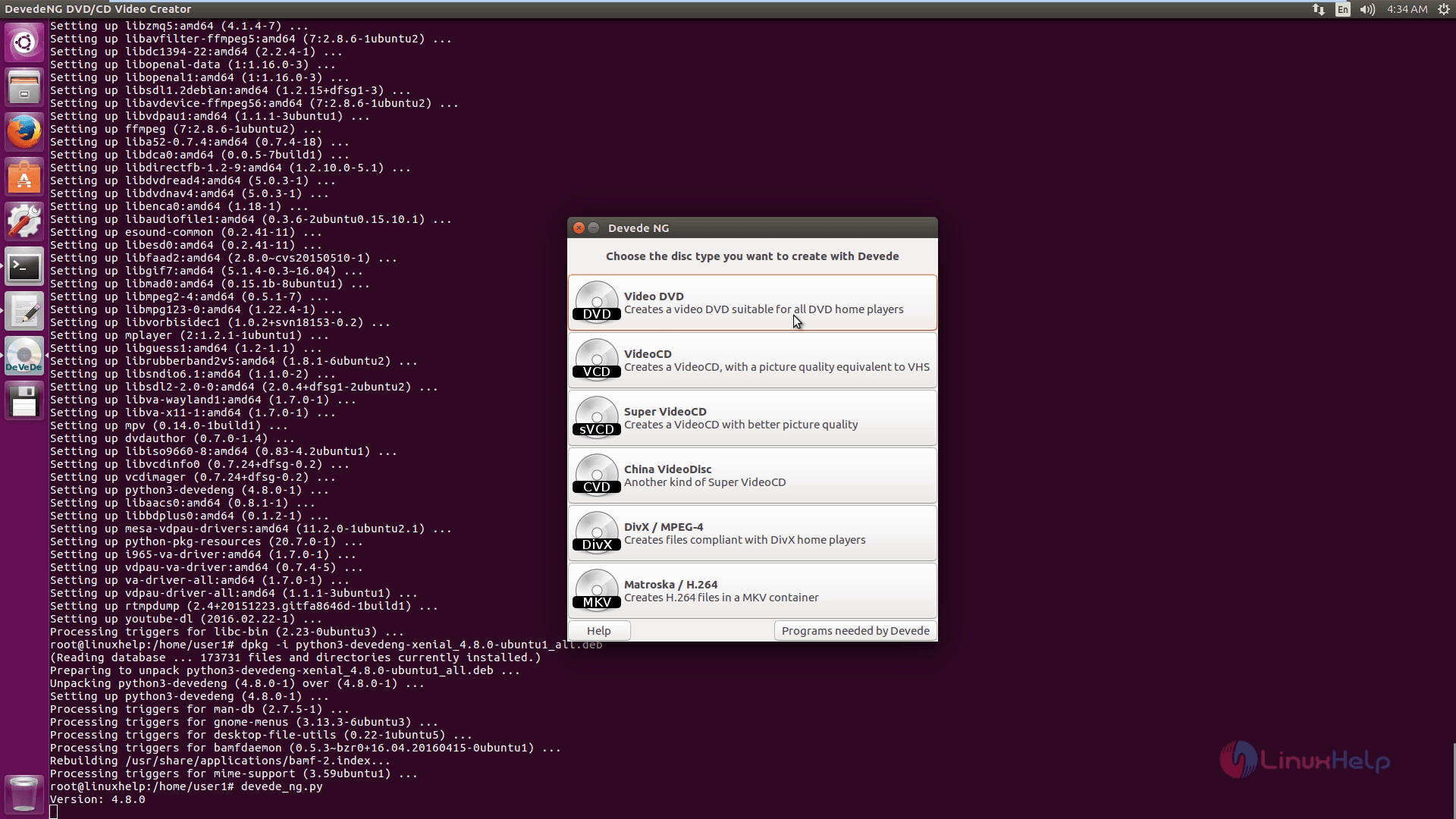
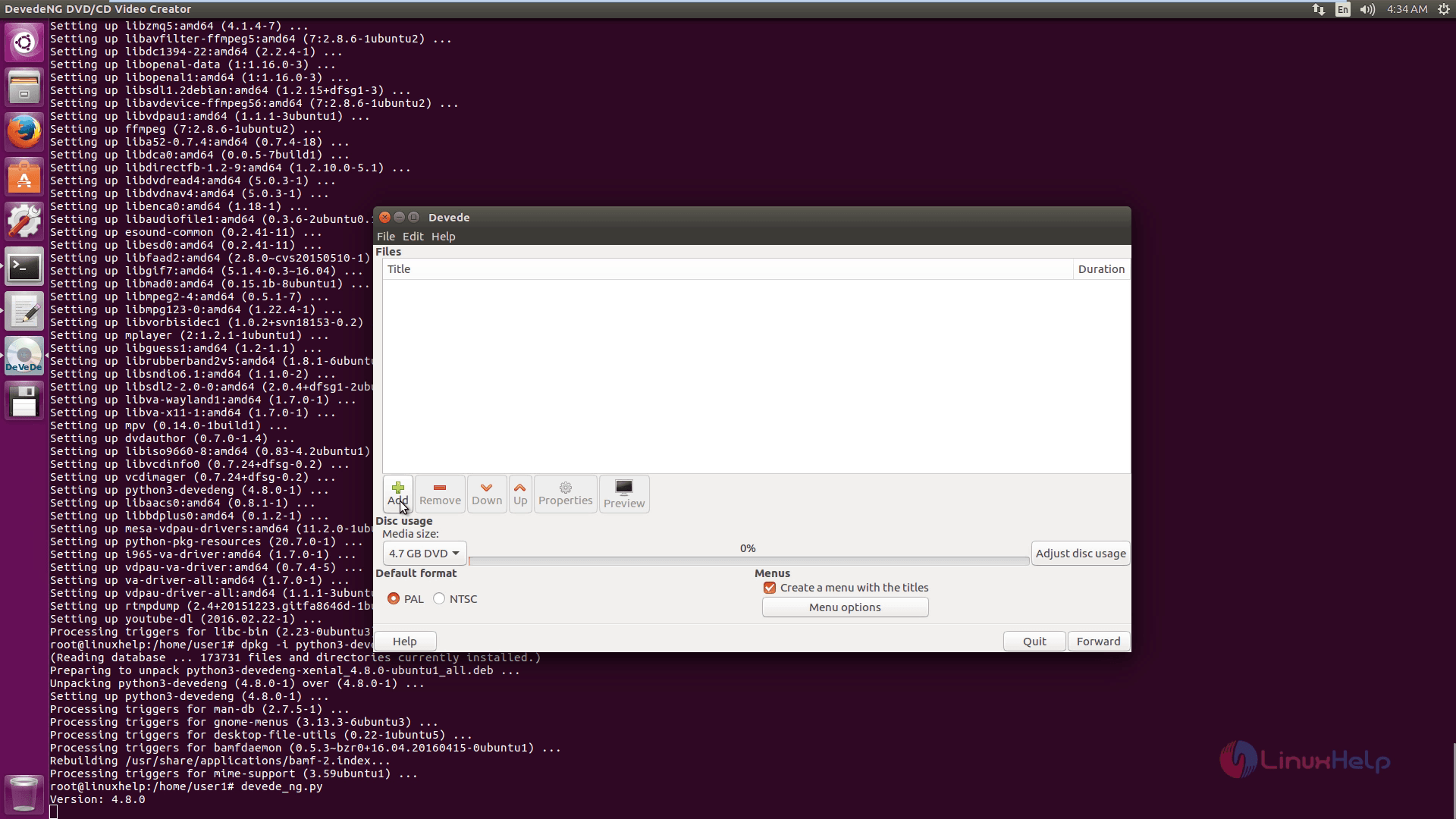
Here add your videos as shown below.
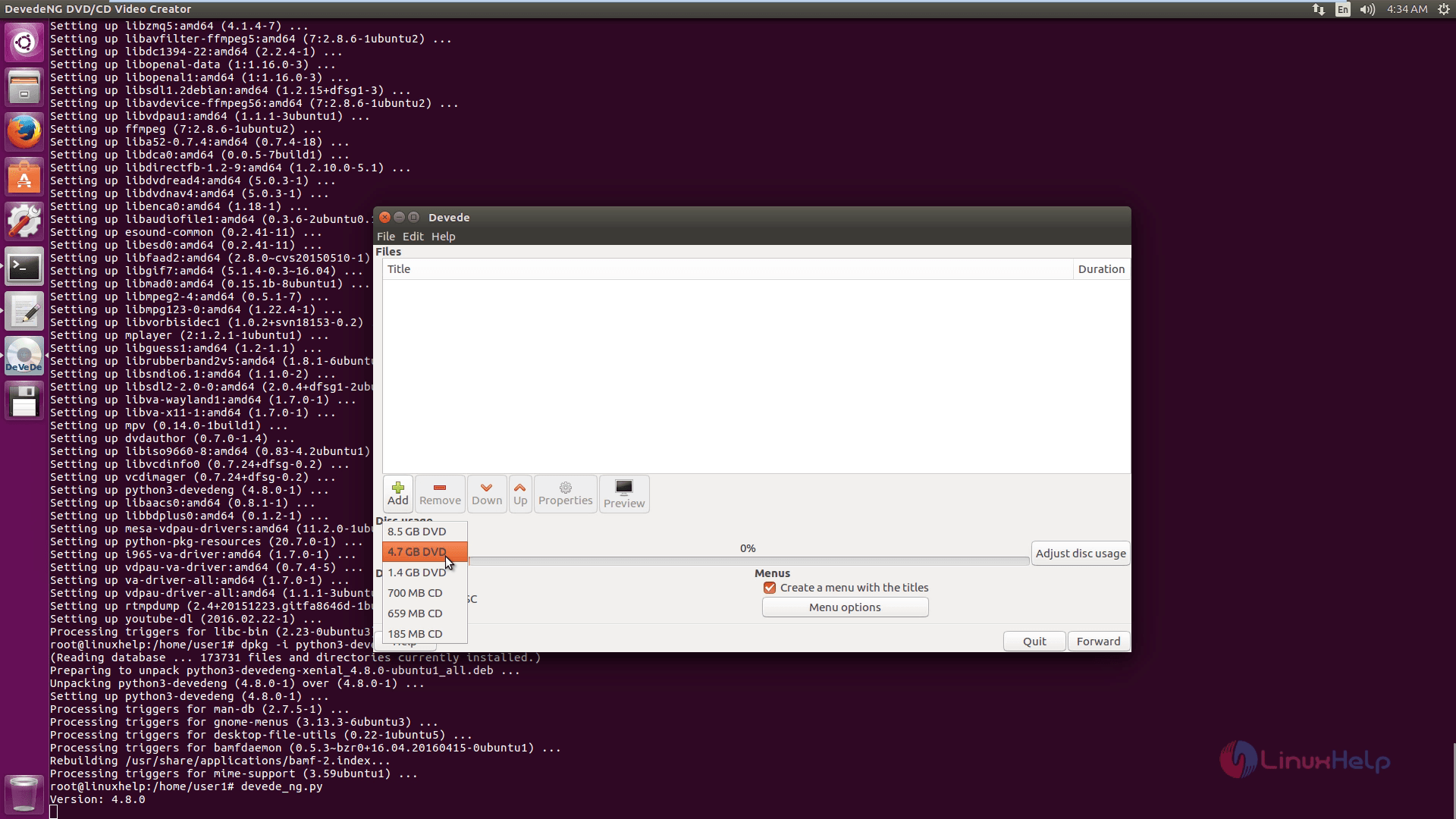
Select DVD media size.
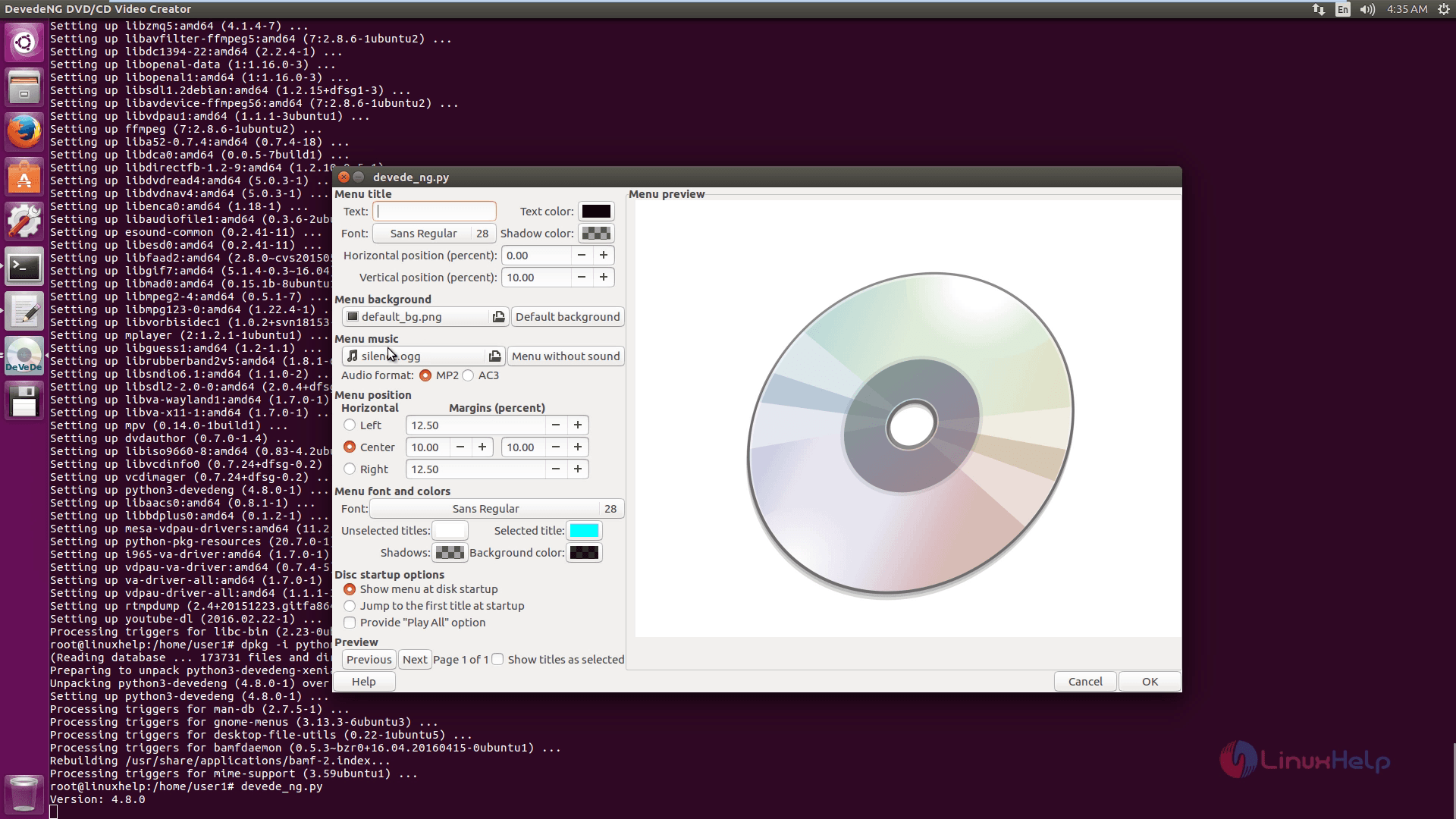
You can also create menu options with following steps.
Then set the multiproperties.
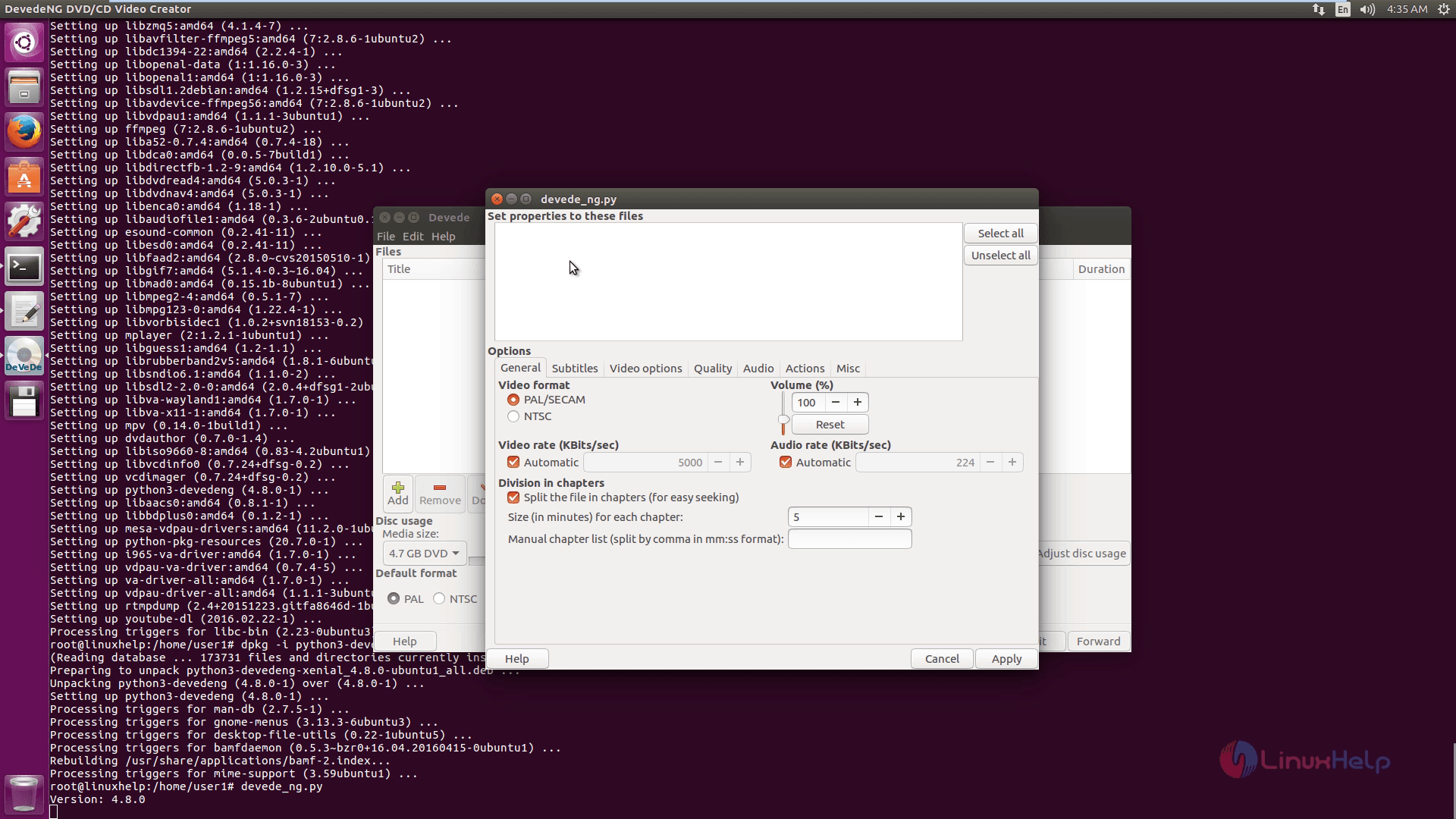
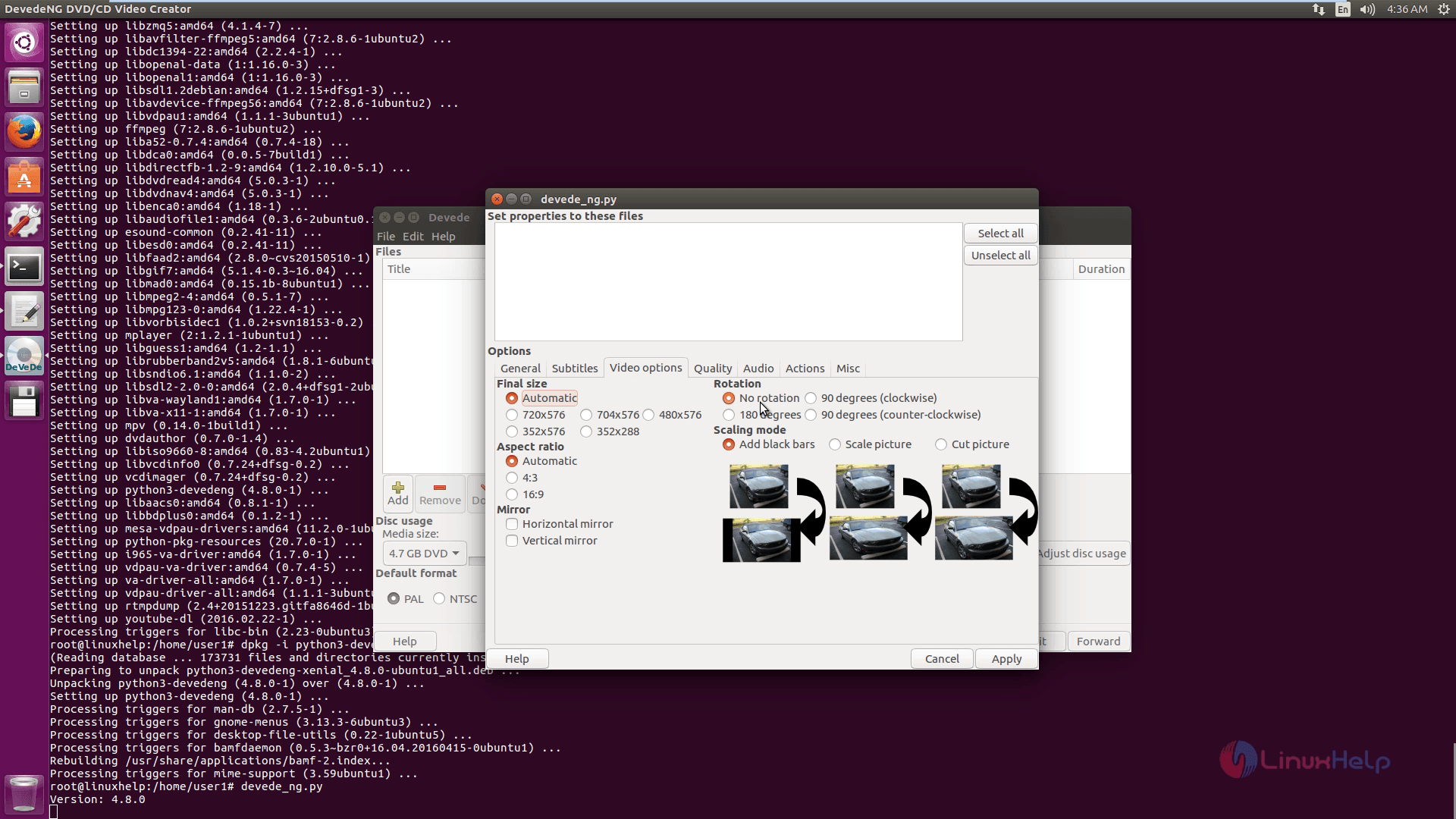
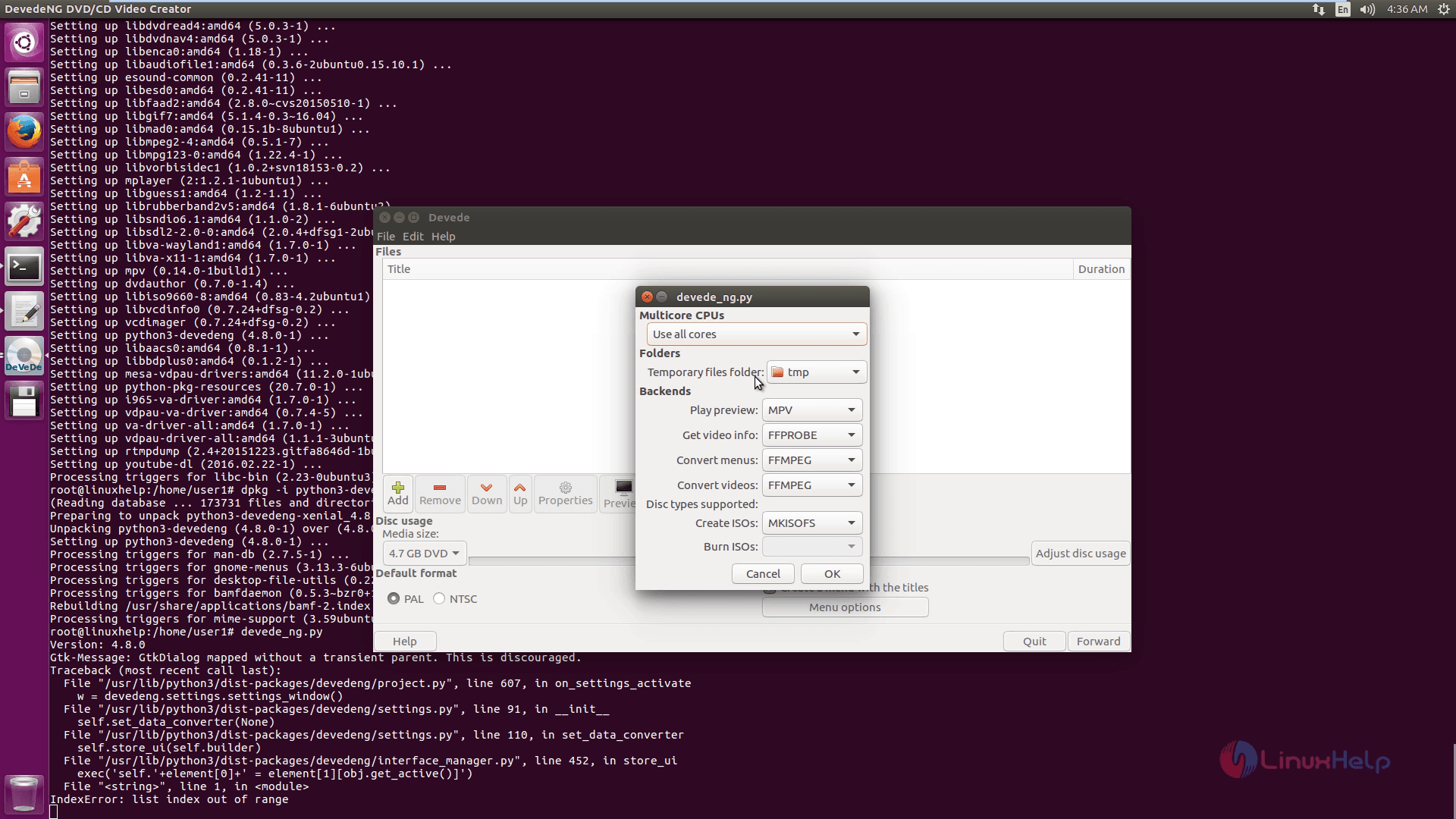
Change the preferences.
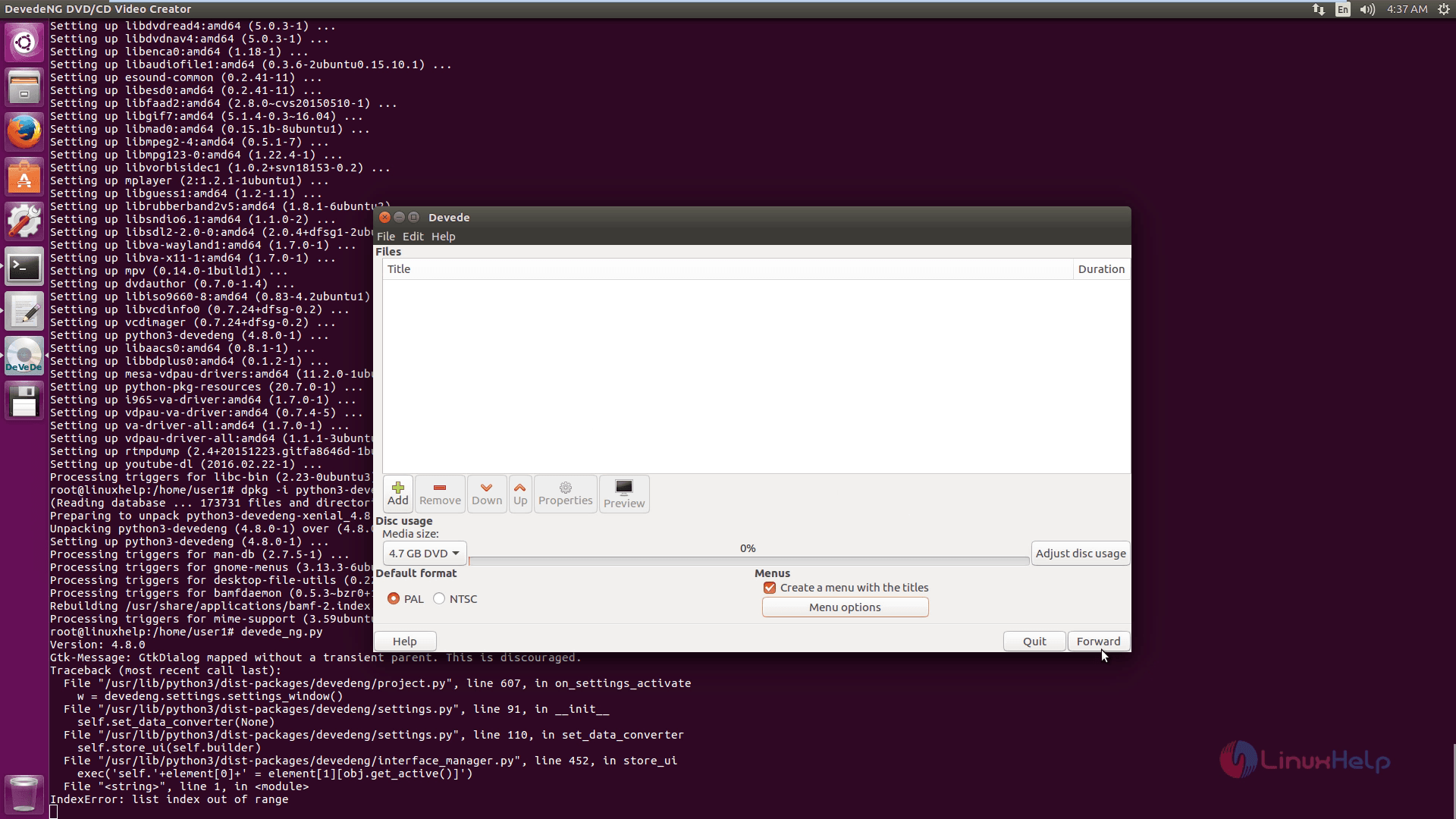
Finally click on the forward option to finish the process.
Comments ( 0 )
No comments available