How to install Discord in Ubuntu 16.04
To install Discord in Ubuntu 16.04
Discord is a text and voice chat tool which is used to communicate with other people who might be playing the same game. It is a popular chat application for gamers. It is easy to easy to use and supports across all platforms. It is really simple and easy to install Discord in Ubuntu 16.04 and this article covers the ground on the same process.
Installing Discord
If you want to install the latest and stable installation package, make sure you download them from its official website and for that you shall use the wget command in the following manner.
root@linuxhelp:/home/user/Desktop# wget https://dl.discordapp.net/apps/linux/0.0.4/discord-0.0.4.deb
--2018-01-23 20:31:55--  https://dl.discordapp.net/apps/linux/0.0.4/discord-0.0.4.deb
Resolving dl.discordapp.net (dl.discordapp.net)... 104.16.251.144, 104.16.249.144, 104.16.247.144, ...
Connecting to dl.discordapp.net (dl.discordapp.net)|104.16.251.144|:443... connected.
HTTP request sent, awaiting response... 200 OK
Length: 47617856 (45M) [application/x-debian-package]
Saving to: ‘ discord-0.0.4.deb’
discord-0.0.4.deb     100%[======================> ]  45.41M  1.11MB/s    in 44s
2018-01-23 20:32:40 (1.03 MB/s) - ‘ discord-0.0.4.deb’  saved [47617856/47617856]
After downloading, you shall proceed with the installation process. But, you will notice few dependency errors.
root@linuxhelp:/home/user/Desktop# dpkg -i discord-0.0.4.deb
Selecting previously unselected package discord.
(Reading database ... 211097 files and directories currently installed.)
Preparing to unpack discord-0.0.4.deb ...
Unpacking discord (0.0.4) ...
dpkg: dependency problems prevent configuration of discord:
 discord depends on libnss3  however:
  Package libnss3:amd64 is not configured yet.
 discord depends on libappindicator1  however:
  Package libappindicator1 is not installed.
 discord depends on libc++1  however:
  Package libc++1 is not installed.
&hellip
&hellip
&hellip
Processing triggers for mime-support (3.59ubuntu1) ...
Errors were encountered while processing:
 Discord
In order to solve those dependency errors, you shall make use of the apt-get -f install command in the following manner. It not only solves the error, but also completes the installation process.
root@linuxhelp:/home/user/Desktop# apt-get -f install
Reading package lists... Done
Building dependency tree
Reading state information... Done
Correcting dependencies... Done
The following additional packages will be installed:
  libappindicator1 libc++1 libindicator7
Suggested packages:
  clang
The following NEW packages will be installed:
  libappindicator1 libc++1 libindicator7
...
...
...
Setting up libappindicator1 (12.10.1+16.04.20170215-0ubuntu1) ...
Setting up libc++1:amd64 (3.7.0-1ubuntu0.1) ...
Setting up discord (0.0.4) ...
Setting up bingwallpaper (0.5-0~20~ubuntu16.04.1) ...
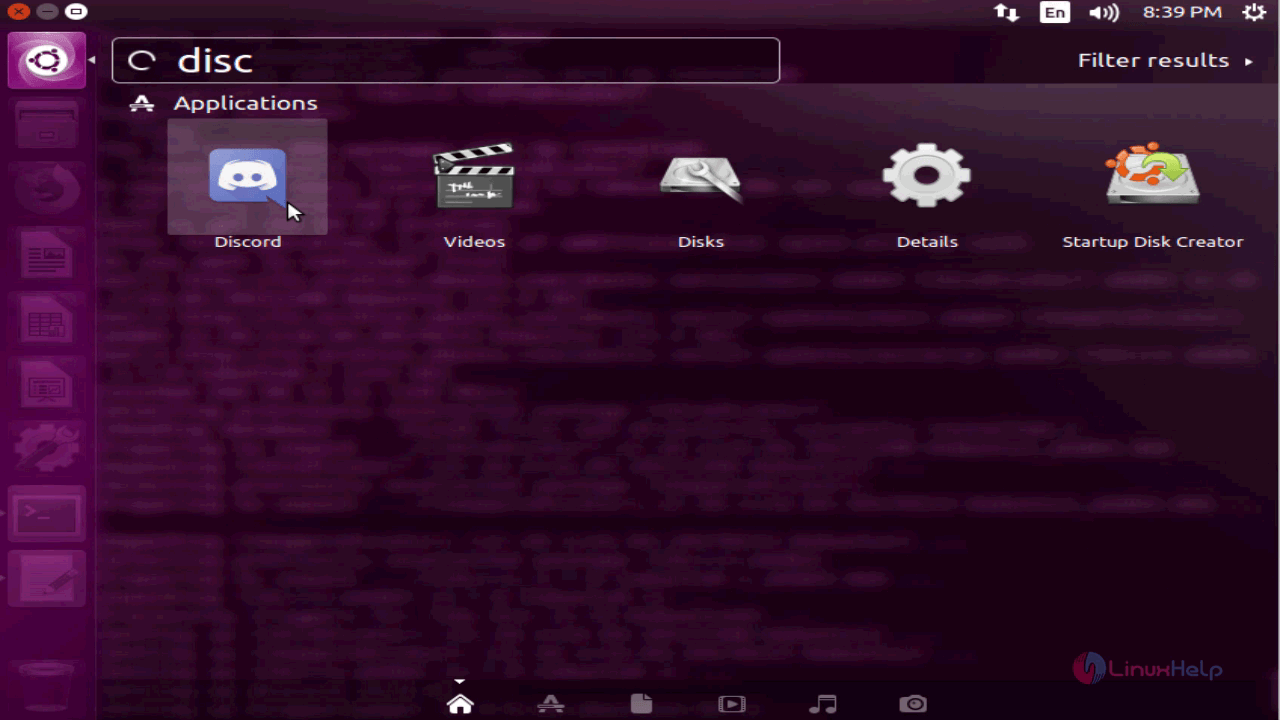
Once your Discord application is installed, you shall open that application by using the search field. Just type its name and choose the application icon that appears.
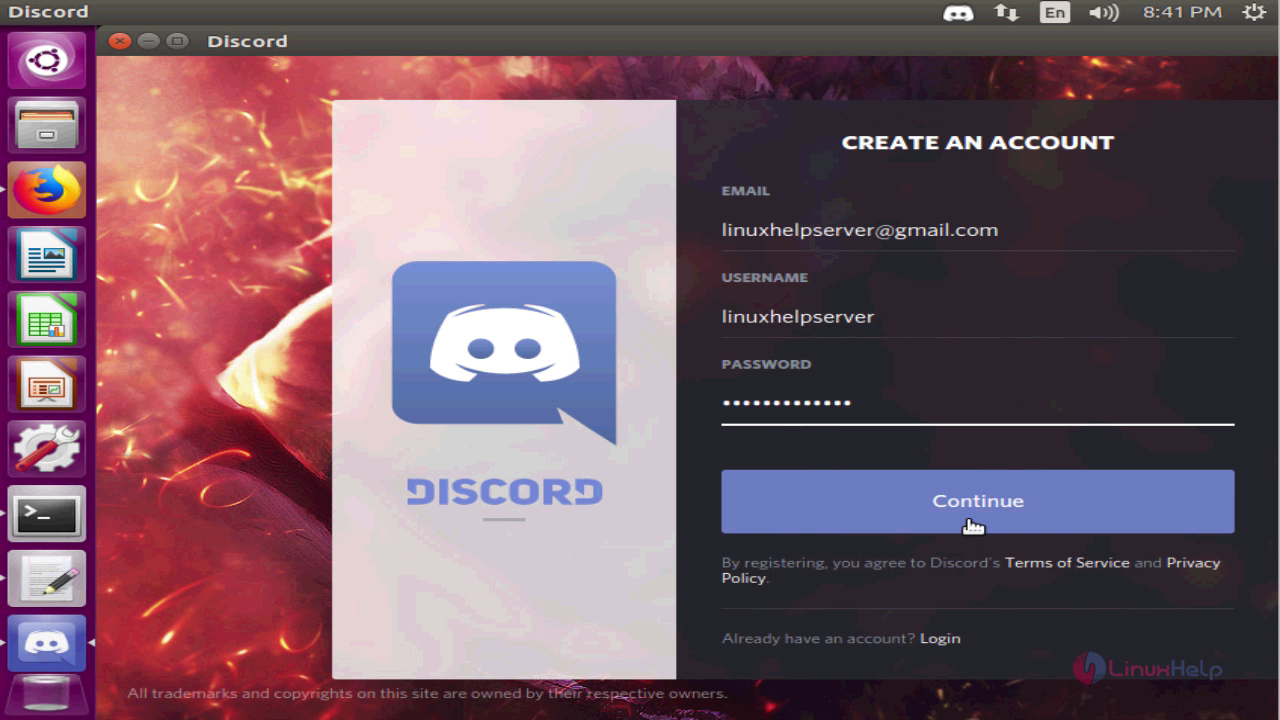
You’ ll notice that, the login page of Discord will appear on your screen. Register and log into Discord.
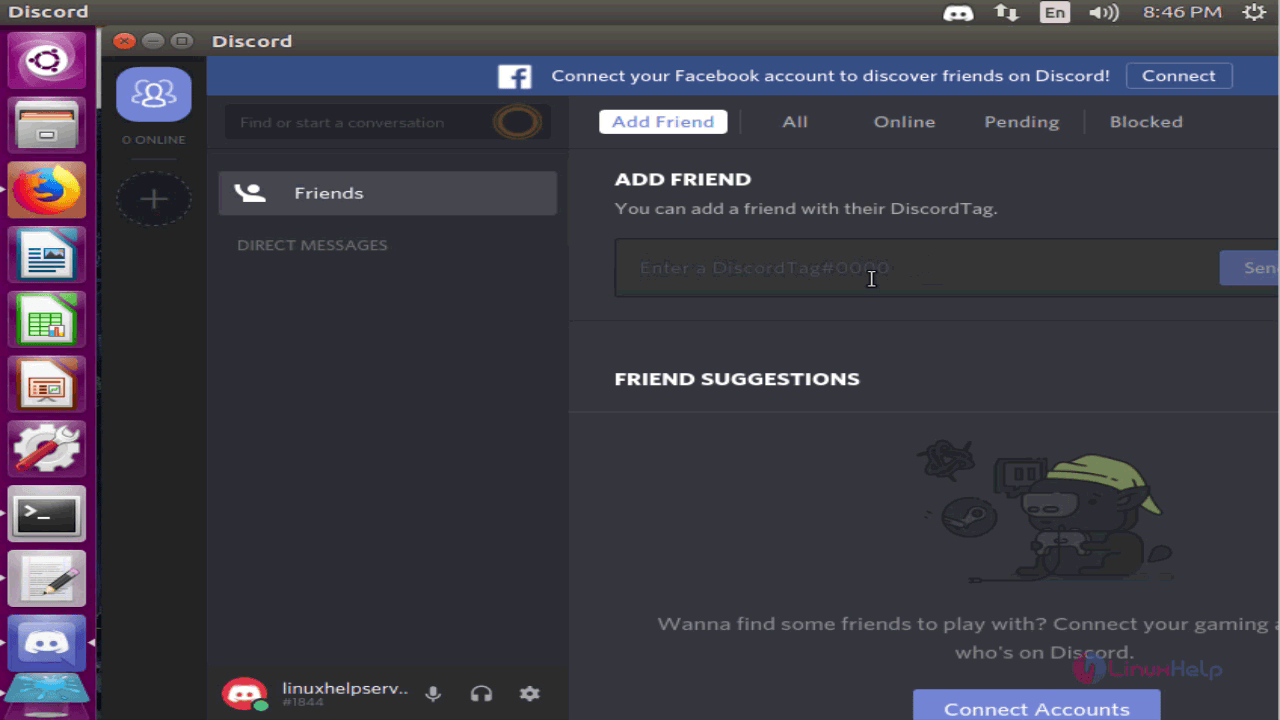
Once you are in, you shall add friends using discord tag.
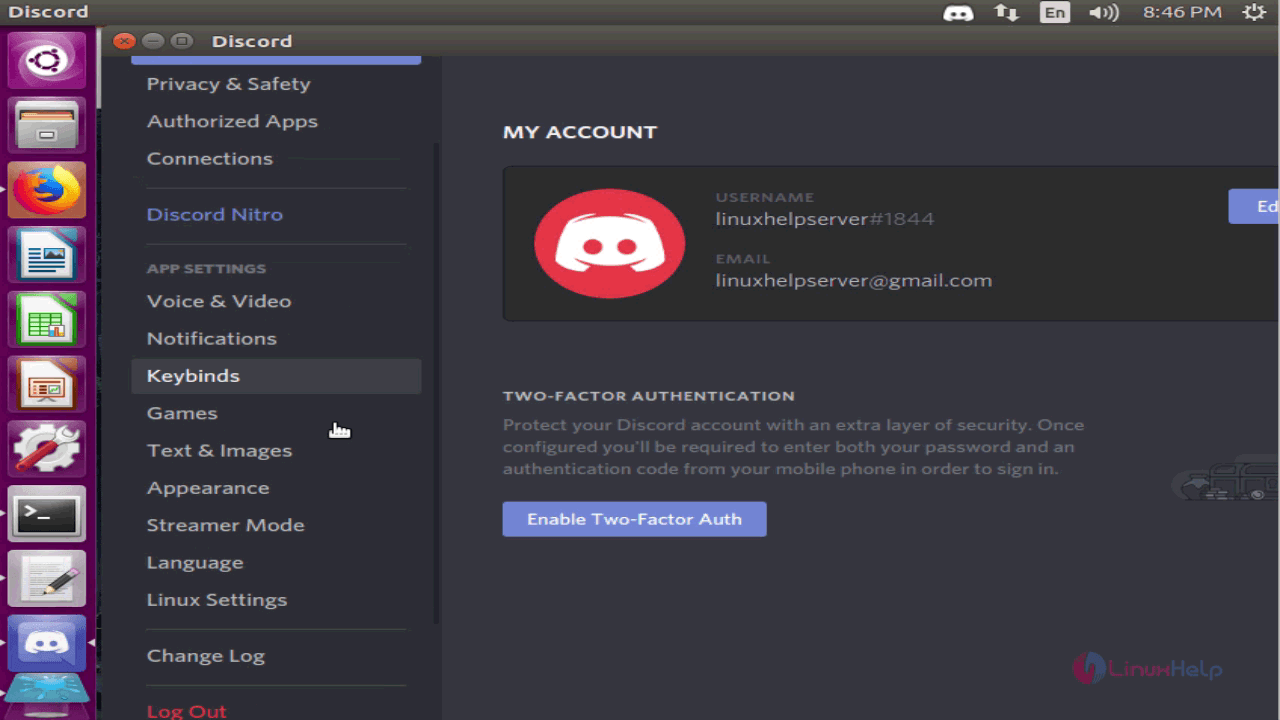
You can also configure your application settings.
With this, the installation of Discord in Ubuntu 16.04 comes to an end.
Comments ( 3 )