How to install Dotclear in CentOS
To install Dotclear in CentOS
Dotclear is an open source blog publishing application used in all Linux distributions. It is designed with multilingual interface and publishing capabilities. The Dotclear application is easy to manage and allows the users to work with their enormous technical skills. Installation of Dotclear application in CentOS is explained in this article.
To install Dotclear
Before installing Dotclear, install LAMP server. Then install the required php extensions as given below.
[root@linuxhelp Desktop]# yum install php-xml php-mbstring php-gd -y
Loaded plugins: fastestmirror, refresh-packagekit, security
Setting up Install Process
Loading mirror speeds from cached hostfile
&hellip
&hellip
Installed:
  php-gd.x86_64 0:5.3.3-48.el6_8                     php-mbstring.x86_64 0:5.3.3-48.el6_8                     php-xml.x86_64 0:5.3.3-48.el6_8
Dependency Installed:
  libXpm.x86_64 0:3.5.10-2.el6
Complete!
Now run the below command to download the dotclear package.
[root@linuxhelp Desktop]# wget http://download.dotclear.org/latest.zip
--2016-10-26 04:50:38--  http://download.dotclear.org/latest.zip
Resolving download.dotclear.org... 88.191.250.71
Connecting to download.dotclear.org|88.191.250.71|:80... connected.
HTTP request sent, awaiting response... 303 See Other
Location: http://download.dotclear.org/latest/dotclear-2.10.2.zip [following]
--2016-10-26 04:50:38--  http://download.dotclear.org/latest/dotclear-2.10.2.zip
Reusing existing connection to download.dotclear.org:80.
HTTP request sent, awaiting response... 200 OK
Length: 3566966 (3.4M) [application/zip]
Saving to: “ latest.zip”
100%[=========================================================================================================================> ] 3,566,966    658K/s   in 5.8s
2016-10-26 04:50:44 (597 KB/s) - “ latest.zip”  saved [3566966/3566966]
Extract the downloaded package to /var/www/html/ directory
[root@linuxhelp Desktop]# unzip latest.zip -d /var/www/html/
Archive:  latest.zip
   creating: /var/www/html/dotclear/
   creating: /var/www/html/dotclear/db/
 extracting: /var/www/html/dotclear/db/.htaccess
   creating: /var/www/html/dotclear/inc/
   creating: /var/www/html/dotclear/inc/js/
..
&hellip
  inflating: /var/www/html/dotclear/plugins/simpleMenu/index.php
  inflating: /var/www/html/dotclear/plugins/simpleMenu/simplemenu.js
  inflating: /var/www/html/dotclear/CREDITS
  inflating: /var/www/html/dotclear/CONTRIBUTING.md
Here you need to change the ownership for the Dotclear directory.
[root@linuxhelp Desktop]# chown -R apache: /var/www/html/dotclear/
To create database for Dotclear
[root@linuxhelp Desktop]# mysql -u root &ndash p
Enter password:
Welcome to the MySQL monitor.  Commands end with   or g.
Your MySQL connection id is 11
Server version: 5.1.73 Source distribution
Copyright (c) 2000, 2013, Oracle and/or its affiliates. All rights reserved.
Oracle is a registered trademark of Oracle Corporation and/or its
affiliates. Other names may be trademarks of their respective
owners.
Type ' help '  or ' h'  for help. Type ' c'  to clear the current input statement.
mysql>  CREATE DATABASE dotcleardb
Query OK, 1 row affected (0.00 sec)
mysql>  GRANT ALL PRIVILEGES ON dotcleardb.* TO ' dotclearuser' @' localhost'  IDENTIFIED BY ' password'  WITH GRANT OPTION
Query OK, 0 rows affected (0.00 sec)
mysql>  FLUSH PRIVILEGES
Query OK, 0 rows affected (0.00 sec)
mysql>  exit
Bye
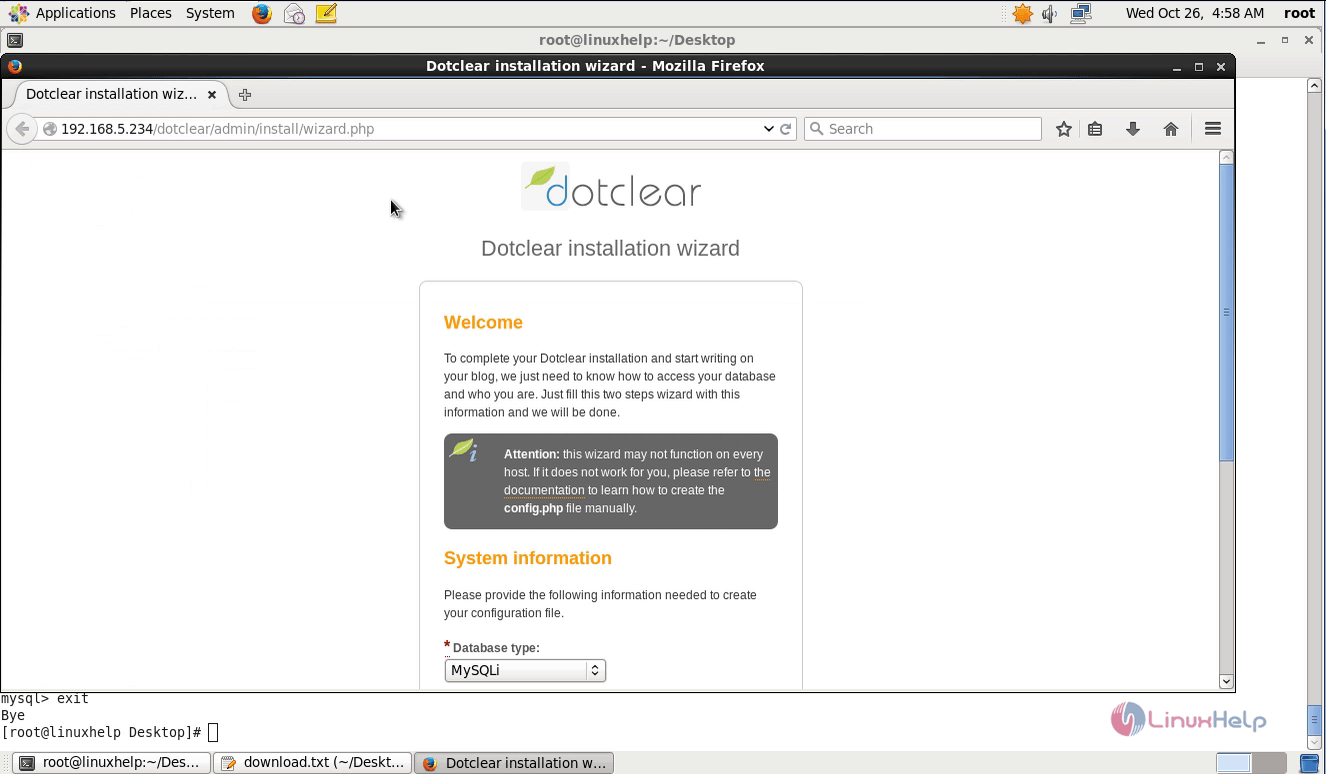
Open the web browser and enter http://192.168.5.234/dotclear as shown below,
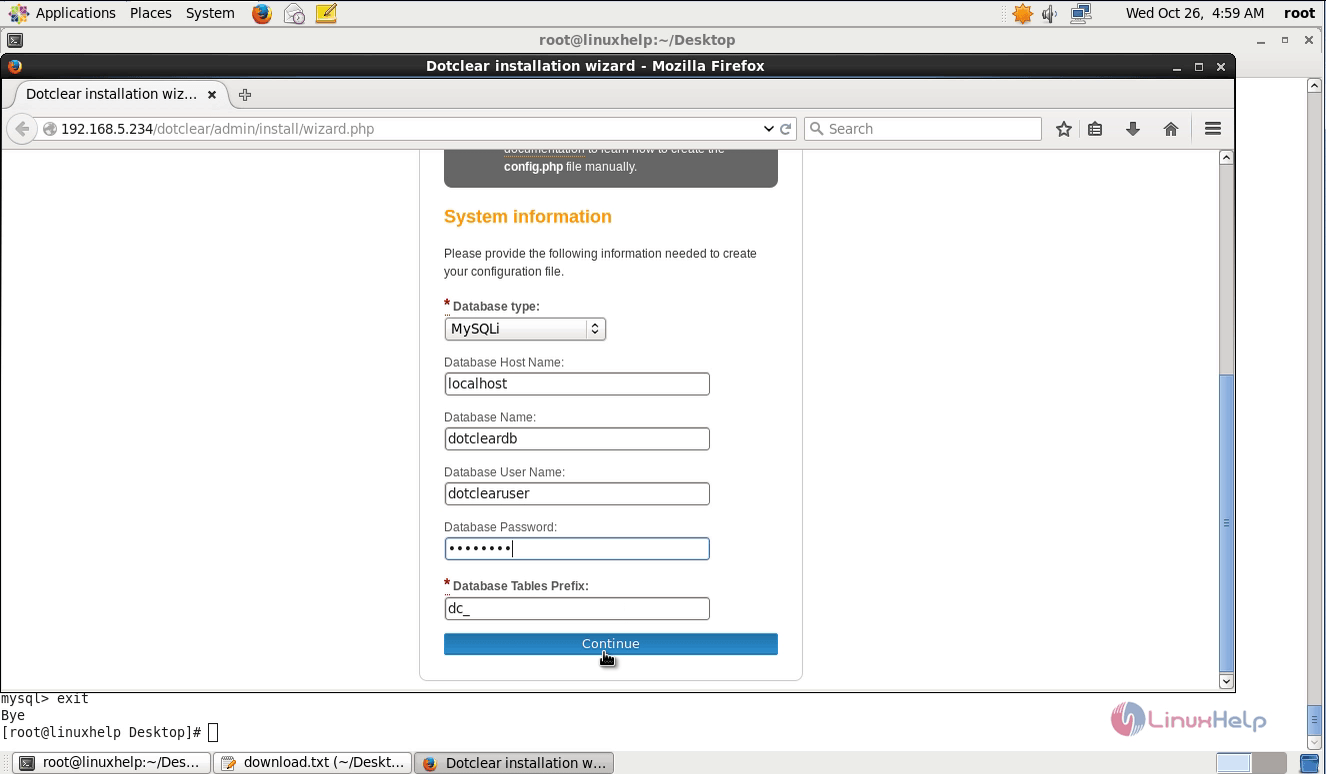
Setup database with the required information.
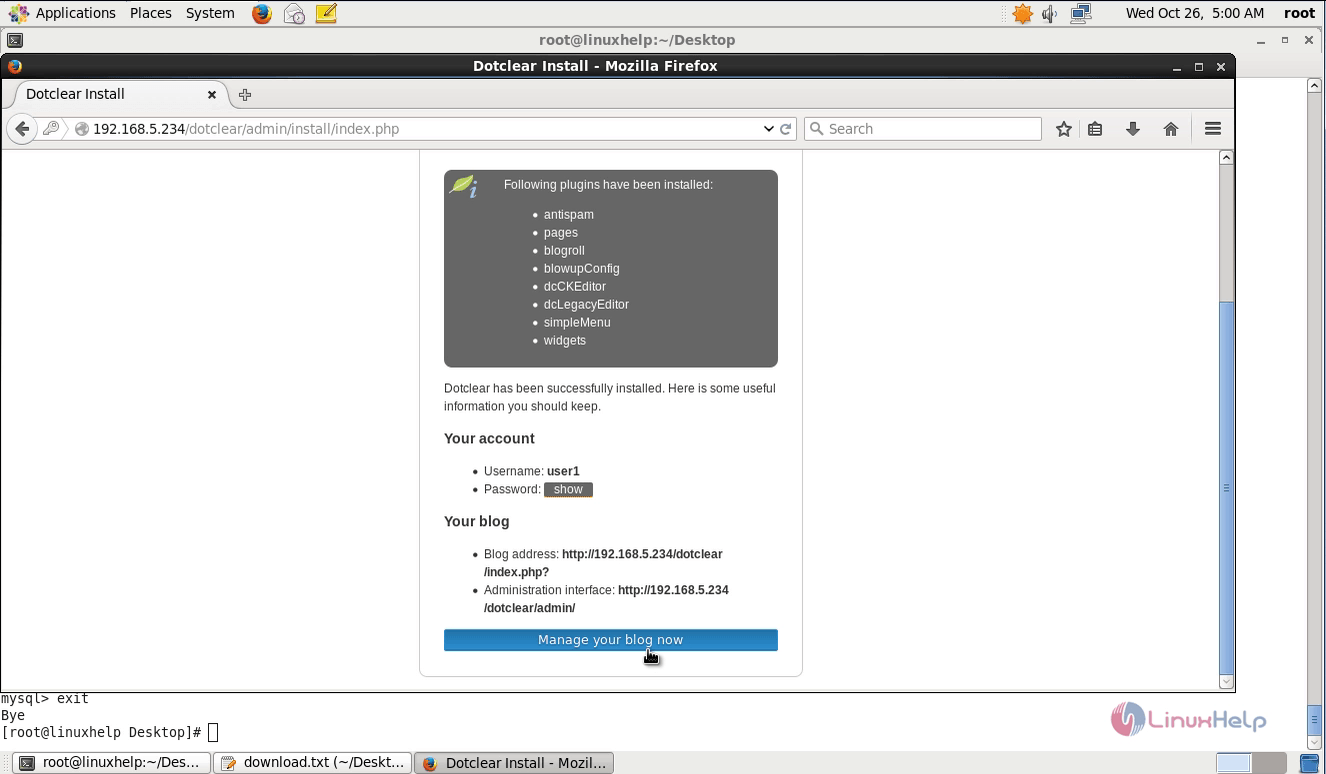
Now create user for Dotclear. Then click on Manage your blog now to access the installed application.
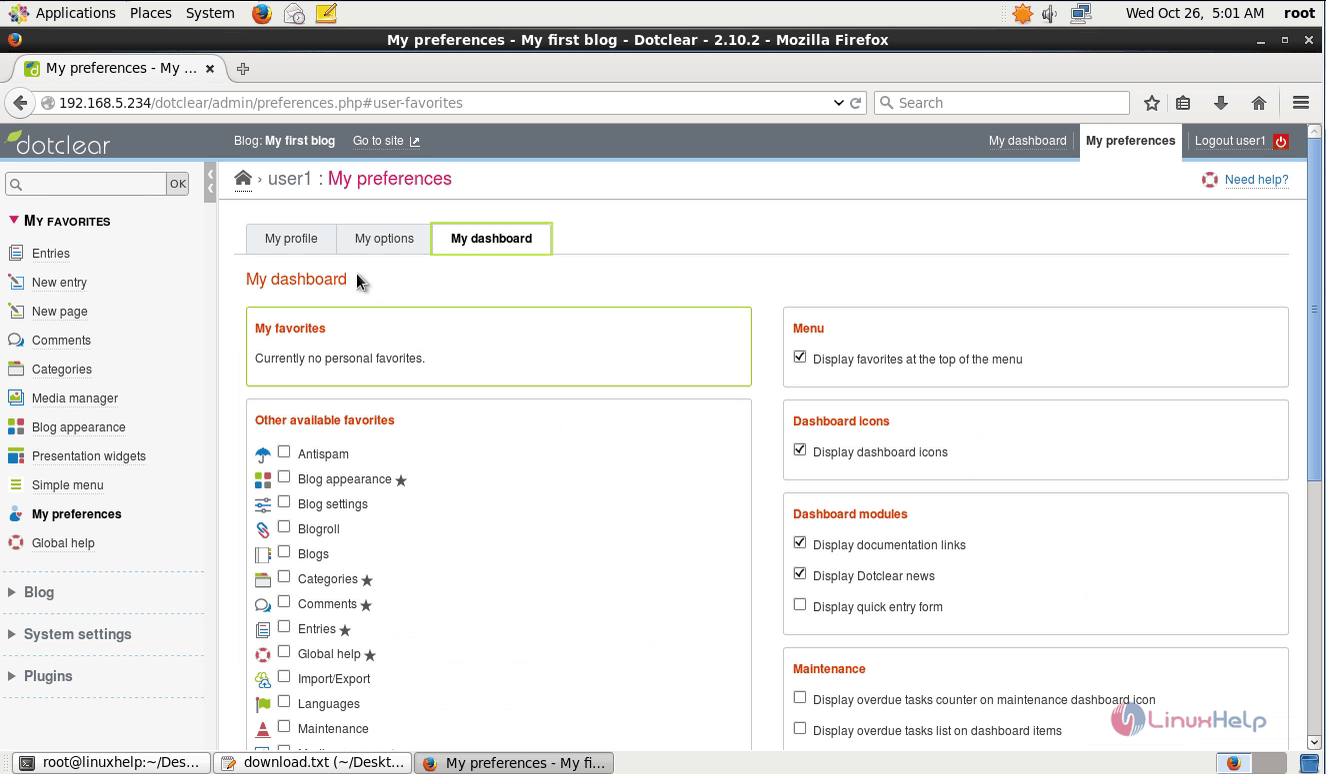
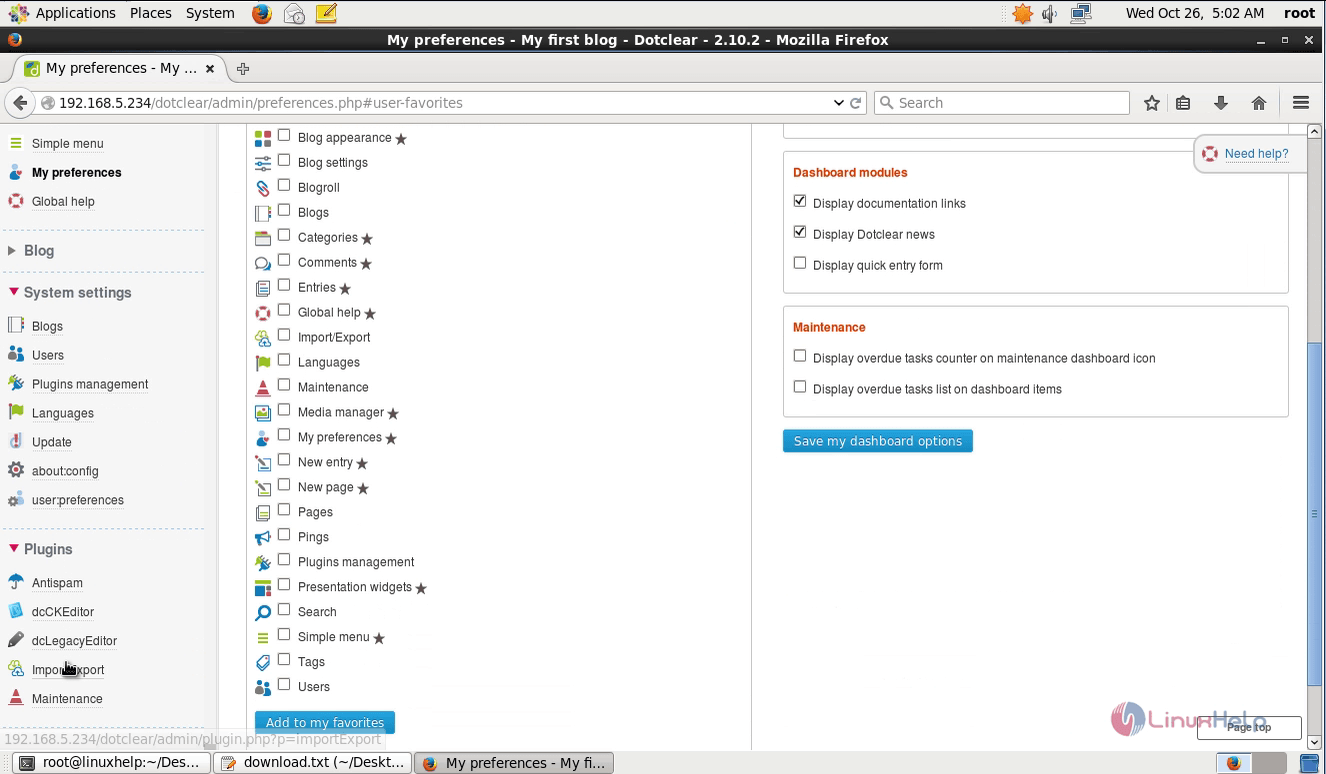
Finally open the unity dashboard to view the advanced features.
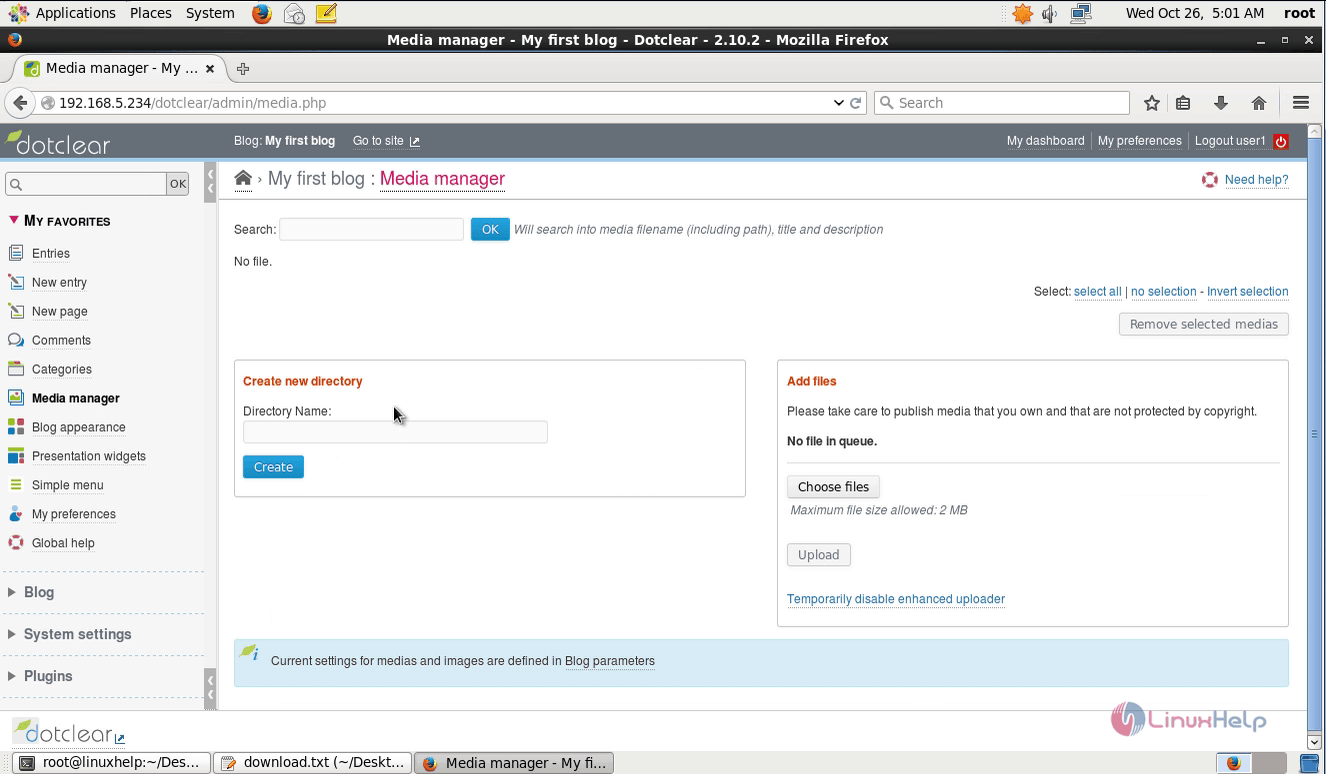
Media manager
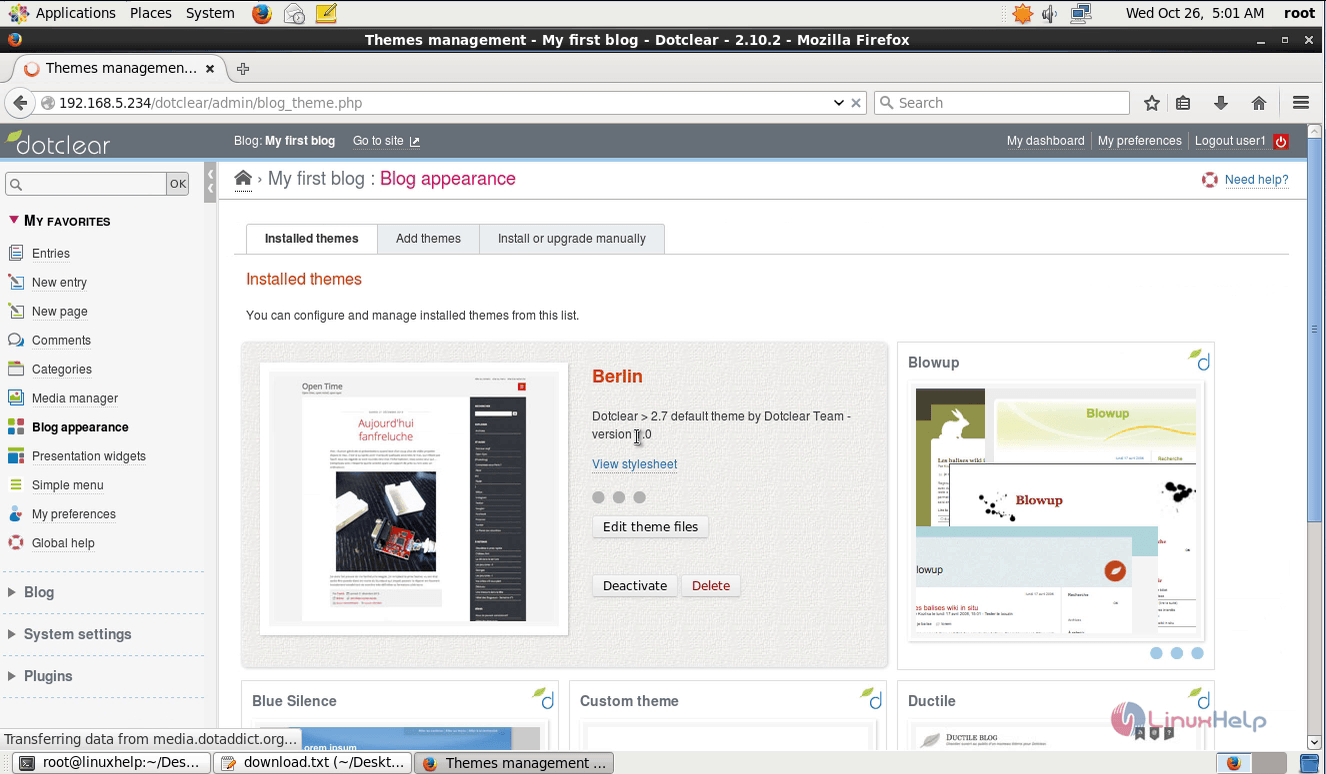
Blog appearance and Preferences
Plugins
Comments ( 0 )
No comments available