• Categories
    Category
    {{ postCtrl.tags }}
    • {{ category.tag_type }}

      • {{tag.tag_name}}
      • View more
  • Categories
    Category
    {{ postCtrl.tags }}
    • {{ category.tag_type }}

      • {{tag.tag_name}}
      • View more
  • News
  • Tutorials
  • Forums
  • Tags
  • Users
Tutorial News Comments FAQ Related Articles

How to install Enlightenment E20 Desktop in Ubuntu

{{postValue.id}}

To install the Enlightenment E20 Desktop in Ubuntu

The Enlightenment project contains the Enlightenment Window manager and the EFL library. It consists of widget, network, graphic, and other basic desktop functions. In certain applications, it is based on EFL like a a video player, terminal emulator, and an IDE. Installation of Enlightenment E20 Desktop is explained in this article.


To install Enlightenment Desktop E20

Add the repository to the system by using the following command.

root@linuxhelp:/home/user1/Desktop# add-apt-repository ppa:enlightenment-git/ppa
 Daily builds of E17, EFL and some apps
For stable builds of latest releases try:
https://launchpad.net/~niko2040/+archive/ubuntu/e19
 More info: https://launchpad.net/~enlightenment-git/+archive/ubuntu/ppa
Press [ENTER] to continue or ctrl-c to cancel adding it
gpg: keyring `/tmp/tmpzv7a7f89/secring.gpg'  created
gpg: keyring `/tmp/tmpzv7a7f89/pubring.gpg'  created
gpg: requesting key 62986116 from hkp server keyserver.ubuntu.com
gpg: /tmp/tmpzv7a7f89/trustdb.gpg: trustdb created
gpg: key 62986116: public key " Launchpad PPA for enlightenment-git"  imported
gpg: Total number processed: 1
gpg:               imported: 1  (RSA: 1)
OK

Utilise the following command to update the system.

root@linuxhelp:/home/user1/Desktop# apt-get update
Get:1 http://security.ubuntu.com/ubuntu xenial-security InRelease [94.5 kB]
Hit:2 http://in.archive.ubuntu.com/ubuntu xenial InRelease                     
Get:3 http://ppa.launchpad.net/enlightenment-git/ppa/ubuntu xenial InRelease [18.0 kB]                    
Hit:4 http://in.archive.ubuntu.com/ubuntu xenial-updates InRelease                         
Hit:5 http://in.archive.ubuntu.com/ubuntu xenial-backports InRelease                                                   
Get:6 http://ppa.launchpad.net/enlightenment-git/ppa/ubuntu xenial/main amd64 Packages [3,108 B]
Get:7 http://ppa.launchpad.net/enlightenment-git/ppa/ubuntu xenial/main i386 Packages [3,112 B]
Get:8 http://ppa.launchpad.net/enlightenment-git/ppa/ubuntu xenial/main Translation-en [1,156 B]
Fetched 120 kB in 1s (75.6 kB/s)
Reading package lists... Done

To install Enlightenment E20 by using the following command.

root@linuxhelp:/home/user1/Desktop# apt-get install e20
Reading package lists... Done
Building dependency tree       
Reading state information... Done
...
...
...
Setting up luajit (2.0.4+dfsg-1) ...
Setting up libefl-bin (201606082001-33147~ubuntu16.04.1) ...
Setting up e20 (201607261635-21340~ubuntu16.04.1) ...
update-alternatives: using /usr/bin/enlightenment_start to provide /usr/bin/x-window-manager (x-window-manager) in auto mode
Processing triggers for libc-bin (2.23-0ubuntu3) ...

Logout from the current session

Login using the credentials and select the enlightenment desktop.
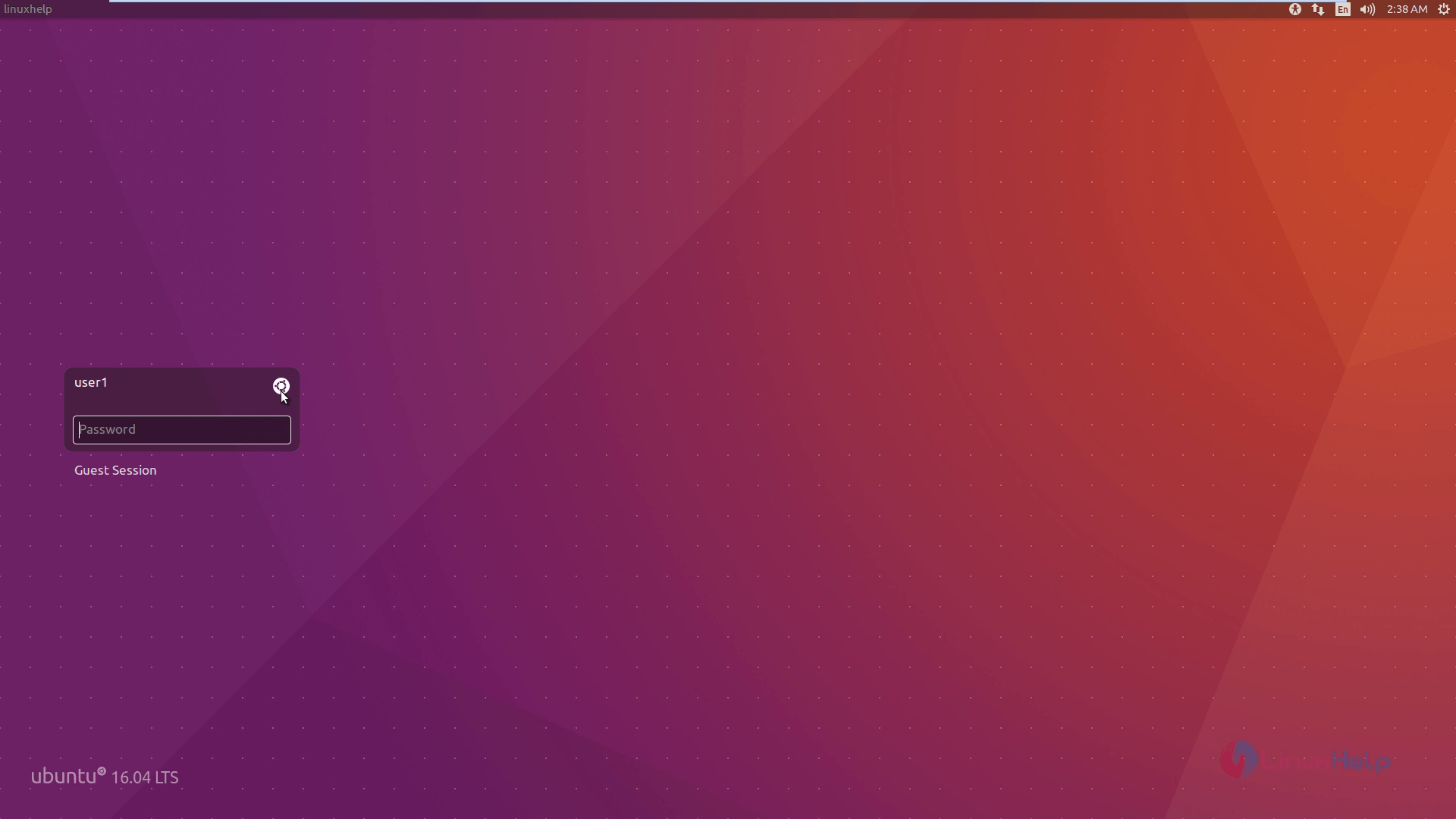
Installation_Enlightenment_E20_Desktop_Ubuntu_Login
The enlightenment desktop appears as follows.
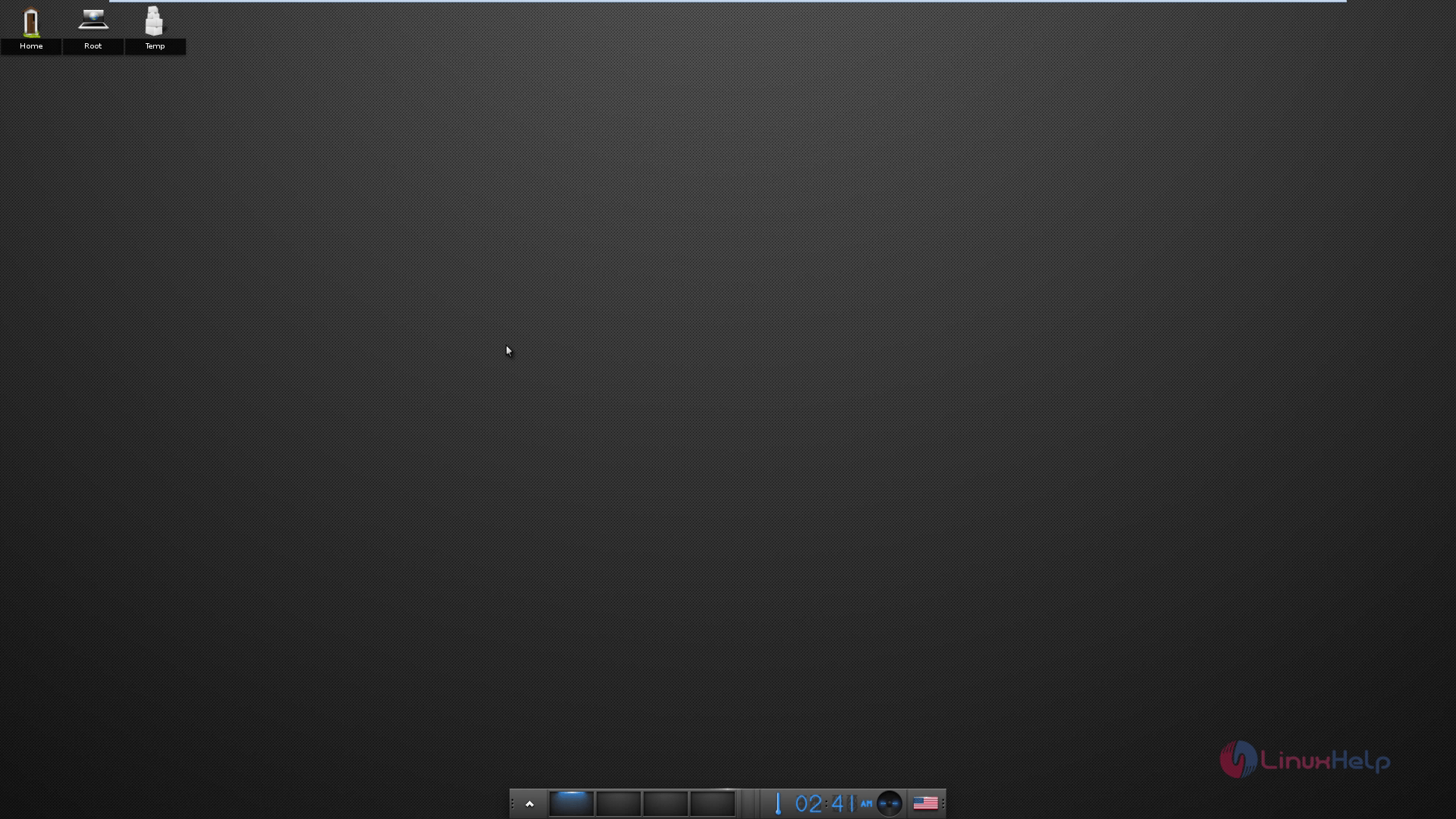
Installation_Enlightenment_E20_Desktop_Ubuntu_enlightenment_desktop
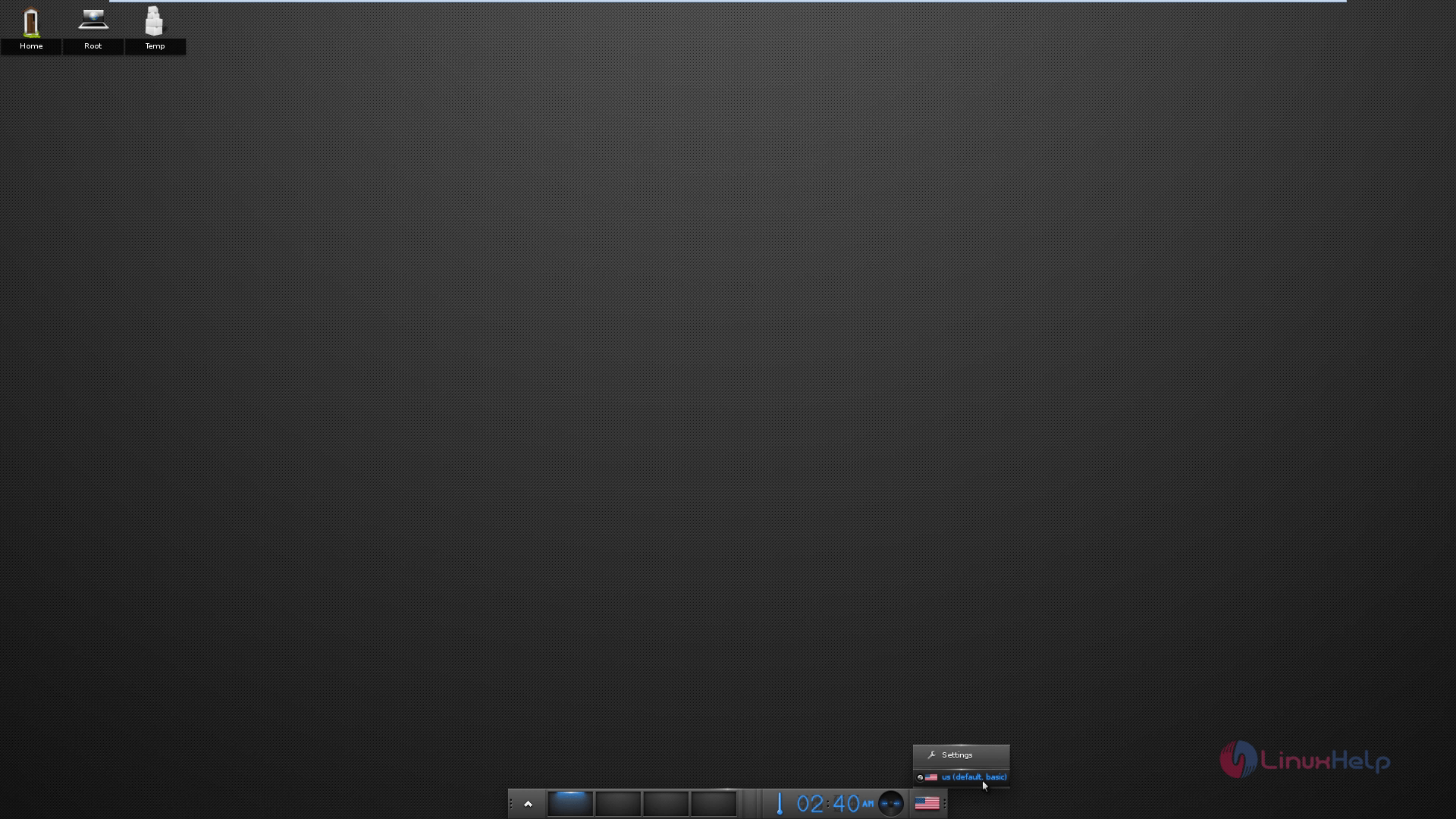
Left click on the screen and choose the desired theme.
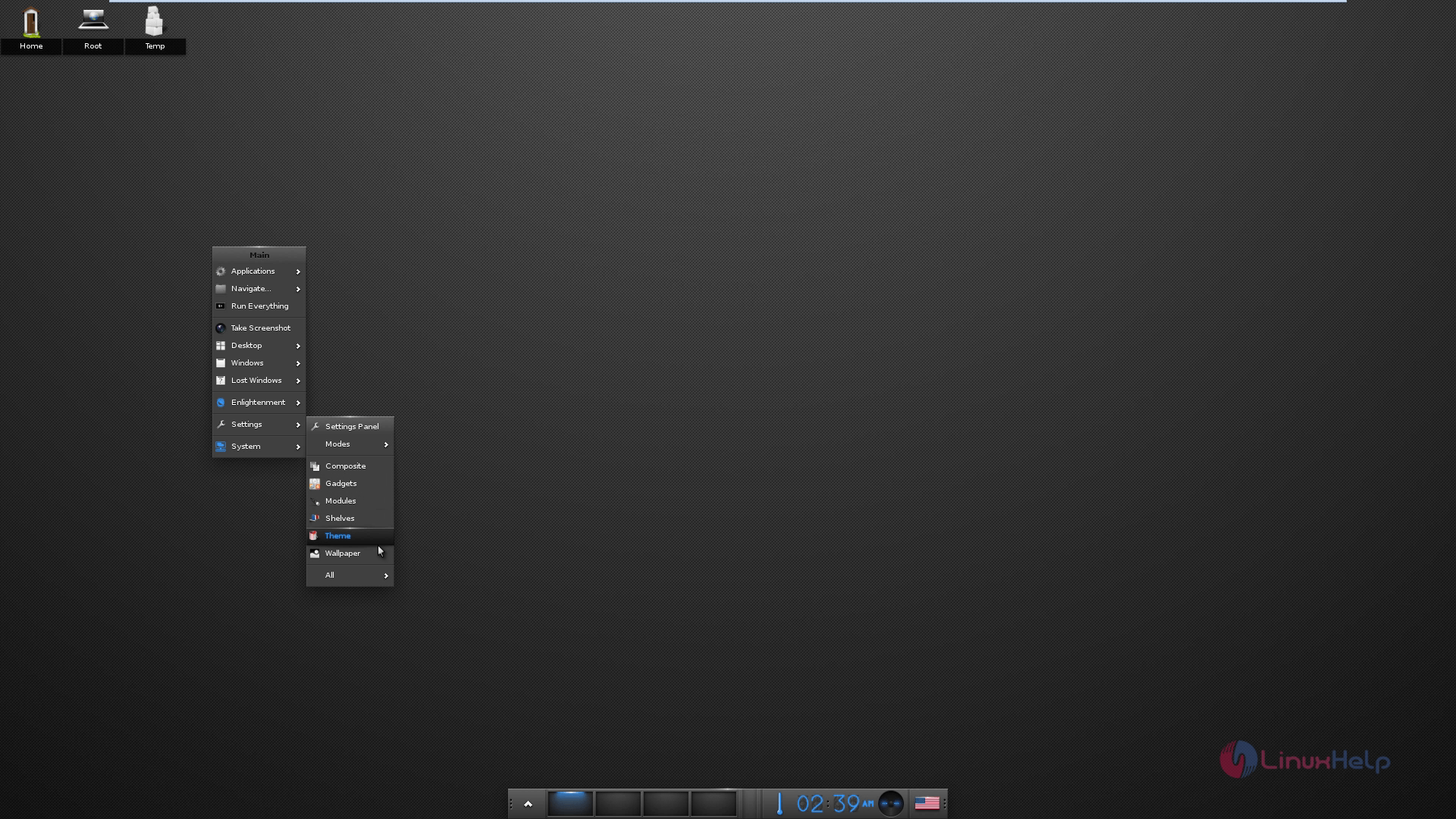
Installation_Enlightenment_E20_Desktop_Ubuntu_desired_theme
Theme
Installation_Enlightenment_E20_Desktop_Ubuntu_Theme
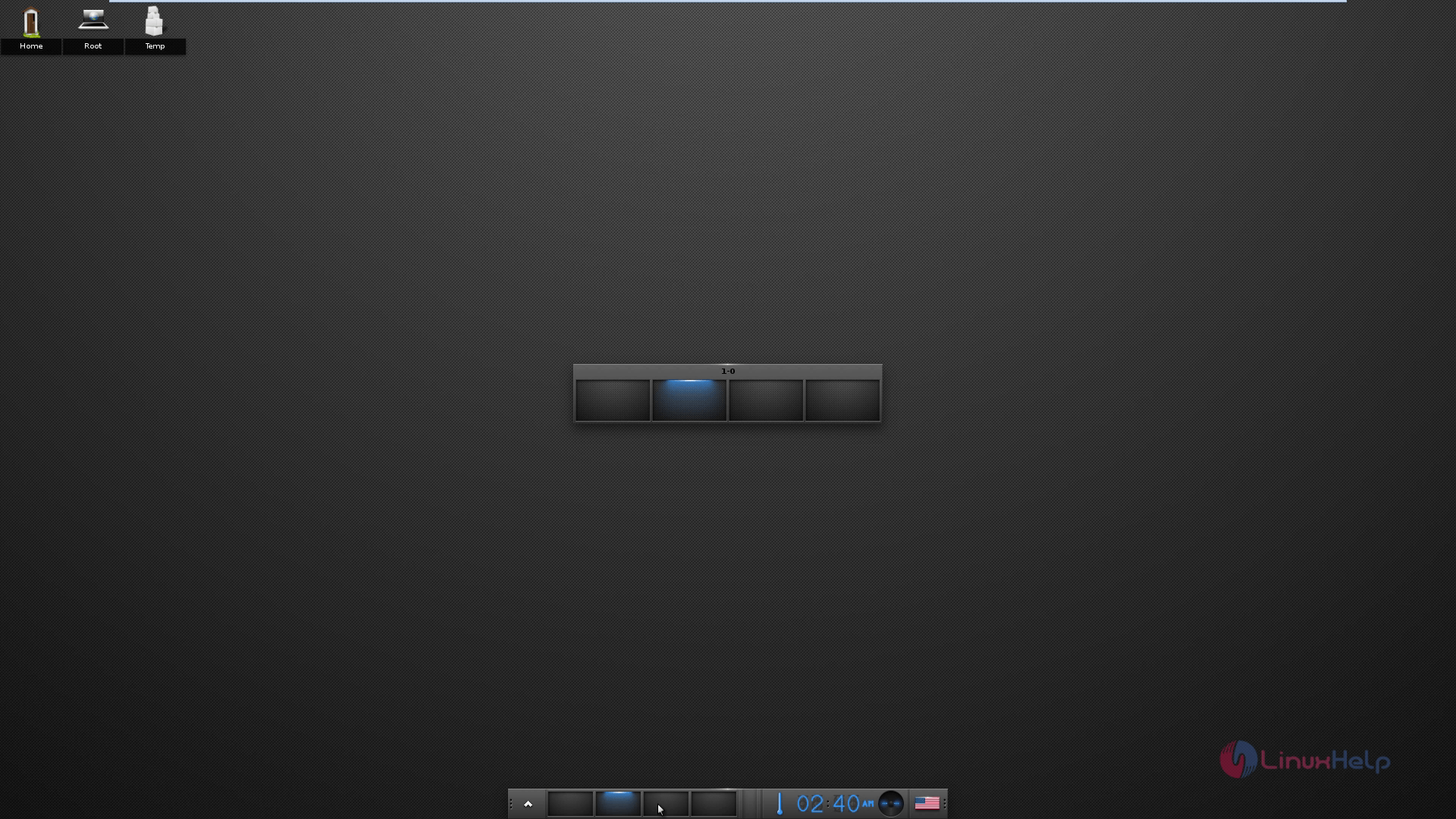
Workspace
Installation_Enlightenment_E20_Desktop_Ubuntu_Workspace

Tags:
jackson
Author: 

Comments ( 0 )

No comments available

Add a comment
{{postCtrl.cmtErrMsg}}

Frequently asked questions ( 5 )

Q

What is the Enlightenment Foundation Libraries (EFL)?

A

In Enlightenment DR17's development cycle many new libraries have been created. We collectively call these libraries "The Enlightenment Foundation Libraries" (or EFL) to distinguish them from the window manager itself.

Q

What is the current status of E17 development?

A

Its current status is that it is a lot better than a lot of open sources projects are on their first release.
The central window manager has been rock solid for quite a while. On the other hand, as it is yet to be released software, everything is subject to change without notice.

Q

Where can I get new themes? How can I create my own?

A

A number of E17 themes are available at Exchange, and the popular Detour theme is available from its Google Code page.

Q

I found a bug in E17, how can I provide you with some useful information?

A

*Create a new ticket in our tracking system.
*When you report a problem with E17, the developers will sometimes ask for a backtrace or bt. Debugging Here is a useful *guide on how to go about that.

Q

What exactly do you mean by "Enlightenment DR17 will be a desktop shell?"

A

It means that DR17 will combine features of a window manager and a file manager. It will provide nicely integrated GUI elements for managing your desktop elements, both files, and windows. It does *not* mean that DR17 will be another application framework like Gnome and KDE.

Back To Top!
Rank
User
Points

Top Contributers

userNamenaveelansari
135850

Top Contributers

userNameayanbhatti
92510

Top Contributers

userNamehamzaahmed
32150

Top Contributers

1
userNamelinuxhelp
31040

Top Contributers

userNamemuhammadali
24500
Can you help Lucas ?
Various options in Top command

Am using Top command only to view the load average, what are the various options in Top command..??

Networking
  • Routing
  • trunk
  • Netmask
  • Packet Capture
  • domain
  • HTTP Proxy
Server Setup
  • NFS
  • KVM
  • Memory
  • Sendmail
  • WebDAV
  • LXC
Shell Commands
  • Cloud commander
  • Command line archive tools
  • last command
  • Shell
  • terminal
  • Throttle
Desktop Application
  • Linux app
  • Pithos
  • Retrospect
  • Scribe
  • TortoiseHg
  • 4Images
Monitoring Tool
  • Monit
  • Apache Server Monitoring
  • EtherApe 
  • Arpwatch Tool
  • Auditd
  • Barman
Web Application
  • Nutch
  • Amazon VPC
  • FarmWarDeployer
  • Rukovoditel
  • Mirror site
  • Chef
Contact Us | Terms of Use| Privacy Policy| Disclaimer
© 2025 LinuxHelp.com All rights reserved. Linux™ is the registered trademark of Linus Torvalds. This site is not affiliated with linus torvalds in any way.