How to install Enpass 5.6.5 on Solus 3
To install Enpass 5.6.5 on Solus 3
Enpass is a freemium password management to securely store passwords and other credentials. The mobile version is restricted to storing only 20 passwords free of charge, although more functionality is available for a price. The desktop version, however, is unlimited. Enpass is a product of Sinew Software Systems, based in New Delhi, India. On November 2017, developers stopped issuing updates on BlackBerry platform.
Features
- It has ability to store everything in encrypted data on local storage.
- It has cloud synchronization for Google Drive, Box, Dropbox, OneDrive and ownCloud server.
- It has cross browser platform support and form fillingfor both platforms mobile and computer and it has its own keyboard for form filling for mobile platform.
- It has password generation. Besides pin and master password, it has the functionality of unlocking the mobile version of software by using the fingerprint sensor.
Installing Enpass 5.6.5
First, make sure you update your system by making use of the following command.
root@linuxhelp1 ~ # eopkg update-repo
Updating repository: Solus
eopkg-index.xml.xz.sha1sum     (40.0  B)100%    630.15 KB/s [00:00:00] [complete]
Solus repository information is up-to-date.
And then, you need to download the package with the help of the following command.
root@linuxhelp1 ~ # eopkg bi --ignore-safety https://raw.githubusercontent.com/solus-project/3rd-party/master/security/enpass/pspec.xml
pspec.xml                      (2.0 KB)100%     37.24 MB/s [00:00:00] [complete]
actions.py                     (527.0  B)100%      7.17 MB/s [00:00:00] [complete]
DEBUG: InstallDB initialized in 0.0408270359039.
DEBUG: RepoDB initialized in 0.000137090682983.
Building source package: enpass
component.xml                  (40.0  B)100%    620.61 KB/s [00:00:00] [complete]
Fetching source from: http://repo.sinew.in/pool/main/e/enpass/enpass_5.6.5_amd64.deb
enpass_5.6.5_amd64.deb         (34.5 MB)100%    483.56 KB/s [00:00:00] [complete]
Source archive is stored: /var/cache/eopkg/archives/enpass_5.6.5_amd64.deb
Unpacking archive(s)...
 unpacked (/var/eopkg/enpass-5.6.5-7/work)
Setting up source...
/var/eopkg/enpass-5.6.5-7/work
DEBUG: return value for " pwd"  is 0
DEBUG: return value for " ar xf enpass_5.6.5_amd64.deb"  is 0
.
.
DEBUG: return value for " LC_ALL=C /usr/bin/readelf -d /var/eopkg/enpass-5.6.5-7/install/opt/Enpass/plugins/imageformats/libqwebp.so"  is 0
DEBUG: return value for " LC_ALL=C /usr/bin/readelf -d /var/eopkg/enpass-5.6.5-7/install/opt/Enpass/plugins/imageformats/libqjp2.so"  is 0
DEBUG: return value for " LC_ALL=C /usr/bin/readelf -d /var/eopkg/enpass-5.6.5-7/install/opt/Enpass/plugins/imageformats/libqico.so"  is 0
DEBUG: return value for " LC_ALL=C /usr/bin/readelf -d /var/eopkg/enpass-5.6.5-7/install/opt/Enpass/plugins/imageformats/libqsvg.so"  is 0
DEBUG: return value for " LC_ALL=C /usr/bin/readelf -d /var/eopkg/enpass-5.6.5-7/install/opt/Enpass/plugins/imageformats/libqgif.so"  is 0
DEBUG: return value for " LC_ALL=C /usr/bin/readelf -d /var/eopkg/enpass-5.6.5-7/install/opt/Enpass/plugins/imageformats/libqdds.so"  is 0
DEBUG: return value for " LC_ALL=C /usr/bin/readelf -d /var/eopkg/enpass-5.6.5-7/install/opt/Enpass/plugins/playlistformats/libqtmultimedia_m3u.so"  is 0
Building package: enpass
Creating enpass-5.6.5-7-1-x86_64.eopkg...
Keeping build directory
You shall now install Enpass with the help of the following command.
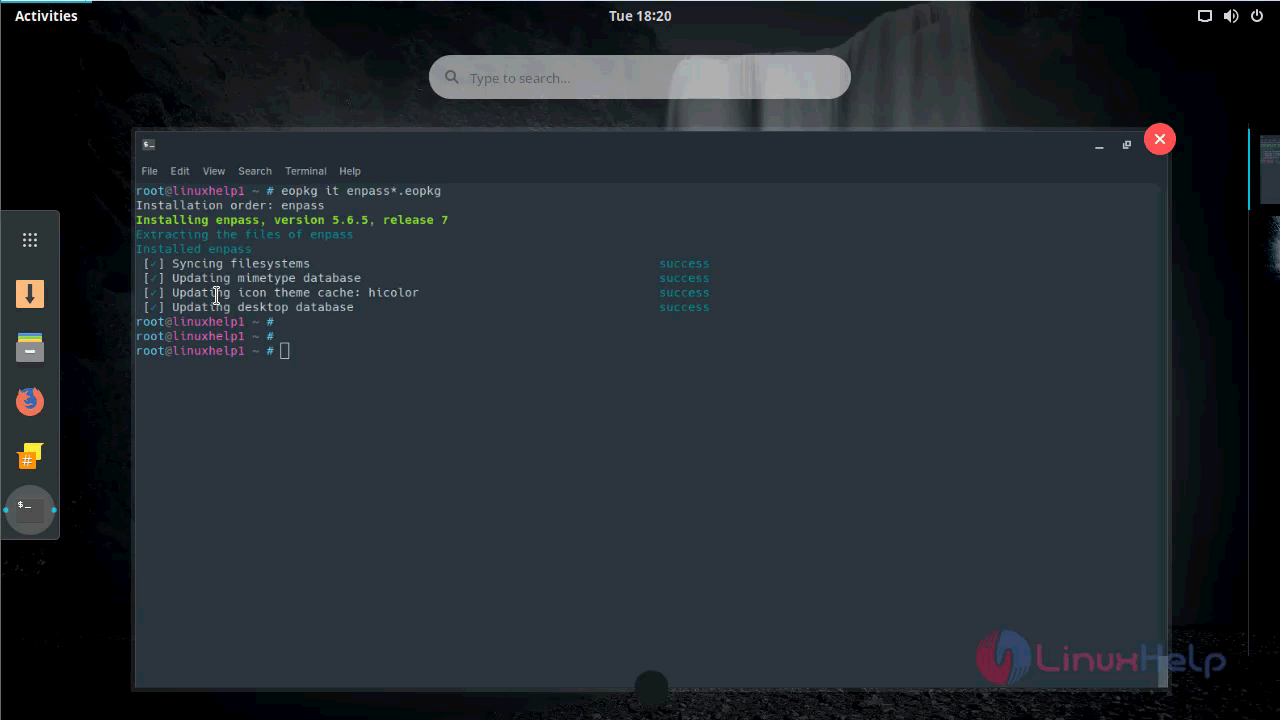
root@linuxhelp1 ~ # eopkg it enpass*.eopkg
Installation order: enpass
Installing enpass, version 5.6.5, release 7
Extracting the files of enpass
Installed enpass
 [✓] Syncing filesystems                                                success
 [✓] Updating mimetype database                                         success
 [✓] Updating icon theme cache: hicolor                                 success
 [✓] Updating desktop database                                          success
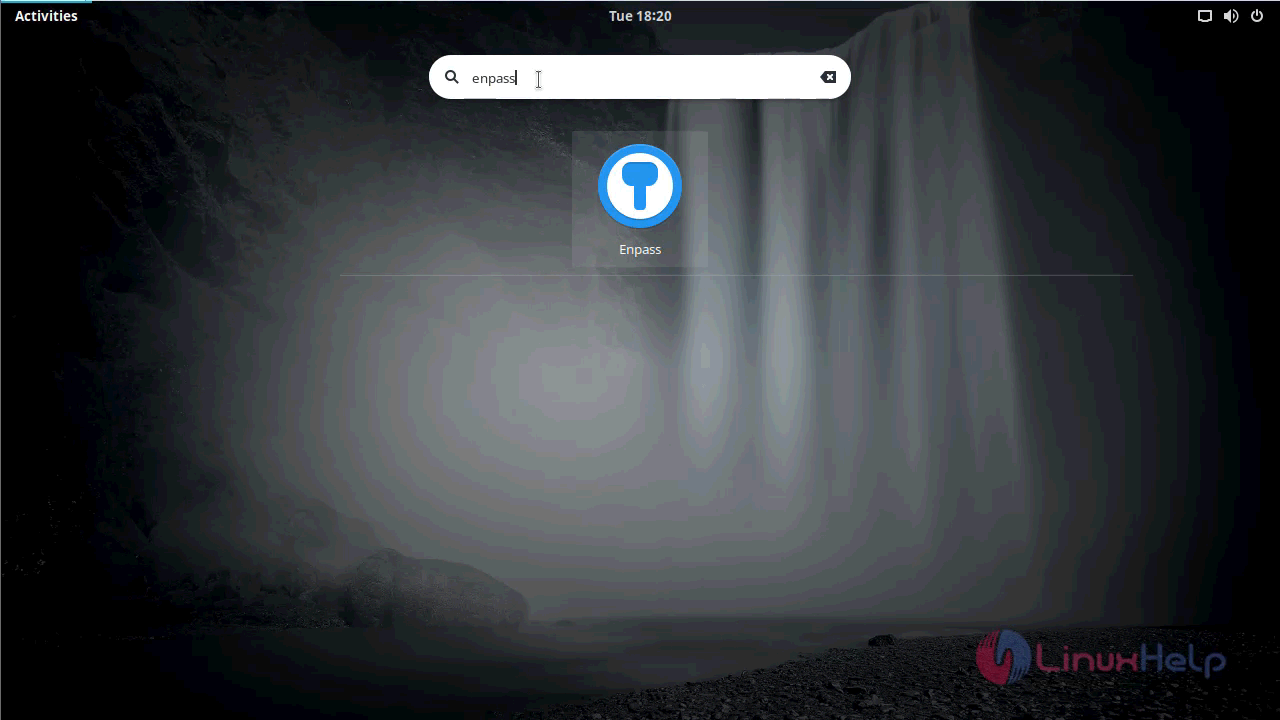
Enpass 5.6.5 has been installed, you shall open it from your Solus search field.
Type Enpass on menu the search field.
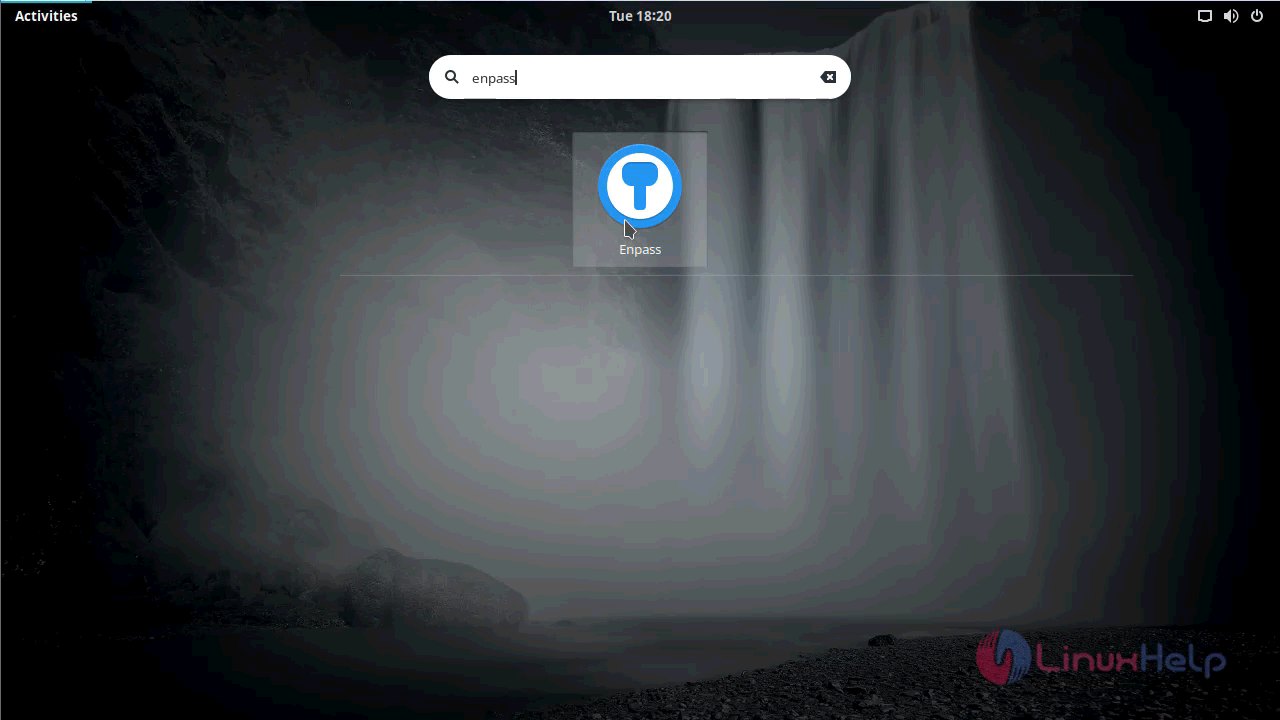
Click on the icon to open the application.
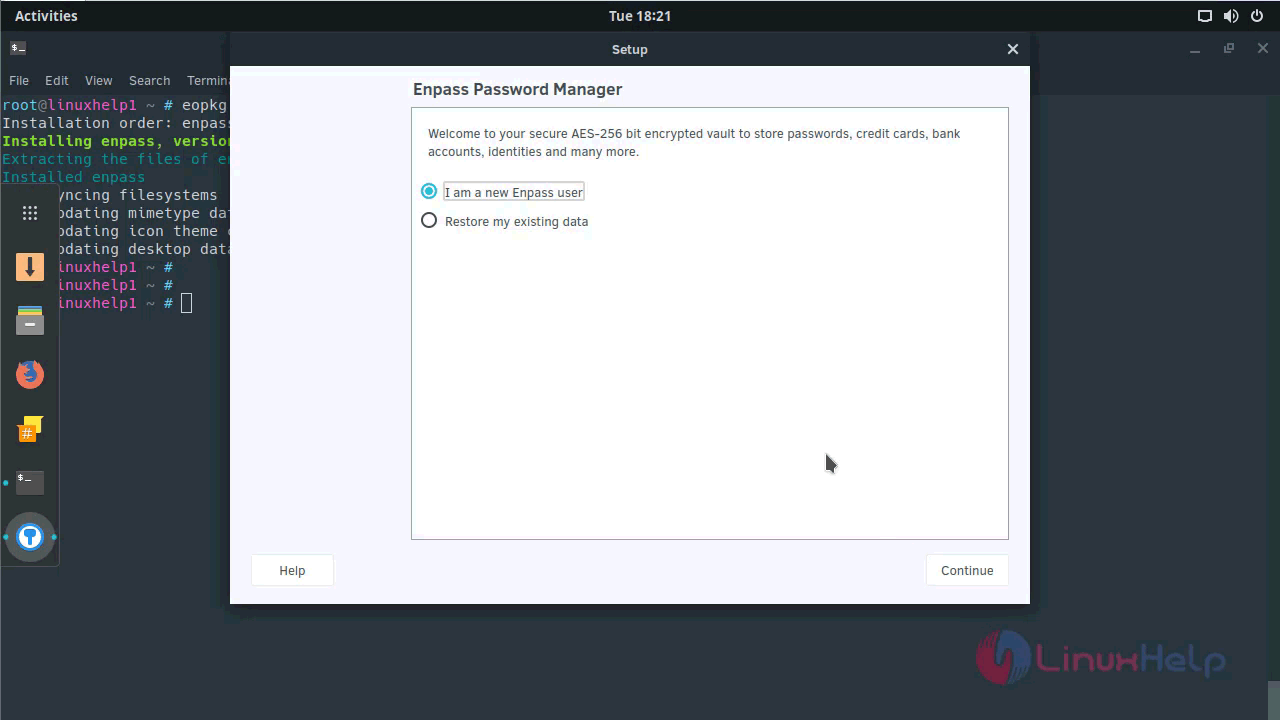
In the setup, you will be asked to choose user type.
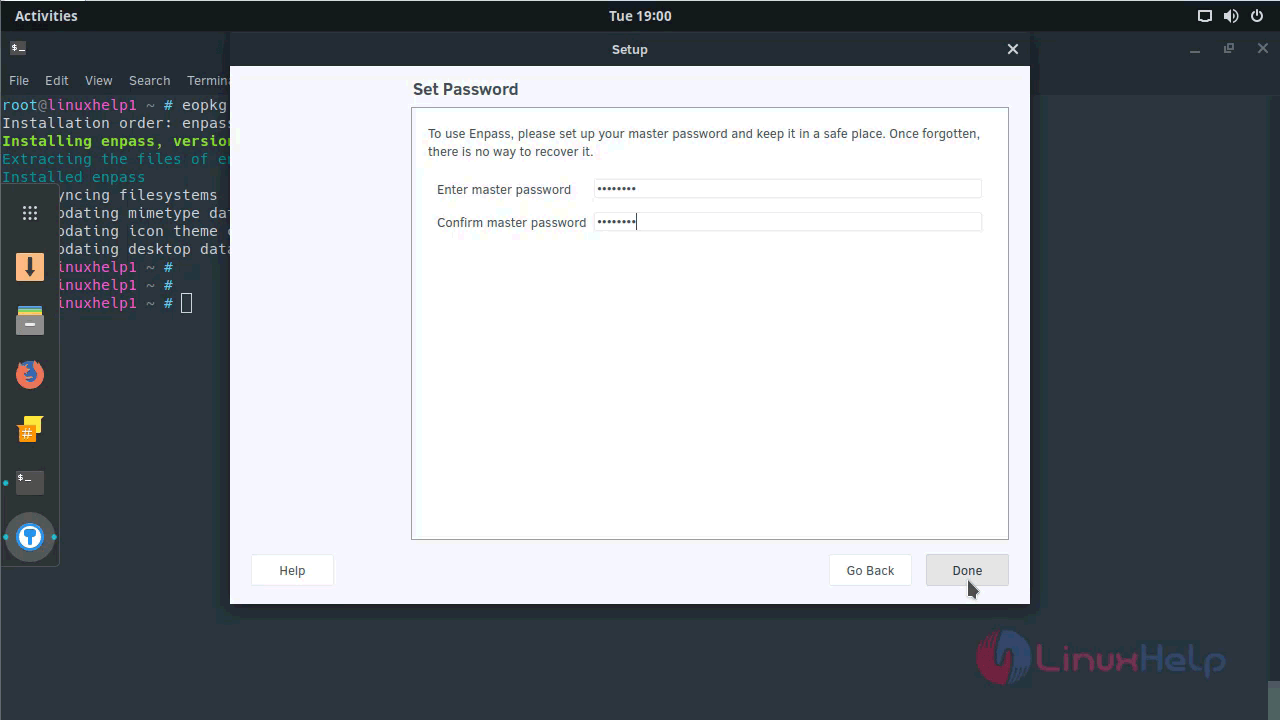
And then set the master password and proceed further.
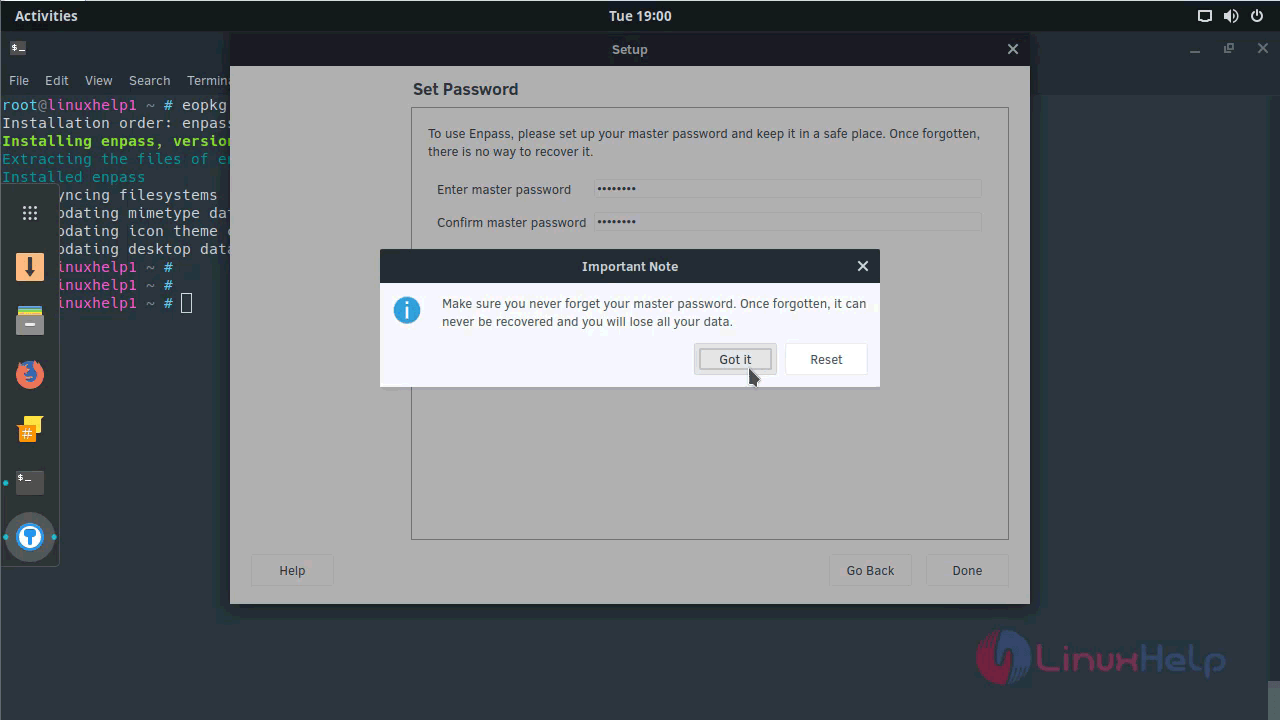
A popup appears. Click ' Got it' to proceed further.
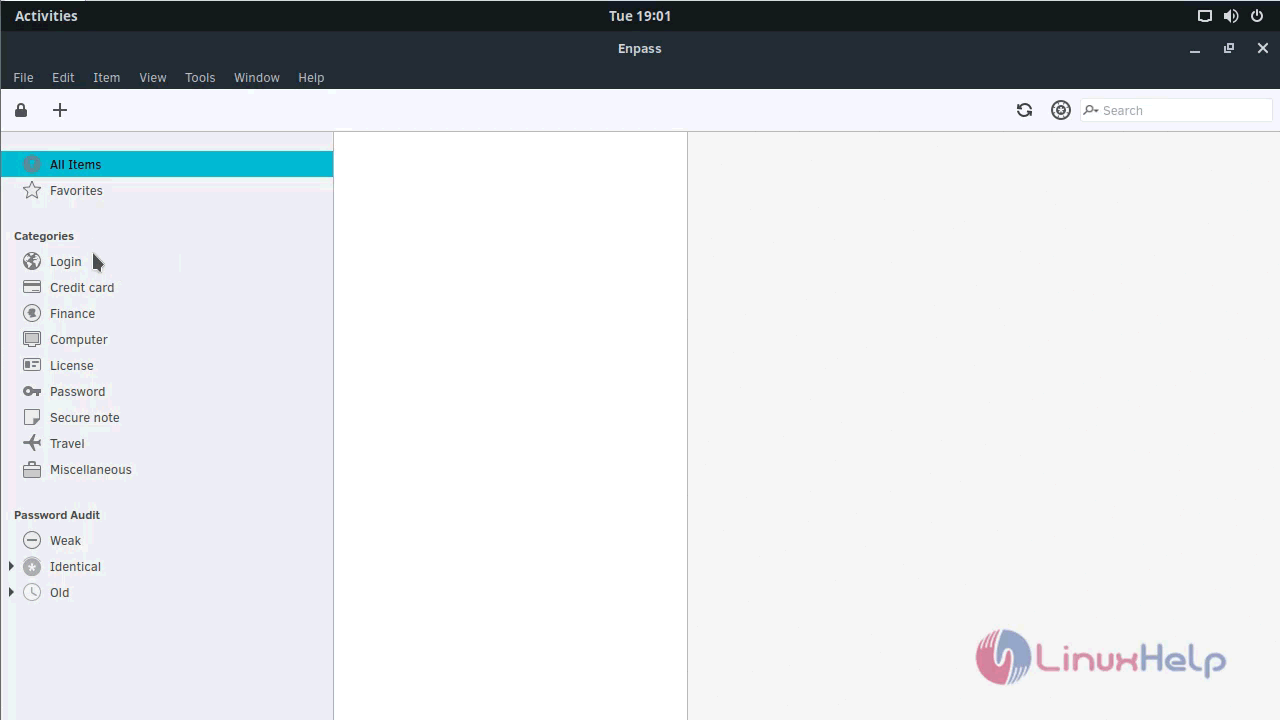
The Enpass application his now open.
You can know about the Enpass application by checking its version.
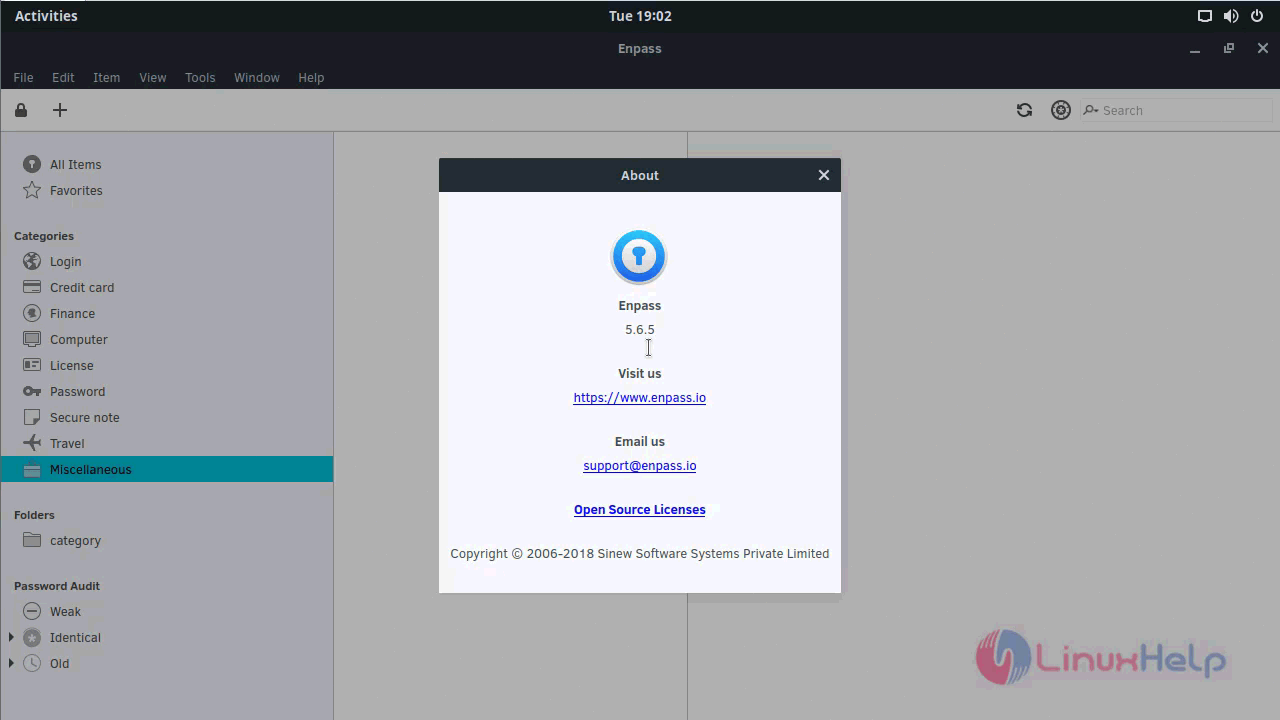
With this, the installation of Enpass 5.6.5 on Solus 3 comes to an end.
Comments ( 0 )
No comments available