How to install Etcher USB Image Writer
How to install Etcher USB Image Writer
Etcher is an open source, cross-platform with interactive interface built using web technologies. It is used to create bootable SD cards or USB drives, Flash OS images to SD cards and USB drives. It is a way to stream an OS image to device. This tutorial explains the installation procedure of Etcher USB image writer.
Installation procedure
Before starting the installation procedure, download the file from the Etcher official site https://etcher.io/#downloads by browser or by wget command.
user1@linuxhelpubnt:~$ wget https://resin-production- downloads.s3.amazonaws.com/etcher/1.0.0/Etcher-1.0.0-linux-x64.zip
--2017-05-16 01:22:08--  https://resin-production-downloads.s3.amazonaws.com/etcher/1.0.0/Etcher-1.0.0-linux-x64.zip
.
.
.
Etcher-1.0.0-linux-x64.zip           100%[======================================================================> ]  66.18M  42.5KB/s    in 31m 26s
2017-05-16 01:08:31 (35.9 KB/s) - ‘ Etcher-1.0.0-linux-x64.zip’  saved [69392912/69392912]
Now move the file to the safe location by executing a set of commands, so that the file can be avoided from accidential deletion from user directory.
user1@linuxhelpubnt:~$ sudo mv Etcher-1.0.0-linux-x64.zip /opt/
user1@linuxhelpubnt:~$ cd /opt/
user1@linuxhelpubnt:/opt$ sudo mkdir Etcher-1.0.0-linux-x64
user1@linuxhelpubnt:/opt$ sudo mv Etcher-1.0.0-linux-x64.zip Etcher-1.0.0-linux-x64/
user1@linuxhelpubnt:/opt$ cd Etcher-1.0.0-linux-x64/
The prompt has been moved to the required location. Now unzip the zip file by executing the command.
user1@linuxhelpubnt:/opt/Etcher-1.0.0-linux-x64$ sudo unzip Etcher-1.0.0-linux-x64.zip
Archive:  Etcher-1.0.0-linux-x64.zip
  inflating: Etcher-1.0.0-linux-x64.AppImage
You can view the unzipped file and run the unzipped .AppImage file.
user1@linuxhelpubnt:/opt/Etcher-1.0.0-linux-x64$ ll
total 136132
drwxr-xr-x 2 root  root      4096 May 16 01:25 ./
drwxr-xr-x 3 root  root      4096 May 16 01:25 ../
-rwxr-xr-x 1 root  root  69992448 May 12 05:17 Etcher-1.0.0-linux-x64.AppImage*
-rw-rw-r-- 1 user1 user1 69392912 May 12 13:36 Etcher-1.0.0-linux-x64.zip
user1@linuxhelpubnt:/opt/Etcher-1.0.0-linux-x64$ sudo ./Etcher-1.0.0-linux-x64.AppImage
user1@linuxhelpubnt:/opt/Etcher-1.0.0-linux-x64$ sudo ./Etcher-1.0.0-linux-x64.AppImage
ATTENTION: default value of option force_s3tc_enable overridden by environment.
context mismatch in svga_sampler_view_destroy
context mismatch in svga_sampler_view_destroy
.
.
.
The Etcher image writing tool is installed successfully.
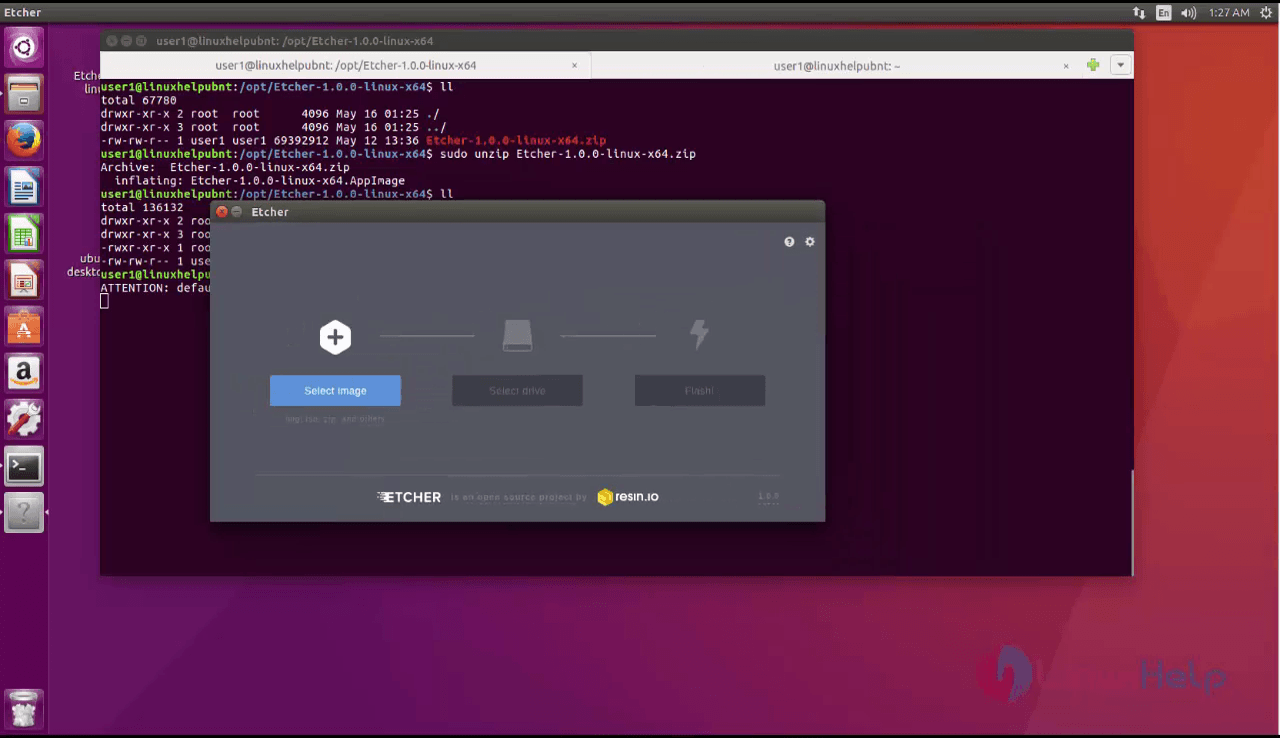
Click select image option to select the image file.
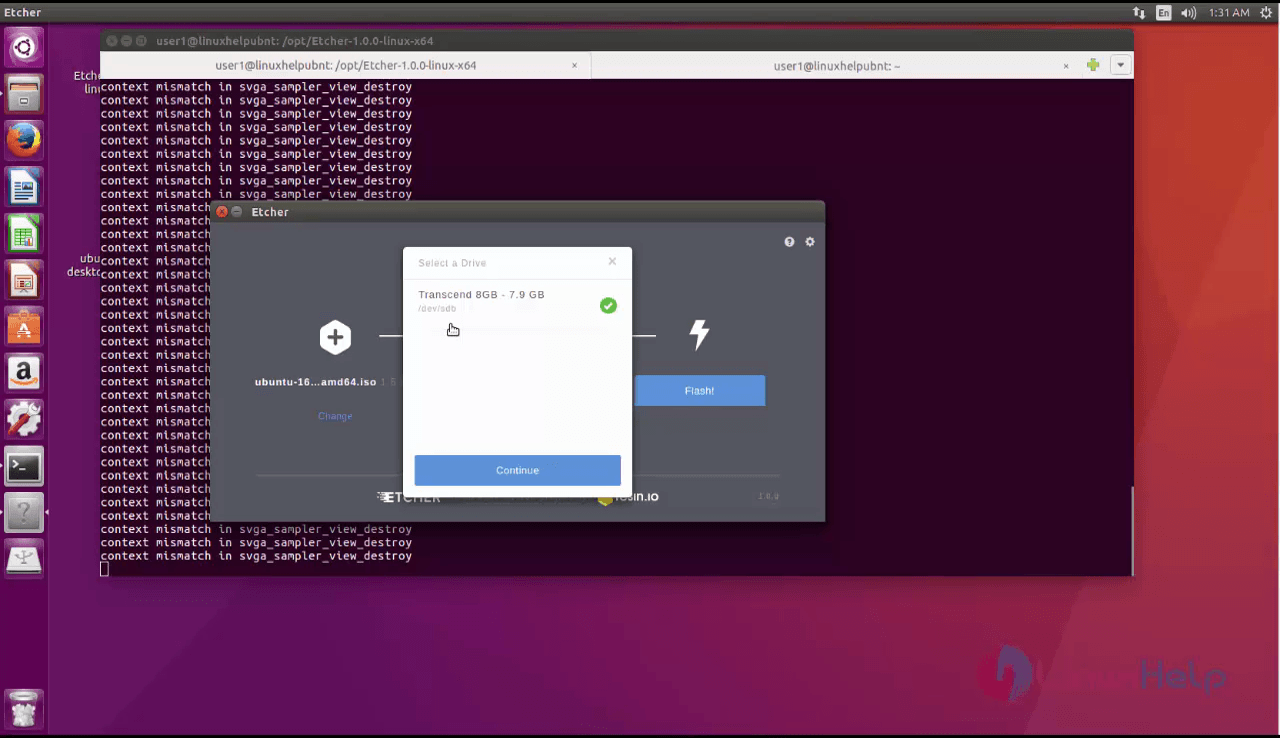
Next click on the next option to select the flash drive like USB drive or Flash drive.
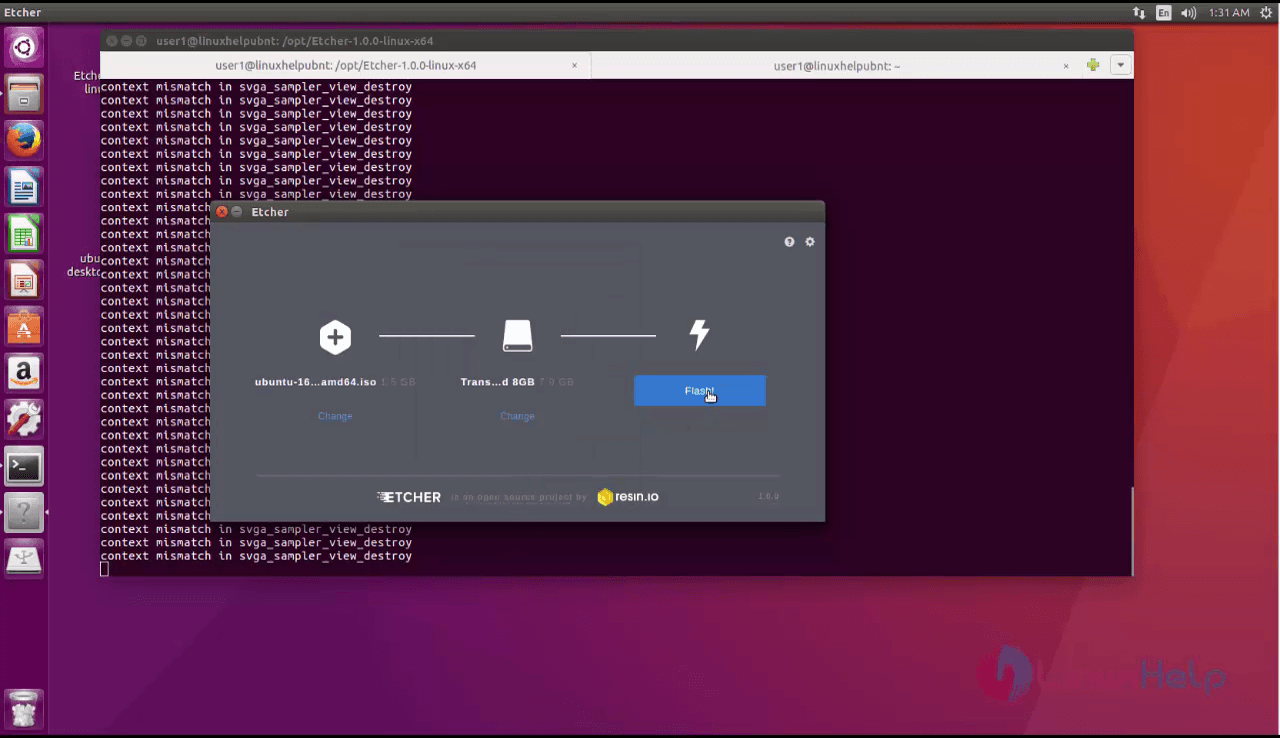
Then click on flash option to write images on the drive.
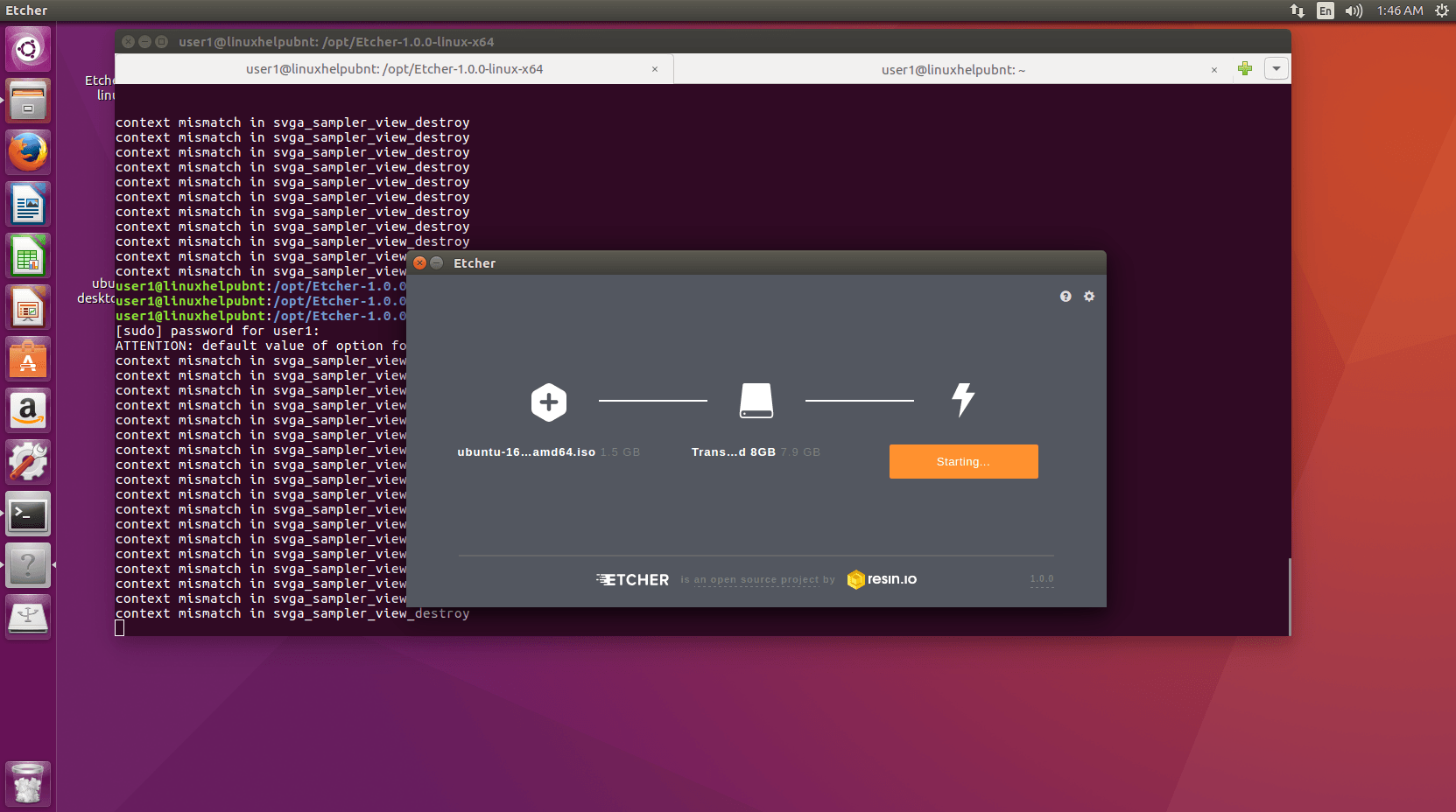
Wasn' t that an easy installation procedure? The Etcher is built using web technologies, an Electron app written in JavaScript.
Comments ( 0 )
No comments available