How to install ExMplayer in Ubuntu
To install ExMplayer 5 in Ubuntu
ExMplayer is an open source player used to play media files, convert, extract, animate media files etc. The main features of ExMplayer include 3D video playback support, volume booster, etc. Installation of ExMplayer is explained in this manual.
To install ExMplayer
Download the installation package from the following link,
http://exmplayer.sourceforge.net/downloads.html
Else you can also use the wget command to download the ExMplayer package.
root@linuxhelp:/home/user1# wget https://github.com/rupeshs/ExMplayer/releases/download/v5.0.1/exmplayer_5.0.1_i386.deb
--2016-09-06 16:35:17--  https://github.com/rupeshs/ExMplayer/releases/download/v5.0.1/exmplayer_5.0.1_i386.deb
Resolving github.com (github.com)... 192.30.253.112
Connecting to github.com (github.com)|192.30.253.112|:443... connected.
&hellip
&hellip
2016-09-06 16:38:37 (101 KB/s) - ‘ exmplayer_5.0.1_i386.deb’  saved [19840190/19840190]
root@linuxhelp:/home/user1# dpkg -i exmplayer_5.0.1_i386.deb
Selecting previously unselected package exmplayer:i386.
(Reading database ... 172193 files and directories currently installed.)
Preparing to unpack exmplayer_5.0.1_i386.deb ...
Unpacking exmplayer:i386 (5.0.1) ...
dpkg: dependency problems prevent configuration of exmplayer:i386:
.
.
.
Errors were encountered while processing:
 exmplayer:i386
To overcome the dependency error, utilize the following command.
root@linuxhelp:/home/user1# apt-get -f install
Reading package lists... Done
Building dependency tree
Reading state information... Done
Correcting dependencies... Done
..
&hellip
Setting up va-driver-all:amd64 (1.7.0-1) ...
Setting up vdpau-driver-all:amd64 (1.1.1-3ubuntu1) ...
Setting up libqt4-declarative:i386 (4:4.8.7+dfsg-5ubuntu2) ...
Setting up libqtgui4:i386 (4:4.8.7+dfsg-5ubuntu2) ...
Setting up exmplayer:i386 (5.0.1) ...
Setting up qt-at-spi:i386 (0.4.0-3) ...
Processing triggers for libc-bin (2.23-0ubuntu3) ...
Then proceed with the ExMplayer installation.
root@linuxhelp:/home/user1# dpkg -i exmplayer_5.0.1_i386.deb
(Reading database ... 173206 files and directories currently installed.)
Preparing to unpack exmplayer_5.0.1_i386.deb ...
Unpacking exmplayer:i386 (5.0.1) over (5.0.1) ...
Setting up exmplayer:i386 (5.0.1) ...
Processing triggers for gnome-menus (3.13.3-6ubuntu3) ...
Processing triggers for desktop-file-utils (0.22-1ubuntu5) ...
Processing triggers for bamfdaemon (0.5.3~bzr0+16.04.20160415-0ubuntu1) ...
Rebuilding /usr/share/applications/bamf-2.index...
Processing triggers for mime-support (3.59ubuntu1) ...
To launch ExMplayer
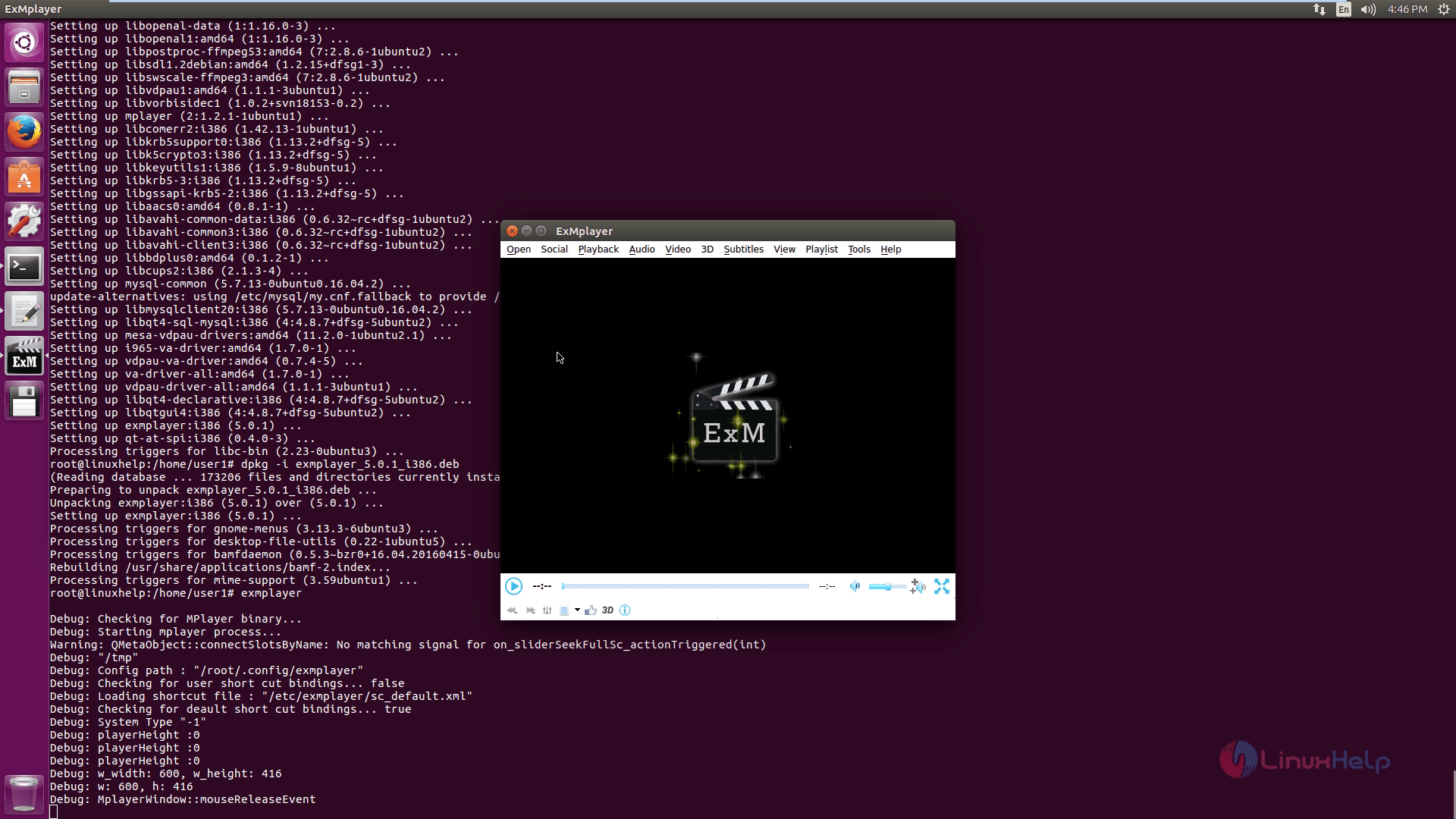
Trigger the ExMplayer from the terminal as shown below.
root@linuxhelp:/home/user1# exmplayer
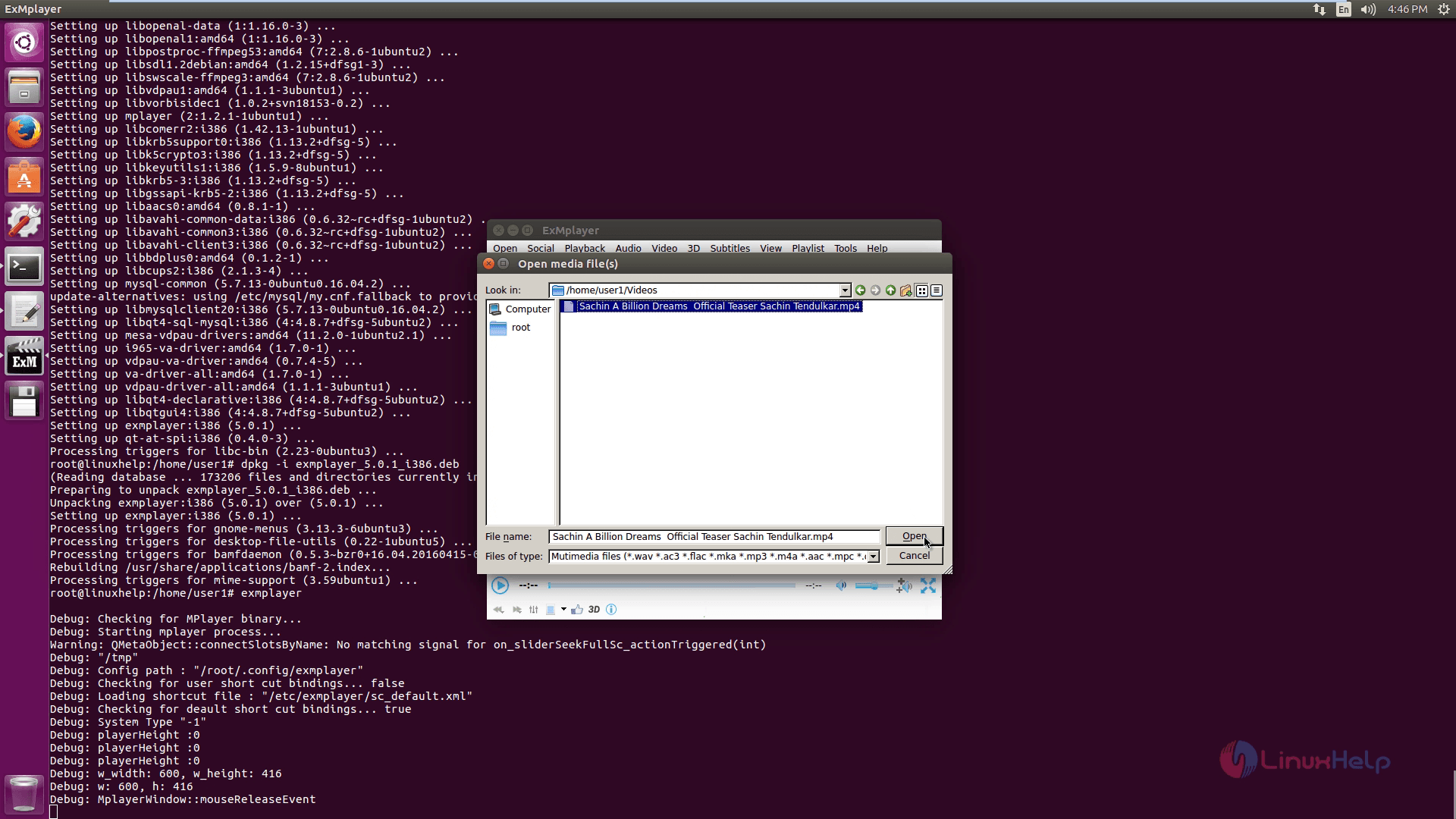
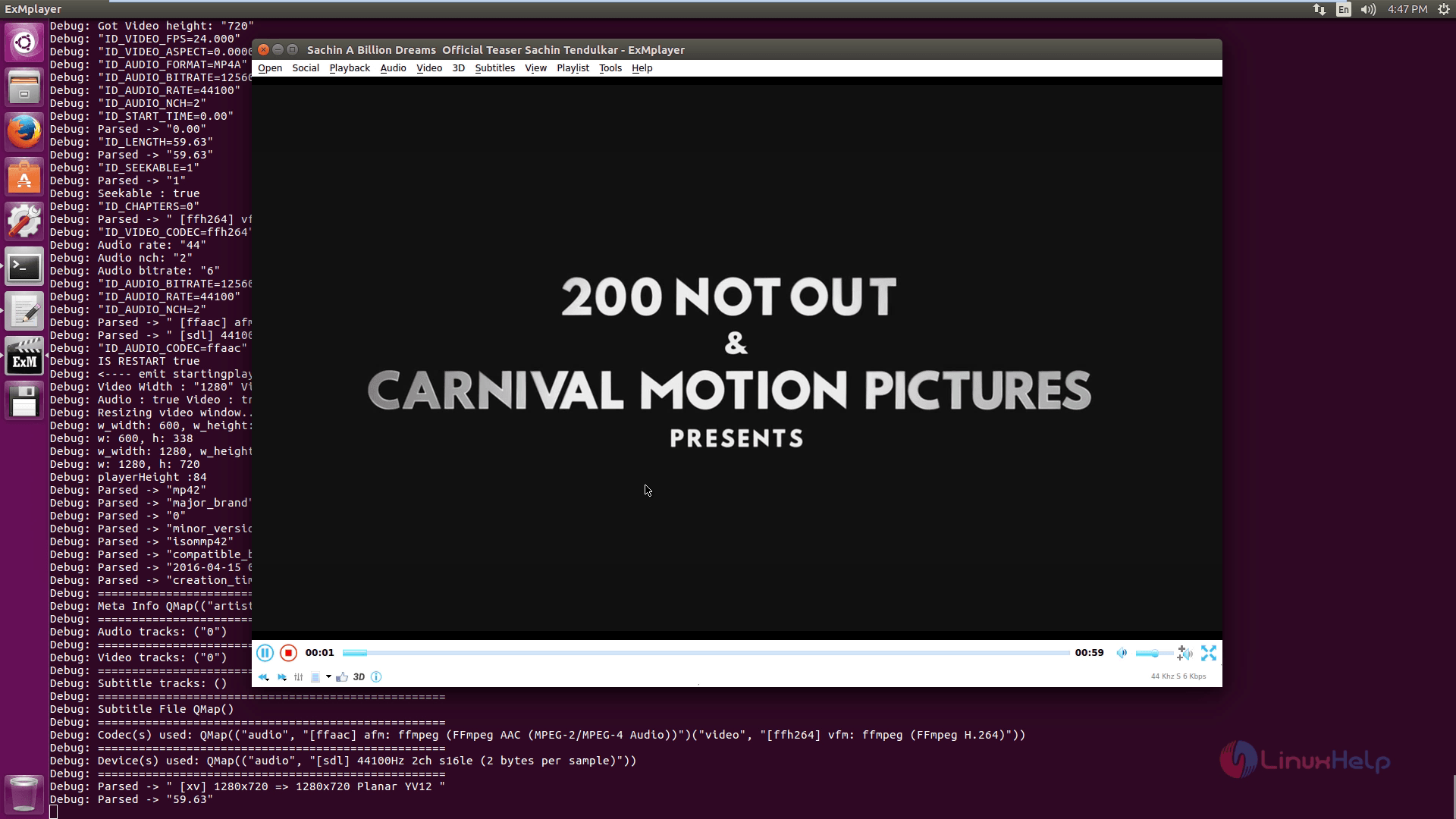
Choose a media file and click Open.
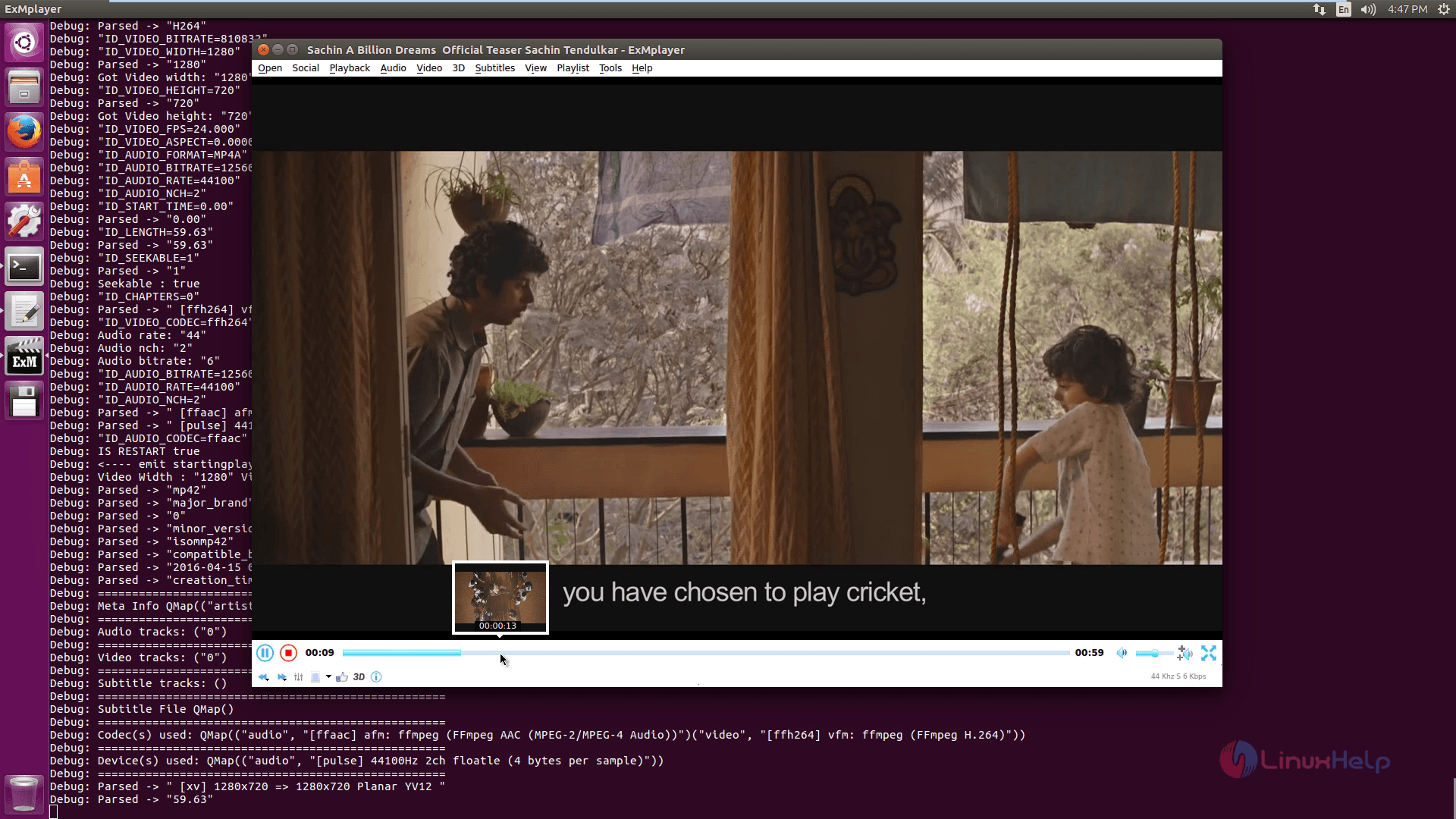
Move the cursor on the status bar for Thumbnail seeking option.
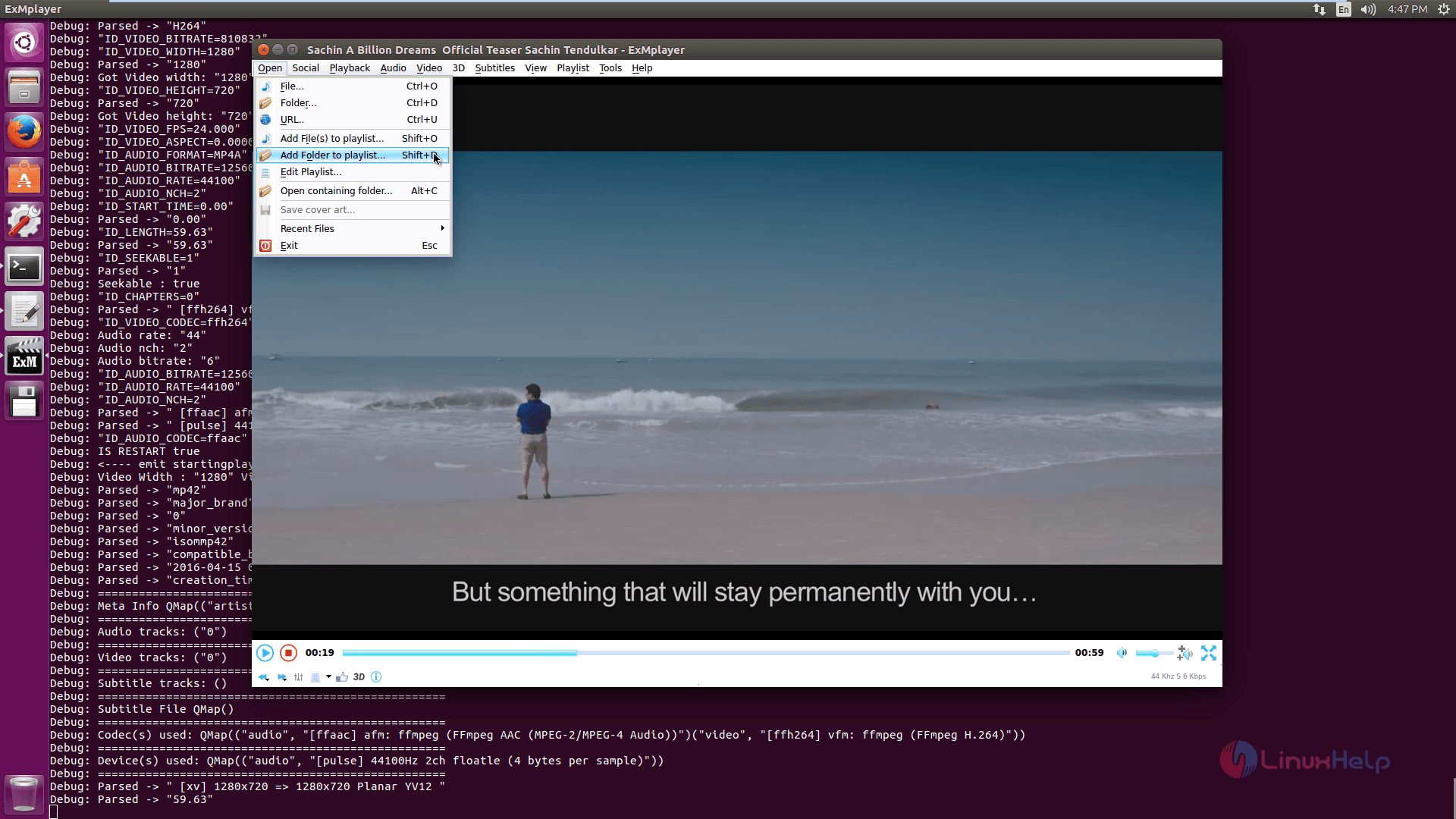
To add a files and folders to playlist, click Add folders/files to playlist option.
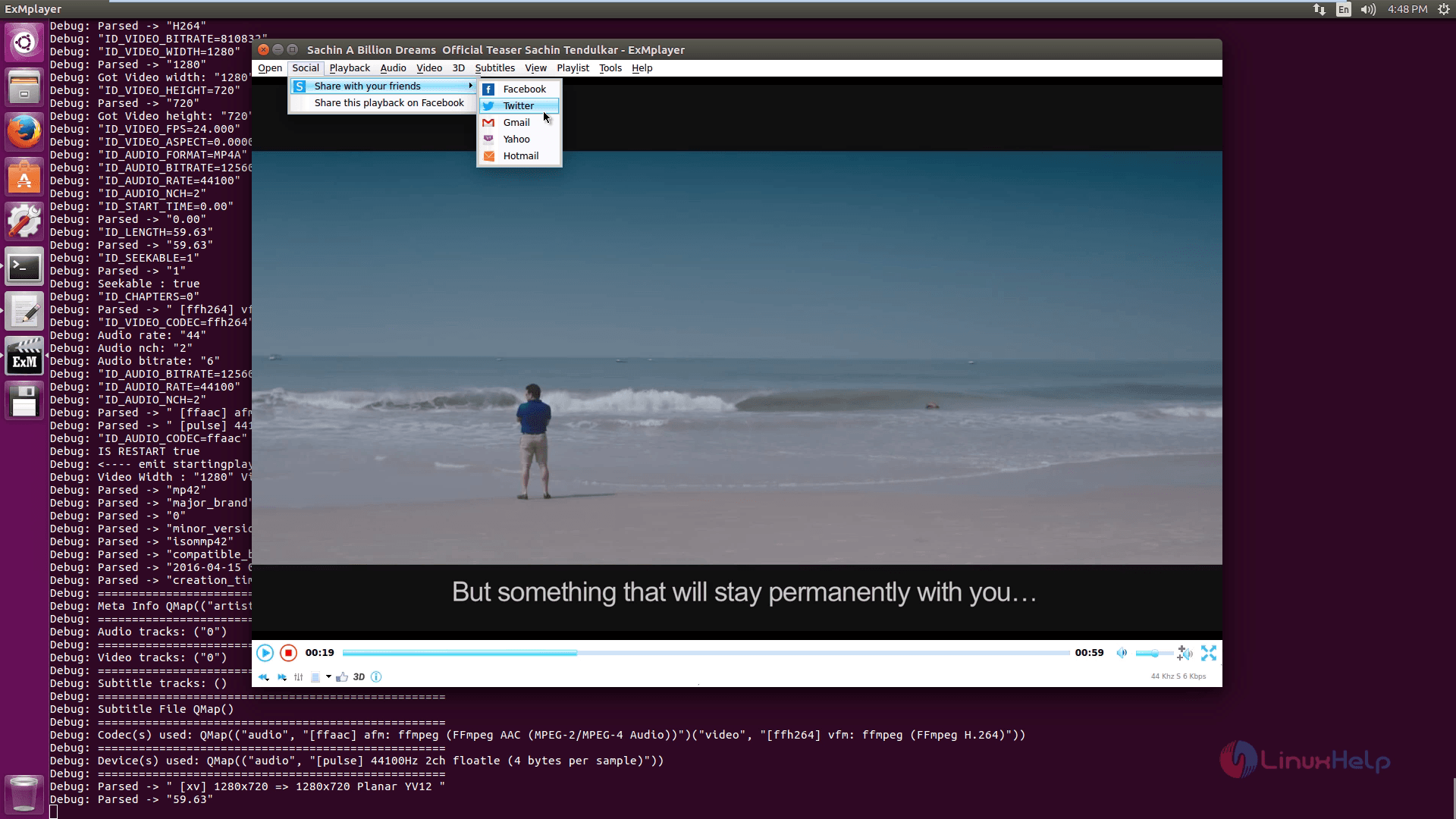
To share your favorite videos, click on Share with your friends option and choose your favorite media.
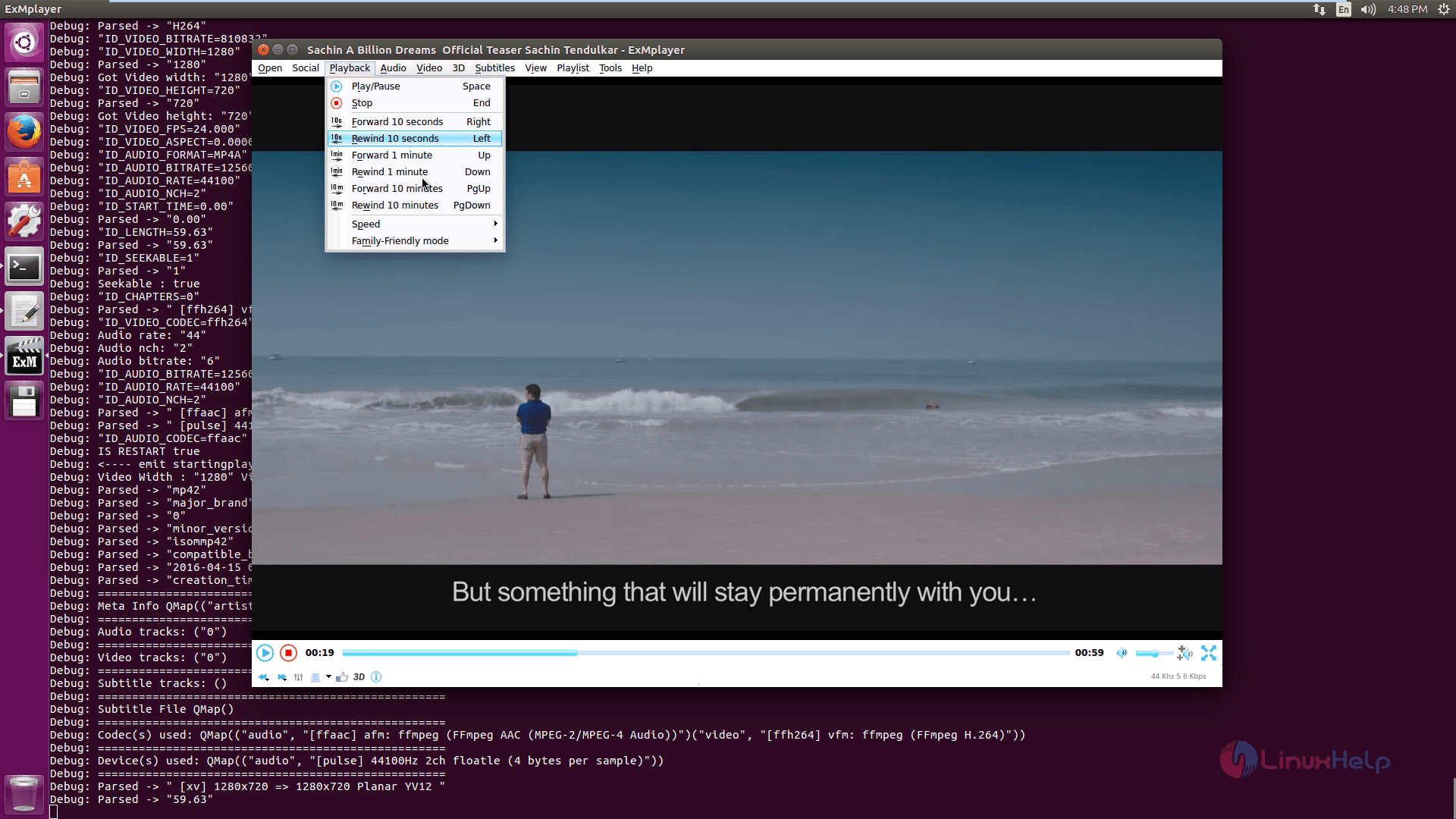
To check on Playback options, hit playback.
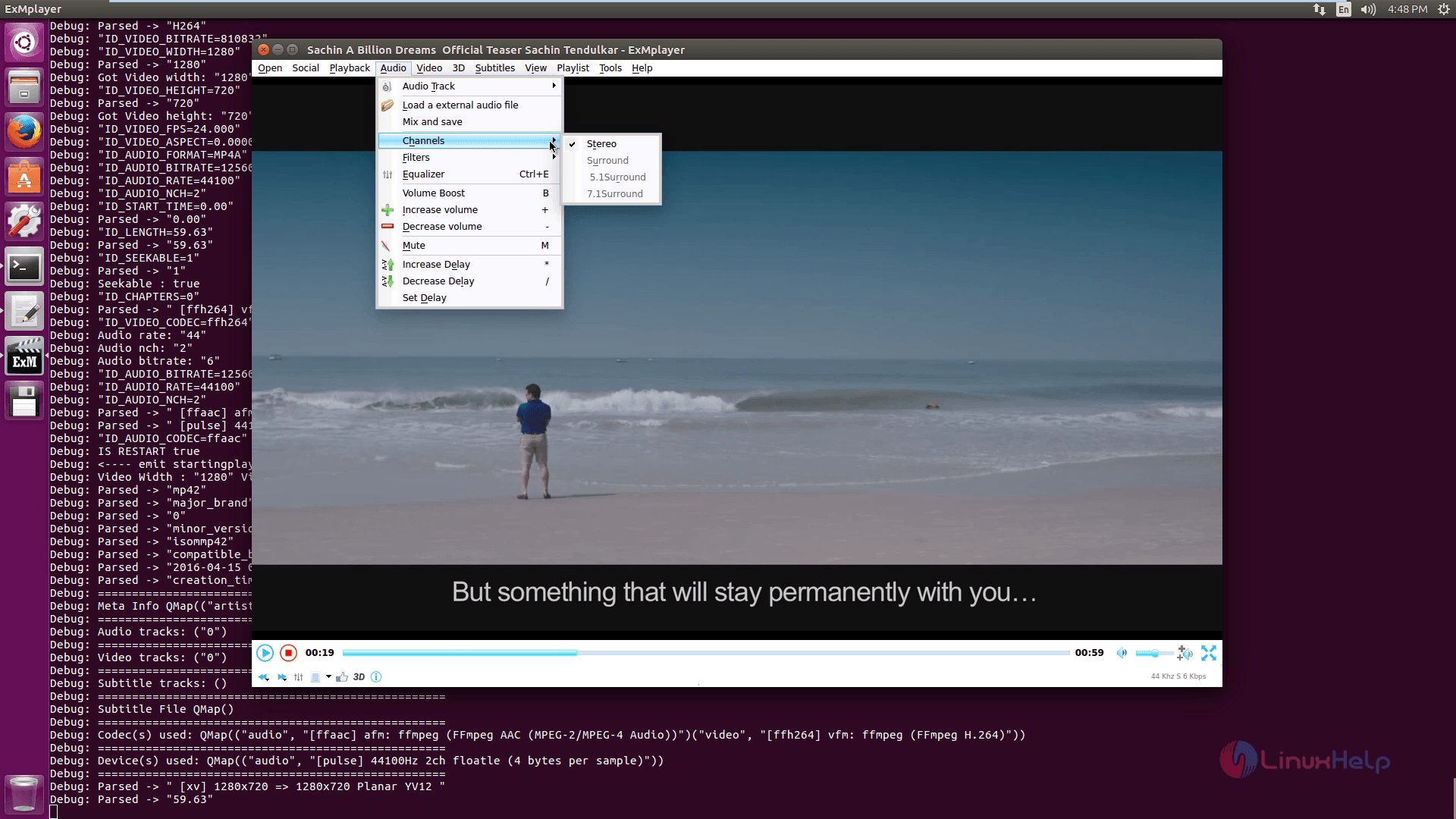
To know about the Audio options click on Audio.
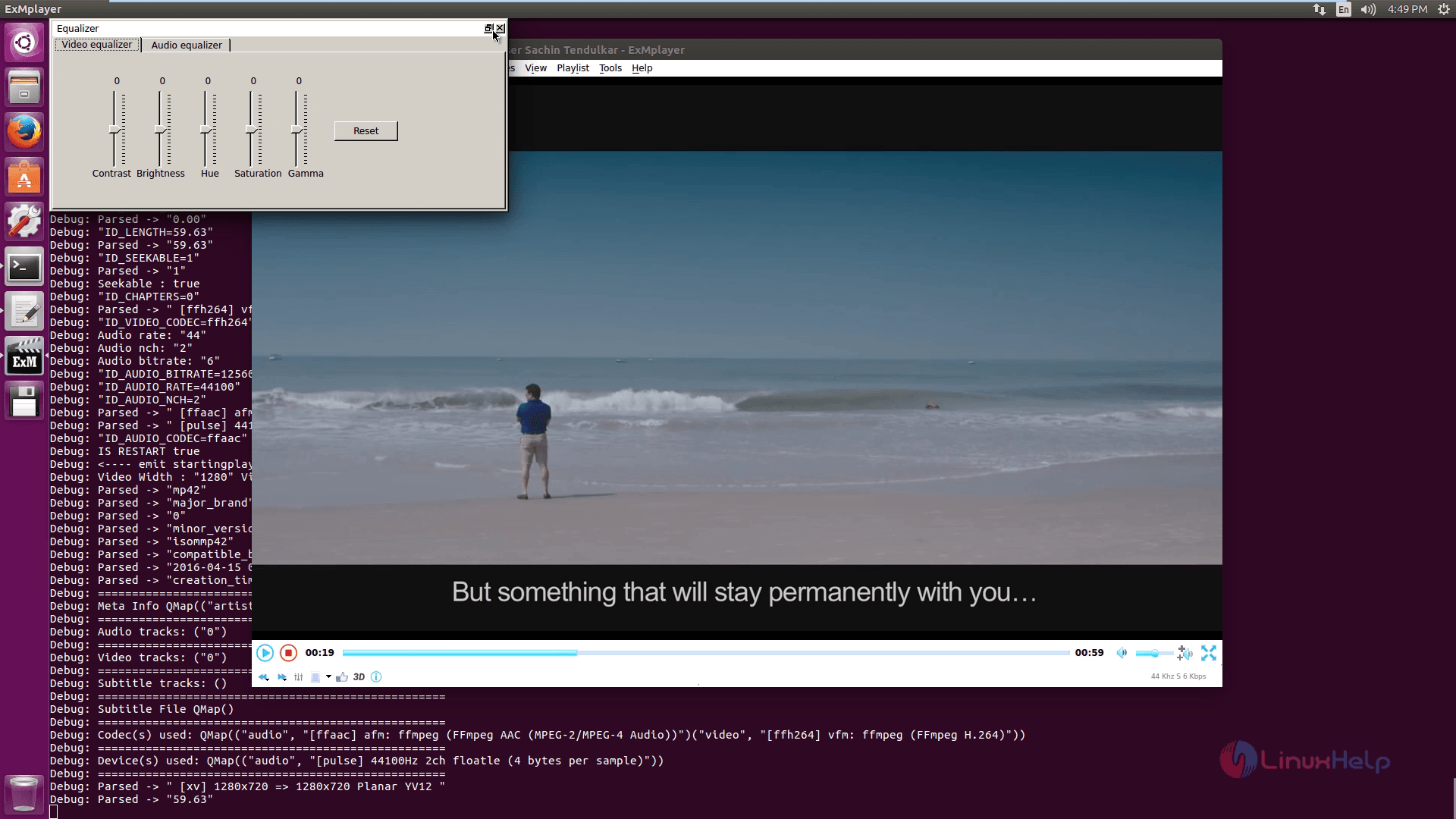
To change the video ratio, click Video Aspect ratio.
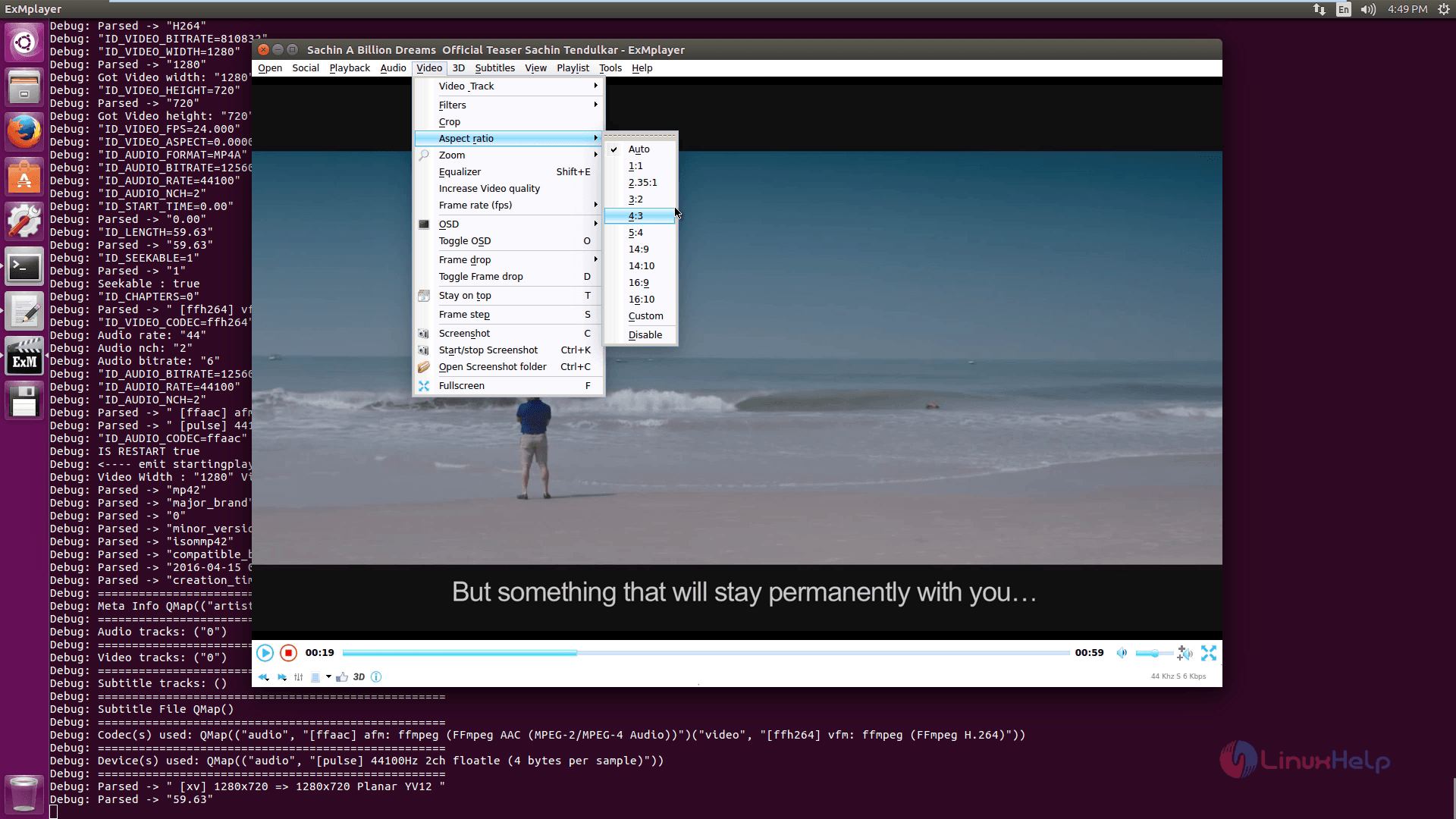
Click 3D tabs to know about the 3D options.
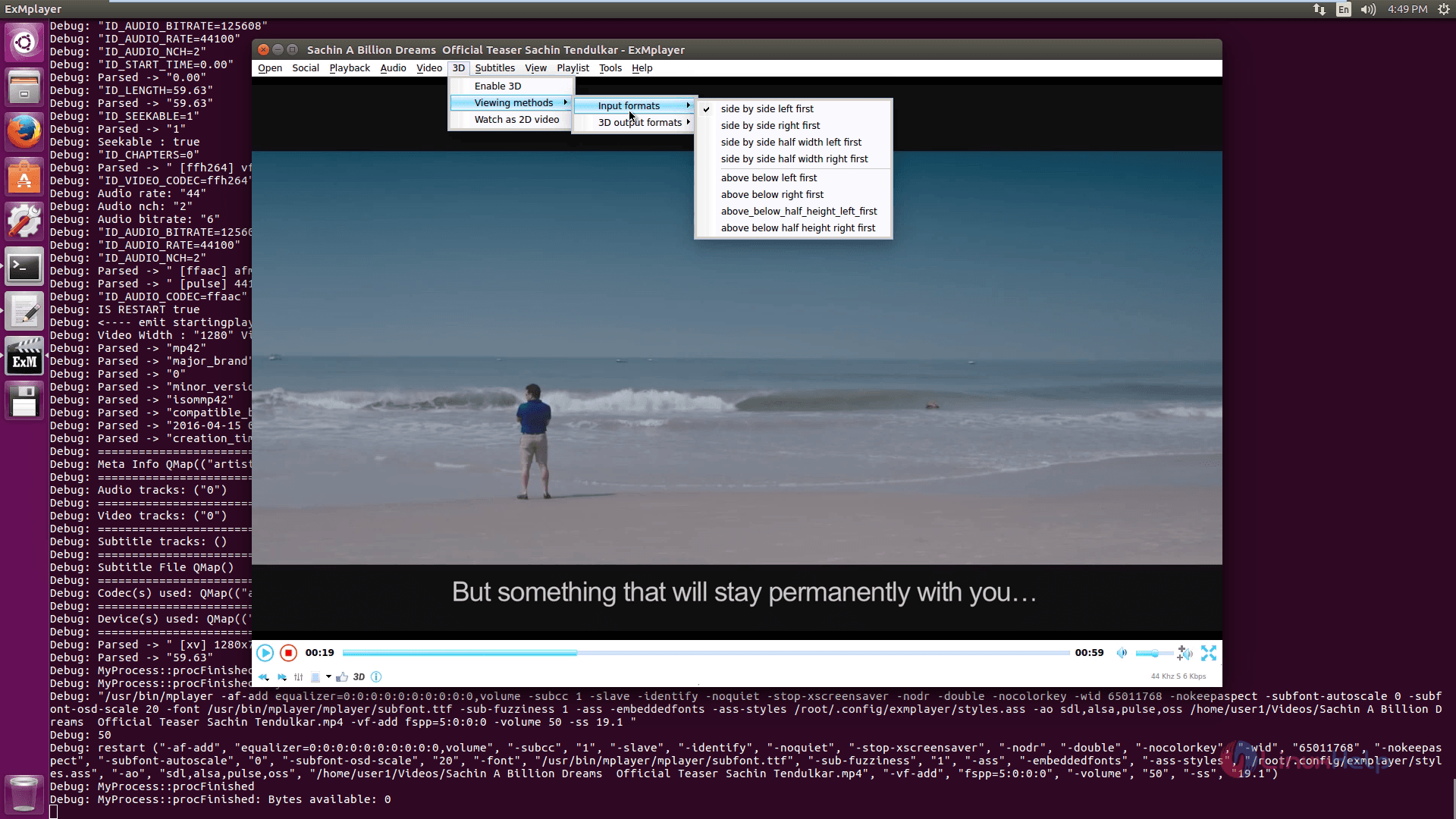
Click on Subtitles to add subtitles to the selected media file.
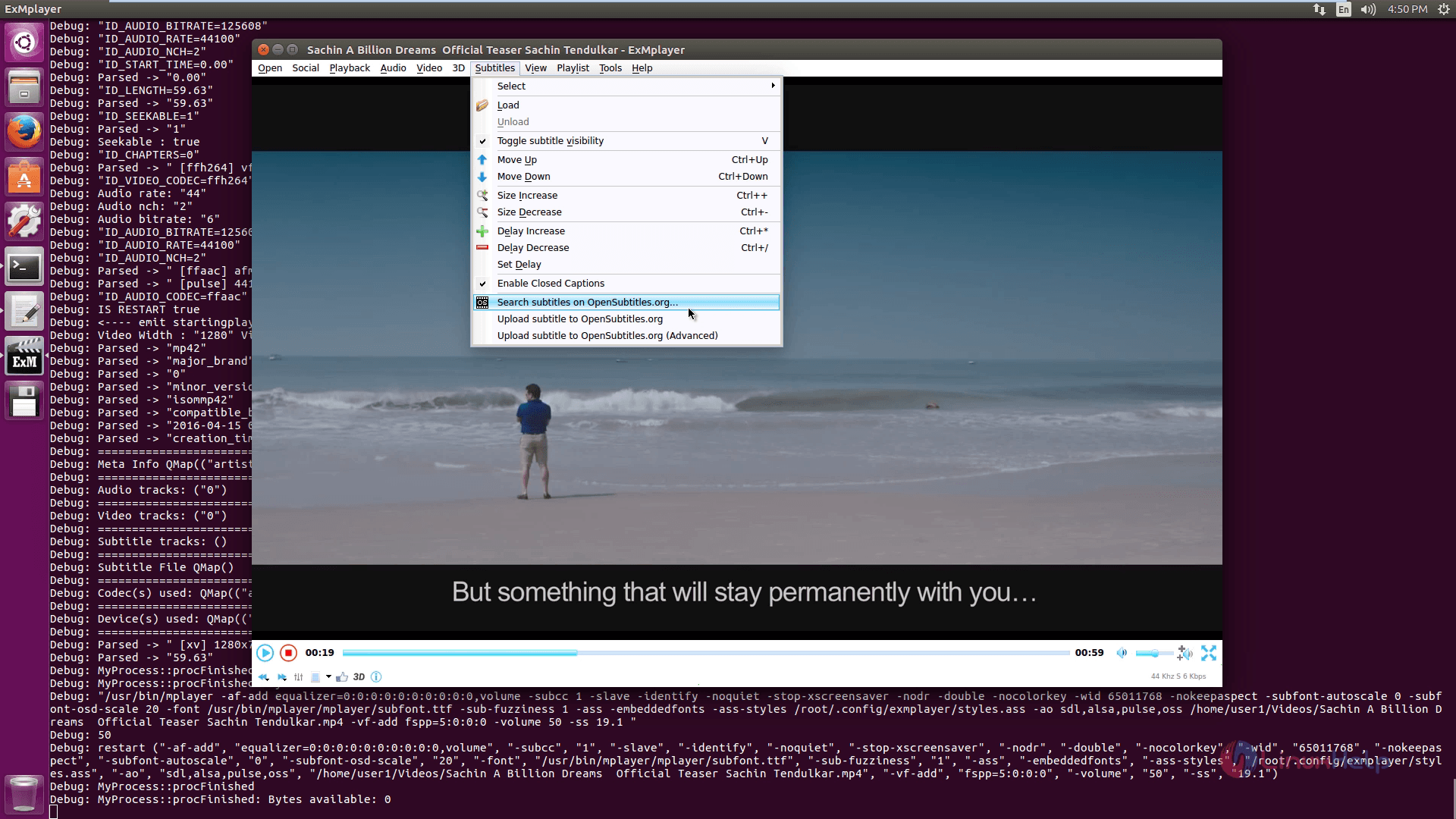
To crop the media files use, Media cutter.
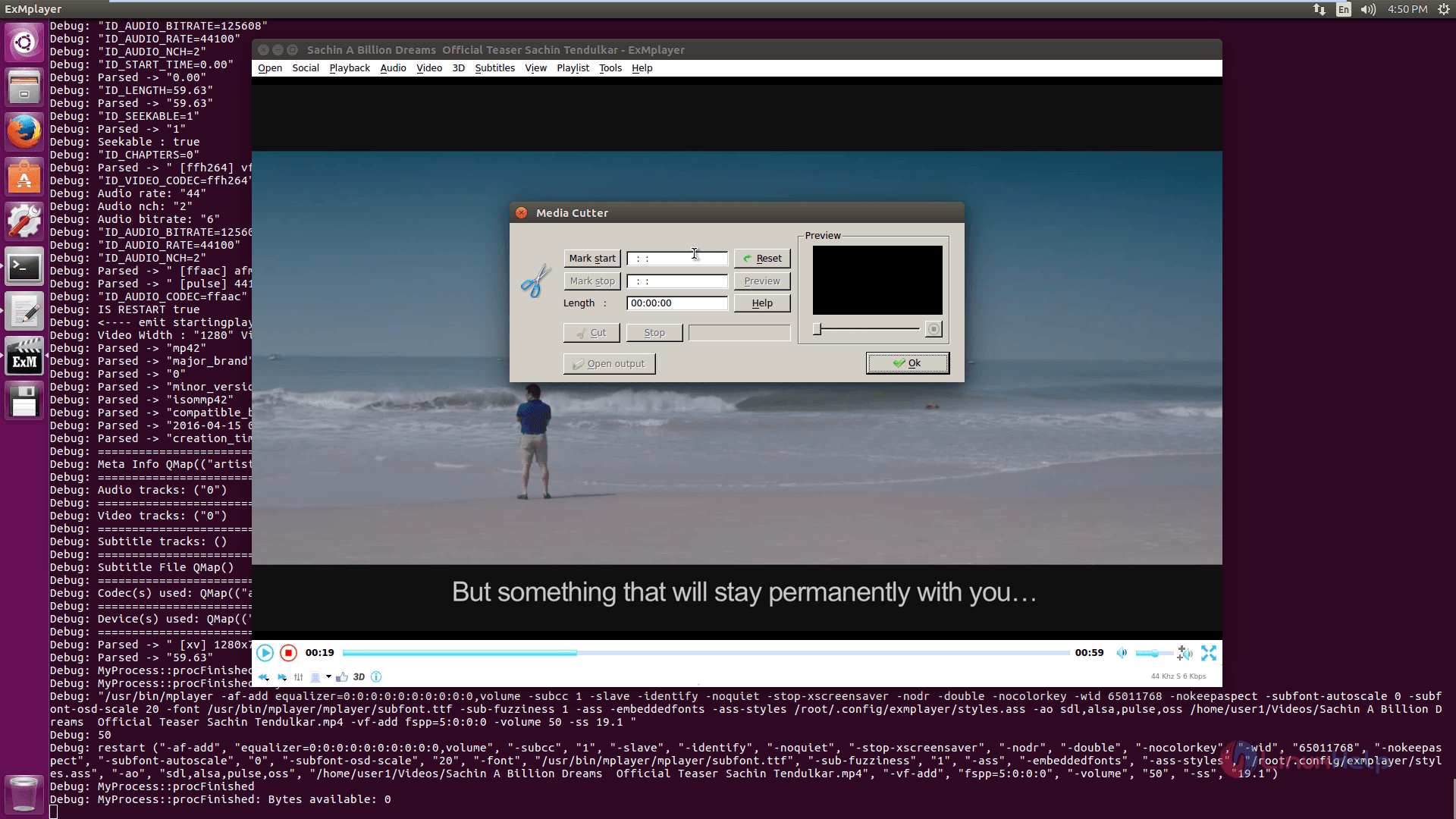
To extract any audio files, use Audio Extractor
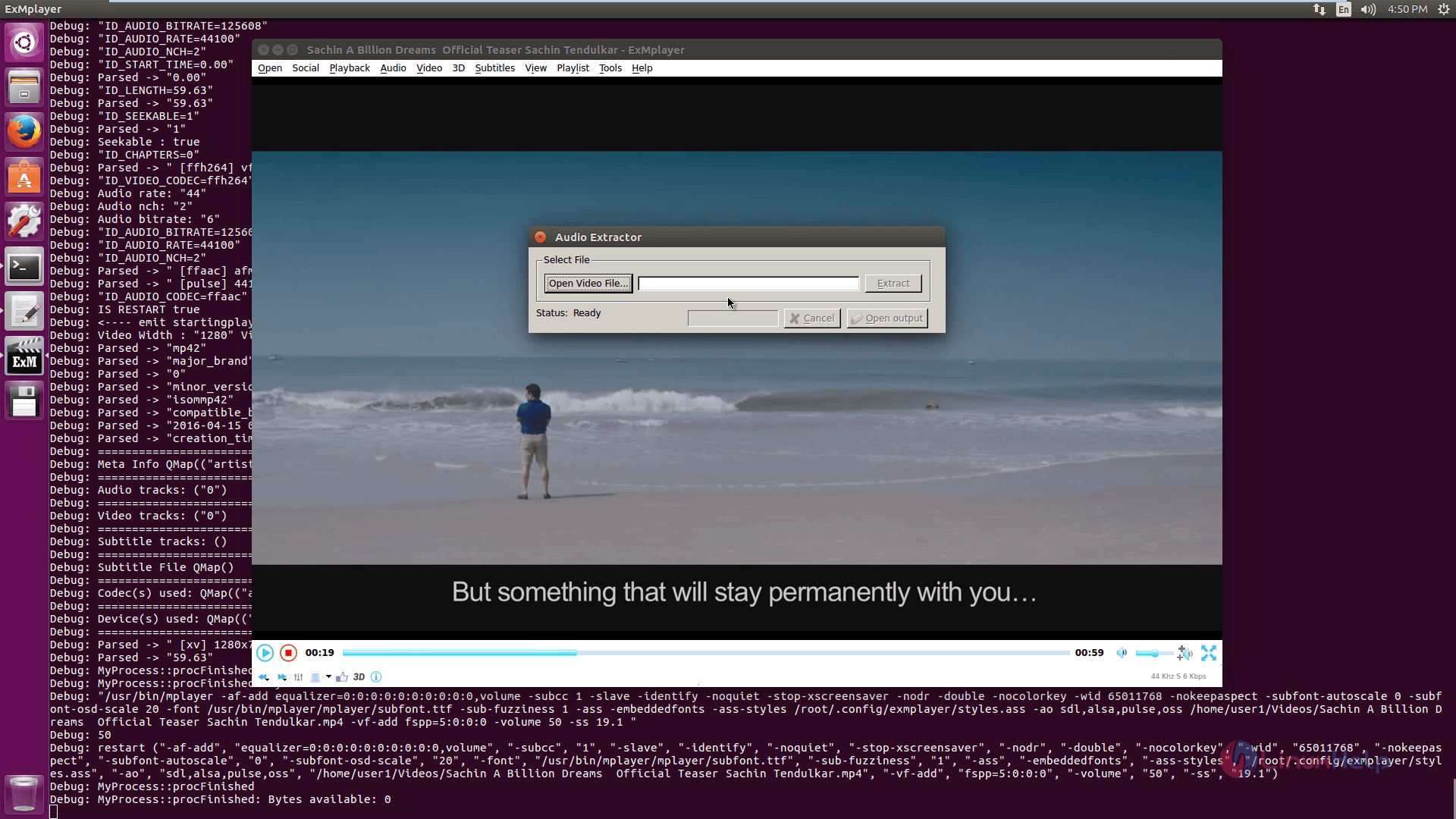
To convert audio files, click on Audio converter.
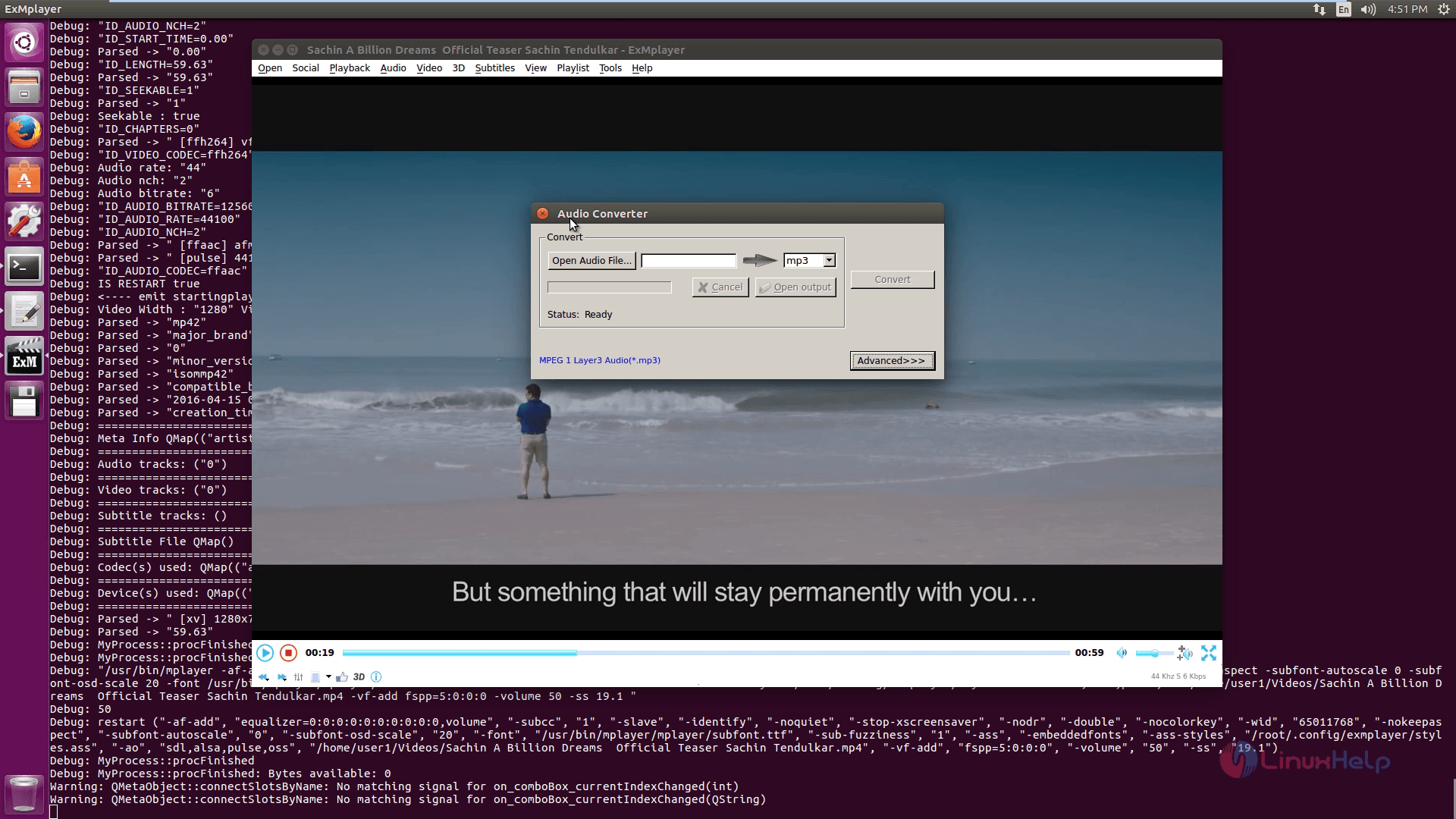
To Download Video files, hit video files.
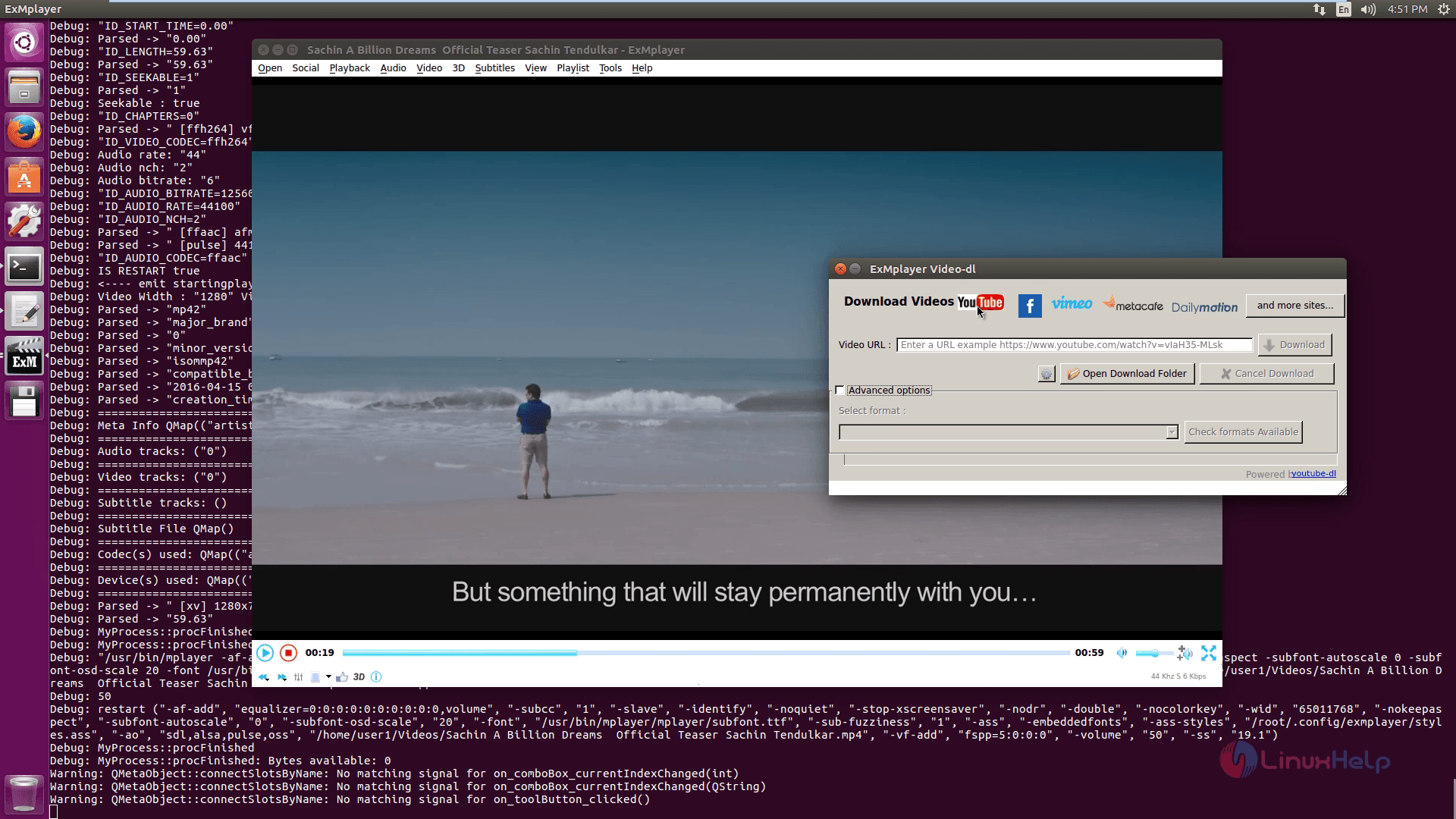
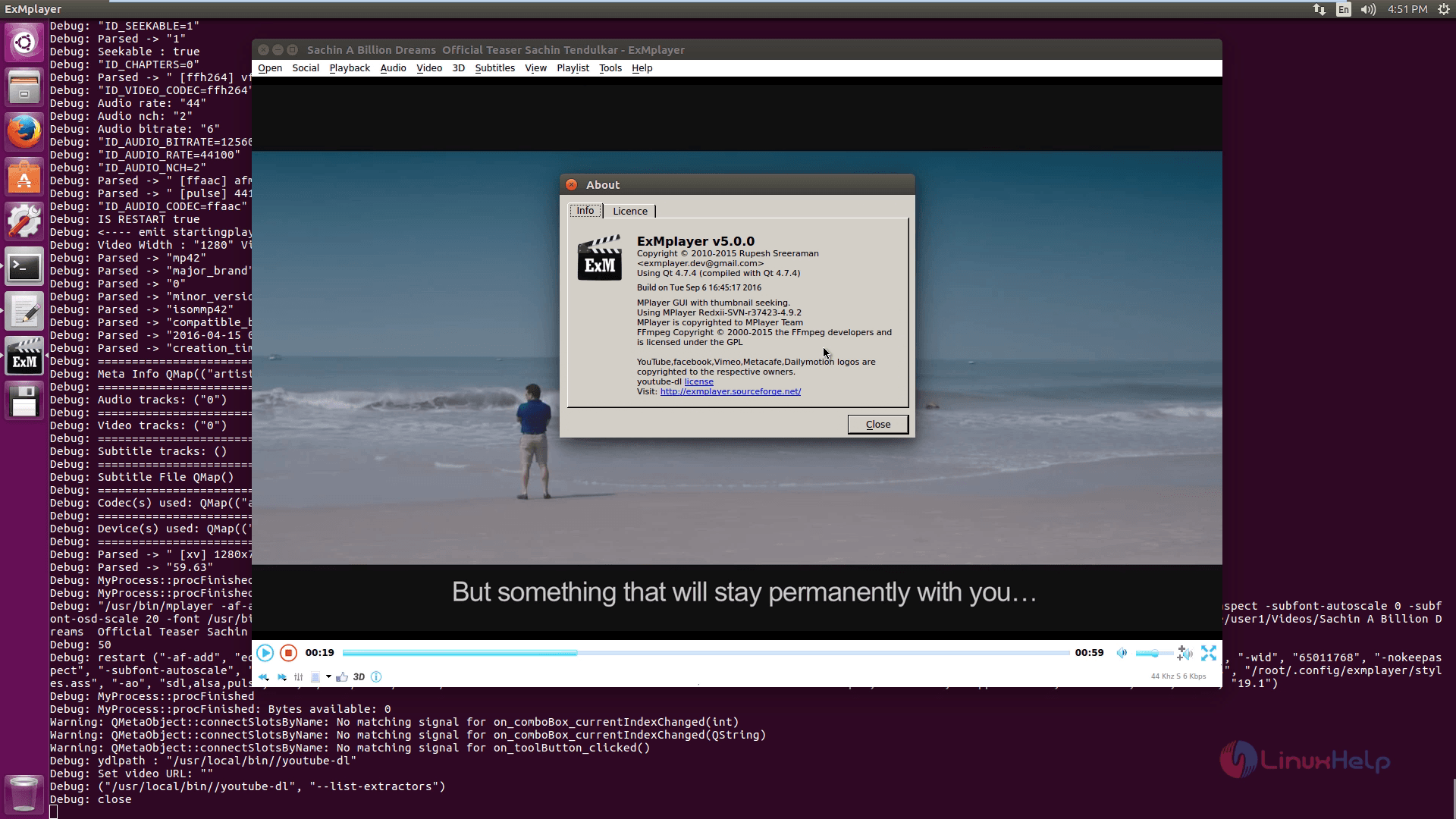
To know more about ExMplayer click About.
Comments ( 0 )
No comments available