How to Install FF Multi Converter in Ubuntu 14.04
To Install FF Multi Converter in Ubuntu 14.04
FF Multi Converter is an open source graphical application that convert audio, video, image and document files in different formats. The multi converter is written in Python and PyQt. It uses ffmpeg for audio or video conversion, unoconv for document conversion and PythonMagick library for image conversion. Installation of FF Multi Converter in Ubuntu 14.04 is explained.
Installation of FF Multi Converter
First install ffmpeg package which is required for FF multi converter installation.
Add the repository to the system by using the below command.
root@linuxhelp:/home/user1# add-apt-repository ppa:mc3man/trusty-media
gpg: keyring `/tmp/tmp4iog4r2g/secring.gpg'  created
gpg: keyring `/tmp/tmp4iog4r2g/pubring.gpg'  created
gpg: requesting key ED8E640A from hkp server keyserver.ubuntu.com
gpg: /tmp/tmp4iog4r2g/trustdb.gpg: trustdb created
gpg: key ED8E640A: public key " Launchpad PPA for Doug McMahon"  imported
gpg: no ultimately trusted keys found
gpg: Total number processed: 1
gpg:               imported: 1  (RSA: 1)
OK
Next run the apt-get update command.
root@linuxhelp:/home/user1# apt-get update
Ign http://extras.ubuntu.com trusty InRelease
Get:1 http://security.ubuntu.com trusty-security InRelease [65.9 kB]
Ign http://in.archive.ubuntu.com trusty InRelease
Get:2 http://ppa.launchpad.net trusty InRelease [15.5 kB]
&hellip
&hellip
Ign http://in.archive.ubuntu.com trusty/universe Translation-en_IN
Fetched 5,791 kB in 53s (108 kB/s)
Reading package lists... Done
Now run the below command to install ffmpeg package.
root@linuxhelp:/home/user1#apt-get install ffmpeg
Reading package lists... Done
Building dependency tree
Reading state information... Done
&hellip
&hellip
Setting up ffmpeg (7:3.1.1~trusty) ...
Setting up va-driver-all:amd64 (1.4.0~trusty) ...
Processing triggers for libc-bin (2.19-0ubuntu6.7) ...
The ffmpeg installed successfully. Now install ff multi converter.
Again add the repository to the system with below command.
root@linuxhelp:/home/user1# add-apt-repository ppa:ffmulticonverter/stable
 Stable releases from https://github.com/Ilias95/FF-Multi-Converter
Built upon request using recipe: https://code.launchpad.net/~ffmulticonverter/+recipe/ffmulticonverter-stable
 More info: https://launchpad.net/~ffmulticonverter/+archive/ubuntu/stable
Press [ENTER] to continue or ctrl-c to cancel adding it
gpg: keyring `/tmp/tmp6_m5k27_/secring.gpg'  created
gpg: keyring `/tmp/tmp6_m5k27_/pubring.gpg'  created
gpg: requesting key 298C62A6 from hkp server keyserver.ubuntu.com
gpg: /tmp/tmp6_m5k27_/trustdb.gpg: trustdb created
gpg: key 298C62A6: public key " Launchpad PPA for ffmulticonverter packagers"  imported
gpg: Total number processed: 1
gpg:               imported: 1  (RSA: 1)
OK
Next run the apt-get update command.
root@linuxhelp:/home/user1# apt-get update
Ign http://extras.ubuntu.com trusty InRelease
Ign http://ppa.launchpad.net trusty InRelease
..
..
Ign http://in.archive.ubuntu.com trusty/universe Translation-en_IN
Fetched 4,681 kB in 1min 4s (72.1 kB/s)
Reading package lists... Done
Now run the below command to install ff multi converter.
root@linuxhelp:/home/user1# apt-get install ffmulticonverter
Reading package lists... Done
Building dependency tree
Reading state information... Done
&hellip
&hellip
Setting up ffmulticonverter (1.6.0-1~ppa2~ubuntu14.04.1) ...
Setting up unoconv (0.6-6) ...
Processing triggers for libc-bin (2.19-0ubuntu6.7) ...
To open the installed ff multi converter, run the below command.
root@linuxhelp:/home/user1# ffmulticonverter
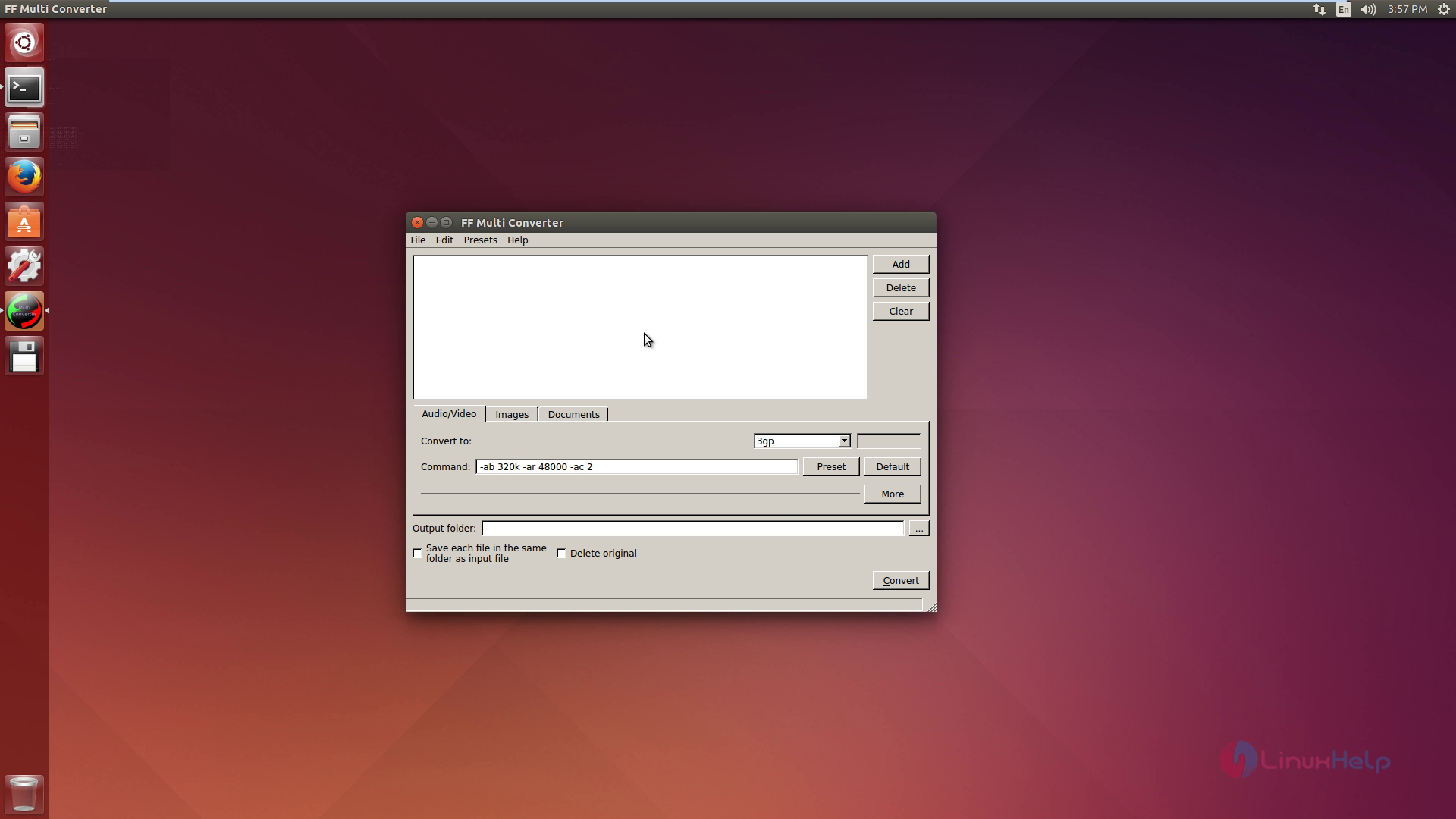
Video conversion
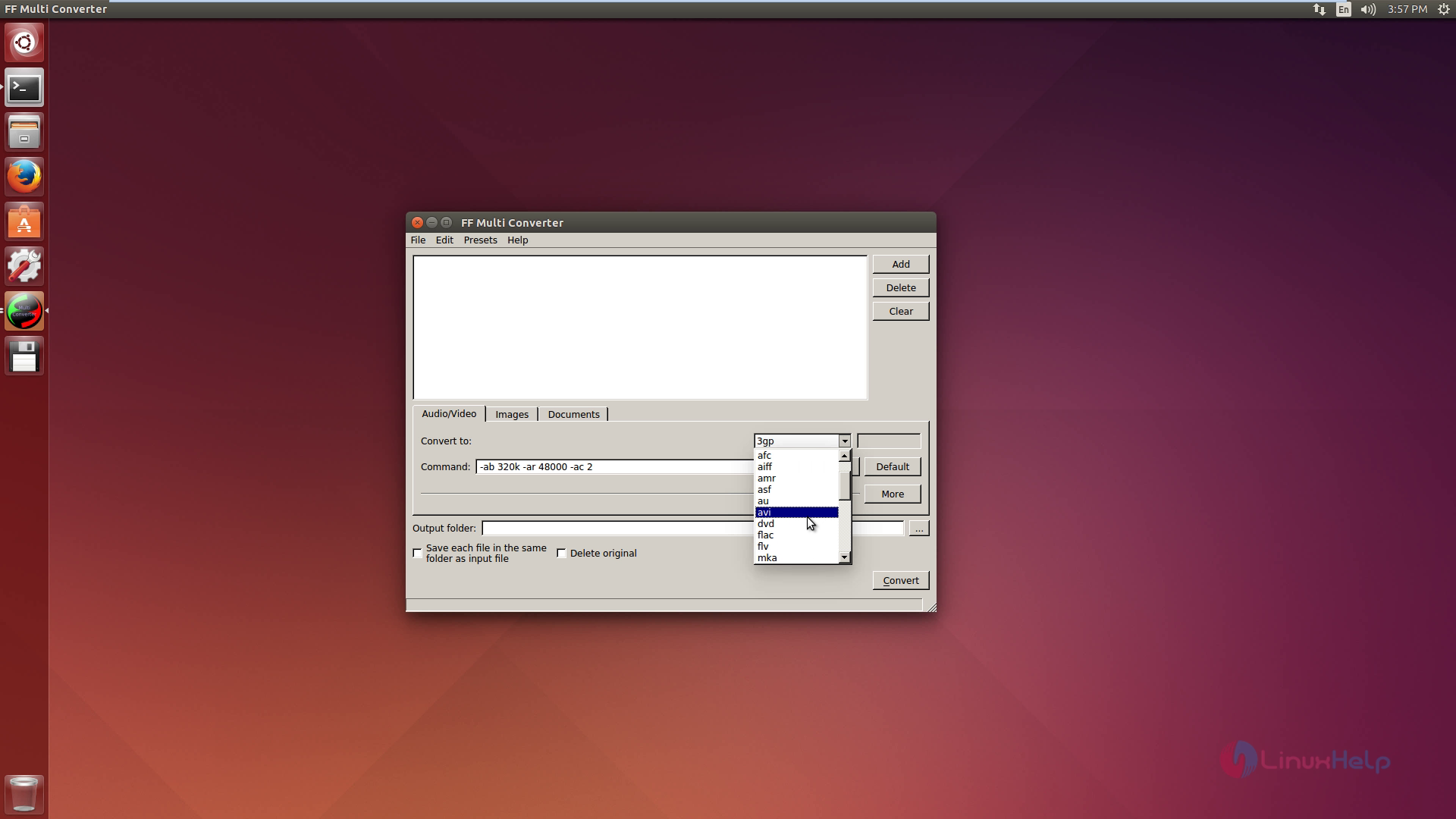
To convert the file, select the format as you wish.
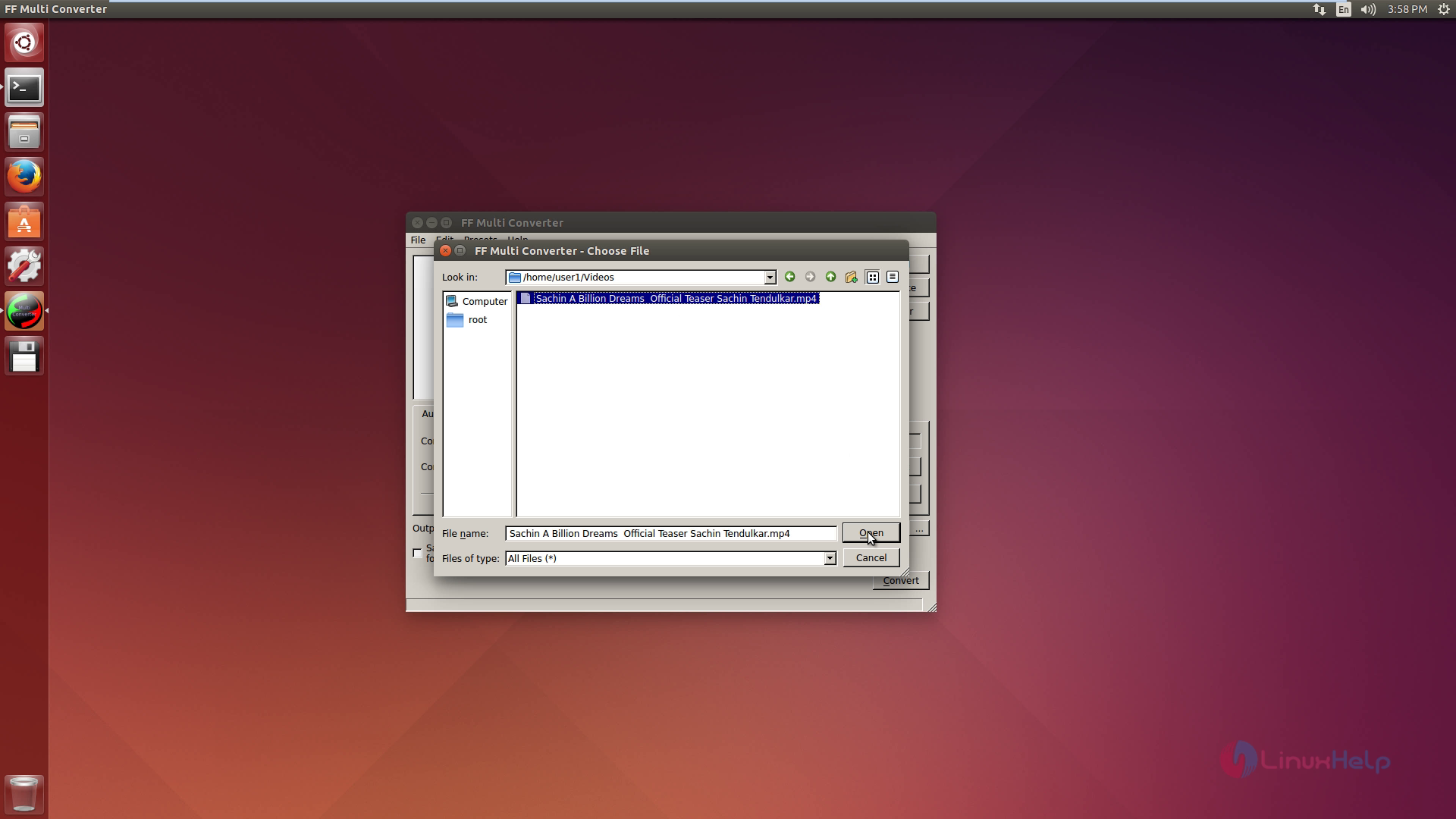
Then choose the file which you want to convert.
Click convert option.
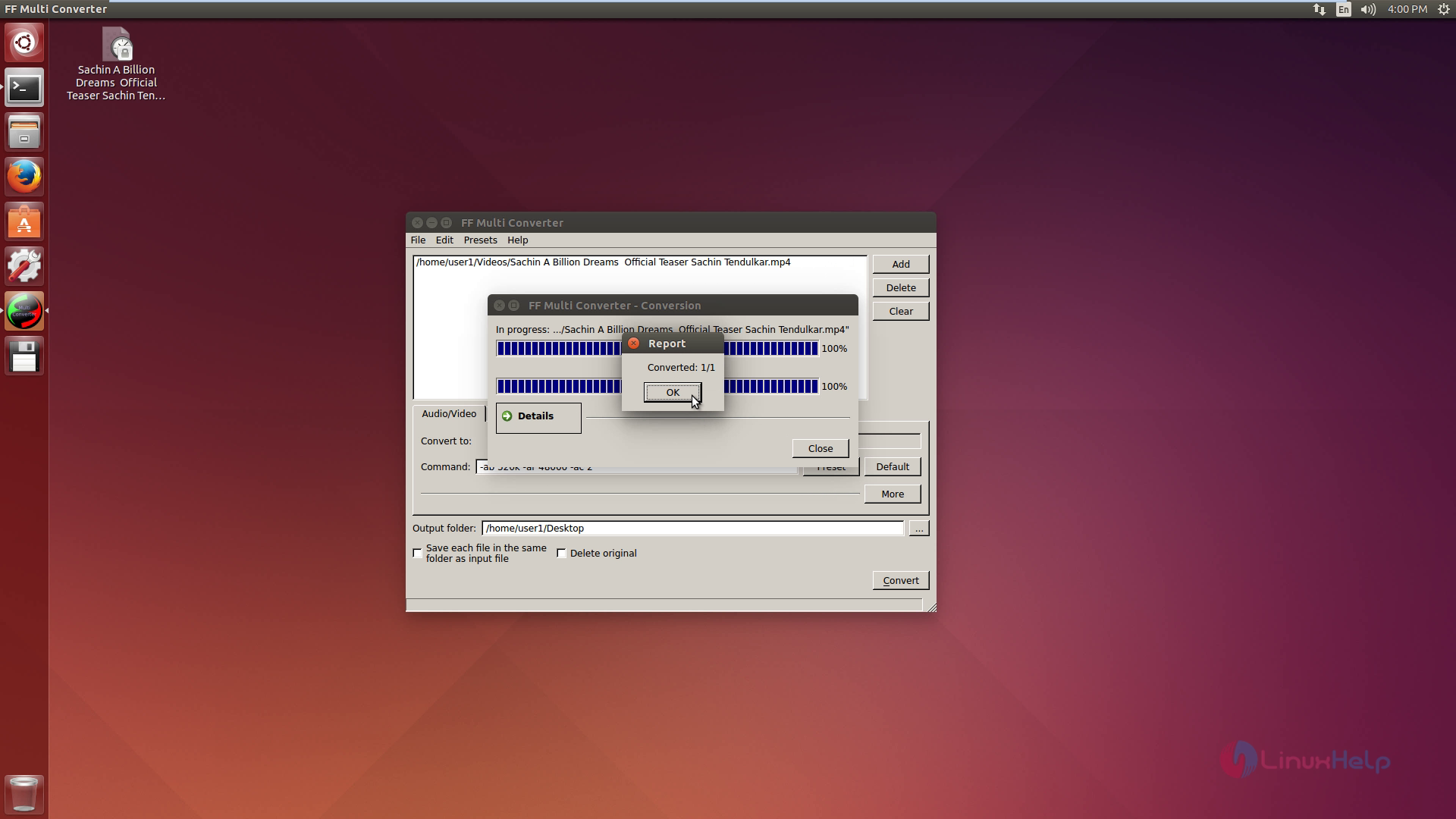
Now the video converted successfully.
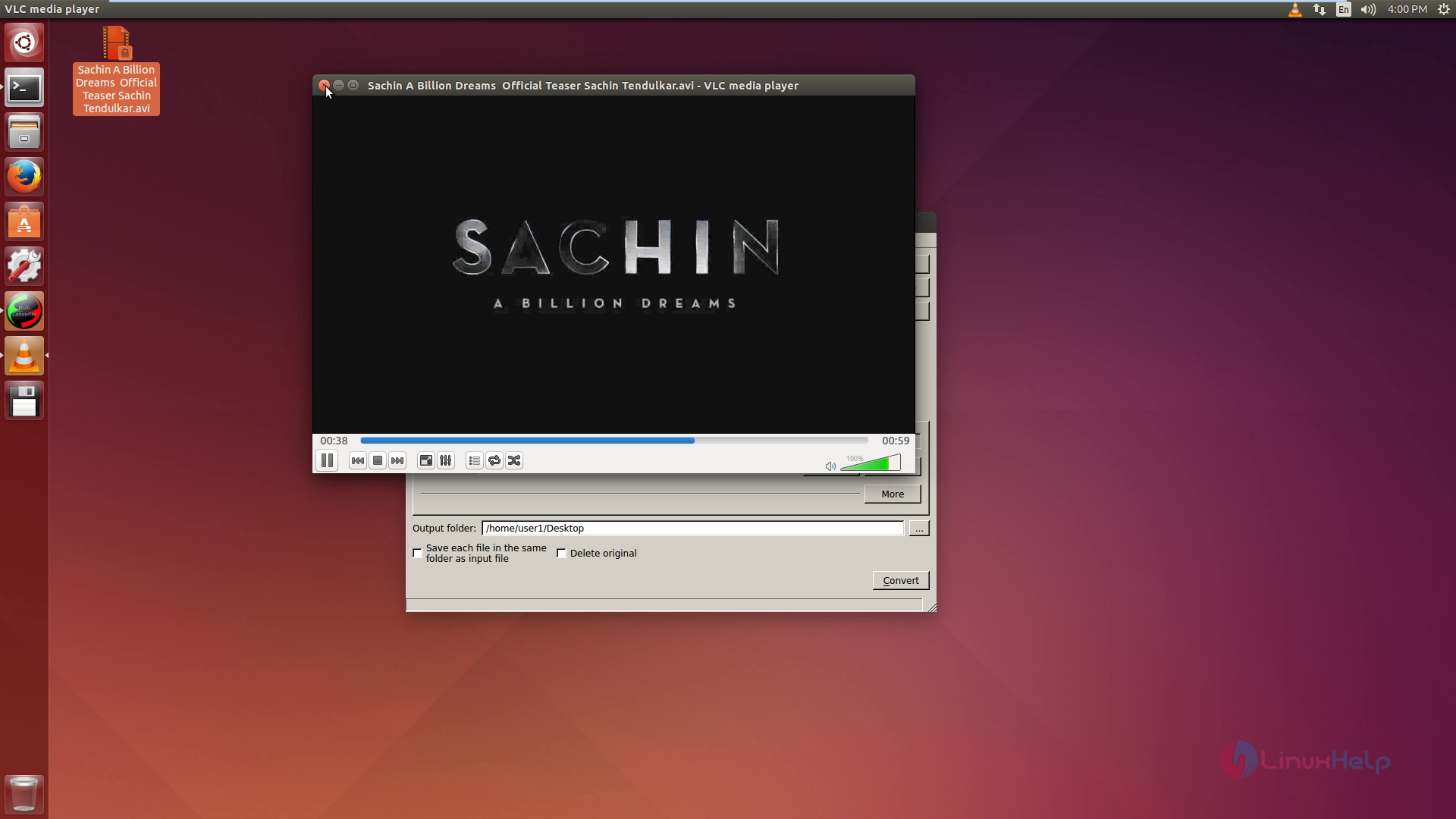
Audio conversion
To convert the file, select the format.
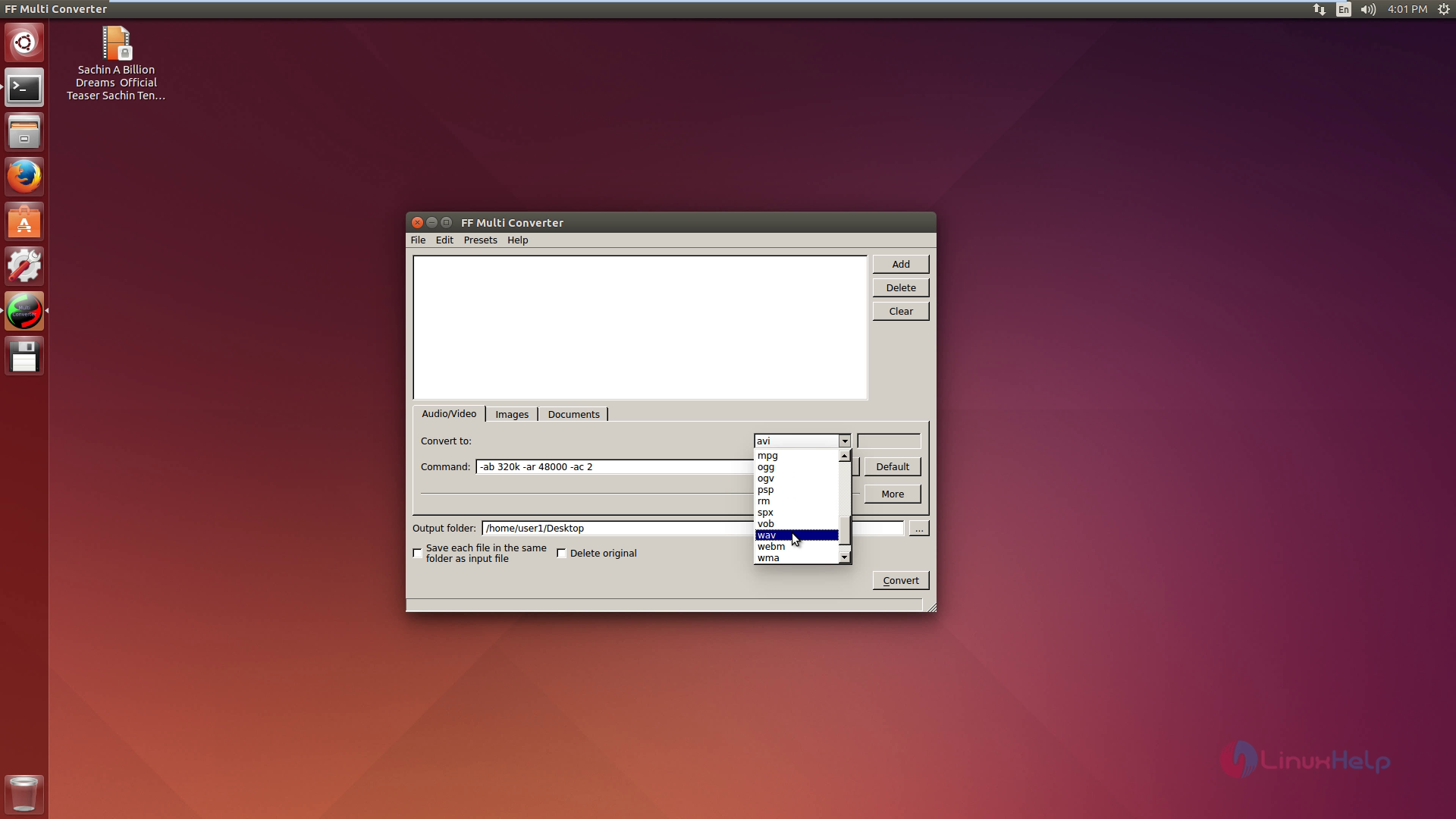
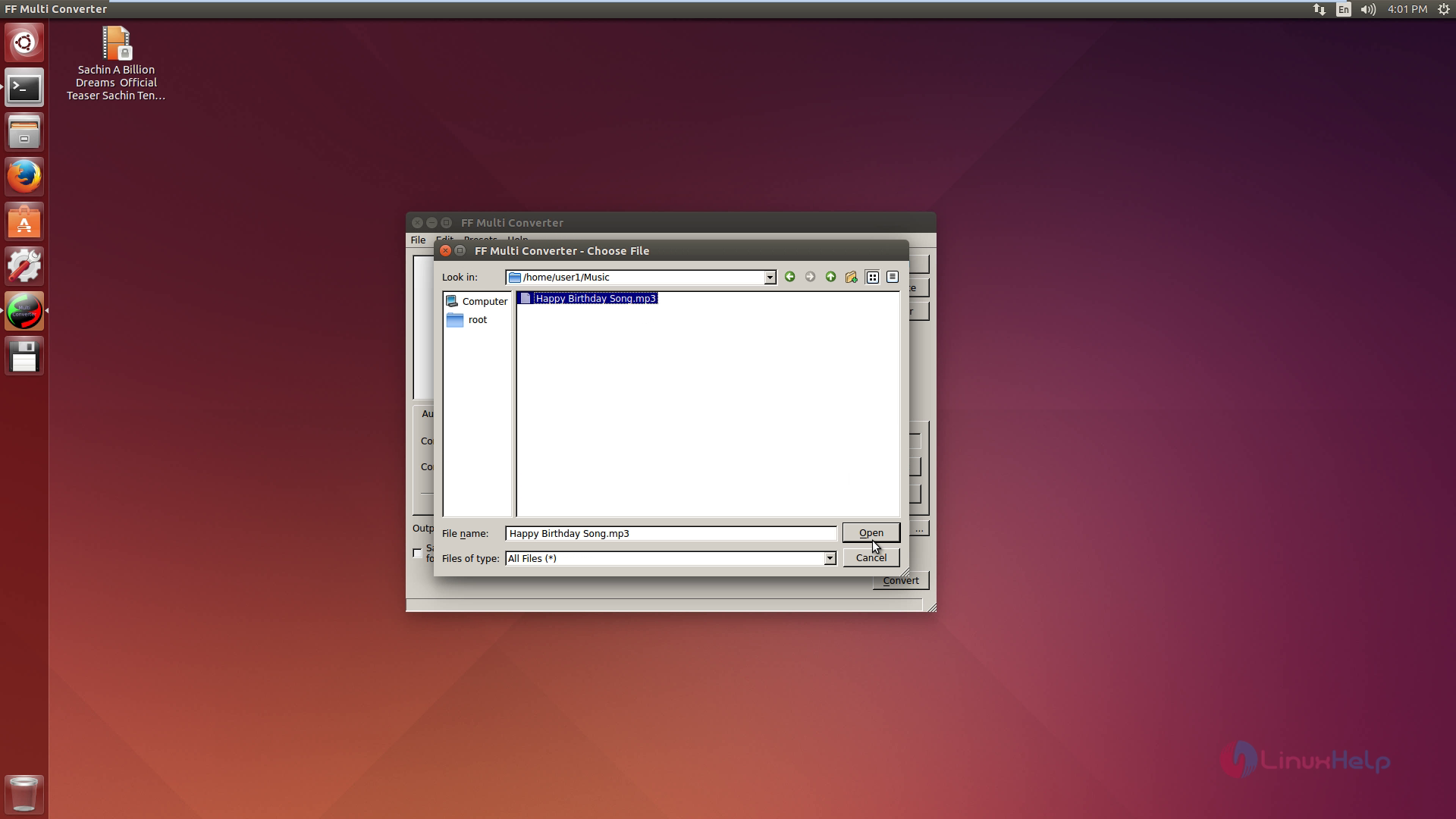
Then choose the file and click on convert option.
Now the audio converted successfully.
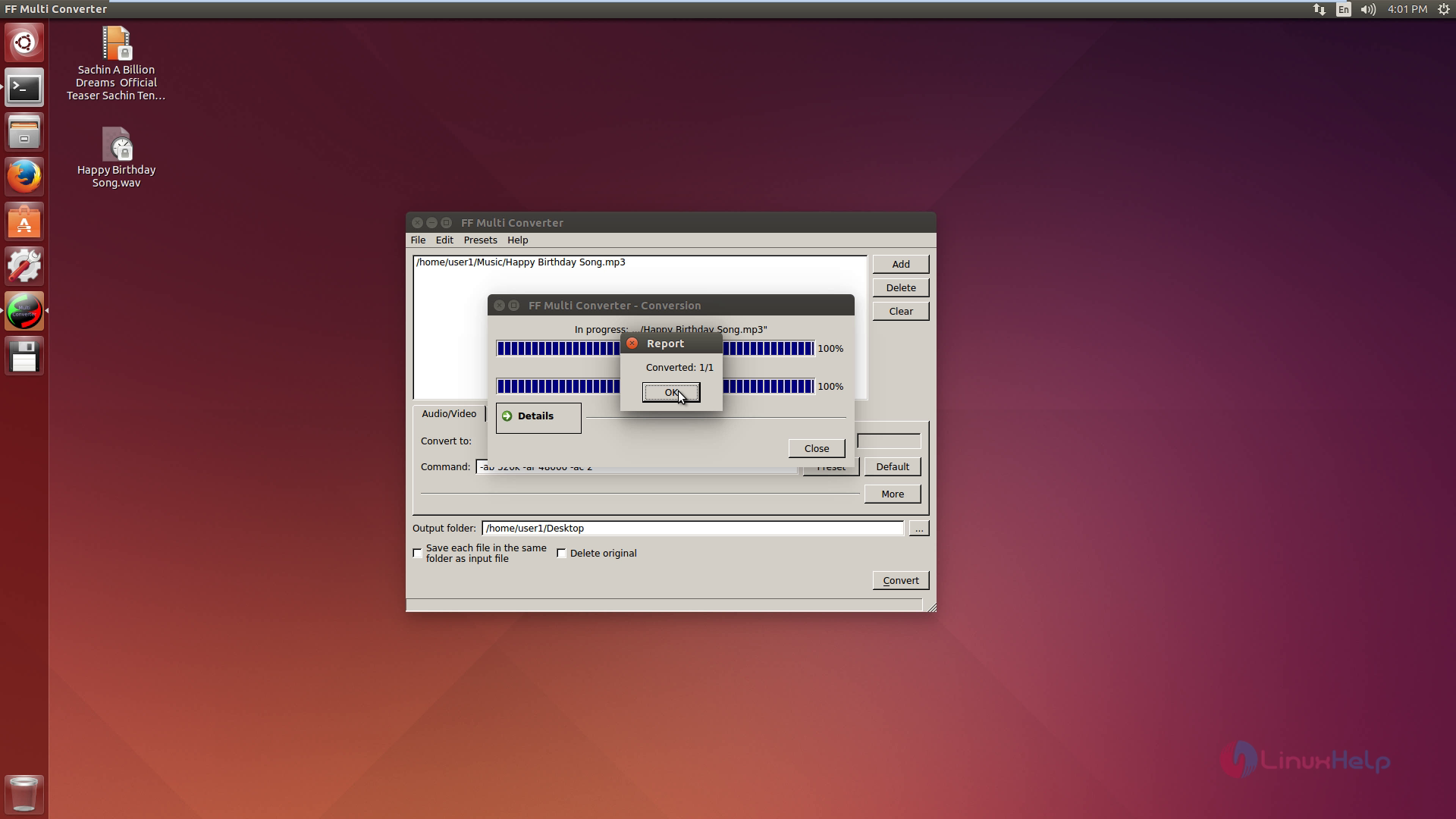
Image conversion
To convert the file, select the format.
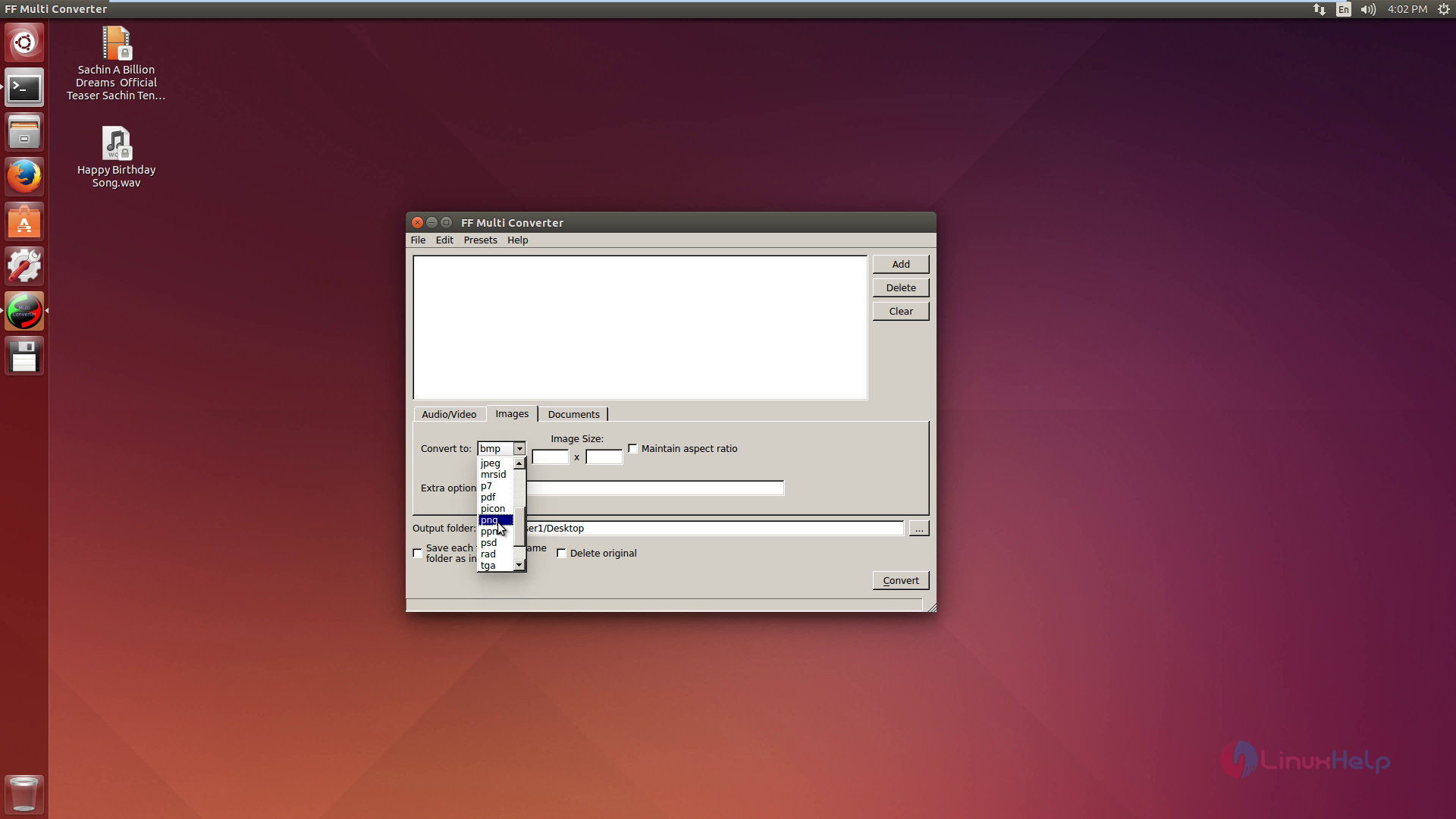
Then choose the file and click on convert option.
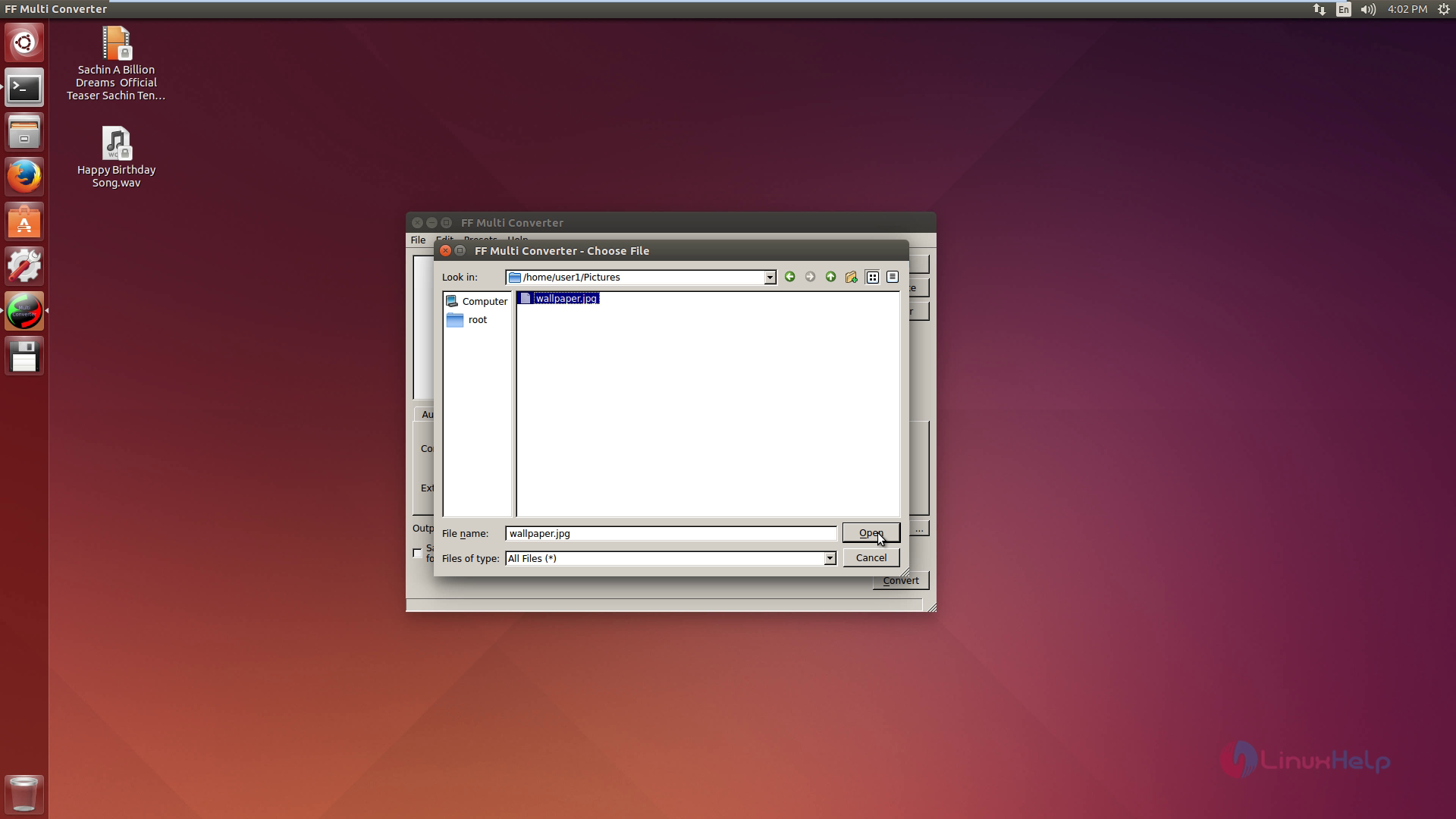
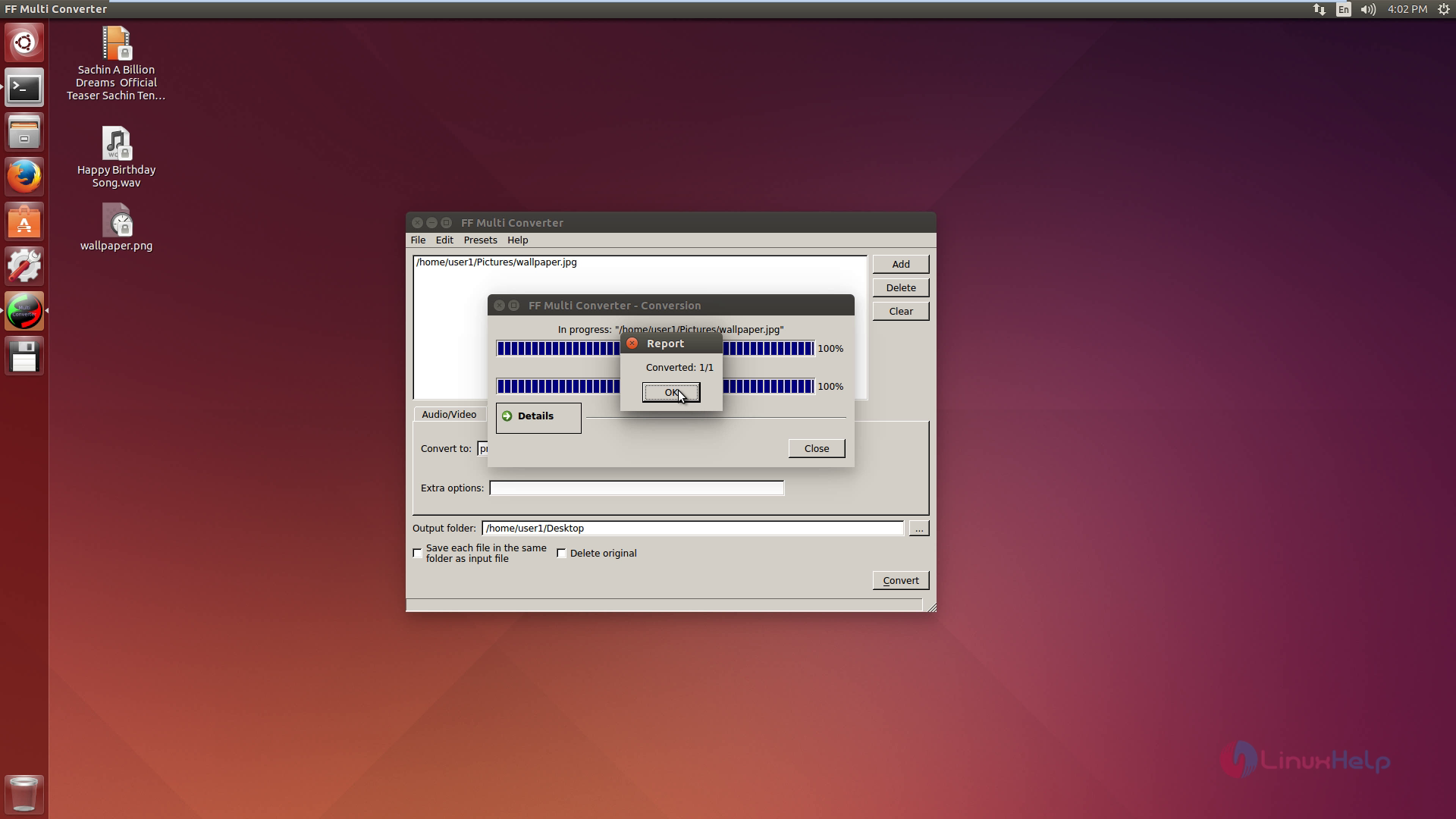
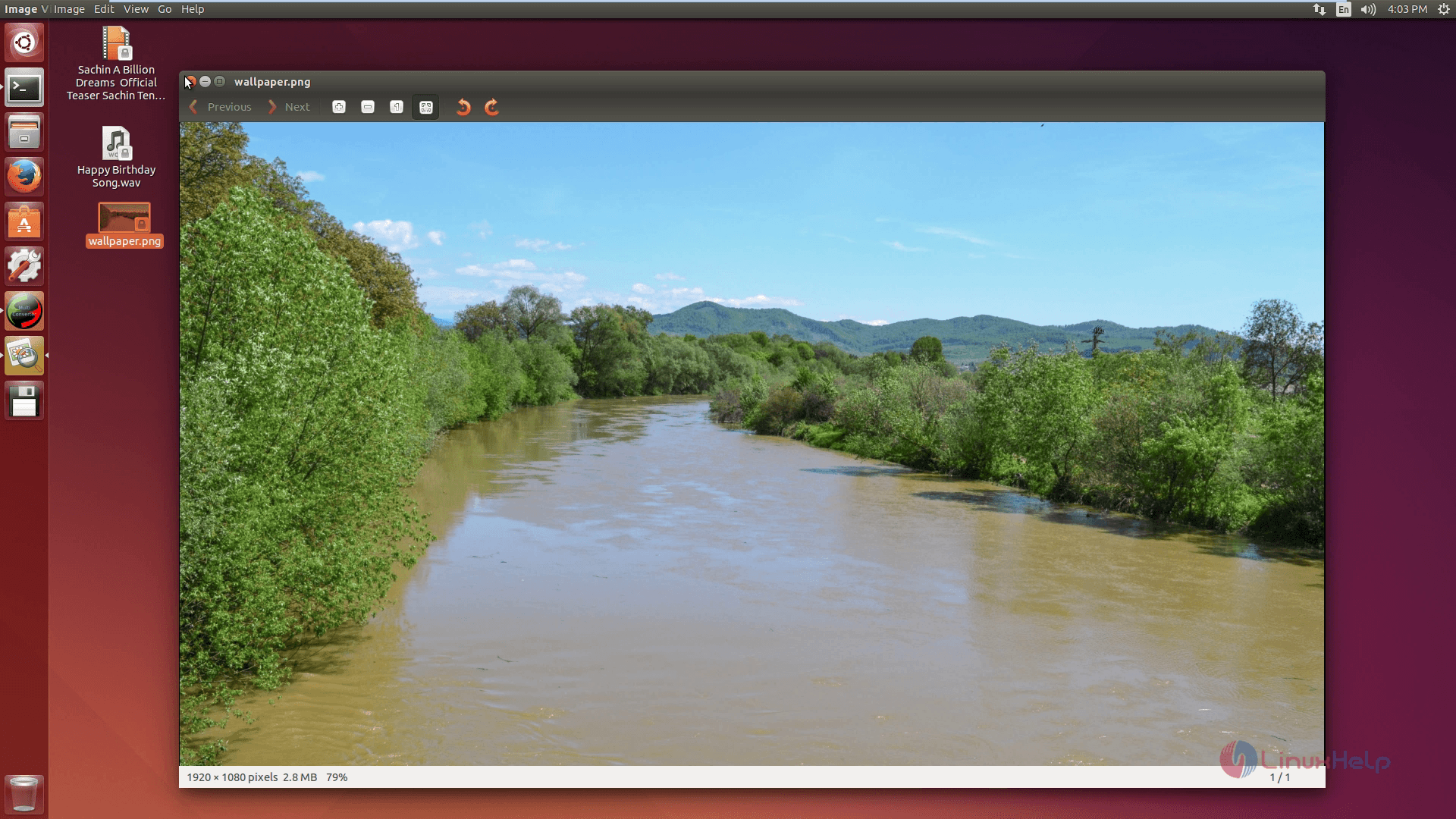
Now the image converted successfully.
Document files coversion
To convert the file, select the format.
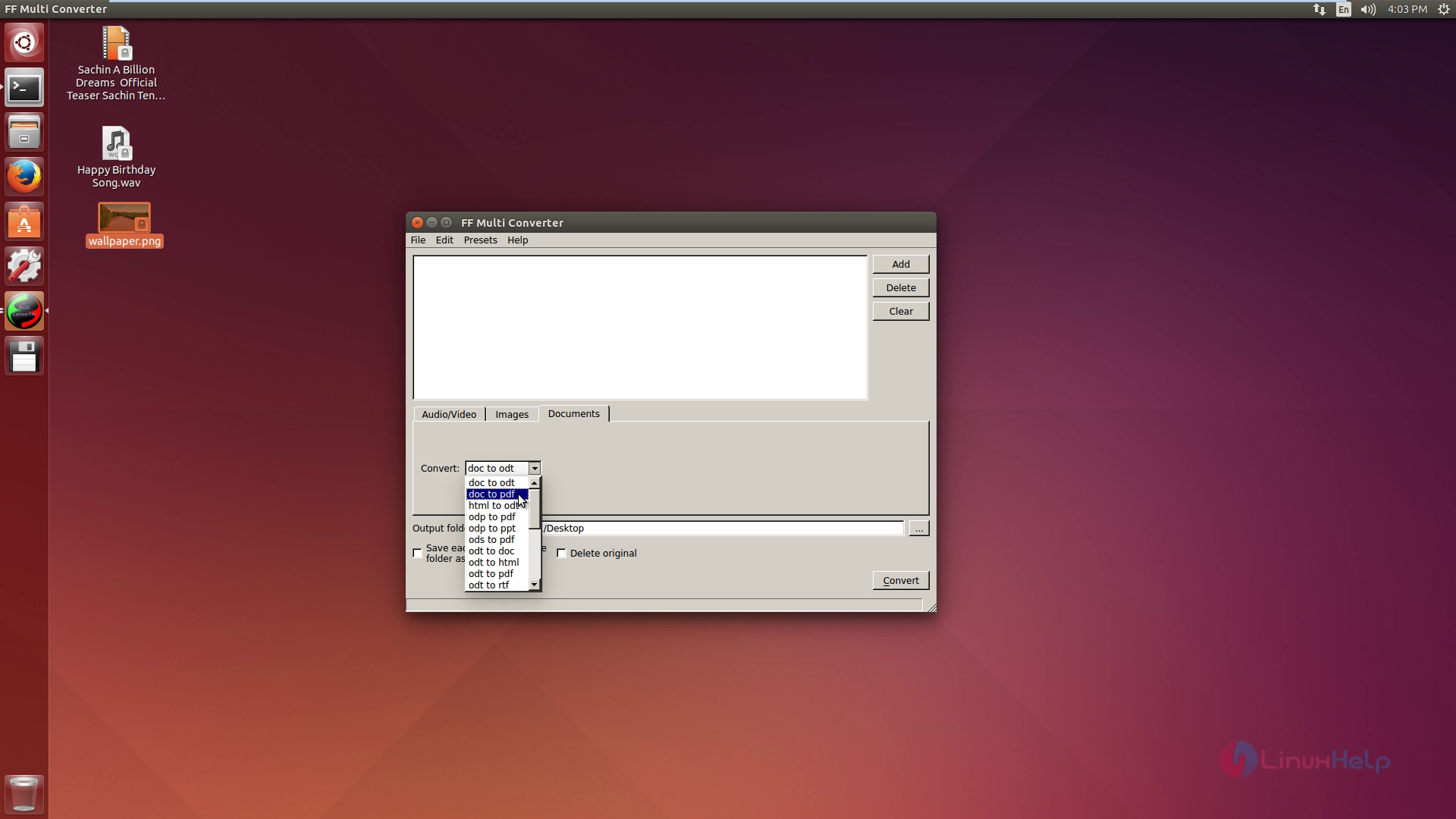
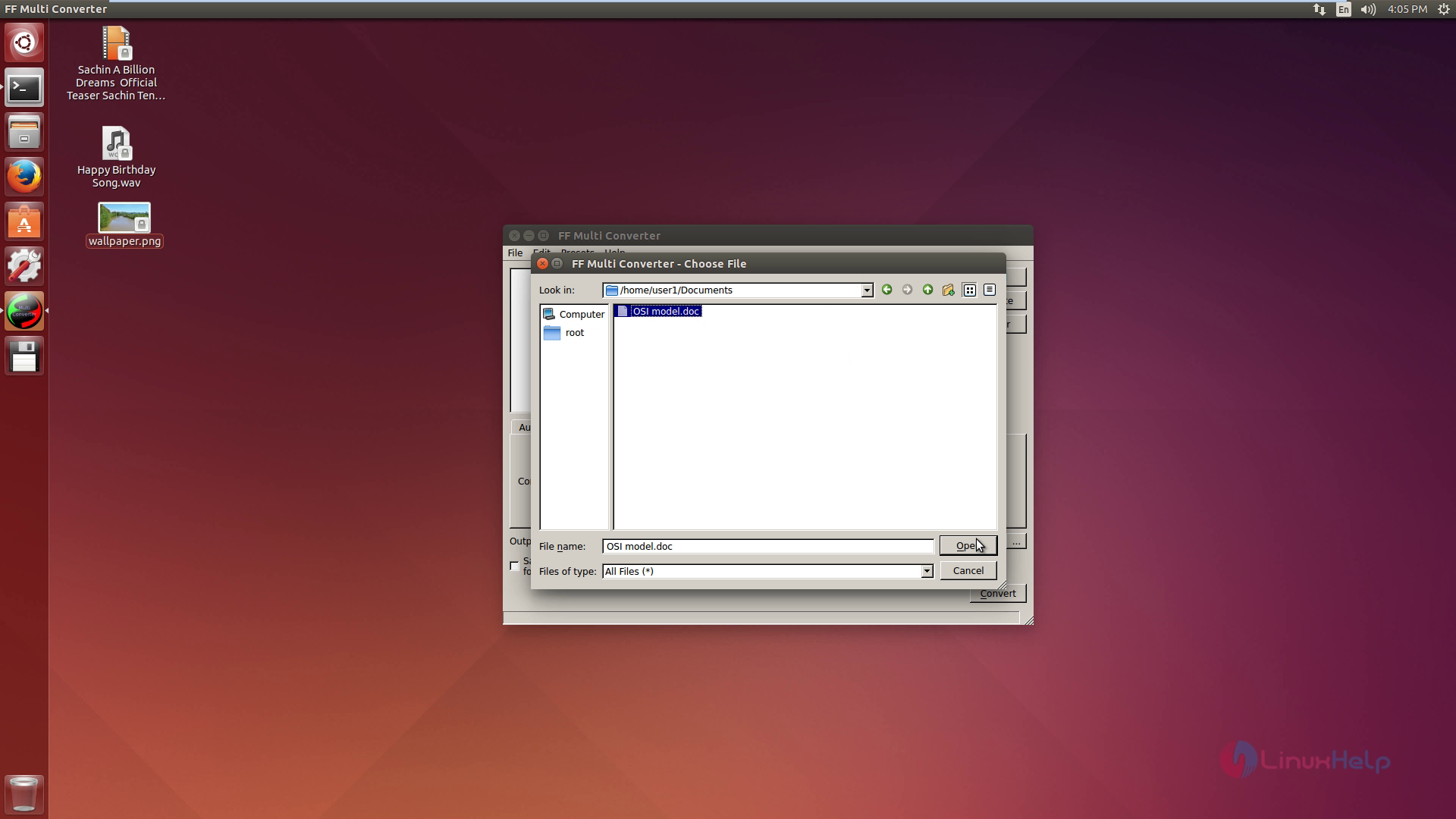
Then choose the file and click on convert option.
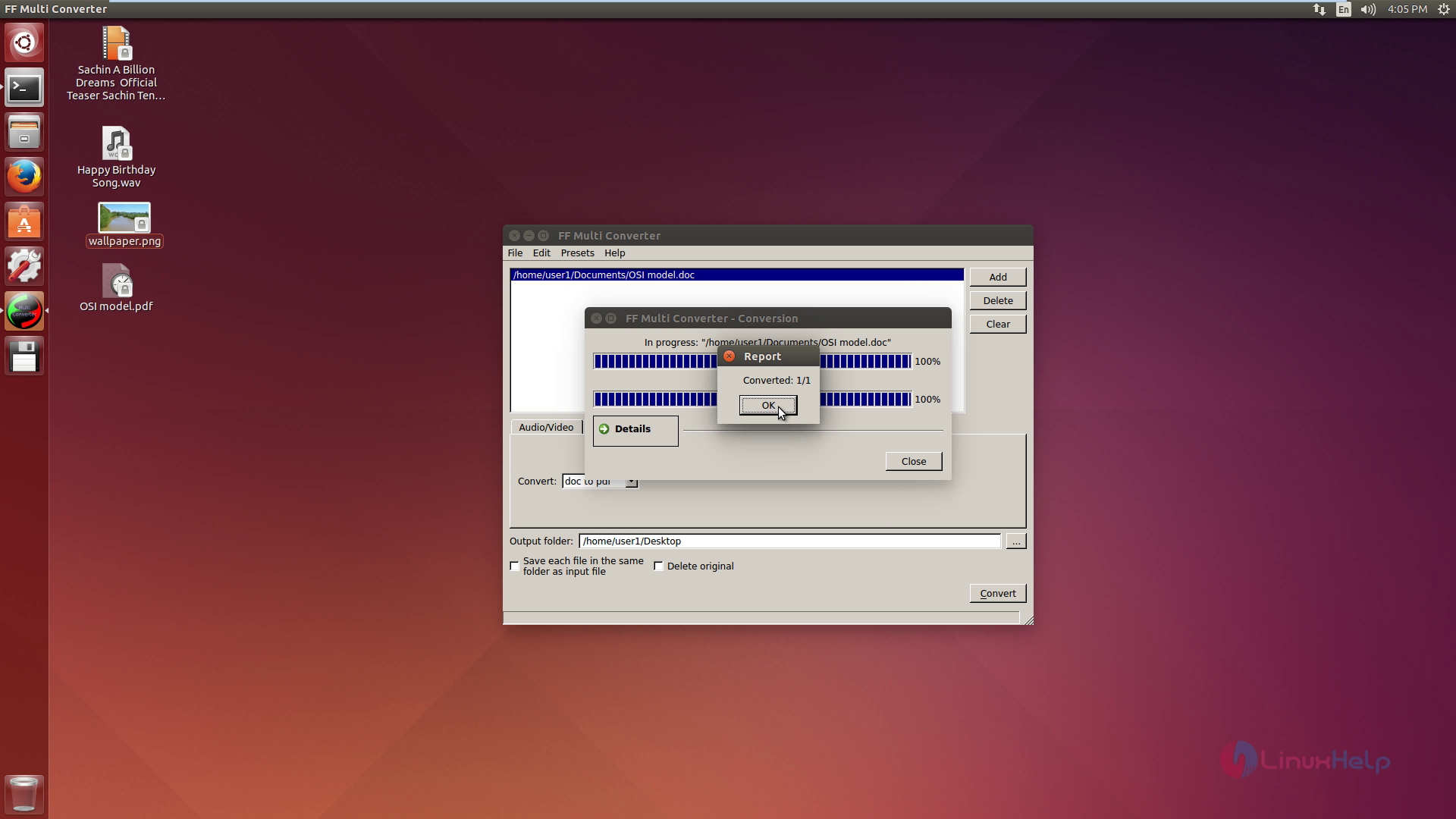
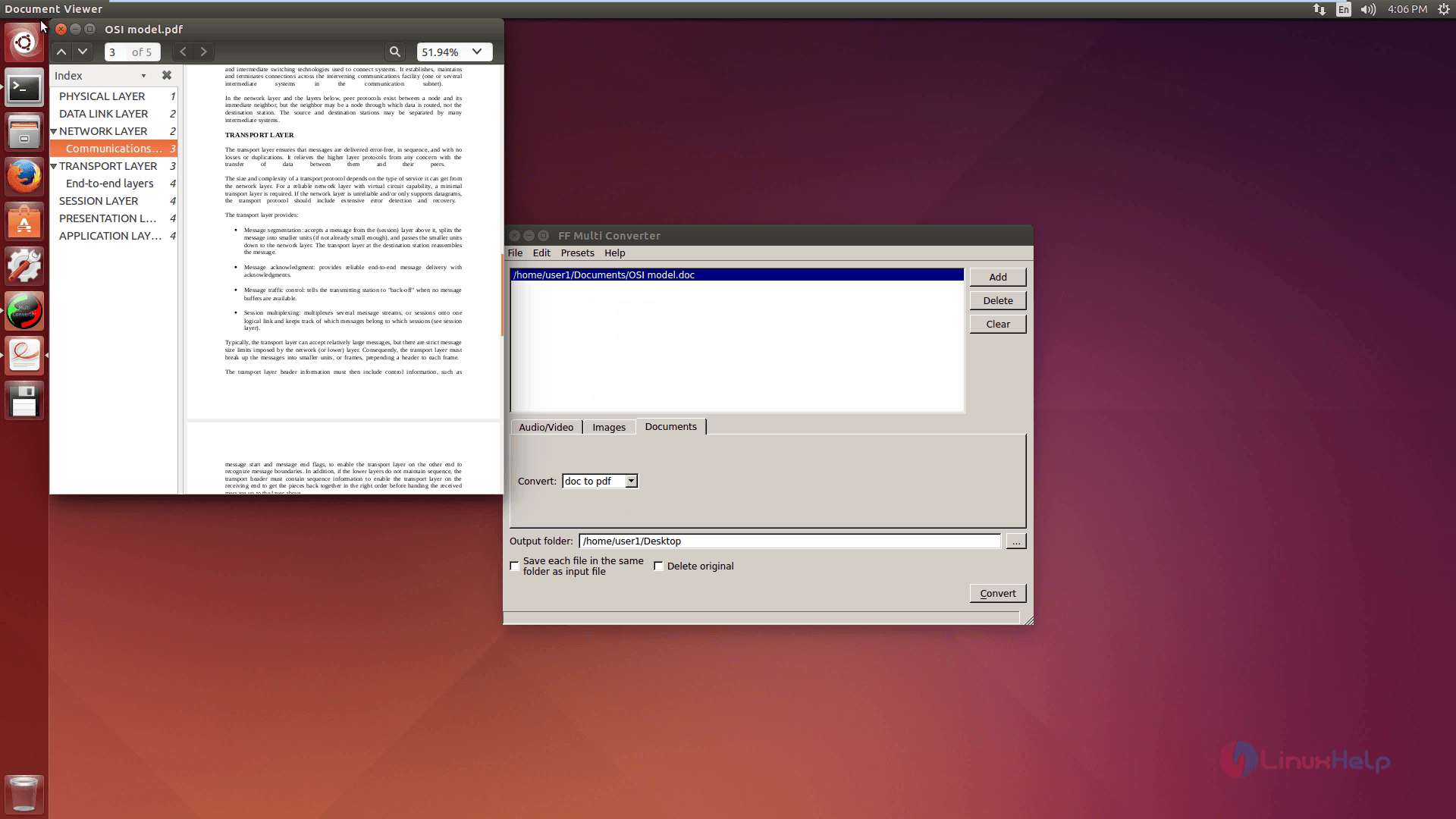
Now the document converted successfully.
Comments ( 0 )
No comments available