How to install FileZilla on Ubuntu-18.04
{{postValue.id}}
To install FileZilla on Ubuntu-18.04
FileZilla is a cross-platform and free software FTP application, consisting of FileZilla Client and FileZilla Server. which allows us to upload or download file to FTP server.it’ s available for all major operating system such as Linux, windows, and mac os.
Installation
Update the system repository using the following command
root@linuxhelp:~# apt-get update
Hit:1 http://archive.canonical.com/ubuntu bionic InRelease
Hit:2 http://in.archive.ubuntu.com/ubuntu bionic InRelease
Hit:3 http://security.ubuntu.com/ubuntu bionic-security InRelease
Hit:4 http://in.archive.ubuntu.com/ubuntu bionic-updates InRelease
Hit:5 http://in.archive.ubuntu.com/ubuntu bionic-backports InRelease
Reading package lists... Done
Install FileZilla application using the following command.
root@linuxhelp:~# apt-get install filezilla -y
Reading package lists... Done
Building dependency tree
Reading state information... Done

The following additional packages will be installed:

  filezilla-common libfilezilla0 libpugixml1v5 libwxbase3.0-0v5 libwxgtk3.0-0v5

The following NEW packages will be installed:

  filezilla filezilla-common libfilezilla0 libpugixml1v5 libwxbase3.0-0v5 libwxgtk3.0-0v5
0 upgraded, 6 newly installed, 0 to remove and 469 not upgraded.
Need to get 9,359 kB of archives.
After this operation, 38.1 MB of additional disk space will be used.
Get:1 http://in.archive.ubuntu.com/ubuntu bionic/universe amd64 filezilla-common all 3.28.0-1 [2,301 kB]
Get:2 http://in.archive.ubuntu.com/ubuntu bionic/universe amd64 libfilezilla0 amd64 0.11.0-1 [48.3 kB]
Get:3 http://in.archive.ubuntu.com/ubuntu bionic/universe amd64 libpugixml1v5 amd64 1.8.1-7 [82.8 kB]
Get:4 http://in.archive.ubuntu.com/ubuntu bionic/universe amd64 libwxbase3.0-0v5 amd64 3.0.4+dfsg-3 [954 kB]
Get:5 http://in.archive.ubuntu.com/ubuntu bionic/universe amd64 libwxgtk3.0-0v5 amd64 3.0.4+dfsg-3 [4,182 kB]
Get:6 http://in.archive.ubuntu.com/ubuntu bionic/universe amd64 filezilla amd64 3.28.0-1 [1,791 kB]
Fetched 9,359 kB in 22s (425 kB/s)
Selecting previously unselected package filezilla-common.
(Reading database ... 127787 files and directories currently installed.)
.
.
.
Setting up libwxbase3.0-0v5:amd64 (3.0.4+dfsg-3) ...
Processing triggers for libc-bin (2.27-0ubuntu2) ...
Setting up filezilla-common (3.28.0-1) ...
Processing triggers for man-db (2.8.2-1) ...
Processing triggers for gnome-menus (3.13.3-11ubuntu1) ...
Processing triggers for hicolor-icon-theme (0.17-2) ...
Setting up libfilezilla0 (0.11.0-1) ...
Setting up libwxgtk3.0-0v5:amd64 (3.0.4+dfsg-3) ...
Setting up filezilla (3.28.0-1) ...
Processing triggers for libc-bin (2.27-0ubuntu2) ...
Once Installation is done you can access the application from the Menu as shown here
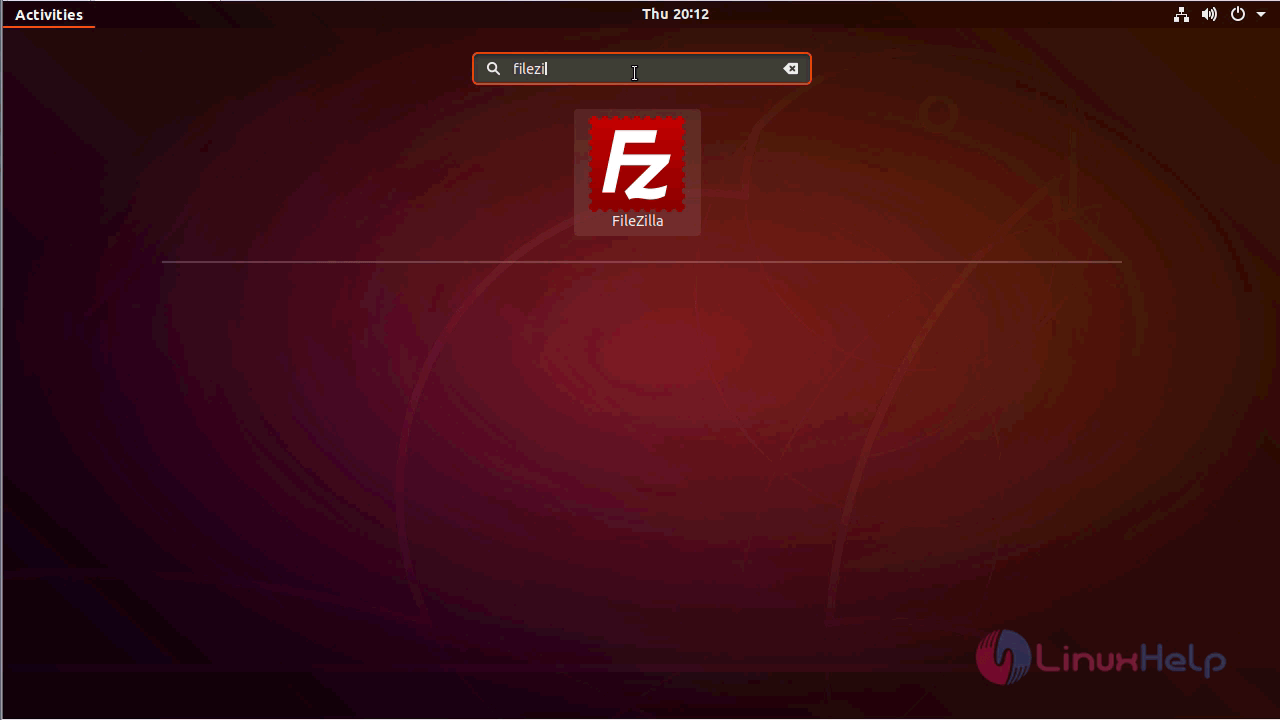
FileZilla application.
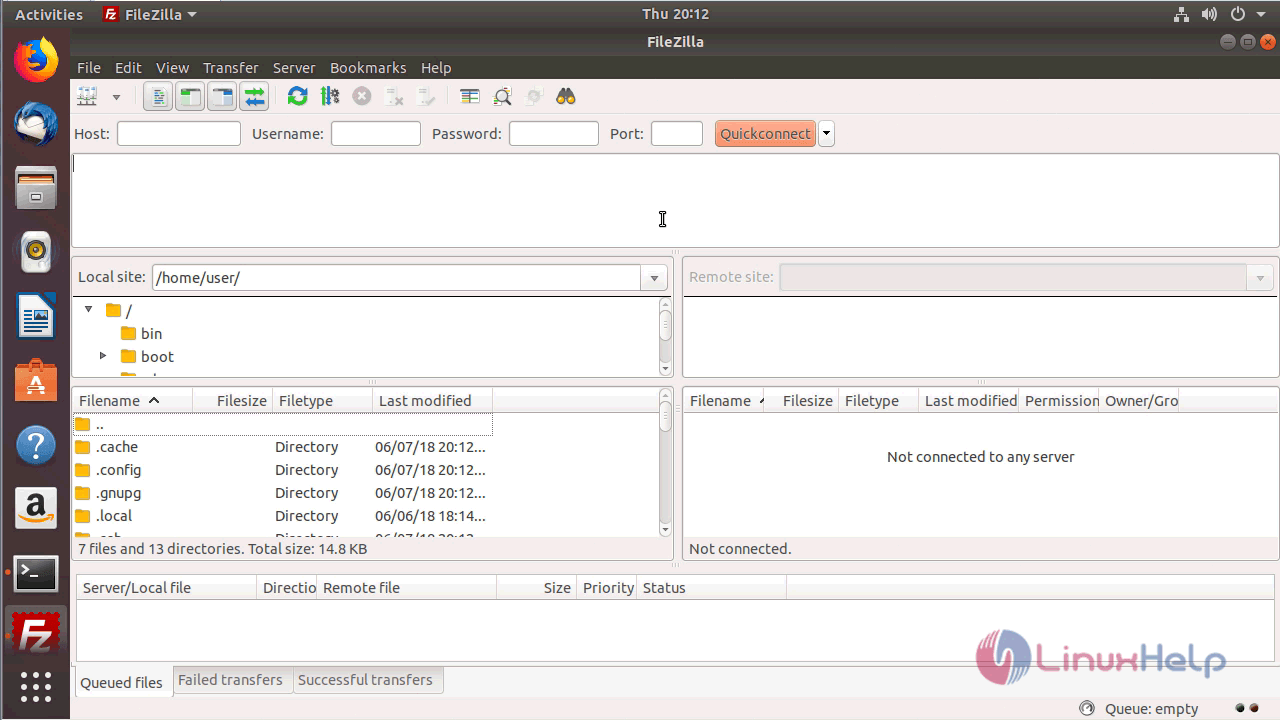
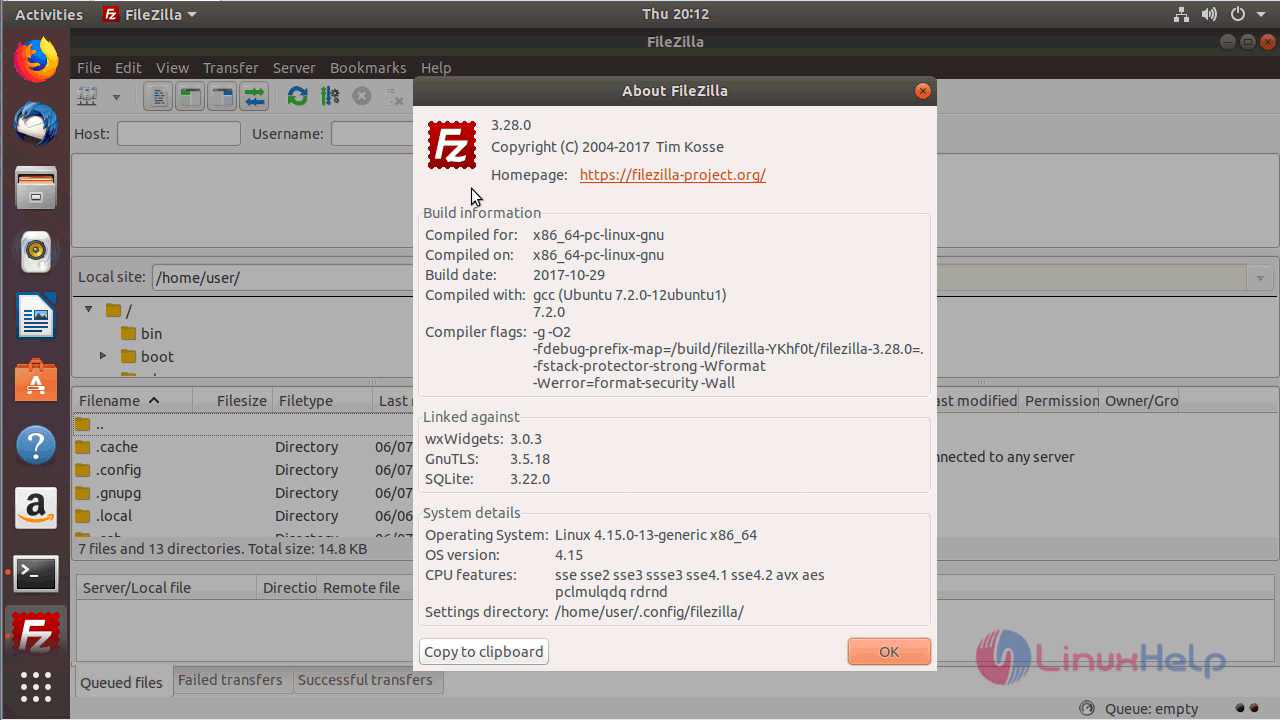
The version of FileZilla
With this, the method to install FileZilla on Ubuntu-18.04 comes to an end.
Comments ( 0 )
No comments available