How to install FlareGet 4.3.95
{{postValue.id}}
Full Featured Popular Download Manager for Linux- FlareGet 4.3.95
FlareGet 4.3 is a popular full featured, multi-threaded, advanced and multi-segment file download manager for Linux. It is a widely used download manager for Linux and each release comes with major changes. This tutorial explains the installation procedure of FlareGet.
Features
- Intelligent File Management - A Built-in smart file management engine that automatically identify files based on their extensions.
- Multi-Protocol Support - It supports HTTP, HTTPS and FTP protocols to download files from the web and also it supports metalink downloads.
- Dynamic File Segmentation &ndash Its built-in robust dynamic file segmentation mode is used to split downloads into segments to boost the download speed.
- Smart Scheduler &ndash You can very quickly schedule flareGet to download your files automatically.
- YouTube Grabber -Support for click flash video download from YouTube for all modern browsers.
- Multi Language Support&ndash It is available in 17 different languages.
- Clipboard Monitoring &ndash No need to copy paste your download URL, it automatically monitors your clipboard.
- Add or Remove Segments &ndash The user can add or remove download segments dynamically without disturbing the current download.
- Speed Limits &ndash The user can set download limit speed for file downloads to avoid usage of full bandwidth.
- Limit Downloads &ndash The user can set limit on the number of simultaneous downloads, when one download finished, another starts automatically.
Requirements
On 32-Bit System
wget http://flareget.com/files/flareget/debs/i386/flareget_3.2-42_i386.deb
sudo dpkg -i flareget_3.2-42_i386.deb
On 64-Bit System
user1@linuxhelp:~$ wget https://flareget.com/downloads/files/flareget/debs/amd64/flareget_4.3-95_amd64.deb
--2016-04-13 04:37:16--  https://flareget.com/downloads/files/flareget/debs/amd64/flareget_4.3-95_amd64.deb
Resolving flareget.com (flareget.com)... 104.28.3.96, 104.28.2.96, 2400:cb00:2048:1::681c:360, ...
Connecting to flareget.com (flareget.com)|104.28.3.96|:443... connected.
HTTP request sent, awaiting response... 200 OK
Length: unspecified [application/x-debian-package]
Saving to: ‘ flareget_4.3-95_amd64.deb’

flareget_4.3-95_     [       < =>  ]   1.09M   604KB/s   in 1.9s

2016-04-13 04:37:19 (604 KB/s) - ‘ flareget_4.3-95_amd64.deb’  saved [1144598]
user1@linuxhelp:~$ sudo dpkg -i flareget_4.3-95_amd64.deb
[sudo] password for user1:
Selecting previously unselected package flareget.
(Reading database ... 175304 files and directories currently installed.)
Preparing to unpack flareget_4.3-95_amd64.deb ...
Unpacking flareget (4.3-95) ...
Setting up flareget (4.3-95) ...
Processing triggers for man-db (2.7.4-1) ...
Processing triggers for hicolor-icon-theme (0.15-0ubuntu1) ...
Processing triggers for gnome-menus (3.13.3-6ubuntu1) ...
Processing triggers for desktop-file-utils (0.22-1ubuntu3) ...
Processing triggers for bamfdaemon (0.5.2~bzr0+15.10.20150627.1-0ubuntu1) ...
Rebuilding /usr/share/applications/bamf-2.index...
Processing triggers for mime-support (3.58ubuntu1) ...
user1@linuxhelp:~$ flareget
Some of the Screen Shots of FlareGet
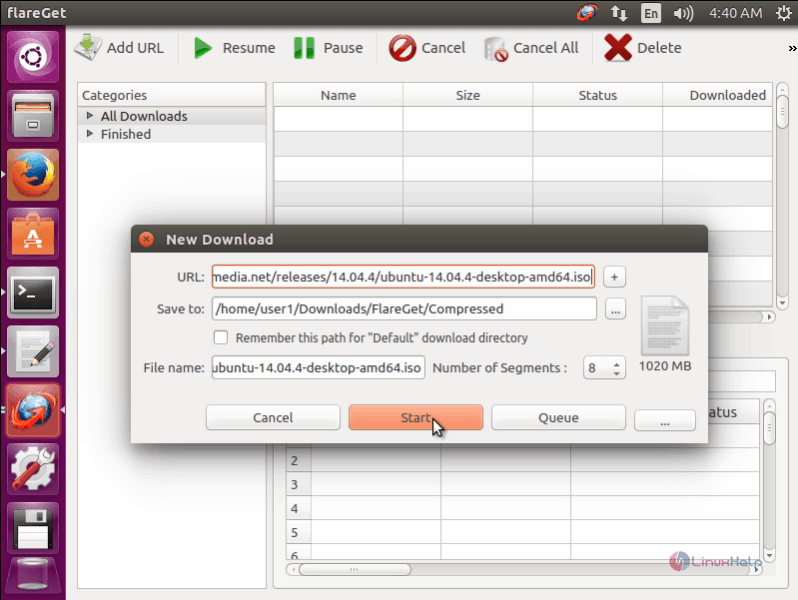
New download
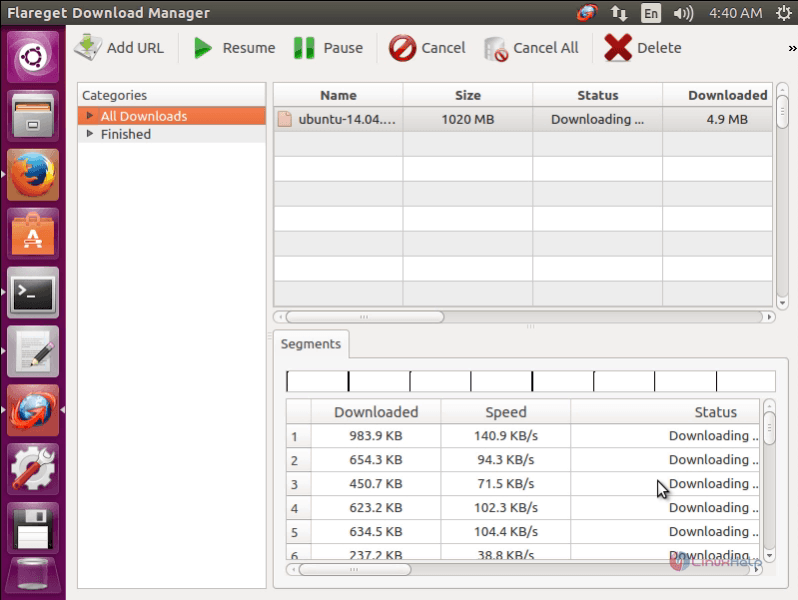
All downloads
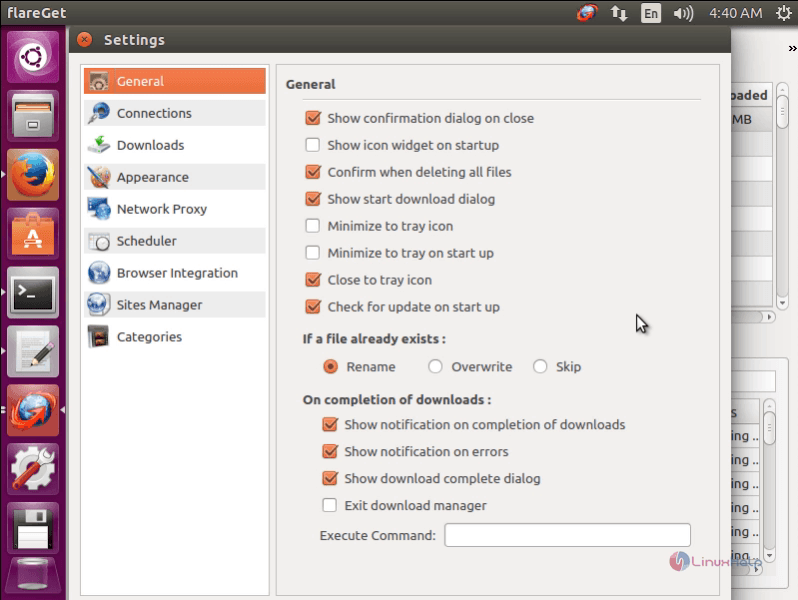
General settings
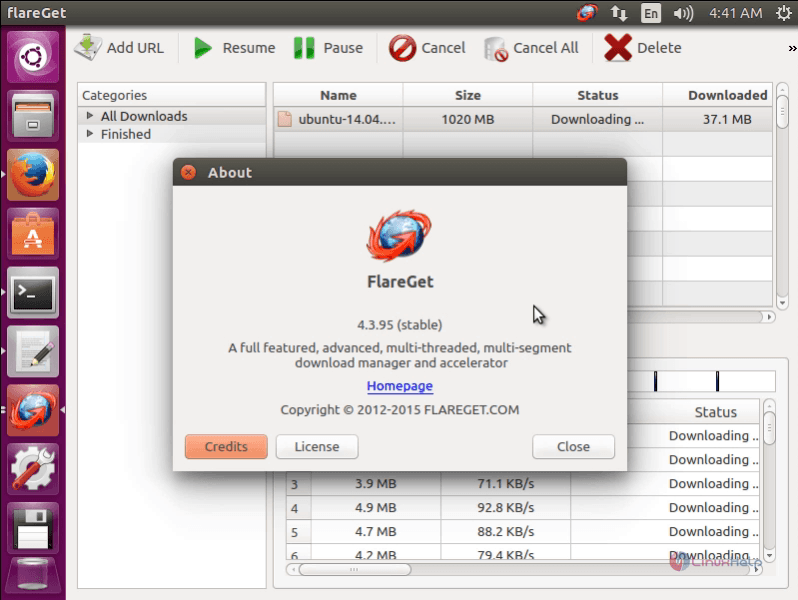
About FlareGet version
It is a shareware application and thus in order to access to all its features, you need to purchase it.
Comments ( 0 )
No comments available