How to install Flatpress CMS on Ubuntu 21.04
- 00:40 lsb_release -a
- 00:57 wget https://github.com/flatpressblog/flatpress/archive/1.1.zip
- 01:11 unzip 1.1.zip
- 01:32 mv flatpress-1.1/ /var/www/flatpress
- 01:57 chown –R www-data. /var/www/flatpress
- 02:25 chown -R 775 /var/www/flatpress
- 02:28 vi /etc/apache2/sites-available/flatpress.conf
- 03:12 a2dissite 000-default.conf
- 03:28 a2ensite flatpress.conf
- 03:48 a2enmod rewrite
- 04:38 Restarting the apache webserver
- 05:13 vi /etc/hosts
To Install Flatpress CMS on Ubuntu 21.04
Introduction
CMS stands for the content management system, which is the software used to manage digital content. It relies on text files to store all of its content, so it does not need MySQL.
Prerequisites:
• Apache Web server
• Php and Its Modules
Step 1: Check the OS version by using the following command
root@linuxhelp:~# lsb_release -a
No LSB modules are available.
Distributor ID:	Ubuntu
Description:	Ubuntu 21.04
Release:	21.04
Codename:	hirsute
Step 2: Download the Flatpress CMS by using the following command
root@linuxhelp:~# wget https://github.com/flatpressblog/flatpress/archive/1.1.zip
--2021-11-22 23:28:08--  https://github.com/flatpressblog/flatpress/archive/1.1.zip
Resolving github.com (github.com)... 13.234.176.102
Connecting to github.com (github.com)|13.234.176.102|:443... connected.
HTTP request sent, awaiting response... 302 Found
Location: https://codeload.github.com/flatpressblog/flatpress/zip/1.1 [following]
--2021-11-22 23:28:08--  https://codeload.github.com/flatpressblog/flatpress/zip/1.1
Resolving codeload.github.com (codeload.github.com)... 13.127.152.42
Connecting to codeload.github.com (codeload.github.com)|13.127.152.42|:443... connected.
HTTP request sent, awaiting response... 200 OK
Length: unspecified [application/zip]
Saving to: ‘1.1.zip’

1.1.zip                           [    <=>                                         ]   1021K  1.33MB/s    in 0.8s

2021-11-22 23:28:09 (1.33 MB/s) - ‘1.1.zip’ saved [1045826]
Step3: Extract Flatpress CMS by using the following com mand
root@linuxhelp:~# unzip 1.1.zip
Archive:  1.1.zip
0b3fdc7d4e583f8be840b7130a9e4320a3f85200
   creating: flatpress-1.1/
  inflating: flatpress-1.1/.gitignore
  inflating: flatpress-1.1/CHANGELOG.md
  inflating: flatpress-1.1/LICENSE.md
  inflating: flatpress-1.1/README.md
  inflating: flatpress-1.1/admin.php
   creating: flatpress-1.1/admin/
  inflating: flatpress-1.1/admin/admin-inline.tpl
   creating: flatpress-1.1/admin/imgs/
 extracting: flatpress-1.1/admin/imgs/config.png


inflating: flatpress-1.1/setup/tpls/step2.tpl.php
  inflating: flatpress-1.1/setup/tpls/step3.tpl.php
  inflating: flatpress-1.1/static.php
Step 3: Move the extracted file to the apache home directory
root@linuxhelp:~# mv flatpress-1.1/ /var/www/flatpress
Step 4: Change Ownership to the CMS directory
root@linuxhelp:~# chown –R www-data. /var/www/flatpress
Step 5: Give write Permission to the CMS directory
root@linuxhelp:~# chmod -R 775 /var/www/flatpress
Step 6: Create Virtual Host for the Creating Virtual Host for the Flatpress CMS
root@linuxhelp:~# vi /etc/apache2/sites-available/flatpress.conf

<virtualhost *:80>
servername www.linuxhelp1.com
documentroot /var/www/flatpress

</virtualhost>
Step 7: Disable the default Virtual Host file of apache
root@linuxhelp:~# a2dissite 000-default.conf
Site 000-default disabled.
To activate the new configuration, you need to run:
  systemctl reload apache2
Step 8: Enable the Virtual Host
root@linuxhelp:~# a2ensite flatpress.conf
Enabling site flatpress.
To activate the new configuration, you need to run:
  systemctl reload apache2
Step 9: Enable the read write module of apache
root@linuxhelp:~# a2enmod rewrite
Enabling module rewrite.
To activate the new configuration, you need to run:
  systemctl restart apache2
Step 10: Restart the apache webserver
root@linuxhelp:~# systemctl restart apache2
Step 11: Make host entry for Flatpress CMS
root@linuxhelp:~# vi /etc/hosts
192.168.6.115 www.linuxhelp1.com
Ping the domain
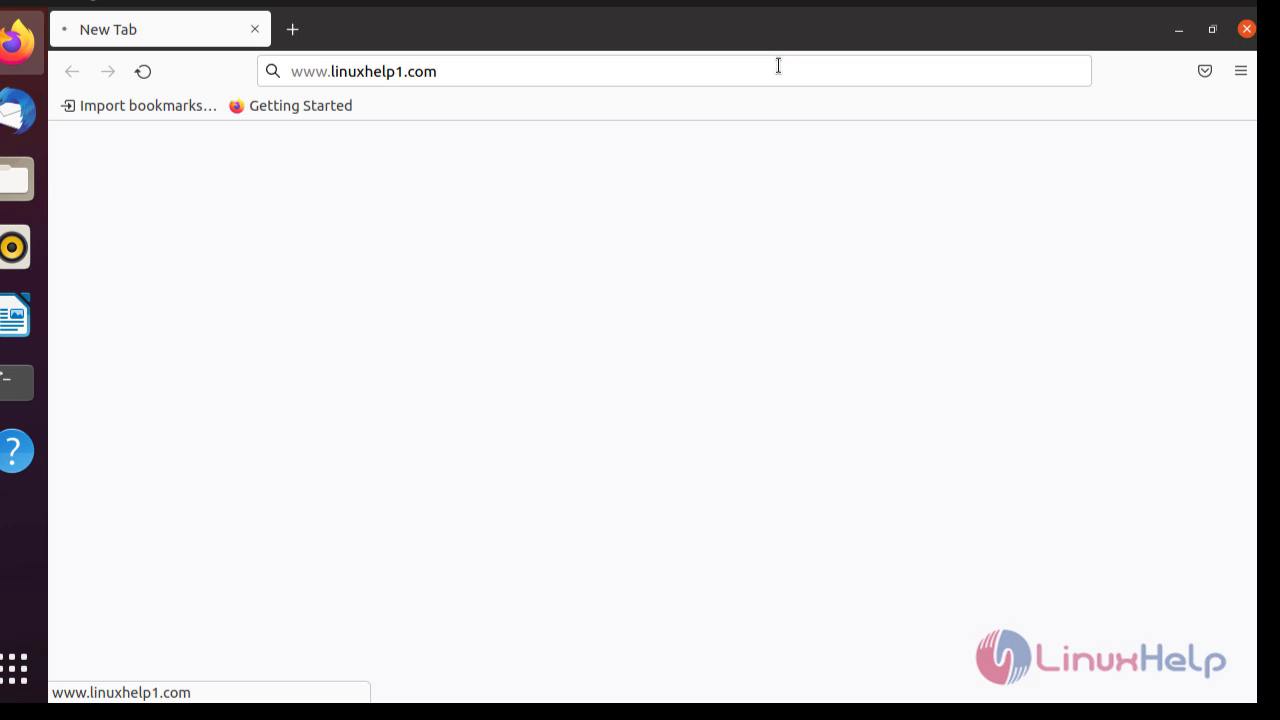
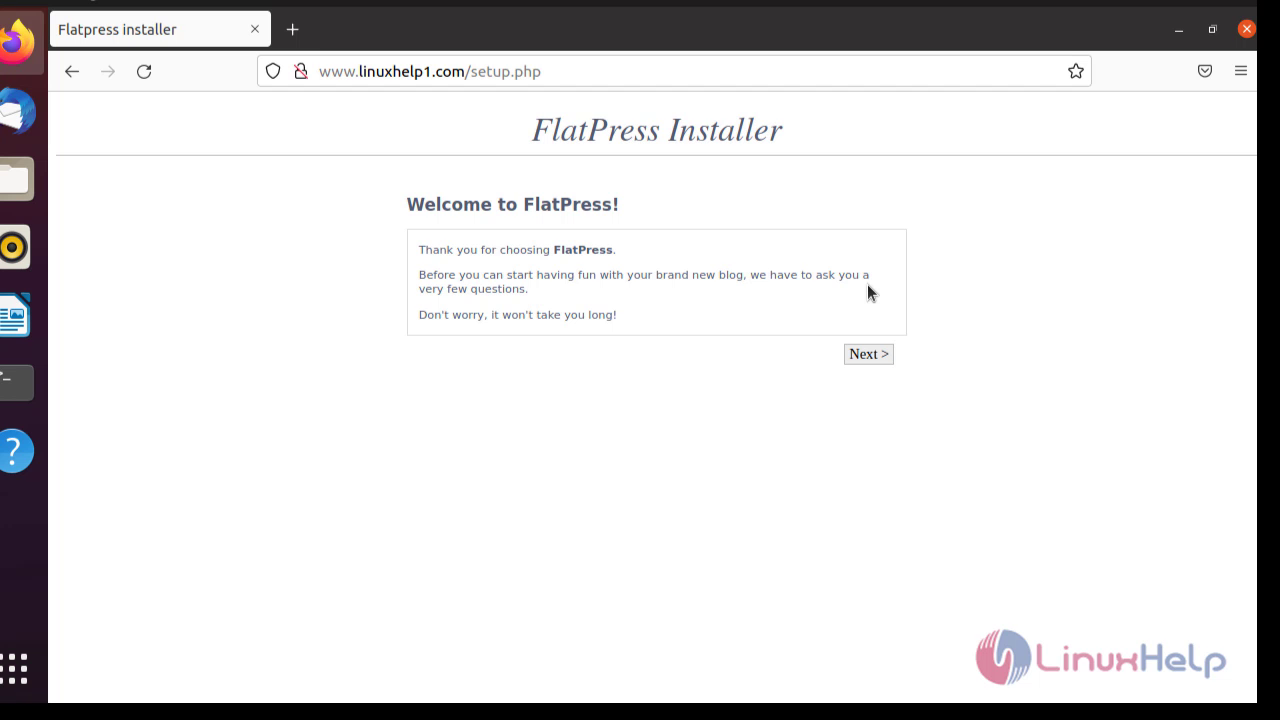
Click Next to continue
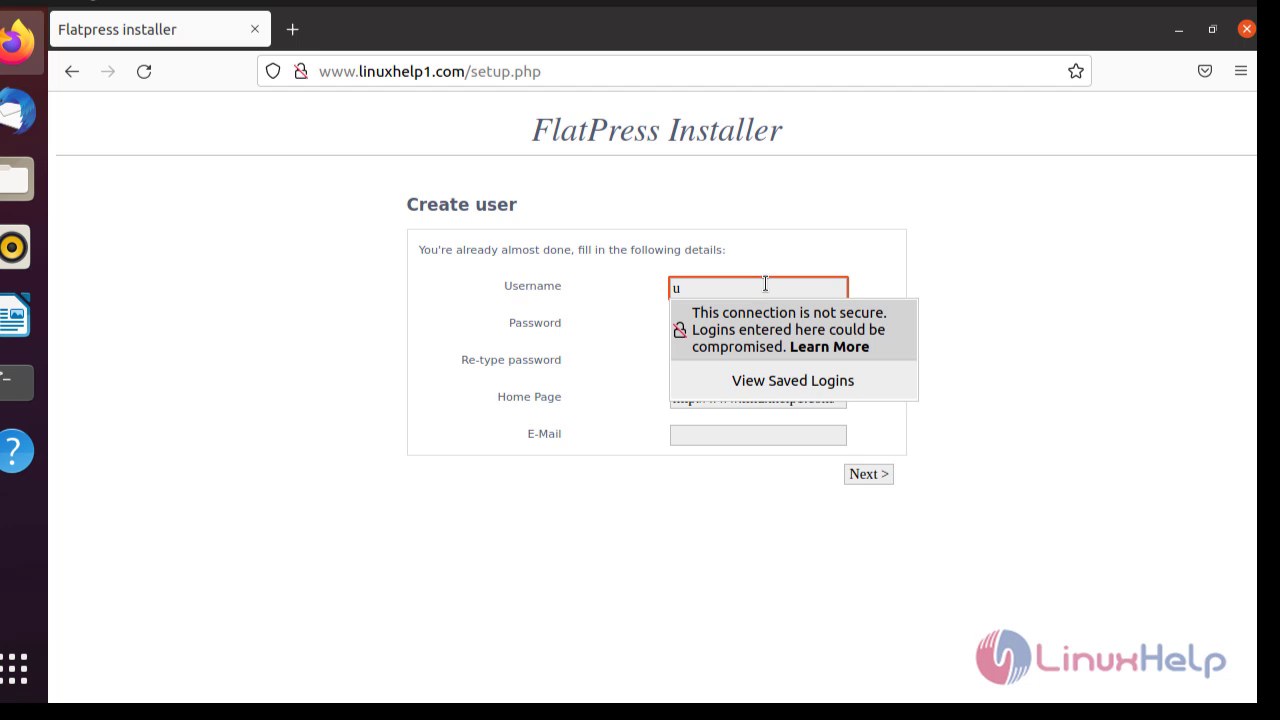
Create users
Log in with creted user
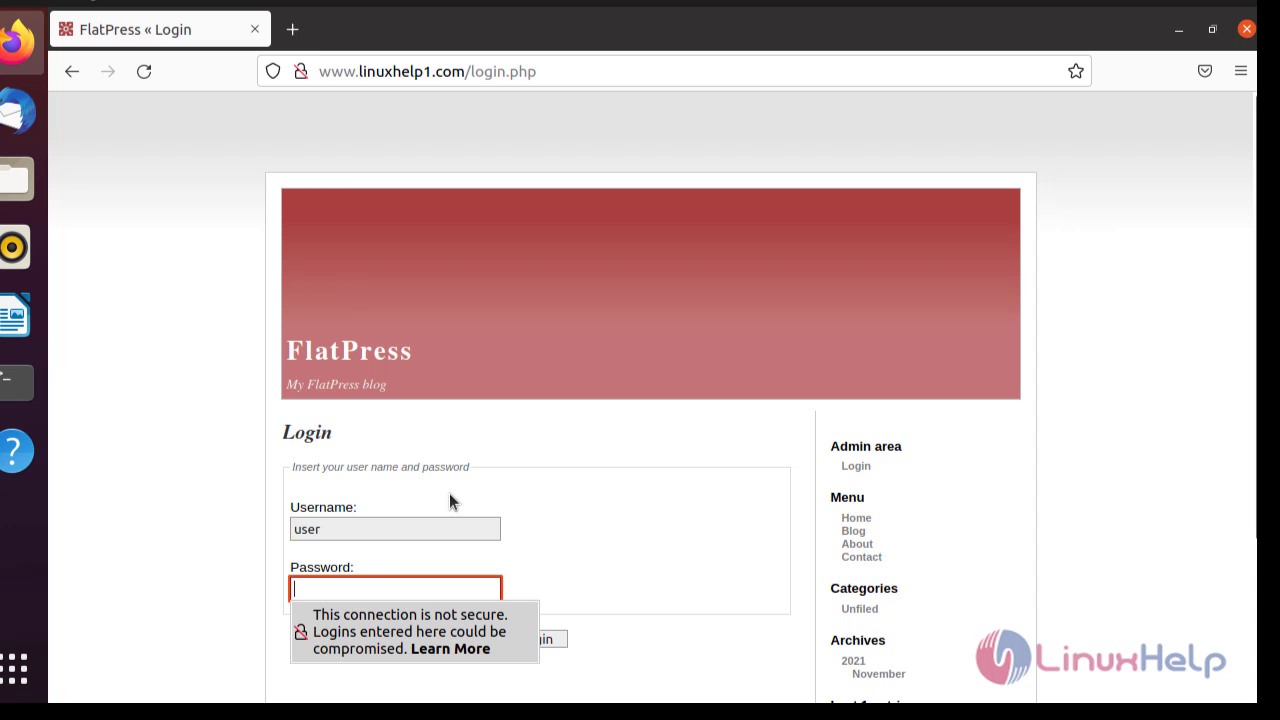
By this the installation of Flat CMS has been completed
Comments ( 0 )
No comments available