How to install focus writer on Linux mint 18.03
{{postValue.id}}
To install focus writer on Linux mint 18.03
Focus Writer is an open-source and cross-platform text editor. It’s working on Linux, Windows and Mac OS X. it has support for TXT, RTF, and ODT, allows the users to set timers and alarms, it has auto-save and spell-check and many more. In this tutorial, we will cover the installation of focus writer on linuxmint-18.03.
Installation
Add the repository of focus writer by using ppa.
linuxhelp ~ # add-apt-repository ppa:gottcode/gcppa
You are about to add the following PPA:
 Ubuntu packages for http://gottcode.org/
 More info: https://launchpad.net/~gottcode/+archive/ubuntu/gcppa
Press Enter to continue or Ctrl+C to cancel

Executing: /tmp/tmp.d46l0KQyis/gpg.1.sh --keyserver
hkp://keyserver.ubuntu.com:80
--recv-keys
58043CFF
gpg: requesting key 58043CFF from hkp server keyserver.ubuntu.com
gpg: key 58043CFF: public key "Launchpad PPA for Graeme Gott" imported
gpg: Total number processed: 1
gpg:               imported: 1  (RSA: 1)
Let's first start with updating the system repositories.
linuxhelp ~ # apt-get update
Hit:1 http://archive.canonical.com/ubuntu xenial InRelease
Hit:2 http://archive.ubuntu.com/ubuntu xenial InRelease
Hit:3 http://security.ubuntu.com/ubuntu xenial-security InRelease
Get:4 http://ppa.launchpad.net/gottcode/gcppa/ubuntu xenial InRelease \[17.5 kB\]
Hit:5 http://archive.ubuntu.com/ubuntu xenial-updates InRelease
Ign:6 http://packages.linuxmint.com sylvia InRelease
Hit:7 http://archive.ubuntu.com/ubuntu xenial-backports InRelease
Hit:8 http://packages.linuxmint.com sylvia Release
Get:10 http://ppa.launchpad.net/gottcode/gcppa/ubuntu xenial/main Sources \[3,452 B\]
Get:11 http://ppa.launchpad.net/gottcode/gcppa/ubuntu xenial/main amd64 Packages \[2,836 B\]
Get:12 http://ppa.launchpad.net/gottcode/gcppa/ubuntu xenial/main i386 Packages \[2,832 B\]
Get:13 http://ppa.launchpad.net/gottcode/gcppa/ubuntu xenial/main Translation-en \[2,720 B\]
Fetched 29.4 kB in 2s (14.5 kB/s)
Reading package lists... Done
Install the focus writer application run the following command.
linuxhelp ~ # apt-get install focuswriter
Reading package lists... Done
Building dependency tree
Reading state information... Done
The following additional packages will be installed:
  libqt5multimedia5
The following NEW packages will be installed:
  focuswriter libqt5multimedia5
.
.
.
Processing triggers for mime-support (3.59ubuntu1) ...
Processing triggers for man-db (2.7.5-1) ...
Setting up libqt5multimedia5:amd64 (5.5.1-4ubuntu2) ...
Setting up focuswriter (1.6.15-0ppa1~xenial) ...
Processing triggers for libc-bin (2.23-0ubuntu9) ...
Once Installation is done you can access the application from the Menu as shown here
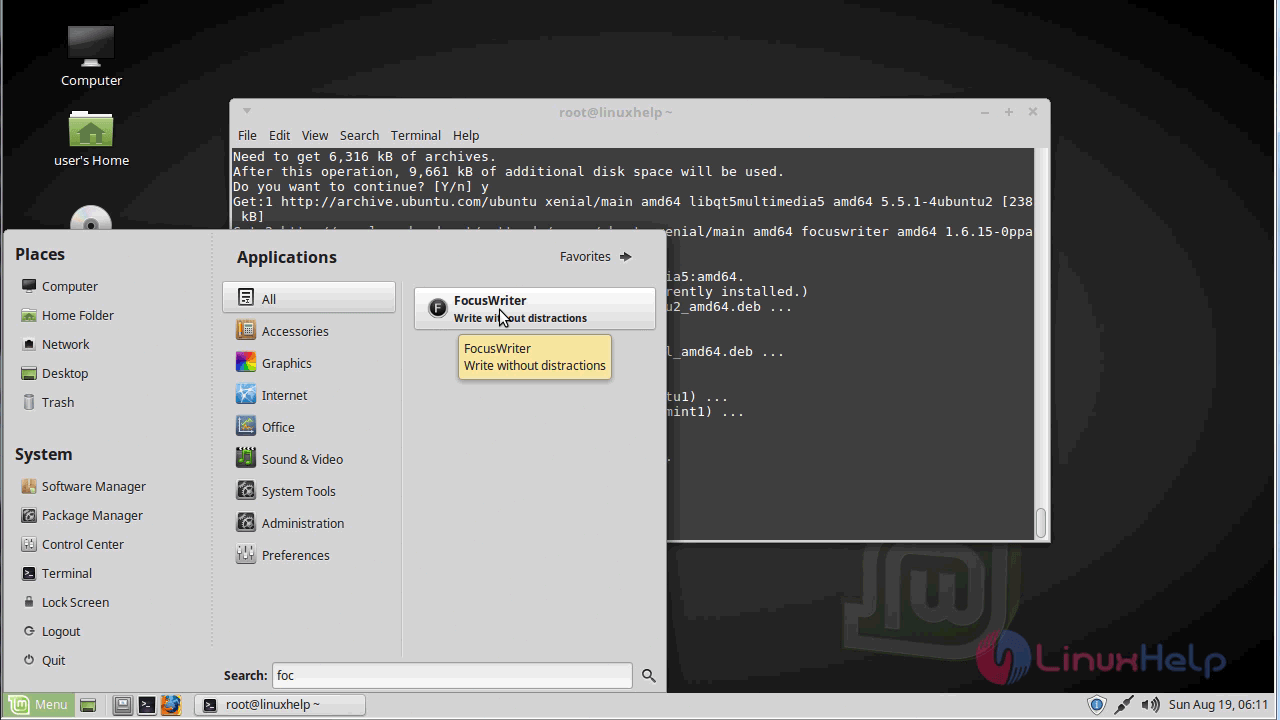
Now, you can able to use the focus writer application.

The version of focus writer.
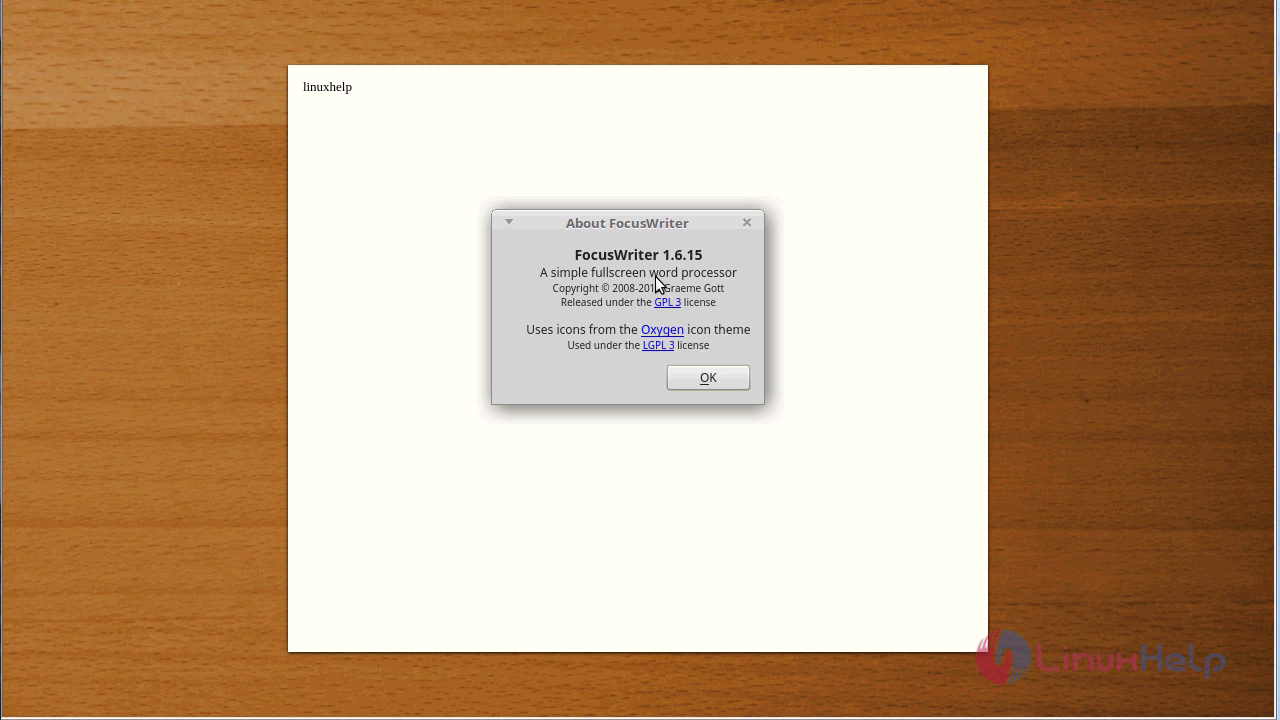
With this, the method to install focus writer on Linuxmint-18.03 comes to an end.
Comments ( 0 )
No comments available