How To Install Fotoxx Editor On Linuxmint 19
{{postValue.id}}
How To Install Fotoxx Editor On Linux Mint 19
Process
Check the Linux Mint version by using the following command
root@linuxhelp:~# lsb_release -a
No LSB modules are available.
Distributor ID:	LinuxMint
Description:	Linux Mint 19 Tara
Release:	19
Codename:	tara
Now add the repository by using the following
root@linuxhelp:~# add-apt-repository ppa:dhor/myway
You are about to add the following PPA:
 Every photographer needs some tools...

 More info: https://launchpad.net/~dhor/+archive/ubuntu/myway
Press Enter to continue or Ctrl+C to cancel

Executing: /tmp/apt-key-gpghome.tDOsr93a47/gpg.1.sh --keyserver hkp://keyserver.ubuntu.com:80 --recv-keys 93330B78
gpg: key E2B7D64D93330B78: public key "Launchpad PPA for Dariusz Duma" imported
gpg: Total number processed: 1
gpg:               imported: 1
Run the apt update command to update the repository
root@linuxhelp:~# apt update
Hit:1 http://archive.ubuntu.com/ubuntu bionic InRelease
Hit:2 http://security.ubuntu.com/ubuntu bionic-security InRelease
Hit:3 http://archive.canonical.com/ubuntu bionic InRelease
Get:4 http://ppa.launchpad.net/dhor/myway/ubuntu bionic InRelease [15.4 kB]
Ign:5 http://packages.linuxmint.com tara InRelease
Hit:6 http://archive.ubuntu.com/ubuntu bionic-updates InRelease
Hit:7 http://ppa.launchpad.net/giuspen/ppa/ubuntu bionic InRelease
Hit:8 http://packages.linuxmint.com tara Release
Hit:9 http://archive.ubuntu.com/ubuntu bionic-backports InRelease
Get:10 http://ppa.launchpad.net/dhor/myway/ubuntu bionic/main Sources [11.5 kB]
Get:12 http://ppa.launchpad.net/dhor/myway/ubuntu bionic/main i386 Packages [9,300 B]
Get:13 http://ppa.launchpad.net/dhor/myway/ubuntu bionic/main amd64 Packages [9,716 B]
Get:14 http://ppa.launchpad.net/dhor/myway/ubuntu bionic/main Translation-en [6,556 B]
Fetched 52.4 kB in 3s (16.2 kB/s)
Reading package lists... Done
Building dependency tree
Reading state information... Done
727 packages can be upgraded. Run 'apt list --upgradable' to see them.
Install the fotoxx by using the following command
root@linuxhelp:~# apt install fotoxx
Reading package lists... Done
Building dependency tree
Reading state information... Done
The following additional packages will be installed:
  fotoxx-common libimage-exiftool-perl
Suggested packages:
  brasero
Recommended packages:
  ufraw-batch ufraw xgd-open libtiff leafpad libposix-strptime-perl libunicode-linebreak-perl
The following NEW packages will be installed:
.
.
Processing 1 added doc-base file...
Registering documents with scrollkeeper...
Processing triggers for man-db (2.8.3-2) ...
Processing triggers for gnome-menus (3.13.3-11ubuntu1) ...
Setting up fotoxx (19.17-1dhor~bionic) ...
Run the fotoxx application
root@linuxhelp:~# fotoxx
program exe: /usr/bin/fotoxx
build date/time: Sep 13 2019 19:48:16
fotoxx home: /root/.fotoxx
start fotoxx Wed Oct 30 06:15:40
maps folder: missing
language: en_IN
fotoxx-19.17
GTK version: 3.22.30
Raw Therapee not installed
ffmpeg and Totem not installed
Panorama Tools (Hugin) not installed
temp files: /root/.fotoxx/tempfiles-23681
free memory: 906 MB
image size limits for good performance:
  view: -16 megapixels
  edit: -1 megapixels
screen width: 1283  height: 720
using 1 threads
No image file index was found.
An image file index will be created.
Your image files will not be changed.
This may need considerable time if you have many thousands of image files.
Index function terminated.
Indexing is required for search and map functions and to make the gallery pages acceptably fast.
startup time: 7.3 secs.
This is the fotoxx photo editor application
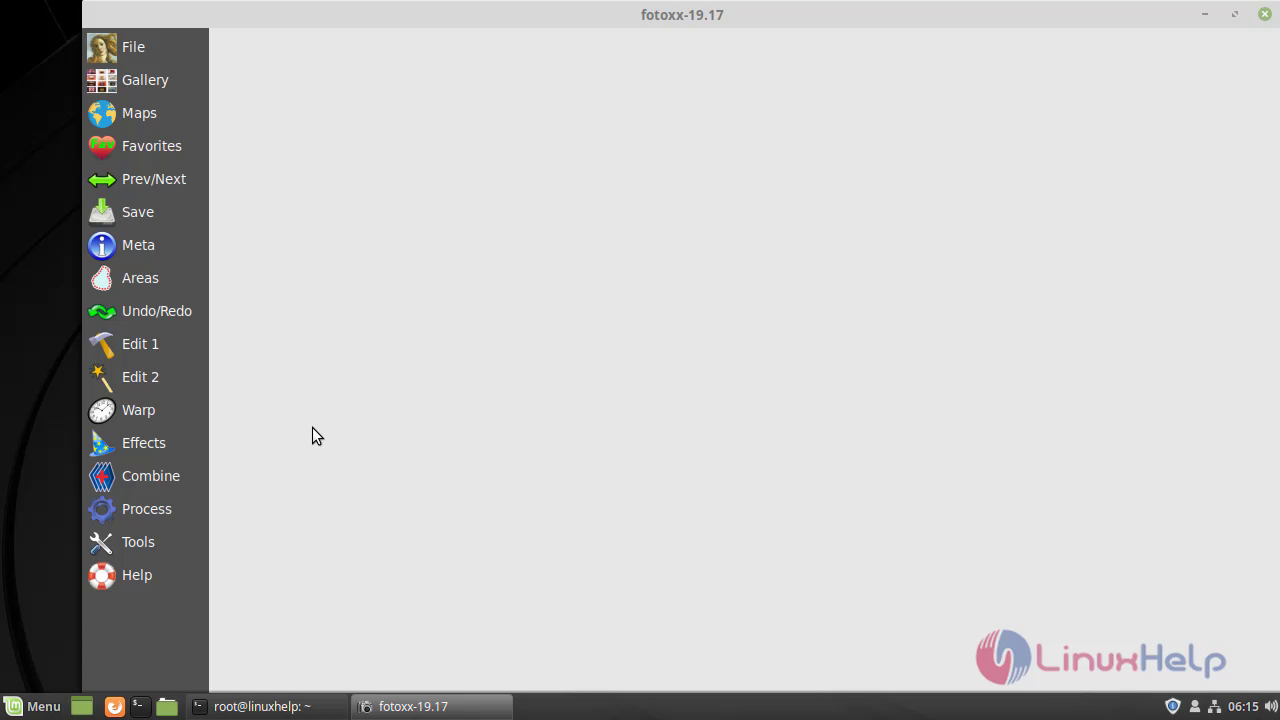 This is the method to install Fotoxx editor on Linux Mint 19
Comments ( 0 )
No comments available