• Categories
    Category
    {{ postCtrl.tags }}
    • {{ category.tag_type }}

      • {{tag.tag_name}}
      • View more
  • Categories
    Category
    {{ postCtrl.tags }}
    • {{ category.tag_type }}

      • {{tag.tag_name}}
      • View more
  • News
  • Tutorials
  • Forums
  • Tags
  • Users
Tutorial News Comments FAQ Related Articles

How to install Foxit Reader in Ubuntu

{{postValue.id}}

To install Foxit Reader in Ubuntu

Foxit Reader is a multi-lingual, freemium PDF tool that is used to view, edit, create, digitally sign, and print PDF files. It is available for both 64 bit and 32 bit architectures. Installation of Foxit reader is explained in this manual.

Features

  • Open and view PDF files quickly and accurately.
  • Open multiple PDF
  • Open password protected PDF files
  • View PDF files in various modes namely single page, continuous, facing, or facing continuous mode
  • Support page rotation and text search.
  • Print PDF documents to physical printers.
  • Easily navigate PDF files by page thumbnail, page number or bookmark.
  • Mark up the text in PDF files with text markup tools.
  • Adding notes in PDF files via the typewriter tool.

To install Foxit Reader

Before starting with the installation, go to opt directory.

root@linuxhelp:# cd /opt 


Then download the Foxit package by using the following command.

root@linuxhelp:/opt# wget http://cdn01.foxitsoftware.com/pub/foxit/reader/desktop/linux/1.x/1.1/en_us/FoxitReader1.10.0225_Server_x64_enu_Setup.run.tar.gz 
--2016-10-11 19:11:23--  http://cdn01.foxitsoftware.com/pub/foxit/reader/desktop/linux/1.x/1.1/en_us/FoxitReader1.10.0225_Server_x64_enu_Setup.run.tar.gz
Resolving cdn01.foxitsoftware.com (cdn01.foxitsoftware.com)... 184.105.233.234, 64.62.151.53, 64.71.129.101, ...
Connecting to cdn01.foxitsoftware.com (cdn01.foxitsoftware.com)|184.105.233.234|:80... connected.
HTTP request sent, awaiting response... 200 OK
Length: 59062568 (56M) [application/x-gzip]
Saving to: ‘ FoxitReader1.10.0225_Server_x64_enu_Setup.run.tar.gz’ 

FoxitReader1.10.0225_Ser 100%[==================================> ]  56.33M   150KB/s   in 4m 24s 

2016-10-11 19:15:49 (218 KB/s) - ‘ FoxitReader1.10.0225_Server_x64_enu_Setup.run.tar.gz’  saved [59062568/59062568]


Once the download is completed, extract the downloaded package.

root@linuxhelp:/opt# tar -xzvf FoxitReader1.10.0225_Server_x64_enu_Setup.run.tar.gz  
FoxitReader.enu.setup.1.1.0.0225(r205262).x64.run


Then run the following command to install Foxit reader.

root@linuxhelp:/opt# ./FoxitReader.enu.setup.1.1.0.0225(r205262).x64.run 


Enter the location to install Foxit and click Next.
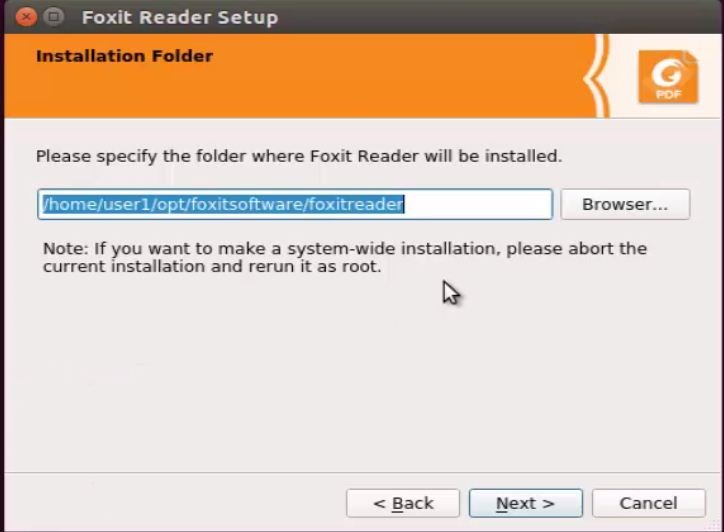
Installation
Read and accept the License agreement.
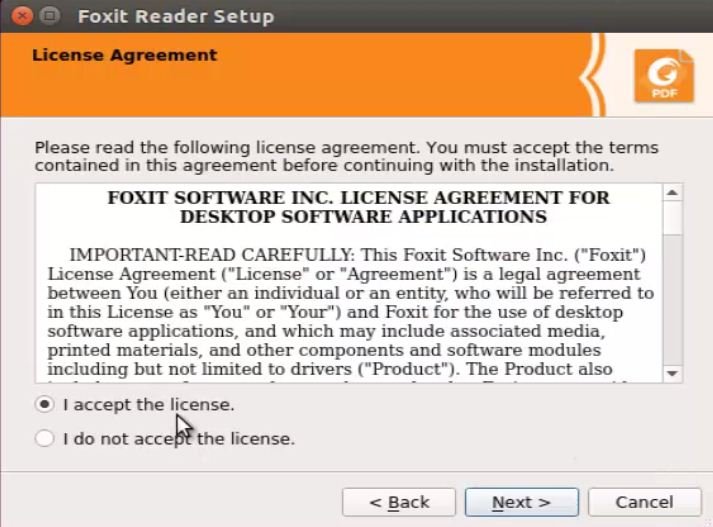
License agreement
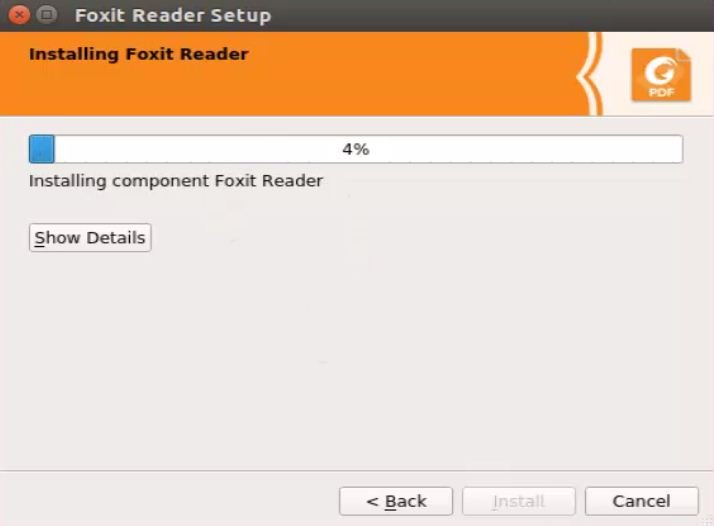
Foxit Installation is started.
Installation_started
Click Finish to complete installation.
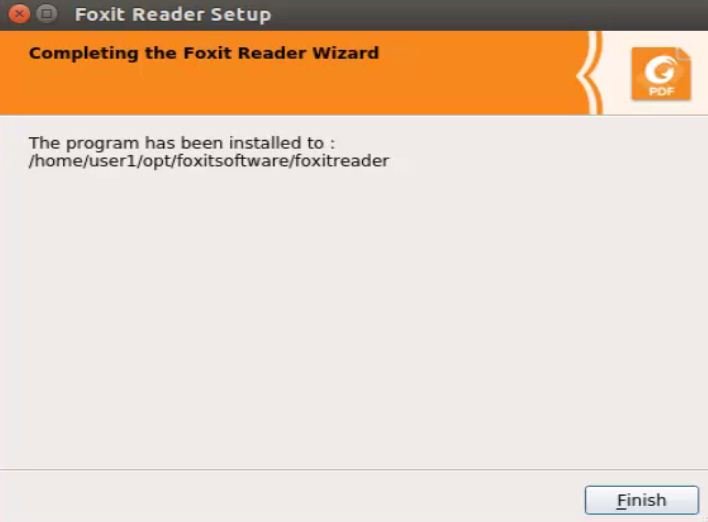
Installation_complete
Open the Foxit Reader via command prompt.

root@linuxhelp:/opt# FoxitReader 
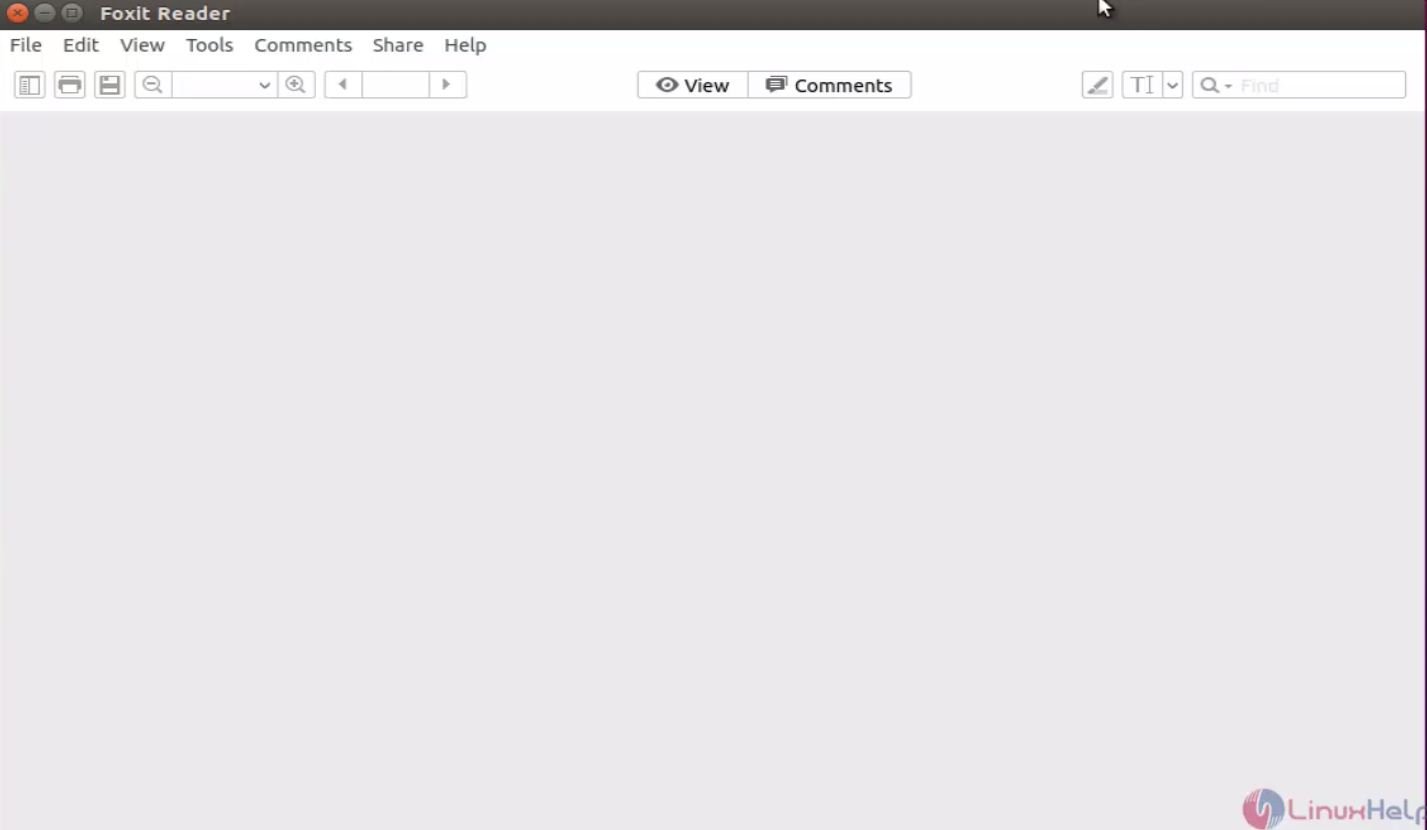

Foxit_reader

Lets start accessing any PDF file with Foxit reader.
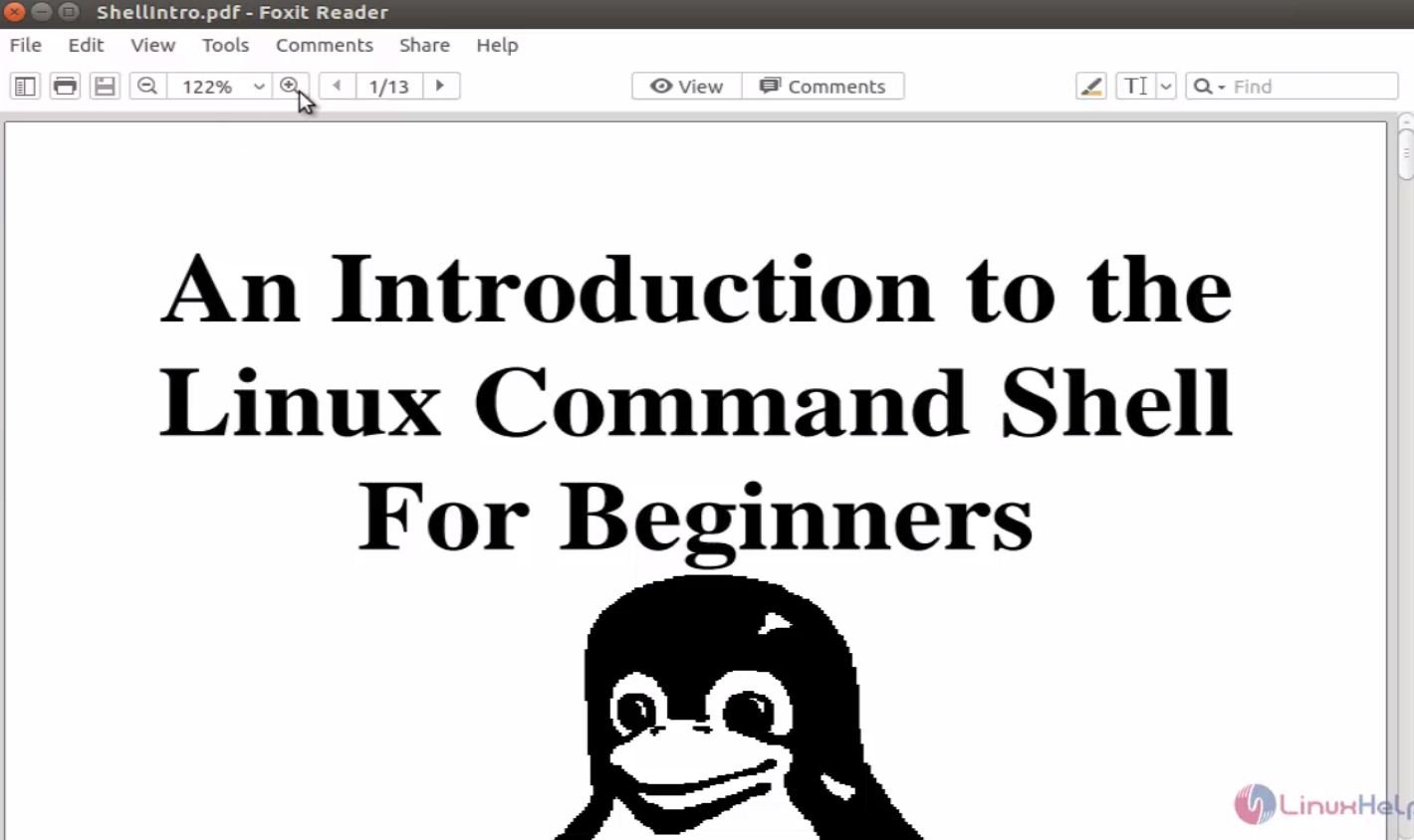
read

Tags:
jayce
Author: 

Comments ( 1 )

dineshbaburamachandran
Thanks. There is a modern version of the foxit reader available. Can you update pls
Add a comment
{{postCtrl.cmtErrMsg}}

Frequently asked questions ( 5 )

Q

How to download the foxit reader in ubuntu in website?

A

use the following link to download the foxit reader in ubuntu

http://cdn01.foxitsoftware.com/pub/foxit/reader/desktop/linux/1.x/1.1/en_us/FoxitReader1.10.0225_Server_x64_enu_Setup.run.tar.gz

Q

what are all the features of foxit reader in ubuntu?

A

1.Open and view PDF files quickly and accurately.
2.Open multiple PDF
3.Open password protected PDF files
4.View PDF files in various modes namely single page, continuous, facing, or facing continuous mode

Q

How to install the downloaded foxit reader package in ubunt?

A

you can use the following command to install the downloaded package of foxit reader in ubuntu
# ./FoxitReader.enu.setup.1.1.0.0225(r205262).x64.run

Q

if there is any video link available for installing latest version of foxit reader in ubuntu?

A

you can use following link to install the version of foxit in ubuntu

https://youtu.be/0oewi49UbGs

Q

what is the next step to downloaded the foxit package in ubuntu?

A

the package is downloaded in the .tar format you have untar the package
# tar -xvf

Back To Top!
Rank
User
Points

Top Contributers

userNamenaveelansari
135850

Top Contributers

userNameayanbhatti
92510

Top Contributers

userNamehamzaahmed
32150

Top Contributers

1
userNamelinuxhelp
31040

Top Contributers

userNamemuhammadali
24500
Can you help Luk Van De Looverbosch ?
How to create a root ?

Hello,
How to create root@linuxhelp in Linux Mint 20.1 64-bit ?
Thanks in advance for your reply.
Best regards.

Networking
  • Routing
  • trunk
  • Netmask
  • Packet Capture
  • domain
  • HTTP Proxy
Server Setup
  • NFS
  • KVM
  • Memory
  • Sendmail
  • WebDAV
  • LXC
Shell Commands
  • Cloud commander
  • Command line archive tools
  • last command
  • Shell
  • terminal
  • Throttle
Desktop Application
  • Linux app
  • Pithos
  • Retrospect
  • Scribe
  • TortoiseHg
  • 4Images
Monitoring Tool
  • Monit
  • Apache Server Monitoring
  • EtherApe 
  • Arpwatch Tool
  • Auditd
  • Barman
Web Application
  • Nutch
  • Amazon VPC
  • FarmWarDeployer
  • Rukovoditel
  • Mirror site
  • Chef
Contact Us | Terms of Use| Privacy Policy| Disclaimer
© 2025 LinuxHelp.com All rights reserved. Linux™ is the registered trademark of Linus Torvalds. This site is not affiliated with linus torvalds in any way.