How to install FrostWire 5.7.7 in Linux
To install FrostWire 5.7.7 in Linux
Frostwire is an open source P2P client, which was probably same as LimeWire in appearance and performance but additionally it has some rich features such as Magnet Link, BitTorrent client, Wi-Fi sharing, iTunes, Internet Radio and Video/Audio Player support. Major usage of this is to search, download and share large files & folders. Installation of FrostWire 5.7.7 on Debian/Ubuntu/Linux Mint and Fedora is explained in this article.
Features :
- fixes the UI Thread freeze.
- Improved error reporting
- uTP support.
- Multiple crash fixes.
- Spanish translation.
- Single file torrents played from transfer list.
To Install Frostwire
Run the below command, to download ' .deb' or ' .rpm' packages from the official website.
For Debian/Linux Mint (on both 32 bit and 64 bit)
$ wget dl.frostwire.com/frostwire/5.7.7/frostwire-5.7.7.all.deb
$ sudo gdebi frostwire-5.7.7.all.deb
For OpenSUSE (on both 32 bit and 64 bit)
$ wget http://dl.frostwire.com/frostwire/5.7.7/frostwire-5.7.7.noarch.rpm
$ sudo zypper install frostwire-5.7.7.noarch.rpm
For RHEL/CentOS/Fedora (on both 32 bit and 64 bit)
Run the following command to download frostwire package.
[root@linuxhelp ~]# wget http://dl.frostwire.com/frostwire/5.7.7/frostwire-5.7.7.noarch.rpm
--2016-05-14 09:49:21--  http://dl.frostwire.com/frostwire/5.7.7/frostwire-5.7.7.noarch.rpm
Resolving dl.frostwire.com... 46.166.182.54
Connecting to dl.frostwire.com|46.166.182.54|:80... connected.
HTTP request sent, awaiting response...200 OK
Saving to : " frostwire-5.7.7.noarch.rpm"

100%=========================> ]6,616,678    192K/s   in 27s
2016-05-11 21:08:55 (237 kb/s) - " frostwire-5.7.7.noarch.rpm"  saved
After downloading install frostwire by running the following command.
[root@linuxhelp ~]# yum localinstall frostwire-5.7.7.noarch.rpm
Loaded plugins: auto-update-debuginfo, fastestmirror, refresh-packagekit, security
Setting up Install Process
Examining frostwire-5.7.7.noarch.rpm
epel/metalink                                                            | 3.9 kB     00:00
epel-debuginfo/metalink                                                  | 4.0 kB     00:00
epel-source/metalink                                                     | 4.4 kB     00:00
 * base: centos.excellmedia.net
 * epel: epel.mirror.net.in
 * epel-debuginfo: epel.mirror.net.in
 * updates: centos.excellmedia.net

Resolving Dependencies
-->  Running transaction check
--->  Package frostwire-5.7.7.noarch.rpm will be installed
.
.
.
Installed:
frostwire-5.7.7.noarch.rpm is installed

Complete!
Now frostwire-5.7.7 is successfully installed.
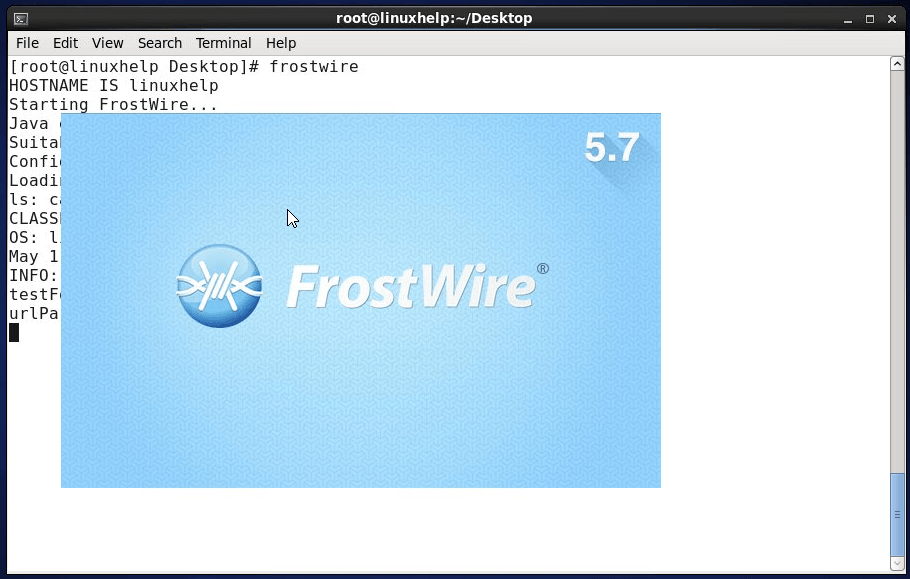
Start frostwire by running the following command.
[root@linuxhelp Desktop]# frostwire
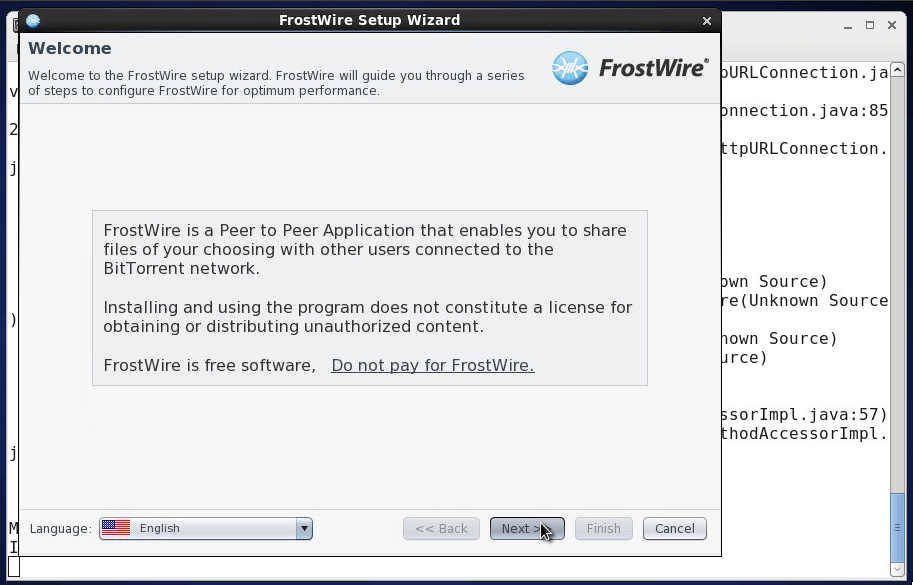
Follow the set up wizard screen instruction to install the application.
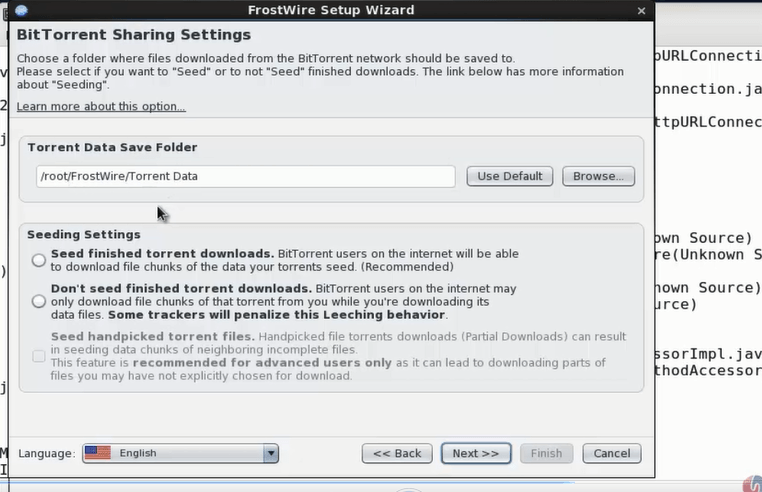
Set up BitTorrent Sharing settings and click next.
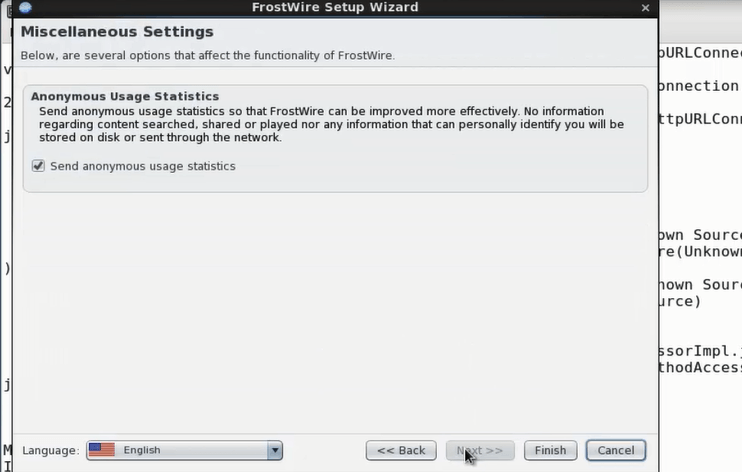
Set up the Miscellaneous Settings and click finish
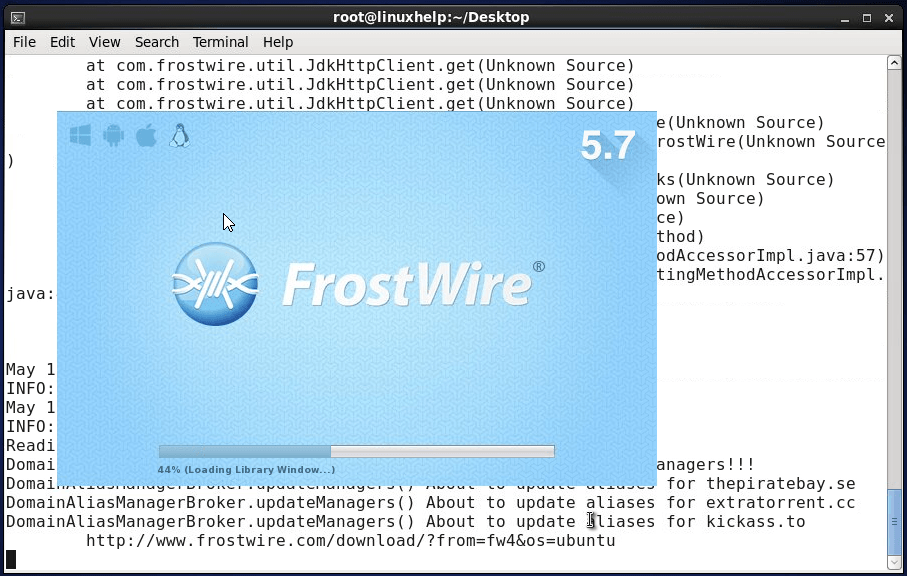
The installation window appears as shown.
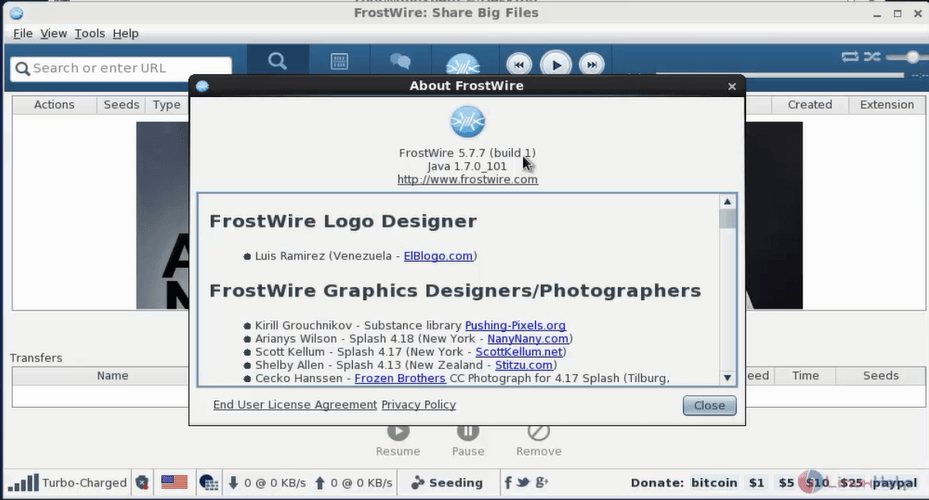
Go to help and click About Frostwire to view the intent.
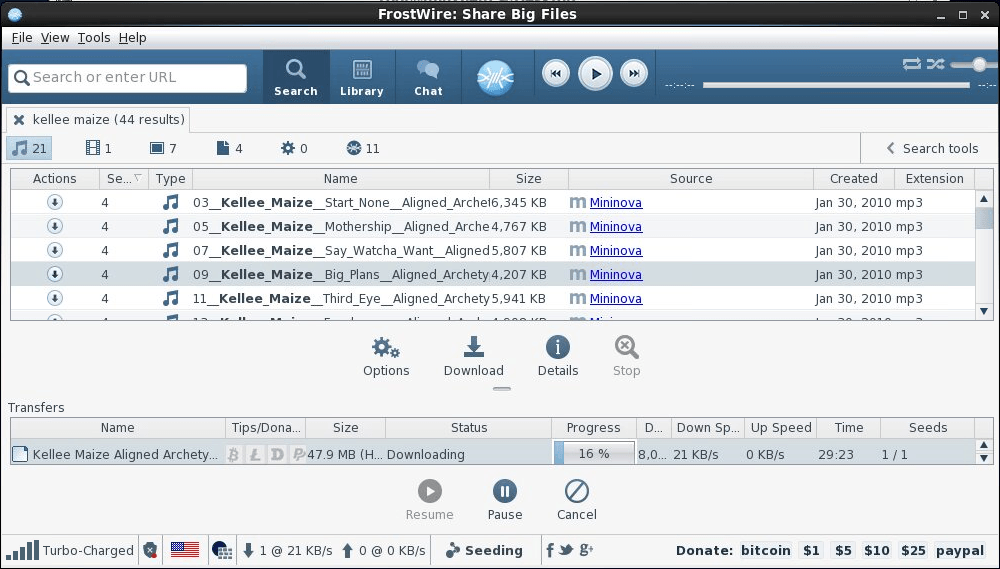
To download files in frostwire
Now Search the file you want to download and hit Download.
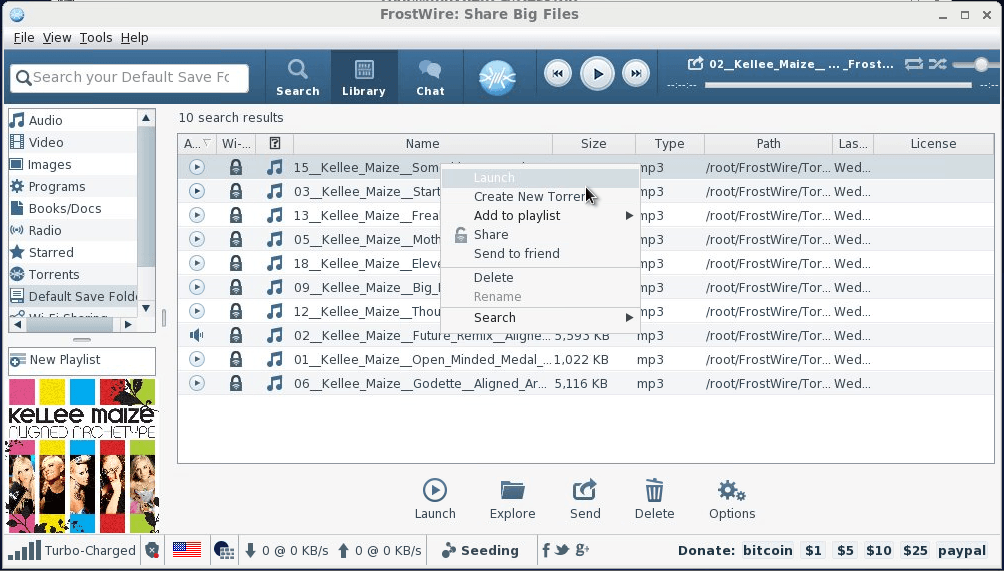
Click the library tab for the downloaded file. Right click on the downloaded file for more option.
Comments ( 0 )
No comments available