How to Install Gallery3 in Ubuntu
To Install Gallery3 in Ubuntu
Gallery3 is an open source photo sharing web application used for Linux distributions. It is designed with photo management administration and allows the users to use it with own website while running a small personal site. Installation of Gallery3 in Ubuntu is explained in this manual.
Installation of Gallery3
First install LAMP server in your system by using the following link.
https://www.linuxhelp.com/how-to-install-lamp-by-using-tasksel-tool-in-ubuntu/
Edit your PHP configuration file as follows,
root@linuxhelp:/home/user1/Desktop# nano /etc/php5/apache2/php.ini
short_open_tag = On
Restart the apache web server to take effect
root@linuxhelp:/home/user1/Desktop# service apache2 restart
 * Restarting web server apache2                                                                                                                                                                             AH00558: apache2: Could not reliably determine the server' s fully qualified domain name, using 127.0.1.1. Set the ' ServerName'  directive globally to suppress this message                                                                                                                                                                                            [ OK ]
Now its time to create new MySQL database for Gallery3.
root@linuxhelp:/home/user1/Desktop# mysql -u root -p
Enter password:
Welcome to the MySQL monitor.  Commands end with   or g.
Your MySQL connection id is 48
Server version: 5.5.53-0ubuntu0.14.04.1 (Ubuntu)
Copyright (c) 2000, 2016, Oracle and/or its affiliates. All rights reserved.
Oracle is a registered trademark of Oracle Corporation and/or its
affiliates. Other names may be trademarks of their respective
owners.

Type ' help '  or ' h'  for help. Type ' c'  to clear the current input statement.
mysql>  CREATE DATABASE gallery3
Query OK, 1 row affected (0.03 sec)
mysql>  GRANT ALL ON gallery3.* TO galleryuser@localhost IDENTIFIED BY ' password'
Query OK, 0 rows affected (0.00 sec)
mysql>  exit
Bye
Utilize the following command to download the gallery3 package.
root@linuxhelp:/home/user1/Desktop# wget -O gallery3.zip http://downloads.sourceforge.net/project/gallery/gallery3/3.0.9/gallery-3.0.9.zip
--2016-11-20 02:12:12--  http://downloads.sourceforge.net/project/gallery/gallery3/3.0.9/gallery-3.0.9.zip
Resolving downloads.sourceforge.net (downloads.sourceforge.net)... 216.34.181.59
Connecting to downloads.sourceforge.net (downloads.sourceforge.net)|216.34.181.59|:80... connected.
HTTP request sent, awaiting response... 302 Found
Location: http://excellmedia.dl.sourceforge.net/project/gallery/gallery3/3.0.9/gallery-3.0.9.zip [following]
--2016-11-20 02:12:13--  http://excellmedia.dl.sourceforge.net/project/gallery/gallery3/3.0.9/gallery-3.0.9.zip
Resolving excellmedia.dl.sourceforge.net (excellmedia.dl.sourceforge.net)... 202.153.32.19
Connecting to excellmedia.dl.sourceforge.net (excellmedia.dl.sourceforge.net)|202.153.32.19|:80... connected.
HTTP request sent, awaiting response... 200 OK
Length: 2065722 (2.0M) [application/octet-stream]
Saving to: ‘ gallery3.zip’
100%[===================================================================================================================================================================> ] 20,65,722    834KB/s   in 2.4s
2016-11-20 02:12:16 (834 KB/s) - ‘ gallery3.zip’  saved [2065722/2065722]
root@linuxhelp:/home/user1/Desktop# unzip -d /var/www/html gallery3.zip
creating: /var/www/html/gallery3/modules/organize/views/
  inflating: /var/www/html/gallery3/modules/organize/views/organize_frame.html.php
  inflating: /var/www/html/gallery3/modules/organize/views/organize_dialog.html.php
   creating: /var/www/html/gallery3/modules/organize/css/
&hellip
&hellip
&hellip
   creating: /var/www/html/gallery3/modules/kohana23_compat/libraries/
  inflating: /var/www/html/gallery3/modules/kohana23_compat/libraries/Pagination.php
  inflating: /var/www/html/gallery3/modules/kohana23_compat/libraries/MY_Database_Builder.php
  inflating: /var/www/html/gallery3/robots.txt
  inflating: /var/www/html/gallery3/index.php
root@linuxhelp:/var/www/html/gallery3#  chown www-data: -R /var/www/html/gallery3/
Once the above process is completed, open the installed package in web browser with IP address. Then give the path for photo storage and also enter the DB information.
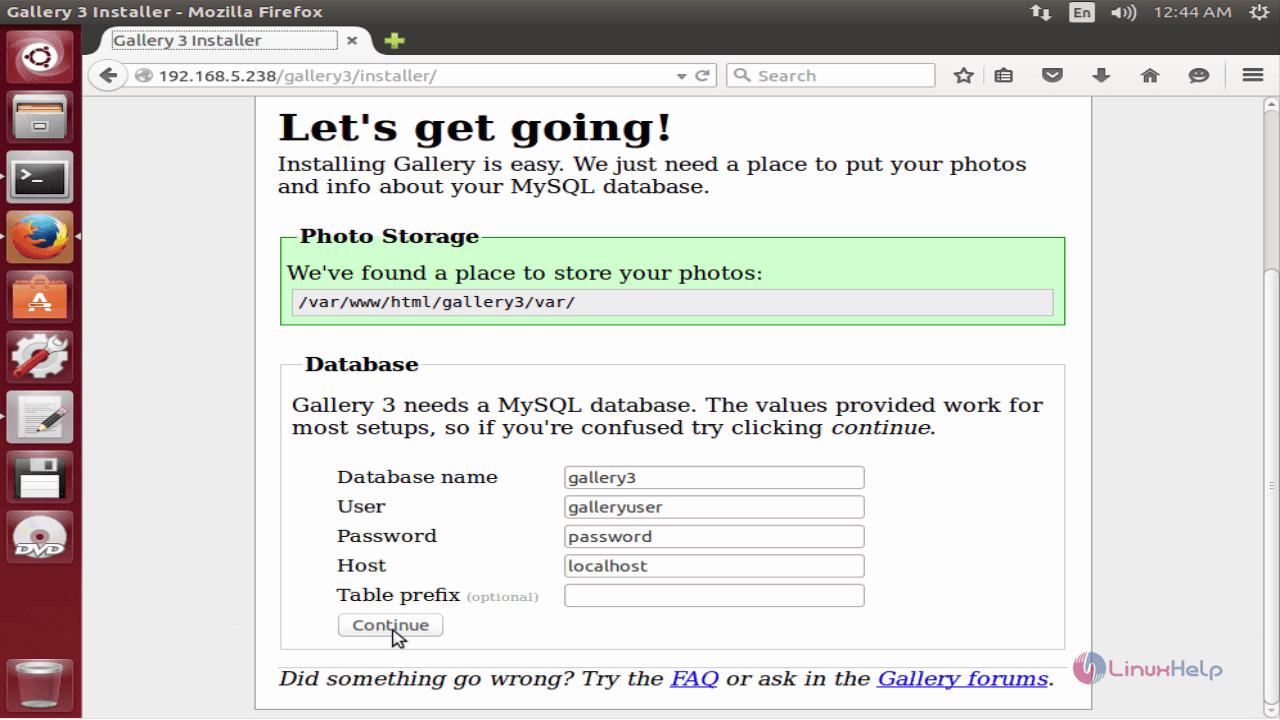
Gallery3 software package is installed successfully.
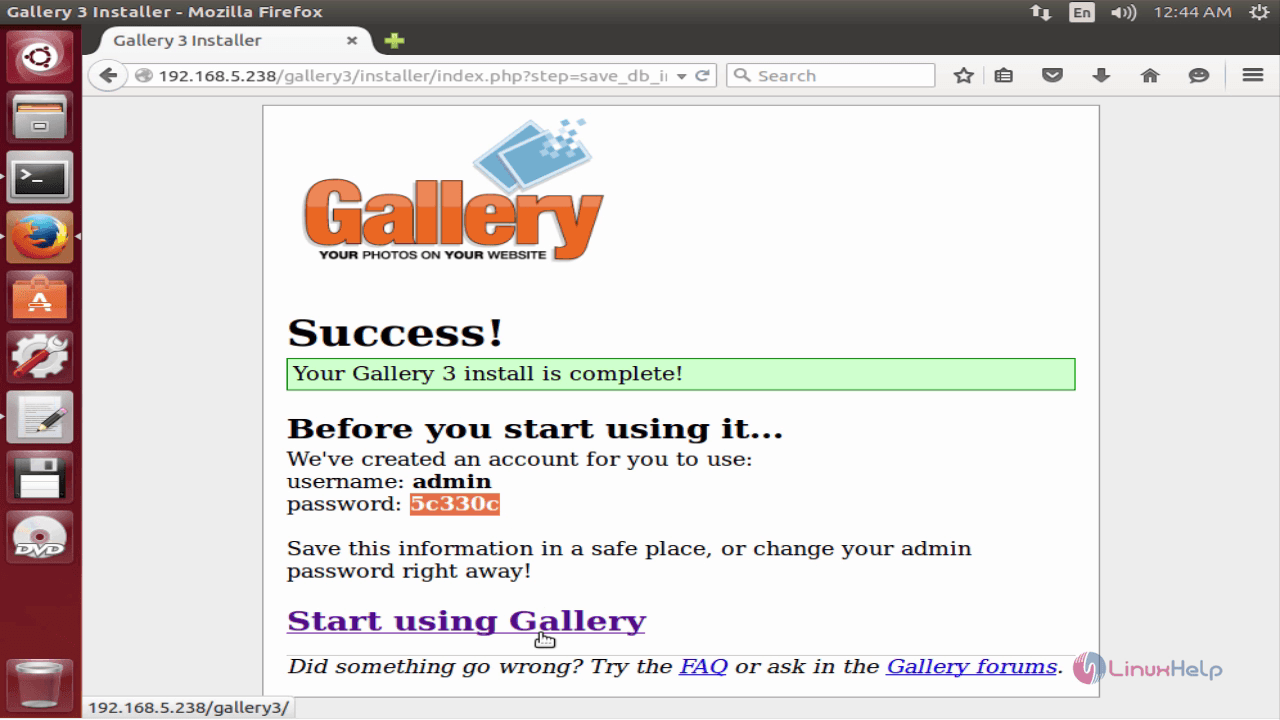
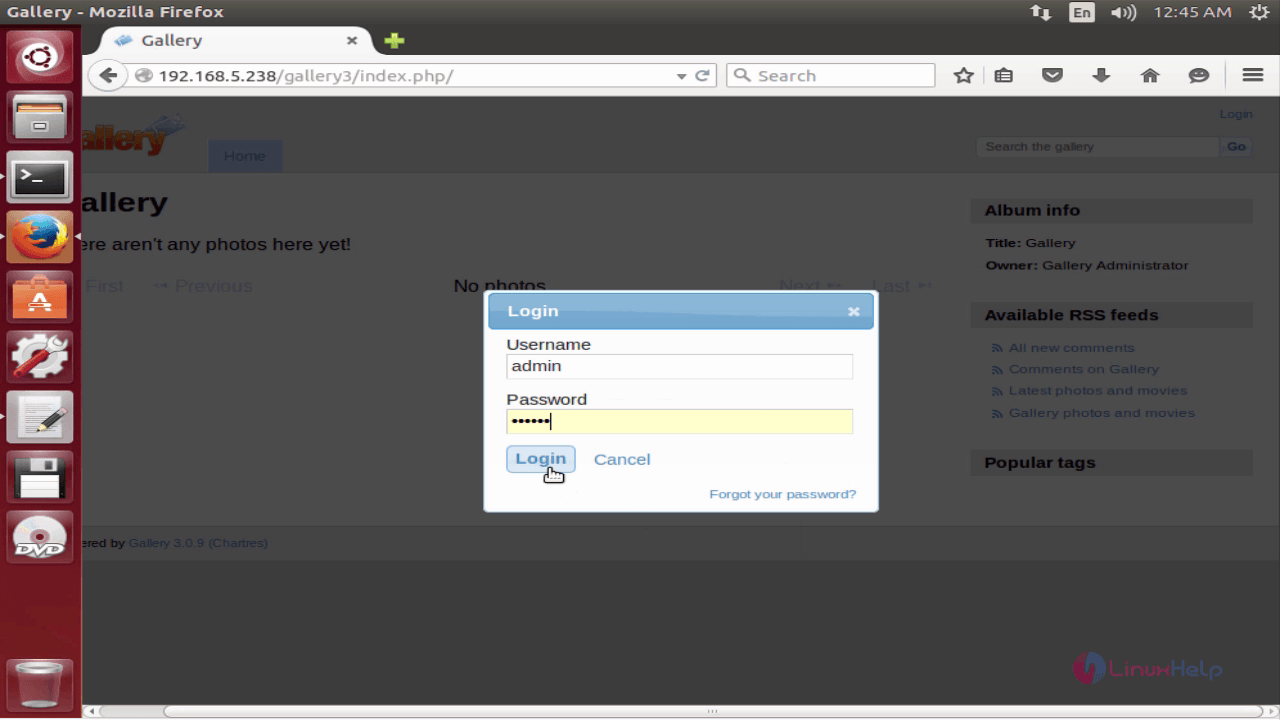
Login with the user credentials to access Gallery3.
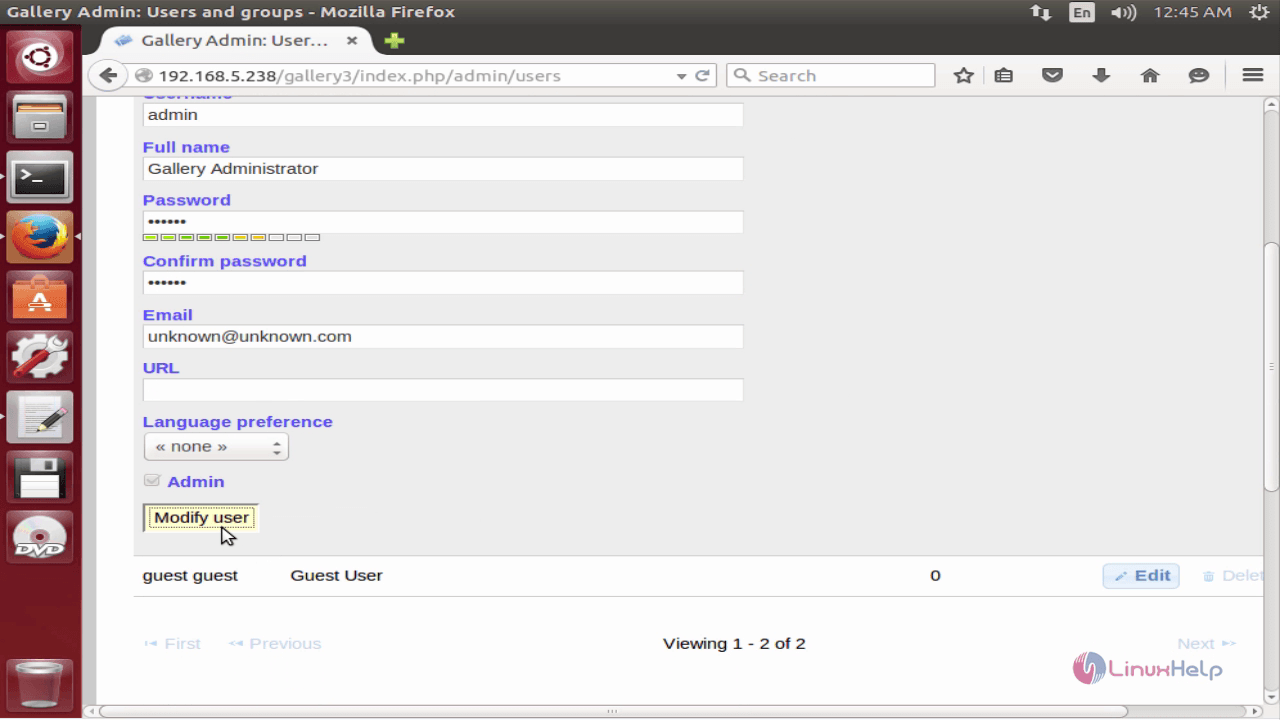
Here you need to change the admin credentials for security reason.
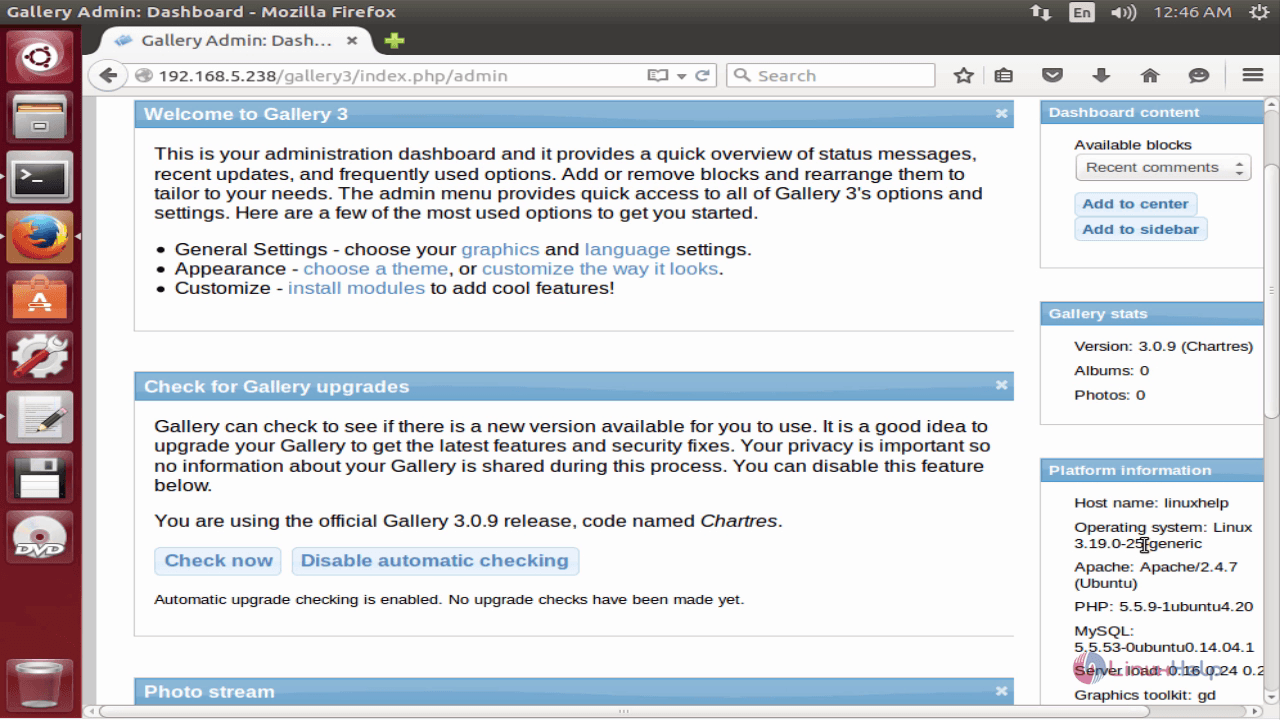
Gallery3 Dashboard will be displayed as shown below,
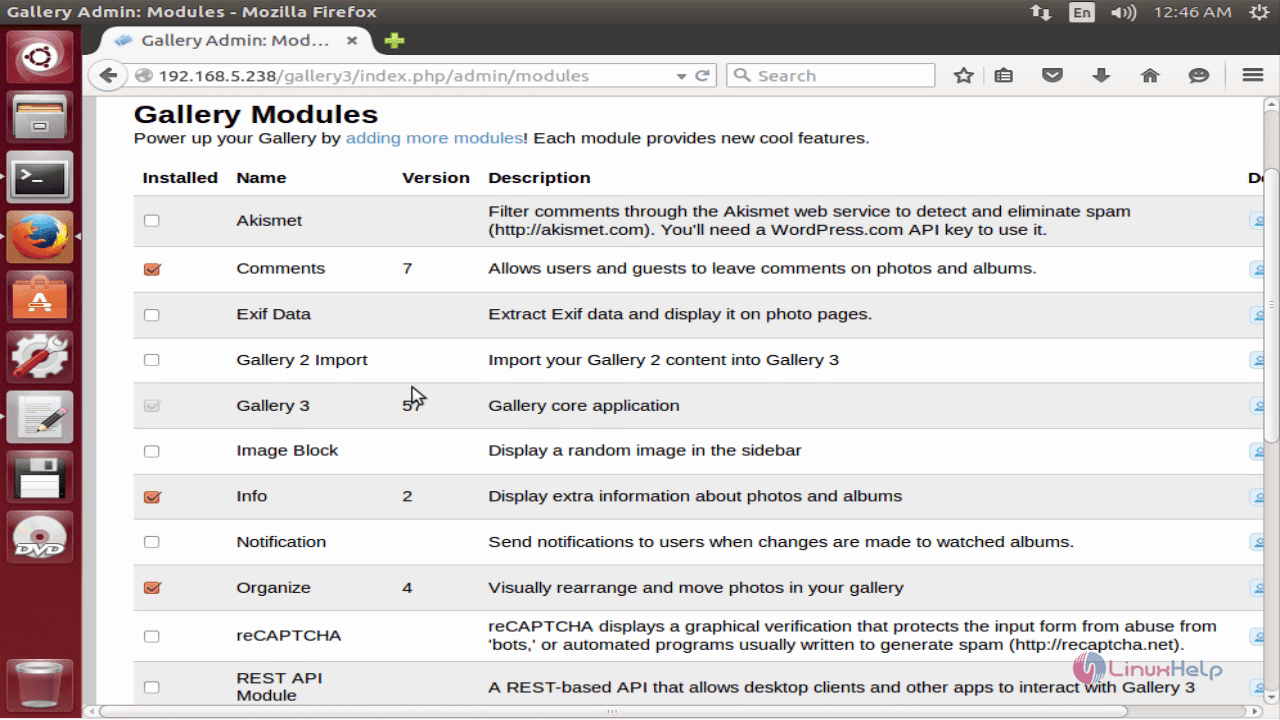
Modify the gallery modules.
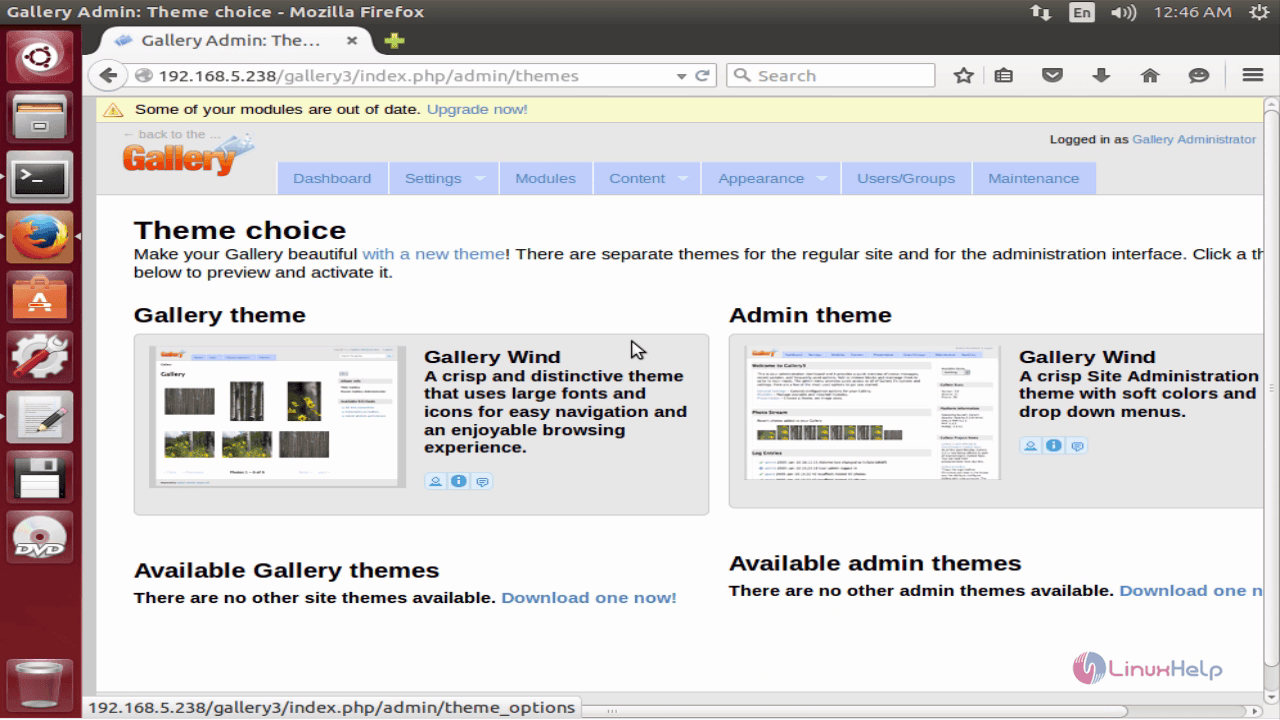
Change the theme for best appearance.
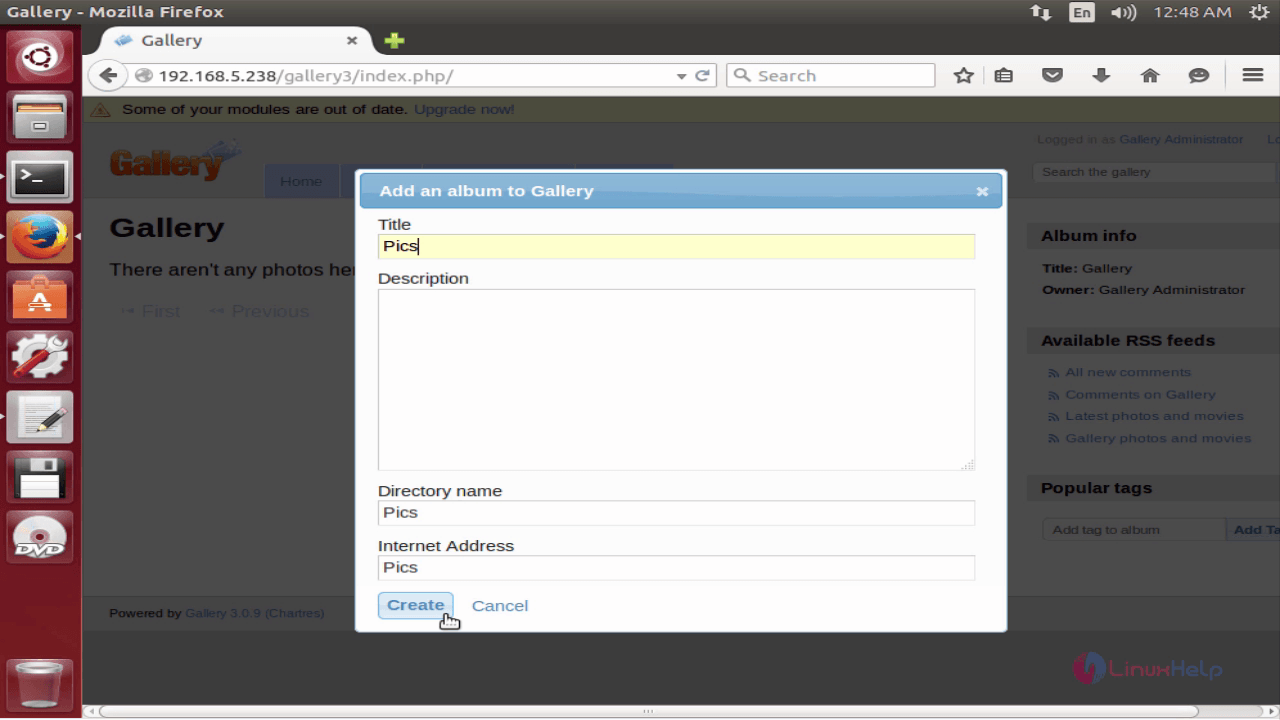
Now you can add your favorite albums.
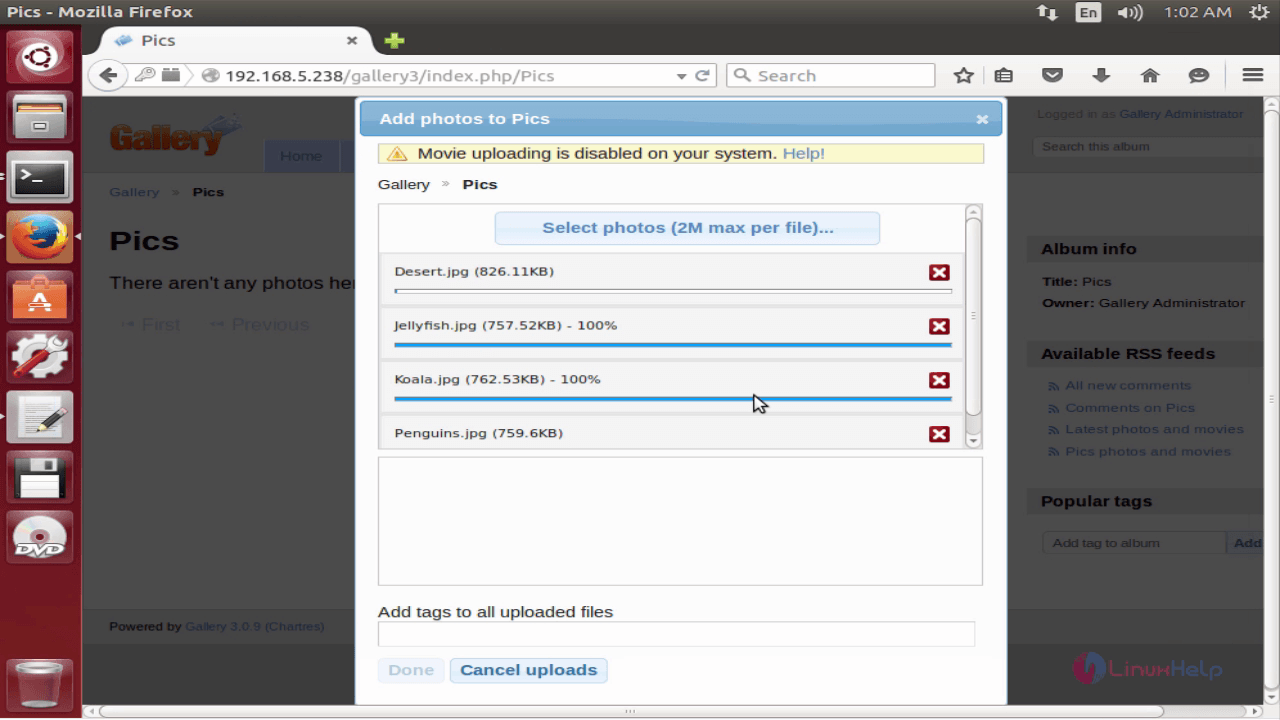
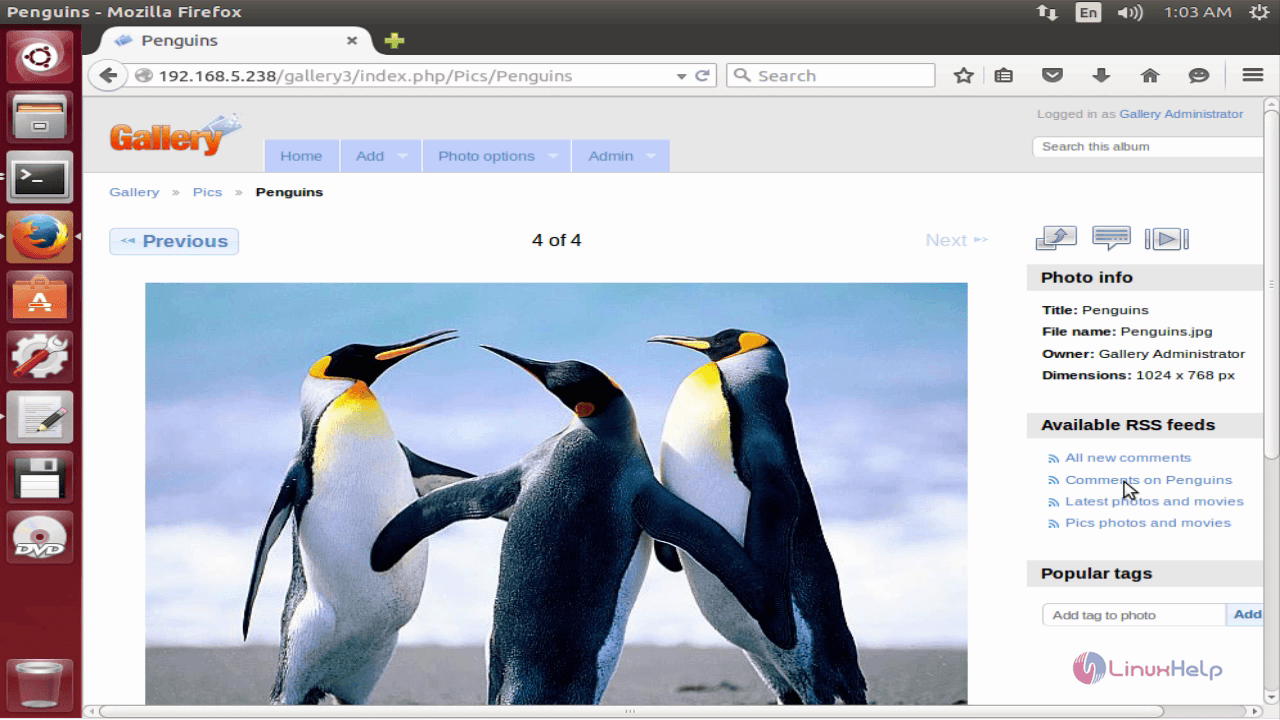
Enjoy your favorite photos by viewing through the Gallery3 application.
Comments ( 0 )
No comments available