How to install Gambas in Ubuntu 17.04
How to install Gambas in Ubuntu 17.04
Gambas is free development environment and a development platform based on Basic interpreter with object extensions. Designed to run on Linux and other Unix-like computer operating systems, its name is a recursive acronym for Gambas Almost Means Basic. Gambas is intended to provide a similar experience as developing in Microsoft Visual Basic but it is not considered to the clone of Visual Basic, merely as a counterpart. This tutorial covers the installation procedure of Gambas in Ubuntu.
Installation procedure
To start the installation procedure, add the repo in the target system by executing the following command.
root@linuxhelp1:~# add-apt-repository ppa:gambas-team/gambas-daily
 This PPA contain the latest development version of Gambas.
Currently supported Ubuntu releases:
- 12.04.X LTS
- 14.04.X LTS
- 14.10
- 15.04
 More info: https://launchpad.net/~gambas-team/+archive/ubuntu/gambas-daily
Press [ENTER] to continue or ctrl-c to cancel adding it
gpg: keybox ' /tmp/tmpxljdntm7/pubring.gpg'  created
gpg: /tmp/tmpxljdntm7/trustdb.gpg: trustdb created
gpg: key 50B027516CAEE58D: public key " Launchpad PPA for Gambas Ubuntu Maintainers"  imported
gpg: no ultimately trusted keys found
gpg: Total number processed: 1
gpg:               imported: 1
OK
The repository is added to the target system. Update the apt source by running the apt-get update command.
root@linuxhelp1:~# apt-get update
Get:1 http://security.ubuntu.com/ubuntu zesty-security InRelease [89.2 kB]
Hit:2 http://in.archive.ubuntu.com/ubuntu zesty InRelease
Hit:3 http://ppa.launchpad.net/gambas-team/gambas-daily/ubuntu zesty InRelease
Get:4 http://in.archive.ubuntu.com/ubuntu zesty-updates InRelease [89.2 kB]
Get:5 http://in.archive.ubuntu.com/ubuntu zesty-backports InRelease [89.2 kB]
Fetched 268 kB in 2s (98.1 kB/s)
Reading package lists... Done
The target system is updated with the required repositories. Install the Gambas package by executing the following command.
root@linuxhelp1:~# apt-get install gambas3
Reading package lists... Done
Building dependency tree
Reading state information... Done
The following additional packages will be installed:
  autoconf automake autopoint autotools-dev debhelper debugedit dh-autoreconf
  dh-strip-nondeterminism gambas3-dev gambas3-gb-args gambas3-gb-cairo
  gambas3-gb-chart gambas3-gb-clipper gambas3-gb-complex gambas3-gb-compress
  gambas3-gb-compress-bzlib2 gambas3-gb-compress-zlib gambas3-gb-crypt
  gambas3-gb-data gambas3-gb-db gambas3-gb-db-form gambas3-gb-db-mysql
  gambas3-gb-db-odbc gambas3-gb-db-postgresql gambas3-gb-db-sqlite3
  gambas3-gb-dbus gambas3-gb-dbus-trayicon gambas3-gb-desktop
  gambas3-gb-desktop-gnome-keyring gambas3-gb-desktop-x11
  gambas3-gb-eval-highlight gambas3-gb-form gambas3-gb-form-dialog
.
.
.
Setting up librpmbuild3 (4.12.0.2+dfsg1-2) ...
Setting up gambas3-gb-qt4-ext (3.9.90+svn8137+build2~ubuntu17.04.1) ...
Setting up gambas3-gb-opengl-glsl (3.9.90+svn8137+build2~ubuntu17.04.1) ...
Setting up libsdl2-mixer-2.0-0:amd64 (2.0.1+dfsg1-1) ...
Setting up gambas3-gb-qt4-webkit (3.9.90+svn8137+build2~ubuntu17.04.1) ...
Setting up gambas3-gb-sdl2 (3.9.90+svn8137+build2~ubuntu17.04.1) ...
Setting up libmikmod3:amd64 (3.3.10-1) ...
Setting up librpmsign3 (4.12.0.2+dfsg1-2) ...
Setting up gambas3-gb-mysql (3.9.90+svn8137+build2~ubuntu17.04.1) ...
Setting up gambas3-gb-sdl2-audio (3.9.90+svn8137+build2~ubuntu17.04.1) ...
Setting up rpm2cpio (4.12.0.2+dfsg1-2) ...
Setting up gambas3-gb-qt4-opengl (3.9.90+svn8137+build2~ubuntu17.04.1) ...
Setting up libsdl-mixer1.2:amd64 (1.2.12-11build1) ...
Setting up rpm (4.12.0.2+dfsg1-2) ...
Setting up gambas3-gb-sdl-sound (3.9.90+svn8137+build2~ubuntu17.04.1) ...
Setting up dh-autoreconf (13) ...
Setting up dh-strip-nondeterminism (0.032-1) ...
Setting up gambas3-gb-desktop-x11 (3.9.90+svn8137+build2~ubuntu17.04.1) ...
Setting up gambas3-gb-desktop (3.9.90+svn8137+build2~ubuntu17.04.1) ...
Setting up debhelper (10.2.2ubuntu1) ...
Setting up gambas3-ide (3.9.90+svn8137+build2~ubuntu17.04.1) ...
Setting up gambas3-gb-desktop-gnome-keyring (3.9.90+svn8137+build2~ubuntu17.04.1) ...
Setting up gambas3 (3.9.90+svn8137+build2~ubuntu17.04.1) ...
Processing triggers for libc-bin (2.24-9ubuntu2) ...
The application is installed successfully. To start the application, type the package name in the ubuntu dashboard and click on the icon to start the application.
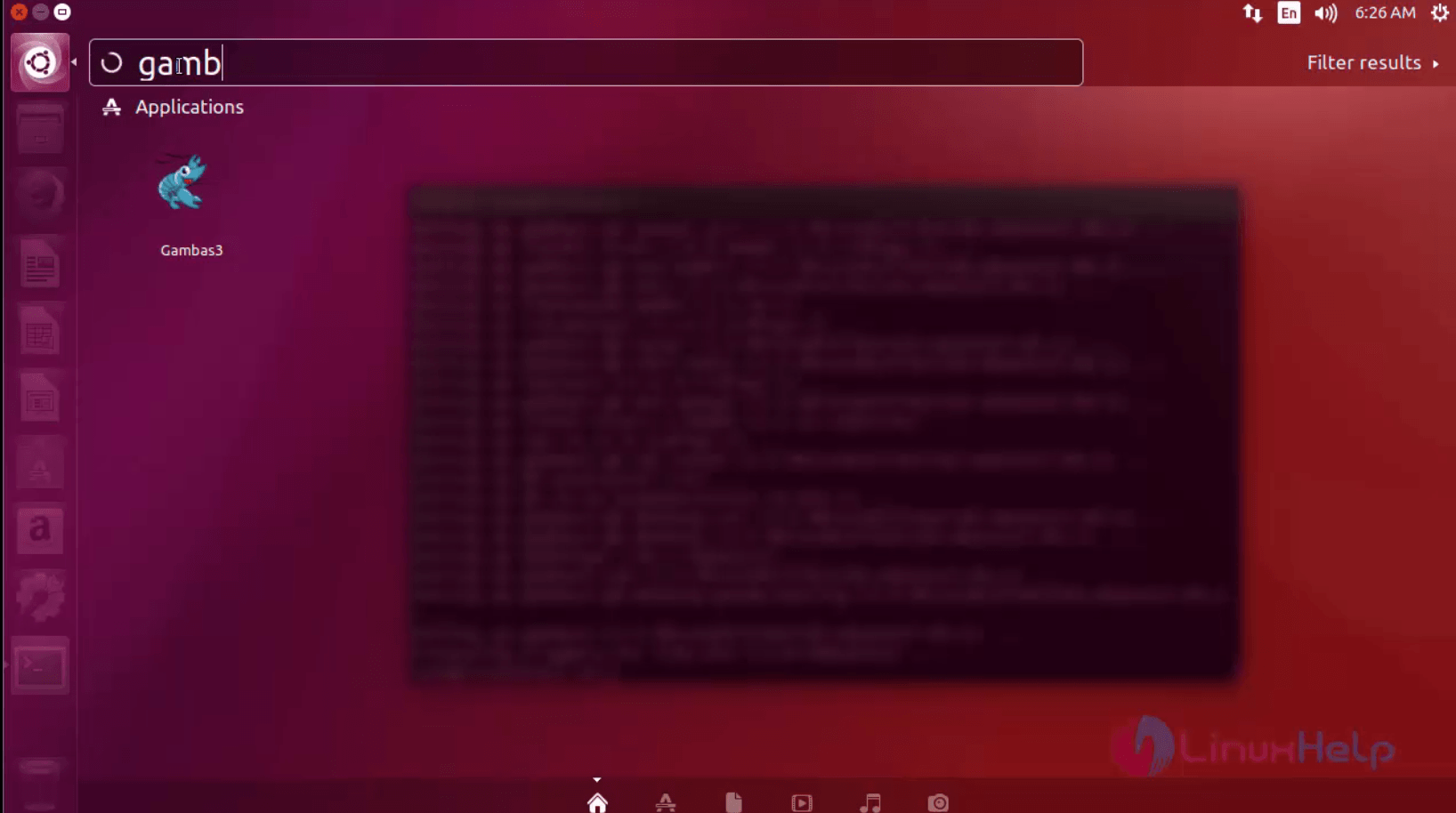
The gambas application is running successfully. Now the user can use the gambas for various development of projects.
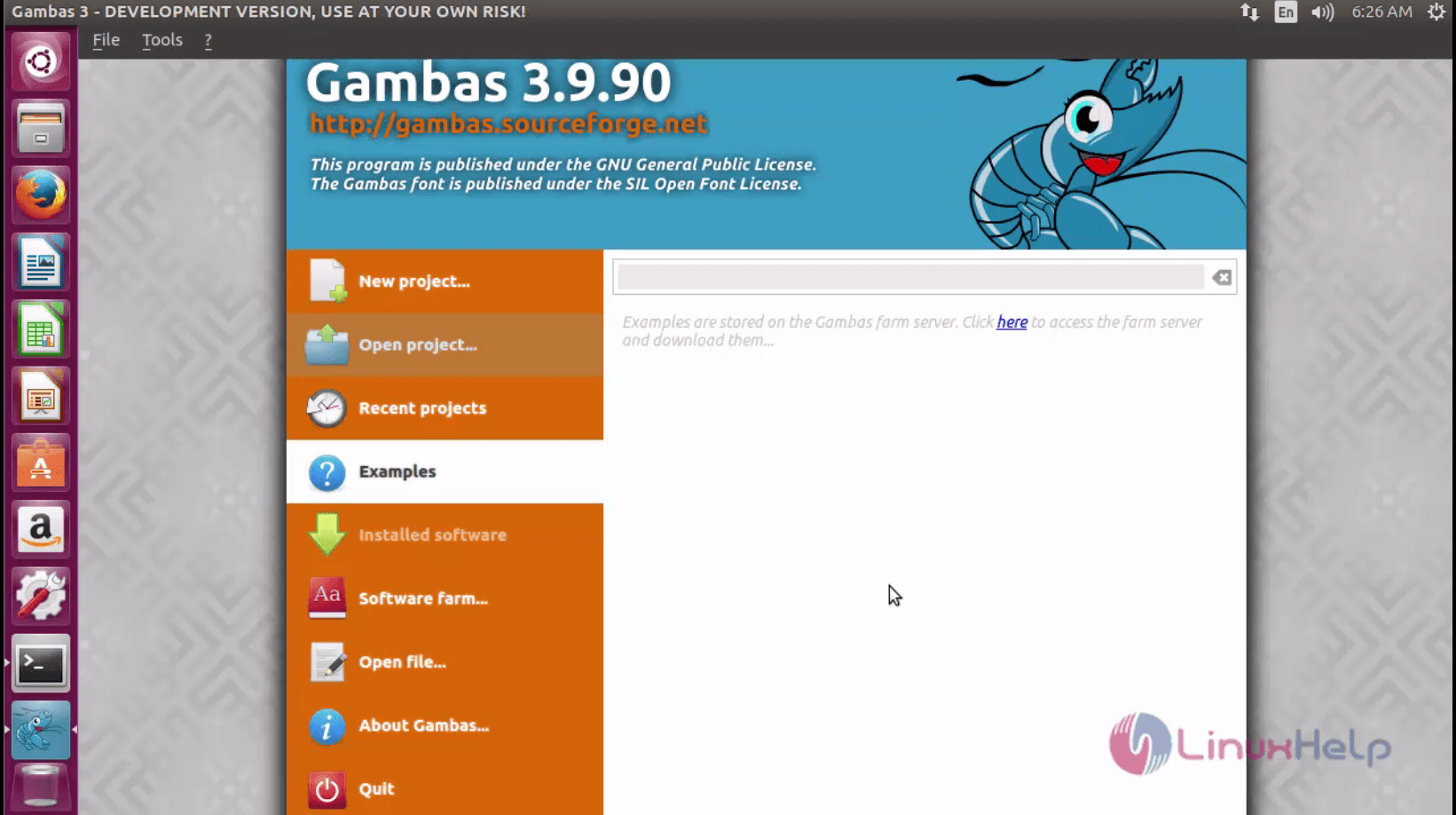
Wasn' t that an easy installation procedure? Gambas is designed to build graphical programs using the Qt or the GTK+ toolkit.
Comments ( 1 )