How to install Ghost writer 1.3.2 on Ubuntu 16.04
{{postValue.id}}
To install Ghost writer 1.3.2 on Ubuntu 16.04
GhostWriter is a stylish, free and open source markdown editor which supports both windows and linux. It is designed with several built in themes. It has an intuitive and innovative interface which makes editing with Ghost Writer a seamless activity. The installation of Ghost Writer is as simple as it sounds, and this article will brief you through it.
Features
- navigation of document headings
- focus mode that highlights the current sentence, line, three lines, or paragraph
- two built-in themes, one light and one dark
- theme creator for custom colors and background images
- supports custom CSS style sheets for HTML preview
- image URL insertion via dragging and dropping an image file into the editor
- sundown processor built in for preview and export to HTML
- integrates other Markdown processors (if installed) for preview and export to popular document formats, such as PDF, ODT, and RTF: Pandoc, MultiMarkdown, Discount, cmark
Installing Ghost Writer
Initiate the installation of Ghost Writer by adding the ghost writer package into repository via PPA.
root@linuxhelp1:/home/user1# add-apt-repository ppa:wereturtle/ppa
 Ubuntu package archive for http://github.com/wereturtle/
 More info: https://launchpad.net/~wereturtle/+archive/ubuntu/ppa
Press [ENTER] to continue or ctrl-c to cancel adding it
.
.
.
gpg: key 9B3CCB19: public key " Launchpad PPA for wereturtle"  imported
gpg: Total number processed: 1
gpg:               imported: 1  (RSA: 1)
OK
Once it is done, update the machine as follows.
root@linuxhelp1:/home/user1# apt-get update
Hit:1 http://ppa.launchpad.net/wereturtle/ppa/ubuntu xenial InRelease
Hit:2 http://in.archive.ubuntu.com/ubuntu xenial InRelease
Hit:3 http://in.archive.ubuntu.com/ubuntu xenial-updates InRelease
Hit:4 http://security.ubuntu.com/ubuntu xenial-security InRelease
Hit:5 http://in.archive.ubuntu.com/ubuntu xenial-backports InRelease
Reading package lists... Done
Now is the time to install Ghost Writer package. Use the following command for the same purpose.
root@linuxhelp1:/home/user1# apt-get install ghostwriter
Reading package lists... Done
Building dependency tree
Reading state information... Done
The following additional packages will be installed:
  libqt5concurrent5
.
.
.
Processing triggers for mime-support (3.59ubuntu1) ...
Setting up libqt5concurrent5:amd64 (5.5.1+dfsg-16ubuntu7.2) ...
Setting up ghostwriter (1.4.2-0ppa1~xenial1) ...
Processing triggers for libc-bin (2.23-0ubuntu3) ...
Open the dashboard of Ubuntu to launch Ghost Writer.

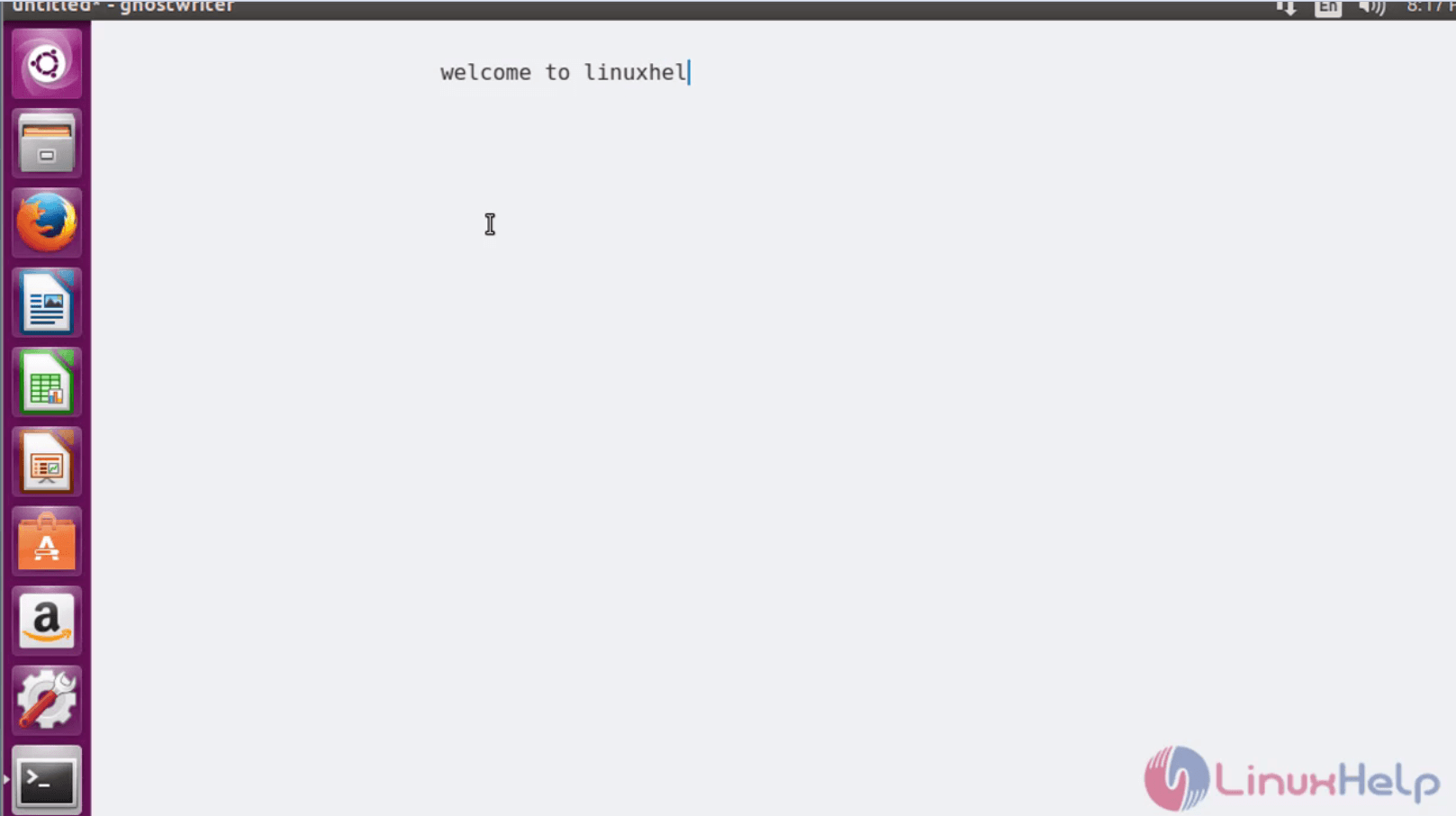
Enjoy editing your text with the help of Ghost Writer.
Comments ( 0 )
No comments available