How to Install GitLab on Linux Mint 20
To install GitLab on Linux Mint 20
GitLab is a free and paid self-hosted web-based repository manager for the team collaboration of development tools. It is used to create, edit new projects, merge finished code into the existing projects, and also as an intermediate between the server and the user. In this tutorial we will cover how to install GitLab on Linux Mint 20.
Introduction:
Check the OS version by using the following command:
root@linuxhelp:~# cat /etc/os-release
NAME="Linux Mint"
VERSION="20 (Ulyana)"
ID=linuxmint
ID_LIKE=ubuntu
PRETTY_NAME="Linux Mint 20"
VERSION_ID="20"
HOME_URL="https://www.linuxmint.com/"
SUPPORT_URL="https://forums.ubuntu.com/"
BUG_REPORT_URL="http://linuxmint-troubleshooting-guide.readthedocs.io/en/latest/"
PRIVACY_POLICY_URL="https://www.linuxmint.com/"
VERSION_CODENAME=ulyana
UBUNTU_CODENAME=focal
Once the OS version is checked, Install Dependency package of Git:
root@linuxhelp:~# apt install openssh-server postfix gdebi
Reading package lists... Done
Building dependency tree
Reading state information... Done
gdebi is already the newest version (0.9.5.7xmint10).

Postfix (main.cf) is now set up with a default configuration.  If you need to
make changes, edit /etc/postfix/main.cf (and others) as needed.  To view
Postfix configuration values, see postconf(1).
.
.
.
Running newaliases
Created symlink /etc/systemd/system/multi-user.target.wants/postfix.service → /l
ib/systemd/system/postfix.service.
Processing triggers for ufw (0.36-6) ...
Processing triggers for systemd (245.4-4ubuntu3) ...
Processing triggers for man-db (2.9.1-1) ...
Processing triggers for rsyslog (8.2001.0-1ubuntu1) ...
Processing triggers for libc-bin (2.31-0ubuntu9) ...
change directory netaxis to install downloaded gitlab
root@linuxhelp:~# ls /home/netaxis/
Desktop  Documents  Downloads  gitlab-ce_13.4.6-ce.0_amd64.deb  Music  Pictures  Public  Templates  Videos
root@linuxhelp:~# gdebi /home/netaxis/gitlab-ce_13.4.6-ce.0_amd64.deb
Reading package lists... Done
Building dependency tree
Reading state information... Done
Reading state information... Done

GitLab Community Edition (including NGINX, Postgres, Redis)
Do you want to install the software package? [y/N]:y
Selecting previously unselected package gitlab-ce.
.
.
.
configuration in /etc/gitlab/gitlab.rb file.
Then, you can start your GitLab instance by running the following command:
  sudo gitlab-ctl reconfigure
For a comprehensive list of configuration options please see the Omnibus GitLab readme
https://gitlab.com/gitlab-org/omnibus-gitlab/blob/master/README.md
After the installation run the below command to reconfigure Gitlab
root@linuxhelp:~# gitlab-ctl reconfigure
Starting Chef Infra Client, version 15.12.22
resolving cookbooks for run list: ["gitlab"]
Synchronizing Cookbooks:
  - gitlab (0.0.1)
  - package (0.1.0)
  - postgresql (0.1.0)
  - nginx (0.1.0)
  - crond (0.1.0)
  - acme (4.1.1)
.
.
.
Running handlers:
Running handlers complete
Chef Infra Client finished, 565/1528 resources updated in 06 minutes 34 seconds

Warnings:
Environment variable LANG specifies a non-UTF-8 locale. GitLab requires UTF-8 encoding to function properly. Please check your locale settings.

gitlab Reconfigured!
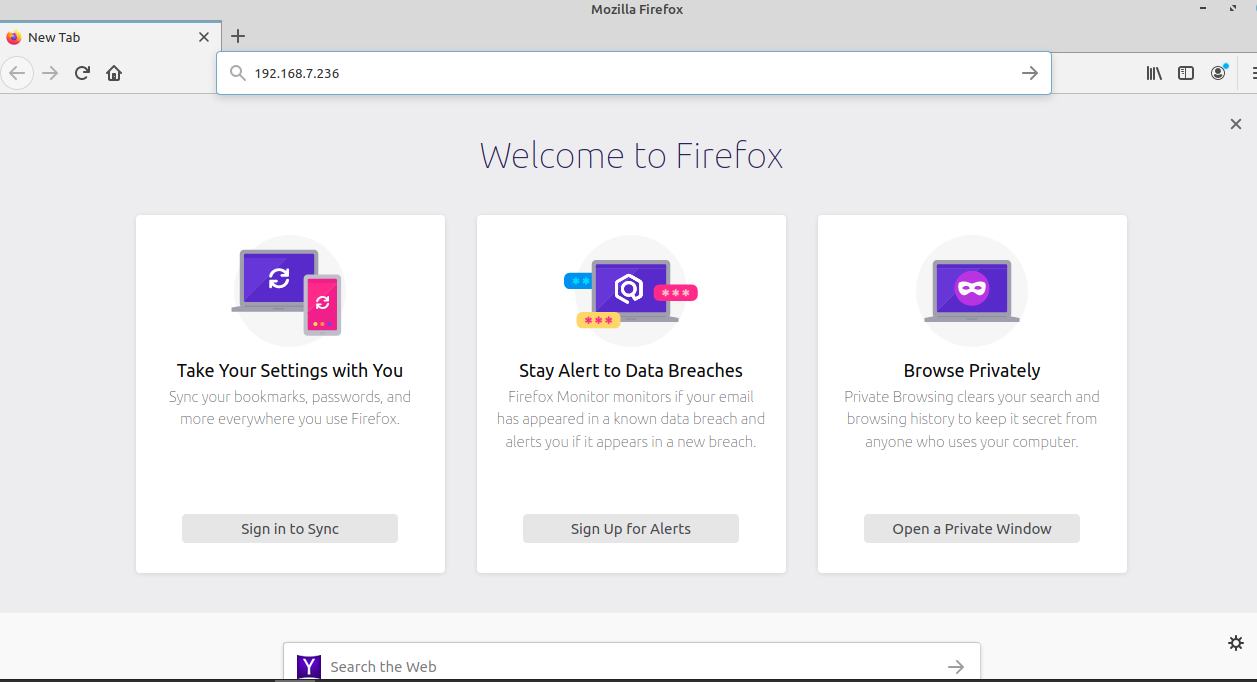
Open the browser and search your IP
 Here enter the new password
 Here enter your user name to enter your git page
 Here the page of root user is open

With this, the method of installation GIT on Linux Mint 20 comes to an end.
Comments ( 0 )
No comments available