• Categories
    Category
    {{ postCtrl.tags }}
    • {{ category.tag_type }}

      • {{tag.tag_name}}
      • View more
  • Categories
    Category
    {{ postCtrl.tags }}
    • {{ category.tag_type }}

      • {{tag.tag_name}}
      • View more
  • News
  • Tutorials
  • Forums
  • Tags
  • Users
Tutorial News Comments FAQ Related Articles

How to Install Gnome Boxes on Ubuntu

{{postValue.id}}

To Install Gnome Boxes on Ubuntu

GNOME boxes is an alternative to virtual box and VM Player to install and run multiple local or remote virtual machines from one computer. It is a perfect application to test any new operating system from Linux. This application is very simple to use and the user can get a proper idea on the whole virtualization process by using the user-friendly interface of it.

Installing Gnome Boxes

Before you begin with the installation process, you need to update your system by making use of the following command.

root@linuxhelp:~# apt-get update
Hit:1 http://in.archive.ubuntu.com/ubuntu xenial InRelease          
Hit:2 http://ppa.launchpad.net/ondrej/php/ubuntu xenial InRelease
.
.
Fetched 5,469 kB in 20s (264 kB/s)                                                            
Reading package lists... Done


You shall now proceed with the installation of Gnome Boxes on Ubuntu by running the following command.

root@linuxhelp:~# apt-get install gnome-boxes
Reading package lists... Done
.
.
bingwallpaper
Reading package lists... Done

Once it is installed, you can type boxes on your Ubuntu search field, the application icon will be displayed on your screen. Click on it to open the application.
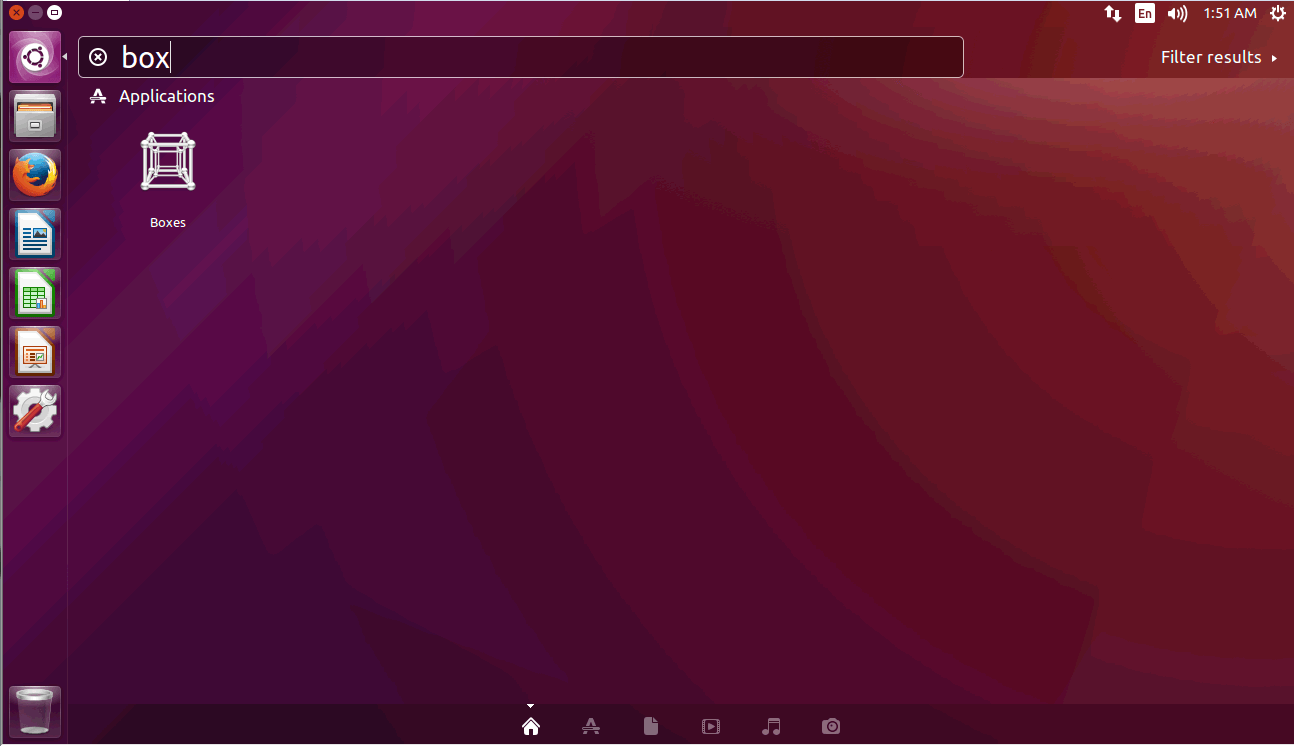
search

The GNOME Boxes application is now open.
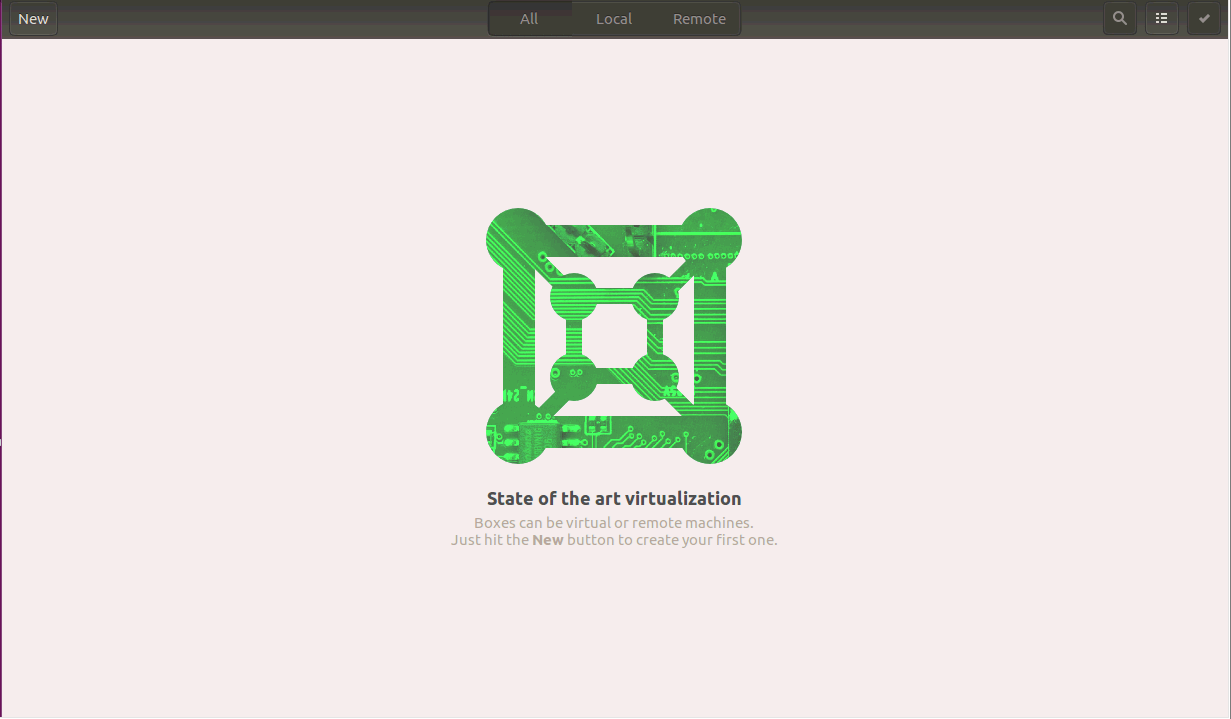
Gnome boxes
With this, the installation of Gnome Boxes on Ubuntu comes to an end.


Tags:
matthew
Author: 

Comments ( 0 )

No comments available

Add a comment
{{postCtrl.cmtErrMsg}}

Frequently asked questions ( 5 )

Q

What is a gnome box?

A

GNOME boxes is an alternative to virtual box and VM Player to install
and run multiple local or remote virtual machines from one computer.
It is a perfect application to test any new operat

Q

How to to store your Gnome Boxes disks (which can get large) elsewhere,?

A

you can use a symbolic link to move its location. Create a symbolic link from

~/.local/share/gnome-boxes
to your desired location:

$ rm -rf ~/.local/share/gnome-boxes && ln -s /p

Q

What is a virtual machine in Gnome boxes?

A

A virtual machine is a simulated computer running inside another computer. The simulated computer is often called guest, while the real machine is called host.

Q

Where does Boxes store disk images in Gnome boxes?

A

By default, Boxes stores disk images in the folder ~/.local/share/gnome-boxes/images/. If you are using other software that interfaces with libvirt, such as virt-manager, then Boxes will also read from the folder that software uses to store its images.

Q

How to Delete a gnome box?

A

Select one or more boxes. In the collection view, right click a box to be deleted.

Selection mode opens. Click additional boxes to select them for deletion.

Click the Delete button.

Click the X to confirm.

Back To Top!
Rank
User
Points

Top Contributers

userNamenaveelansari
135850

Top Contributers

userNameayanbhatti
92510

Top Contributers

userNamehamzaahmed
32150

Top Contributers

1
userNamelinuxhelp
31040

Top Contributers

userNamemuhammadali
24500
Can you help Jayce ?
What are the types of table used in IPtables

What are the various types of table used in IPtables and how to use that for my server security?

Networking
  • Routing
  • trunk
  • Netmask
  • Packet Capture
  • domain
  • HTTP Proxy
Server Setup
  • NFS
  • KVM
  • Memory
  • Sendmail
  • WebDAV
  • LXC
Shell Commands
  • Cloud commander
  • Command line archive tools
  • last command
  • Shell
  • terminal
  • Throttle
Desktop Application
  • Linux app
  • Pithos
  • Retrospect
  • Scribe
  • TortoiseHg
  • 4Images
Monitoring Tool
  • Monit
  • Apache Server Monitoring
  • EtherApe 
  • Arpwatch Tool
  • Auditd
  • Barman
Web Application
  • Nutch
  • Amazon VPC
  • FarmWarDeployer
  • Rukovoditel
  • Mirror site
  • Chef
Contact Us | Terms of Use| Privacy Policy| Disclaimer
© 2025 LinuxHelp.com All rights reserved. Linux™ is the registered trademark of Linus Torvalds. This site is not affiliated with linus torvalds in any way.