How to install GPMDP in Ubuntu
How to install GPMDP in Ubuntu 16.04 (Google Play Music Desktop Player)
Google play music is an open source and a replication of Google play music in Android. It is a standalone framework application and also resource-efficient, light-weight. It supports a score of customize options for the player and even has a built-in equalizer along with HTML5 audio support. This tutorial covers the installation procedure of GPMDP in Ubuntu.
Installation procedure
Before installing the GPMDP, download the package from the official link https://www.googleplaymusicdesktopplayer.com/ . Once the required package is downloaded, move to the download folder and start the installation process.
user1@linuxhelpubnt:~/Downloads$ sudo dpkg -i google-play-music-desktop-player_4.3.0_amd64_2.deb
(Reading database ... 172282 files and directories currently installed.)
.
.
.
Rebuilding /usr/share/applications/bamf-2.index...
Processing triggers for mime-support (3.59ubuntu1) ...
Incase of any dependency issue use the command ‘ apt-get install &ndash f ‘
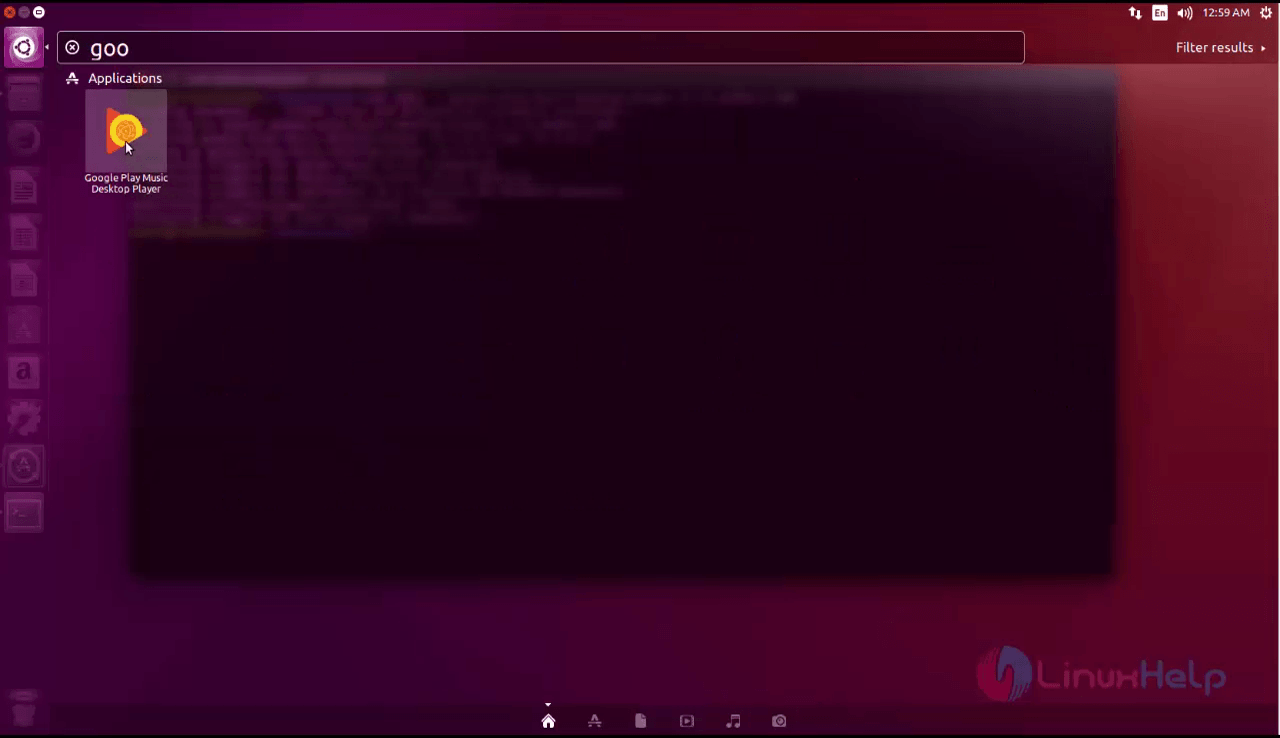
After the installation is completed, open the application by typing the package name in the ubuntu dashboard and click on the icon to run the application.
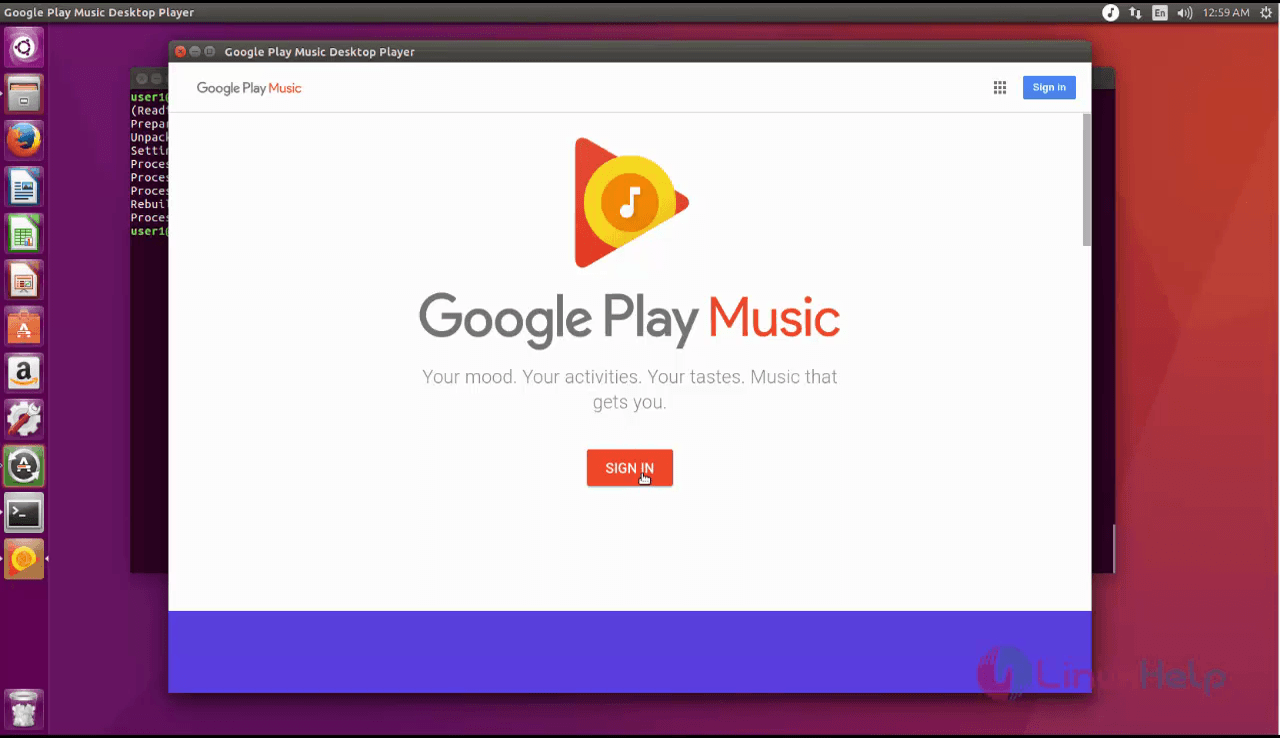
The application is running successfully. Click the Let' s Go option to continue into the application.

Sign in into the Google account to explore the playlist and music in the application.
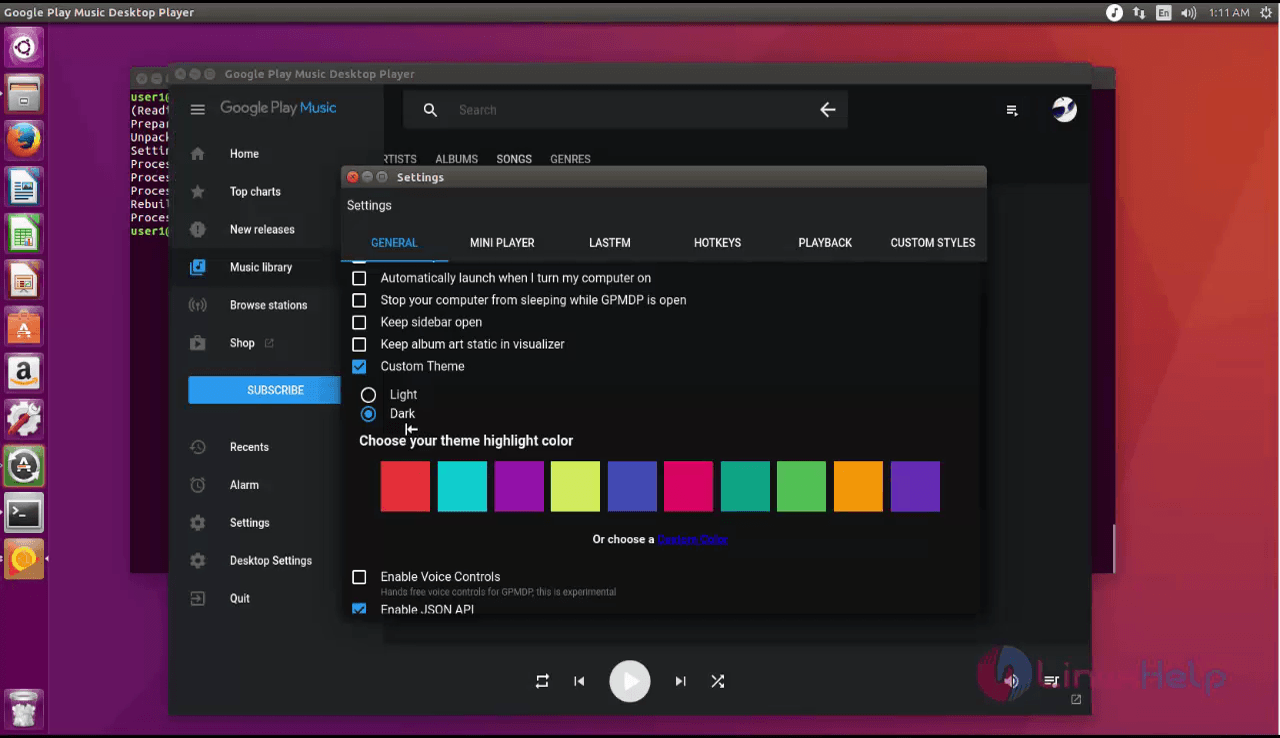
In the left side menu bar panel, there will be a list of menus with many customizable option. The user can customize the player more suitable to the user' s needs. In the desktop settings the user can change the music player' s color and theme settings.

The user can customize to a darker theme and change the settings as the user needs.
Wasn' t that an easy installation procedure? GPMDP has a in-built equalizer and also contains background music playing which can be minimized to the task bar.
Comments ( 0 )
No comments available