• Categories
    Category
    {{ postCtrl.tags }}
    • {{ category.tag_type }}

      • {{tag.tag_name}}
      • View more
  • Categories
    Category
    {{ postCtrl.tags }}
    • {{ category.tag_type }}

      • {{tag.tag_name}}
      • View more
  • News
  • Tutorials
  • Forums
  • Tags
  • Users
Tutorial News Comments FAQ Related Articles

How to install Guake terminal emulator in Ubuntu

{{postValue.id}}

To install Guake terminal emulator in Ubuntu

Guake is a drop-down terminal for Linux distributions. Users can instantaneously open and hide the terminal with a single key stroke. It is designed with an impressive features and it enables the users to easily slide down and slide back-up the screen. Installation of Guake terminal emulator in Ubuntu is discussed in this manual.

Installation of Guake

First add the required repository files with the following command.

root@linuxhelp:/home/user1# add-apt-repository ppa:webupd8team/unstable
 This PPA currently holds unreleased / git builds for different applications like Turpial, mc, Audacious.
.
.
.
gpg: no ultimately trusted keys found
gpg: Total number processed: 1
gpg:               imported: 1  (RSA: 1)
OK


Then update the apt source with " apt-get update" command.

root@linuxhelp:/home/user1# apt-get update
Hit:1 http://in.archive.ubuntu.com/ubuntu xenial InRelease
Get:2 http://security.ubuntu.com/ubuntu xenial-security InRelease [94.5 kB]
.
.
.
Get:9 http://ppa.launchpad.net/webupd8team/unstable/ubuntu xenial/main Translation-en [1,508 B]                         
Fetched 219 kB in 7s (30.6 kB/s)                                                                                        
Reading package lists... Done


Now install the guake package with the following command.

root@linuxhelp:/home/user1# apt-get install guake
Reading package lists... Done
Building dependency tree       
Reading state information... Done
.
.
.
Setting up guake (0.8.7-1~webupd8~xenial0) ...
Setting up python-gi (3.20.0-0ubuntu1) ...
Processing triggers for libc-bin (2.23-0ubuntu3) ...


Open the installed package in Unity dash board. Type Guake in search bar and then click on the displayed icon.
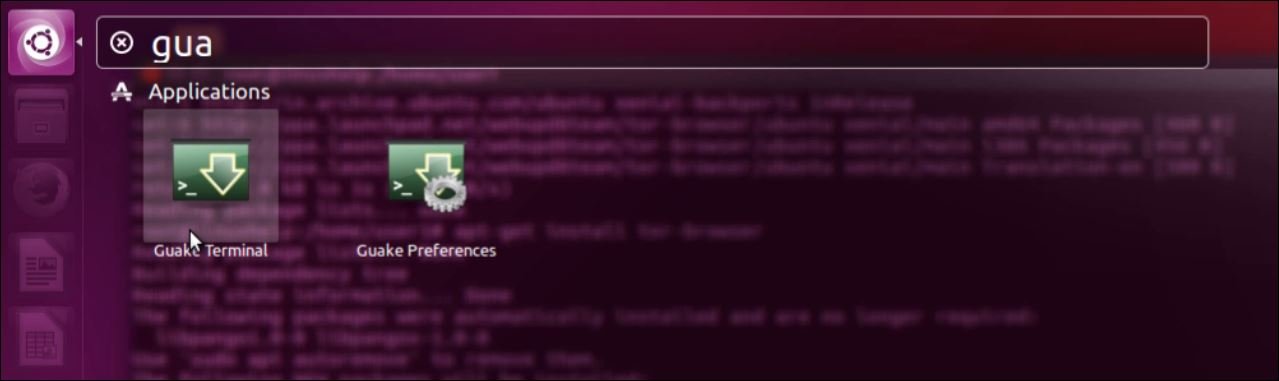
Search_Guake

Here you can access guake terminal emulator as shown below.
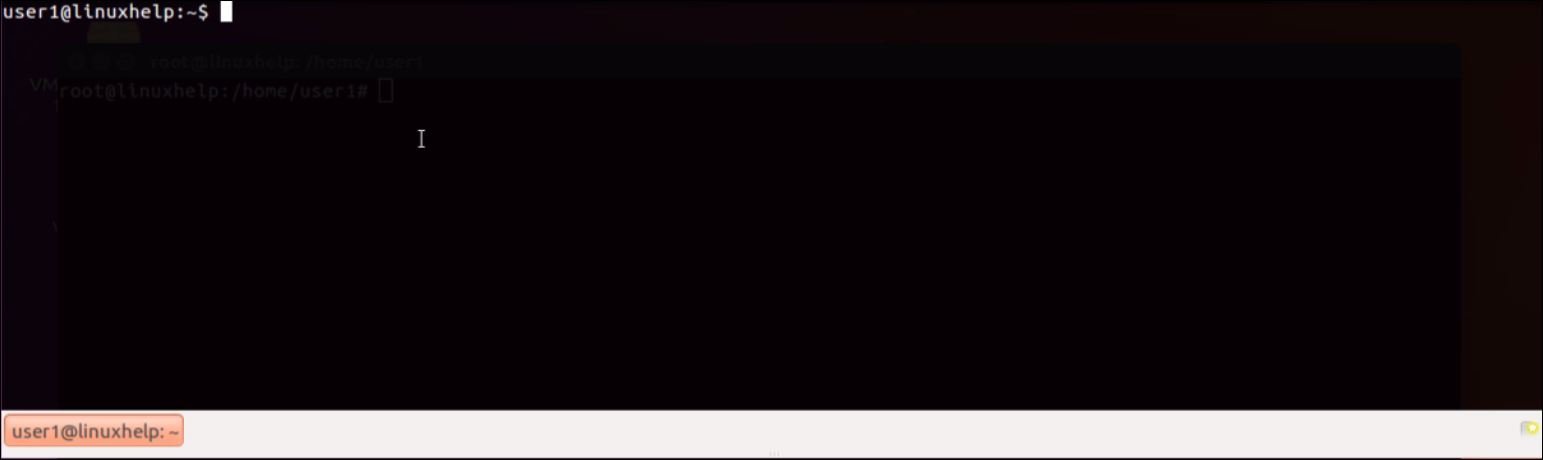
 guake terminal emulator

Execute some commands in Guake terminal emulator.
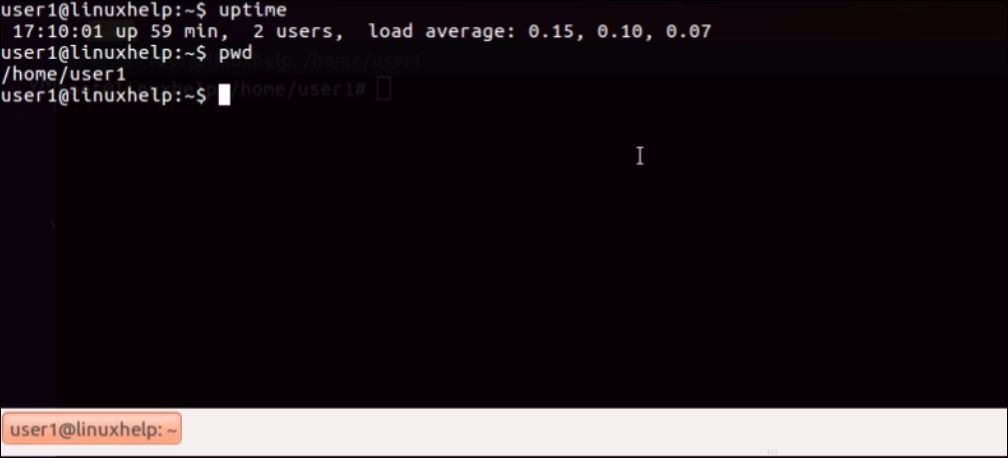
Command on guake

Press “ ctrl+shift+t” to open the multiple terminal tabs.
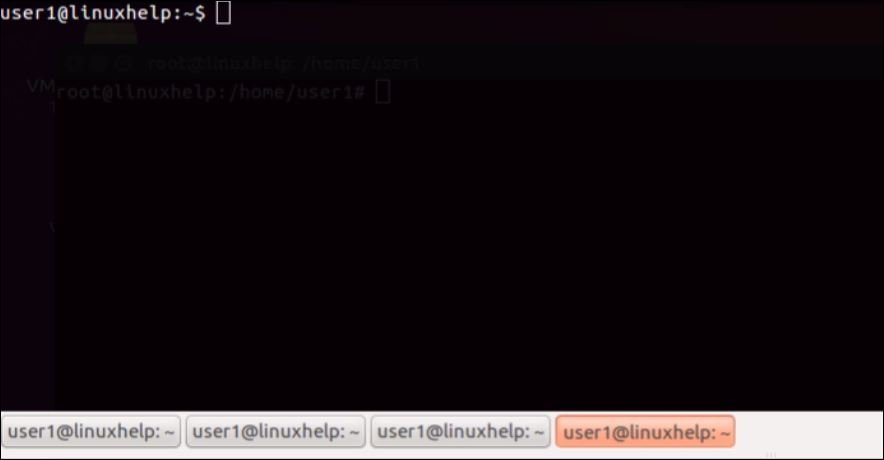
Multiple_terminal_tab

Tags:
jackson
Author: 

Comments ( 0 )

No comments available

Add a comment
{{postCtrl.cmtErrMsg}}

Frequently asked questions ( 5 )

Q

ImportError: No module named parse Has anyone else successfully managed to install Guake?

A

Maybe one of these packages? [-] python-parse-1.8.2_2 Parse strings using the format() syntax (Python2) [-] python3-parse-1.8.2_2 Pa

Q

What is a "Drop-Down Terminal" ?

A

Press a keyboard short-cut and a terminal window appears.

Q

Guake Doesn't Start When Session Starts?

A

From Guake Preferences, uncheck "enable popup notifications on startup". Then add guake to Startup Applications and that's all. If you want to easily find the path to an application you can

Q

what are the alternative method In guake terminal?

A

GNOME Terminal. Yakuake. Hyper Tilda

Q

Why Guake crashes with Tmux and Byubu?

A

Tmux and Byobu can be used as shell instead of bash or zsh, but you should be sure to disable the "use login shell" option. If set, Guake will not be able to start. Use dconf-editor to reset this option if Guake cannot start again.

Back To Top!
Rank
User
Points

Top Contributers

userNamenaveelansari
135850

Top Contributers

userNameayanbhatti
92510

Top Contributers

userNamehamzaahmed
32150

Top Contributers

1
userNamelinuxhelp
31040

Top Contributers

userNamemuhammadali
24500
Can you help keel johnston ?
Unhide the folders on windows Explorer

Give any solutions to unhide folder using command prompt?

forum3

Networking
  • Routing
  • trunk
  • Netmask
  • Packet Capture
  • domain
  • HTTP Proxy
Server Setup
  • NFS
  • KVM
  • Memory
  • Sendmail
  • WebDAV
  • LXC
Shell Commands
  • Cloud commander
  • Command line archive tools
  • last command
  • Shell
  • terminal
  • Throttle
Desktop Application
  • Linux app
  • Pithos
  • Retrospect
  • Scribe
  • TortoiseHg
  • 4Images
Monitoring Tool
  • Monit
  • Apache Server Monitoring
  • EtherApe 
  • Arpwatch Tool
  • Auditd
  • Barman
Web Application
  • Nutch
  • Amazon VPC
  • FarmWarDeployer
  • Rukovoditel
  • Mirror site
  • Chef
Contact Us | Terms of Use| Privacy Policy| Disclaimer
© 2025 LinuxHelp.com All rights reserved. Linux™ is the registered trademark of Linus Torvalds. This site is not affiliated with linus torvalds in any way.