How to install Ice HRM V-21.1.0 on Linuxmint-18.03
To install Ice HRM V-21.1.0 on Linuxmint-18.03
ICE Hrm is a Human resource management system for small and medium-sized organizations .it’;s based on php and MySQL database. It covers all the basic HRM needs of a company such as leave management, time management and handling of employee information. In this tutorial, we will see the installation of Ice HRM on Linux mint 18.3
Pre-requirements
Install LAMP (Apache, php7.1, mariadb-server)
In MariaDB (create database, user and give privileges to the user)
FOR PHP INSTALLATION
add-apt-repository ppa:ondrej/php
apt-get update
apt-get install php7.1
apt install php7.1 libapache2-mod-php7.1 php7.1-common php7.1-mbstring php7.1-xmlrpc php7.1-soap php7.1-gd php7.1-xml php7.1-intl php7.1-mysql php7.1-cli php7.1-mcrypt
php7.1-ldap php7.1-zip php7.1-curl
Download the icehrm package, using the following link https://sourceforge.net/projects/icehrm/?source=typ_redirect
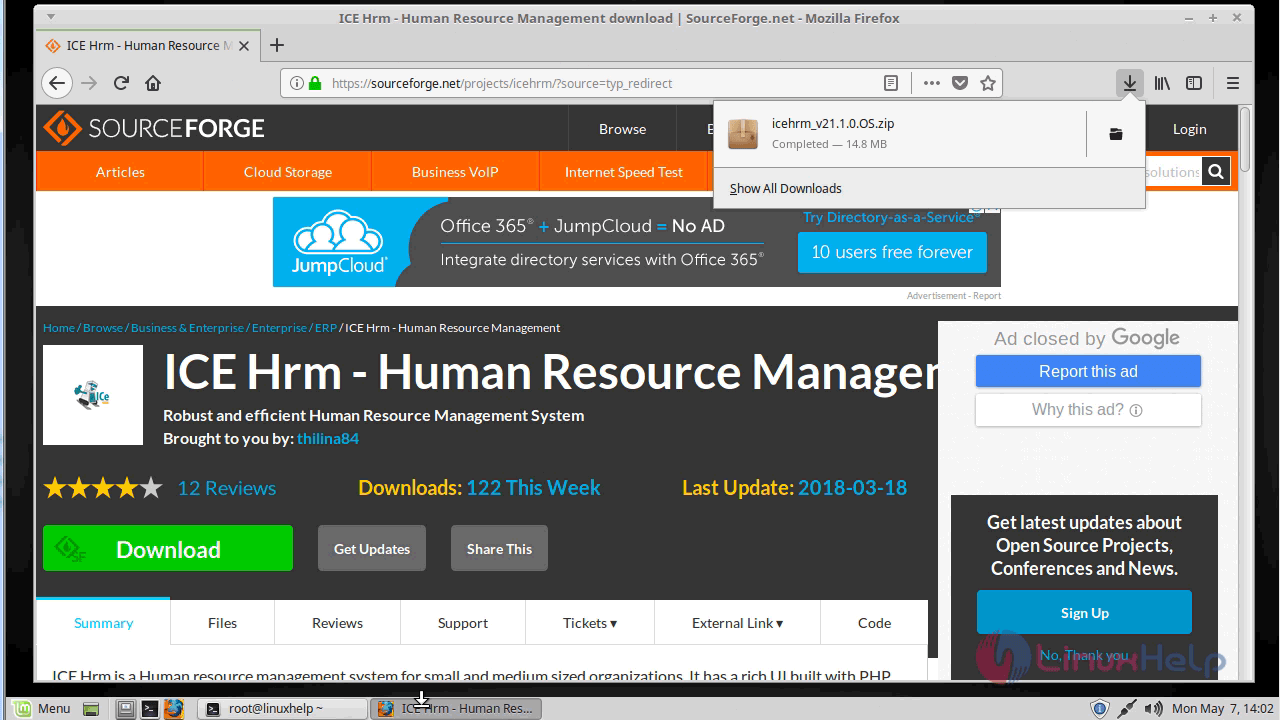
Go to the download directory
linuxhelp ~ # cd /home/user/Downloads/
linuxhelp Downloads # ls
icehrm_v21.1.0.OS.zip
After downloading we have to extract downloaded directory
linuxhelp Downloads # unzip icehrm_v21.1.0.OS.zip
Archive:  icehrm_v21.1.0.OS.zip
   creating: icehrm_v21.1.0.OS/
   creating: icehrm_v21.1.0.OS/admin/
   creating: icehrm_v21.1.0.OS/admin/attendance/
   creating: icehrm_v21.1.0.OS/admin/company_structure/
   creating: icehrm_v21.1.0.OS/admin/dashboard/
   creating: icehrm_v21.1.0.OS/admin/data/
   creating: icehrm_v21.1.0.OS/admin/employees/
   creating: icehrm_v21.1.0.OS/admin/employees/customTemplates/
   creating: icehrm_v21.1.0.OS/admin/fieldnames/
.
.
.
  inflating: icehrm_v21.1.0.OS/web/bower_components/tinymce/themes/inlite/theme.js
  inflating: icehrm_v21.1.0.OS/web/bower_components/tinymce/themes/inlite/theme.min.js
  inflating: icehrm_v21.1.0.OS/web/bower_components/tinymce/themes/modern/index.js
  inflating: icehrm_v21.1.0.OS/web/bower_components/tinymce/themes/modern/theme.js
  inflating: icehrm_v21.1.0.OS/web/bower_components/tinymce/themes/modern/theme.min.js
  inflating: icehrm_v21.1.0.OS/web/bower_components/tinymce/tinymce.jquery.js
  inflating: icehrm_v21.1.0.OS/web/bower_components/tinymce/tinymce.jquery.min.js
  inflating: icehrm_v21.1.0.OS/web/bower_components/tinymce/tinymce.js
  inflating: icehrm_v21.1.0.OS/web/bower_components/tinymce/tinymce.min.js
Rename the downloaded directory
linuxhelp Downloads # ls
icehrm_v21.1.0.OS  icehrm_v21.1.0.OS.zip
linuxhelp Downloads # mv icehrm_v21.1.0.OS icehrm
here we have to move the icehrm directory into the /var/www/html directory
linuxhelp Downloads # mv icehrm /var/www/html/
Go to /var/www/html directory
linuxhelp Downloads # cd /var/www/html/
linuxhelp html # ls
icehrm  index.html
we have to change ownership and permission for the icehrm directory
linuxhelp html # chown -R www-data:www-data icehrm/ && chmod -R 775 icehrm/
we have to configure the virtual host for icehrm. Create an empty file named icehrm.conf
linuxhelp html # cd /etc/apache2/sites-available/
linuxhelp sites-available # vim icehrm.conf

<virtualhost *:80>
servername  www.linuxhelp1.com
Documentroot  /var/www/html/icehrm
<Directory /var/www/html/icehrm>
AllowOverride all
order allow,deny
allow from all
</Directory>
</virtualhost>
enable the icehrm.conf file
linuxhelp sites-available # a2ensite icehrm.conf
Enabling site icehrm.
To activate the new configuration, you need to run
service apache2 reload
make an entry to the host file as follows
linuxhelp sites-available # vim /etc/hosts
<give your ip>    <give your domain name>
Restart apache web server
linuxhelp sites-available # systemctl restart apache2.service
After restarting apache server open the browser, and enter the local IP or domain name
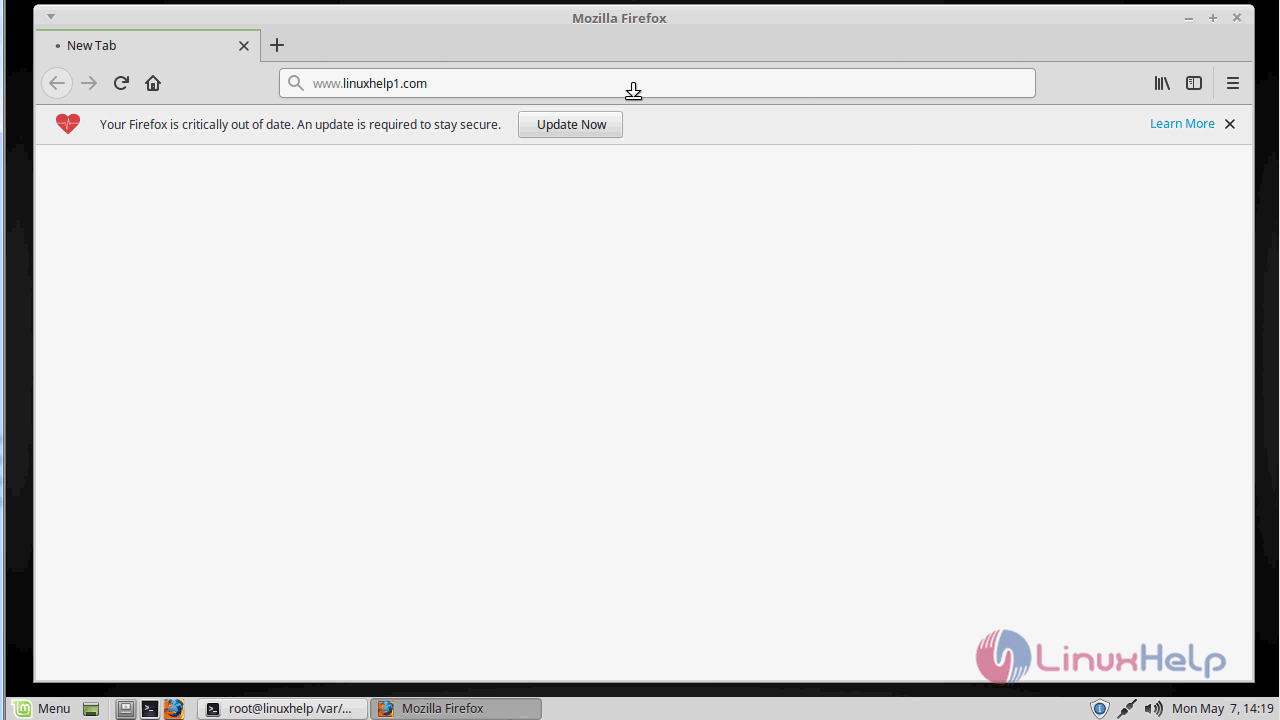
Configure file path and database configuration
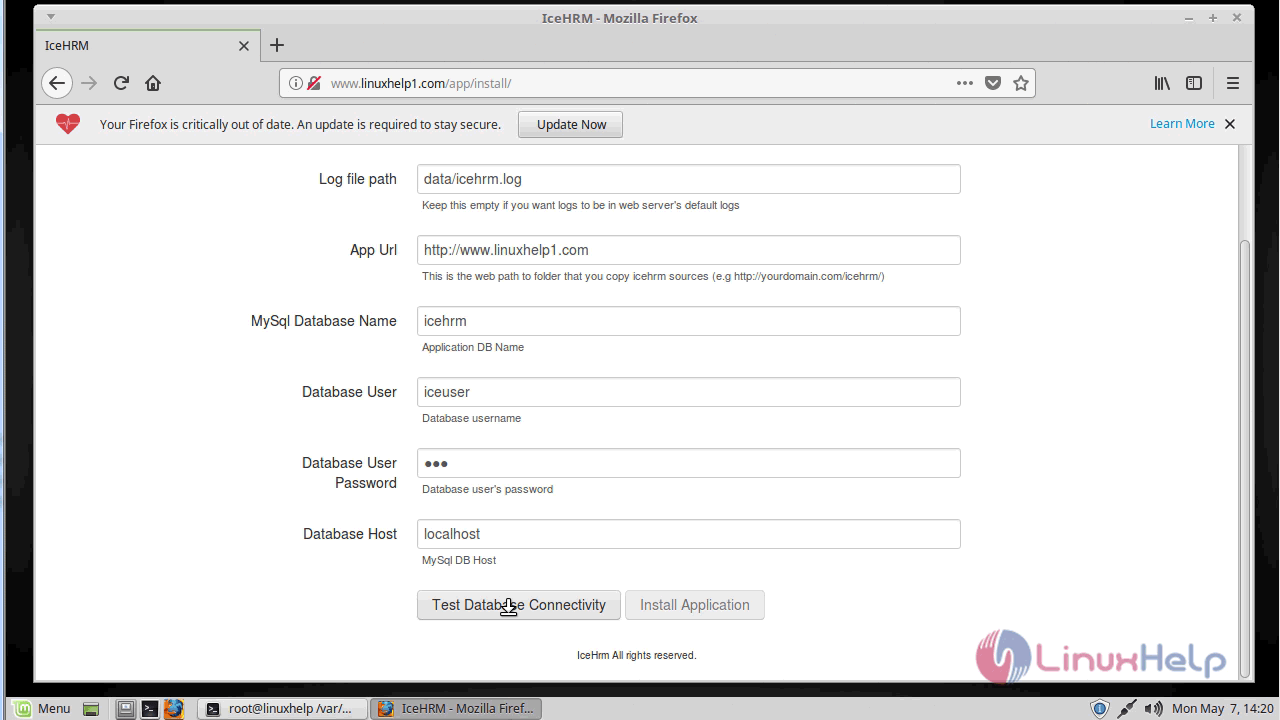
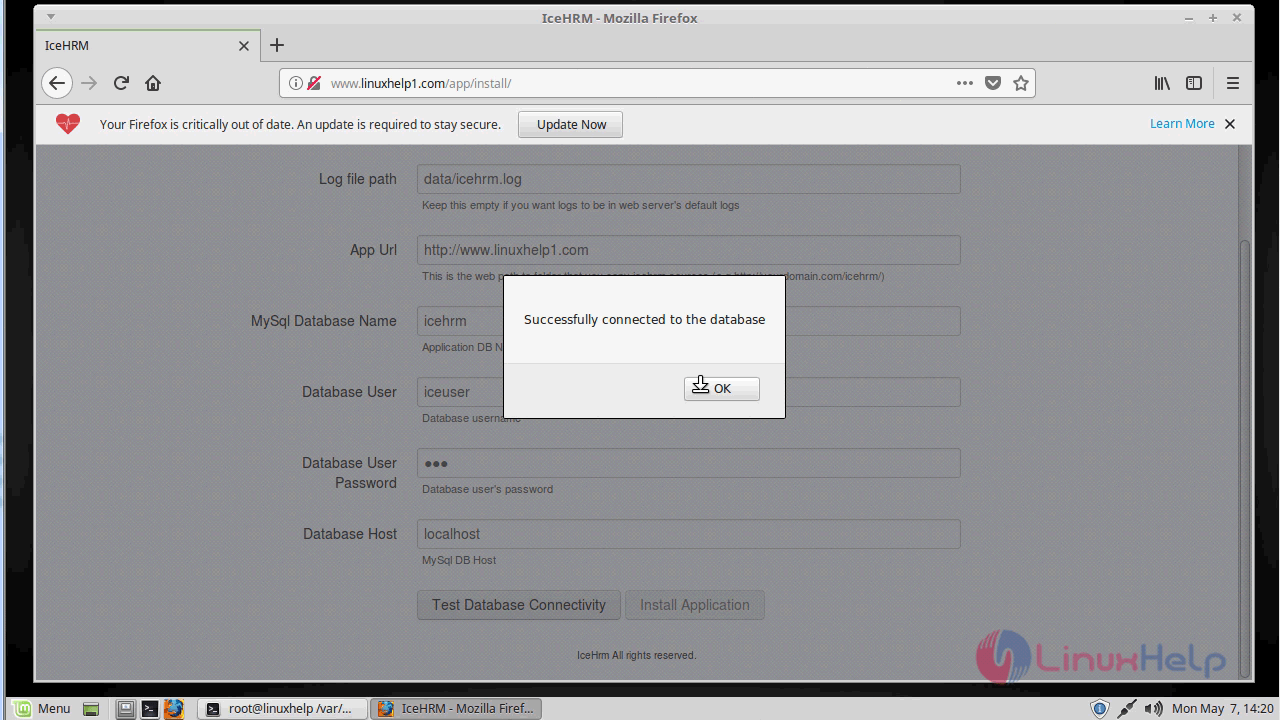
you will see the following popup message after establishing a connection with the database
Configure database setup as follows
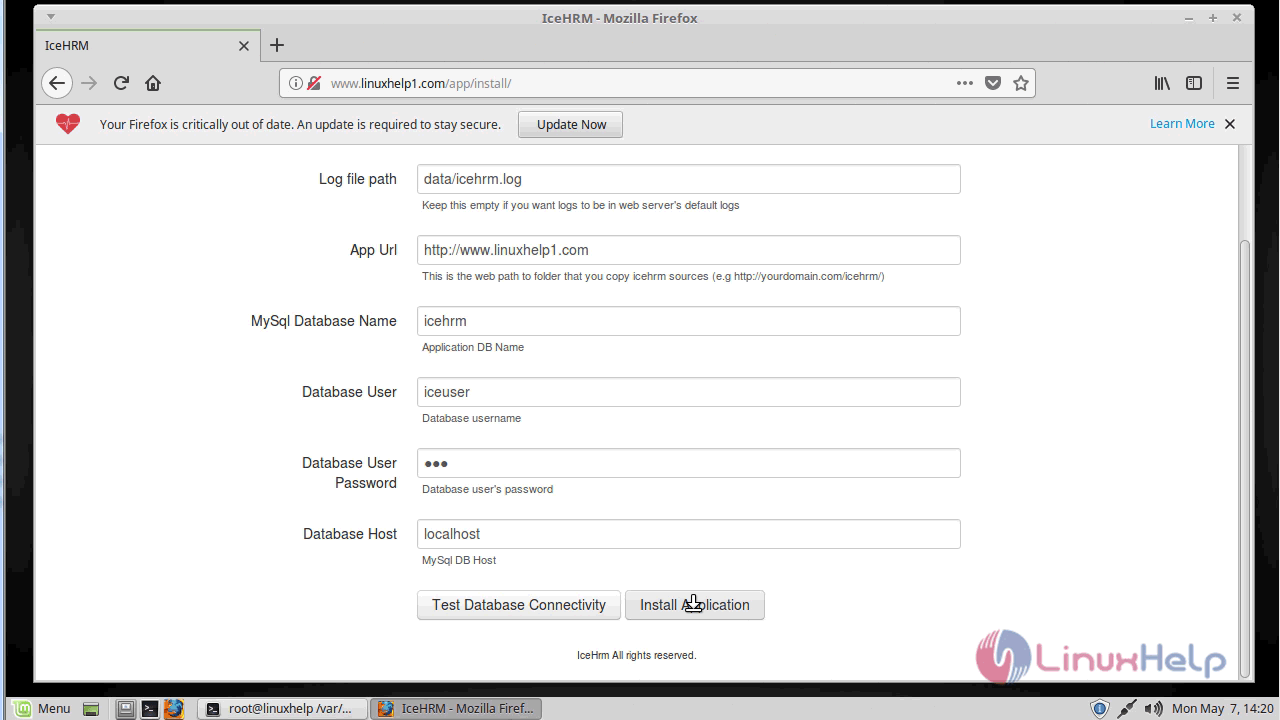
A pop up will appear after the installation as shown here
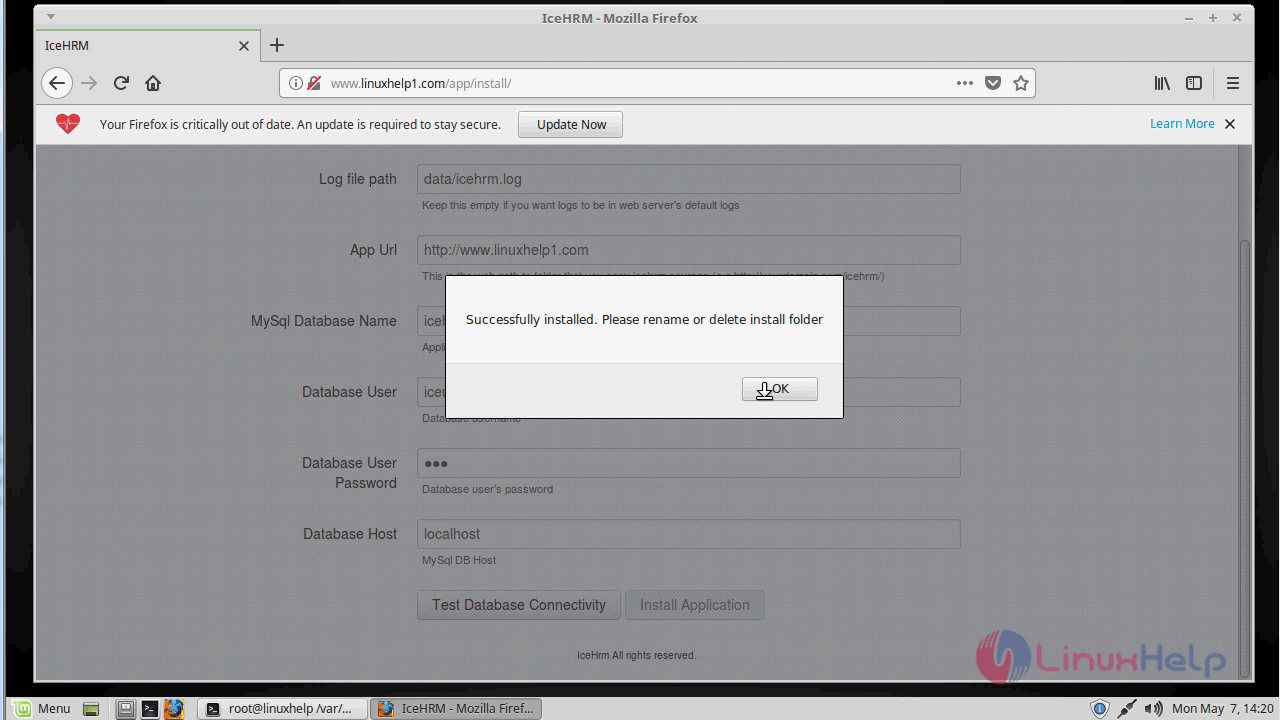
Remove the installation directory before login
linuxhelp sites-available # cd /var/www/html/icehrm/app/
linuxhelp app # ls
api                cron.php  entry.php            header.php  login.php   service.php
config.php         data      fileupload_page.php  index.php   logout.php  update.php
config.sample.php  data.php  fileupload.php       install     rest.php
linuxhelp app # rm -rvf install/
removed 'install/bootstrap/css/bootstrap-responsive.css'
removed 'install/bootstrap/css/bootstrap-responsive.min.css'
removed 'install/bootstrap/css/bootstrap.min.css'
removed 'install/bootstrap/css/bootstrap.css'
removed directory 'install/bootstrap/css'
removed 'install/bootstrap/img/glyphicons-halflings-white.png'
removed 'install/bootstrap/img/glyphicons-halflings.png'
removed directory 'install/bootstrap/img'
removed 'install/bootstrap/js/bootstrap.js'
removed 'install/bootstrap/js/bootstrap.min.js'
removed directory 'install/bootstrap/js'
removed directory 'install/bootstrap'
removed 'install/submit.php'
removed 'install/index.php'
removed 'install/config.php'
removed 'install/styles.css'
removed directory 'install/'
Restart apache web server
linuxhelp app # systemctl restart apache2.service
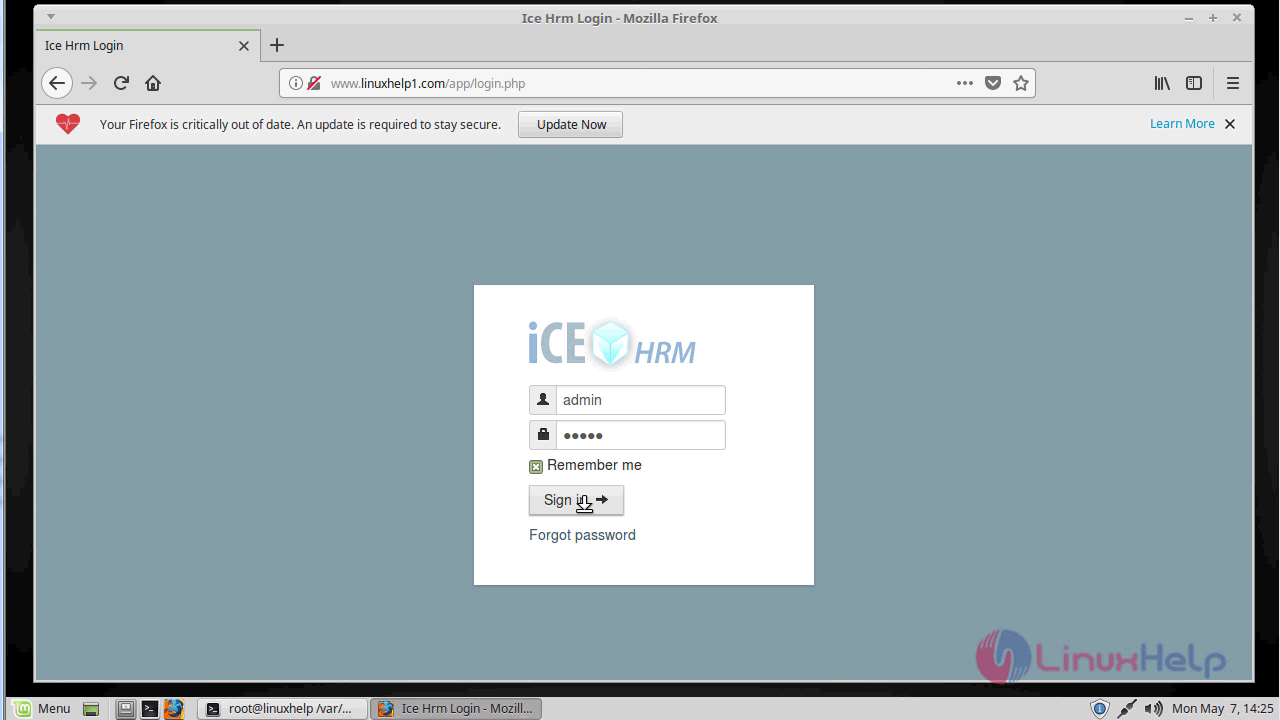
After the successful login, you will see the admin page of ICE HRM as shown below
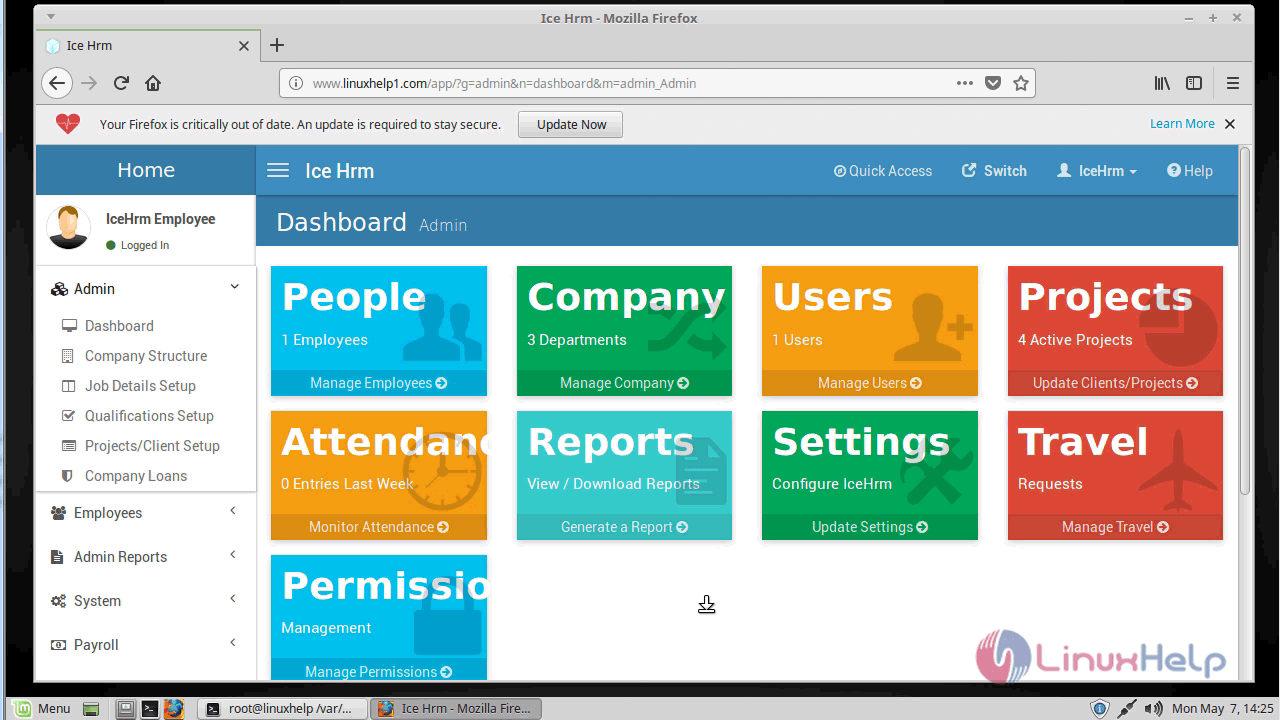
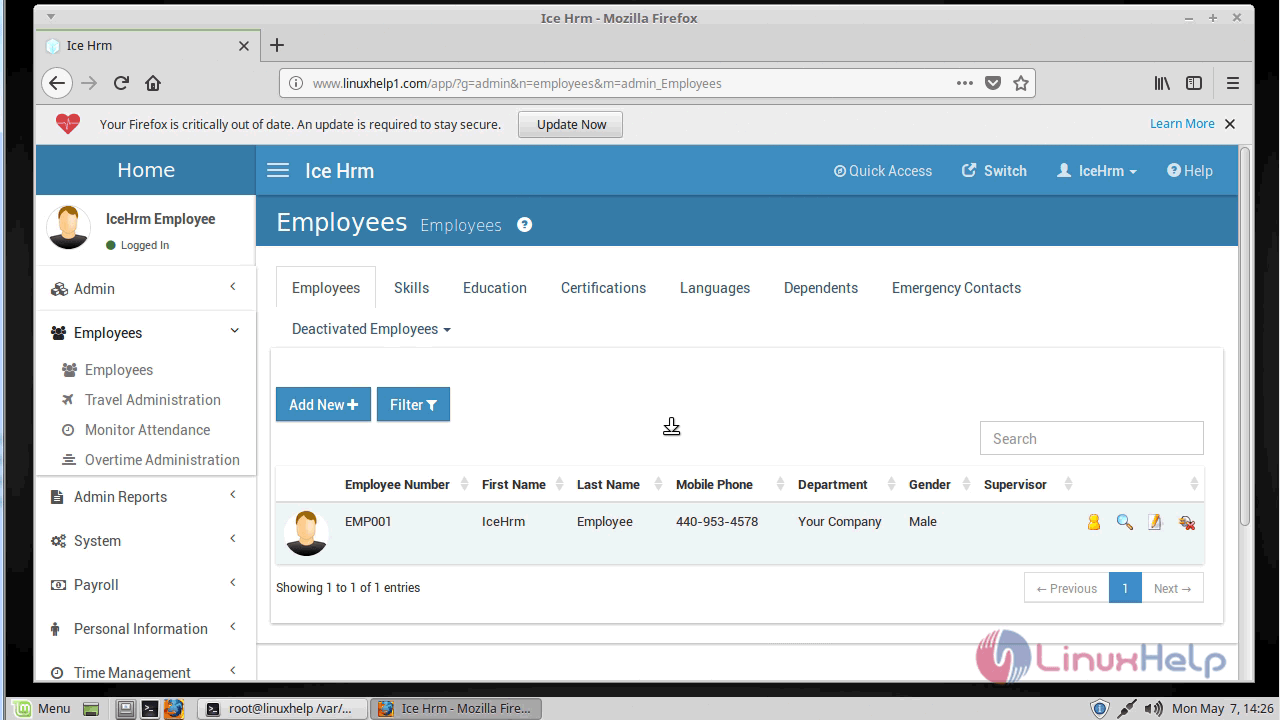
with this, the method to install Ice HRM V-21.1.0 on Linuxmint-18.03 comes to an end.
Comments ( 0 )
No comments available