How to install JEdit V5.5.0 on Ubuntu-18.04
{{postValue.id}}
To install JEdit V5.5.0 on Ubuntu-18.04
jedit is a free and open source Java programming text editor application. It’ s mainly developed for software developers.it’ s available for all major operating system such as Linux, windows and mac os.
Installation
Update the system repository using the following command.
root@linuxhelp:~# apt-get update
Hit:1 http://in.archive.ubuntu.com/ubuntu bionic InRelease
Hit:2 http://archive.canonical.com/ubuntu bionic InRelease
Get:3 http://in.archive.ubuntu.com/ubuntu bionic-updates InRelease [83.2 kB]
Get:4 http://security.ubuntu.com/ubuntu bionic-security InRelease [83.2 kB]
Get:5 http://in.archive.ubuntu.com/ubuntu bionic-backports InRelease [74.6 kB]
Get:6 http://security.ubuntu.com/ubuntu bionic-security/main amd64 DEP-11 Metadata [204 B]
Get:7 http://in.archive.ubuntu.com/ubuntu bionic-updates/main amd64 Packages [118 kB]
Get:8 http://security.ubuntu.com/ubuntu bionic-security/universe amd64 DEP-11 Metadata [2,452 B]
Get:9 http://in.archive.ubuntu.com/ubuntu bionic-updates/main i386 Packages [108 kB]
Get:10 http://in.archive.ubuntu.com/ubuntu bionic-updates/main amd64 DEP-11 Metadata [74.8 kB]
Get:11 http://in.archive.ubuntu.com/ubuntu bionic-updates/main DEP-11 64x64 Icons [30.5 kB]
Get:12 http://in.archive.ubuntu.com/ubuntu bionic-updates/universe i386 Packages [77.2 kB]
Get:13 http://in.archive.ubuntu.com/ubuntu bionic-updates/universe amd64 Packages [77.3 kB]
Get:14 http://in.archive.ubuntu.com/ubuntu bionic-updates/universe amd64 DEP-11 Metadata [117 kB]
Get:15 http://in.archive.ubuntu.com/ubuntu bionic-updates/universe DEP-11 64x64 Icons [194 kB]
Get:16 http://in.archive.ubuntu.com/ubuntu bionic-backports/universe amd64 DEP-11 Metadata [5,096 B]
Fetched 1,046 kB in 4s (243 kB/s)
Reading package lists... Done
Install JEdit application as follows
root@linuxhelp:~# apt-get install jedit -y
Reading package lists... Done
Building dependency tree
Reading state information... Done
The following NEW packages will be installed:
  jedit
0 upgraded, 1 newly installed, 0 to remove and 469 not upgraded.
Need to get 0 B/2,348 kB of archives.
After this operation, 11.5 MB of additional disk space will be used.
Selecting previously unselected package jedit.
(Reading database ... 129285 files and directories currently installed.)
Preparing to unpack .../jedit_5.5.0+dfsg-1_all.deb ...
Unpacking jedit (5.5.0+dfsg-1) ...
Processing triggers for mime-support (3.60ubuntu1) ...
Processing triggers for desktop-file-utils (0.23-1ubuntu3) ...
Setting up jedit (5.5.0+dfsg-1) ...
Processing triggers for man-db (2.8.2-1) ...
Processing triggers for gnome-menus (3.13.3-11ubuntu1) ...
Processing triggers for hicolor-icon-theme (0.17-2) ...
Once Installation is done you can access the application from the Menu as shown here
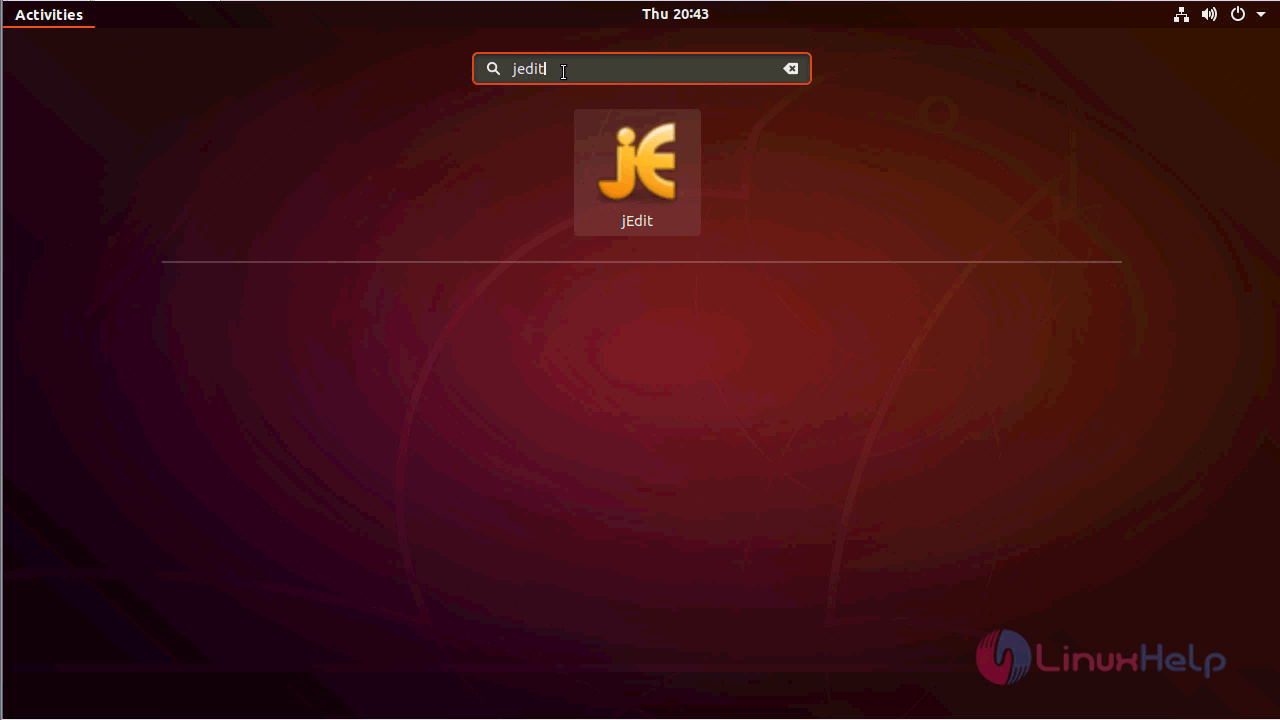
JEdit application
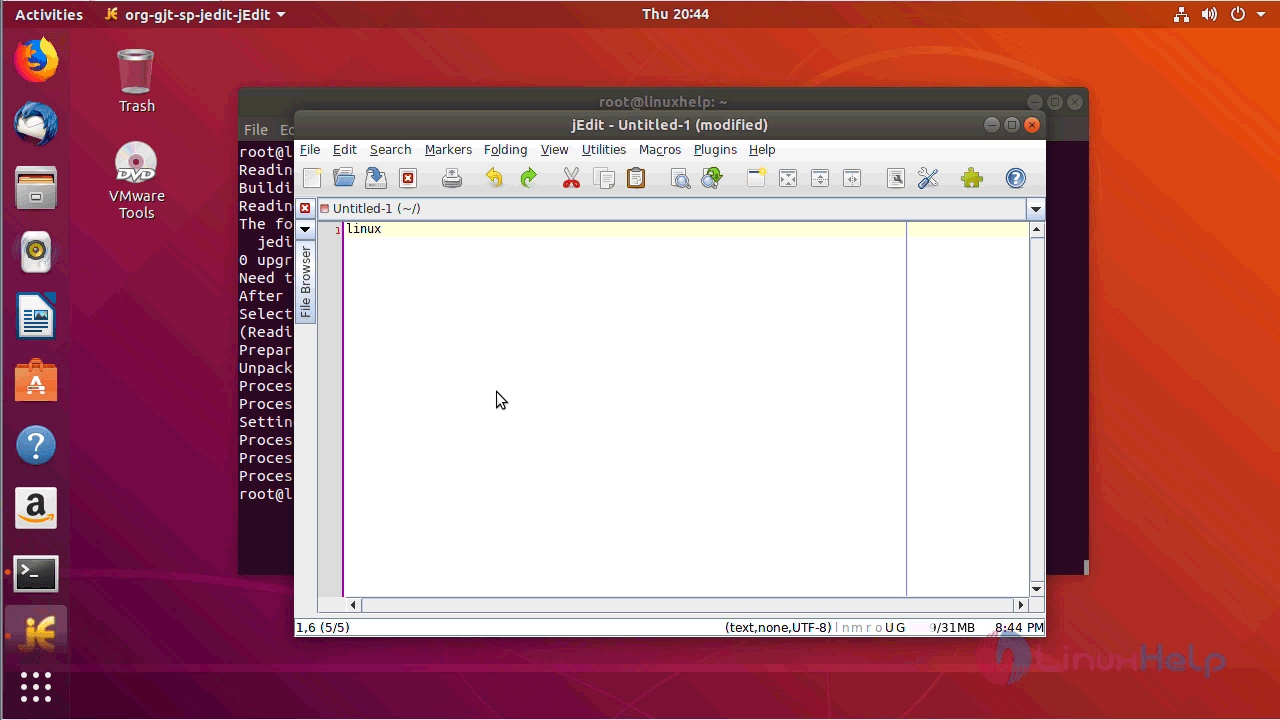
The version of JEdit

With this, the method to install JEdit V5.5.0 on Ubuntu-18.04 comes to an end.
Comments ( 0 )
No comments available