• Categories
    Category
    {{ postCtrl.tags }}
    • {{ category.tag_type }}

      • {{tag.tag_name}}
      • View more
  • Categories
    Category
    {{ postCtrl.tags }}
    • {{ category.tag_type }}

      • {{tag.tag_name}}
      • View more
  • News
  • Tutorials
  • Forums
  • Tags
  • Users
Tutorial News Comments FAQ Related Articles

How to install Karbon editor 3.0.1 on Ubuntu 18.04

{{postValue.id}}

To install Karbon 3.0.1 on Ubuntu 18.04
Karbon (formerly Karbon14, Kontour, and KIllustrator) is a vector graphics editor. It is a component of Calligra Suite, an integrated graphic art and office suite by KDE. In this tutorial, we will cover the installation of Karbon on Ubuntu 18.04.

Installation

Update the system repository using the following command


root@linuxhelp1:~# apt-get update
Hit:1 http://security.ubuntu.com/ubuntu bionic-security InRelease
Hit:2 http://archive.canonical.com/ubuntu bionic InRelease               
Hit:3 http://in.archive.ubuntu.com/ubuntu bionic InRelease               
Hit:4 http://in.archive.ubuntu.com/ubuntu bionic-updates InRelease
Hit:5 http://in.archive.ubuntu.com/ubuntu bionic-backports InRelease
Reading package lists... Done

Install the Karbon package using the following command


root@linuxhelp1:~# apt-get install karbon -y
Reading package lists... Done
Building dependency tree       
Reading state information... Done
The following additional packages will be installed:
  calligra-data calligra-libs calligrasheets calligrastage calligrastage-data calligrawords
  calligrawords-data fonts-lyx i965-va-driver kaccounts-providers kactivities-bin
  kactivitymanagerd kde-cli-tools kde-cli-tools-data kdeconnect kinit kio kpackagelauncherqml
  kpackagetool5 kwayland-data kwayland-integration liba52-0.7.4 libaacs0 libaccounts-glib0
  libaccounts-qt5-1 libaribb24-0 libass9 libavcodec57 libavformat57 libavutil55
.
.
Setting up libkf5purpose-bin:amd64 (5.44.0-0ubuntu1) ...
Setting up okular (4:17.12.3-0ubuntu1) ...
Setting up calligra-libs (1:3.0.1-0ubuntu4) ...
Setting up karbon (1:3.0.1-0ubuntu4) ...
Setting up qml-module-org-kde-purpose:amd64 (5.44.0-0ubuntu1) ...
Setting up okular-backend-odt (1:3.0.1-0ubuntu4) ...
Setting up okular-backend-odp (1:3.0.1-0ubuntu4) ...
Processing triggers for libc-bin (2.27-0ubuntu2) ...
Processing triggers for libvlc-bin:amd64 (3.0.2-0ubuntu0.1) ...
Processing triggers for dbus (1.12.2-1ubuntu1) ...

Once Installation is done you can access the Karbon from the Menu as shown here
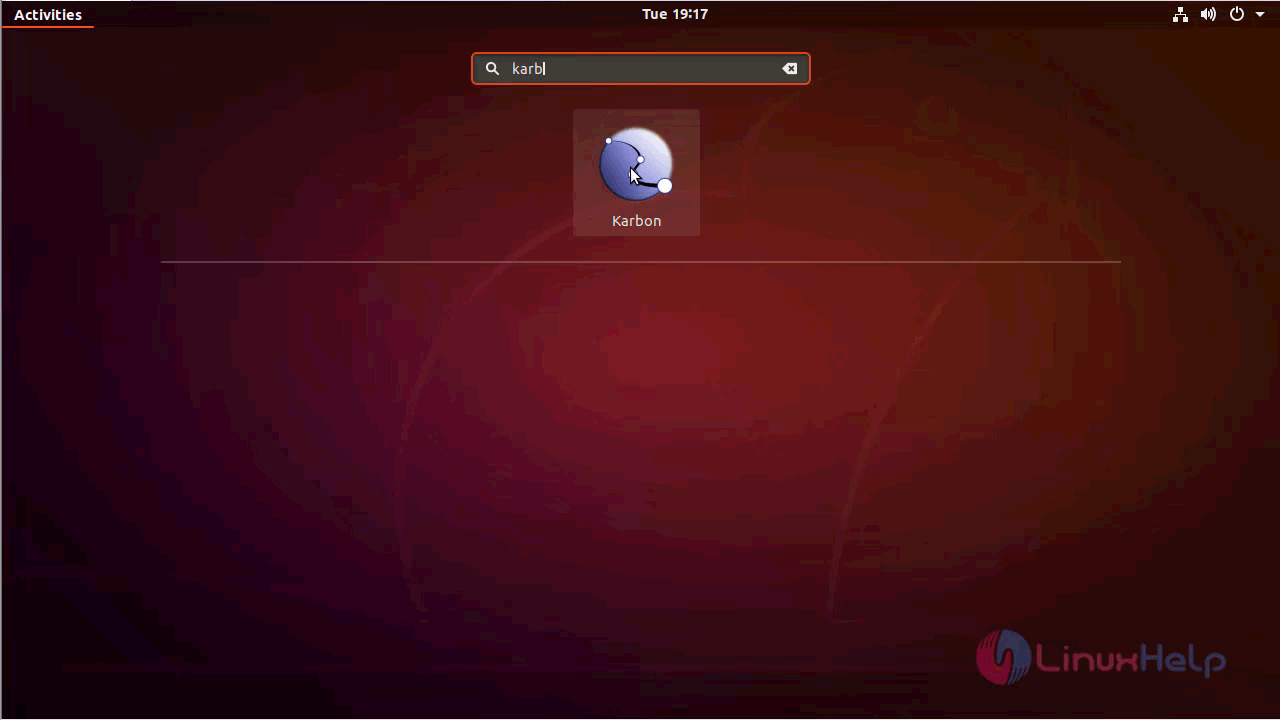
ubuntu_menu

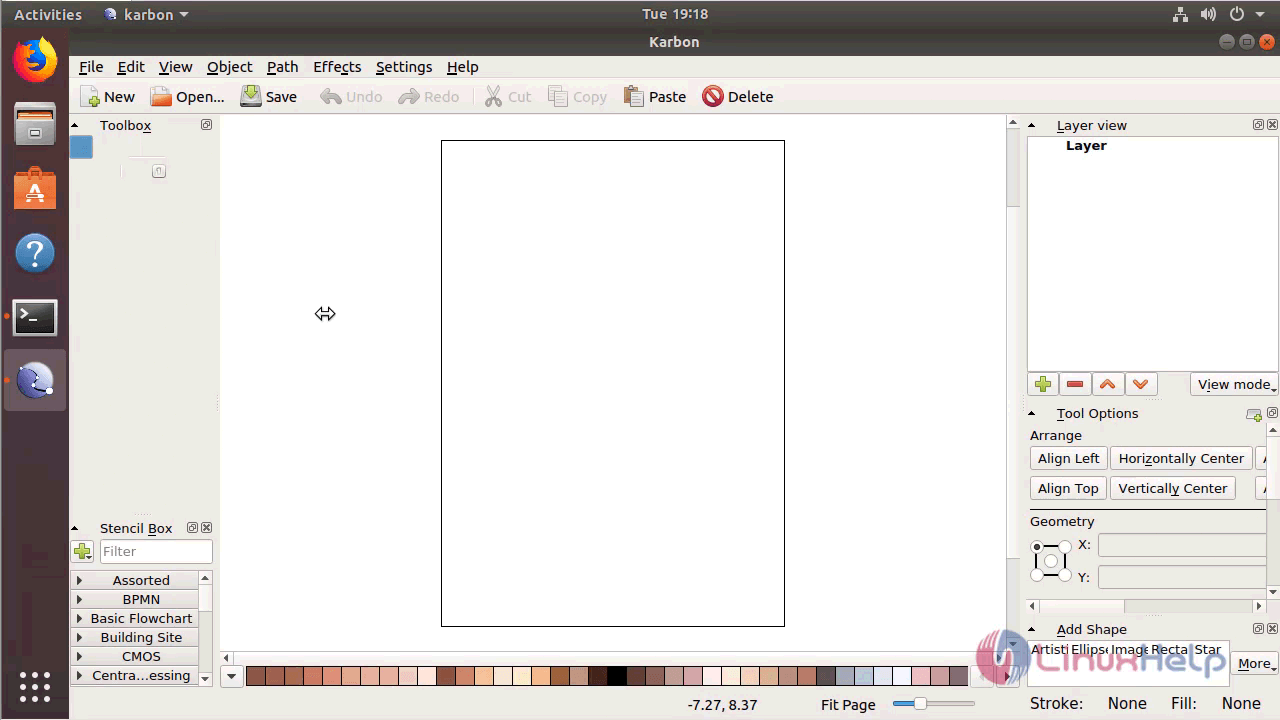
Karbon application
karbon_application

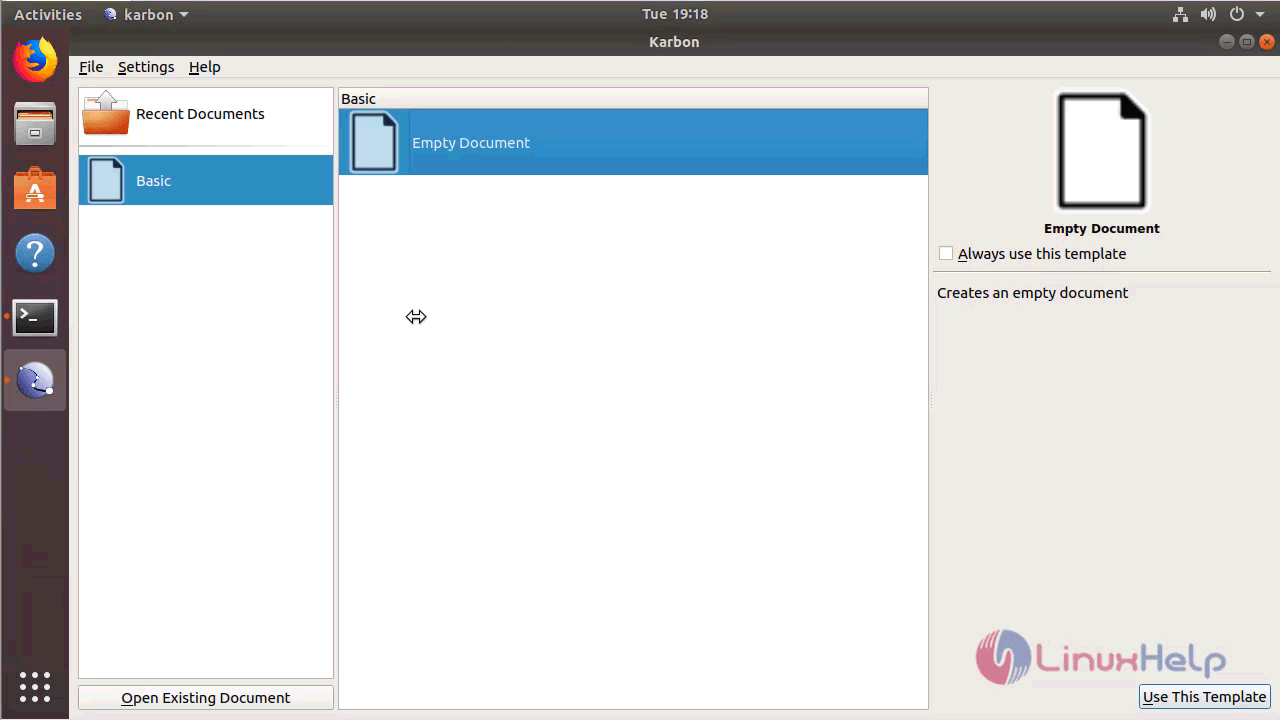
Choose a template for creating a new document
document

The version of Karbon can be found in Help-> About
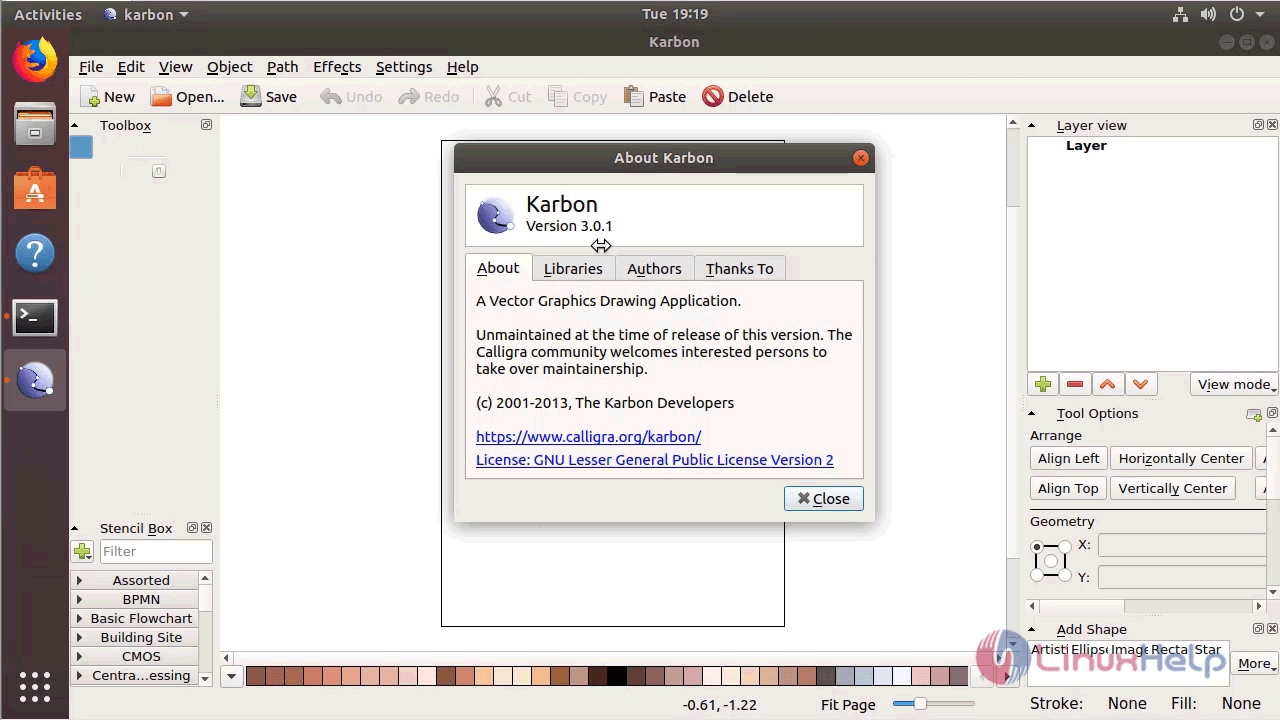
version_karbon

With this, the method to install Karbon on Ubuntu 18.04 comes to an end.

Tags:
mason
Author: 

Comments ( 0 )

No comments available

Add a comment
{{postCtrl.cmtErrMsg}}

Frequently asked questions ( 5 )

Q

What is Karbon editor?

A

Karbon (formerly Karbon14, Kontour, and KIllustrator) is a vector graphics editor. It is a component of Calligra Suite, an integrated graphic art and office suite by KDE.

Q

How can i update the system repositories?

A

using the following command
# apt-get update

Q

How to install Karbon editor on ubuntu?

A

Execute the following command:
# apt-get install karbon

Q

Is there any alternatives for Karbon editor?

A

The alternatives are,
Inkscape
Adobe Illustrator CC

Q

What are the features in karbon editor?

A

Loading support for ODG, SVG, WPG, WMF, EPS/PS
Writing support for ODG, SVG, PNG, PDF, WMF
Customizable user interface with freely placable toolbars and dockers2

Back To Top!
Rank
User
Points

Top Contributers

userNamenaveelansari
135850

Top Contributers

userNameayanbhatti
92510

Top Contributers

userNamehamzaahmed
32150

Top Contributers

1
userNamelinuxhelp
31040

Top Contributers

userNamemuhammadali
24500
Can you help Owen ?
How to add SSH key to my Gitlab account

I need to add the SSH key in my gitlab account. How to do so ????

Networking
  • Routing
  • trunk
  • Netmask
  • Packet Capture
  • domain
  • HTTP Proxy
Server Setup
  • NFS
  • KVM
  • Memory
  • Sendmail
  • WebDAV
  • LXC
Shell Commands
  • Cloud commander
  • Command line archive tools
  • last command
  • Shell
  • terminal
  • Throttle
Desktop Application
  • Linux app
  • Pithos
  • Retrospect
  • Scribe
  • TortoiseHg
  • 4Images
Monitoring Tool
  • Monit
  • Apache Server Monitoring
  • EtherApe 
  • Arpwatch Tool
  • Auditd
  • Barman
Web Application
  • Nutch
  • Amazon VPC
  • FarmWarDeployer
  • Rukovoditel
  • Mirror site
  • Chef
Contact Us | Terms of Use| Privacy Policy| Disclaimer
© 2025 LinuxHelp.com All rights reserved. Linux™ is the registered trademark of Linus Torvalds. This site is not affiliated with linus torvalds in any way.