How to Install Kazam in Ubuntu
{{postValue.id}}
To Install Kazam in Ubuntu
Kazam is a simple screen recording and screenshot tool used for Linux distributions. It allows the users to capture the content of the screen and record a video file, which can be played by any video player. It supports VP8/WebM video format. The mentioned tool is used to select the area to be recorded or complete screen. Installation of Kazam in Ubuntu is explained in this article.
Installation of Kazam
First add the Kazam repo into the repository.
root@linuxhelp:/home/user1# add-apt-repository ppa:kazam-team/stable-series
 Builds for stable series. Maintenance and bugfixes in the current stable series.
 More info: https://launchpad.net/~kazam-team/+archive/ubuntu/stable-series
Press [ENTER] to continue or ctrl-c to cancel adding it
gpg: keyring `/tmp/tmp4lh4impi/secring.gpg'  created
gpg: keyring `/tmp/tmp4lh4impi/pubring.gpg'  created
gpg: requesting key 3BB0BCFA from hkp server keyserver.ubuntu.com
gpg: /tmp/tmp4lh4impi/trustdb.gpg: trustdb created
gpg: key 3BB0BCFA: public key " Launchpad PPA for Kazam Team"  imported
gpg: Total number processed: 1
gpg:               imported: 1  (RSA: 1)
OK
Utilize the following command to update the added repo file.
root@linuxhelp:/home/user1# apt-get update
Hit http://download.onlyoffice.com squeeze InRelease
Ign http://ppa.launchpad.net wily InRelease
Hit http://in.archive.ubuntu.com wily InRelease
Hit http://security.ubuntu.com wily-security InRelease
.
.
.
Hit http://in.archive.ubuntu.com wily-backports/restricted Translation-en
Hit http://in.archive.ubuntu.com wily-backports/universe Translation-en
Reading package lists... Done
Now its time to install the Kazam package.
root@linuxhelp:/home/user1# apt-get install kazam
Reading package lists... Done
Building dependency tree
Reading state information... Done
The following extra packages will be installed:
  gir1.2-keybinder-3.0 gstreamer1.0-libav gstreamer1.0-plugins-ugly
  gstreamer1.0-plugins-ugly-amr i965-va-driver liba52-0.7.4 libaacs0 libass5
.
.
.
Setting up libdvdnav4:amd64 (5.0.1-4) ...
Setting up i965-va-driver:amd64 (1.6.0-1) ...
Setting up va-driver-all:amd64 (1.6.0-1) ...
Processing triggers for libc-bin (2.21-0ubuntu4) ...
Once the Kazam package is installed successfully, launch it as shown below,
root@linuxhelp:/home/user1# kazam
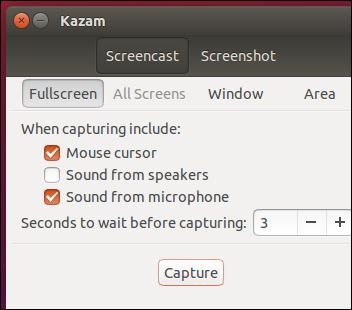
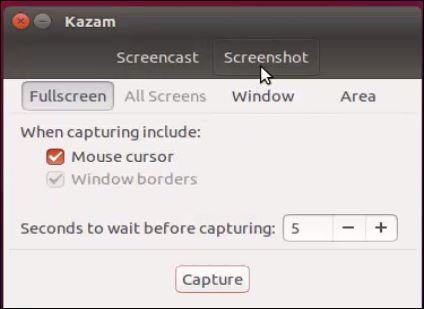
Select screenshot option to take snap.
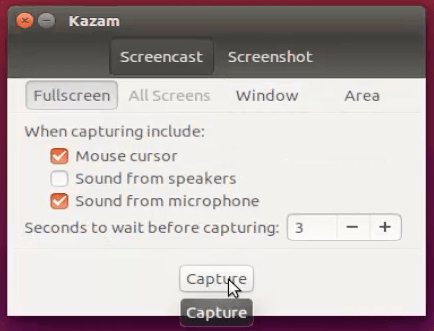
Select screencast option to capture video and then select the area to be recorded.
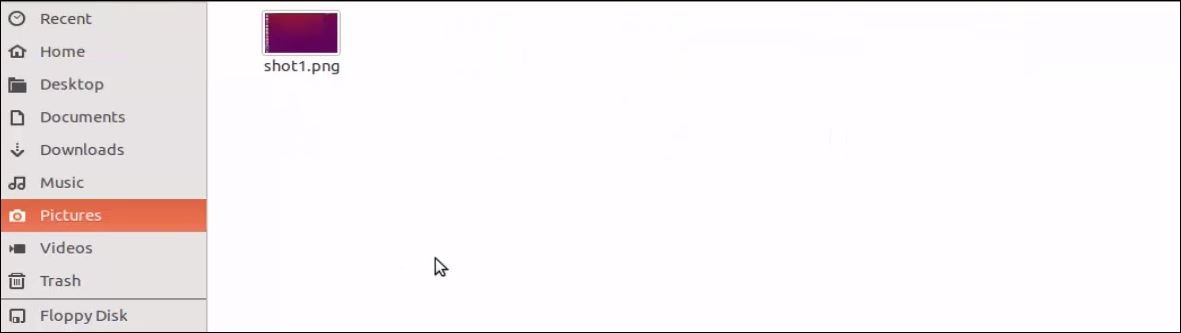
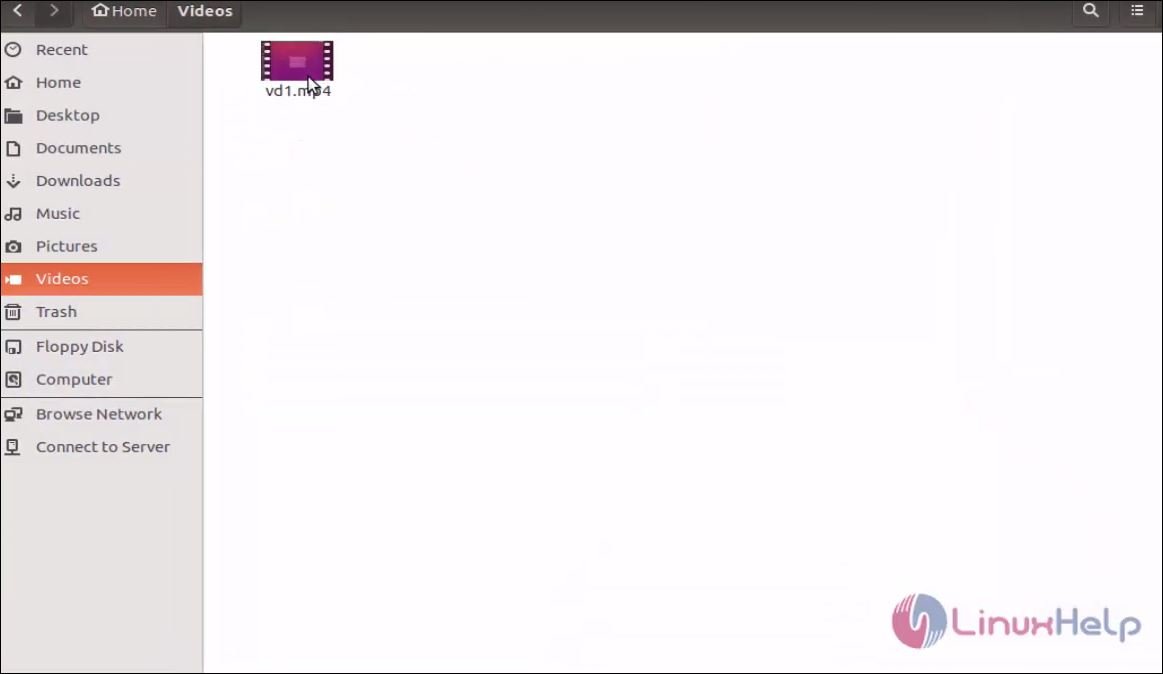
Captured image and video are shown below,
Comments ( 0 )
No comments available