• Categories
    Category
    {{ postCtrl.tags }}
    • {{ category.tag_type }}

      • {{tag.tag_name}}
      • View more
  • Categories
    Category
    {{ postCtrl.tags }}
    • {{ category.tag_type }}

      • {{tag.tag_name}}
      • View more
  • News
  • Tutorials
  • Forums
  • Tags
  • Users
Tutorial News Comments FAQ Related Articles

How to install Komodo Edit 10.0.1 on Ubuntu 16.04

{{postValue.id}}

To install Komodo Edit 10.0.1 on Ubuntu 16.04

Komodo Edit is an open-source multi-language code editor for dynamic languages and is mainly developed for Linux users. Komodo Edit is used for designing websites in different platforms. Installation of Komodo Edit Code Editor in Ubuntu is explained in this article.

Features

  • Syntax checking and highlighting detects multiple languages within a file.

  • Key Bindings &ndash Vi/Vim, emacs, OS X, Windows/Linux included.

  • Powerful Snippets, Macros and Userscripts

  • Elastic Tabstops &ndash Komodo automatically indents your code as you type, see Elastic Tabstops.

  • Split View and Multi-Window

  • Variable Highlighting

  • Auto Abbreviation Snippets.

  • Quickly place numeric bookmarks and go to them, allowing you to use bookmarks as more than just reminders.

  • Select multiple positions in the editor, so that changes made at one position will be reflected in all selected positions.

  • A margin in the editor highlights unsaved changes, as well as any uncommitted SCC changes. Clicking on the margin will show a diff dialog allowing you to revert changes.

Installing Komodo Edit

Initiate Komodo Edit installation by adding the Komodo package into repository via ppa.

root@linuxhelp1:~# add-apt-repository ppa:mystic-mirage/komodo-edit
Press [ENTER] to continue or ctrl-c to cancel adding it
gpg: keyring `/tmp/tmp1j4a6x7y/secring.gpg'  created
.
.
.
gpg: key A7E2BCD2: public key " Launchpad PPA for Mystic-Mirage"  imported
gpg: Total number processed: 1
gpg:               imported: 1  (RSA: 1)
OK

Once it is done, use the following command to update the machine.

root@linuxhelp1:~# apt-get update
Get:1 http://security.ubuntu.com/ubuntu xenial-security InRelease [102 kB]
Hit:2 http://ppa.launchpad.net/mystic-mirage/komodo-edit/ubuntu xenial InRelease
Hit:3 http://in.archive.ubuntu.com/ubuntu xenial InRelease                        
.
.
.
Fetched 306 kB in 2s (121 kB/s)   
Reading package lists... Done

Now is the time to install the Komodo Edit package. Use the following command for the same purpose.

root@linuxhelp1:~# apt-get install komodo-edit
Reading package lists... Done
Building dependency tree      
Reading state information... Done
Suggested packages:
.
.
.
Processing triggers for hicolor-icon-theme (0.15-0ubuntu1) ...
Setting up komodo-edit (10.0.1+17276~ubuntu1) ..

Open it is installed, open the Komodo Edit from Ubuntu dashboard.

search_komodo

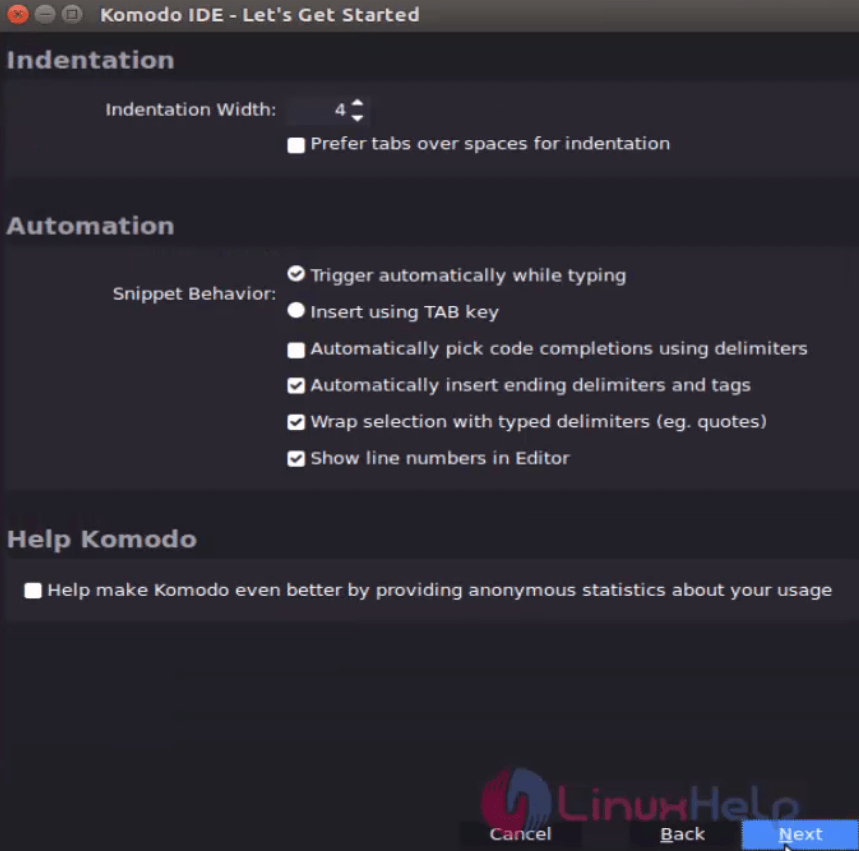
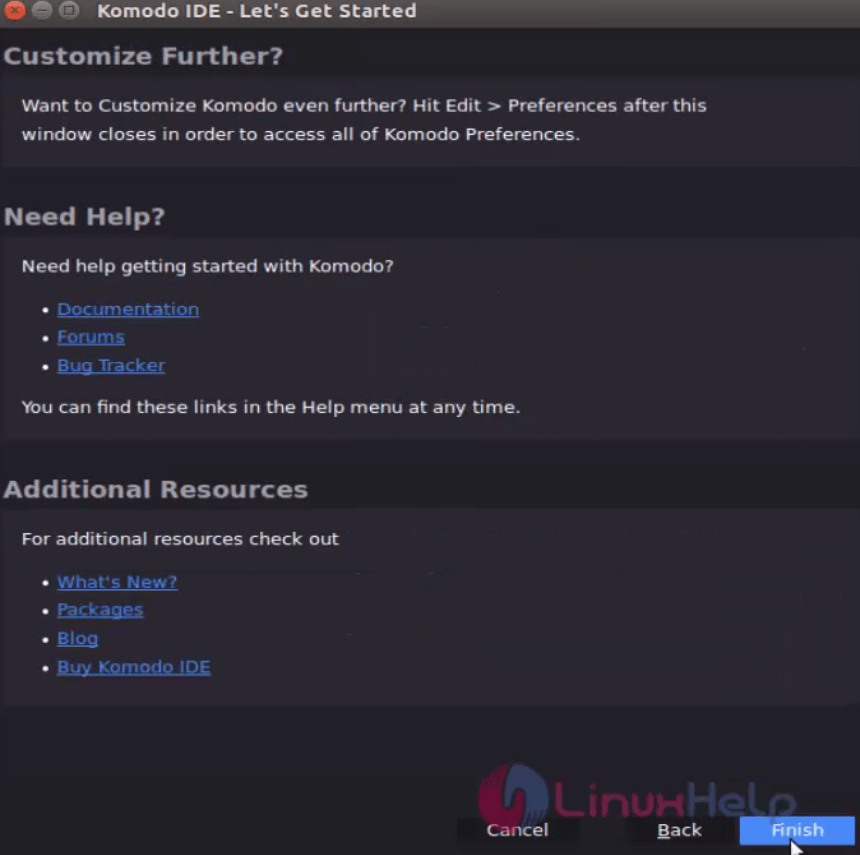
Select the following options to start the Komodo Edit.
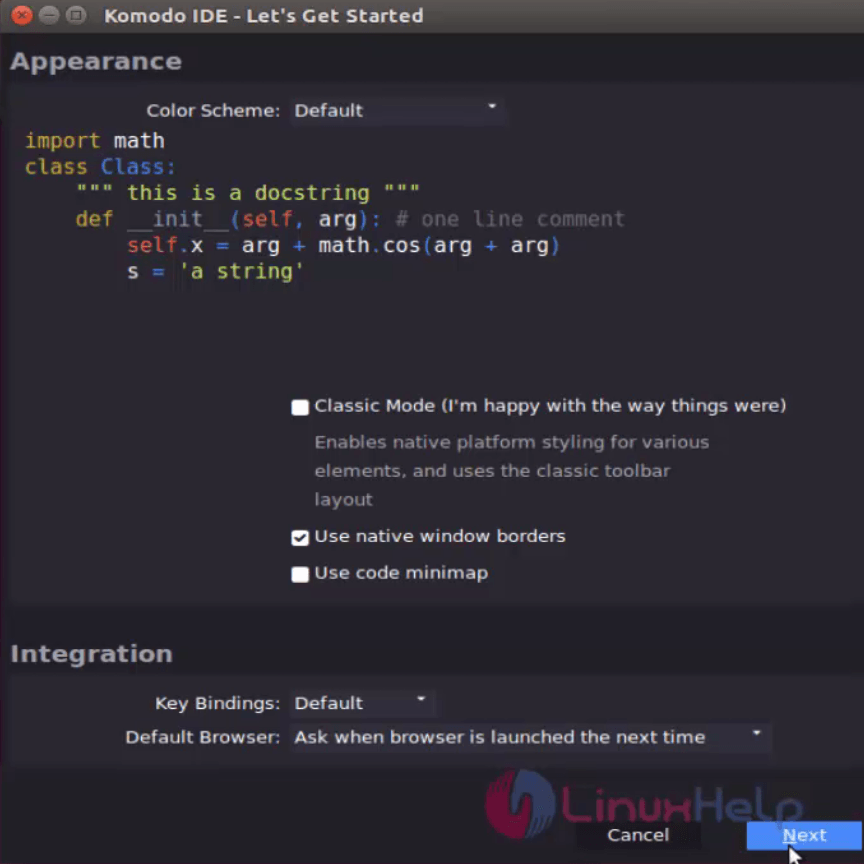
start_komodo_editor
Komodo_Information


Additional_Reference

Type your source code or text document through Komodo editor.
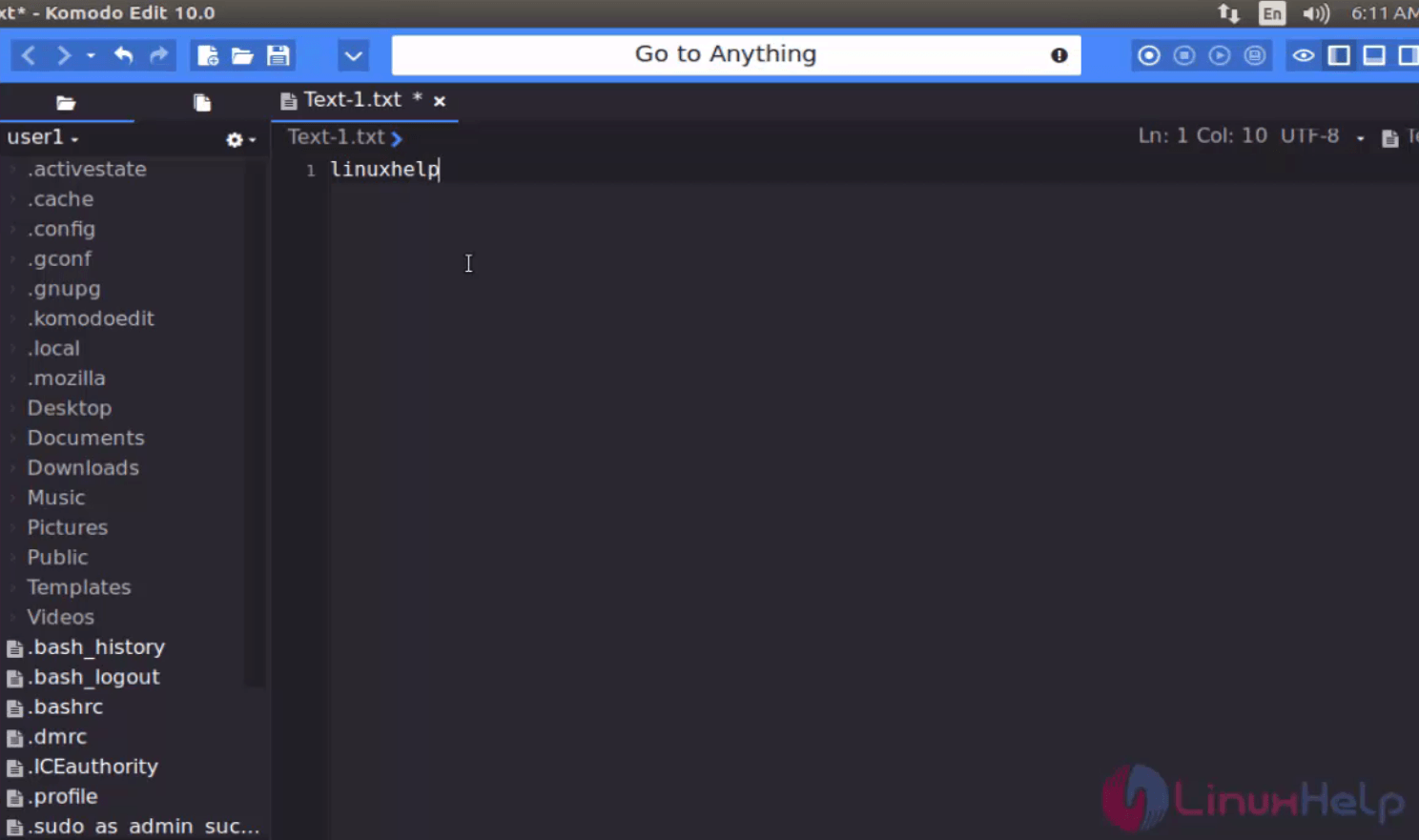
Komodo

Tags:
ethan
Author: 

Comments ( 0 )

No comments available

Add a comment
{{postCtrl.cmtErrMsg}}

Frequently asked questions ( 5 )

Q

Does Komodo Edit supports php and java related codes?

A

Komodo Edit has Improved PHP CodeIntel and

Improved JavaScript CodeIntel is a builtin fetaure

Q

Where to get stable ppa of Komodo Editor?

A

The stable ppa of Komodo Editor is

"add-apt-repository ppa:mystic-mirage/komodo-edit"


and you can also refer https://launchpad.net/~mystic-mirage/+archive/ubuntu/komodo-edit

Q

Does Komodo Edit Code Editor comes with in built libraries for codes?

A

Yes Komodo Edit Code Editor has inbuilt libraries for php and java

Q

Is it possible to perform unit testing UI and UX using Komodo Edit Code Editor in Ubuntu ?

A

Yes it is one of the upgraded feature of Komodo Edit Code Editor in Ubuntu

Q

is it possible to color pick using Komodo Edit Code Editor in Ubuntu ?

A

Yes color is an added advantage of Komodo Edit Code Editor in Ubuntu

Back To Top!
Rank
User
Points

Top Contributers

userNamenaveelansari
135850

Top Contributers

userNameayanbhatti
92510

Top Contributers

userNamehamzaahmed
32150

Top Contributers

1
userNamelinuxhelp
31040

Top Contributers

userNamemuhammadali
24500
Can you help Isaiah ?
What is the use of SUID & SGID commands

How to set the special permissions to the files and folders using SUID and SGID commands...

Networking
  • Routing
  • trunk
  • Netmask
  • Packet Capture
  • domain
  • HTTP Proxy
Server Setup
  • NFS
  • KVM
  • Memory
  • Sendmail
  • WebDAV
  • LXC
Shell Commands
  • Cloud commander
  • Command line archive tools
  • last command
  • Shell
  • terminal
  • Throttle
Desktop Application
  • Linux app
  • Pithos
  • Retrospect
  • Scribe
  • TortoiseHg
  • 4Images
Monitoring Tool
  • Monit
  • Apache Server Monitoring
  • EtherApe 
  • Arpwatch Tool
  • Auditd
  • Barman
Web Application
  • Nutch
  • Amazon VPC
  • FarmWarDeployer
  • Rukovoditel
  • Mirror site
  • Chef
Contact Us | Terms of Use| Privacy Policy| Disclaimer
© 2025 LinuxHelp.com All rights reserved. Linux™ is the registered trademark of Linus Torvalds. This site is not affiliated with linus torvalds in any way.