• Categories
    Category
    {{ postCtrl.tags }}
    • {{ category.tag_type }}

      • {{tag.tag_name}}
      • View more
  • Categories
    Category
    {{ postCtrl.tags }}
    • {{ category.tag_type }}

      • {{tag.tag_name}}
      • View more
  • News
  • Tutorials
  • Forums
  • Tags
  • Users
Tutorial News Comments FAQ Related Articles

How to install Konqueror 4.14.8 on CentOS 7

{{postValue.id}}

To install Konqueror 4.14.8 on CentOS 7
Konqueror, a free and open-source web browser and file manager, provides web access and file-viewer functionality for file systems. It forms a core part of the KDE Software Compilation. In this tutorial, we will cover the installation of Konqueror on CentOS 7.

Installation

Install the Konqueror package using the following command

[root@linuxhelp1 ~]# yum  install konqueror -y
Loaded plugins: fastestmirror, langpacks
base                                                                           | 3.6 kB  00:00:00     
extras                                                                         | 3.4 kB  00:00:00     
updates                                                                        | 3.4 kB  00:00:00     
(1/4): base/7/x86_64/group_gz                                                  | 166 kB  00:00:00     
(2/4): extras/7/x86_64/primary_db                                              | 174 kB  00:00:01     
(3/4): updates/7/x86_64/primary_db                                             | 4.3 MB  00:00:12     
(4/4): base/7/x86_64/primary_db                                                | 5.9 MB  00:00:13     
Determining fastest mirrors
 * base: mirror.nbrc.ac.in
 * extras: centos.myfahim.com
 * updates: centos.myfahim.com
Resolving Dependencies
--> Running transaction check
---> Package kde-baseapps.x86_64 0:4.10.5-6.el7 will be installed
.
.
      poppler-qt.x86_64 0:0.26.5-17.el7_4            qca2.x86_64 0:2.0.3-7.el7                           
  qt.x86_64 1:4.8.7-2.el7                        qt-settings.noarch 0:19-23.7.el7.centos             
  qt-x11.x86_64 1:4.8.7-2.el7                    raptor2.x86_64 0:2.0.9-3.el7                        
  rasqal.x86_64 0:0.9.30-4.el7                   redland.x86_64 0:1.0.16-6.el7                       
  redland-virtuoso.x86_64 0:1.0.16-6.el7         ruby.x86_64 0:2.0.0.648-33.el7_4                    
  ruby-irb.noarch 0:2.0.0.648-33.el7_4           ruby-libs.x86_64 0:2.0.0.648-33.el7_4               
  rubygem-bigdecimal.x86_64 0:1.2.0-33.el7_4     rubygem-io-console.x86_64 0:0.4.2-33.el7_4          
  rubygem-json.x86_64 0:1.7.7-33.el7_4           rubygem-psych.x86_64 0:2.0.0-33.el7_4               
  rubygem-rdoc.noarch 0:4.0.0-33.el7_4           rubygems.noarch 0:2.0.14.1-33.el7_4                 
  sgml-common.noarch 0:0.6.3-39.el7              shared-desktop-ontologies.noarch 0:0.11.0-2.el7     
  soprano.x86_64 0:2.9.2-3.el7                   strigi-libs.x86_64 0:0.7.7-13.20120626.el7          
  virtuoso-opensource.x86_64 1:6.1.6-6.el7      

Dependency Updated:
  exiv2-libs.x86_64 0:0.26-3.el7                   gnome-color-manager.x86_64 0:3.22.2-2.el7          
  poppler.x86_64 0:0.26.5-17.el7_4                 poppler-glib.x86_64 0:0.26.5-17.el7_4              
  poppler-utils.x86_64 0:0.26.5-17.el7_4          

Complete!

Once Installation is done you can access the Konqueror from the Menu as shown here
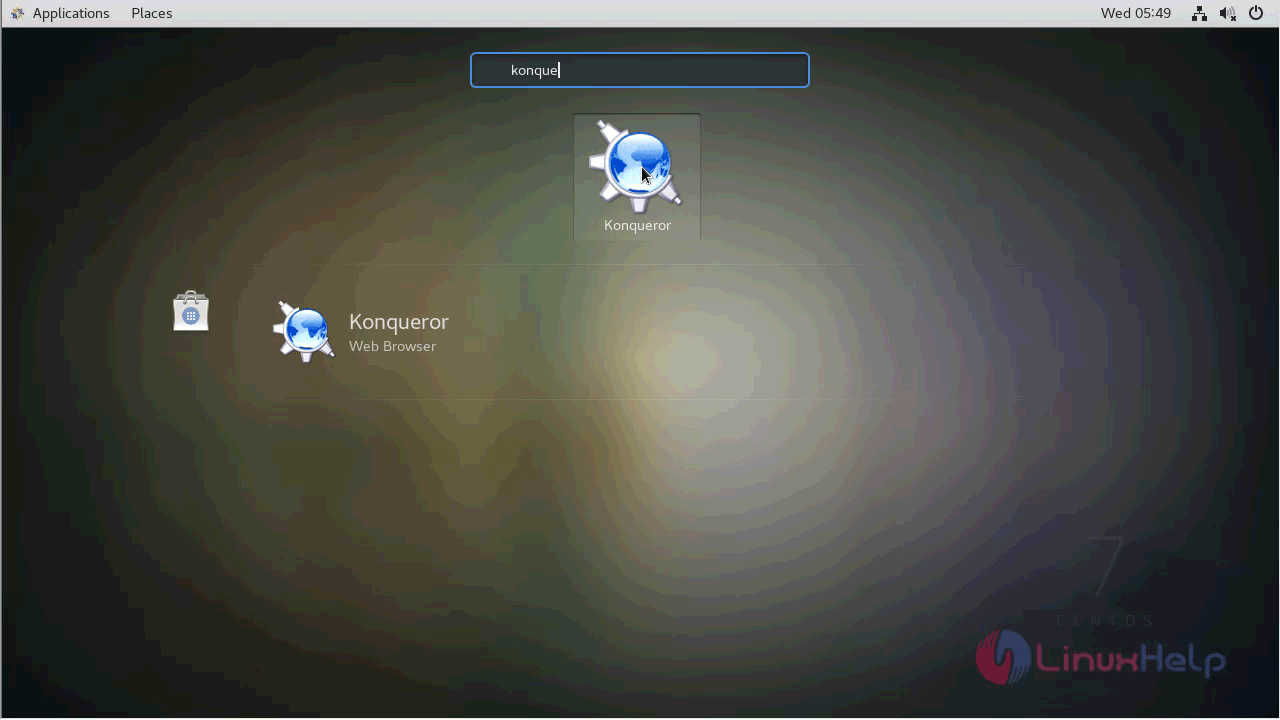
centos_menu

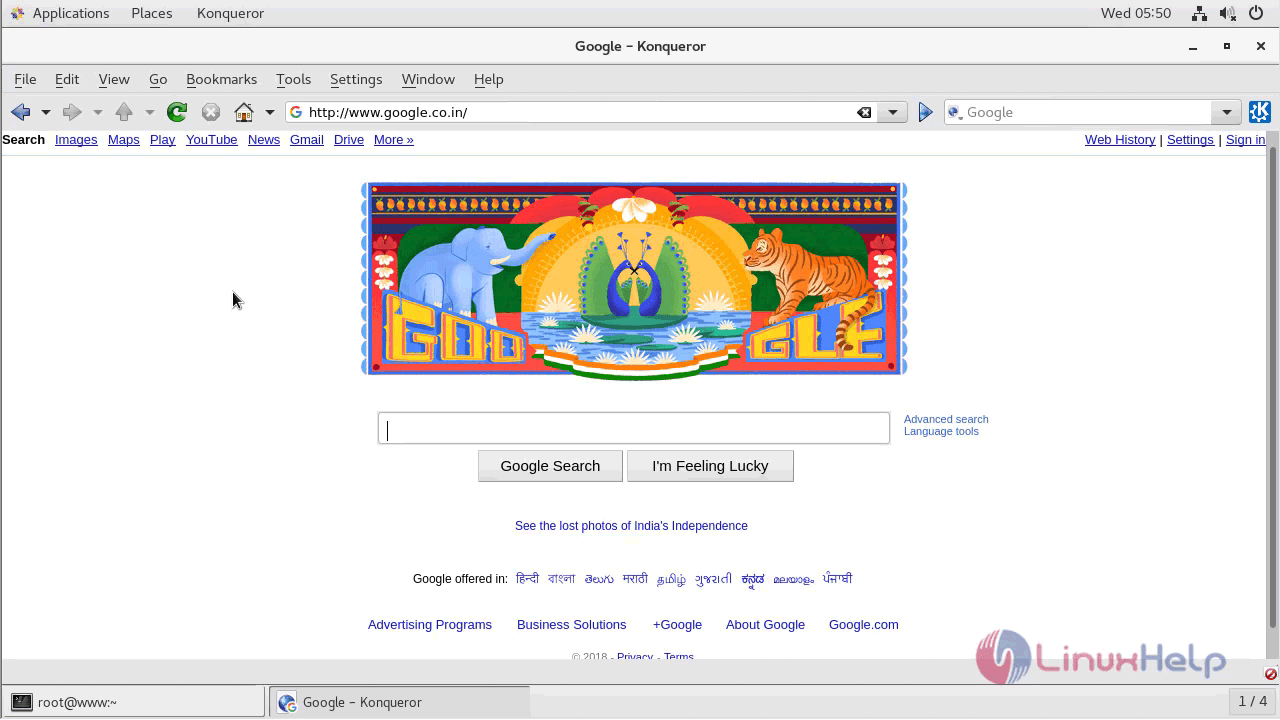
Konqueror application
konqueror

The version of Konqueror can be found in Help-> About
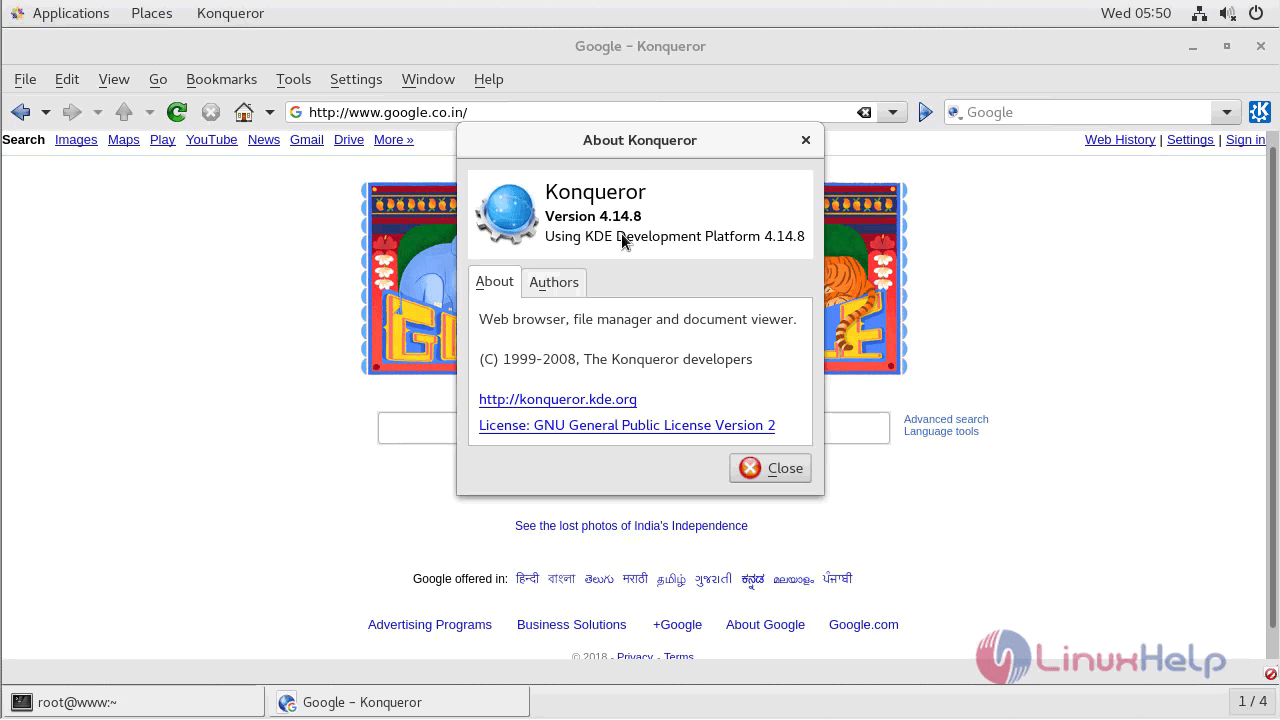
konqueror_version

With this, the method to install Konqueror on Ubuntu 18.04 comes to an end.

Tags:
noah
Author: 

Comments ( 0 )

No comments available

Add a comment
{{postCtrl.cmtErrMsg}}

Frequently asked questions ( 5 )

Q

which command to Install the Konqueror package in centos?

A

Install the Konqueror package using the following command
# yum install konqueror -y

Q

why we need konqueror in centos?

A

Konqueror, a free and open-source web browser and file manager, provides web access and file-viewer functionality for file systems. It forms a core part of the KDE Software Compilation

Q

how to launch the application of konqueror in centos?

A

Once Installation is done you can access the Konqueror from the Menu

Q

What is Konqueror?

A

Konqueror is one of the most advanced file managers for KDE. Thanks to the underlying KDE technologies it can transparently access FTP and SFTP servers, zip files (and other archives), smb (Windows) shares, and even browse and rip audio CDs.

Q

what are all the features of konqueror?

A

Webbrowsing using KHTML or KDEWebKit as rendering engines
File management using most of Dolphin's features (including version-control, service menus and the basic UI)
File management on ftp and sftp servers
Full featured FTP-client (you can split views to display local and remote folders and previews in the same window)
Embedded applications to preview files (e.g. Okular and Calligra for documents, Gwenview for pictures, KTextEditor for text-files)
Different kinds of plugins: Service-menus, KParts (embedded applications), KIO (accessing files using special protocols like http or ftp) and KPart-plugins (like AdBlocker...)

Back To Top!
Rank
User
Points

Top Contributers

userNamenaveelansari
135850

Top Contributers

userNameayanbhatti
92510

Top Contributers

userNamehamzaahmed
32150

Top Contributers

1
userNamelinuxhelp
31040

Top Contributers

userNamemuhammadali
24500
Can you help Jayce ?
What are the types of table used in IPtables

What are the various types of table used in IPtables and how to use that for my server security?

Networking
  • Routing
  • trunk
  • Netmask
  • Packet Capture
  • domain
  • HTTP Proxy
Server Setup
  • NFS
  • KVM
  • Memory
  • Sendmail
  • WebDAV
  • LXC
Shell Commands
  • Cloud commander
  • Command line archive tools
  • last command
  • Shell
  • terminal
  • Throttle
Desktop Application
  • Linux app
  • Pithos
  • Retrospect
  • Scribe
  • TortoiseHg
  • 4Images
Monitoring Tool
  • Monit
  • Apache Server Monitoring
  • EtherApe 
  • Arpwatch Tool
  • Auditd
  • Barman
Web Application
  • Nutch
  • Amazon VPC
  • FarmWarDeployer
  • Rukovoditel
  • Mirror site
  • Chef
Contact Us | Terms of Use| Privacy Policy| Disclaimer
© 2025 LinuxHelp.com All rights reserved. Linux™ is the registered trademark of Linus Torvalds. This site is not affiliated with linus torvalds in any way.