How to Install Landing cms on centos 8
- 00:22 rpm -q centos-release
- 00:39 wget https://github.com/Elias-Black/Landing-CMS/archive/master.zip
- 00:57 unzip master.zip
- 01:09 mv Landing-CMS-master/ /var/www/landing
- 01:24 chown -R apache:apache /var/www/landing
- 01:40 chmod -R 755 /var/www/landing
- 01:54 vim /etc/httpd/conf.d/landing.conf
- 03:10 systemctl restart httpd
How to Install Landing cms on centos 8
Landing CMS is a simple and cross-platform for management landing pages. It doesn't use any databases. In this tutorial, we will cover the installation of Landing cms on centos 8.
Installation Process
Check the centos version by using command
[root@linuxhelp ~]# rpm -q centos-release
centos-release-8.1-1.1911.0.8.el8.x86_64
Download the landing cms by using the following command
[root@linuxhelp ~]# wget https://github.com/Elias-Black/Landing-CMS/archive/master.zip
--2020-08-26 15:30:03--  https://github.com/Elias-Black/Landing-CMS/archive/master.zip
Resolving github.com (github.com)... 13.234.210.38
Connecting to github.com (github.com)|13.234.210.38|:443... connected.
HTTP request sent, awaiting response... 302 Found
Location: https://codeload.github.com/Elias-Black/Landing-CMS/zip/master [following]
--2020-08-26 15:30:05--  https://codeload.github.com/Elias-Black/Landing-CMS/zip/master
Resolving codeload.github.com (codeload.github.com)... 13.233.43.20
Connecting to codeload.github.com (codeload.github.com)|13.233.43.20|:443... connected.
HTTP request sent, awaiting response... 200 OK
Length: unspecified [application/zip]
Saving to: ‘master.zip’
master.zip                  [                   <=>       ]   2.25M   653KB/s    in 3.8s
2020-08-26 15:30:10 (599 KB/s) - ‘master.zip’ saved [2360796]
Extract the downloaded file by using the following command
[root@linuxhelp ~]# unzip master.zip
Archive:  master.zip
f036d8bfa3795e797ca4201f8ef7178fe9084568
   creating: Landing-CMS-master/
  inflating: Landing-CMS-master/LICENSE
  inflating: Landing-CMS-master/README.md
   creating: Landing-CMS-master/assets/
   creating: Landing-CMS-master/assets/_cms/
   creating: Landing-CMS-master/assets/_cms/css/
  inflating: Landing-CMS-master/assets/_cms/css/main.css
  inflating: Landing-CMS-master/assets/_cms/css/no_js.css
   creating: Landing-CMS-master/assets/_cms/img/
 extracting: Landing-CMS-master/assets/_cms/img/50-black.png
 extracting: Landing-CMS-master/assets/_cms/img/50-white.png
 extracting: Landing-CMS-master/assets/_cms/img/icon-collapse.png
.
.
.
inflating: Landing-CMS-master/cms/index.php
   creating: Landing-CMS-master/cms/login/
  inflating: Landing-CMS-master/cms/login/index.php
   creating: Landing-CMS-master/cms/password/
  inflating: Landing-CMS-master/cms/password/index.php
  inflating: Landing-CMS-master/index.php
  inflating: Landing-CMS-master/install.php
   creating: Landing-CMS-master/modules/
  inflating: Landing-CMS-master/modules/rand_num.php
  inflating: Landing-CMS-master/robots.txt
Move the Landing cms to apache root directory
[root@linuxhelp ~]# mv Landing-CMS-master/ /var/www/landing
Set the ownership for Landing cms
[root@linuxhelp ~]# chown -R apache:apache /var/www/landing
Set the permission for Landing cms
[root@linuxhelp ~]# chmod -R 755 /var/www/landing
Configure the virtualhost for Landing cms
[root@linuxhelp ~]# vim /etc/httpd/conf.d/landing.conf
<virtualhost *:80>
        Servername www.linuxhelp1.com
        Documentroot /var/www/landing
<directory /var/www/landing>
allowoverride all
allow from all
</directory>
</virtualhost>
Once all the setup is completed Restart the apache service
[root@linuxhelp ~]# systemctl restart httpd
Go to the browser and enter the domain name
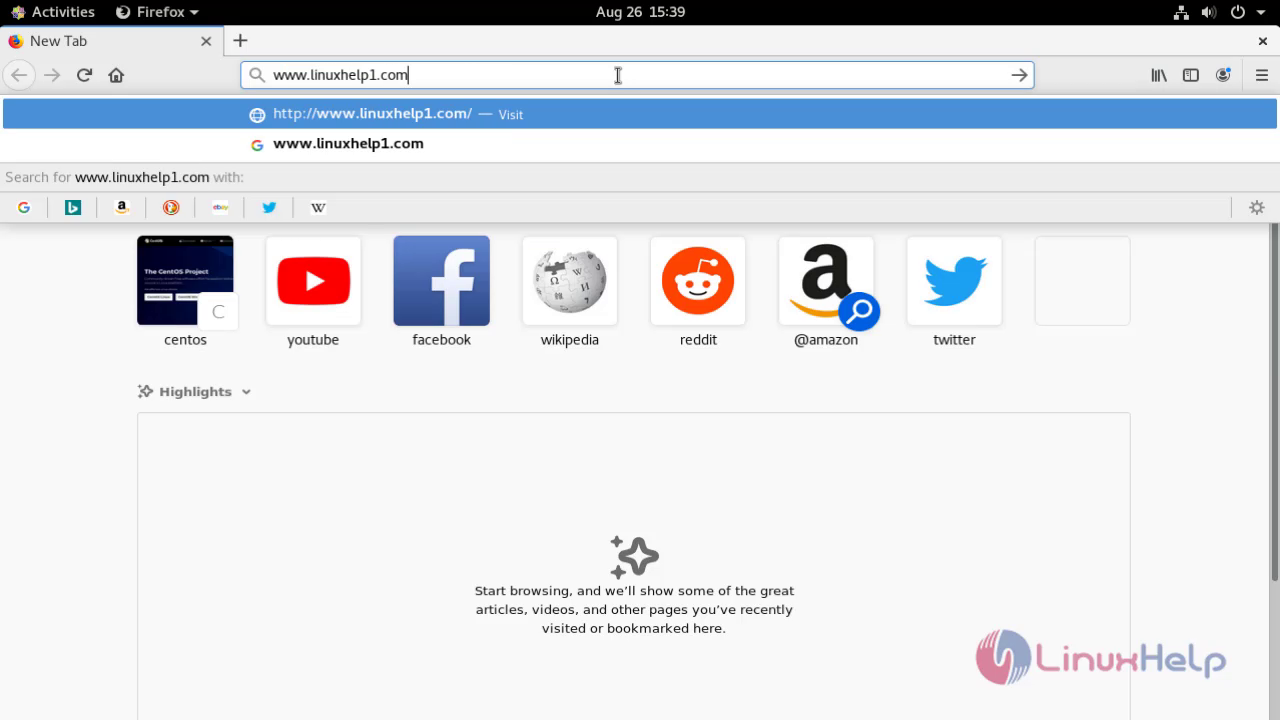 This is the welcome page of landing cms
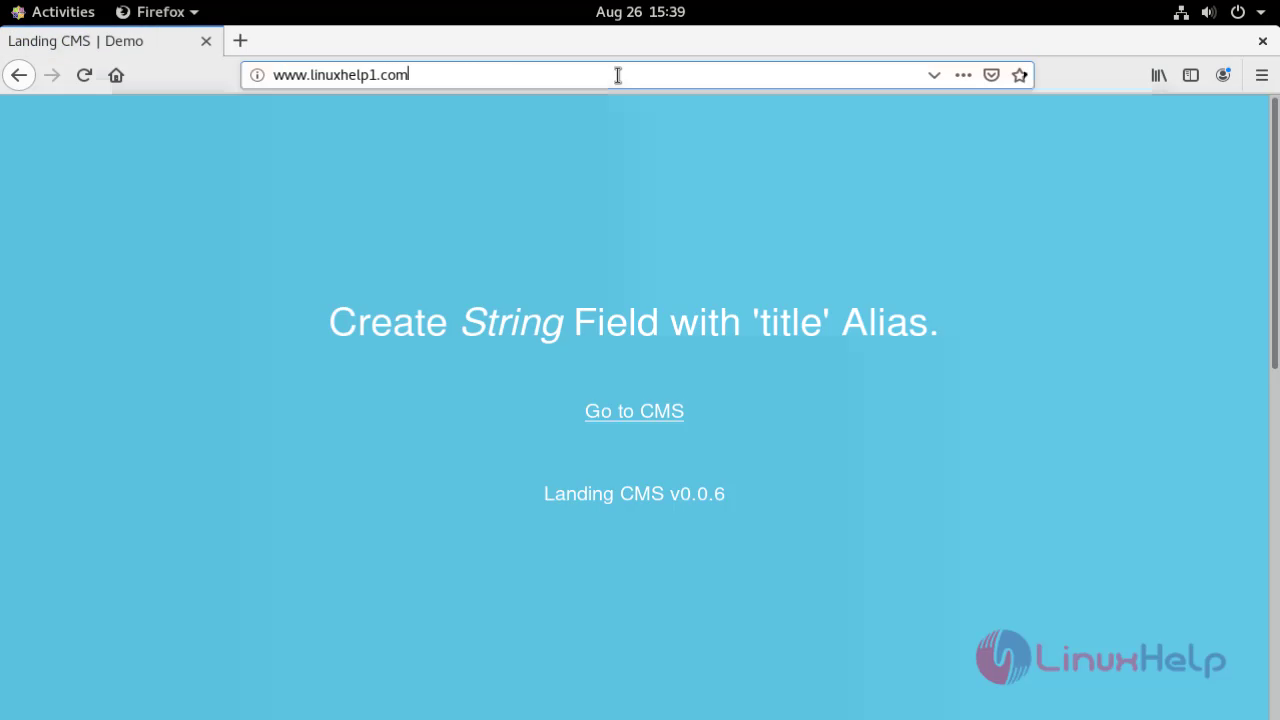 Create a new password for landing cms
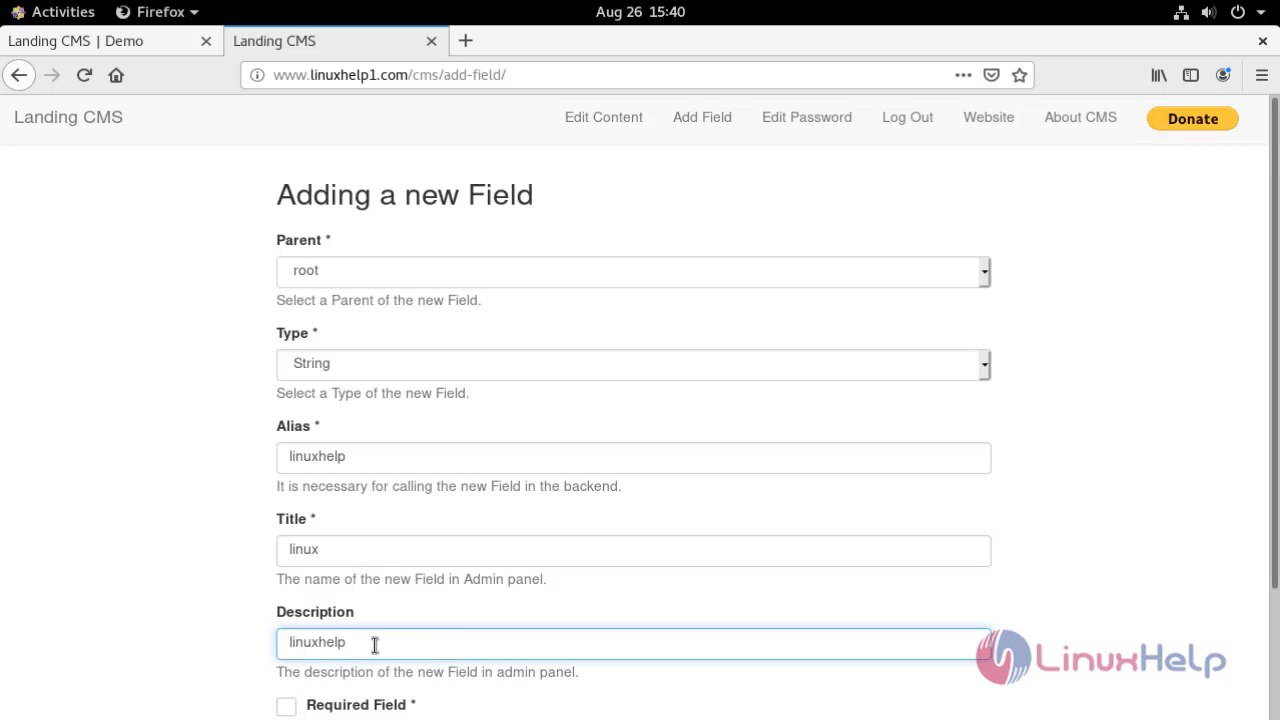
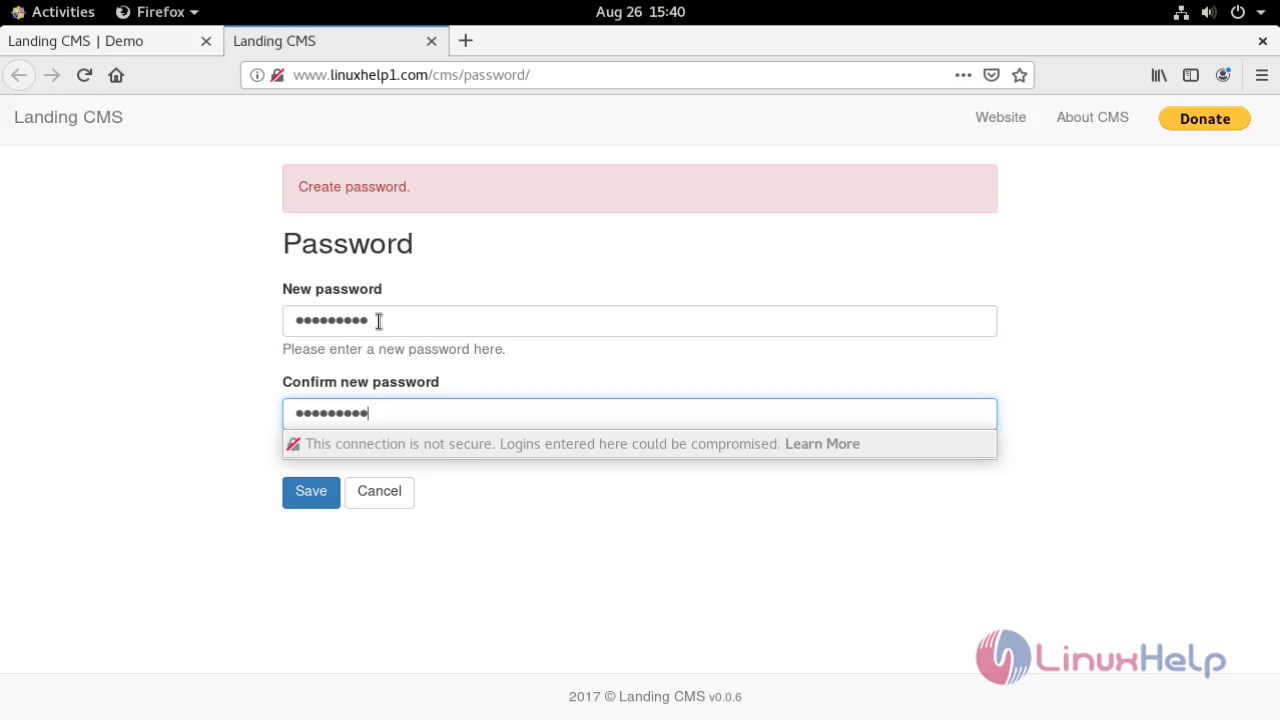 Add the content filed on landing cms
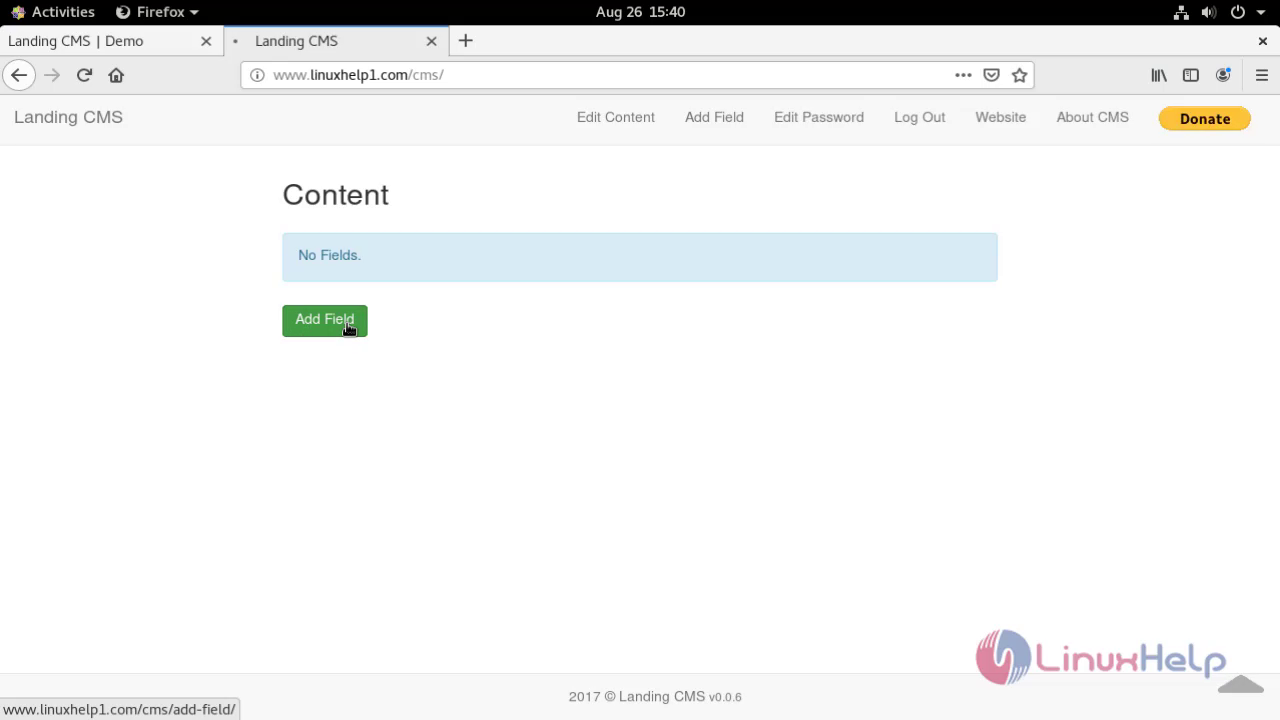
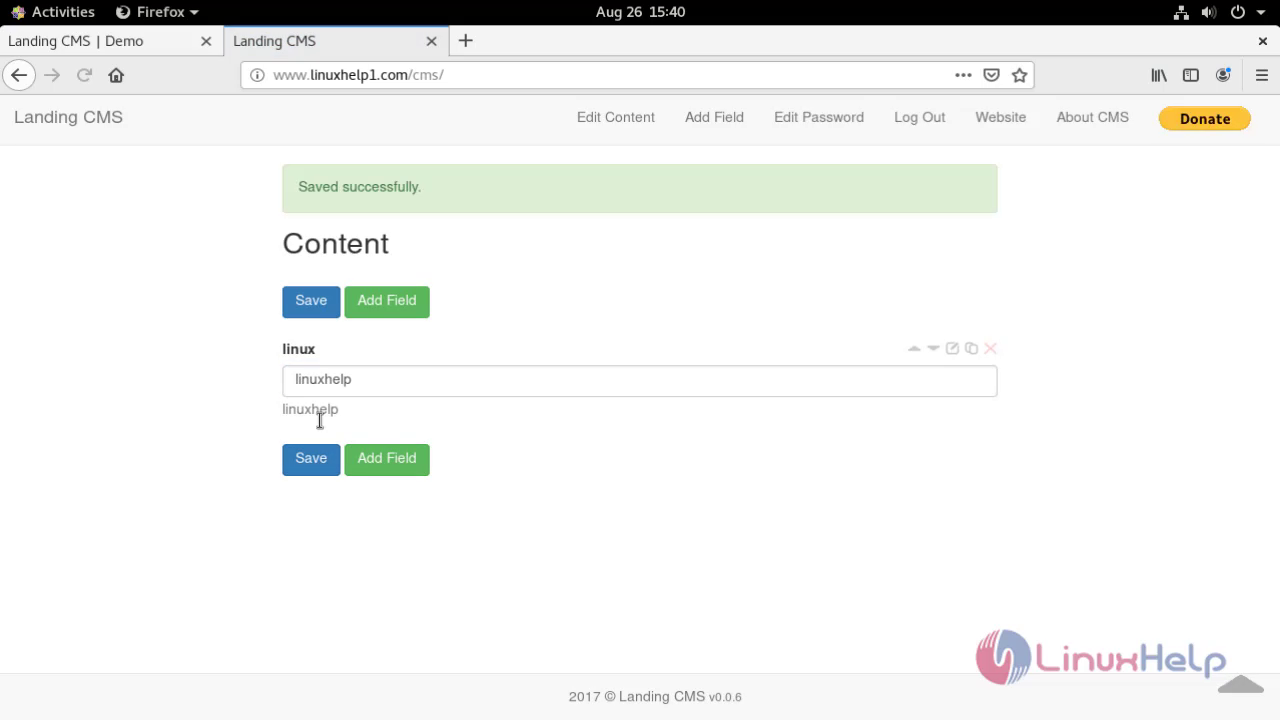
 The content is added successfully
 With this the installation of landing cms on centos 8 comes to end.
Comments ( 0 )
No comments available