How to Install Landing CMS on RHEL7.6
- 00:21 cat /etc/os-release
- 00:30 wget https://github.com/Elias-Black/Landing-CMS/archive/0.0.6.zip
- 00:41 unzip 0.0.6.zip
- 00:50 mv Landing-CMS-0.0.6 /var/www/landing
- 01:02 cd /var/www/landing/
- 01:12 chown -R apache. ./
- 01:16 chmod -R 755 ./
- 01:26 vim /etc/httpd/conf.d/landing.conf
- 01:47 vim /etc/hosts
- 01:57 systemctl restart httpd
How to Install Landing CMS on RHEL7.6
Introduction:
Landing CMS is a simple and cross-platform for management landing pages. It doesn't use any databases. In this tutorial we are going to learn the method to install the Landing CMS on RHEL 7.6.
Prerequisite:
Apache
PHP and modules(php-gd php-pdo php-mbstring php-mcrypt php-mysql php-simplexml php-pecl-zip php-imap)
Installation process
First we need check the version of the OS. Run the following command for the same.
[root@linuxhelp ~]# cat /etc/os-release
NAME="Red Hat Enterprise Linux Server"
VERSION="7.6 (Maipo)"
ID="rhel"
ID_LIKE="fedora"
VARIANT="Server"
VARIANT_ID="server"
VERSION_ID="7.6"
PRETTY_NAME="Red Hat Enterprise Linux Server 7.6 (Maipo)"
ANSI_COLOR="0;31"
CPE_NAME="cpe:/o:redhat:enterprise_linux:7.6:GA:server"
HOME_URL="https://www.redhat.com/"
BUG_REPORT_URL="https://bugzilla.redhat.com/"
REDHAT_BUGZILLA_PRODUCT="Red Hat Enterprise Linux 7"
REDHAT_BUGZILLA_PRODUCT_VERSION=7.6
REDHAT_SUPPORT_PRODUCT="Red Hat Enterprise Linux"
REDHAT_SUPPORT_PRODUCT_VERSION="7.6"
After installed prerequisite, Download the landing cms using the below link
[root@linuxhelp ~]# wget https://github.com/Elias-Black/Landing-CMS/archive/0.0.6.zip
--2020-08-29 09:28:33--  https://github.com/Elias-Black/Landing-CMS/archive/0.0.6.zip
Resolving github.com (github.com)... 13.234.210.38
Connecting to github.com (github.com)|13.234.210.38|:443... connected.
HTTP request sent, awaiting response... 302 Found
Location: https://codeload.github.com/Elias-Black/Landing-CMS/zip/0.0.6 [following]
--2020-08-29 09:28:34--  https://codeload.github.com/Elias-Black/Landing-CMS/zip/0.0.6
Resolving codeload.github.com (codeload.github.com)... 13.127.152.42
Connecting to codeload.github.com (codeload.github.com)|13.127.152.42|:443... connected.
HTTP request sent, awaiting response... 200 OK
Length: unspecified [application/zip]
Saving to: ‘0.0.6.zip’
   [             <=>                                                                    ] 23,59,509    928KB/s   in 2.5s
2020-08-29 09:28:36 (928 KB/s) - ‘0.0.6.zip’ saved [2359509]
Unzip the downloaded file
[root@linuxhelp ~]# unzip 0.0.6.zip
Archive:  0.0.6.zip
61d4ba5ff68cfe80e7f5a19d7d0e42d6c242acc0
  creating: Landing-CMS-0.0.6/
 inflating: Landing-CMS-0.0.6/LICENSE
 inflating: Landing-CMS-0.0.6/README.md
  creating: Landing-CMS-0.0.6/assets/
  creating: Landing-CMS-0.0.6/assets/_cms/
 inflating: Landing-CMS-0.0.6/assets/vendor/responsive_filemanager_9.12.1/filemanager/img/ico/dwg.jpg
….
……
  creating: Landing-CMS-0.0.6/modules/
 inflating: Landing-CMS-0.0.6/modules/rand_num.php
 inflating: Landing-CMS-0.0.6/robots.txt
After the unzip, move the directory under the apache root directory named as landing
[root@linuxhelp ~]# mv Landing-CMS-0.0.6 /var/www/landing
Change location to landing
[root@linuxhelp ~]# cd /var/www/landing/
Now, we have set ownership and permission for the landing directory
[root@linuxhelp landing]# chown -R apache. ./
[root@linuxhelp landing]# chmod -R 755 ./
After, configure the virtualhost for landing cms
[root@linuxhelp landing]# vim /etc/httpd/conf.d/landing.conf
Then, make a host entry
[root@linuxhelp landing]# vim /etc/hosts
After completing the configuration restart the apache service
[root@linuxhelp landing]# systemctl restart httpd
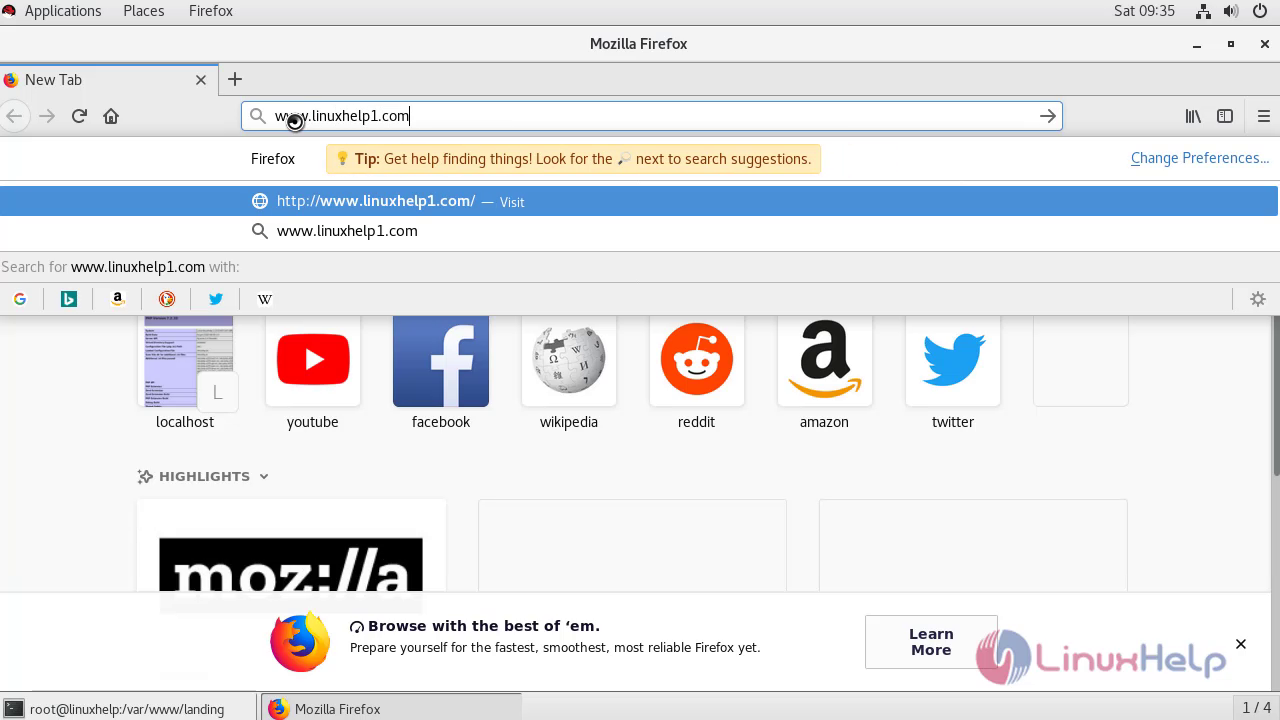
Go to the browser where provide your domain name in address tab
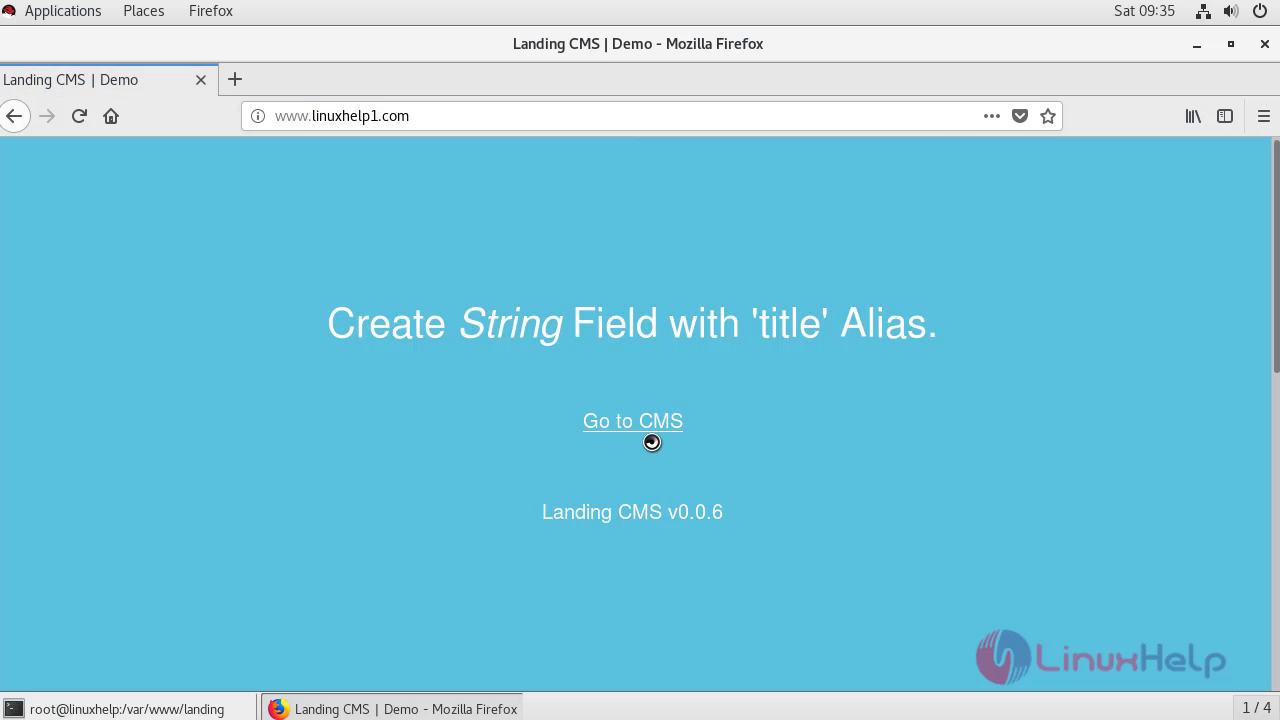
This is the landing cms home page, where click on Go to CMS option
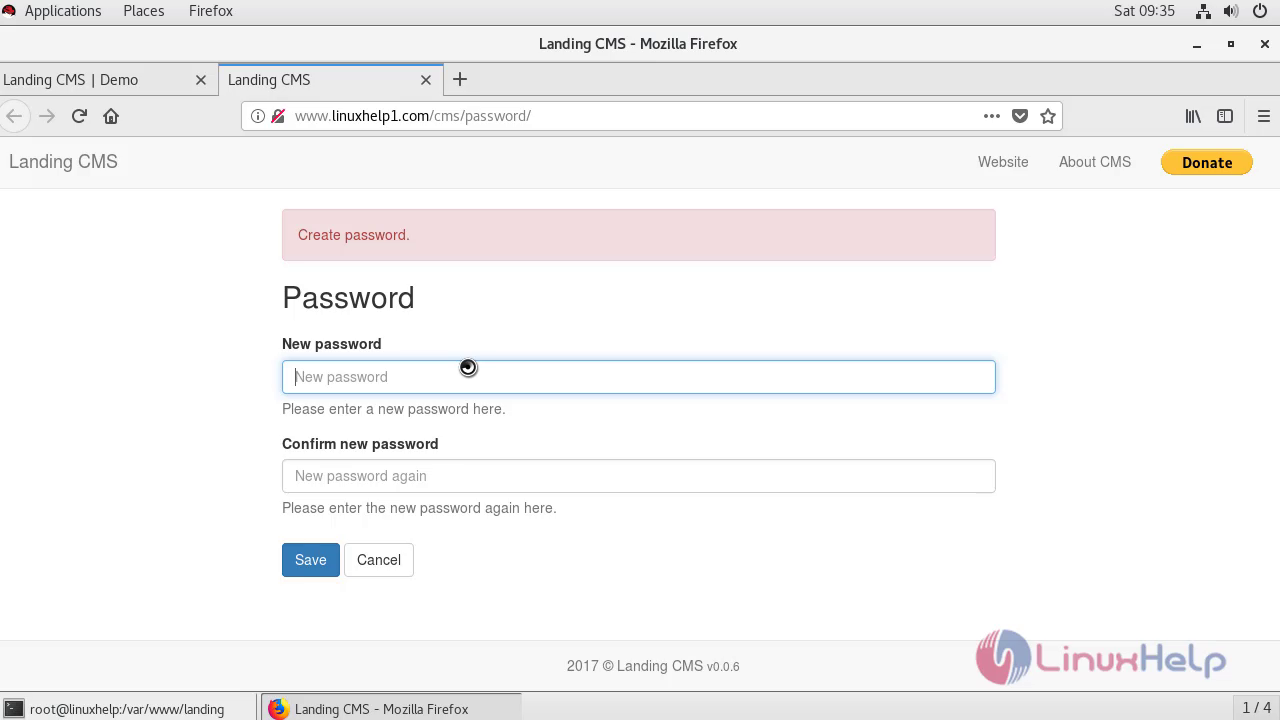
Here create the password for admin account
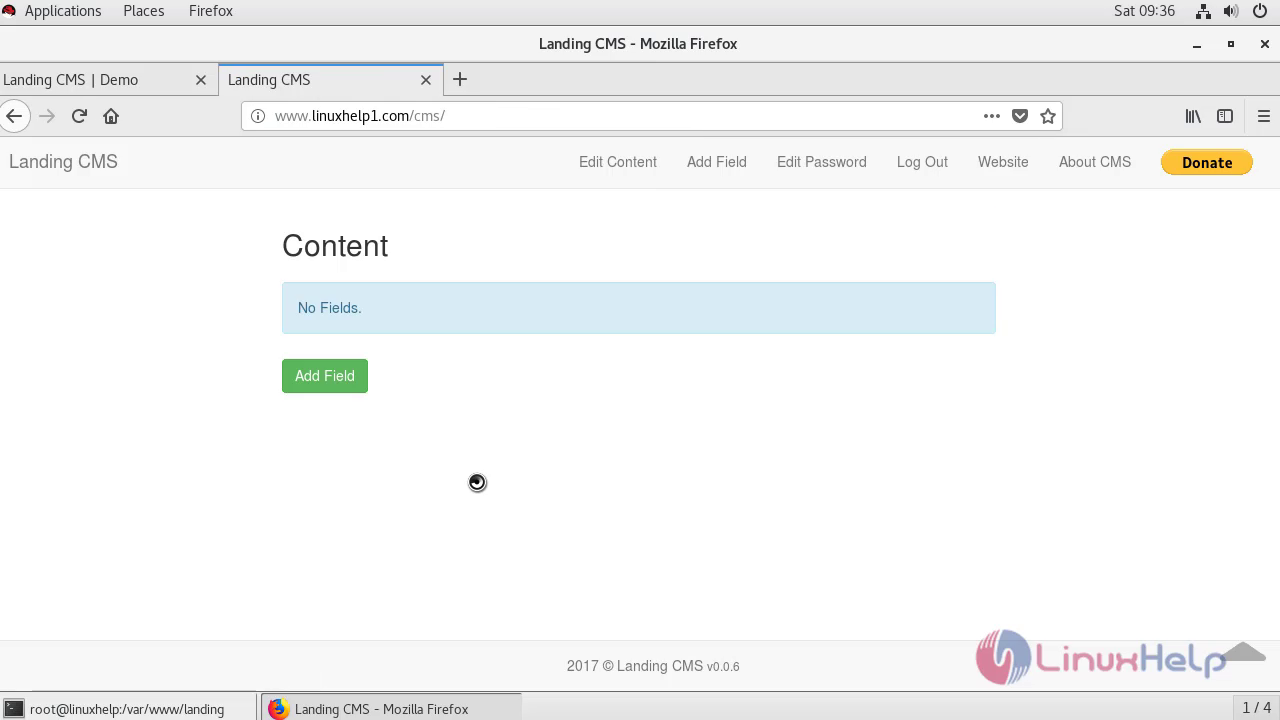
With this, the method to install Landing CMS comes to an end.
Comments ( 0 )
No comments available