How To Install Light Table On CentOS 7
To install Light Table on CentOS 7
Light Table is an open source and lightweight IDE Code editor tool used for programmers and developers. It helps you to connect to your creation with instant feedback and showing data values flow through your code. Installing Light Table is very easy, and this article explains the installation of Light Table on Ubuntu.
Installing Light Table
If you want to download the Light Table application, you should get it from its official website. Copy the download link and use it along with the wget command as follows.
[root@linuxhelp ~]# wget https://d35ac8ww5dfjyg.cloudfront.net/playground/bins/0.7.2/LightTableLinux64.tar.gz
--2017-10-03 14:43:13--   https://d35ac8ww5dfjyg.cloudfront.net/playground/bins/0.7.2/LightTableLinux64.tar.gz
Resolving d35ac8ww5dfjyg.cloudfront.net (d35ac8ww5dfjyg.cloudfront.net)... 52.222.190.218, 52.222.190.244, 52.222.190.36, ...
Connecting to d35ac8ww5dfjyg.cloudfront.net (d35ac8ww5dfjyg.cloudfront.net)|52.222.190.218|:443... connected.
HTTP request sent, awaiting response... 200 OK
Length: 62103985 (59M) [application/x-tar]
Saving to: ‘ LightTableLinux64.tar.gz’

100%[======================================> ] 62,103,985    634KB/s    in 3m 43s

2017-10-03 14:46:58 (272 KB/s) - ‘ LightTableLinux64.tar.gz’  saved [62103985/62103985]
Once it is downloaded, extract the package as follows.
[root@linuxhelp ~]# chmod +x LightTableLinux64.tar.gz
[root@linuxhelp ~]# tar -xvzf LightTableLinux64.tar.gz
LightTable/
LightTable/core/
LightTable/credits.html
LightTable/libffmpegsumo.so
LightTable/libudev.so.0
LightTable/LightTable
LightTable/ltbin
LightTable/nw.pak
LightTable/nwsnapshot
LightTable/package.json
LightTable/plugins/
LightTable/settings/
LightTable/settings/default/
LightTable/settings/default/default.behaviors
.
.
.
.
LightTable/core/css/themes/twilight.css
LightTable/core/css/themes/vibrant-ink.css
LightTable/core/css/themes/xq-dark.css
LightTable/core/css/themes/xq-light.css
LightTable/core/css/skins/new-dark.css
LightTable/core/css/skins/new-dark.stylus
Now you should create a symbolic link for having a convenient start. Run the following command for the same purpose.
[root@linuxhelp ~]# ln -s /opt/LightTable/LightTable /usr/bin/lighttable
You can now start the application by simply running the following command.
[root@linuxhelp ~]# lighttable
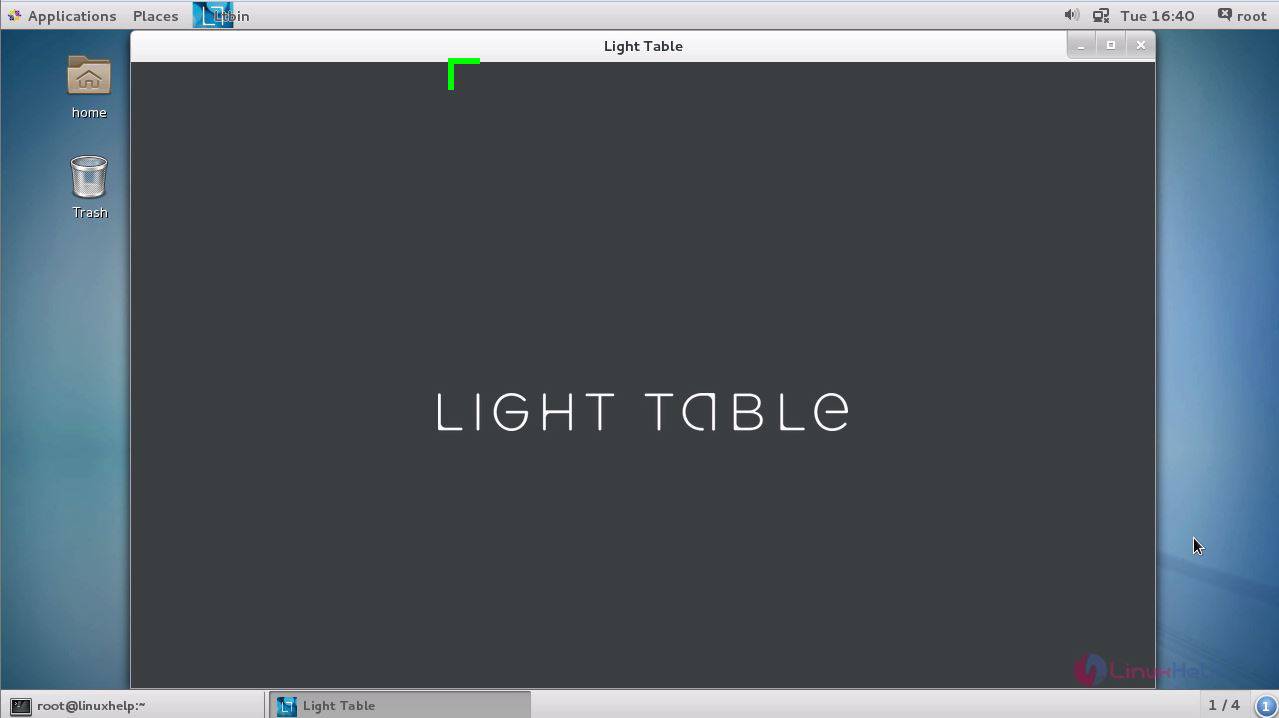
When the application gets opened on your screen, it resembles the one shown in the following image.
You can also get to know about the information about the Light Table.
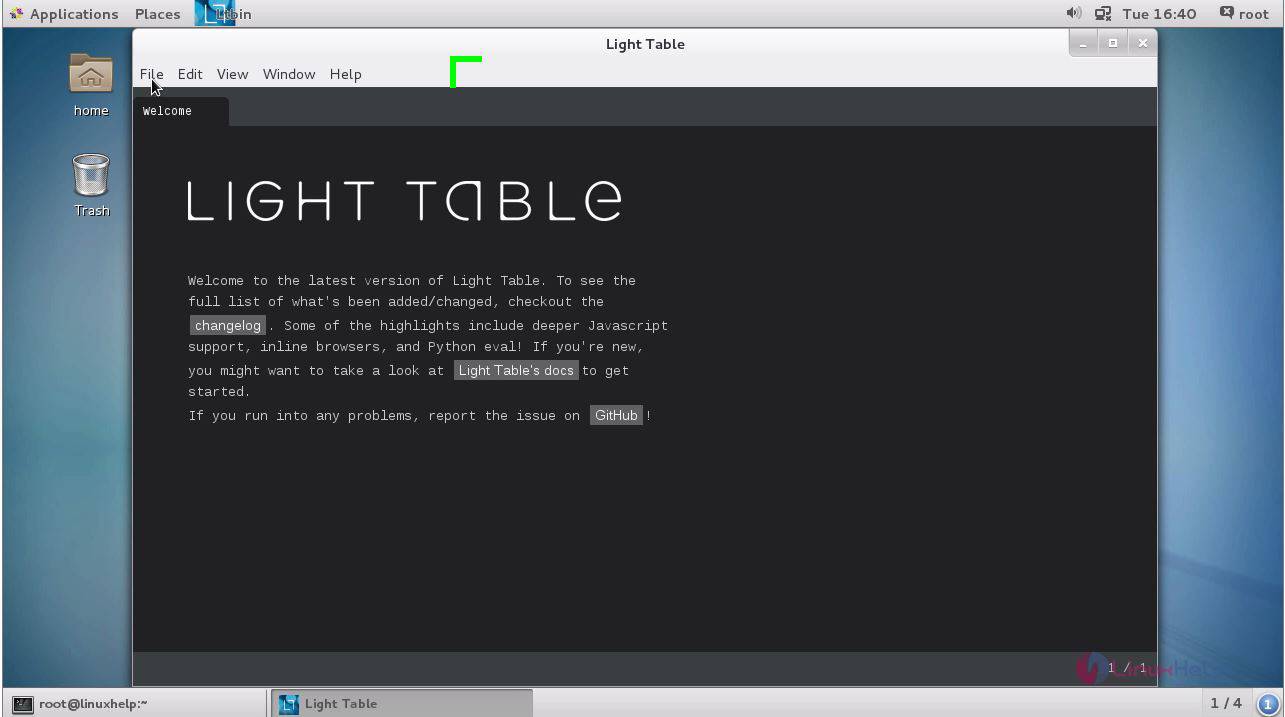
With this, the installation of Light Table gets completed.
Comments ( 0 )
No comments available