• Categories
    Category
    {{ postCtrl.tags }}
    • {{ category.tag_type }}

      • {{tag.tag_name}}
      • View more
  • Categories
    Category
    {{ postCtrl.tags }}
    • {{ category.tag_type }}

      • {{tag.tag_name}}
      • View more
  • News
  • Tutorials
  • Forums
  • Tags
  • Users
Tutorial News Comments FAQ Related Articles

How to install Linux Distro Tanglu

{{postValue.id}}

To install Linux Distro Tanglu

In this article we will learn how to install Linux Distro Tanglu. Tanglu GNOME is an open source Linux distribution built around the complex GNOME desktop environment and based on the stable Debian GNU/Linux operating system.

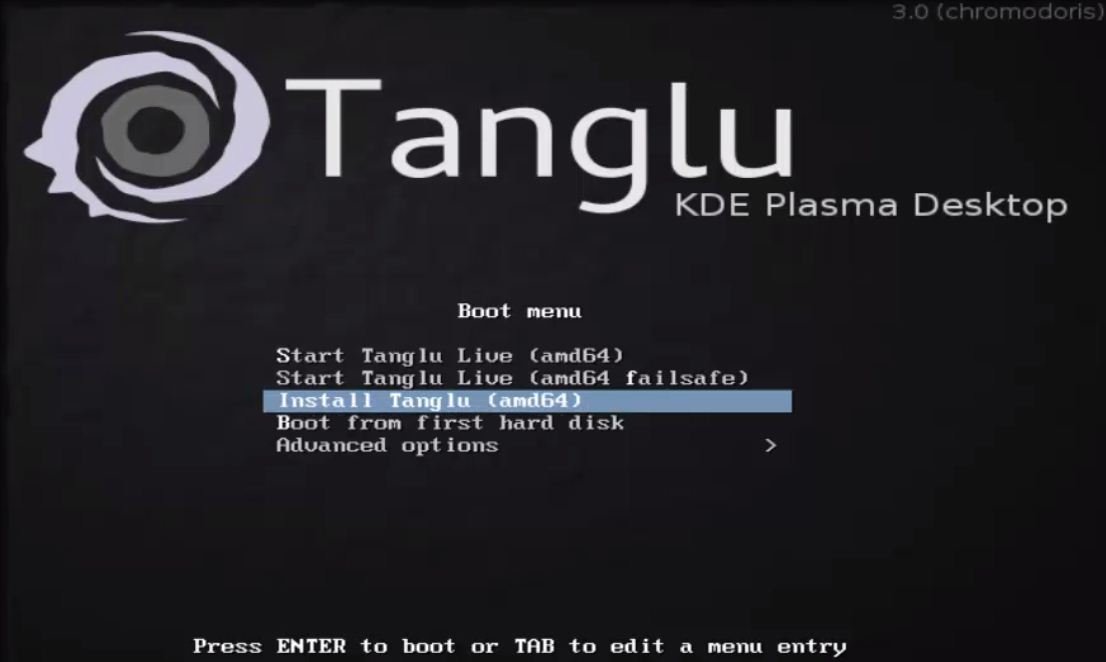
Download the Tanglu latest version from its official web-site and make it bootable. Click Install Tanglu to proceed further.
1
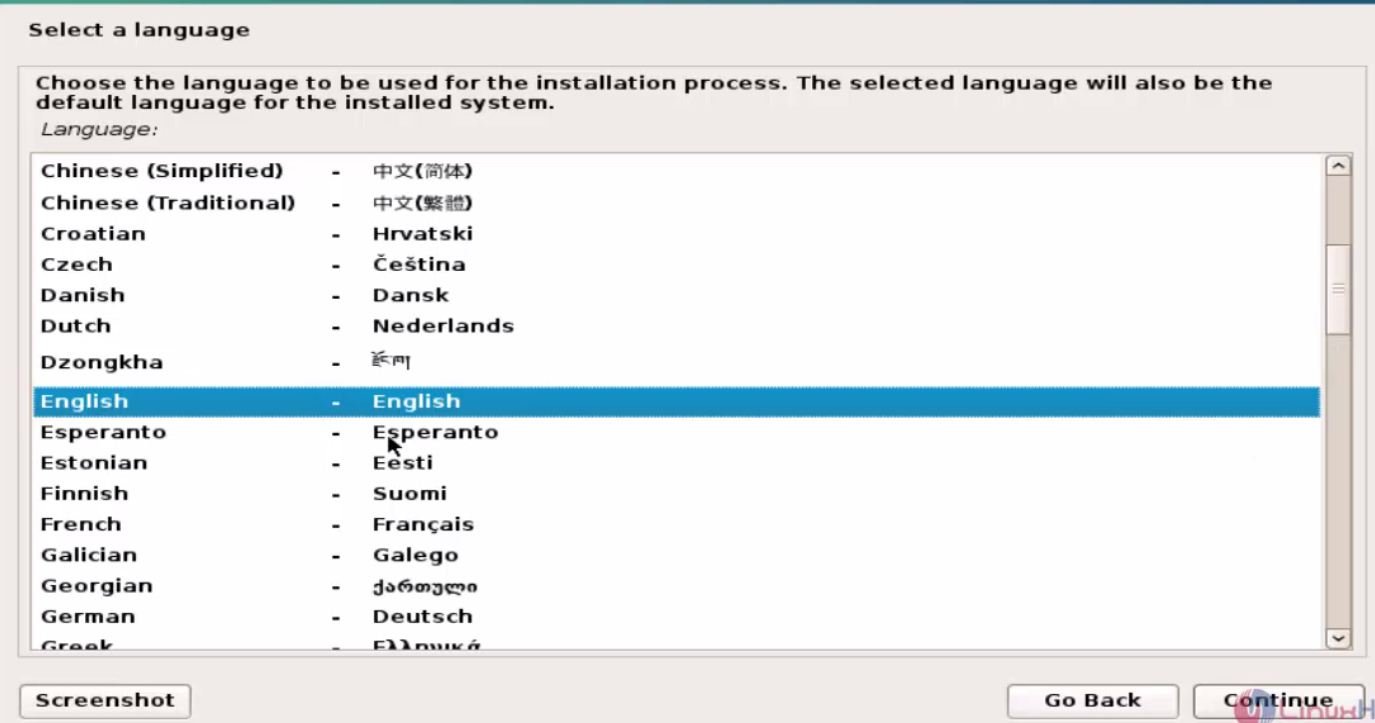
Choose a language and click continue to proceed further.
2
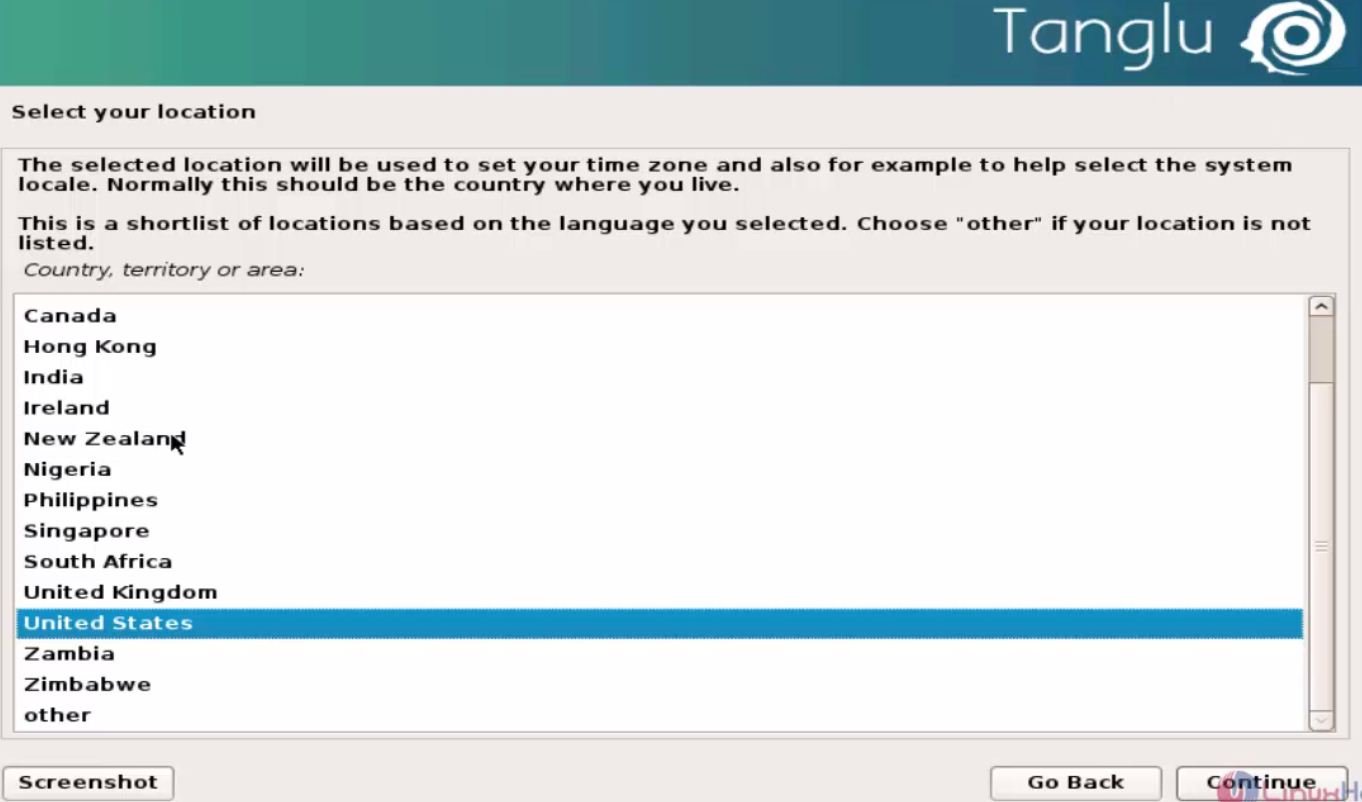
Select location and click continue.
3
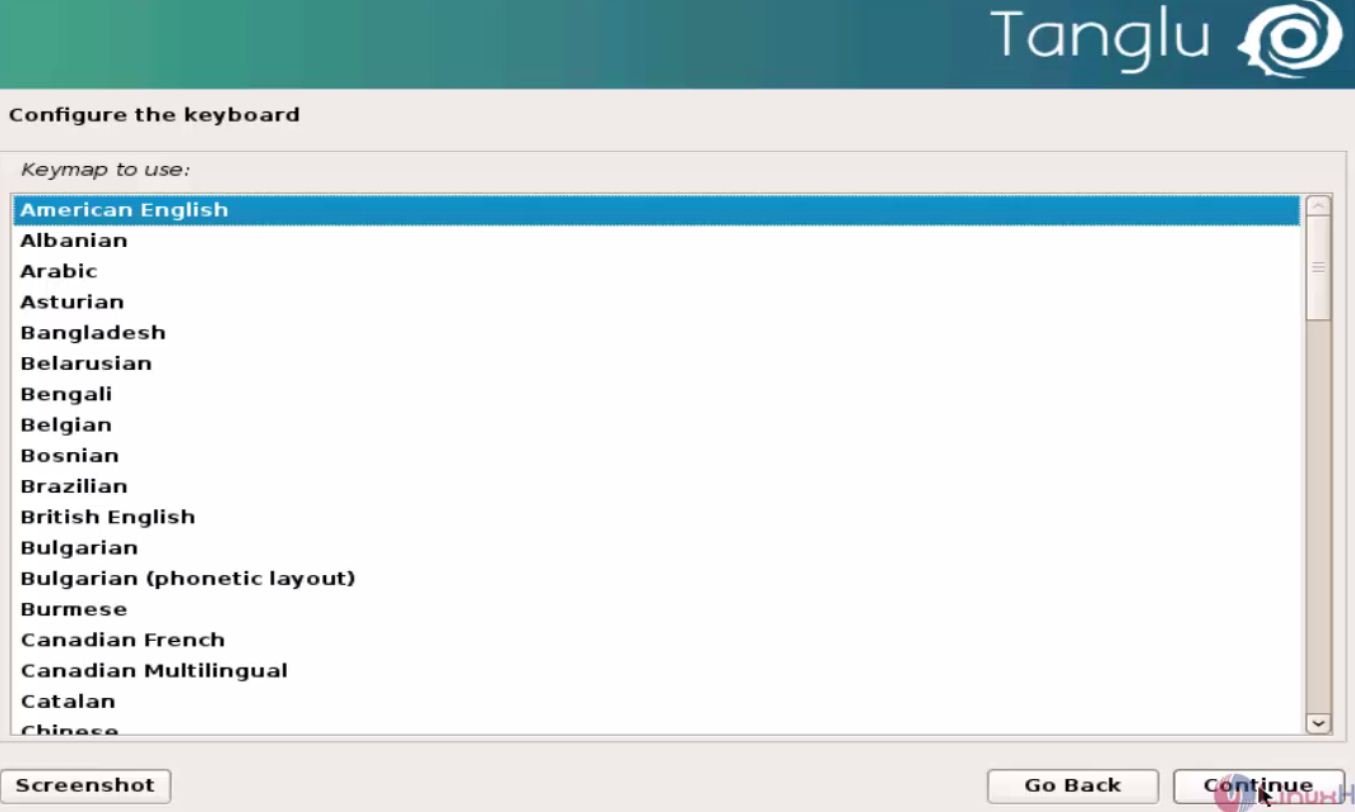
Choose the keyboard layout and click continue
4

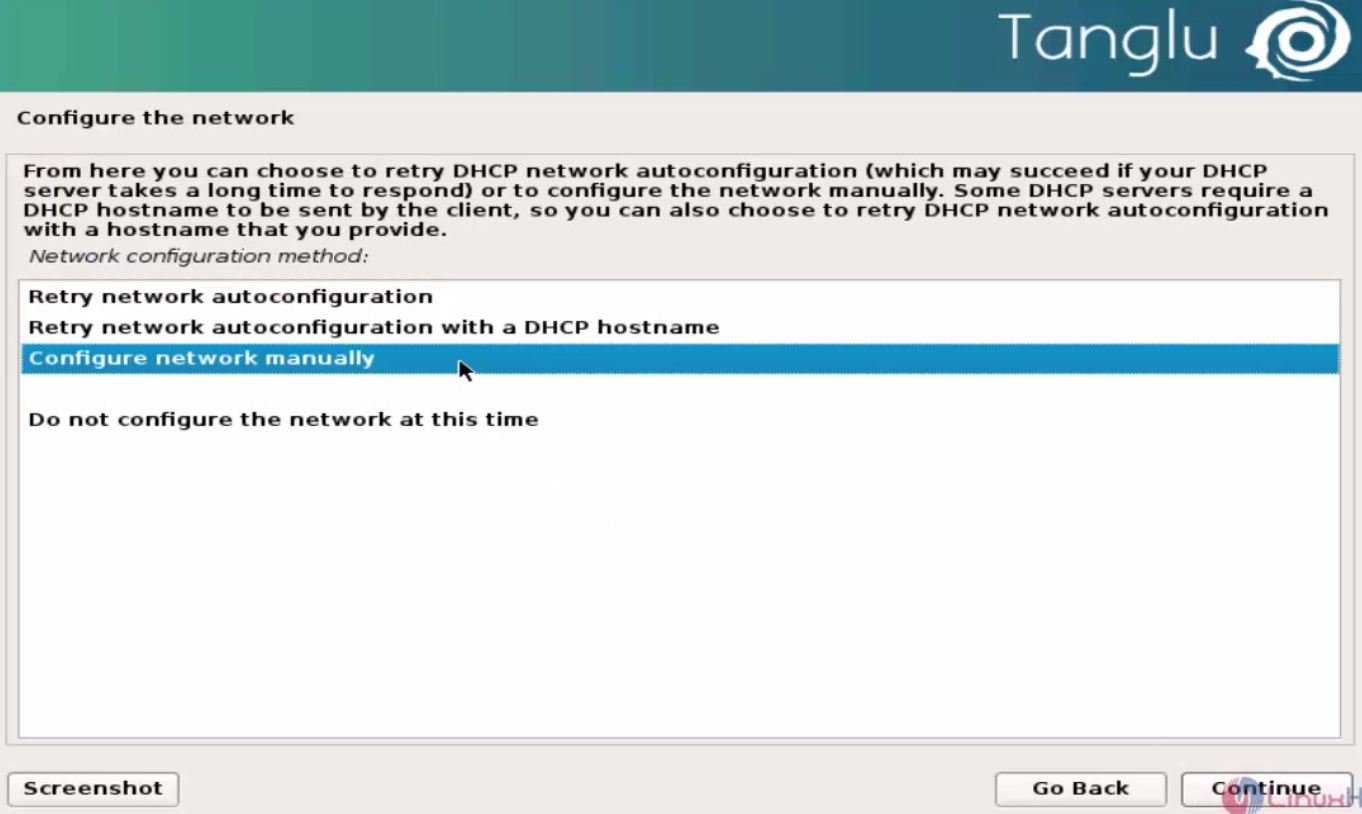
To Configure network

Choose configure network manually, to continue.
5
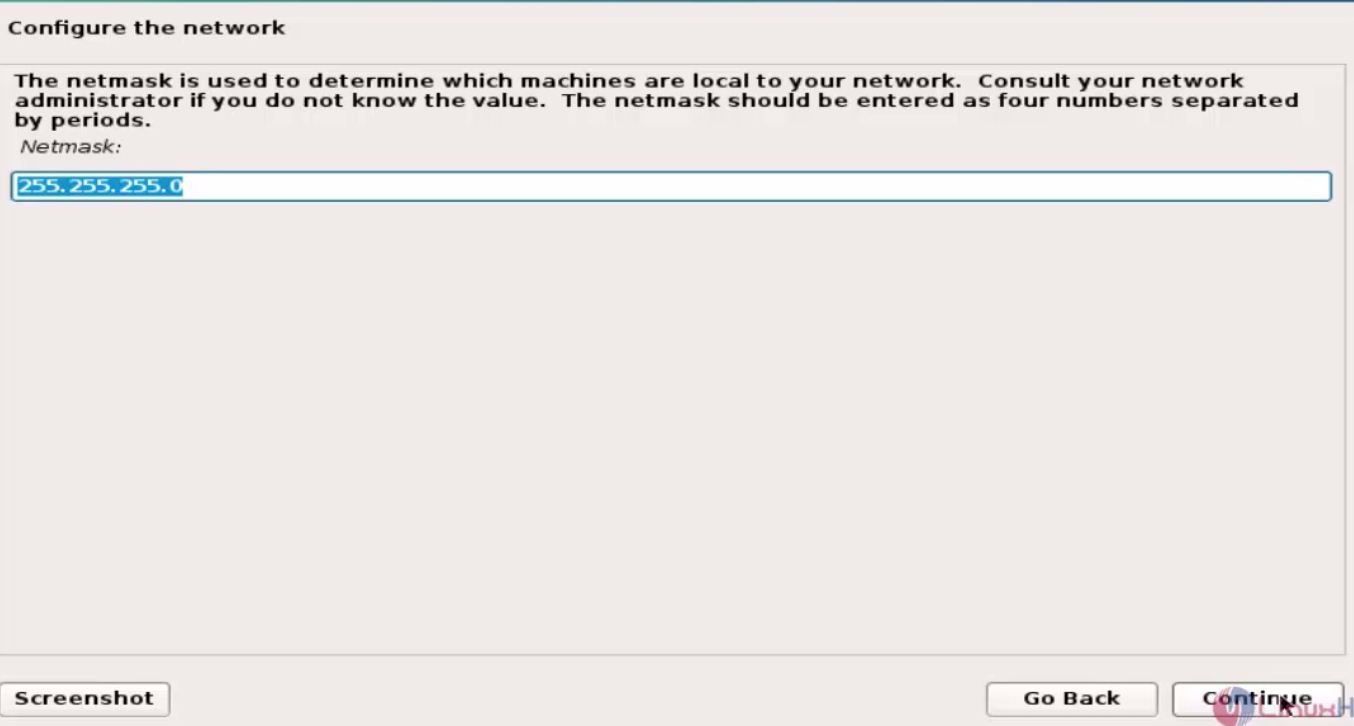
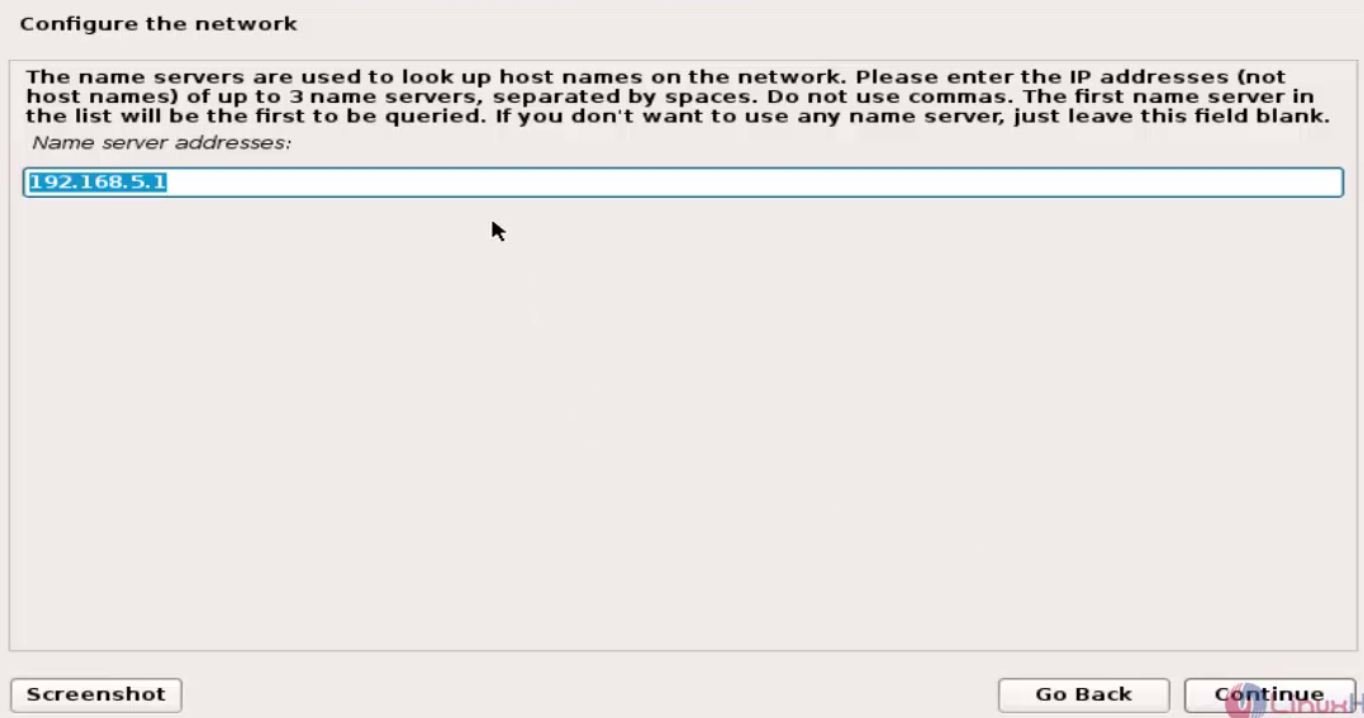
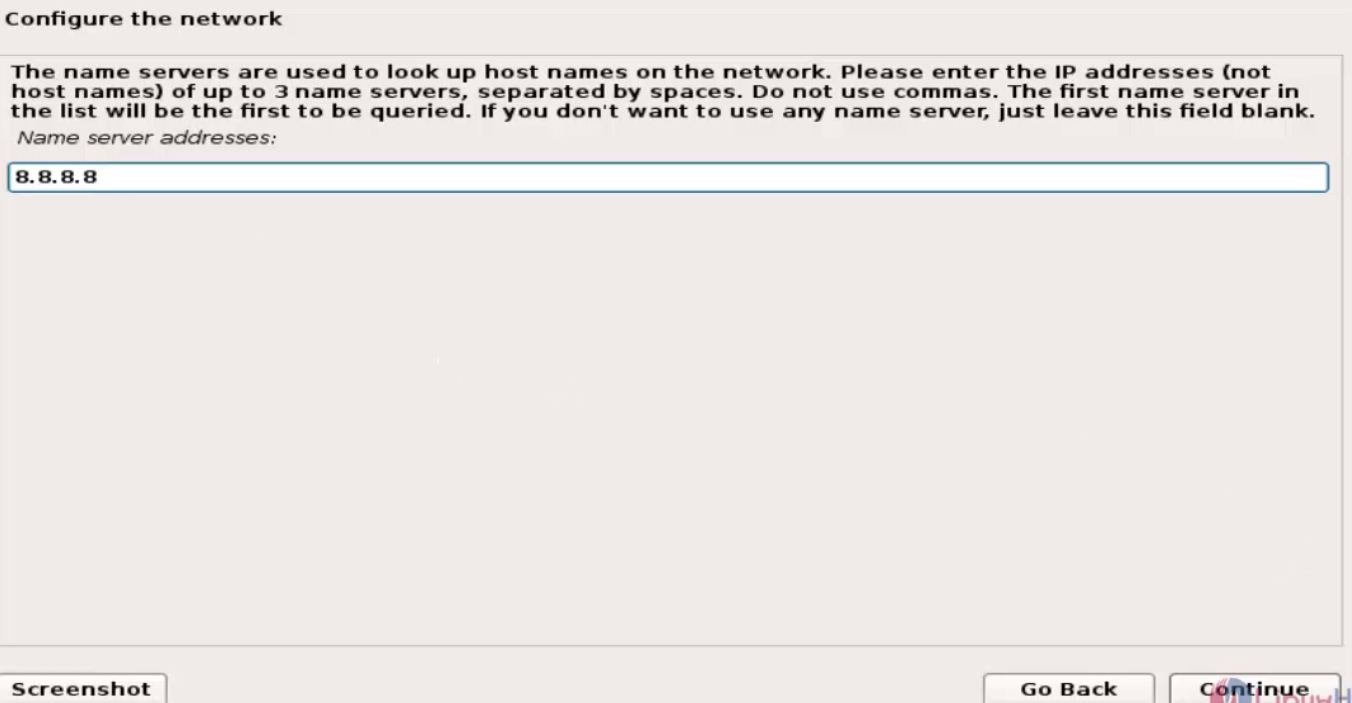
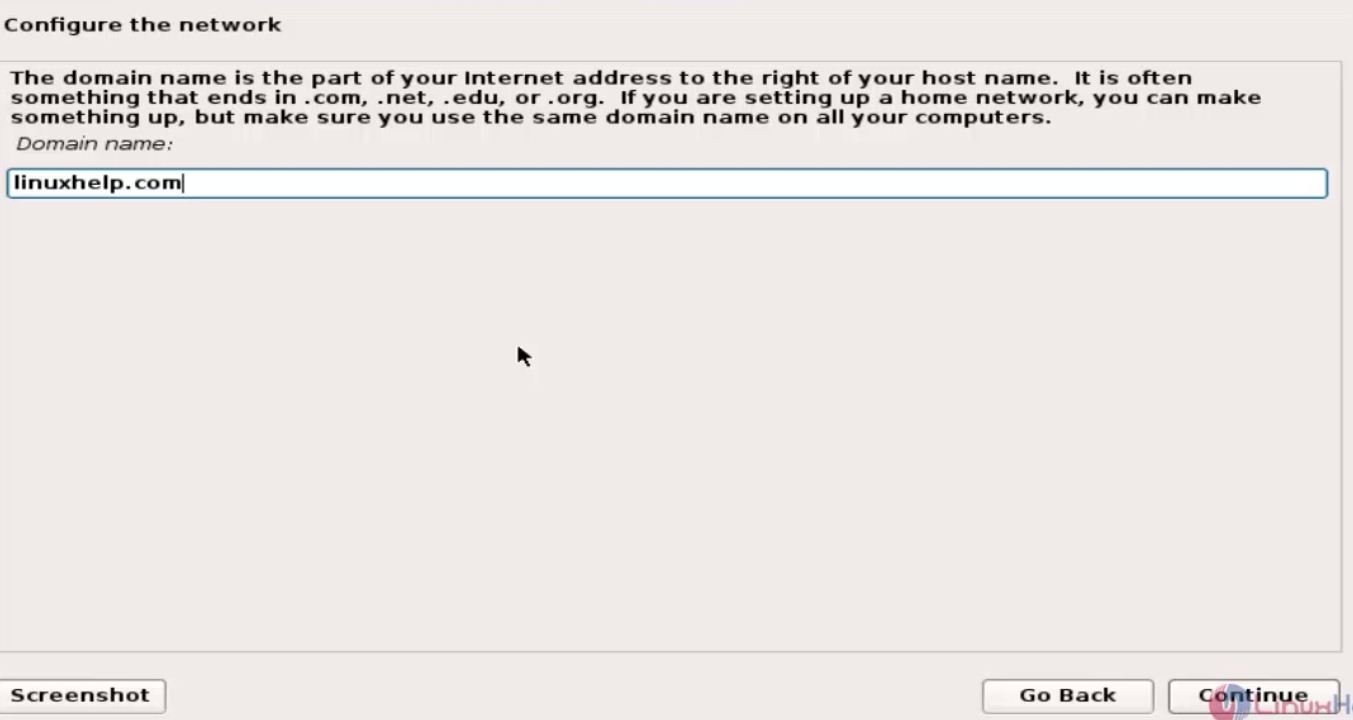
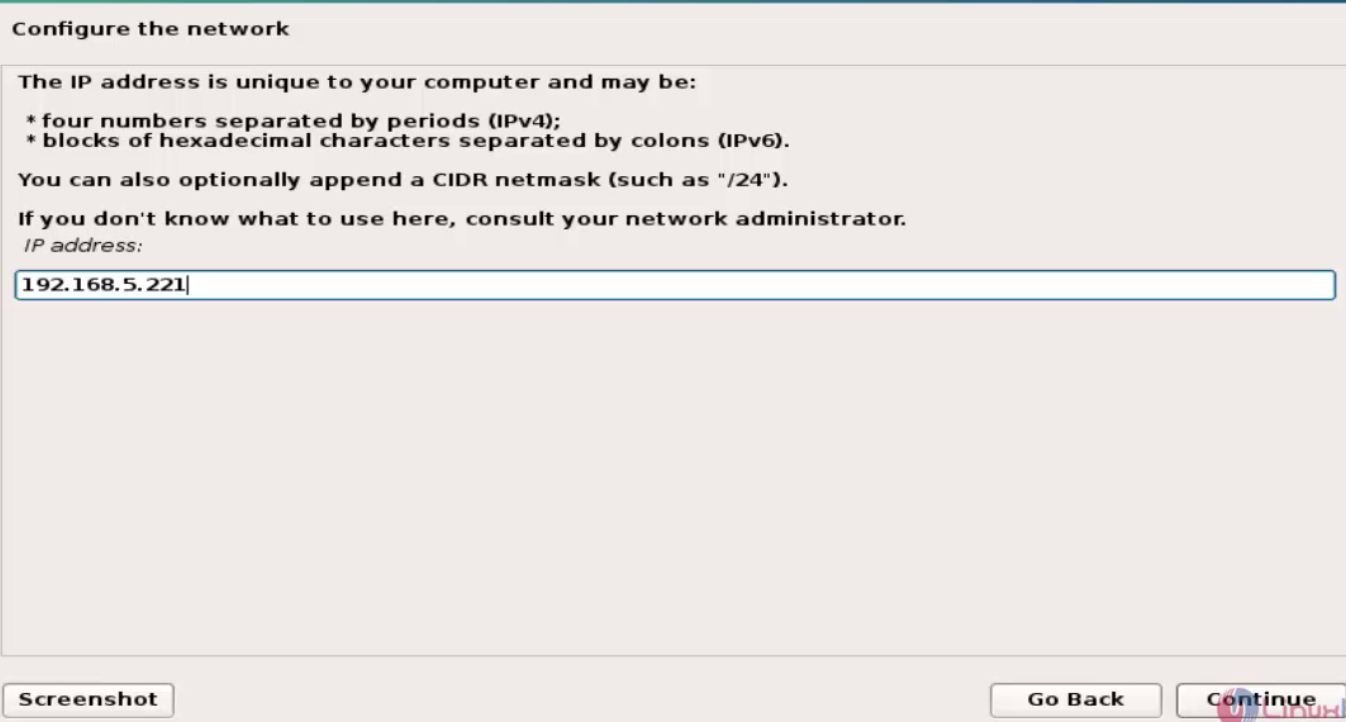
Enter IP address, net mask, gate way, server address
6

7
8
9

11

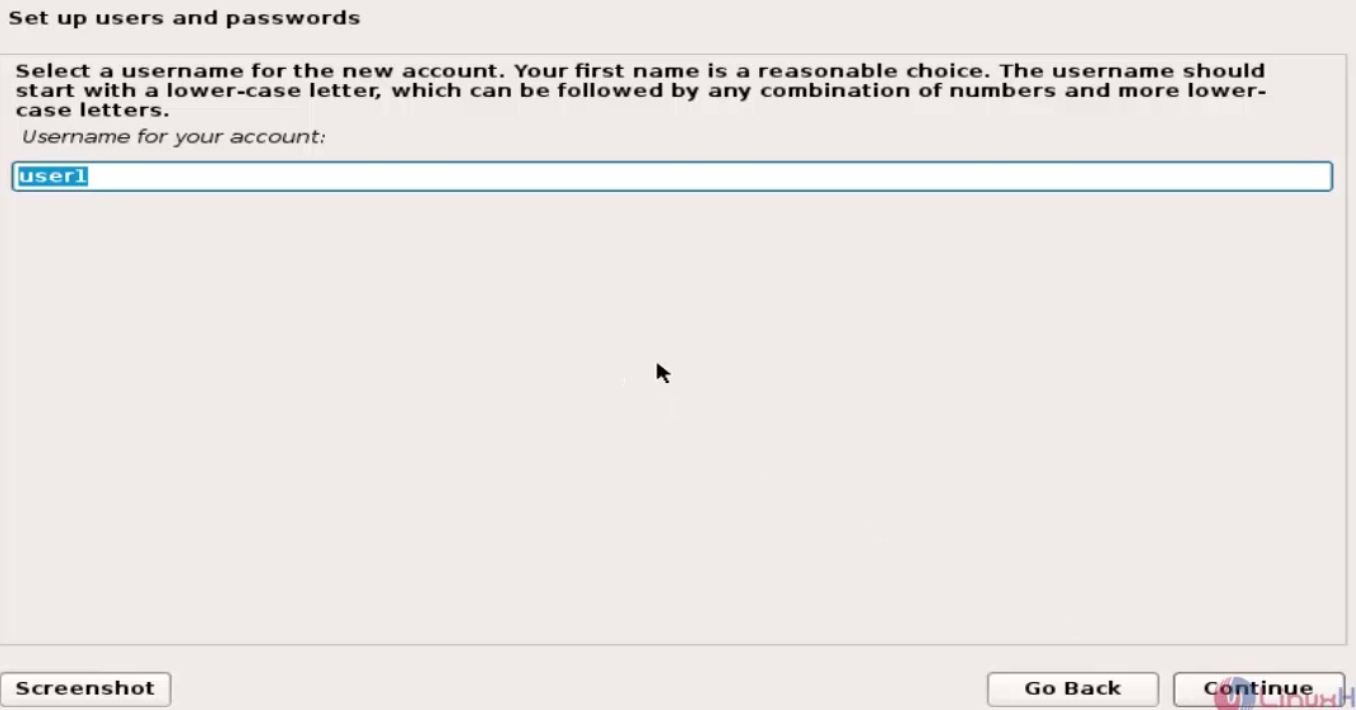
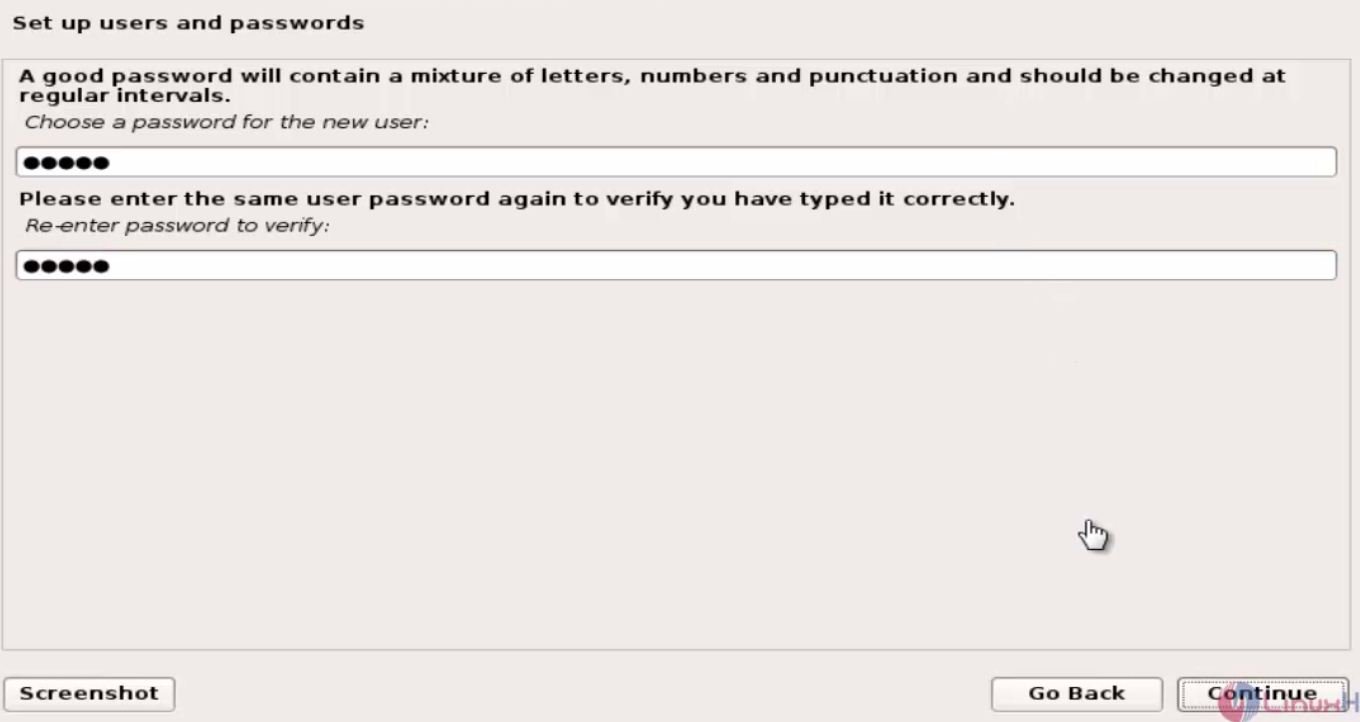
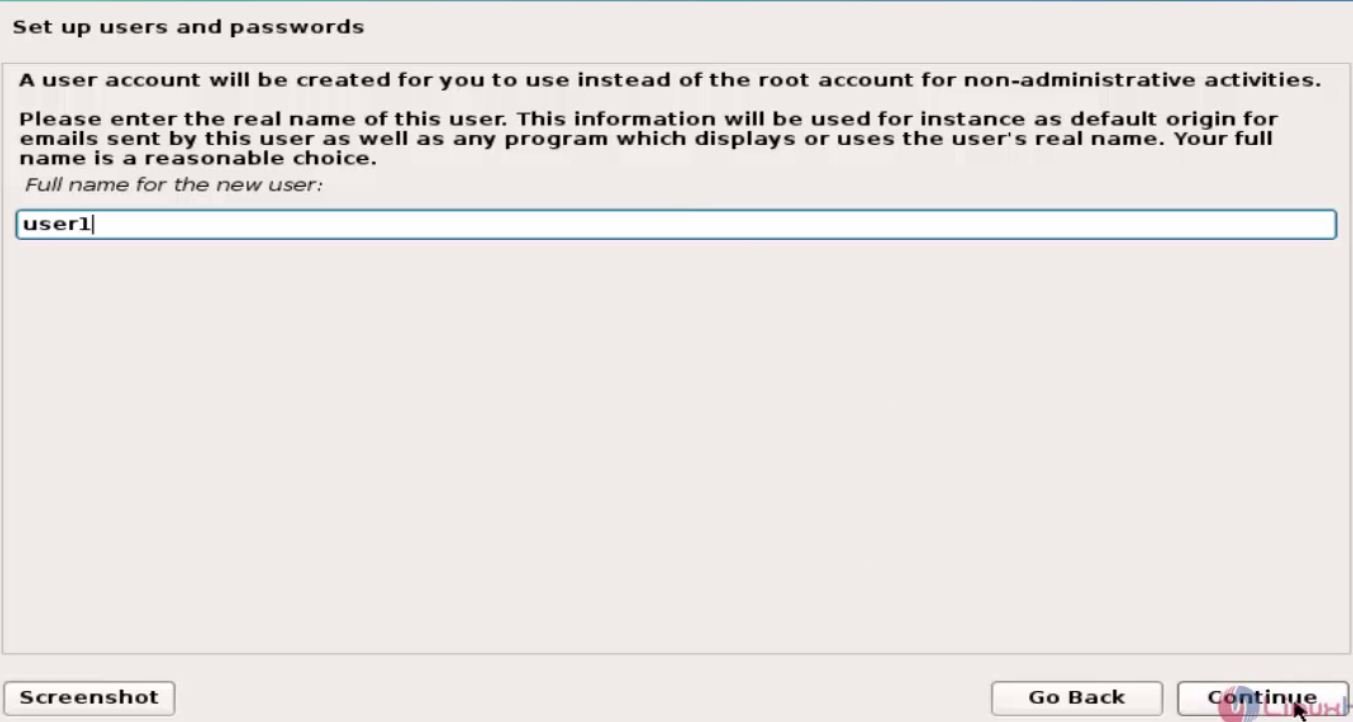
Then set the Username and Password.
12
13
14

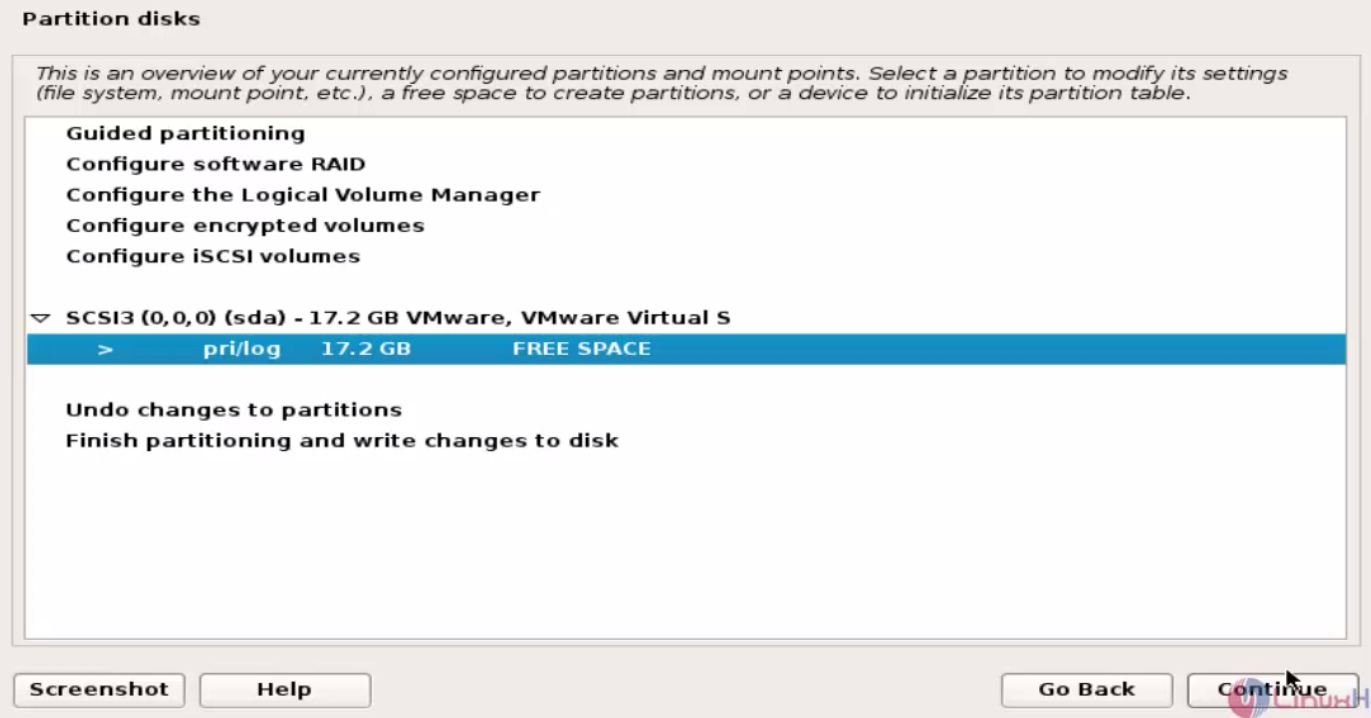
To start with the partitions manually, click manual options.
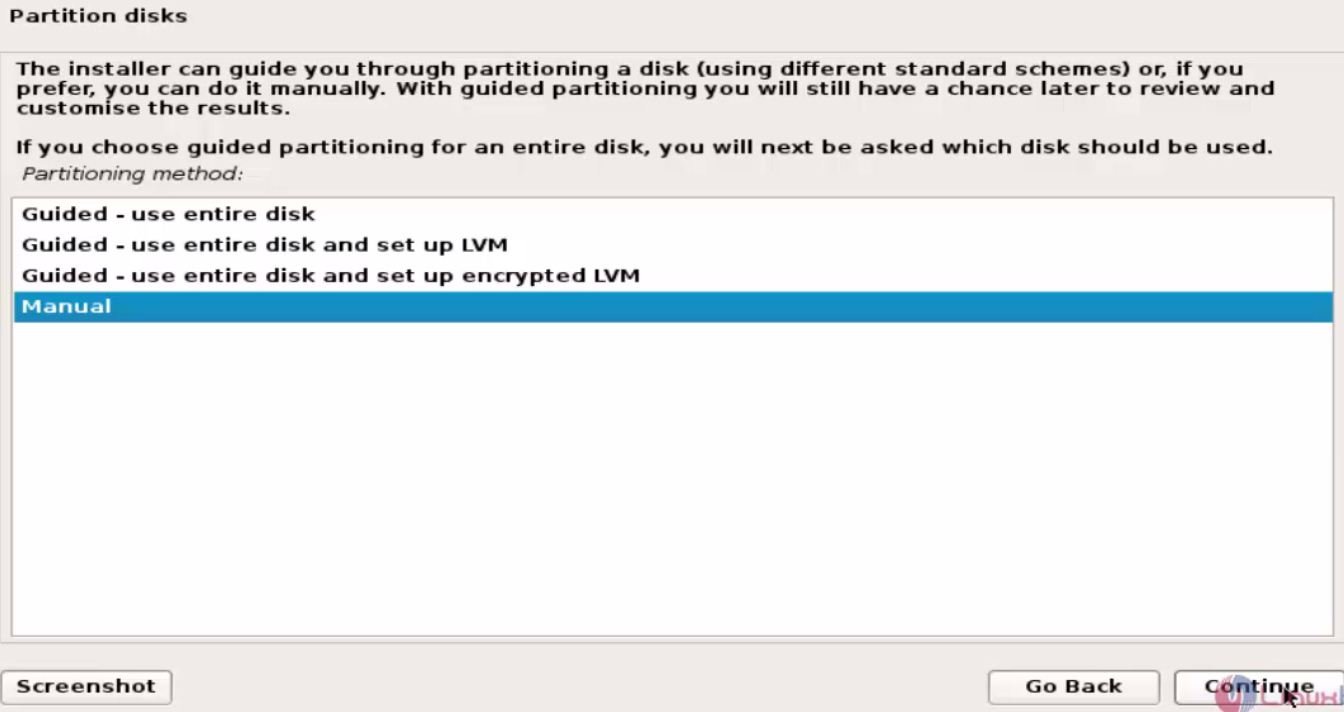
15

Choose the disk for which the partition is to be done.
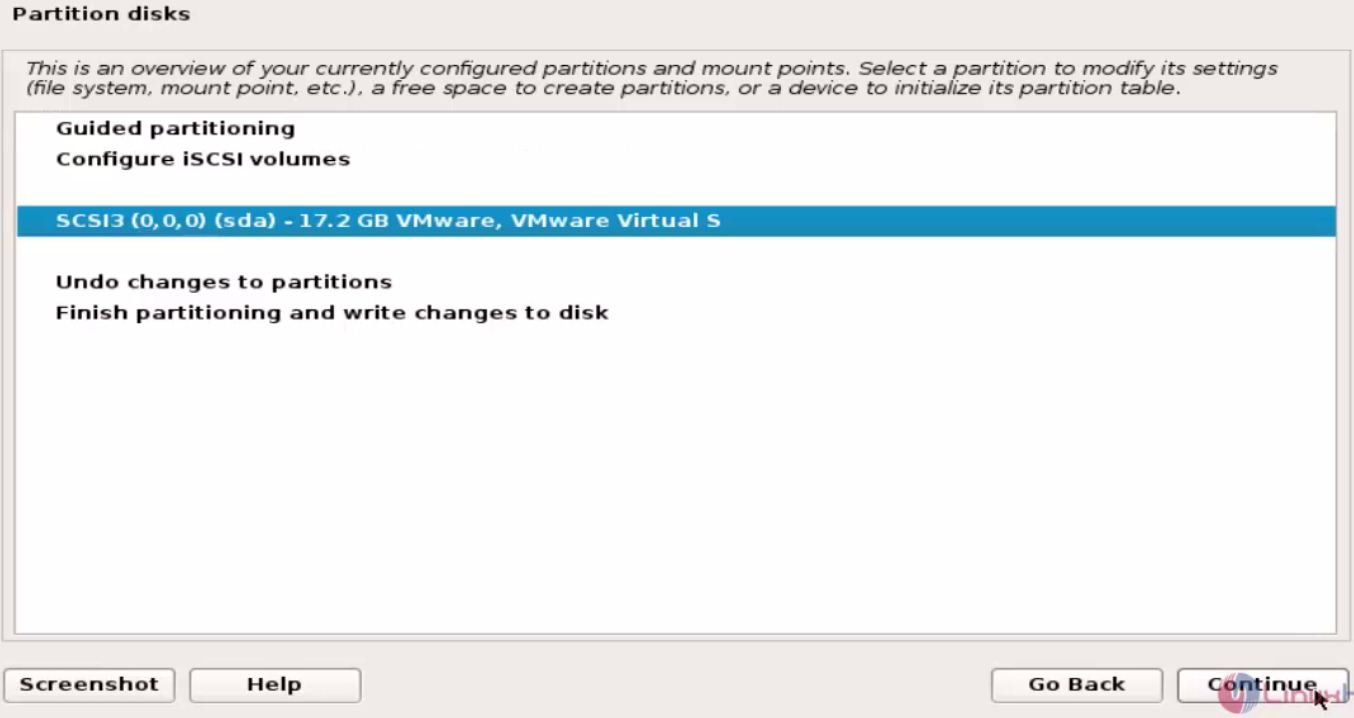
16
17
Click create new partition to proceed.
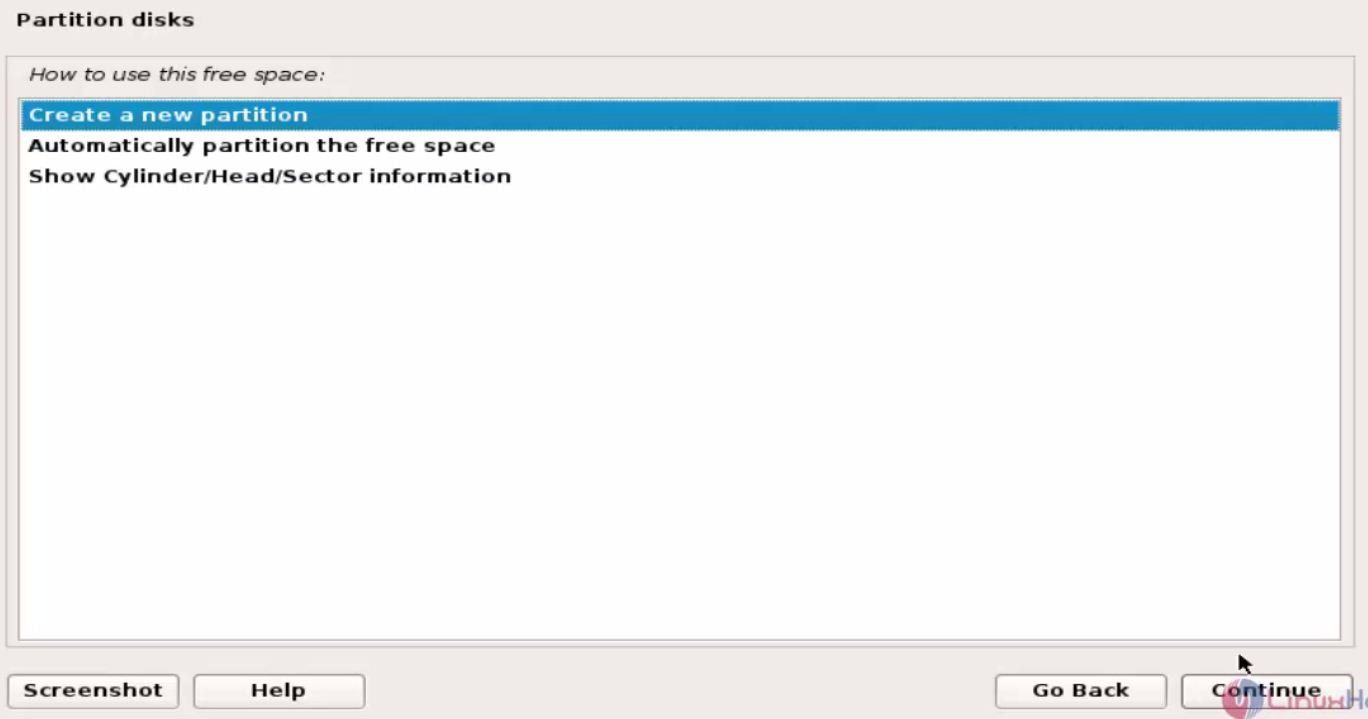
18
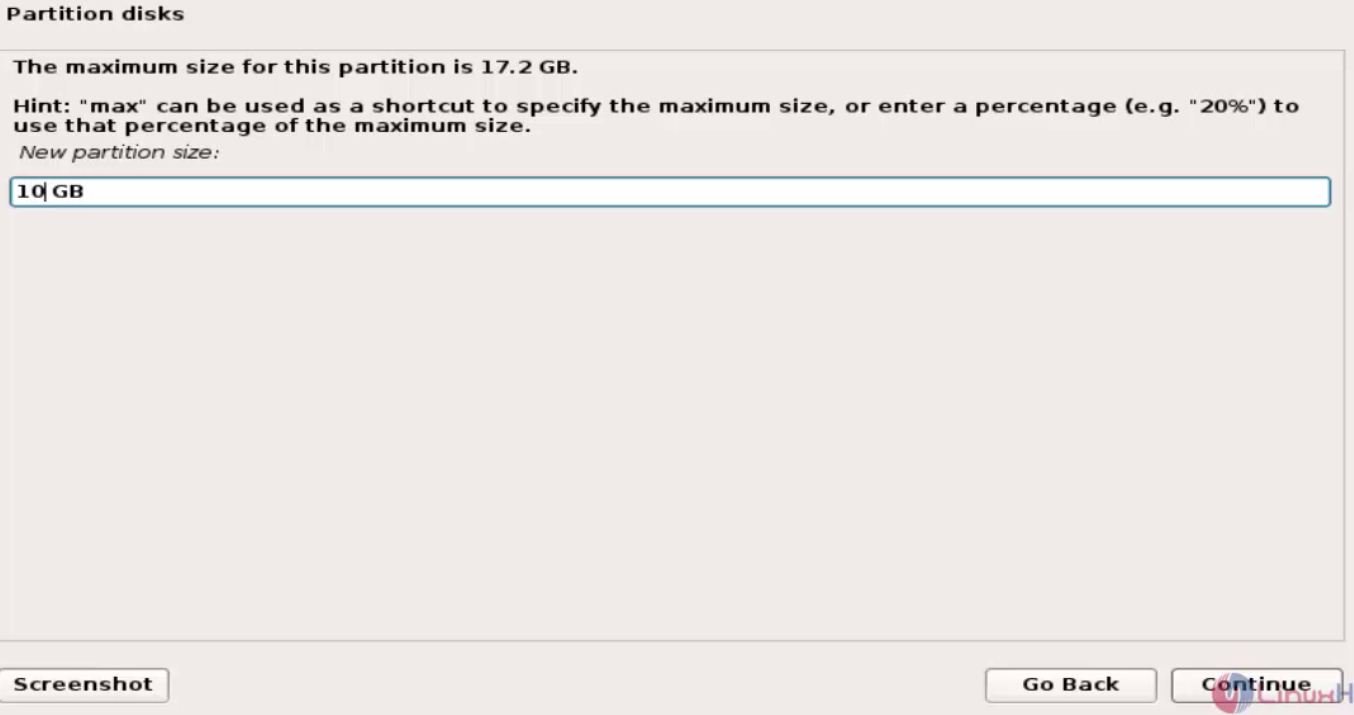
Enter the size

19
Select type for partition and click continue.
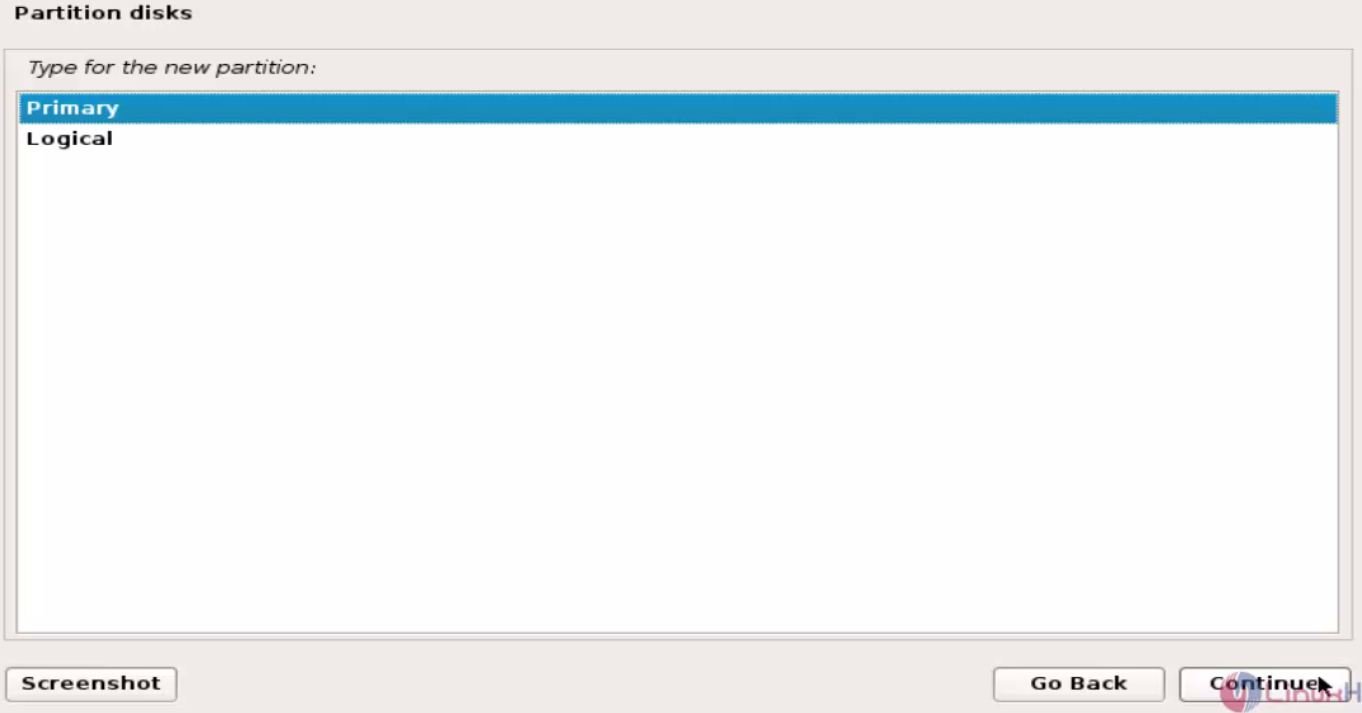
20
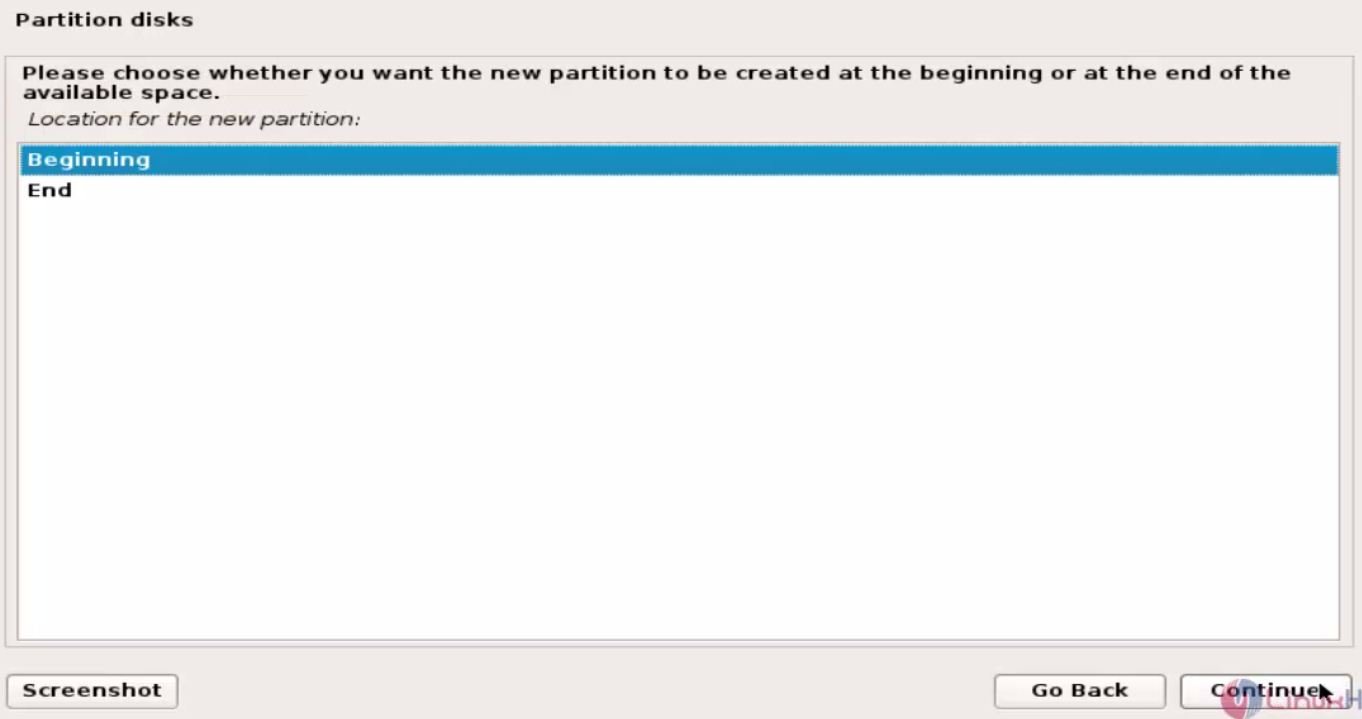
Select location for new partition.
21
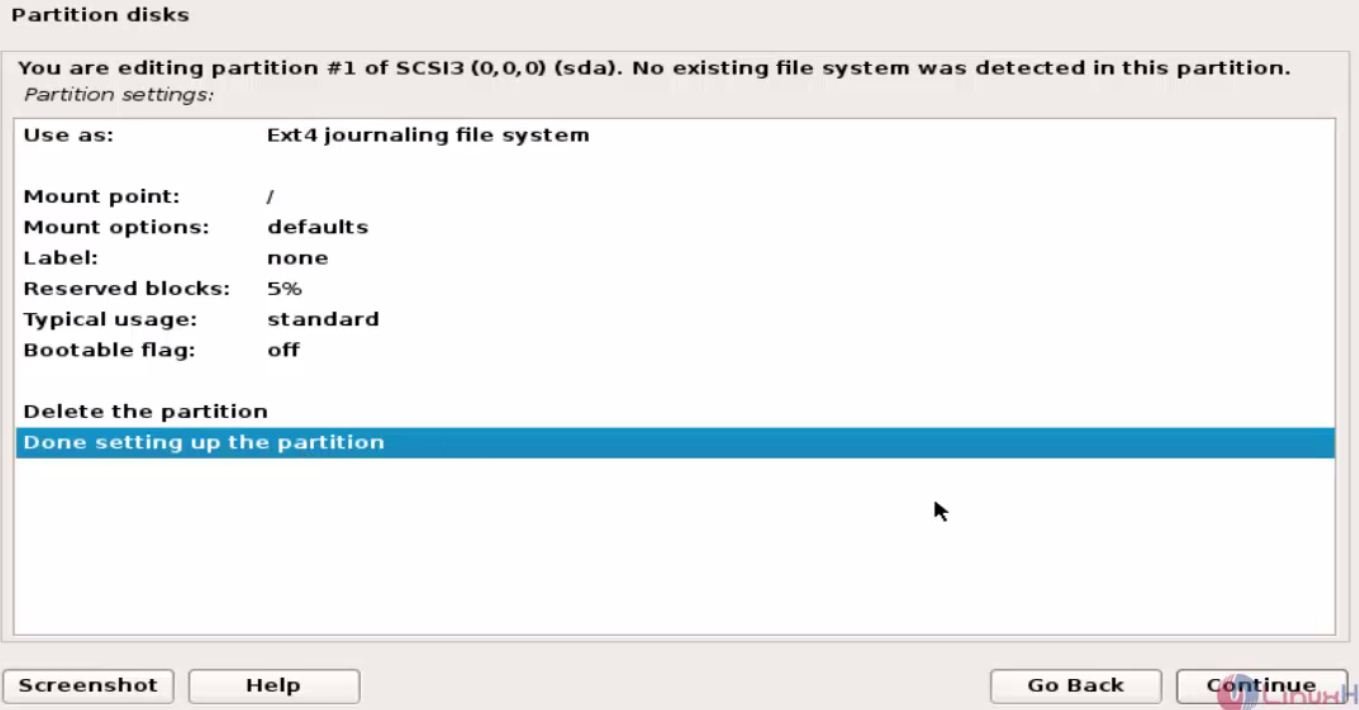
Preview the partitions and click Done setting up the partition.
22
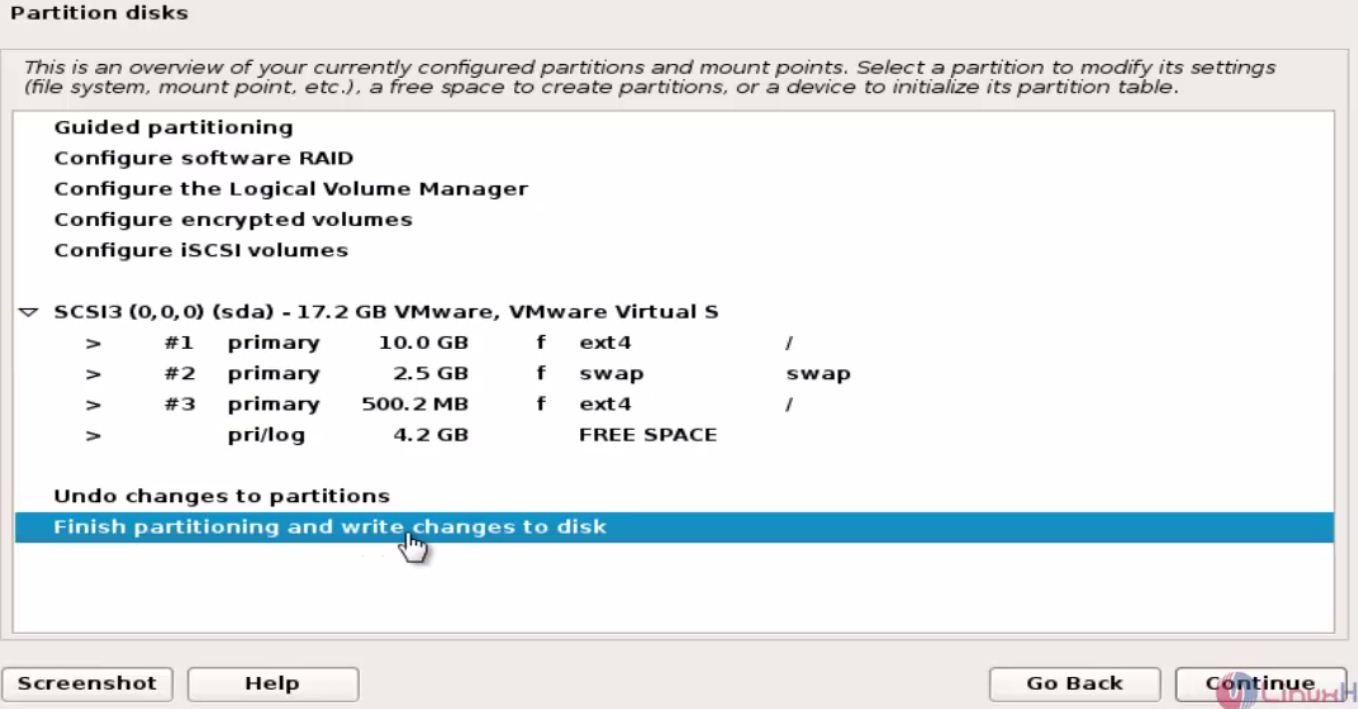
Once you have done with all the partitions, click Finish partitioning and write changes to disk.
23
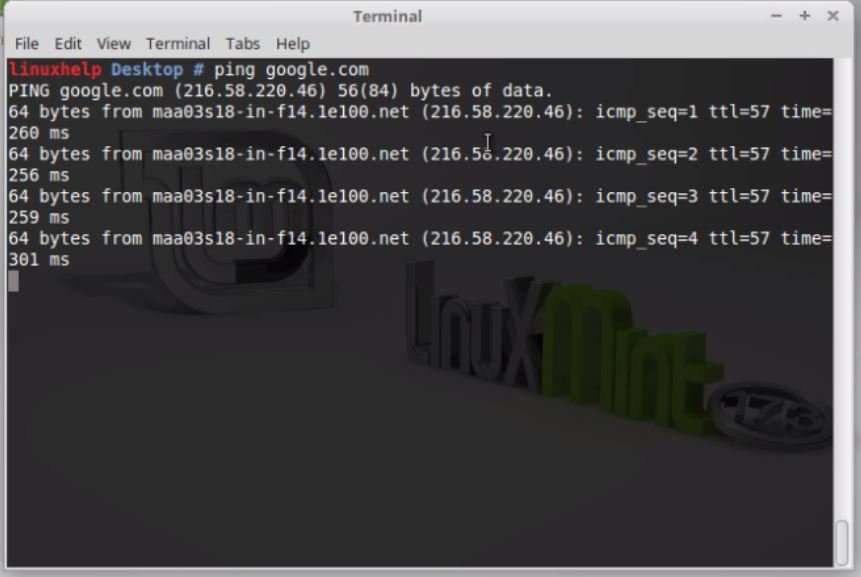
To apply changes to the disk click ‘ yes’ to proceed further.
24

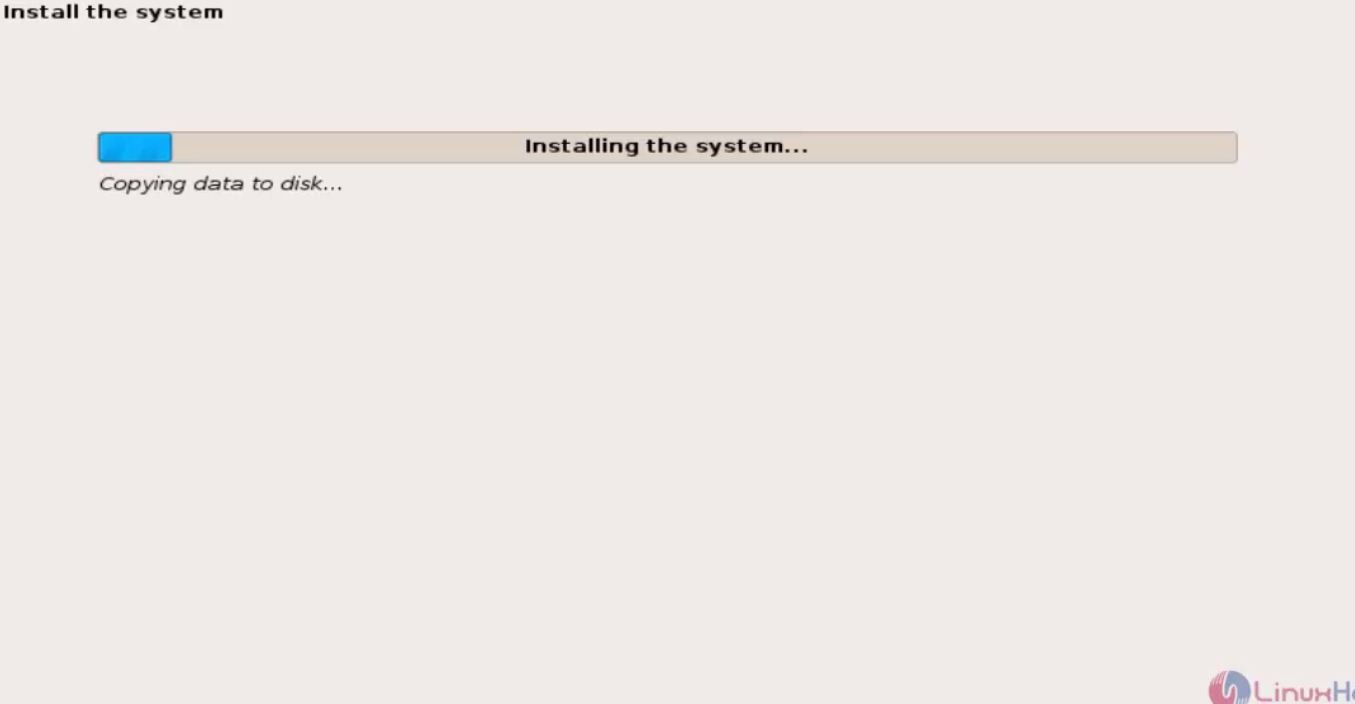
Installation process started.
25
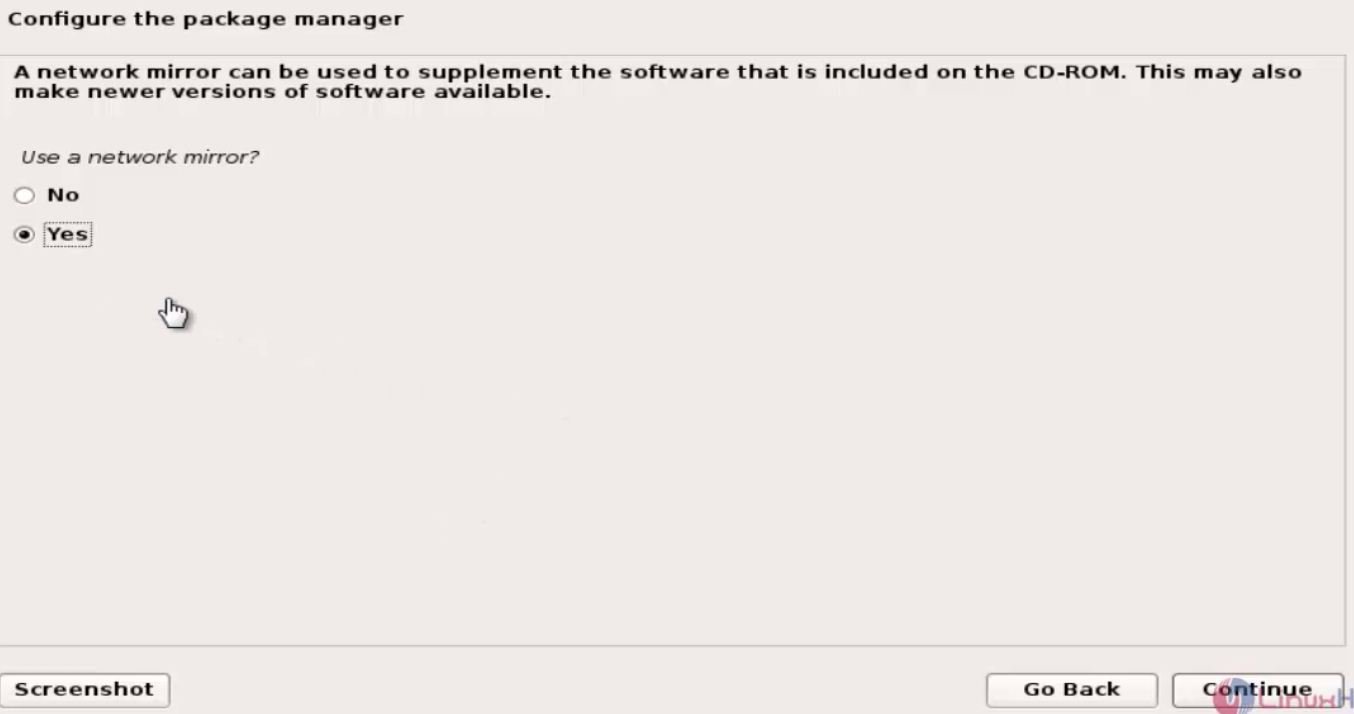
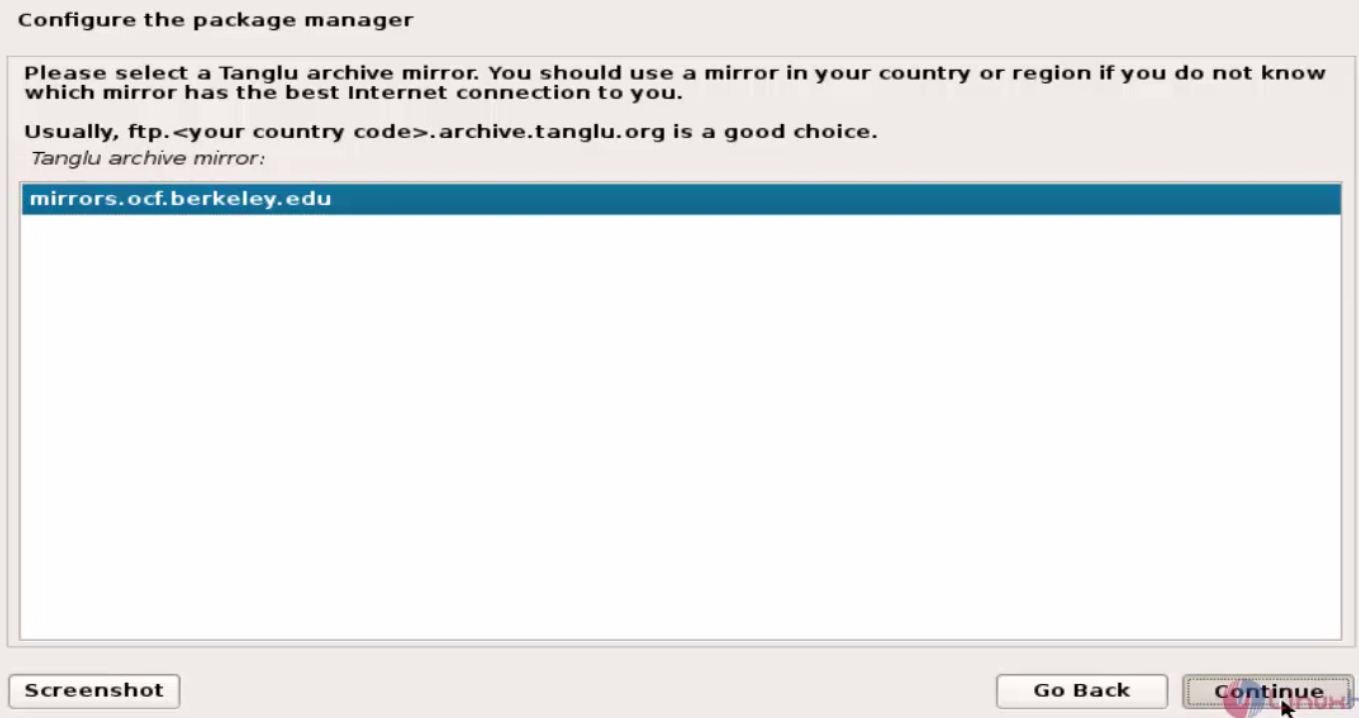
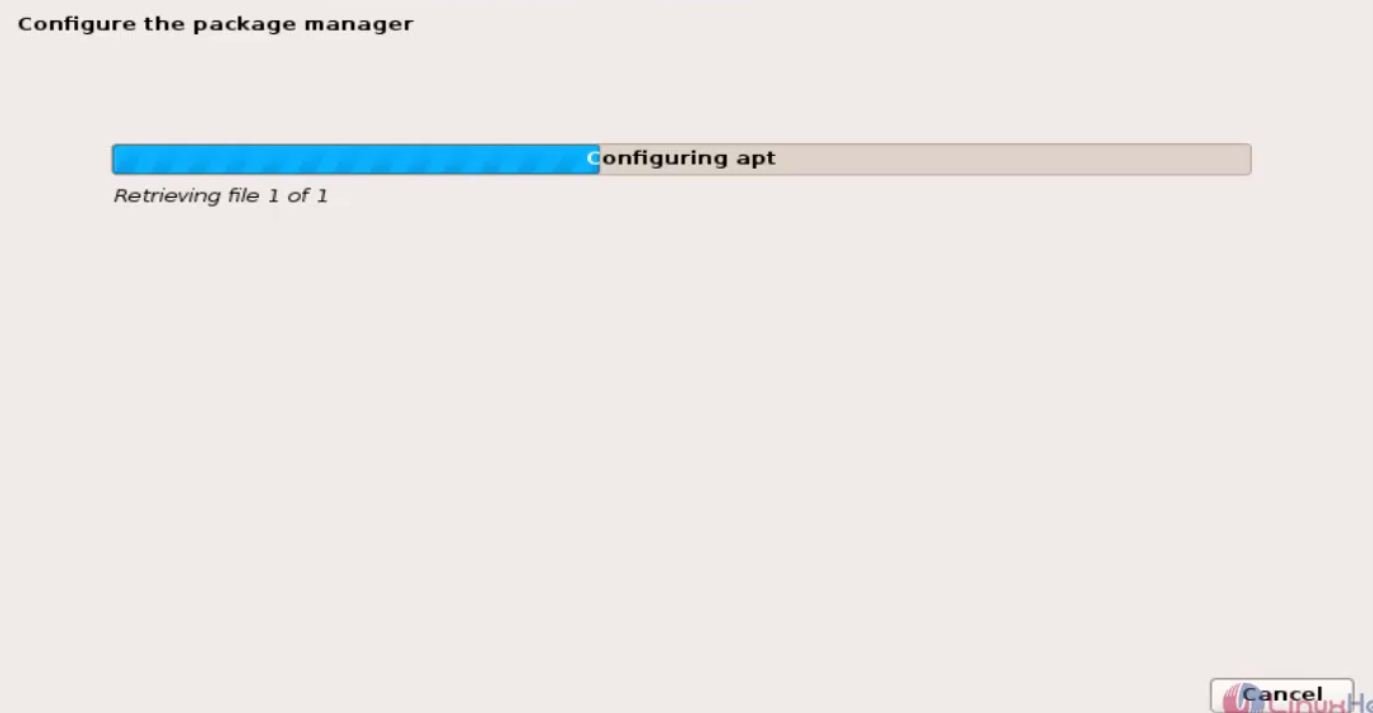
Click yes to use a network mirror.
26

28

30
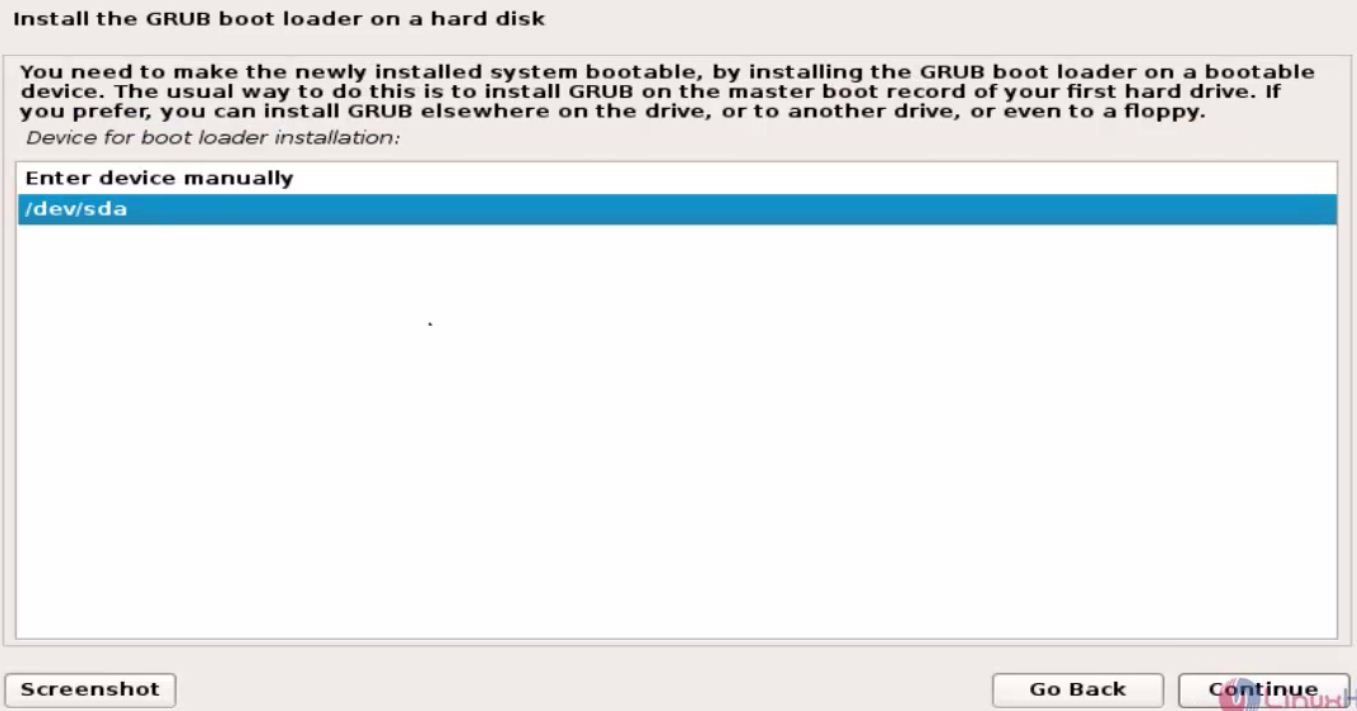
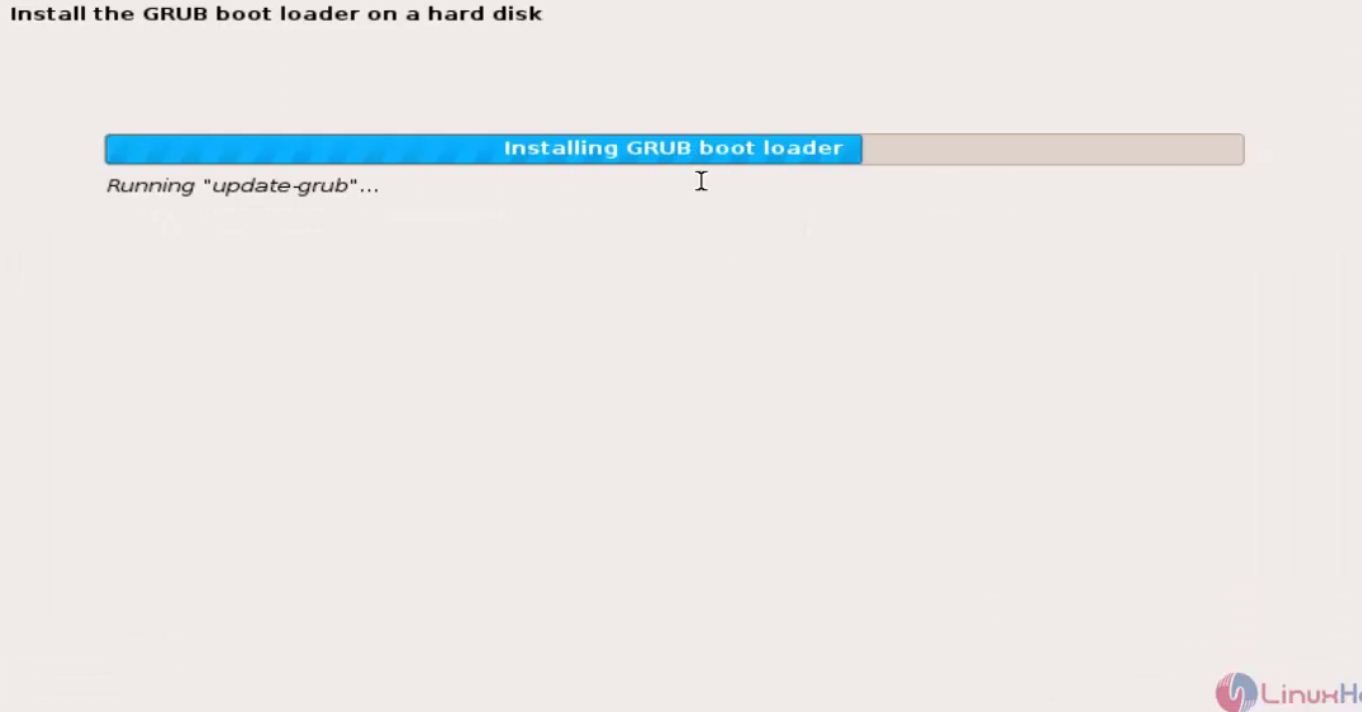
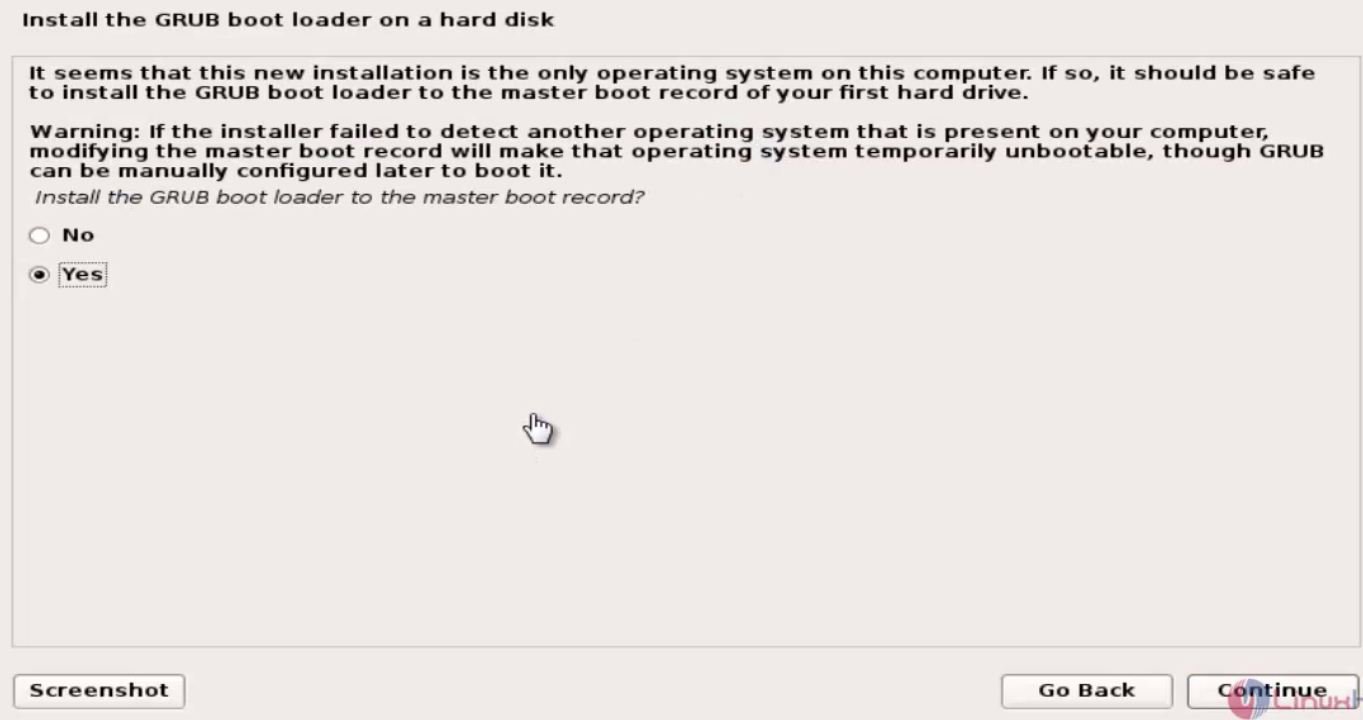
Click yes to install GRUB boot loader.
31
32
33
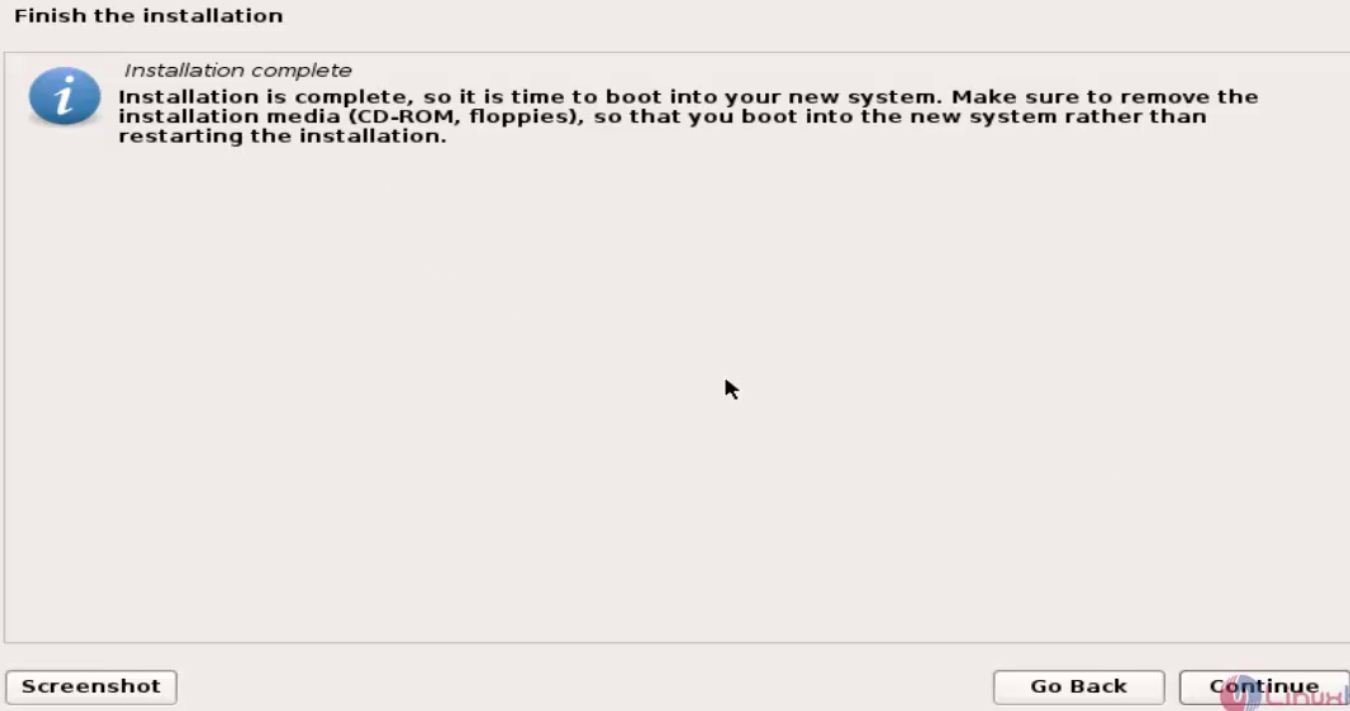
The installation has successfully completed.
35
36
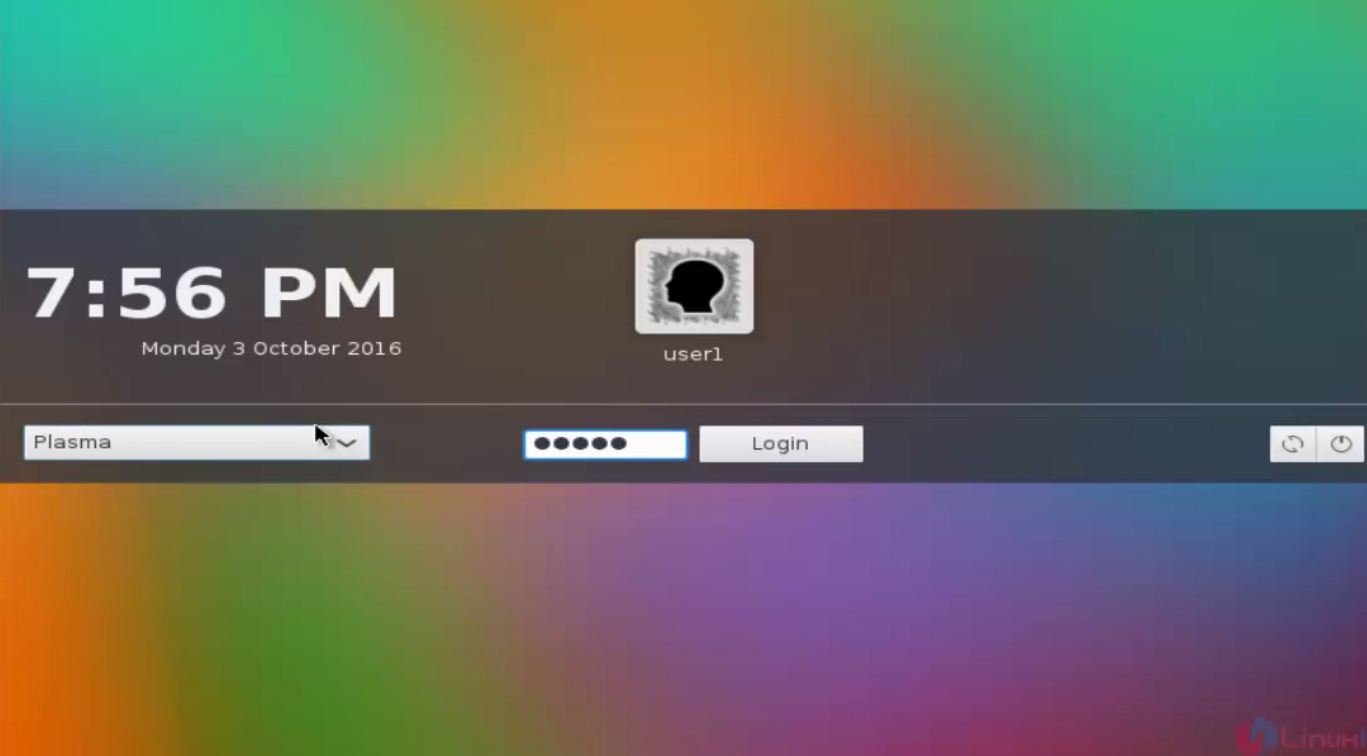
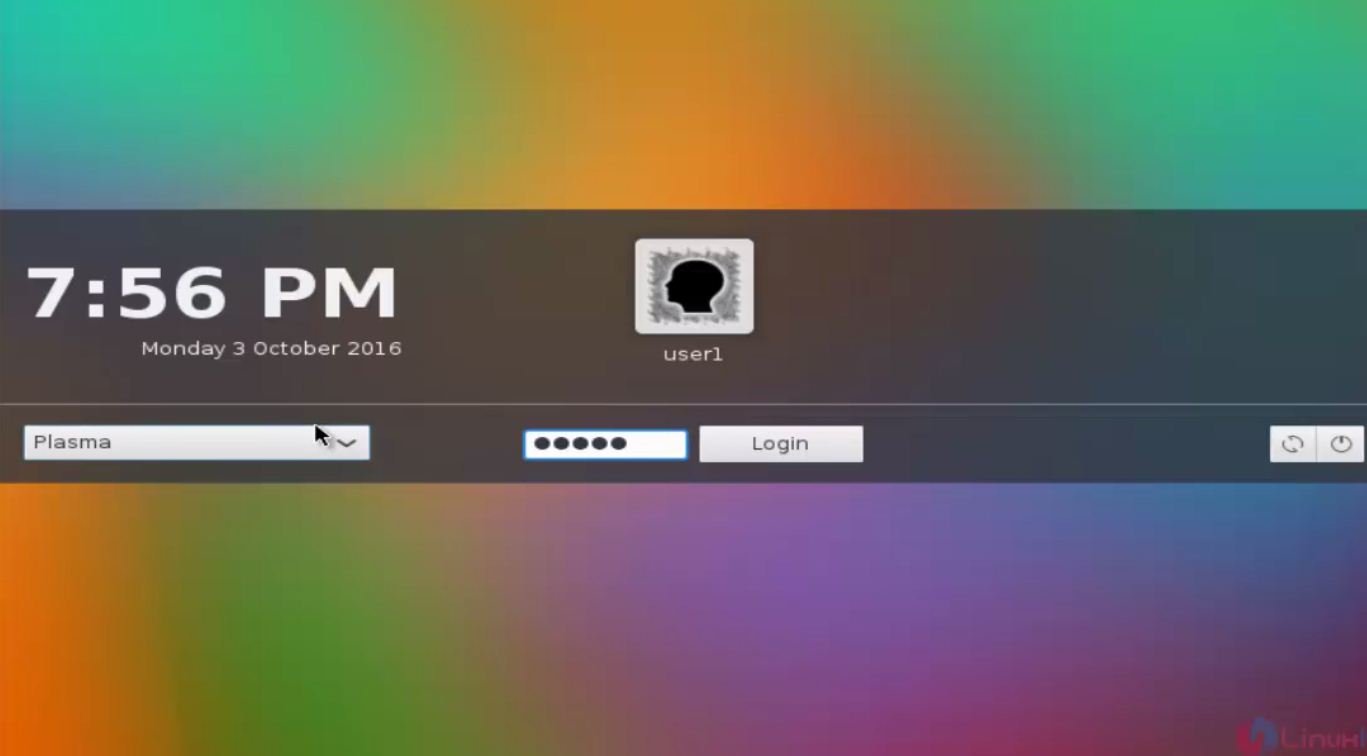
Then login to Tanglu by using the login credentials.
36
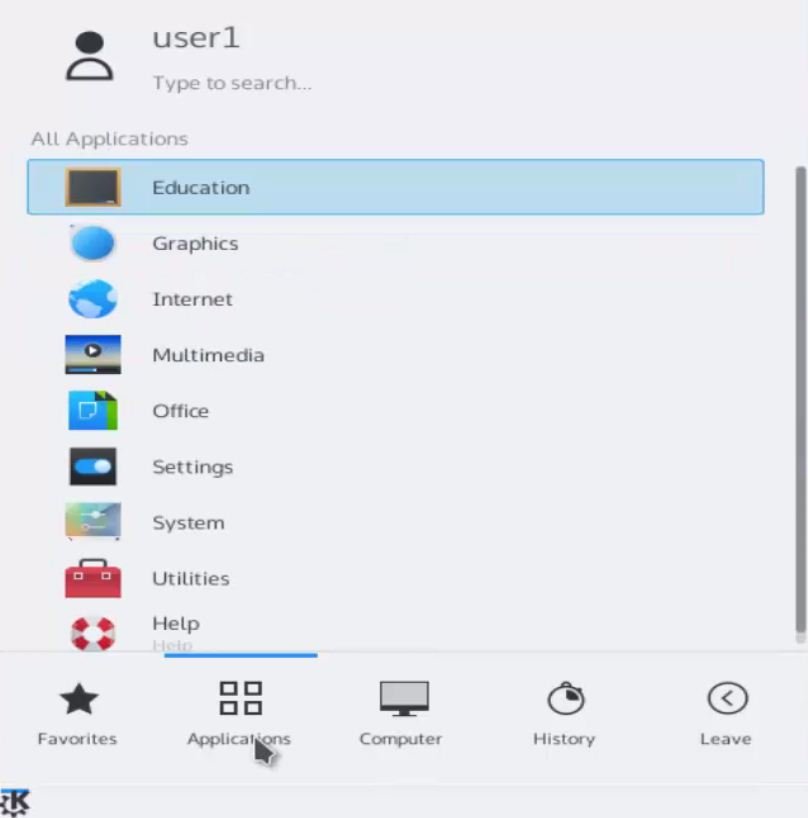
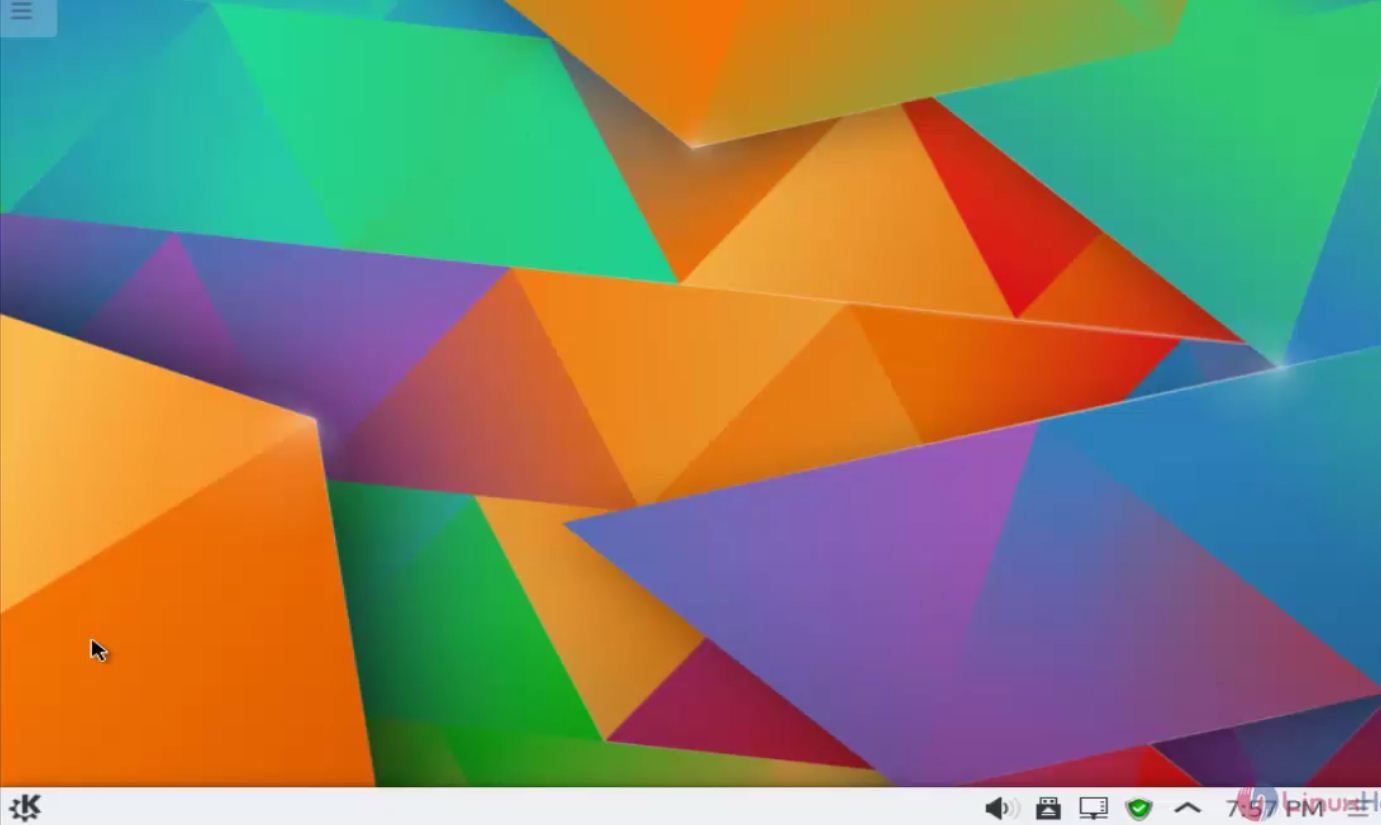
Click menu option to view the available options and applications.
37
38

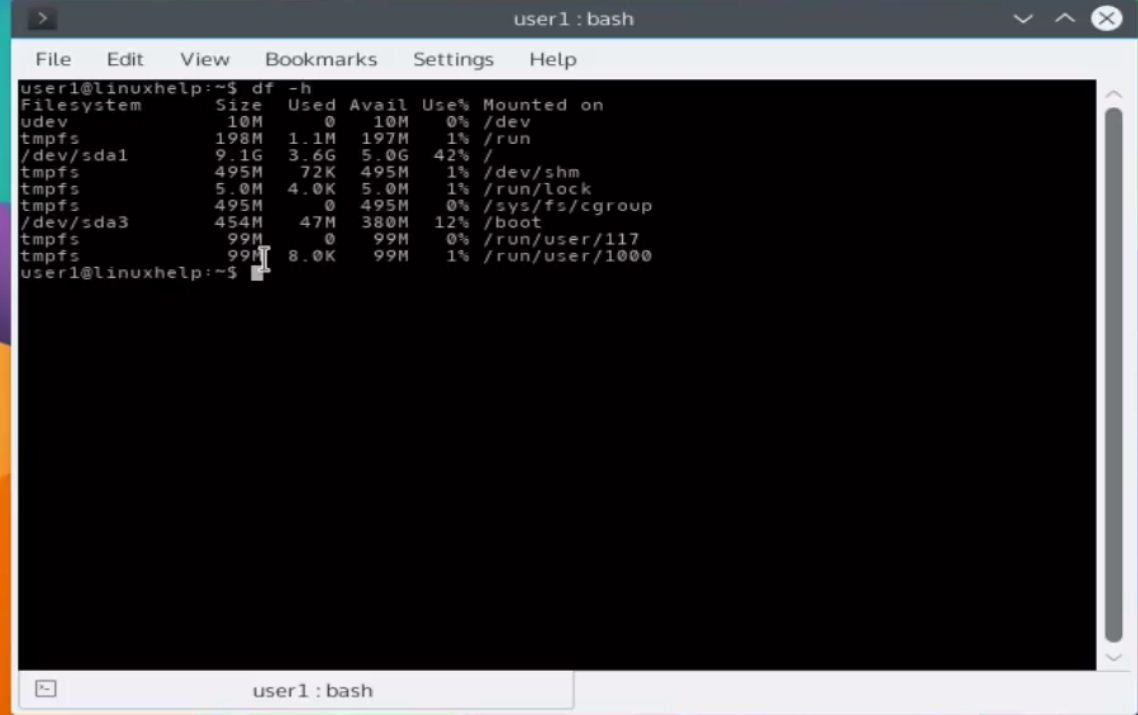
Open the terminal and start executing your favorite commands.
39

Tags:
gabriel
Author: 

Comments ( 0 )

No comments available

Add a comment
{{postCtrl.cmtErrMsg}}

Frequently asked questions ( 5 )

Q

Does GNU/Linux come pre-installed on computers?

A

Yes it does. LinuxPreloaded.com has built a website specially for that purpose, listing vendors that sell GNU/Linux desktops and laptops.

Q

can I use it as a Live boot?

A

Yes. You have to download a different version

Q

Does it available in french ?

A

Yes , it supports Multiple languages

Q

Can I configure LVm?

A

yes you can choose that option during partitioning

Q

What type of partition the /Home directory must be?

A

We recommend to set as a Primary partition

Back To Top!
Rank
User
Points

Top Contributers

userNamenaveelansari
135850

Top Contributers

userNameayanbhatti
92510

Top Contributers

userNamehamzaahmed
32150

Top Contributers

1
userNamelinuxhelp
31040

Top Contributers

userNamemuhammadali
24500
Can you help Owen ?
How to add SSH key to my Gitlab account

I need to add the SSH key in my gitlab account. How to do so ????

Networking
  • Routing
  • trunk
  • Netmask
  • Packet Capture
  • domain
  • HTTP Proxy
Server Setup
  • NFS
  • KVM
  • Memory
  • Sendmail
  • WebDAV
  • LXC
Shell Commands
  • Cloud commander
  • Command line archive tools
  • last command
  • Shell
  • terminal
  • Throttle
Desktop Application
  • Linux app
  • Pithos
  • Retrospect
  • Scribe
  • TortoiseHg
  • 4Images
Monitoring Tool
  • Monit
  • Apache Server Monitoring
  • EtherApe 
  • Arpwatch Tool
  • Auditd
  • Barman
Web Application
  • Nutch
  • Amazon VPC
  • FarmWarDeployer
  • Rukovoditel
  • Mirror site
  • Chef
Contact Us | Terms of Use| Privacy Policy| Disclaimer
© 2025 LinuxHelp.com All rights reserved. Linux™ is the registered trademark of Linus Torvalds. This site is not affiliated with linus torvalds in any way.