• Categories
    Category
    {{ postCtrl.tags }}
    • {{ category.tag_type }}

      • {{tag.tag_name}}
      • View more
  • Categories
    Category
    {{ postCtrl.tags }}
    • {{ category.tag_type }}

      • {{tag.tag_name}}
      • View more
  • News
  • Tutorials
  • Forums
  • Tags
  • Users
Tutorial News Comments FAQ Related Articles

How to install Linux Lite 3.0

{{postValue.id}}

To install Linux Lite 3.0

In this tutorial we will learn how to install Linux Lite 3.0. Linux Lite is a free-ware Linux distribution, based on Debian and Ubuntu system.

Hardware Requirements
CPU: 1.5 Ghz
RAM: 1 GB
Resolution: VGA, DVI or HDMI
MEDIA : DVD drive or USB port for the ISO image.

Boot the Linux lite OS and Click Start Linux Lite option to start with the installation.
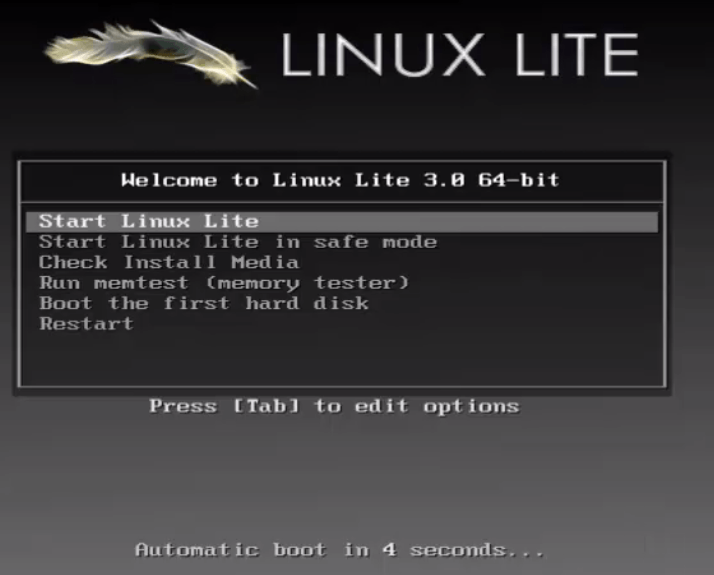
Linux_Lite_installation
Linux_Lite_Logo

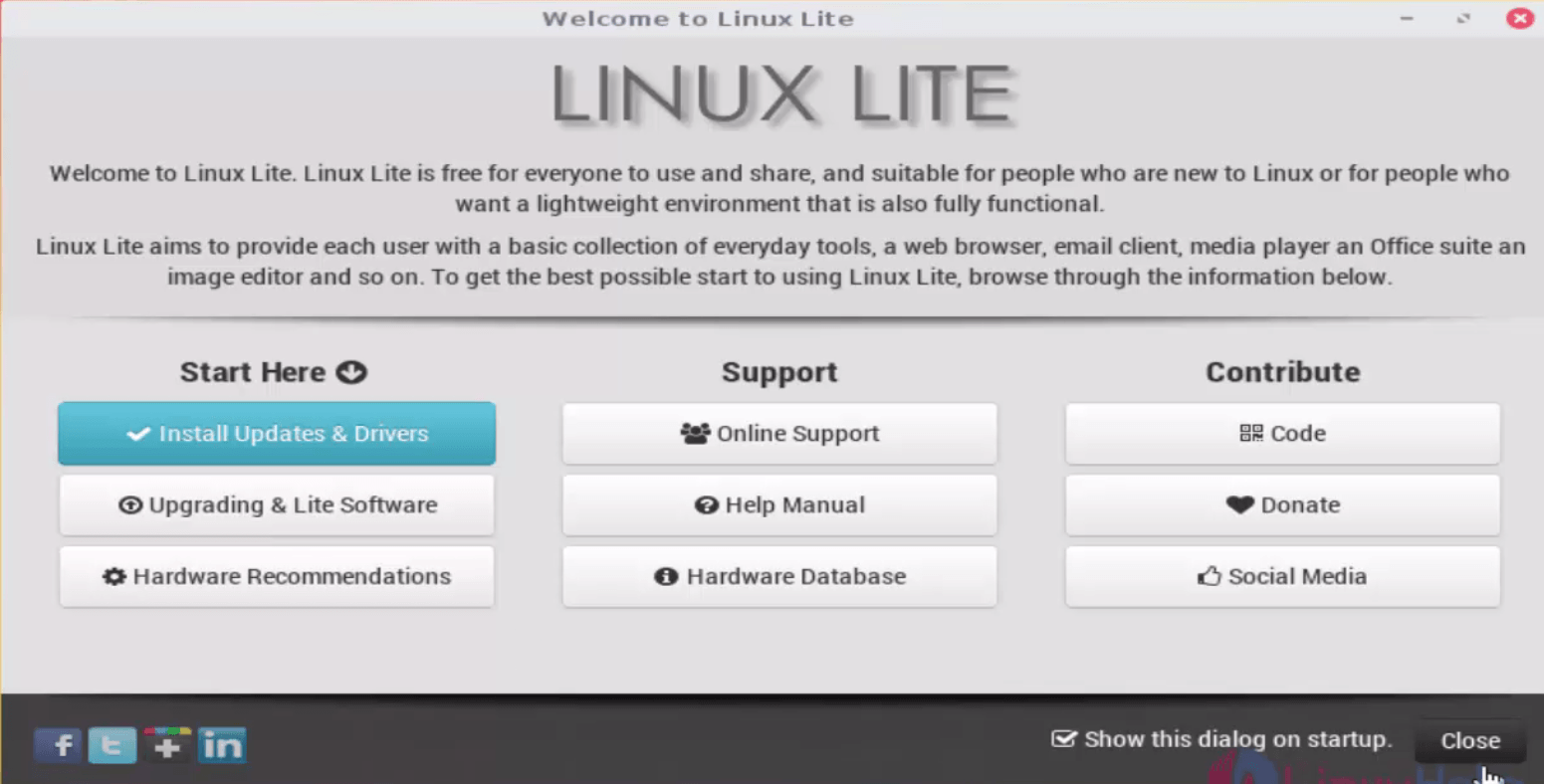
Linux Lite installation screen appears, hit install updates & drivers.
installation_screen
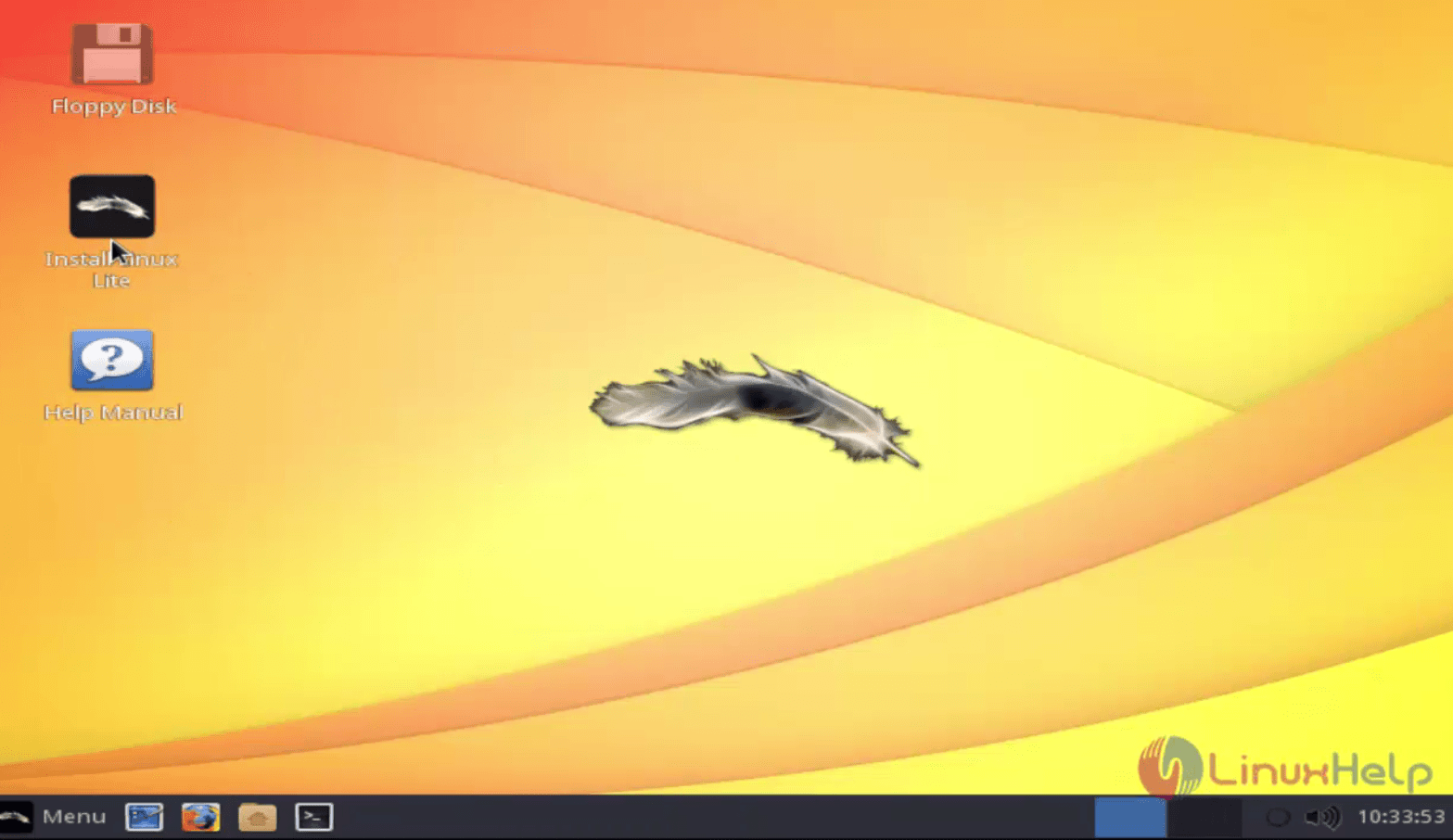
Click install Linux lite menu to install linux lite.
install_linux_lite
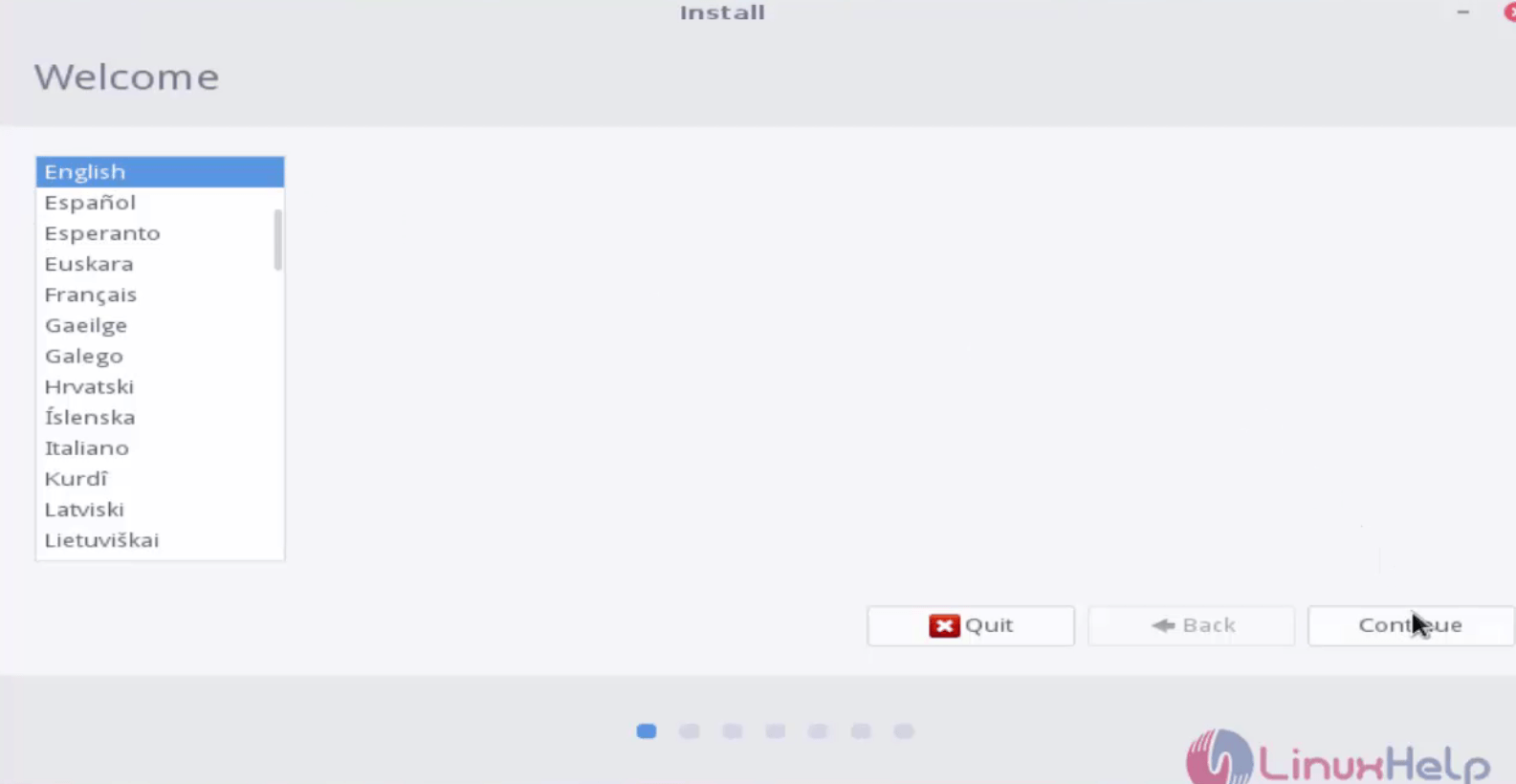
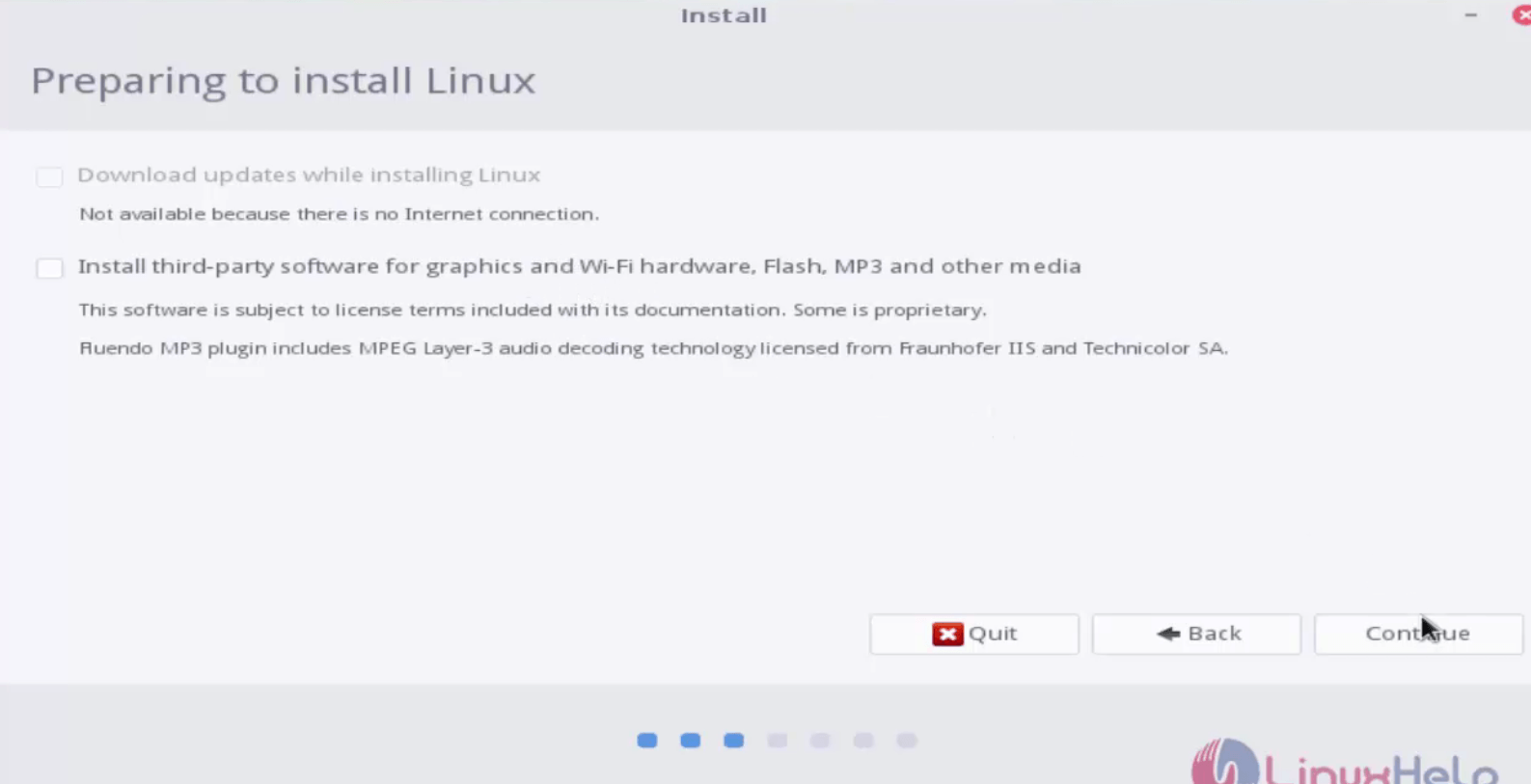
Choose the preferred language and select the software package.
Linux_Lite_Language
Preparing_to_install
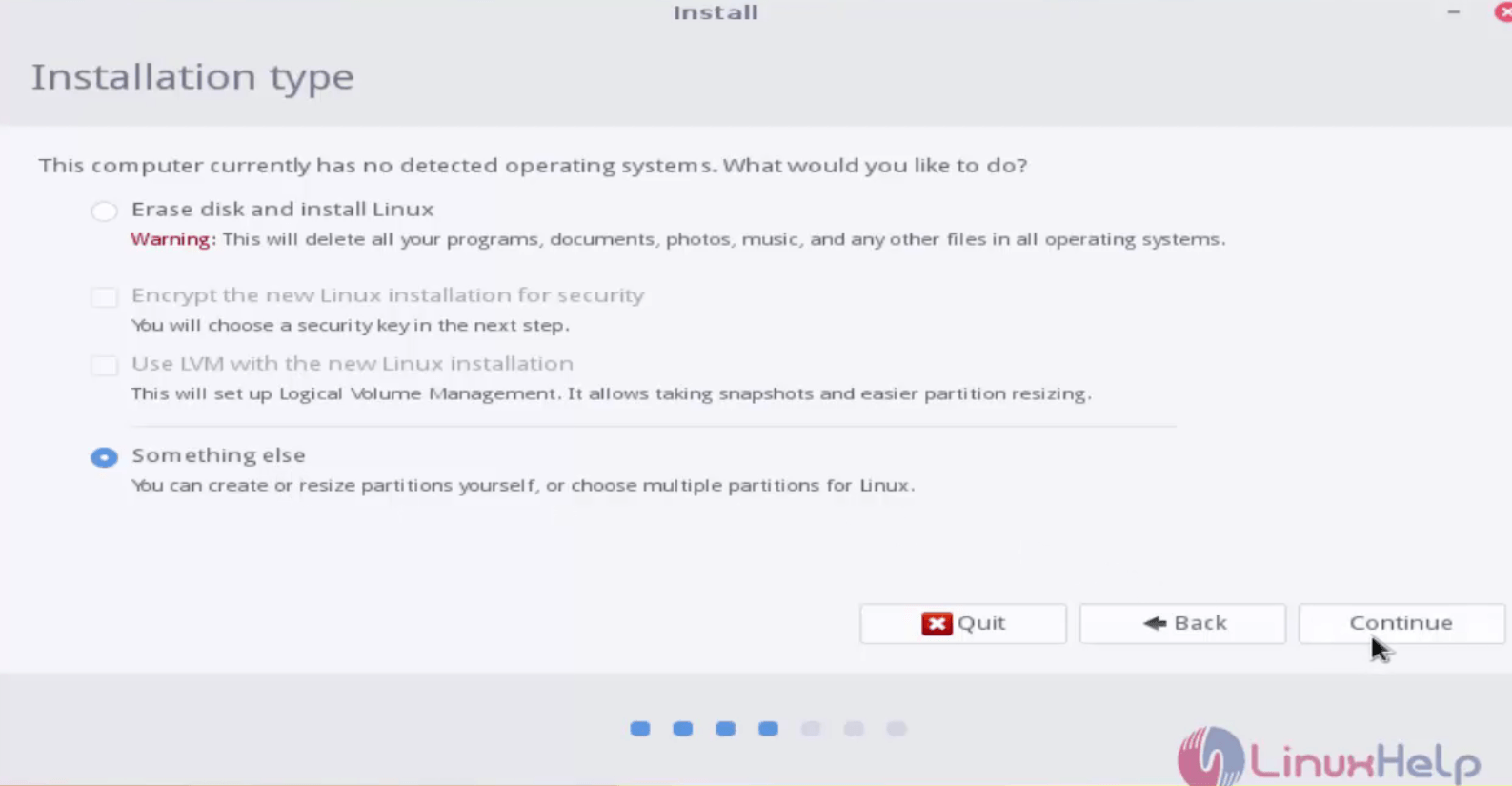
Its time to start the partition. For manual partitioning, choose something else.
Manual_partition
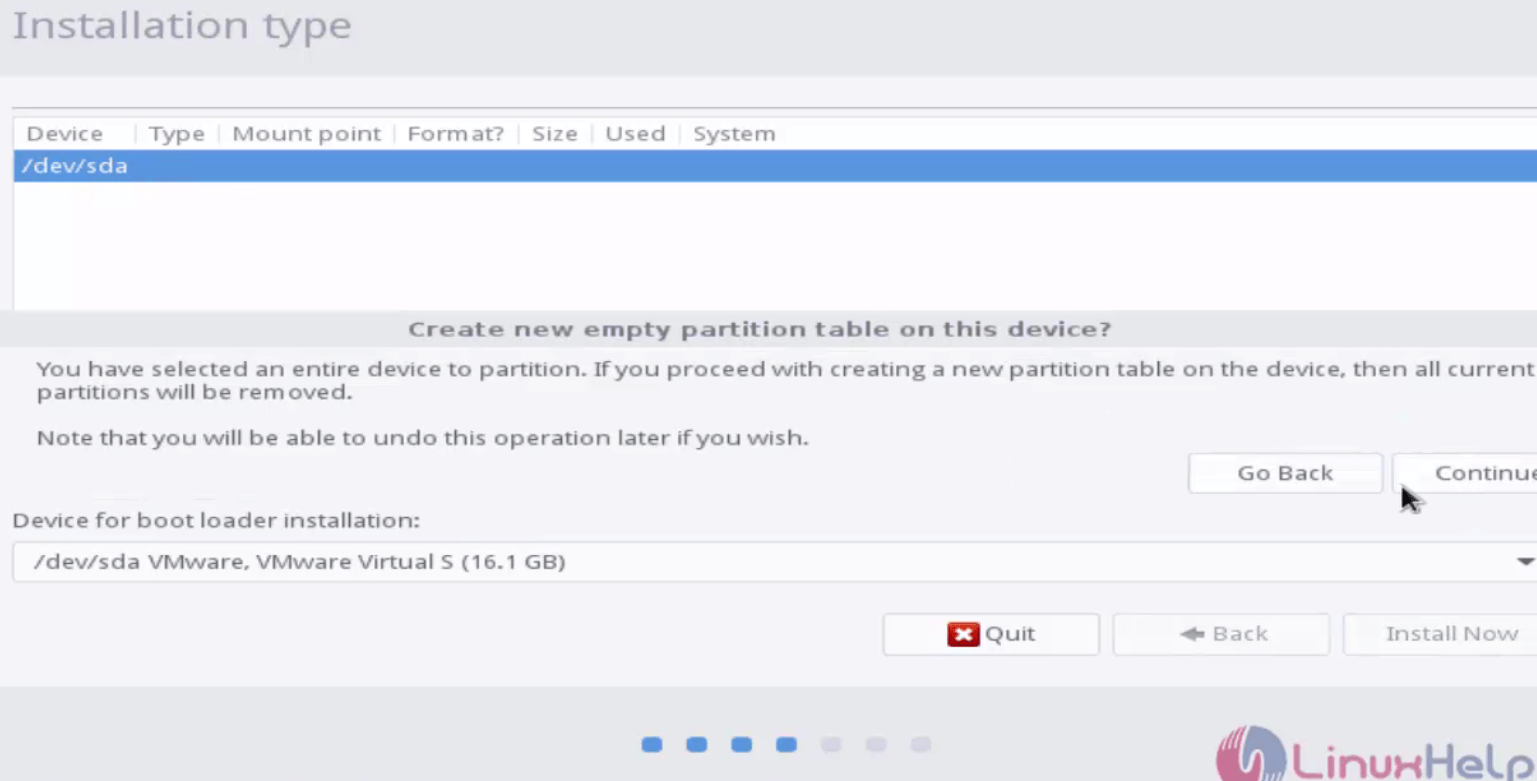
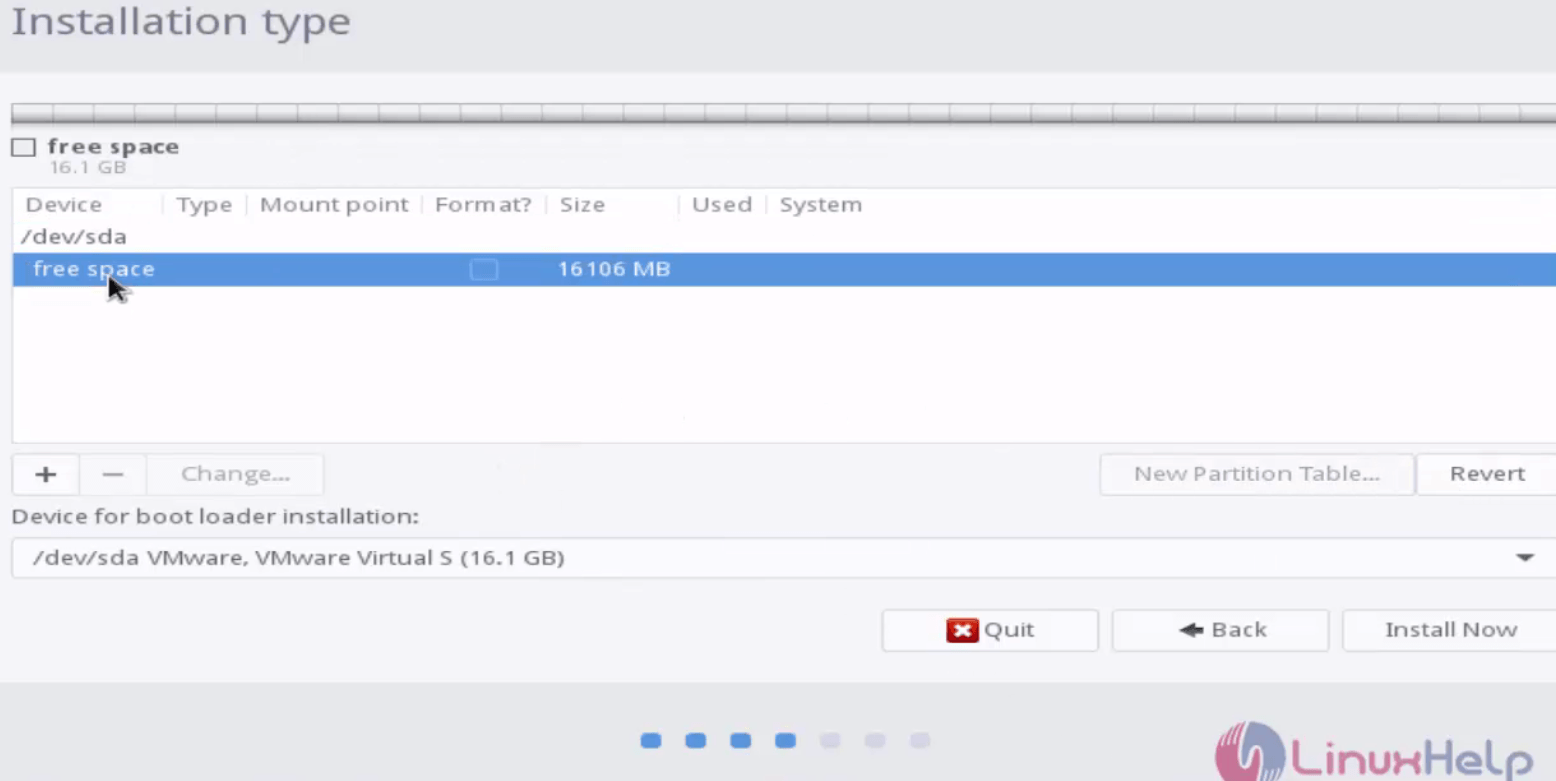
Select the device to be partitioned and click continue.
select_device
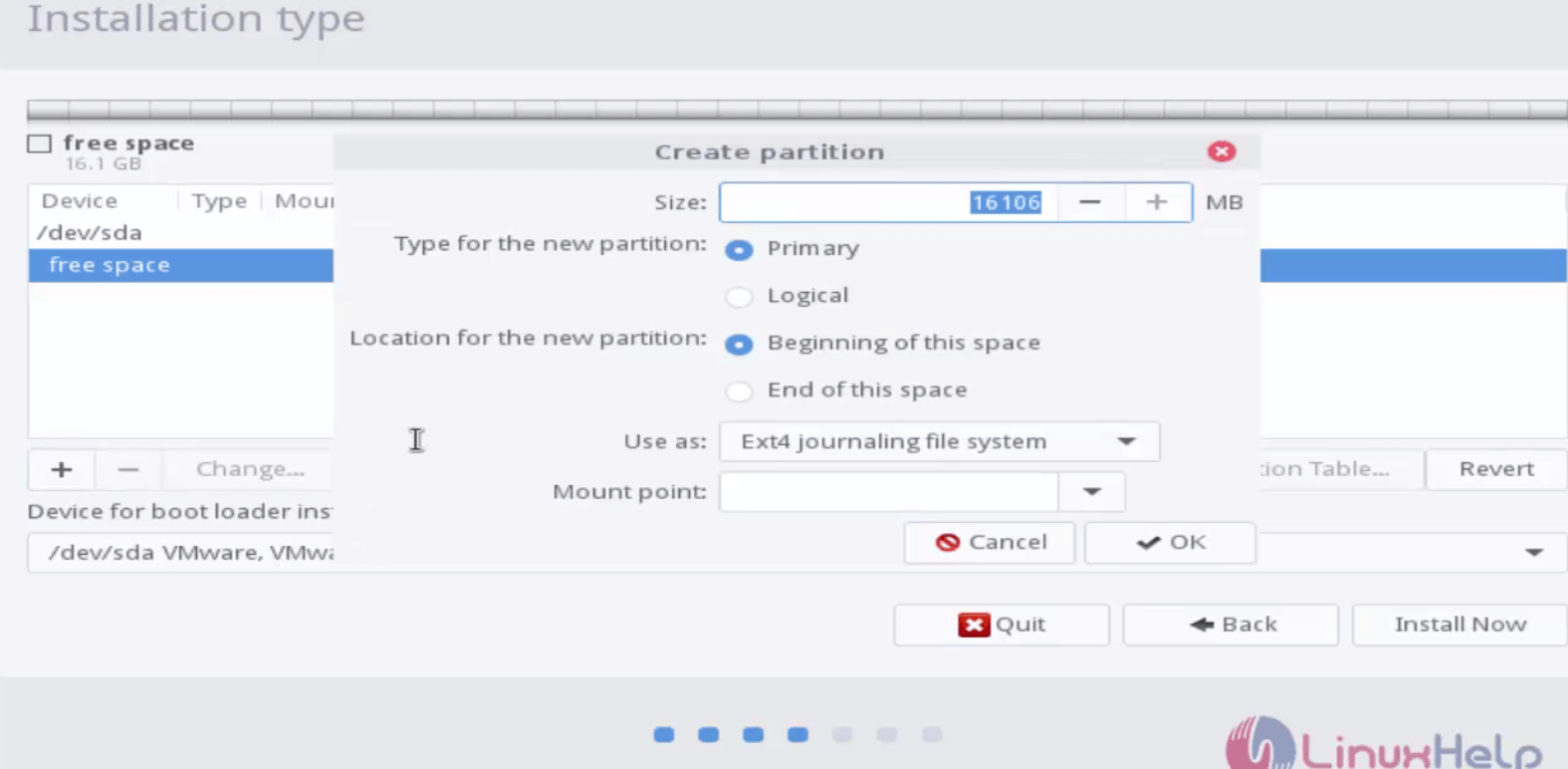
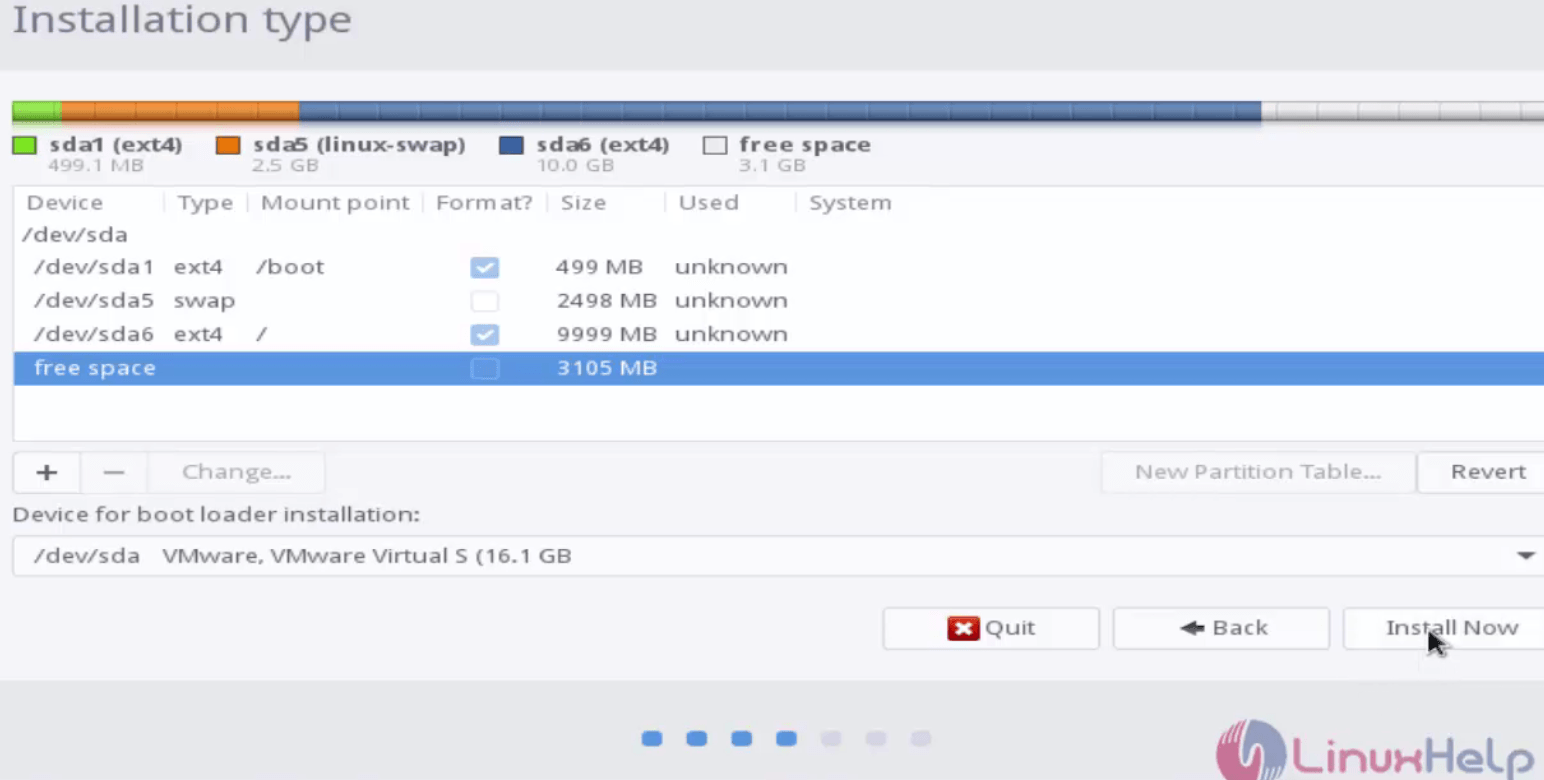
Mention the Size, Type of partition, location of partition, mount point and click Ok.
size
Click install now to proceed with the installation.
proceed_installation
Click continue to proceed further.
proceed_further
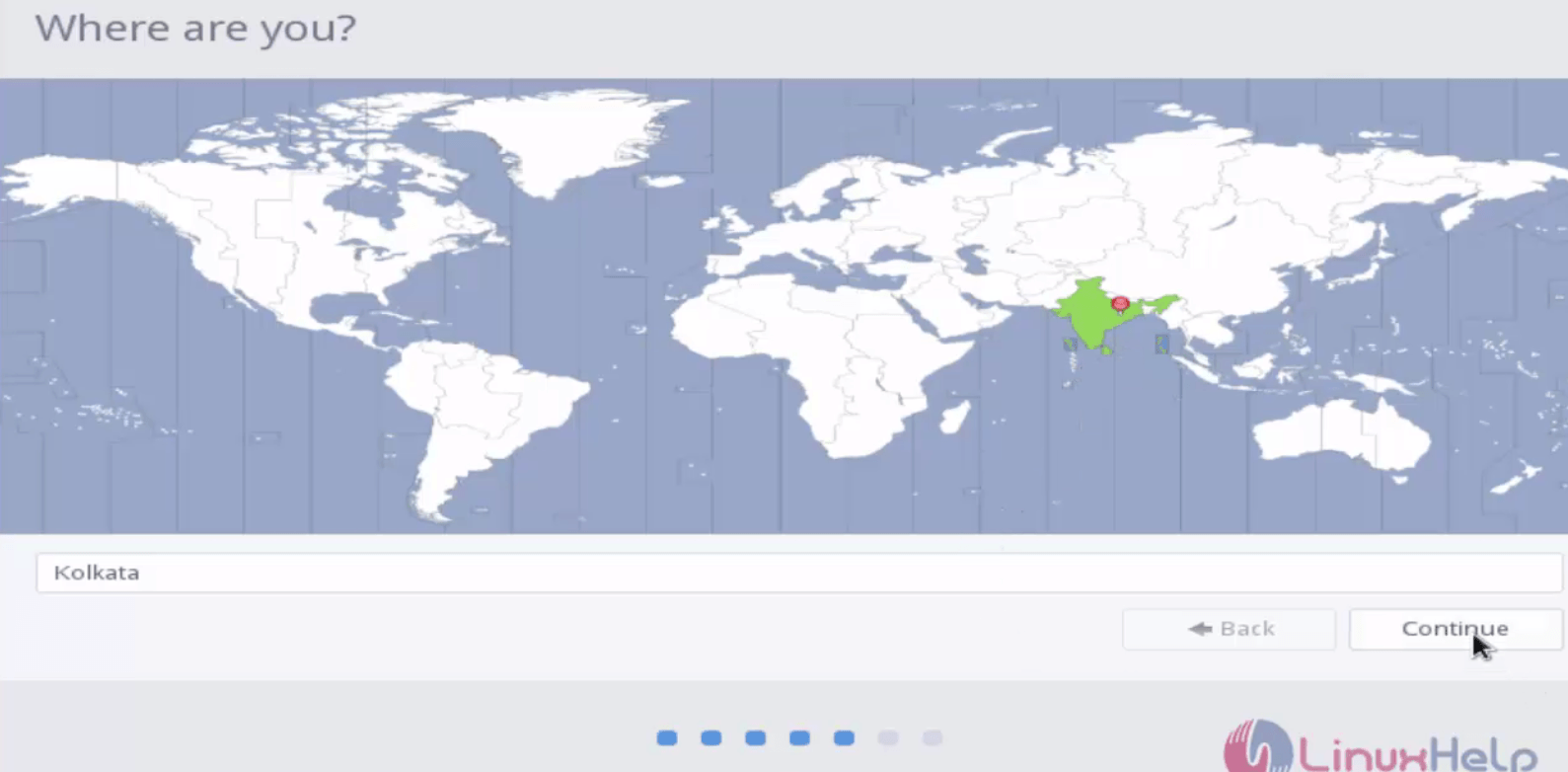
Choose the location and click continue.
location
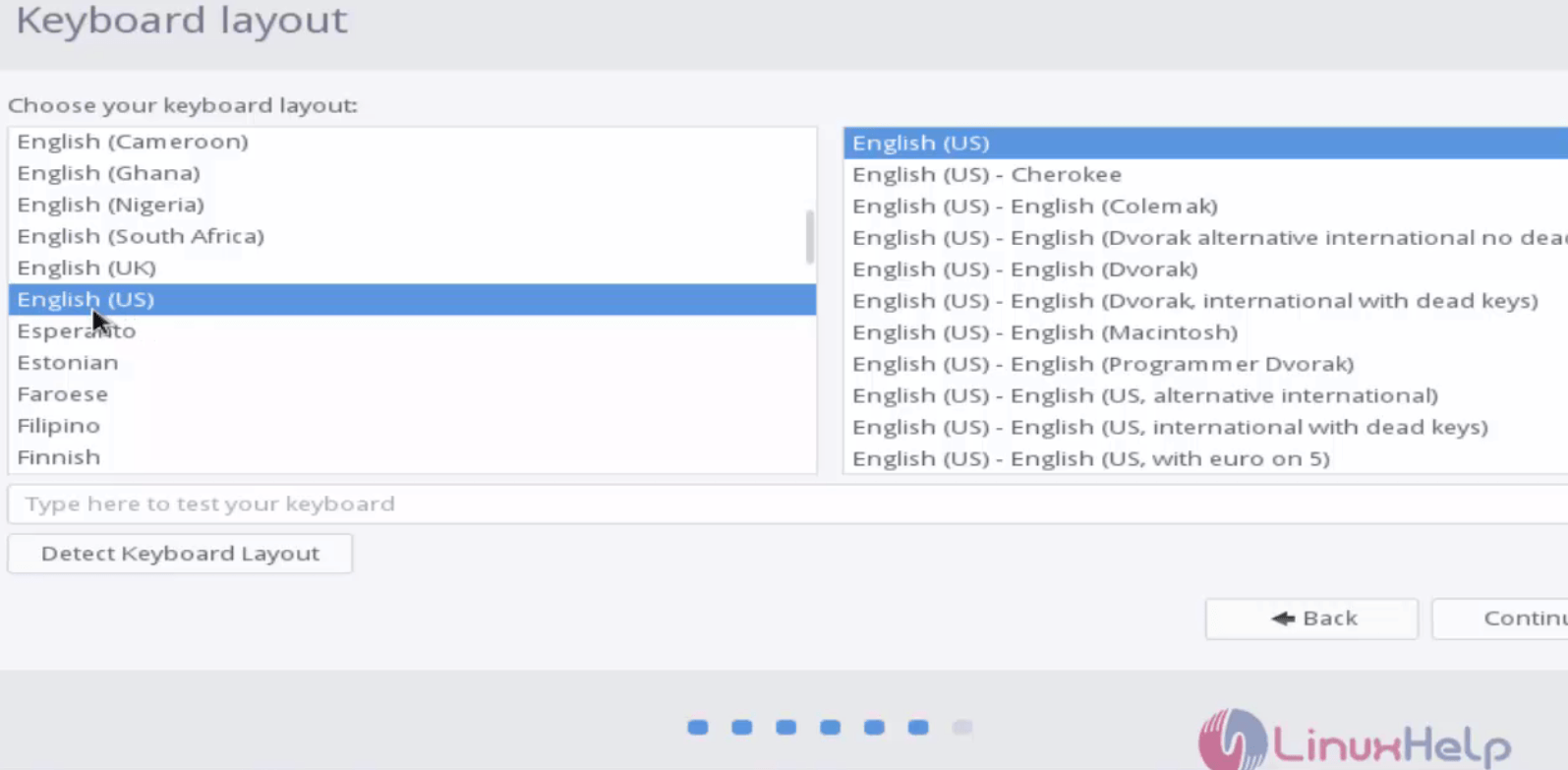
Select the desired keyboard layout.
Keyboard_Layout
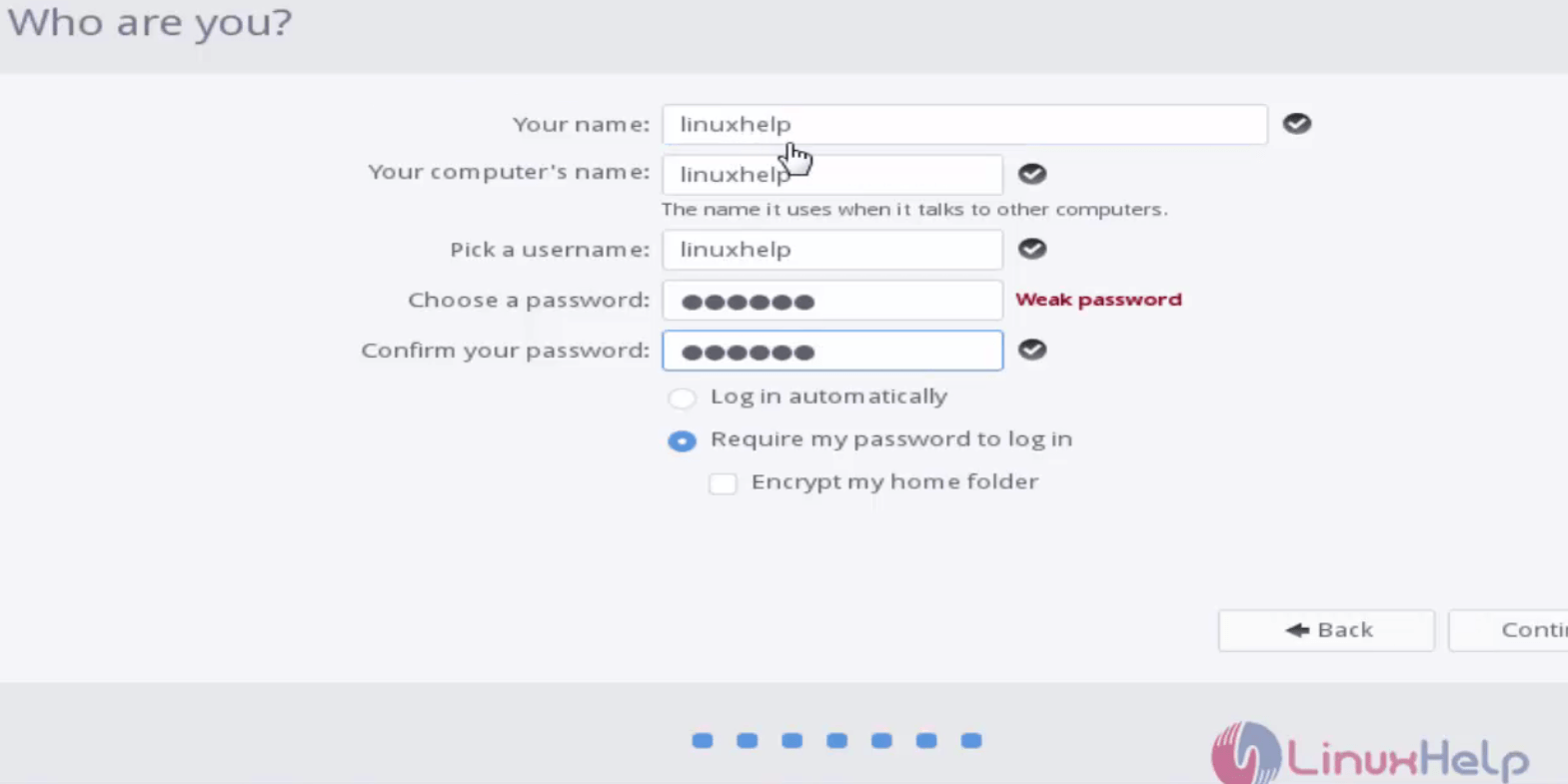
Create your login credentials as shown below.
login_credentials
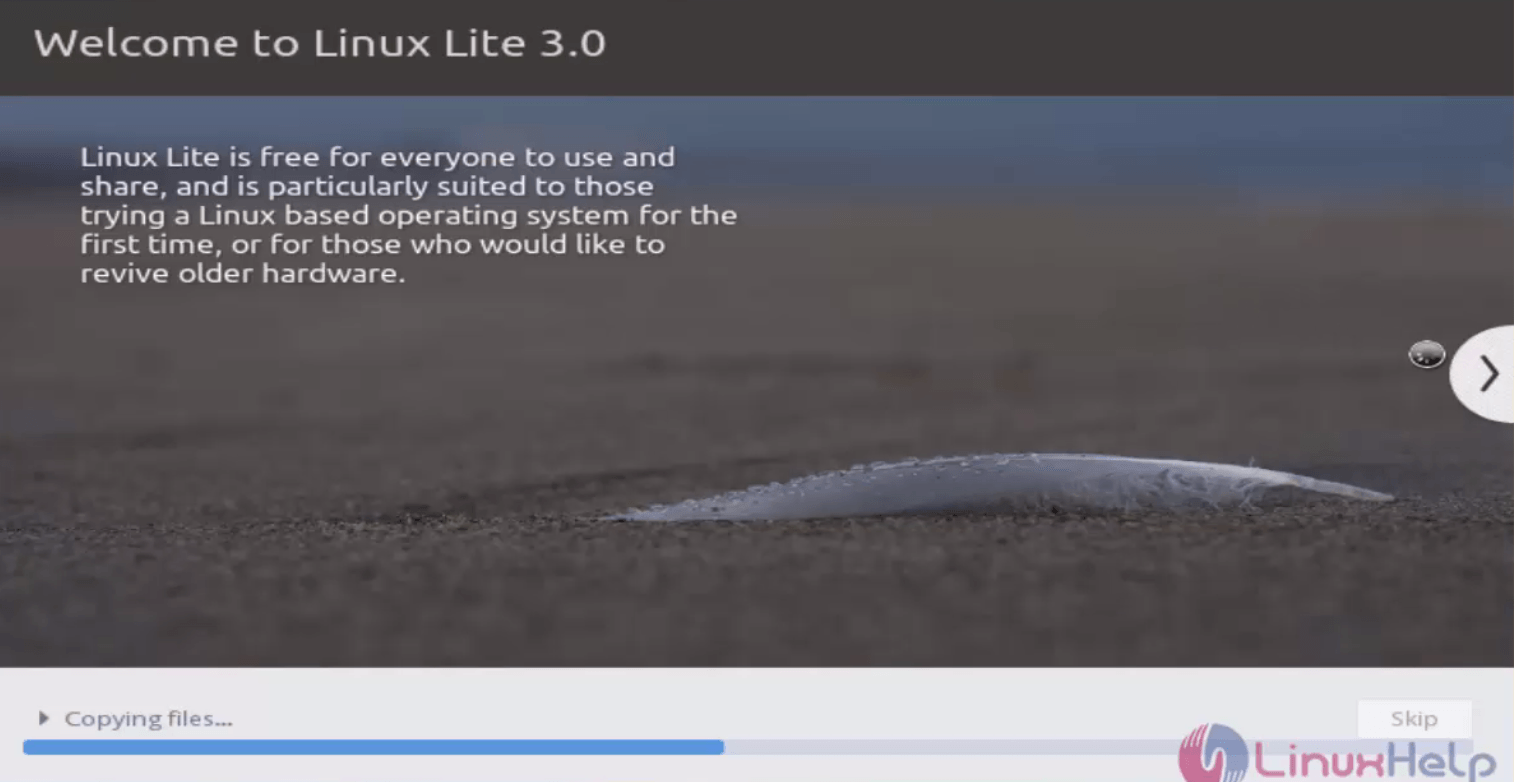
Installation has been started successfully.
Linux_Lite_installed
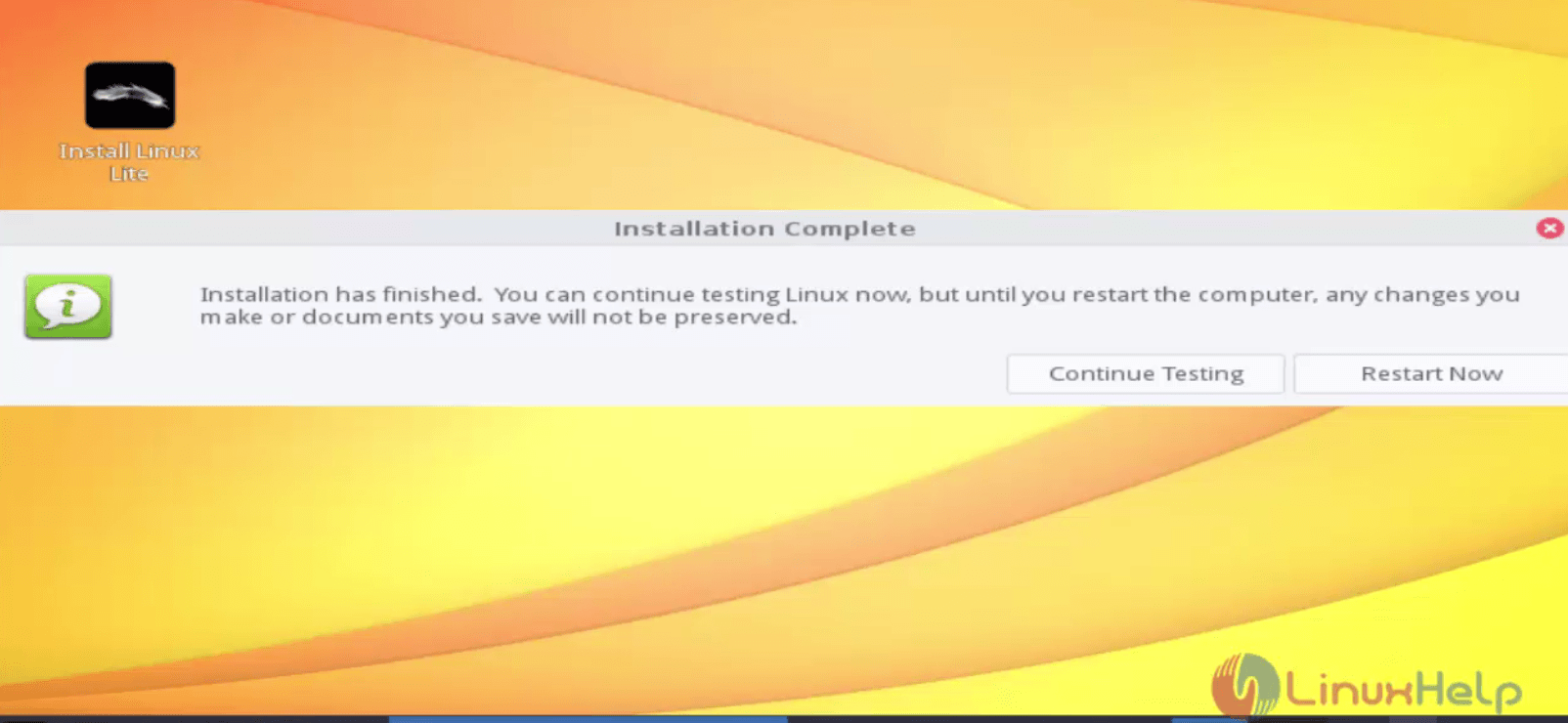
Restart the system after the installation.
Restart_system
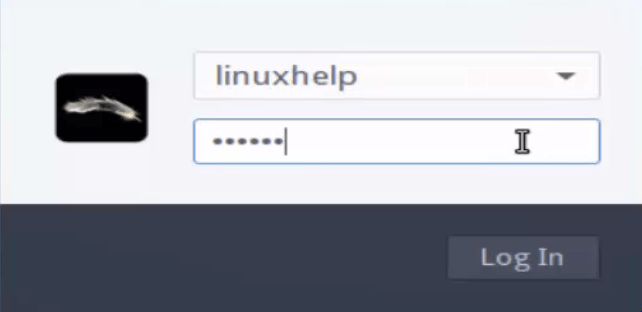
Now login to your Linux lite Desktop.
linux_lite_login

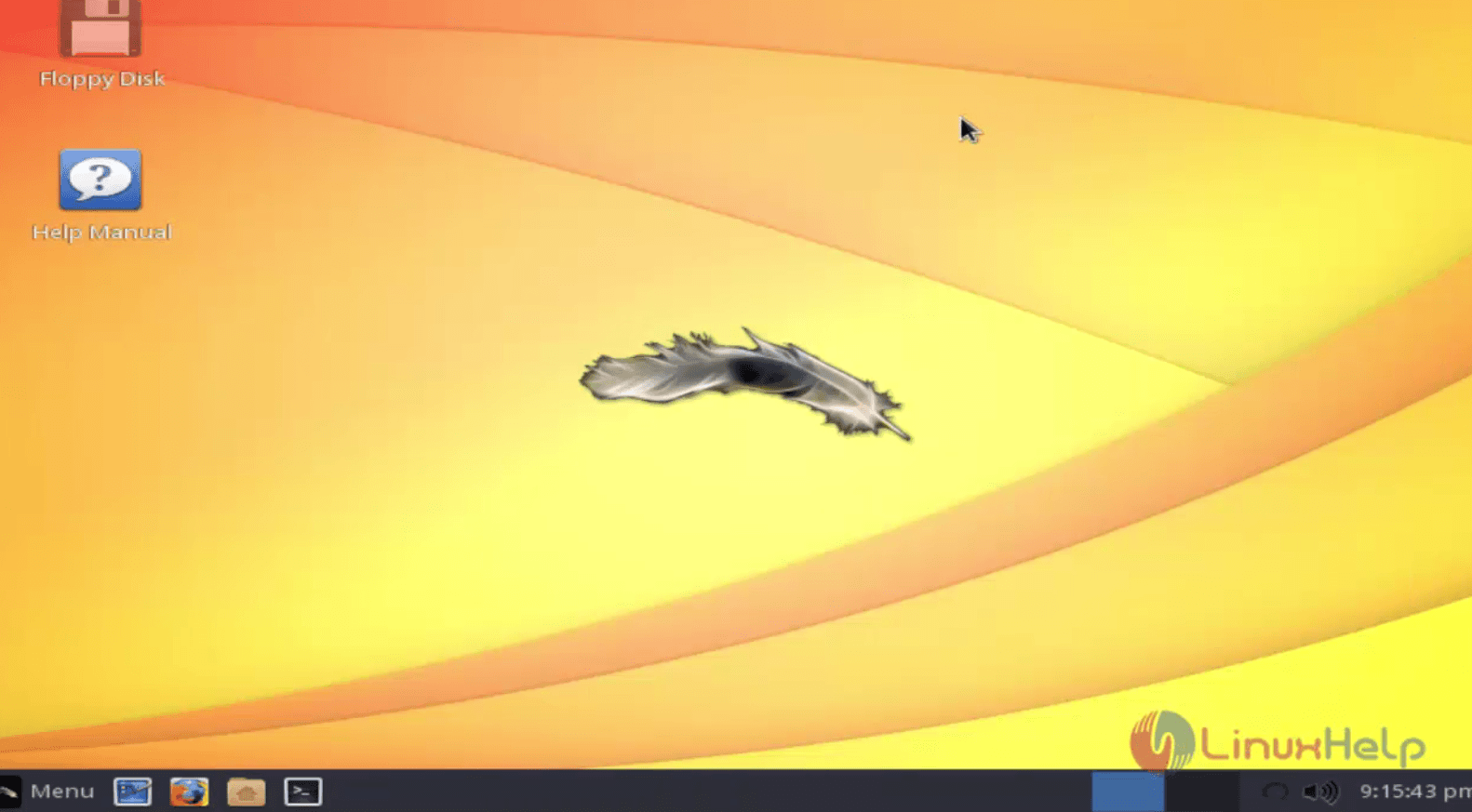
Enjoy a Lite Linux experience!
enjoy_linux_lite
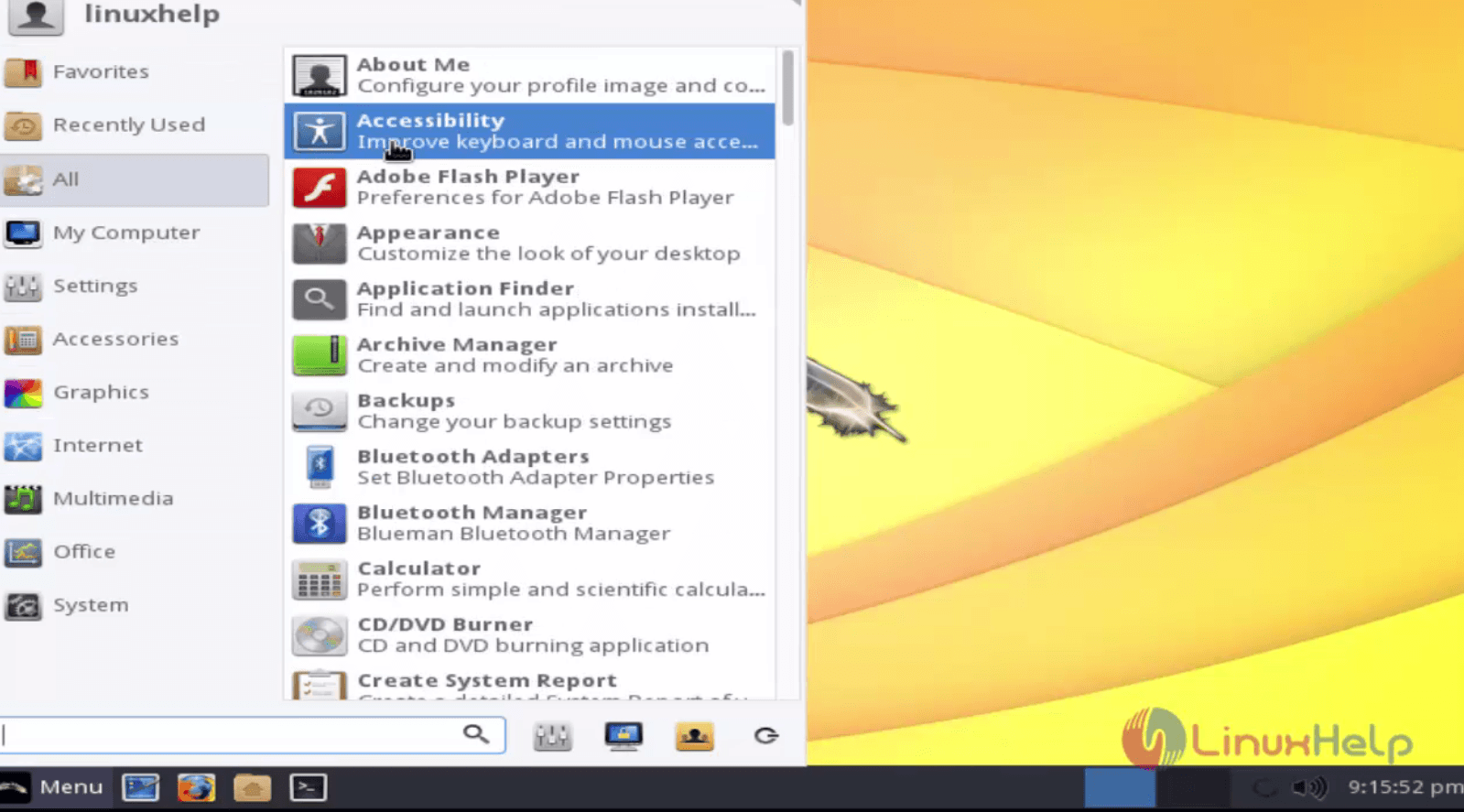
Accessibility

Tags:
jackson
Author: 

Comments ( 0 )

No comments available

Add a comment
{{postCtrl.cmtErrMsg}}

Frequently asked questions ( 5 )

Q

What is Linux Lite?

A

Linux Lite, one of the top lightweight Linux distributions, has released its latest major version 4.0. Based on Ubuntu 18.04 LTS, Linux Lite 4.0 has a fresh new look and a couple of new applications.

Q

What are the hardware requirements of Linux Lite?

A

By following the instruction:
CPU: 1.5 GHz
RAM: 1 GB
Resolution: VGA, DVI or HDMI
MEDIA: DVD drive or USB port for the ISO image.

Boot the Linux lite OS and Click Start Linux Lite option to start with the installation.
Q

What kind of packaging will the new DVDs come in?

A

The LITE Series DVDs will come in a 7 pack single plastic case just like the ICE series. The Bonus Pyramid Pump workout will come in the same type of single plastic case that all of our single DVDs usually come in.

Q

Will the DVDs contain Chapters?

A

Yes, the DVDs will be thoroughly chaptered. Though it is too early in the process to say for sure in most cases each exercise will have its own chapter.

Q

What fitness level are the LITE workouts geared towards?

A

The LITE series are geared towards intermediate exercisers with cardio blast options for advanced exercisers.

Back To Top!
Rank
User
Points

Top Contributers

userNamenaveelansari
135850

Top Contributers

userNameayanbhatti
92510

Top Contributers

userNamehamzaahmed
32150

Top Contributers

1
userNamelinuxhelp
31040

Top Contributers

userNamemuhammadali
24500
Can you help keel johnston ?
Unhide the folders on windows Explorer

Give any solutions to unhide folder using command prompt?

forum3

Networking
  • Routing
  • trunk
  • Netmask
  • Packet Capture
  • domain
  • HTTP Proxy
Server Setup
  • NFS
  • KVM
  • Memory
  • Sendmail
  • WebDAV
  • LXC
Shell Commands
  • Cloud commander
  • Command line archive tools
  • last command
  • Shell
  • terminal
  • Throttle
Desktop Application
  • Linux app
  • Pithos
  • Retrospect
  • Scribe
  • TortoiseHg
  • 4Images
Monitoring Tool
  • Monit
  • Apache Server Monitoring
  • EtherApe 
  • Arpwatch Tool
  • Auditd
  • Barman
Web Application
  • Nutch
  • Amazon VPC
  • FarmWarDeployer
  • Rukovoditel
  • Mirror site
  • Chef
Contact Us | Terms of Use| Privacy Policy| Disclaimer
© 2025 LinuxHelp.com All rights reserved. Linux™ is the registered trademark of Linus Torvalds. This site is not affiliated with linus torvalds in any way.