How To Install LNAV log file Navigator in Ubuntu
To install LNAV log file Navigator in Ubuntu
Log File Navigator(LNAV) is an open source enhanced log file viewer. It provides accurate information of files being viewed along with the time stamps and log levels. Installation of LNAV log file Navigator in Ubuntu is explained.
Features
- It displays filter lines
- It queries log through SQL.
- Automatic data extraction is supported.
- Single log view support is enhanced.
- Syntax highlighting with configurable colourizing
- Supports Timeline view
To install LNAV package
Run the following command to install the LNAV package.
root@user1-linuxhelp:/home/user1# apt-get install lnav
Reading package lists... Done
Building dependency tree
Reading state information... Done
.
.
.
Unpacking lnav (0.7.0-3build1) ...
Processing triggers for man-db (2.7.4-1) ...
Setting up lnav (0.7.0-3build1) ...
To view the log files
root@user1-linuxhelp:/home/user1# lnav

To view the major options of LNAV
root@user1-linuxhelp:/home/user1# lnav -h

To view the latest syslog file
root@user1-linuxhelp:/home/user1# lnav -s
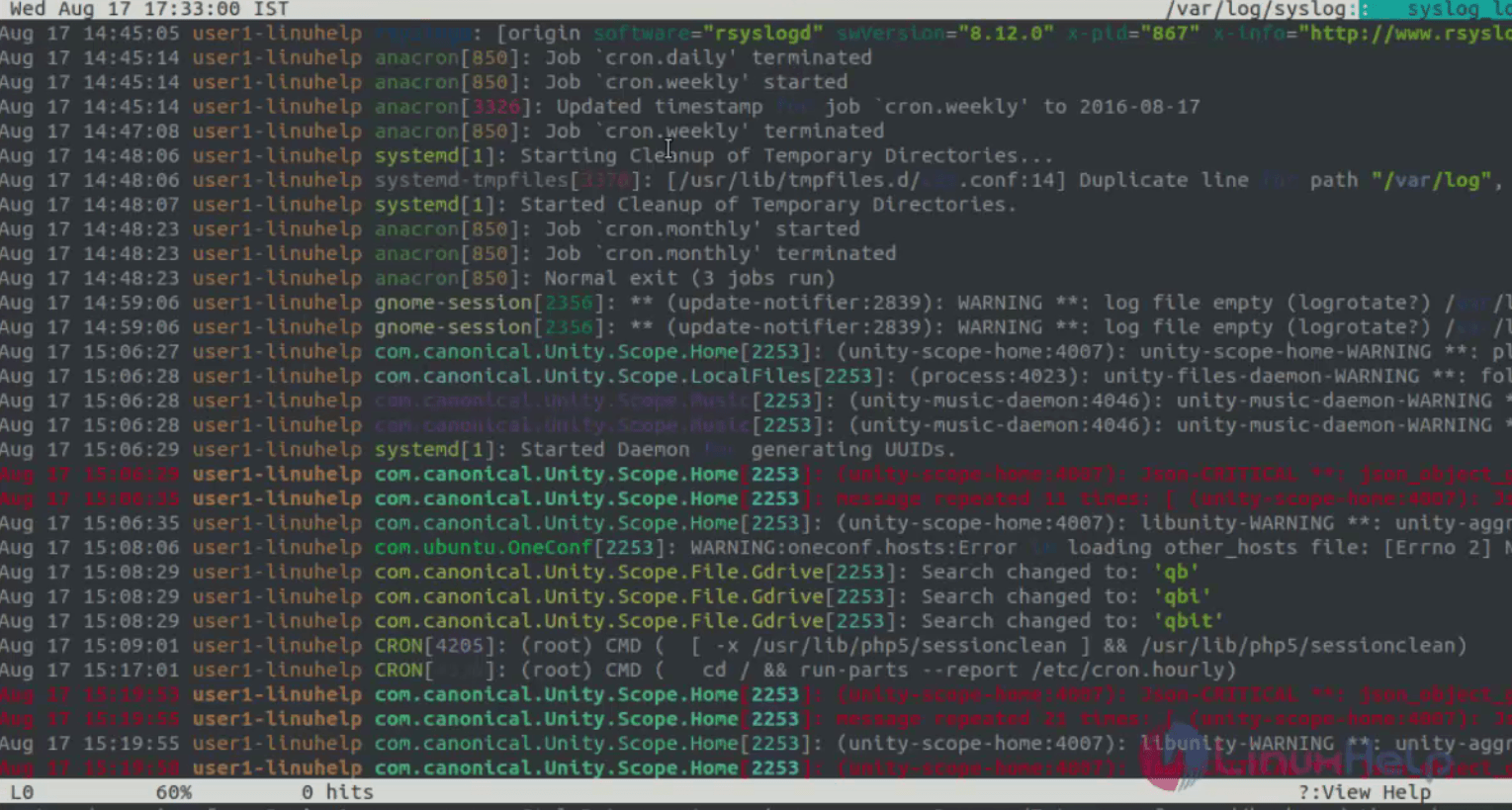
To view all the latest syslog file
root@user1-linuxhelp:/home/user1# lnav -a

To view the older syslog files
root@user1-linuxhelp:/home/user1# lnav -r

To view the log file with timestamps options
root@user1-linuxhelp:/home/user1# lnav -t

To view the version of LNAV
root@user1-linuxhelp:/home/user1# lnav &ndash V
lnav 0.7.0
Hotkey option
Use the ‘ i’ key from keyboard to switch to/from the histogram view.

Use the ‘ p’ key from keyboard to view the log parser result.

Use the ‘ m’ key to mark the top log files.
 +
+
Use " shift + j" key to view the continuous lines of the log file.

Use " shift + k" to unmark the files one by one.

Comments ( 0 )
No comments available