How to install Lollypop 0.9 on Ubuntu 18.04
To install Lollypop 0.9 on Ubuntu 18.04
Lollypop is an open-source, audio player developed in GTK+3, created as a Rhythmbox alternative. Among others, it has supported the playback of the most popular audio formats, including mp3, mp4, Ogg and FLAC, allows the users to visualize the songs via album, artist or genre, can play the files in order or shuffle. This tutorial explains the installation procedure for Lollypop music player on Ubuntu 18.04.
Installation
Add the repository of Lollypop using PPA
root@linuxhelp1:~# add-apt-repository ppa:gnumdk/lollypop
 Lollypop media player
 More info: https://launchpad.net/~gnumdk/+archive/ubuntu/lollypop
Press [ENTER] to continue or Ctrl-c to cancel adding it.

Hit:1 http://security.ubuntu.com/ubuntu bionic-security InRelease
Hit:2 http://in.archive.ubuntu.com/ubuntu bionic InRelease
Get:3 http://ppa.launchpad.net/gnumdk/lollypop/ubuntu bionic InRelease [15.4 kB]
Hit:4 http://in.archive.ubuntu.com/ubuntu bionic-updates InRelease
Hit:5 http://in.archive.ubuntu.com/ubuntu bionic-backports InRelease
Get:6 http://ppa.launchpad.net/gnumdk/lollypop/ubuntu bionic/main i386 Packages [988 B]
Get:7 http://ppa.launchpad.net/gnumdk/lollypop/ubuntu bionic/main amd64 Packages [988 B]
Get:8 http://ppa.launchpad.net/gnumdk/lollypop/ubuntu bionic/main Translation-en [260 B]
Fetched 17.6 kB in 2s (8,980 B/s)
Reading package lists... Done
Install the Lollypop package using the following command
root@linuxhelp1:~# apt-get install lollypop -y
Reading package lists... Done
Building dependency tree
Reading state information... Done
The following packages were automatically installed and are no longer required:
  apache2-bin apache2-data apache2-utils libapr1 libaprutil1 libaprutil1-dbd-sqlite3
  libaprutil1-ldap
Use 'sudo apt autoremove' to remove them.
The following additional packages will be installed:
  ffmpeg git git-man i965-va-driver libaacs0 libass9 libavcodec57 libavdevice57 libavfilter6
  libavformat57 libavresample3 libavutil55 libbdplus0 libbluray2 libbrotli1 libbs2b0
  libchromaprint1 libcrystalhd3 libdc1394-22 libdvdnav4 libdvdread4 liberror-perl libflite1
  libgme0 libmysofa0 libnorm1 libopenal-data libopenal1 libopenjp2-7 libopenmpt0 libpgm-5.2-0
.
.
Setting up va-driver-all:amd64 (2.1.0-3) ...
Setting up libpostproc54:amd64 (7:3.4.2-2) ...
Setting up libopenal1:amd64 (1:1.18.2-2) ...
Setting up vdpau-driver-all:amd64 (1.1.1-3ubuntu1) ...
Setting up libavresample3:amd64 (7:3.4.2-2) ...
Setting up libavcodec57:amd64 (7:3.4.2-2) ...
Setting up libchromaprint1:amd64 (1.4.3-1) ...
Setting up libavformat57:amd64 (7:3.4.2-2) ...
Setting up libavfilter6:amd64 (7:3.4.2-2) ...
Setting up libavdevice57:amd64 (7:3.4.2-2) ...
Setting up ffmpeg (7:3.4.2-2) ...
Setting up mpv (0.27.2-1ubuntu1) ...
Processing triggers for libc-bin (2.27-3ubuntu1) ...
Once Installation is done you can access the Lollypop from the Menu as shown here
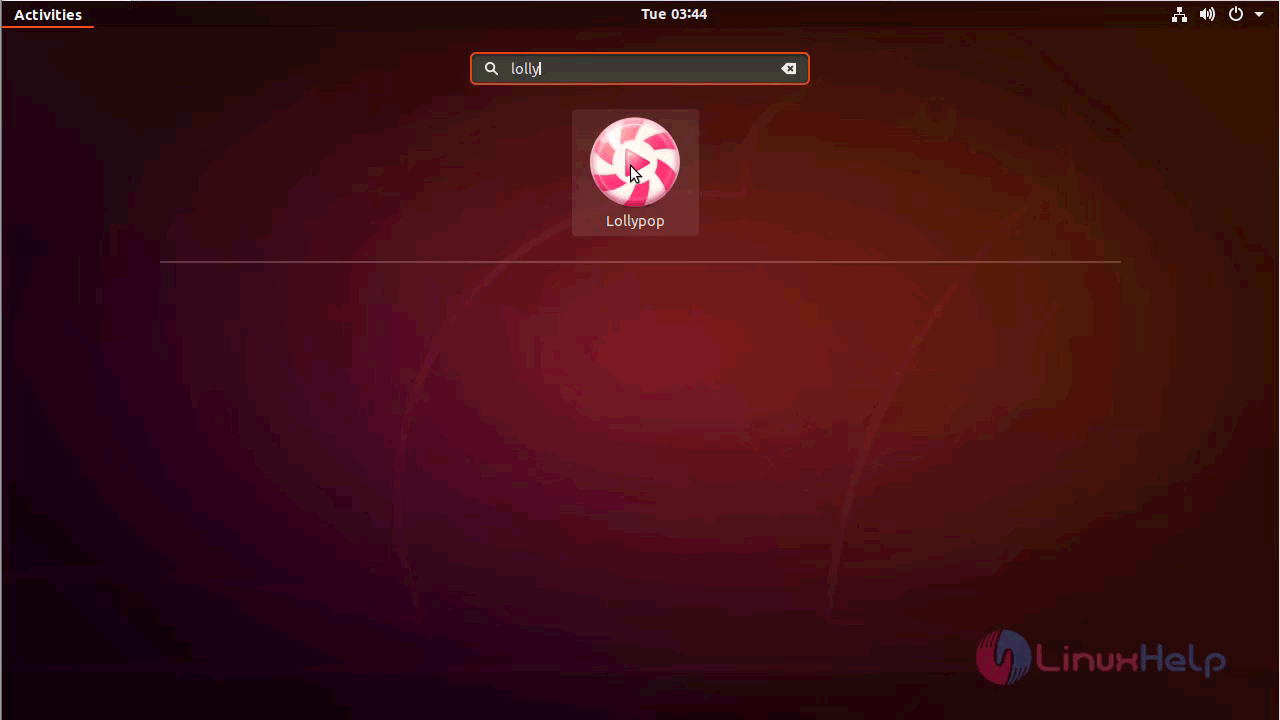
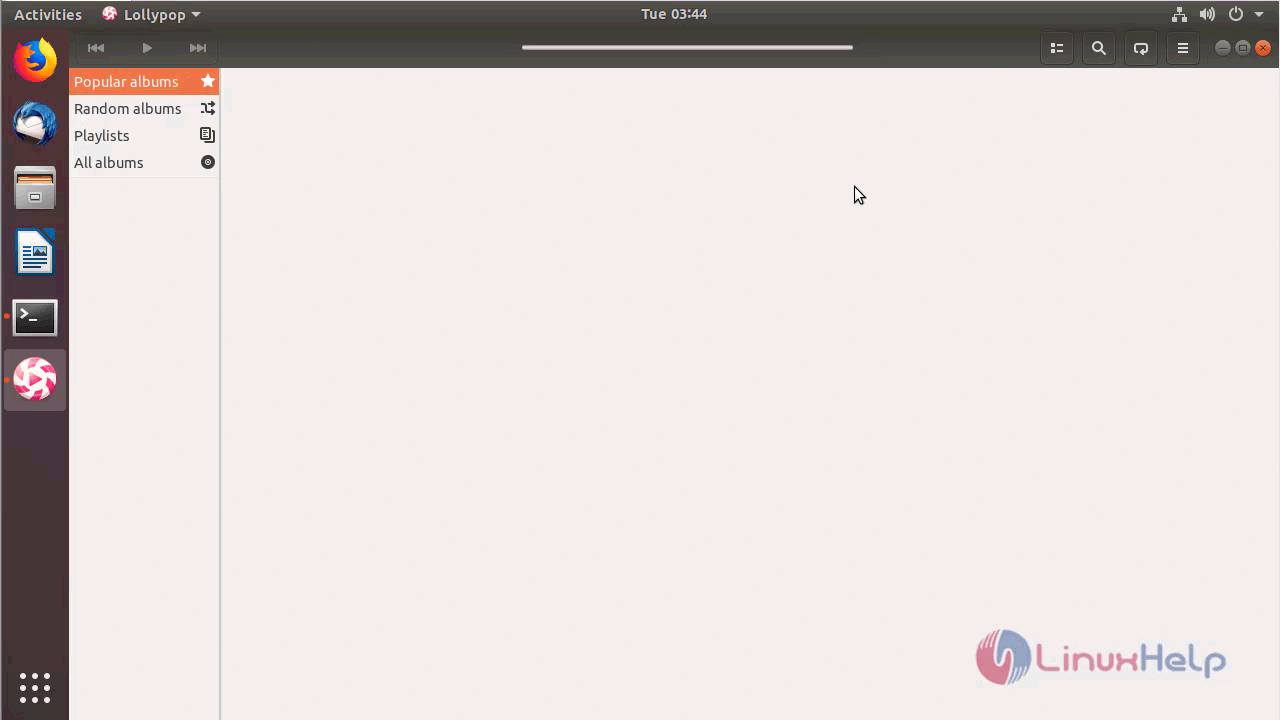
Lollypop application
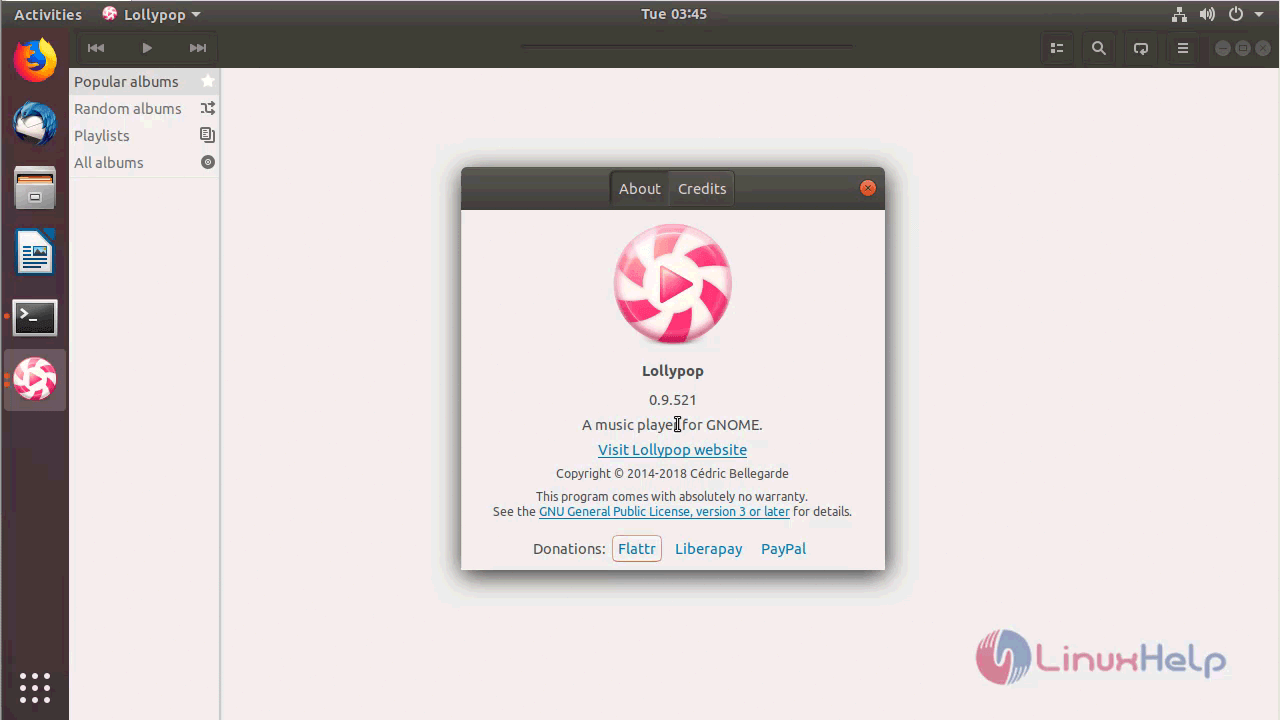
The version of Lollypop can be found in Help-> About
With this, the method to install Lollypop 0.9 on Ubuntu 18.04 comes to an end.
Comments ( 0 )
No comments available