How to install Lollypop music player on Ubuntu 17.04
To install Lollypop music player on Ubuntu 17.04
Lollypop is an open-source, audio player developed in GTK+3, created as a Rhythmbox alternative. Among others, it has support the playback of the most popular audio formats, including mp3, mp4, ogg and flac, allows the users to visualize the songs via album, artist or genre, can play the files in order or shuffle. This tutorial explains the installation procedure fo Lollypop music player on Ubuntu 17.04.
Installation procedure
To proceed with the installation procedure, add the required repository to the target system by running the following command.
root@linuxhelp:~# add-apt-repository ppa:gnumdk/lollypop
 Lollypop media player
 More info: https://launchpad.net/~gnumdk/+archive/ubuntu/lollypop
Press [ENTER] to continue or ctrl-c to cancel adding it

gpg: keybox ' /tmp/tmpd0kc1f_i/pubring.gpg'  created
gpg: /tmp/tmpd0kc1f_i/trustdb.gpg: trustdb created
gpg: key DBA501177AA84500: public key " Launchpad PPA for Bellegarde Cedric"  imported
gpg: Total number processed: 1
gpg:               imported: 1
OK
The repositories are added to the system. Next update your system by running the apt-get update command.
root@linuxhelp:~# apt-get update
Hit:1 http://security.ubuntu.com/ubuntu zesty-security InRelease
Hit:2 http://in.archive.ubuntu.com/ubuntu zesty InRelease
Hit:3 http://in.archive.ubuntu.com/ubuntu zesty-updates InRelease
Hit:4 http://in.archive.ubuntu.com/ubuntu zesty-backports InRelease
Get:5 http://ppa.launchpad.net/gnumdk/lollypop/ubuntu zesty InRelease [15.4 kB]
Get:6 http://ppa.launchpad.net/gnumdk/lollypop/ubuntu zesty/main i386 Packages [1,148 B]
Get:7 http://ppa.launchpad.net/gnumdk/lollypop/ubuntu zesty/main amd64 Packages [1,148 B]
Get:8 http://ppa.launchpad.net/gnumdk/lollypop/ubuntu zesty/main Translation-en [4,768 B]
Fetched 22.4 kB in 2s (7,861 B/s)
Reading package lists... Done
The target system is updated with the required repositories. Install the Lollypop package by executing the following command.
root@linuxhelp:~#  apt install lollypop
Reading package lists... Done
Building dependency tree
Reading state information... Done
The following additional packages will be installed:
  ffmpeg gnome-settings-daemon libavdevice57 libavfilter6 libavresample3
  libebur128-1 liblua5.2-0 libpostproc54 librubberband2v5 libsdl2-2.0-0
  libuchardet0 libva-wayland1 mpv python-pkg-resources python3-pylast rtmpdump
  youtube-dl
Suggested packages:
.
.
.
.
Setting up libavfilter6:amd64 (7:3.2.4-1build2) ...
Setting up youtube-dl (2017.05.09-1ppa1ubuntu1.1) ...
Setting up lollypop (0.9.244-1ppa1ubuntu1.3) ...
Setting up libavdevice57:amd64 (7:3.2.4-1build2) ...
Setting up ffmpeg (7:3.2.4-1build2) ...
Setting up mpv (0.24.0-1) ...
Processing triggers for libc-bin (2.24-9ubuntu2) ...
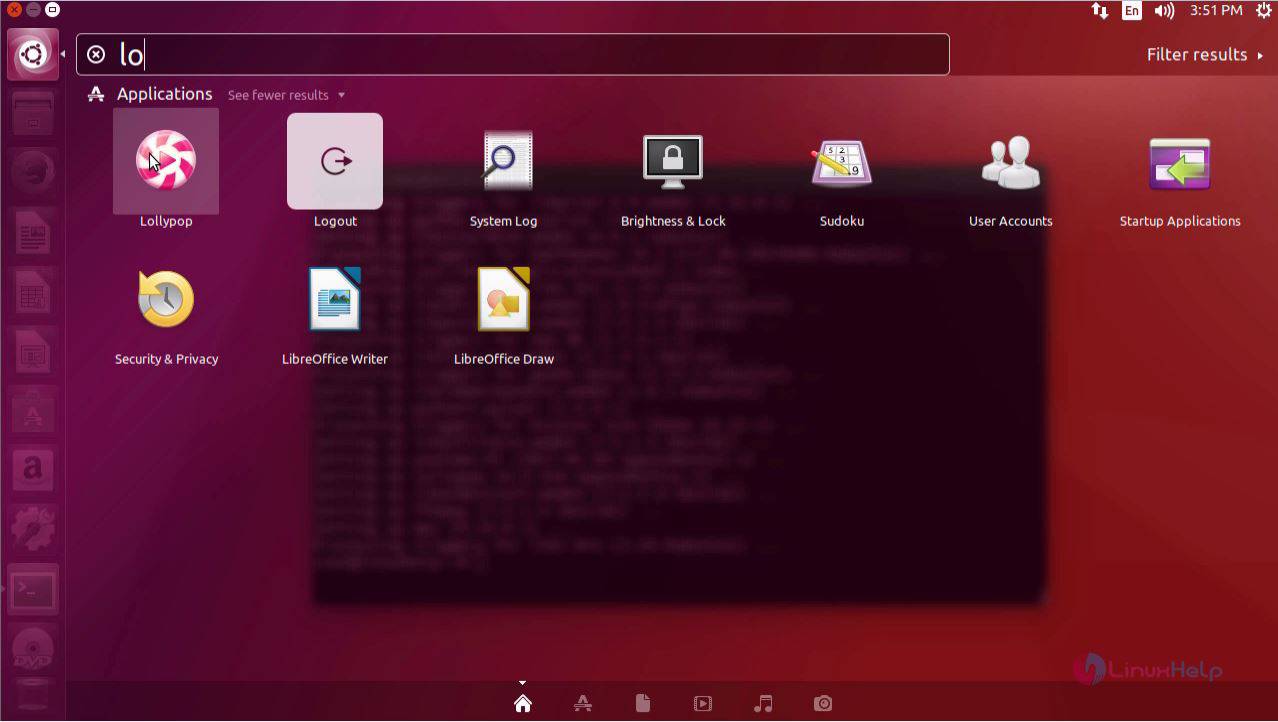
The Lollypop application has been installed successfully. To run the application, type the application name in the Ubuntu dashboard and click on the icon to run it.
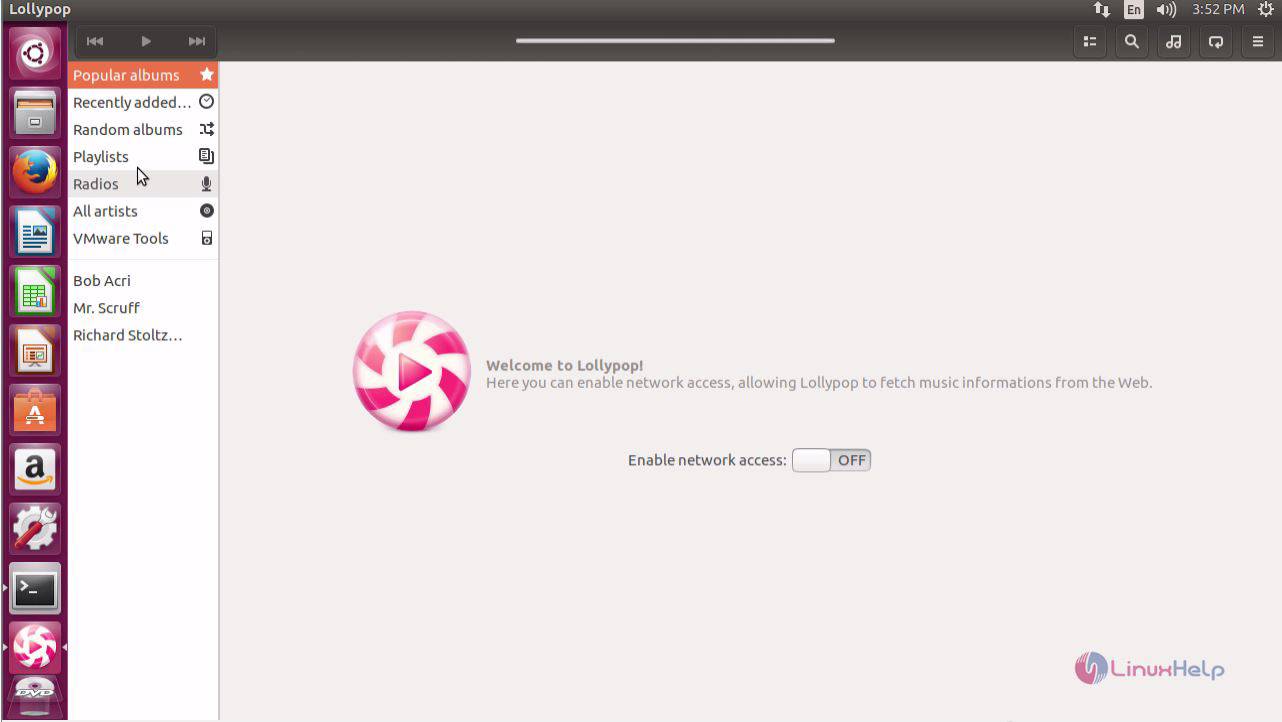
The welcome page of Lollypop appears on the screen.
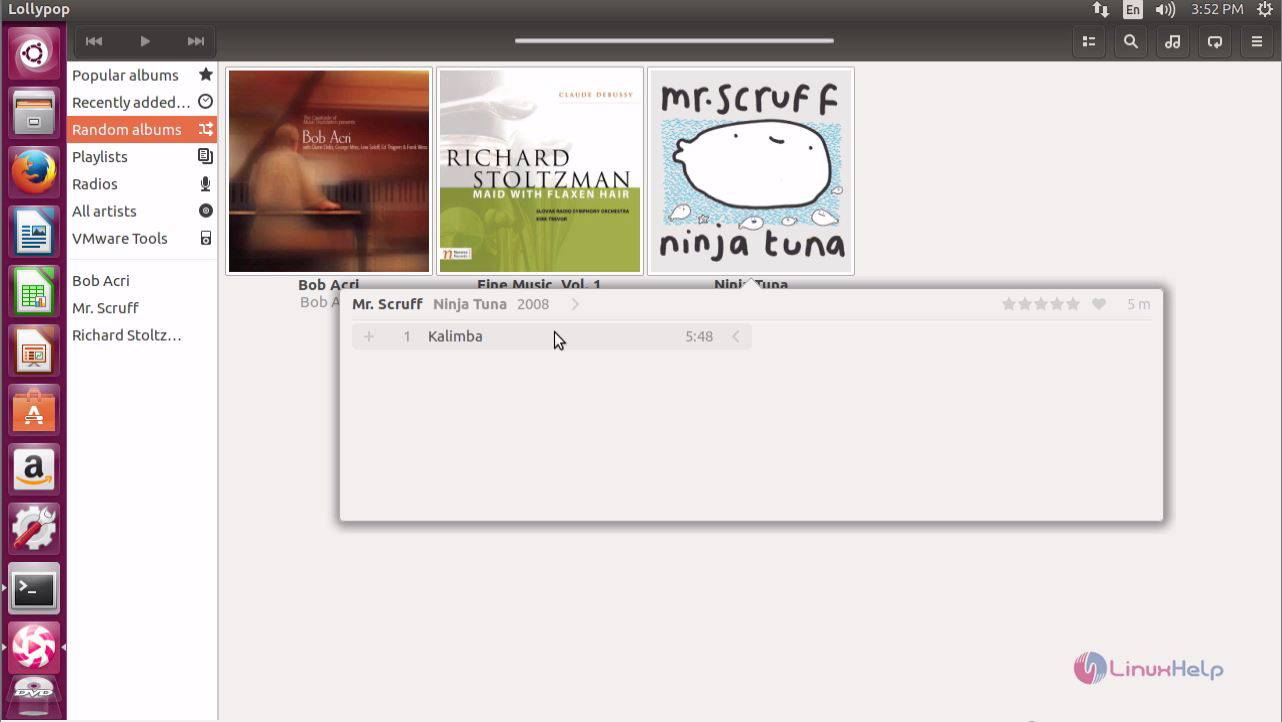
You can add some music tracks from the Random albums.
The added music track is playing in Lollypop application.
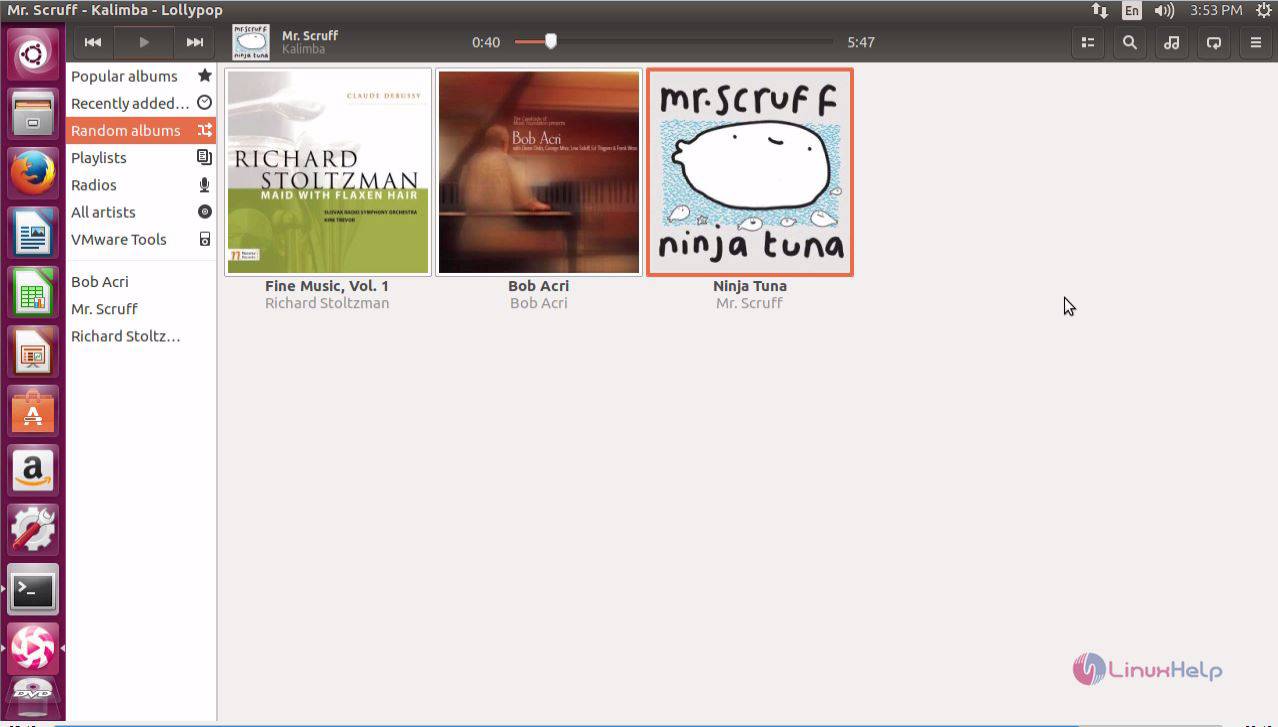
The installation of Lollypop music player on Ubuntu 17.04 is done without any glitches.
Comments ( 0 )
No comments available