• Categories
    Category
    {{ postCtrl.tags }}
    • {{ category.tag_type }}

      • {{tag.tag_name}}
      • View more
  • Categories
    Category
    {{ postCtrl.tags }}
    • {{ category.tag_type }}

      • {{tag.tag_name}}
      • View more
  • News
  • Tutorials
  • Forums
  • Tags
  • Users
Tutorial News Comments FAQ Related Articles

How to install LosslessCut in Ubuntu 16.04

{{postValue.id}}

To install LosslessCut in Ubuntu 16.04

LosslessCut is a simple, cross platform tool used for trimming and cutting video and audio files. It is built based on Chromium and uses the HTML5 video player. It supports the following formats such as MP4, MOV, WebM, MKV, OGG, WAV, MP3, AAC, H264, Theora, VP8, VP9, etc. It is so easy to install LosslessCut and this tutorial explains the installation process involved in LosslessCut on Ubuntu 16.04

Installing LosslessCut

First, you need to download the installation package for LosslessCut. You can download it from the following link https://github.com/mifi/lossless-cut/releases. Once it is downloaded, go to the directory.

root@linuxhelp11:/home/user# cd Downloads/
root@linuxhelp11:/home/user/Downloads# ll
total 82032
drwxr-xr-x  2 user user     4096 Oct  2 18:08 ./
drwxr-xr-x 18 user user     4096 Oct  2 13:46 ../
-rwxrw-rw-  1 user user 83990444 Oct  2 13:45 LosslessCut-linux-x64.zip*

And, extract the downloaded package.

root@linuxhelp11:/home/user/Downloads# unzip LosslessCut-linux-x64.zip
Archive:  LosslessCut-linux-x64.zip
   creating: LosslessCut-linux-x64/
  inflating: LosslessCut-linux-x64/blink_image_resources_200_percent.pak  
  inflating: LosslessCut-linux-x64/content_resources_200_percent.pak  
...
...
...
  inflating: LosslessCut-linux-x64/ui_resources_200_percent.pak  
 extracting: LosslessCut-linux-x64/version  
  inflating: LosslessCut-linux-x64/views_resources_200_percent.pak  

After that, you should change its directory to LosslessCut-linux-x64 and list then files as follows.

root@linuxhelp11:/home/user/Downloads# cd LosslessCut-linux-x64
root@linuxhelp11:/home/user/Downloads/LosslessCut-linux-x64# ll
total 122788
drwxr-xr-x 4 root root     4096 Sep 14 19:52 ./
drwxr-xr-x 3 user user     4096 Oct  2 18:09 ../
-rw-r--r-- 1 root root    24844 Sep 14 19:51 blink_image_resources_200_percent.pak
-rw-r--r-- 1 root root       15 Sep 14 19:51 content_resources_200_percent.pak
-rw-r--r-- 1 root root 10141945 Sep 14 19:51 content_shell.pak
-rw-r--r-- 1 root root 10130464 Sep 14 19:51 icudtl.dat
-rw-r--r-- 1 root root  2960824 Sep 14 19:51 libffmpeg.so
-rwxr-xr-x 1 root root 20341616 Sep 14 19:51 libnode.so*
-rw-r--r-- 1 root root     1060 Sep 14 19:51 LICENSE
-rw-r--r-- 1 root root  1708004 Sep 14 19:51 LICENSES.chromium.html
drwxr-xr-x 2 root root     4096 Sep 14 19:51 locales/
-rwxr-xr-x 1 root root 78816464 Sep 14 19:51 LosslessCut*
-rw-r--r-- 1 root root   342741 Sep 14 19:51 natives_blob.bin
drwxr-xr-x 3 root root     4096 Sep 14 19:52 resources/
-rw-r--r-- 1 root root   993500 Sep 14 19:51 snapshot_blob.bin
-rw-r--r-- 1 root root   163267 Sep 14 19:51 ui_resources_200_percent.pak
-rw-r--r-- 1 root root        6 Sep 14 19:51 version
-rw-r--r-- 1 root root    60144 Sep 14 19:51 views_resources_200_percent.pak

Now, you can open the LosslessCut application, use the following command for the same purpose.

root@linuxhelp11:/home/user/Downloads/LosslessCut-linux-x64# ./LosslessCut

The LosslessCut application gets launched and appears on your screen.
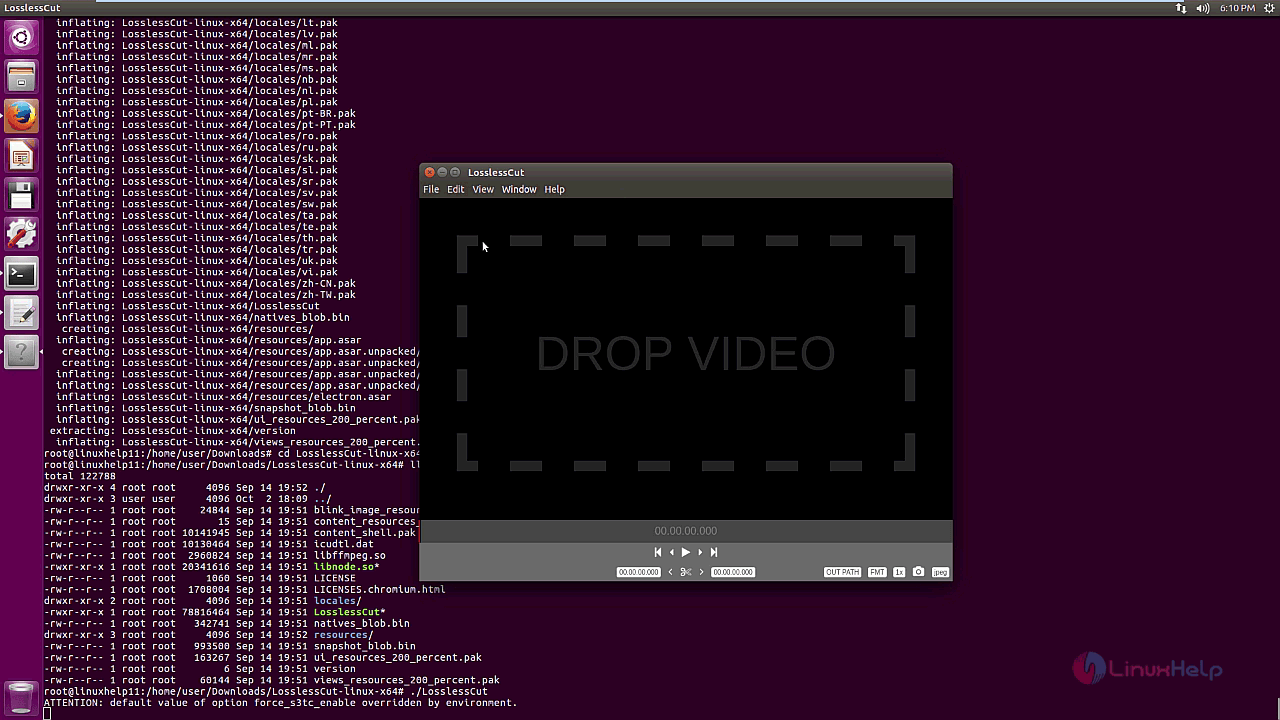
application

You can choose the output path in the application.
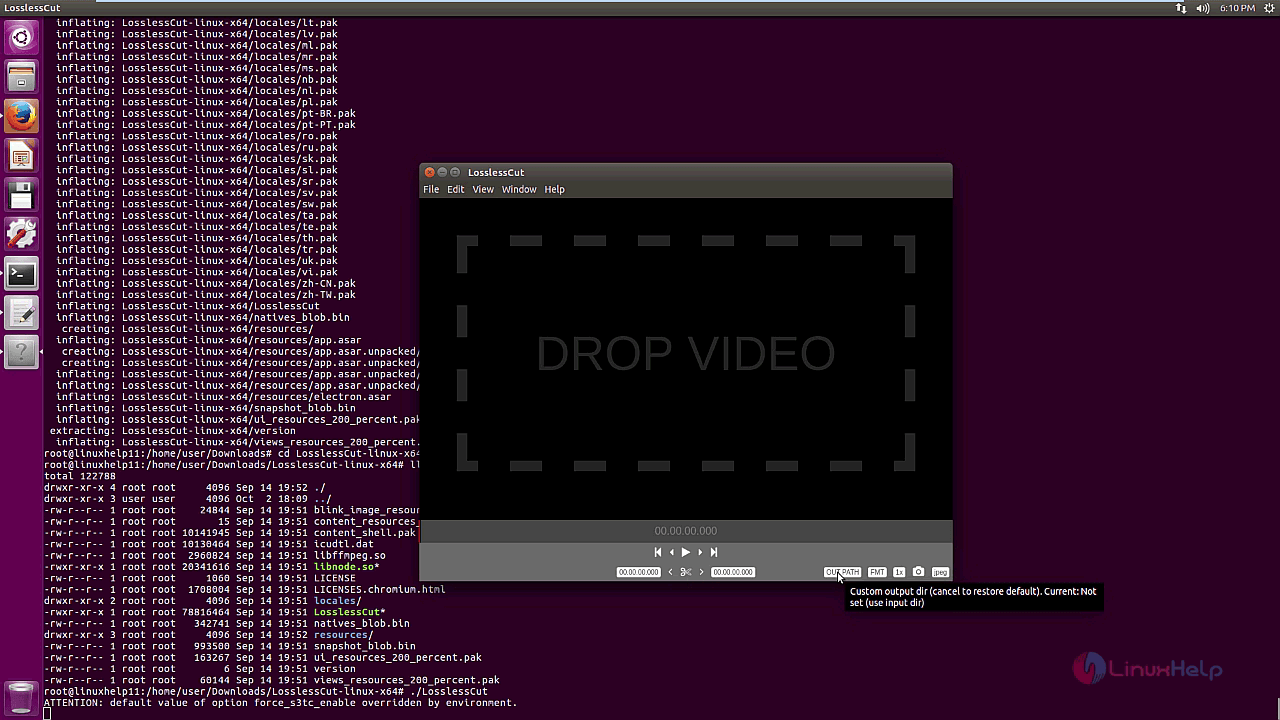
output path

Also, it is very easy for you to capture frame format, since there is an option available on the application.
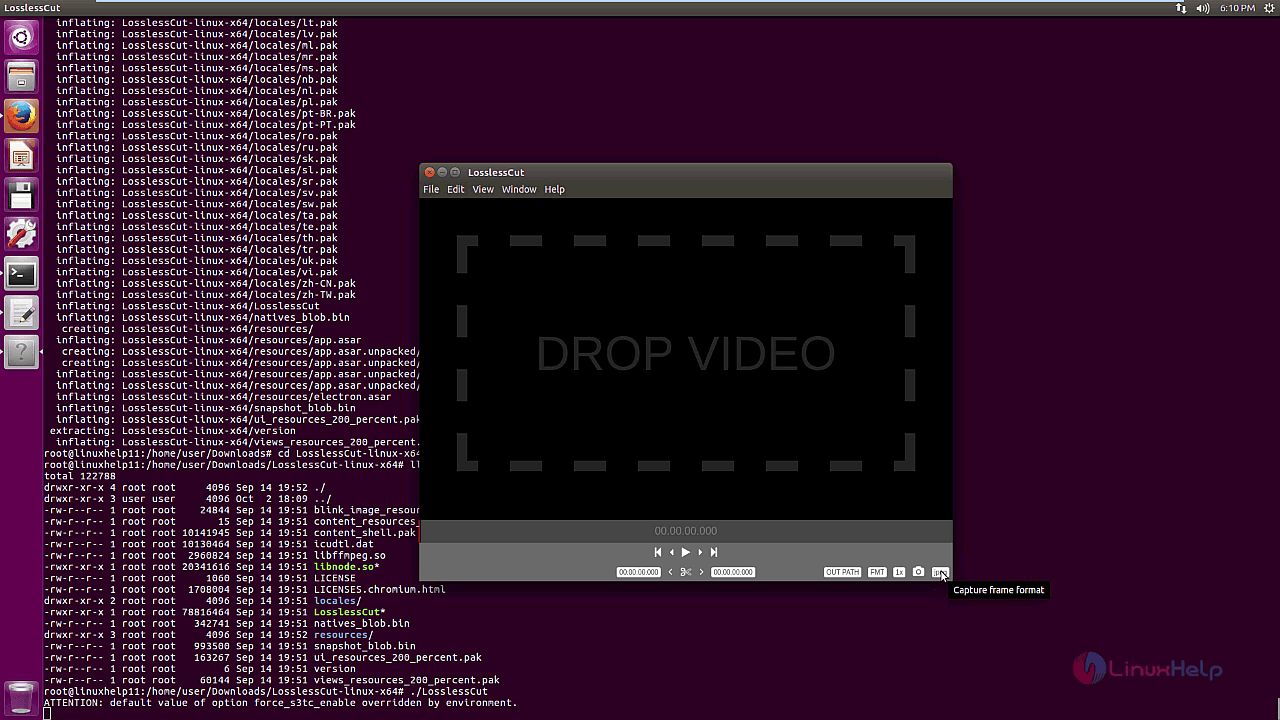
Format

You can also easily capture a frame from the video with a single click.
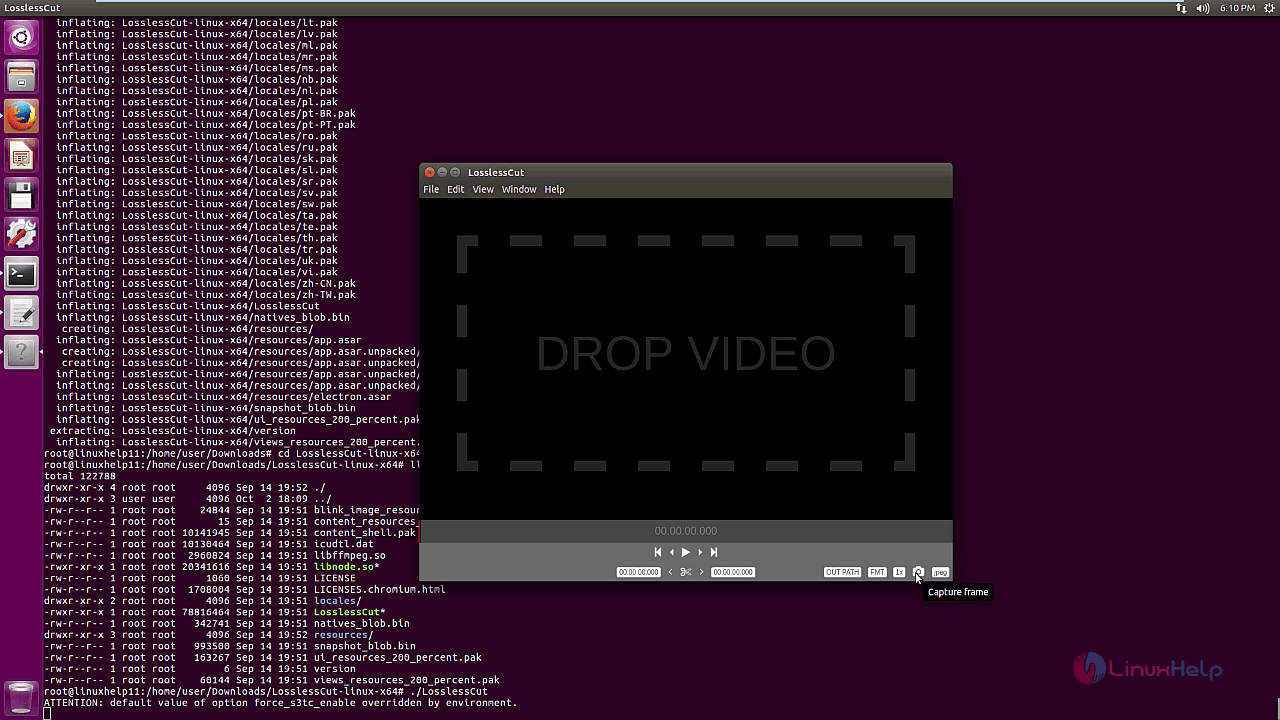
CAPTURE FRAME
With this, the isntallation of LosslessCut on Ubuntu 16.04 gets completed.

Tags:
caden
Author: 

Comments ( 0 )

No comments available

Add a comment
{{postCtrl.cmtErrMsg}}

Frequently asked questions ( 5 )

Q

what are the features available in LosslessCut?

A

The following Features available in LosslessCut,
"• Lossless cutting of common video and audio formats
• Take full-resolution snapshots from videos in JPEG/PNG format
• Change rotation/orientation metadata in videos. Great for rotate"

Q

Which Codec format will support the LosslessCut?

A

The following Codec formats will support the LosslessCut.
Audio

FLAC
MP3
Opus
PCM 8-bit unsigned integer
PCM 16-bit signed integer little endian
PCM 32-bit float little endian
Vorbis
AAC [Main, LC, HE profiles only] [Google Chrome on

Q

How to download the source of the LosslessCut?

A

For download, the source of LosslessCut, use the following link as given below "https://www.videohelp.com/software/LosslessCut".

Q

What are main terms of using the LosslessCut?

A

LosslessCut was specially created to make it easy to quickly extract parts of video files from a video camera, GoPro, drone, and so on, without losing video quality.

The application is based on Chromium, using an HTML5 video player, and it uses FFmpeg for cutting the videos.

According to its GitHub page, LosslessCut doesn't re-encode or decode the videos, making it very fast and especially useful for large videos.

Q

What is a Wrapping up in LosslessCut?

A

Major Linux video editors have been focusing on optimization and now work fluidly even on computers with humble muscle. You can now work with 4K videos too on OpenShot. And my personal favorite, Kdenlive is better than ever. Although OpenShot is feature rich, I find working with Kdenlive much easier. Kdenlive is sophisticated and slightly faster than OpenShot. If you experience any lags or freezes on OpenShot, you should give Kdenlive a try. It’s lighter.

Back To Top!
Rank
User
Points

Top Contributers

userNamenaveelansari
135850

Top Contributers

userNameayanbhatti
92510

Top Contributers

userNamehamzaahmed
32150

Top Contributers

1
userNamelinuxhelp
31040

Top Contributers

userNamemuhammadali
24500
Can you help Luke ?
workbench for debian

I am using workbench in CentOS whereas now I need to use Debian Operating system so could you please help to install and use in Debian?

Networking
  • Routing
  • trunk
  • Netmask
  • Packet Capture
  • domain
  • HTTP Proxy
Server Setup
  • NFS
  • KVM
  • Memory
  • Sendmail
  • WebDAV
  • LXC
Shell Commands
  • Cloud commander
  • Command line archive tools
  • last command
  • Shell
  • terminal
  • Throttle
Desktop Application
  • Linux app
  • Pithos
  • Retrospect
  • Scribe
  • TortoiseHg
  • 4Images
Monitoring Tool
  • Monit
  • Apache Server Monitoring
  • EtherApe 
  • Arpwatch Tool
  • Auditd
  • Barman
Web Application
  • Nutch
  • Amazon VPC
  • FarmWarDeployer
  • Rukovoditel
  • Mirror site
  • Chef
Contact Us | Terms of Use| Privacy Policy| Disclaimer
© 2025 LinuxHelp.com All rights reserved. Linux™ is the registered trademark of Linus Torvalds. This site is not affiliated with linus torvalds in any way.