How to install Master PDF Editor on Ubuntu
To install Master PDF Editor on Ubuntu
Master is a cross- platform PDF editing tool which can be used to view, print and edit PDF files. You can also add text, images, and password to a PDF file through Master PDF editor. Also, splitting, merging and removing pages from a pdf file are quite easy with PDF Editor. In this tutorial, you will be briefed about the installation of Master PDF Editor on Ubuntu.
To install Master PDF Editor
First of all, download the Master PDF Editor installation package by running the wget command as follows.
root@linuxhelp1:/home/linuxhelp1# wget http://get.code-industry.net/public/master-pdf-editor-4.2.12_qt5.amd64.deb
--2017-06-21 13:21:03--  http://get.code-industry.net/public/master-pdf-editor-4.2.12_qt5.amd64.deb
Resolving get.code-industry.net (get.code-industry.net)... 136.243.89.42
Connecting to get.code-industry.net (get.code-industry.net)|136.243.89.42|:80... connected.
HTTP request sent, awaiting response... 200 OK
Length: 10617492 (10M) [application/x-debian-package]
Saving to: ‘ master-pdf-editor-4.2.12_qt5.amd64.deb’
master-pdf-editor-4.2.12_qt5.amd64.deb             100%[================================================================================================================> ]  10.12M   782KB/s    in 13s
2017-06-21 13:21:20 (812 KB/s) - ‘ master-pdf-editor-4.2.12_qt5.amd64.deb’  saved [10617492/10617492]
Now, you can install Master PDF Editor package as follows.
root@linuxhelp1:/home/linuxhelp1# dpkg -i master-pdf-editor-4.2.12_qt5.amd64.deb
Selecting previously unselected package master-pdf-editor.
(Reading database ... 172127 files and directories currently installed.)
Preparing to unpack master-pdf-editor-4.2.12_qt5.amd64.deb ...
Unpacking master-pdf-editor (4.2.12) ...
Setting up master-pdf-editor (4.2.12) ...
Processing triggers for hicolor-icon-theme (0.15-0ubuntu1) ...
Processing triggers for gnome-menus (3.13.3-6ubuntu3) ...
Processing triggers for desktop-file-utils (0.22-1ubuntu5) ...
Processing triggers for bamfdaemon (0.5.3~bzr0+16.04.20160415-0ubuntu1) ...
Rebuilding /usr/share/applications/bamf-2.index...
Processing triggers for mime-support (3.59ubuntu1) ...
Master PDF Editor has been installed, to open the application,use the following command
root@linuxhelp1:/home/linuxhelp1# masterpdfeditor4
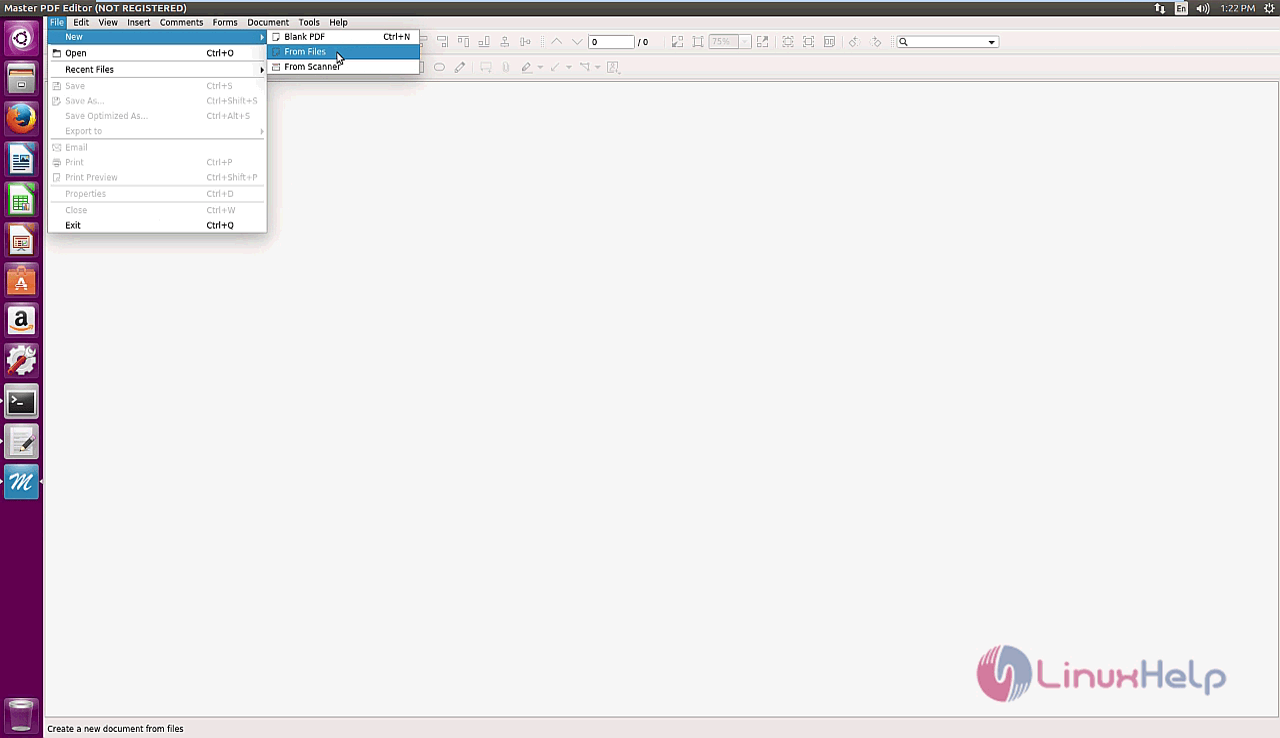
Create a blank PD, open a PDF file to edit or create a file from scanner.
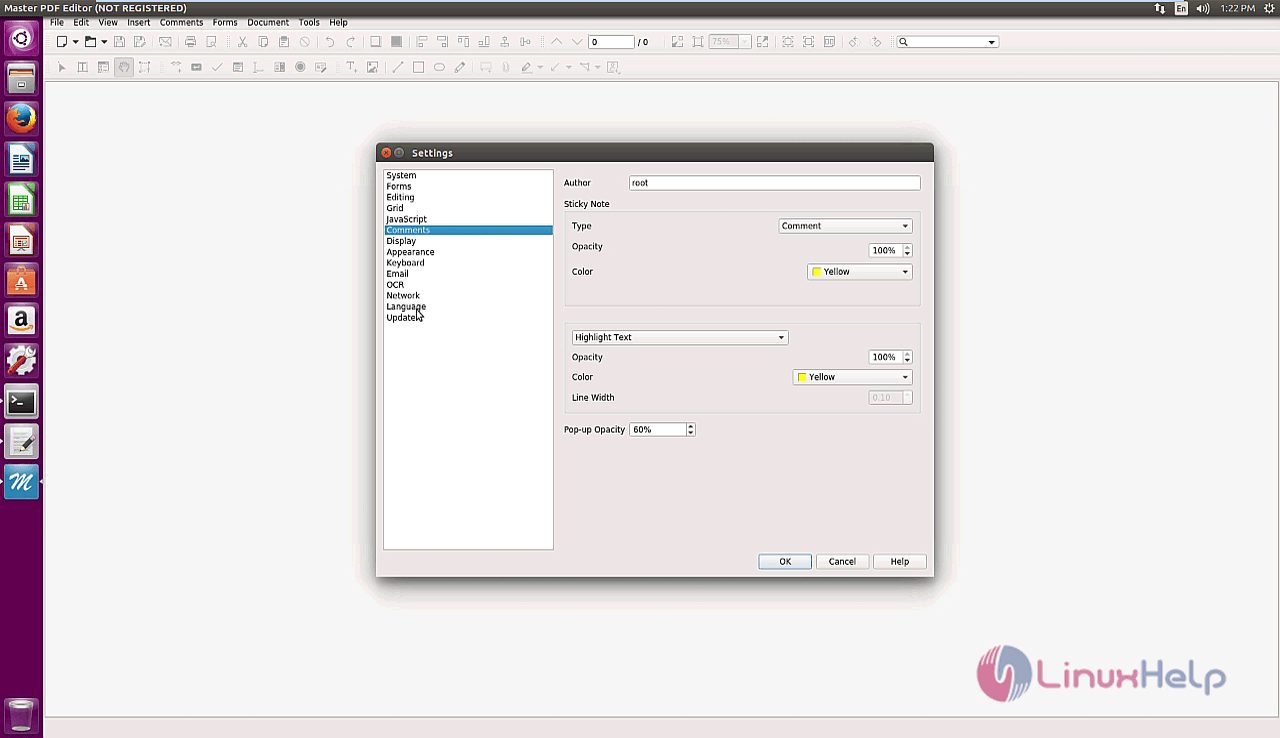
Now, you can configure Master PDF Editor using Settings options
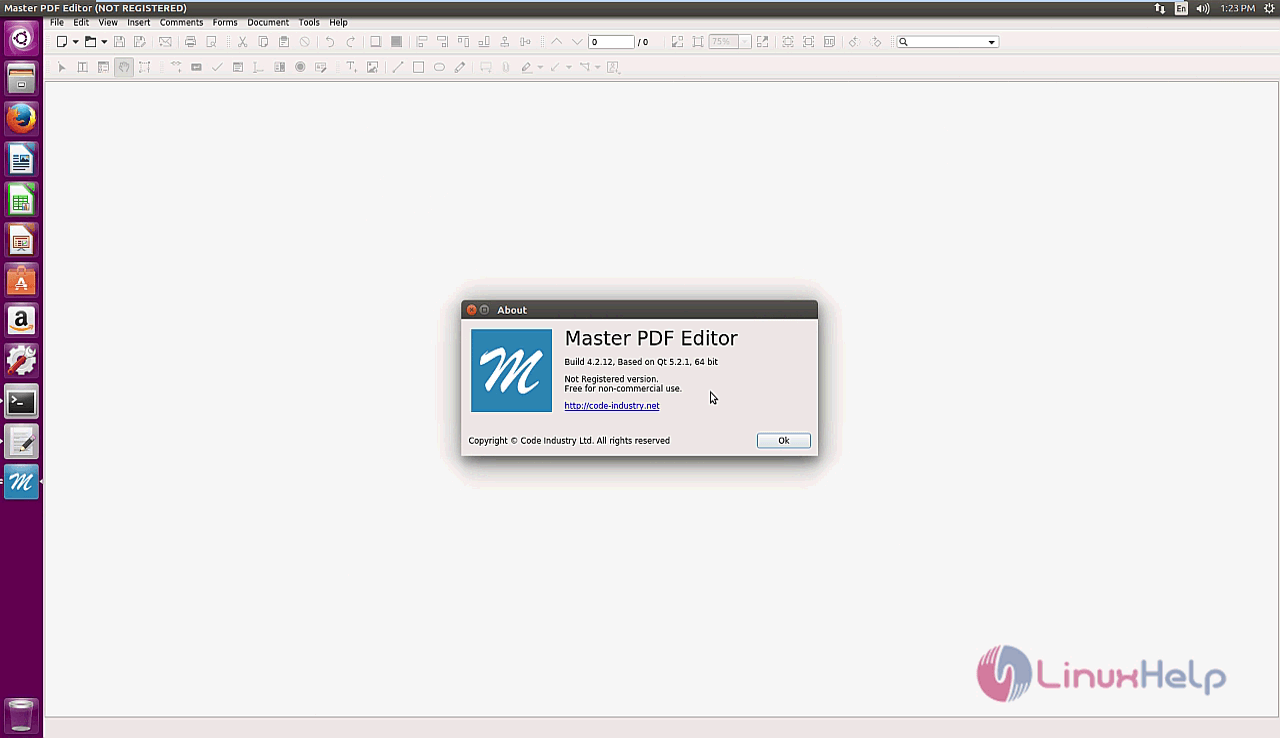
You can also learn more about Master PDF Editor.
That was a simple installation procedure. Wasn' t it? Import as many as PDF files you want to edit or many as much changes as per your requirements.
Comments ( 0 )
No comments available