How to Install MComix 1.00 on Linuxmint 18.03
{{postValue.id}}
To Install MComix 1.00 on Linuxmint 18.03
MComix is a free and open-source comic book reader for Linux (based on Comix) that supports both western comics and manga, in specific formats, including CBR, CBZ, CB7, LHA, and PDF. In this tutorial, we will cover the installation of Mcomix on linuxmint 18.03.
Features
- Fullscreen mode, double-page mode, fit image to window width, height or both.
- Smart scrolling for easier reading (just hit the space bar a few times and see how it works)
- Manga mode (for right-to-left comic books)
- Bookmark pages and add books to the library.
Installation
Let' s first start with updating the system repositories
linuxhelp ~ # apt-get update
Hit:1 http://archive.ubuntu.com/ubuntu xenial InRelease
Get:2 http://archive.canonical.com/ubuntu xenial InRelease [11.5 kB]
Ign:3 http://packages.linuxmint.com sylvia InRelease
Get:4 http://archive.canonical.com/ubuntu xenial/partner amd64 Packages [3,128 B]
Get:5 http://archive.ubuntu.com/ubuntu xenial-updates InRelease [109 kB]
Get:6 http://packages.linuxmint.com sylvia Release [24.2 kB]
.
.
.
Get:40 http://security.ubuntu.com/ubuntu xenial-security/universe i386 Packages [304 kB]
Get:41 http://security.ubuntu.com/ubuntu xenial-security/universe Translation-en [133 kB]
Get:42 http://security.ubuntu.com/ubuntu xenial-security/multiverse amd64 Packages [3,456 B]
Get:43 http://security.ubuntu.com/ubuntu xenial-security/multiverse i386 Packages [3,620 B]
Get:44 http://security.ubuntu.com/ubuntu xenial-security/multiverse Translation-en [1,744 B]
Fetched 5,954 kB in 12s (467 kB/s)
Reading package lists... Done
Install the Mcomix application.
linuxhelp ~ # apt-get install mcomix
Reading package lists... Done
Building dependency tree
Reading state information... Done
The following NEW packages will be installed:
  mcomix
0 upgraded, 1 newly installed, 0 to remove and 397 not upgraded.
Need to get 285 kB of archives.
After this operation, 1,628 kB of additional disk space will be used.
Get:1 http://archive.ubuntu.com/ubuntu xenial/universe amd64 mcomix all 1.00-1 [285 kB]
Fetched 285 kB in 1s (185 kB/s)
Selecting previously unselected package mcomix.
(Reading database ... 225426 files and directories currently installed.)
Preparing to unpack .../archives/mcomix_1.00-1_all.deb ...
Unpacking mcomix (1.00-1) ...
Processing triggers for desktop-file-utils (0.22+linuxmint1) ...
Processing triggers for mime-support (3.59ubuntu1) ...
Processing triggers for man-db (2.7.5-1) ...
Processing triggers for shared-mime-info (1.5-2ubuntu0.1) ...
Processing triggers for hicolor-icon-theme (0.15-0ubuntu1) ...
Setting up mcomix (1.00-1) ...
Once Installation is done you can access the application from the Menu as shown here
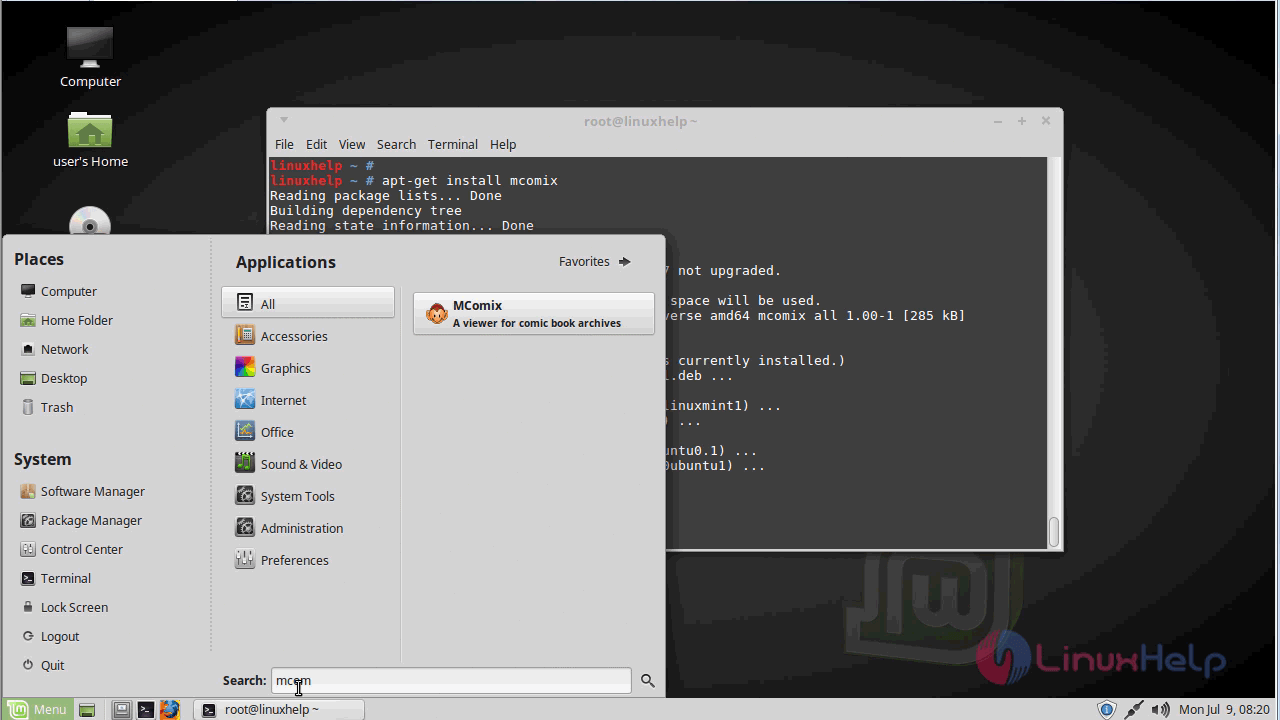
Mcomix application.
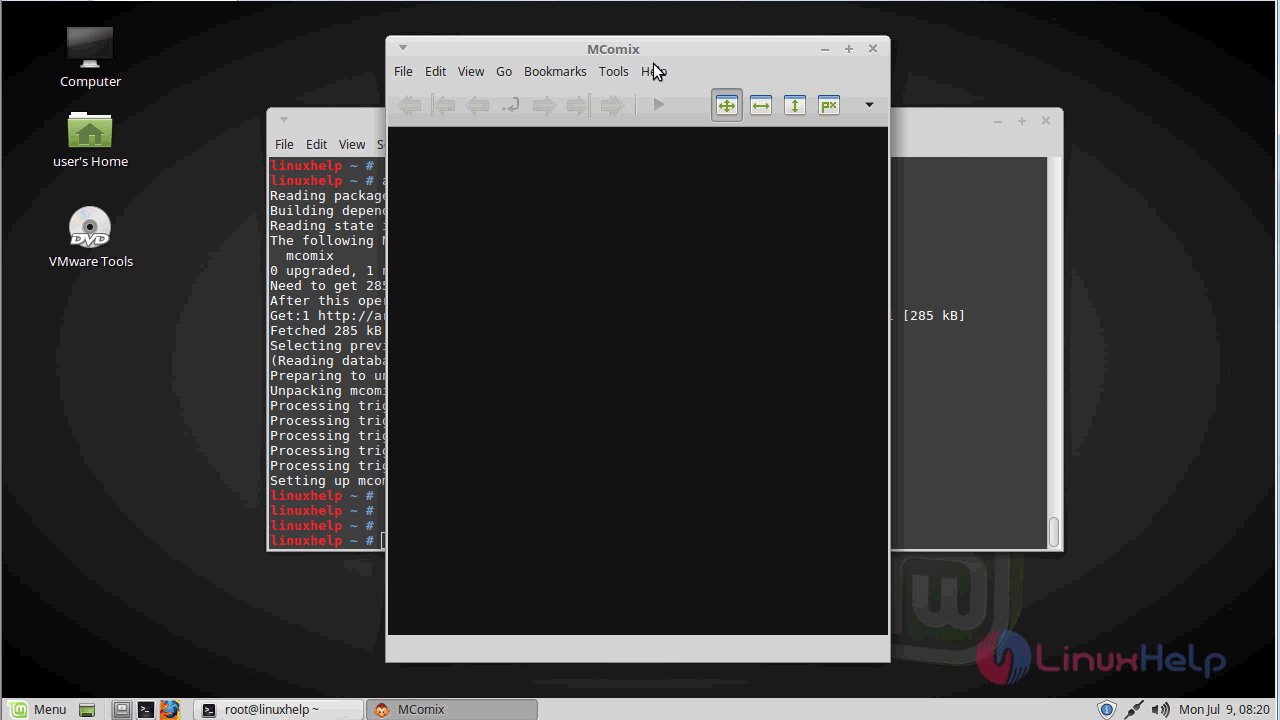
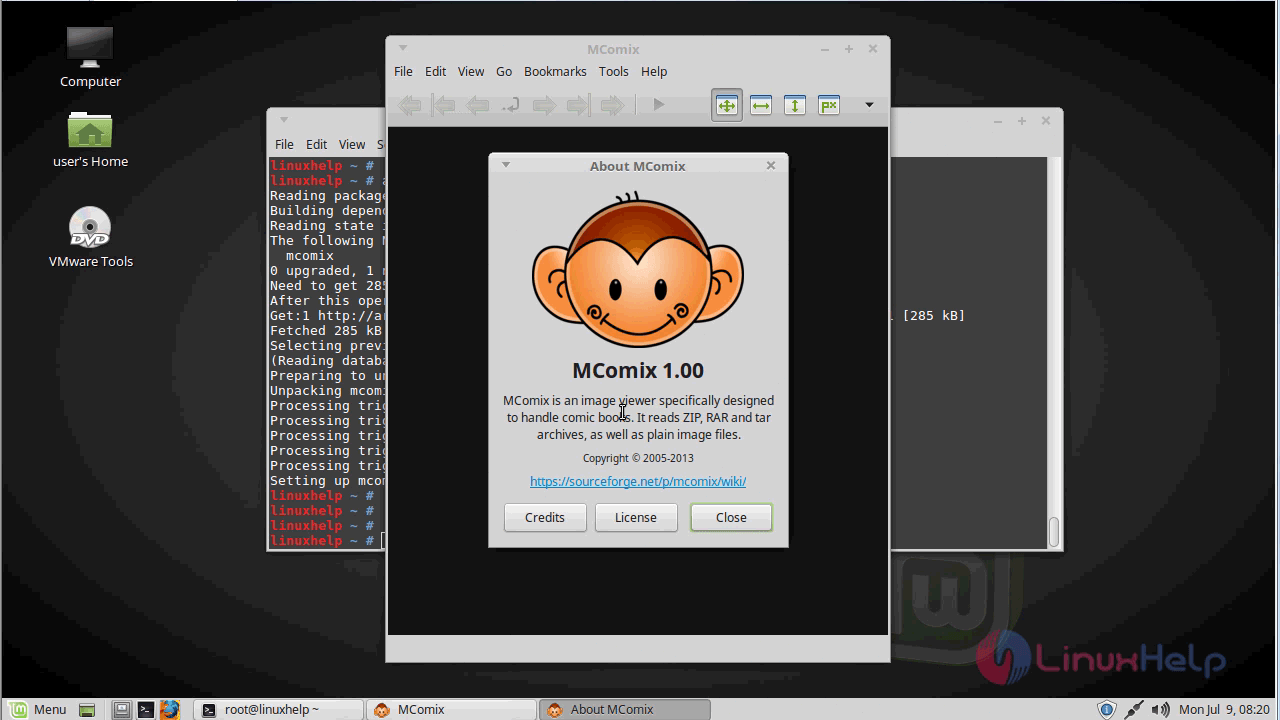
The version of MComix.
With this, the method to install Mcomix 1.00 on Linuxmint 18.03 come to an end
Comments ( 0 )
No comments available