How to install MeshLab in Ubuntu
How to install Meshlab in Ubuntu
MeshLab is an open source software for processing interactive 3D models. It contains a score of tools for editing, testing, converting and rendering 3D meshes. It also includes a tool for the registration of multiple range maps based on the iterative closest point algorithm. MeshLab includes an interactive direct paint-on-mesh system that allows to change the color of the mesh. This tutorial will cover the installation procedure of MeshLab in Ubuntu.
Installation procedure
To start the installation procedure, first add the repository by executing the following command.
root@linuxhelp:/home/user1# add-apt-repository ppa:zarquon42/meshlab
 actual snapshot of meshlab (packaged, when I find time)
 More info: https://launchpad.net/~zarquon42/+archive/ubuntu/meshlab
Press [ENTER] to continue or ctrl-c to cancel adding it
gpg: keyring `/tmp/tmpetjdrewc/secring.gpg'  created
gpg: keyring `/tmp/tmpetjdrewc/pubring.gpg'  created
gpg: requesting key 5BF00518 from hkp server keyserver.ubuntu.com
gpg: /tmp/tmpetjdrewc/trustdb.gpg: trustdb created
gpg: key 5BF00518: public key " Launchpad PPA for zarquon42"  imported
gpg: Total number processed: 1
gpg:               imported: 1  (RSA: 1)
OK
The repository is added to the system. Update the local repository index by running the apt-get update command.
root@linuxhelp:/home/user1# apt-get update
Get:1 http://security.ubuntu.com trusty-security InRelease [65.9 kB]
Get:2 http://ppa.launchpad.net trusty InRelease [15.4 kB]
Ign http://extras.ubuntu.com trusty InRelease
&hellip
&hellip
Hit http://security.ubuntu.com trusty-security/restricted Translation-en
Hit http://security.ubuntu.com trusty-security/universe Translation-en
Fetched 5,287 kB in 59s (88.7 kB/s)
Reading package lists... Done
The target system is updated with the required repos. Now install MeshLab by executing the following apt-get install command.
root@linuxhelp:/home/user1# apt-get install meshlab
Reading package lists... Done
Building dependency tree
Reading state information... Done
&hellip
&hellip
&hellip
Setting up libqt5xmlpatterns5:amd64 (5.2.1-3) ...
Setting up meshlab (2016.12~trusty2) ...
Processing triggers for libc-bin (2.19-0ubuntu6.9) ...
The application is successfully installed in the target system. Open the application installed, execute the meshlab command.
root@linuxhelp:/home/user1# meshlab
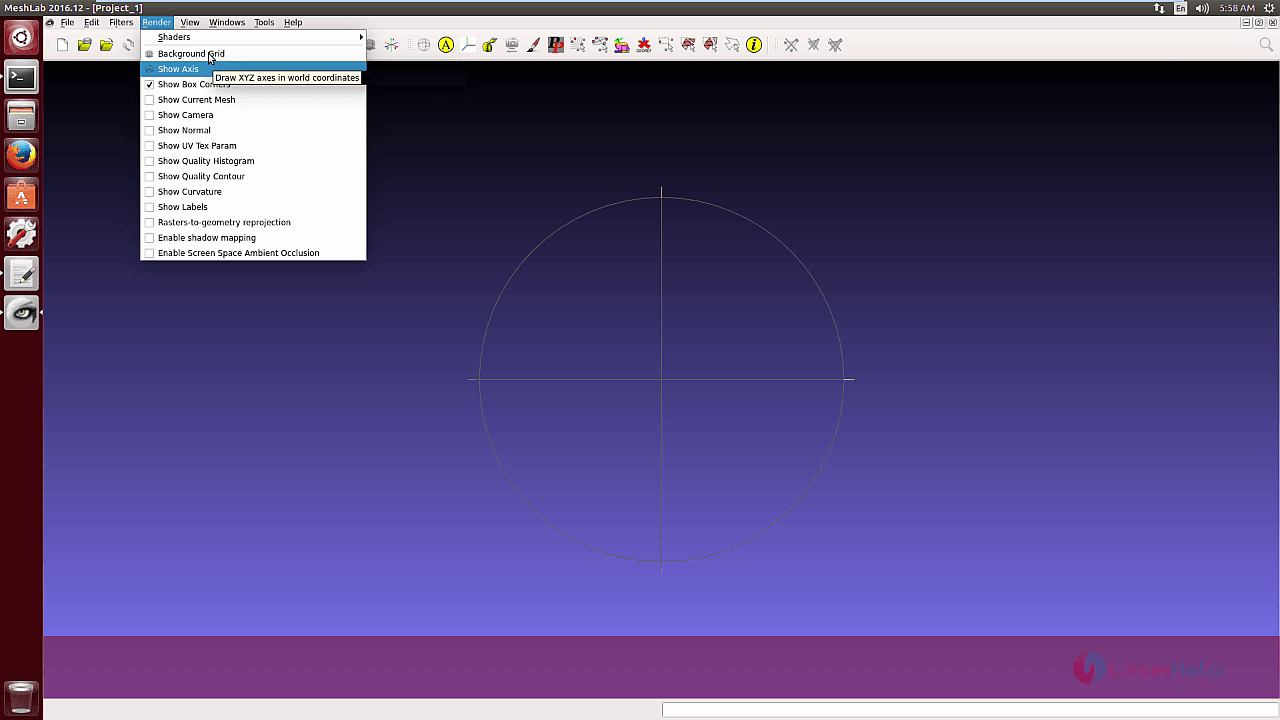
The MeshLab contains a range of Render options.
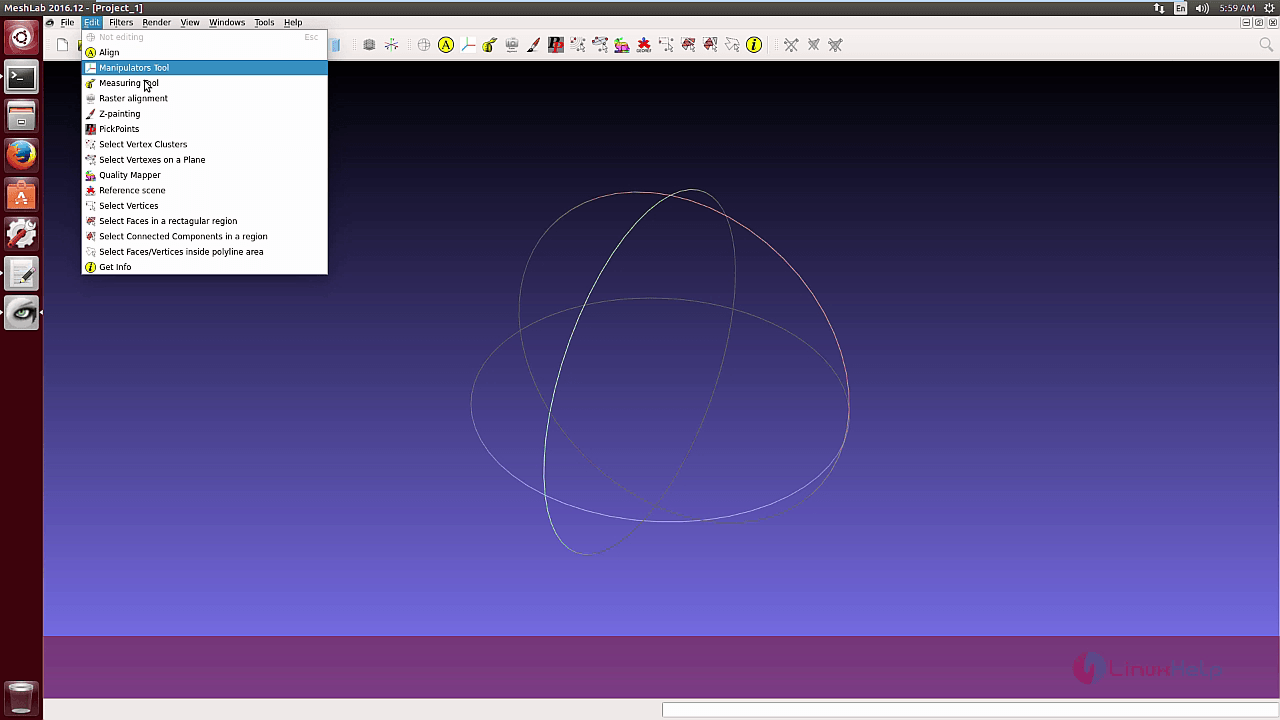
The edit option in the menu contains the Meshlab tools.
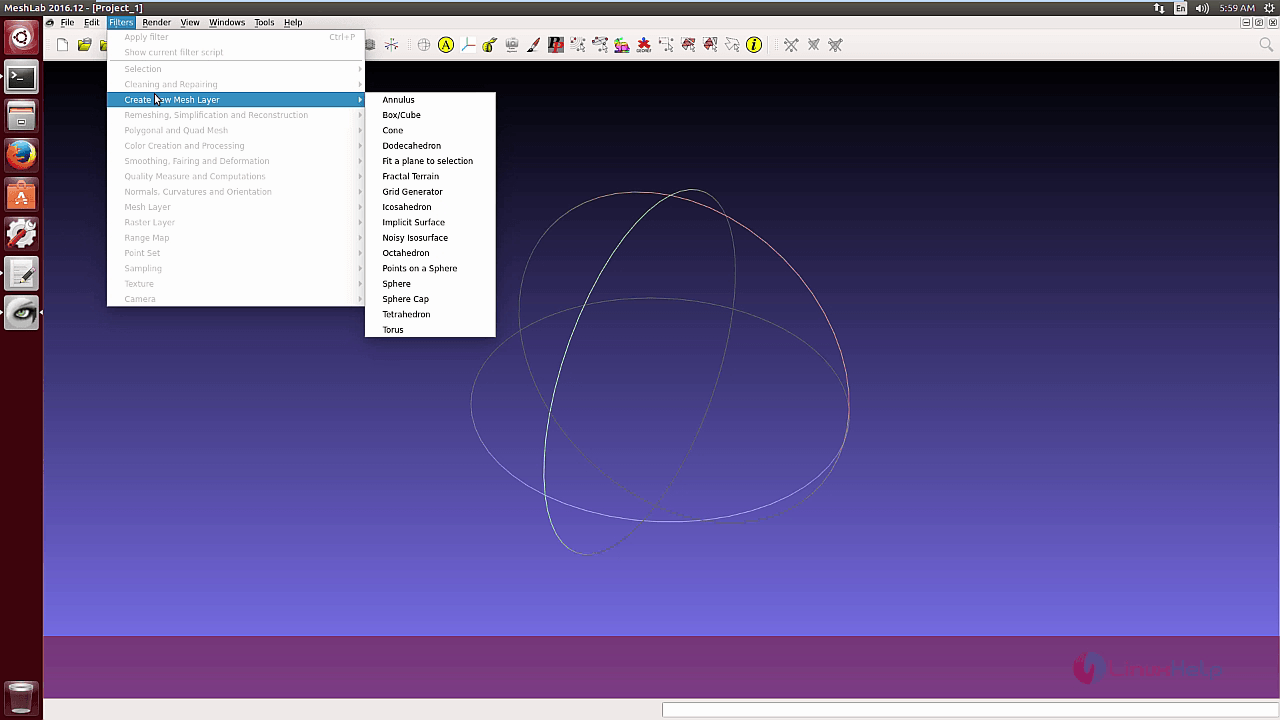
It also contains a range of filters for 3D mesh.
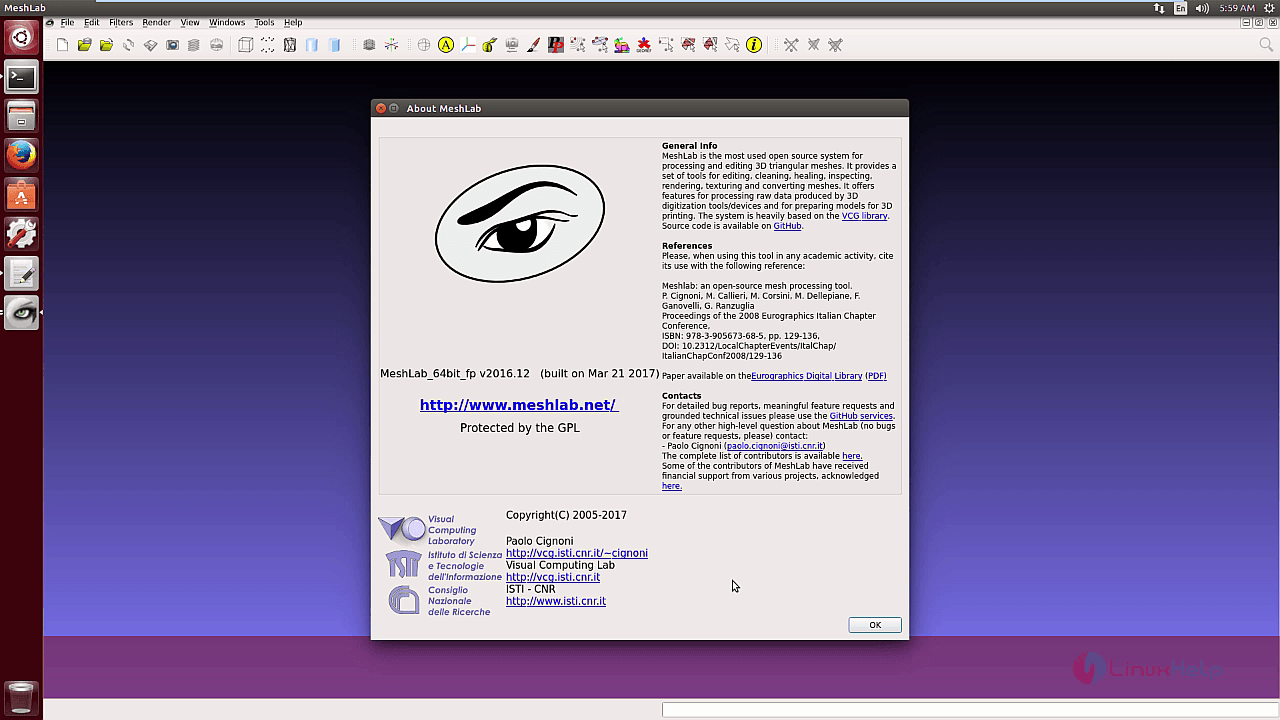
The About MeshLab option gives the version and other information of the meshlab.
Wasn' t that an easy installation procedure? MeshLab includes a tool for the registration of multiple range maps based on the iterative closest point algorithm.
Comments ( 0 )
No comments available