How to install Microweber 1.0.15 on CentOS 7
To install Microweber 1.0.15 on CentOS 7
Microweber is an open-source content management system and website builder. It is based on the PHP programming language and using MySQL database. It' s using Laravel 5 web application framework and drag and drop functionality. Its allowing users to quickly create content and managing multiple displays.
Prerequisites
To install LAMP(Apache, MariaDB, php7)
In MariaDB (create database and user and give privileges to that user )
Php installation with required following modules
rpm -Uvh https://dl.fedoraproject.org/pub/epel/epel-release-latest-7.noarch.rpm
rpm -Uvh https://mirror.webtatic.com/yum/el7/webtatic-release.rpm
yum install php56w php56w-opcache php56w-mysql php56w-curl php56w-xml  php56w-mcrypt php56w-gd
Switch to the following directory
[root@linuxhelp1 ~]# cd /home/user1/
Download a Microweber package using the following command
[root@linuxhelp1 user1]# wget https://microweber.com/download.php
--2018-04-16 03:11:42--  https://microweber.com/download.php
Resolving microweber.com (microweber.com)... 148.251.51.133
Connecting to microweber.com (microweber.com)|148.251.51.133|:443... connected.
.
.
HTTP request sent, awaiting response... 200 OK
Length: 138108263 (132M) [application/zip]
Saving to: ‘ download.php’

100%[============================================================> ] 138,108,263  785KB/s   in 2m 43s

2018-04-16 03:14:27 (825 KB/s) - ‘ download.php’  saved [138108263/138108263]
The downloaded package is a zip file, so unzip the file as follows
[root@linuxhelp1 user1]# unzip download.php -d microweber
Archive:  download.php
 extracting: microweber/.editorconfig
 extracting: microweber/composer.lock
 extracting: microweber/.gitattributes
 extracting: microweber/phpunit.xml
   creating: microweber/config/
.
.
   creating: microweber/resources/views/emails/
   creating: microweber/resources/views/emails/auth/
 extracting: microweber/resources/views/emails/auth/password.blade.php
   creating: microweber/resources/templates/
   creating: microweber/resources/templates/errors/
 extracting: microweber/resources/templates/errors/503.blade.php
 extracting: microweber/resources/templates/welcome.blade.php
Move the extracted file into the following path
[root@linuxhelp1 user1]# mv microweber /var/www/
Switch to the following directory
[root@linuxhelp1 user1]# cd /var/www/
Change the ownership and permission of the file
[root@linuxhelp1 www]# chown -R apache.apache microweber
 [root@linuxhelp1 www]# chmod -R 775 microweber/
Create a new virtual host configuration for accessing the Microweber application
[root@linuxhelp1 www]# vim /etc/httpd/conf.d/microweber.conf
< VirtualHost *:80>
ServerName www.linuxhelp1.com
DocumentRoot /var/www/microweber/
    < Directory /var/www/microweber/>
AllowOverride All
Allow from all
< /Directory>

< /VirtualHost>
Restart the httpd service
[root@linuxhelp1 www]# systemctl restart httpd
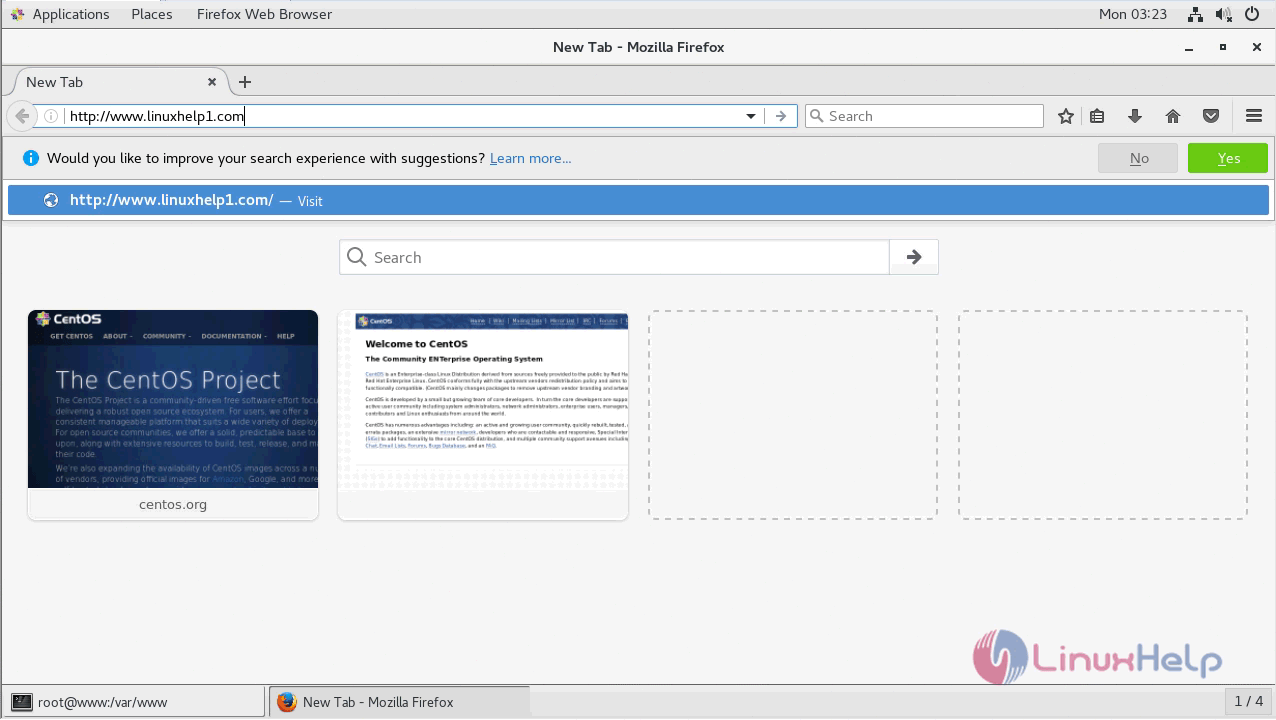
Open a browser and type the following URL of http://local IP (or) domain name
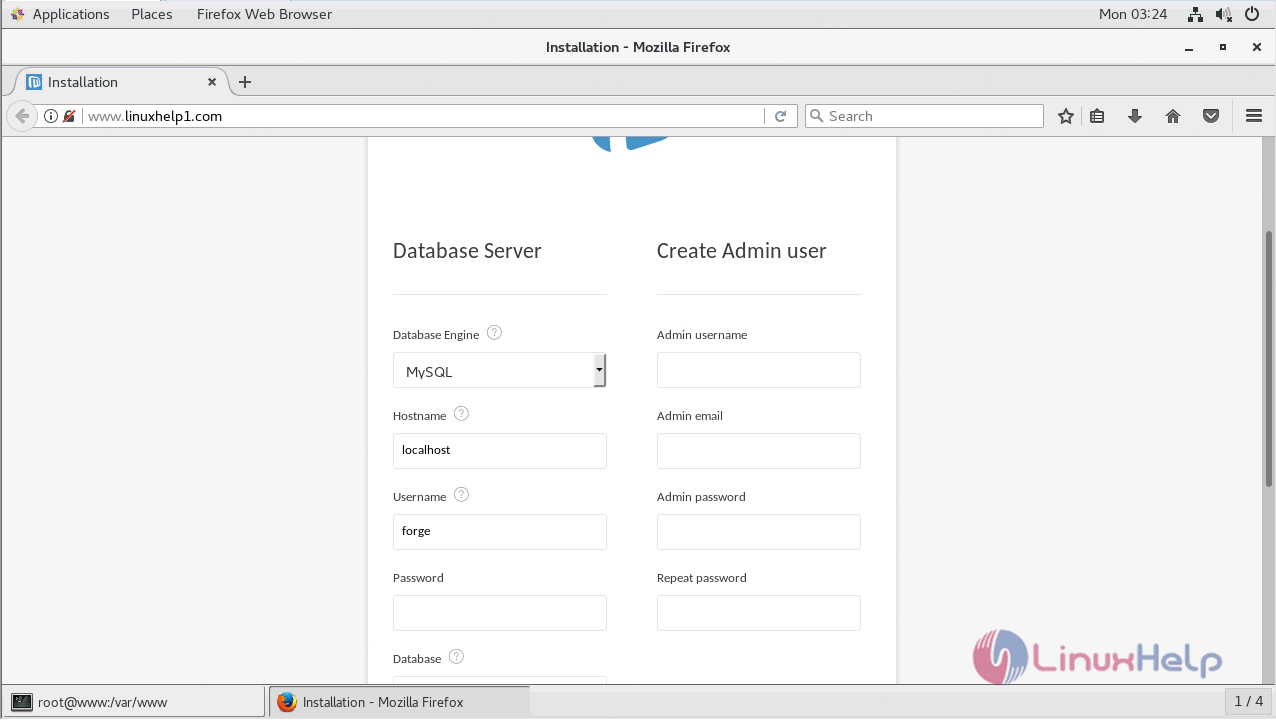
Configure the Database detail and Admin user credential
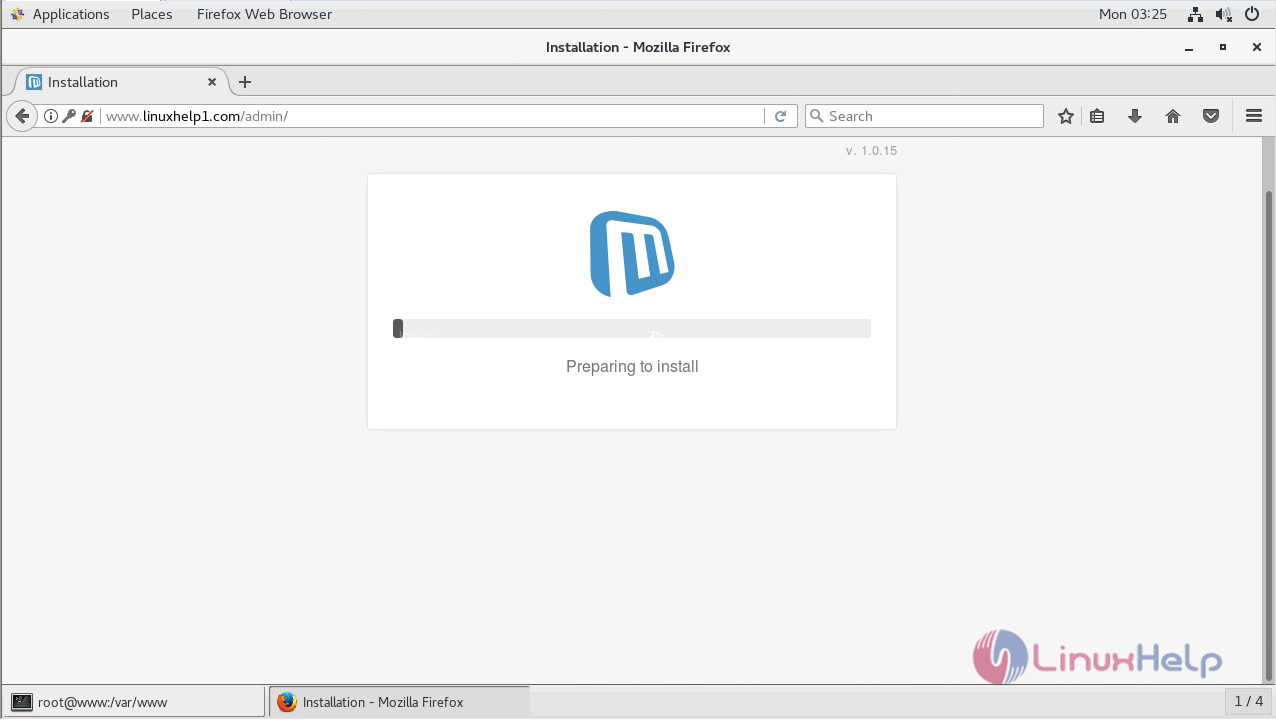
You can installation process of Microweber CMS as shown below
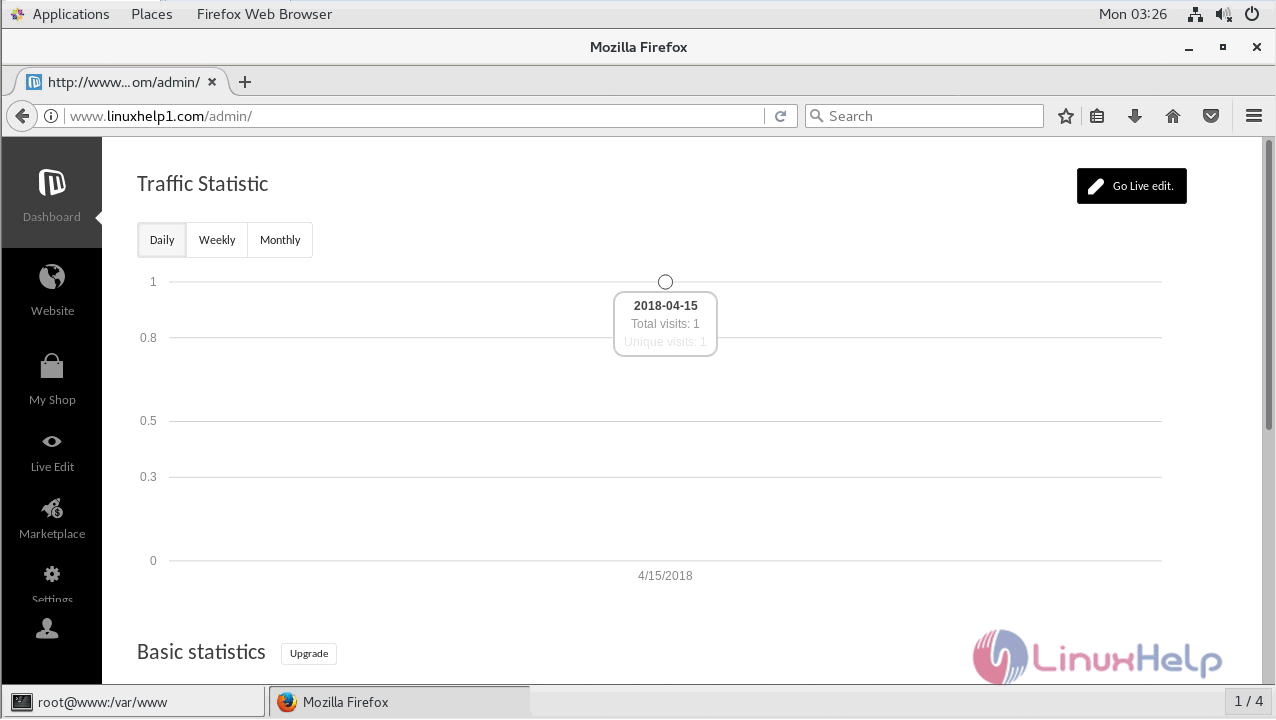
After the installation, you can see the admin dashboard of Microweber
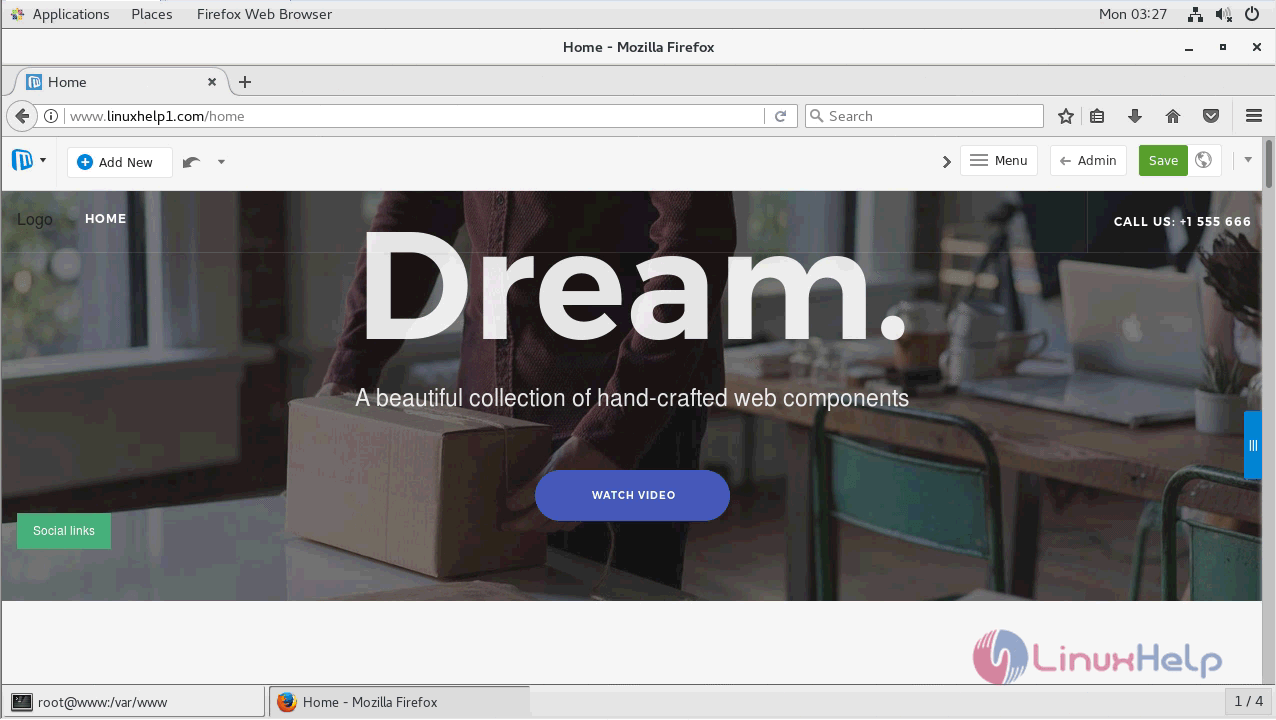
Live page of Microweber.
with this, the method to install Microweber 1.0.15 on CentOS 7 comes to an end.
Comments ( 0 )
No comments available