How to install Midori Web Browser 0.5.11 in Linux
To install Midori Web Browser 0.5.11 in Linux
Midori is a free source fast and lightweight cross-platform browser which use WebKit rendering engine and the GTK+ 2 or GTK+ 3 interface. Installation of Midori Web Browser 0.5.11 is discussed in this article.
Features
- Default DuckDuckGo search engine.
- creating new tabs using speed dials.
- Ubuntu Unity Support.
- Private browsing.
- Integration with GTK+ 3 and GTK+ 2 support.
- WebKit rendering engine.
- Session Mangement, Windows and Tabs.
- Extensible interface and Highly Customizable.
- Supports User scripts and HTML5.
- Bookmark features.
- Integration for mobile services.
To Install Midori Web Browser
In Fedora/CentOS/Redhat
Use the following command to install midori.
$ sudo yum install midori
In Debian/Ubuntu/Linux Mint
Before installing Midori, Add the repository by running the following command.
user1@linuxhelp:~$ sudo apt-add-repository ppa:midori/ppa
[sudo] password for user1:
 Midori Browser
    http://twotoasts.de/index.php/midori/

This PPA is signed. To add the GPG key to your apt keyring:
...
...
gpg: Total number processed: 1
gpg:               imported: 1  (RSA: 1)
OK
Run the following command to update.
user1@linuxhelp:~$ sudo apt-get update -qq
Execute the following command to install midori webrowser.
user1@linuxhelp:~$ sudo apt-get install midori
Reading package lists... Done
Building dependency tree
Reading state information... Done
The following extra packages will be installed:
  gnome-icon-theme libjavascriptcoregtk-1.0-0 libwebkitgtk-1.0-0
  libwebkitgtk-1.0-common
The following NEW packages will be installed:
  gnome-icon-theme libjavascriptcoregtk-1.0-0 libwebkitgtk-1.0-0
  libwebkitgtk-1.0-common midori
...
...
Setting up libwebkitgtk-1.0-common (2.4.10-0ubuntu0.15.10.1) ...
Setting up libwebkitgtk-1.0-0:amd64 (2.4.10-0ubuntu0.15.10.1) ...
Setting up midori (0.5.11-0~wily~ppa1) ...
Processing triggers for libc-bin (2.21-0ubuntu4.1) ...
Now the midori web browser is installed successfully.
Midori Web browser
The midori gives simple, elegant and easy to use interface layout.
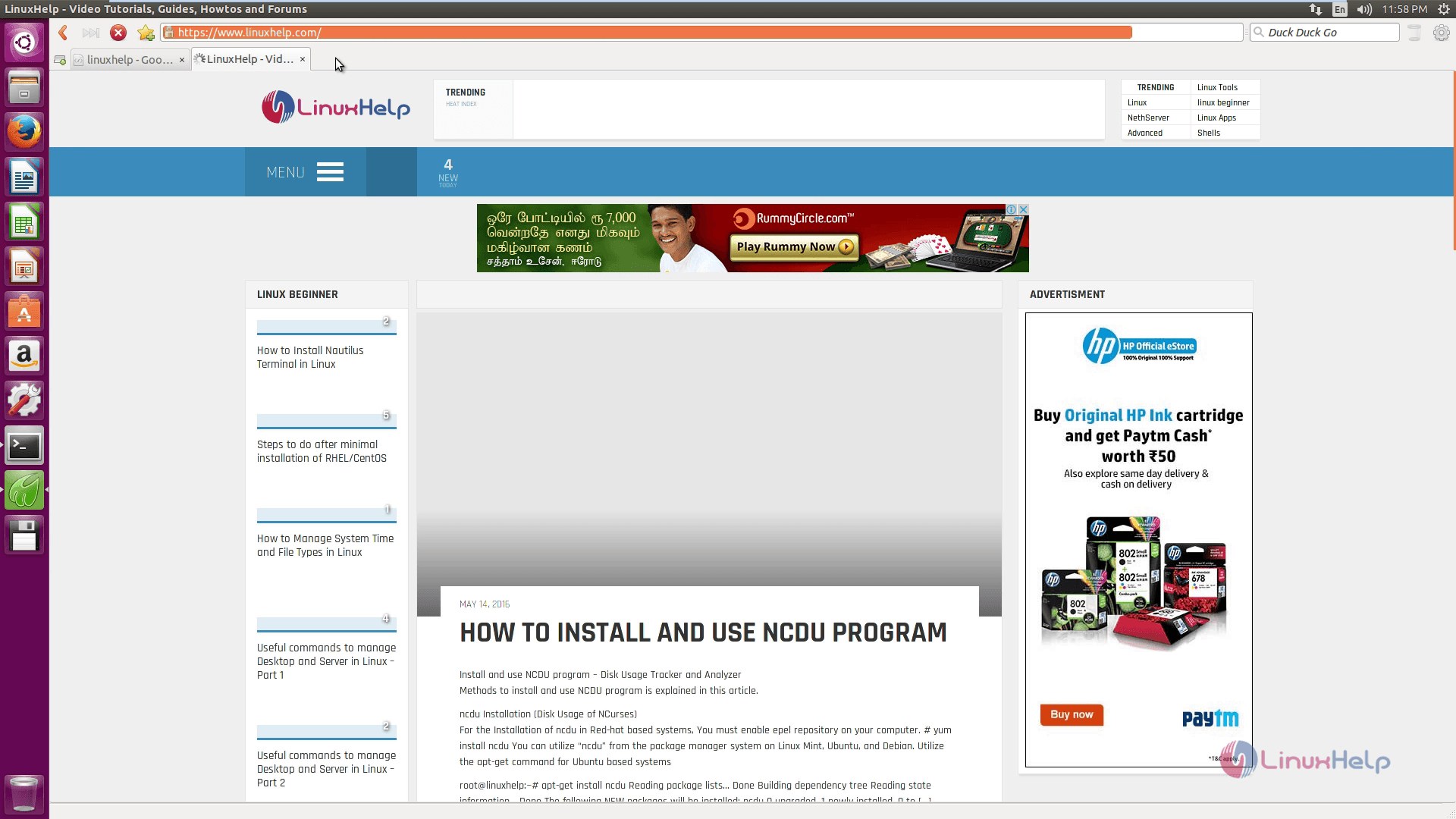
To create Speed Dial
Open ' speed dial' (+ sign) and create new tabs to add own shortcuts to it. Just hit on any item and then type the address of the website link. The midori will fetch the screenshot of your favourite website.
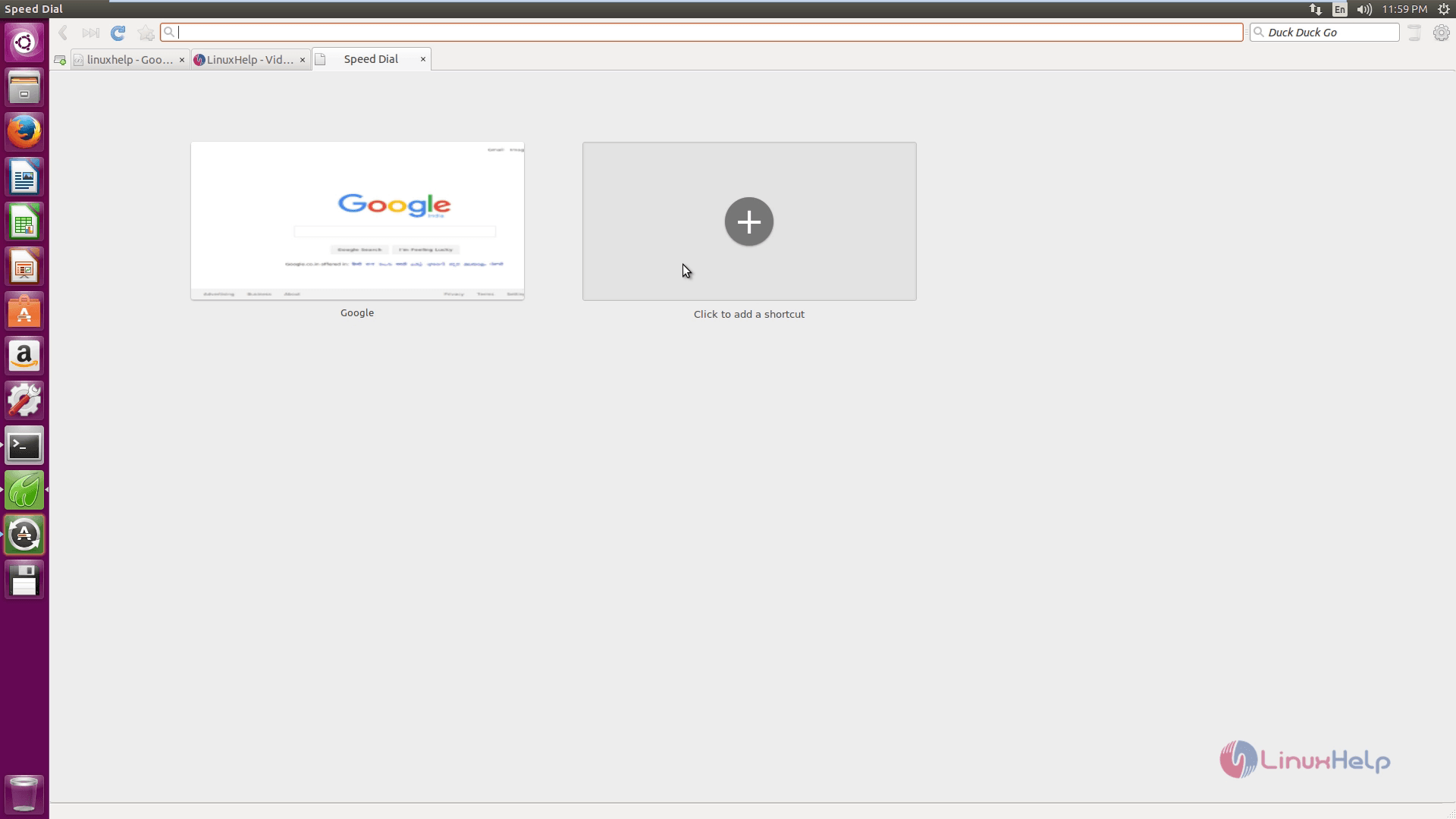
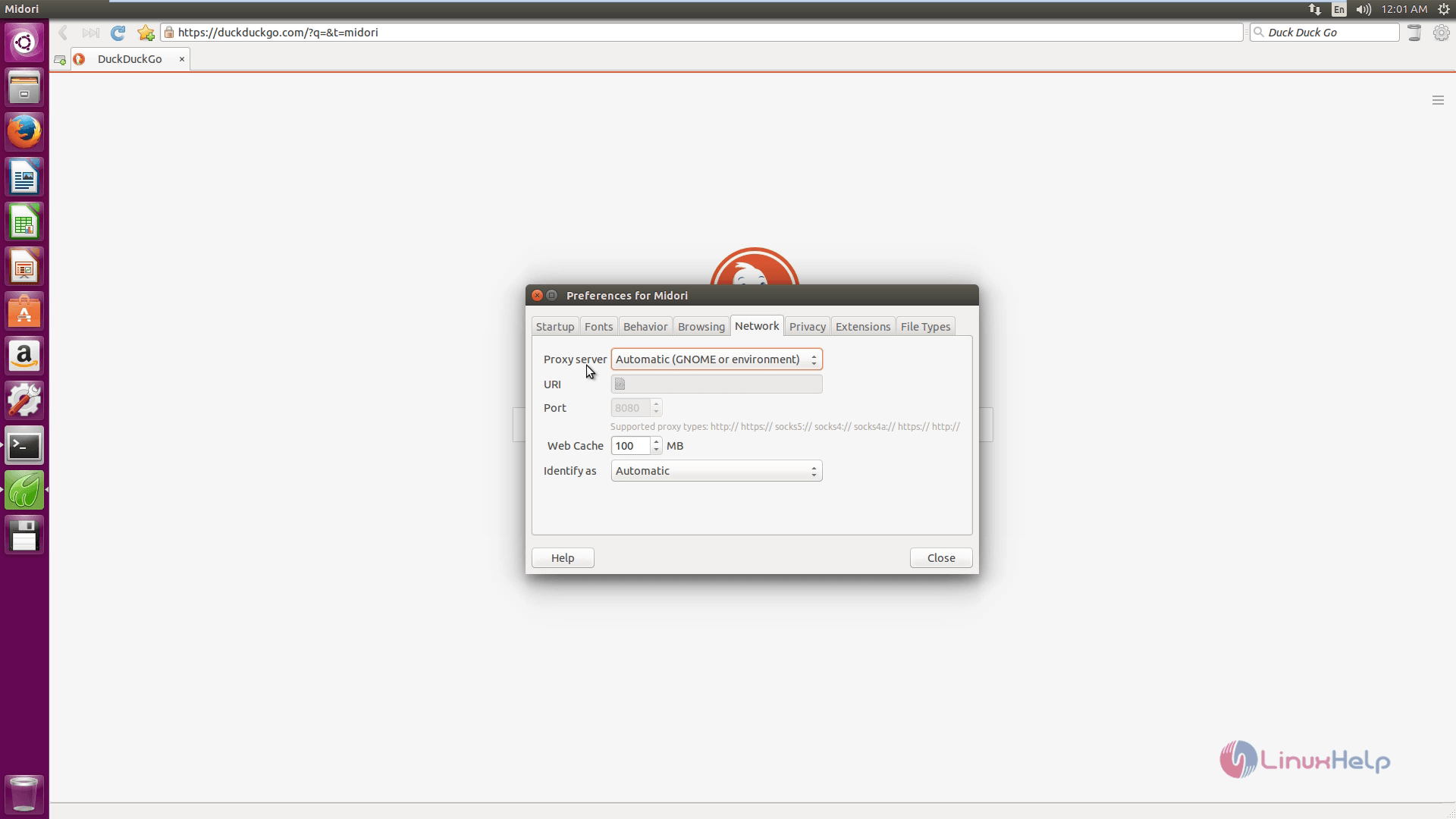
To create Preferences
It contains the options for customization such as enabling spell checker, toolbar style, setting custom fonts, etc.,
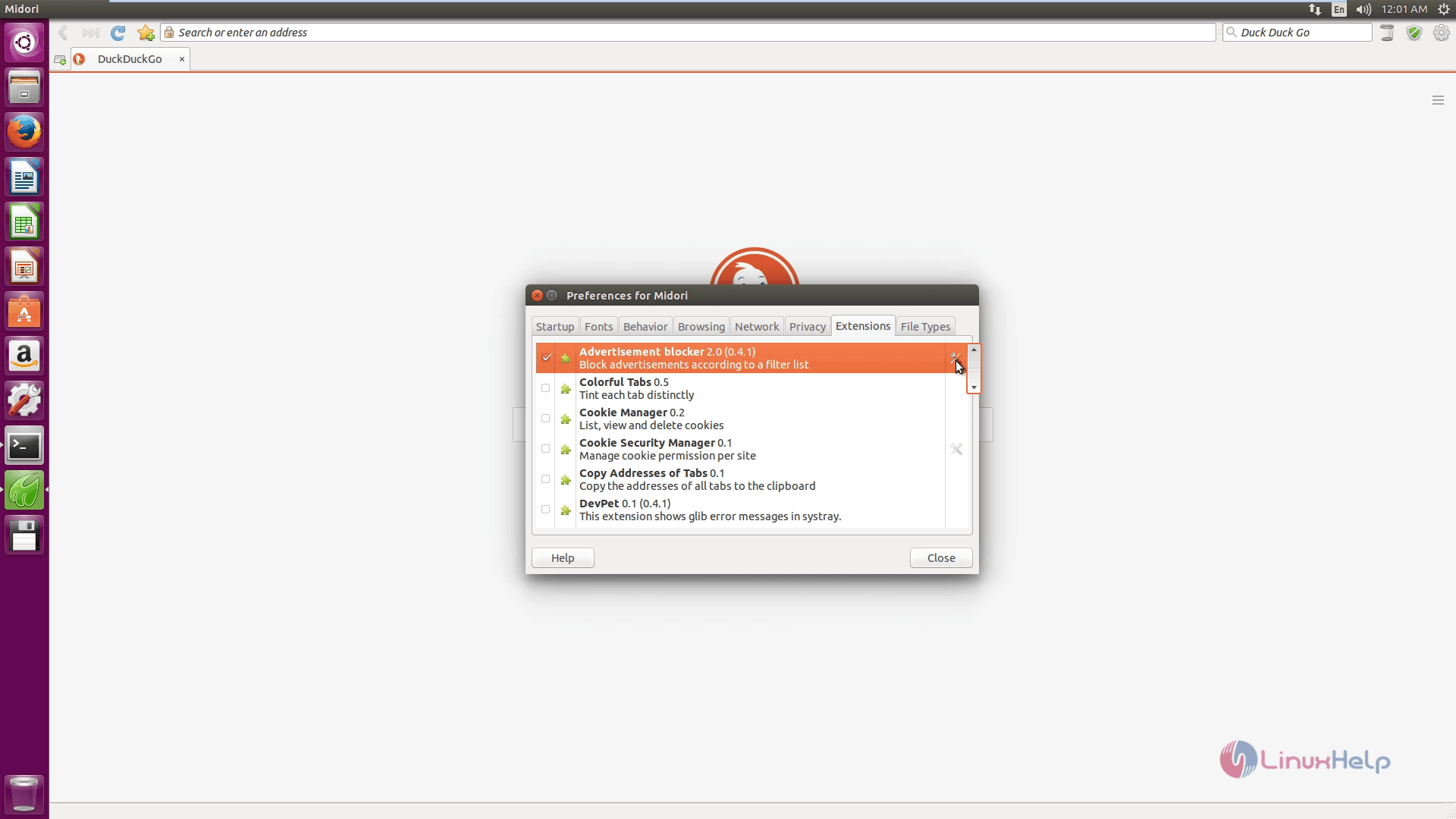
Advertisement blocker extension options is an added advantage for Midori web browser.
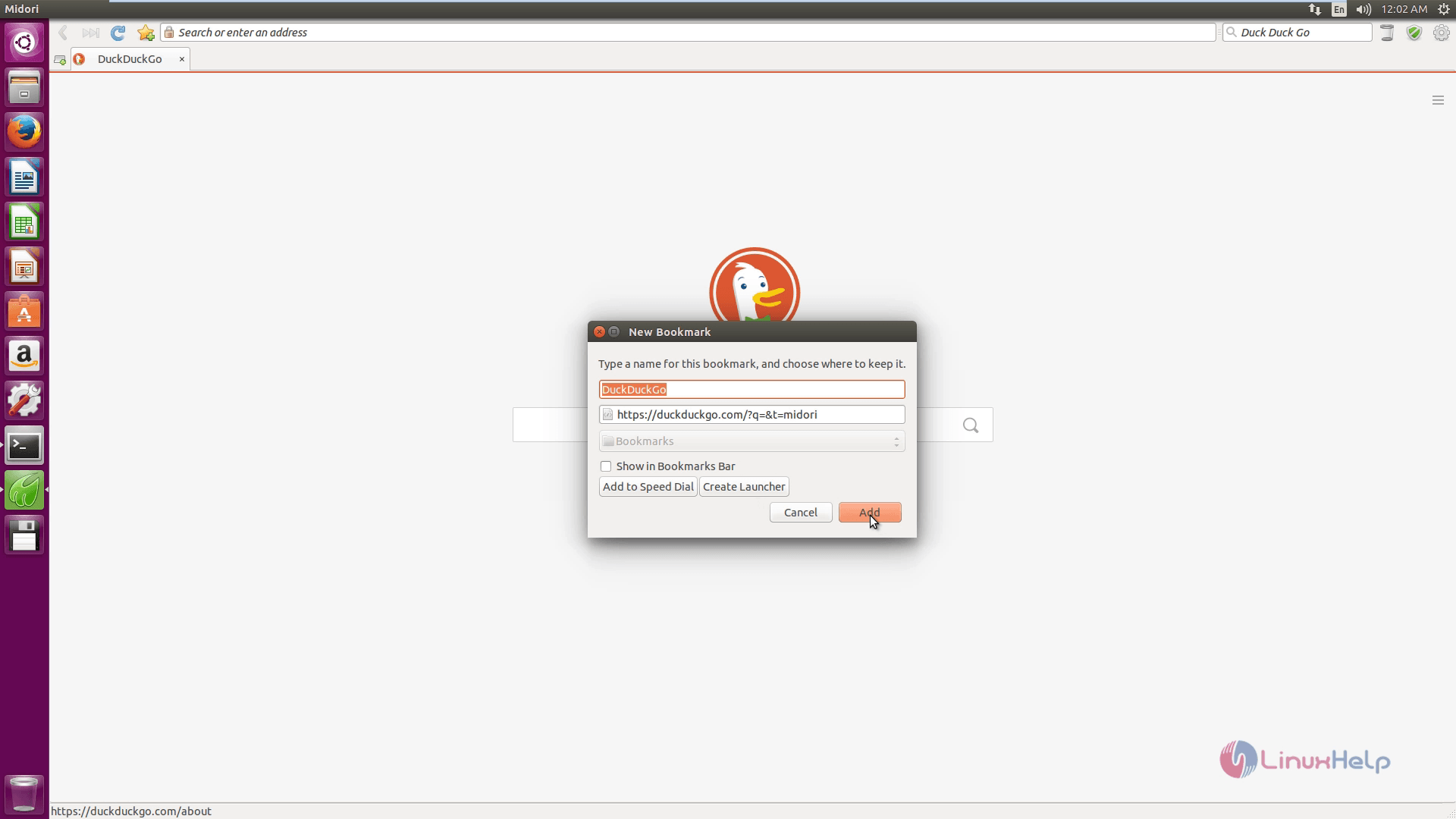
To add a Bookmark
Enter the name for the bookmark and choose the location and click Add to create a bookmark.
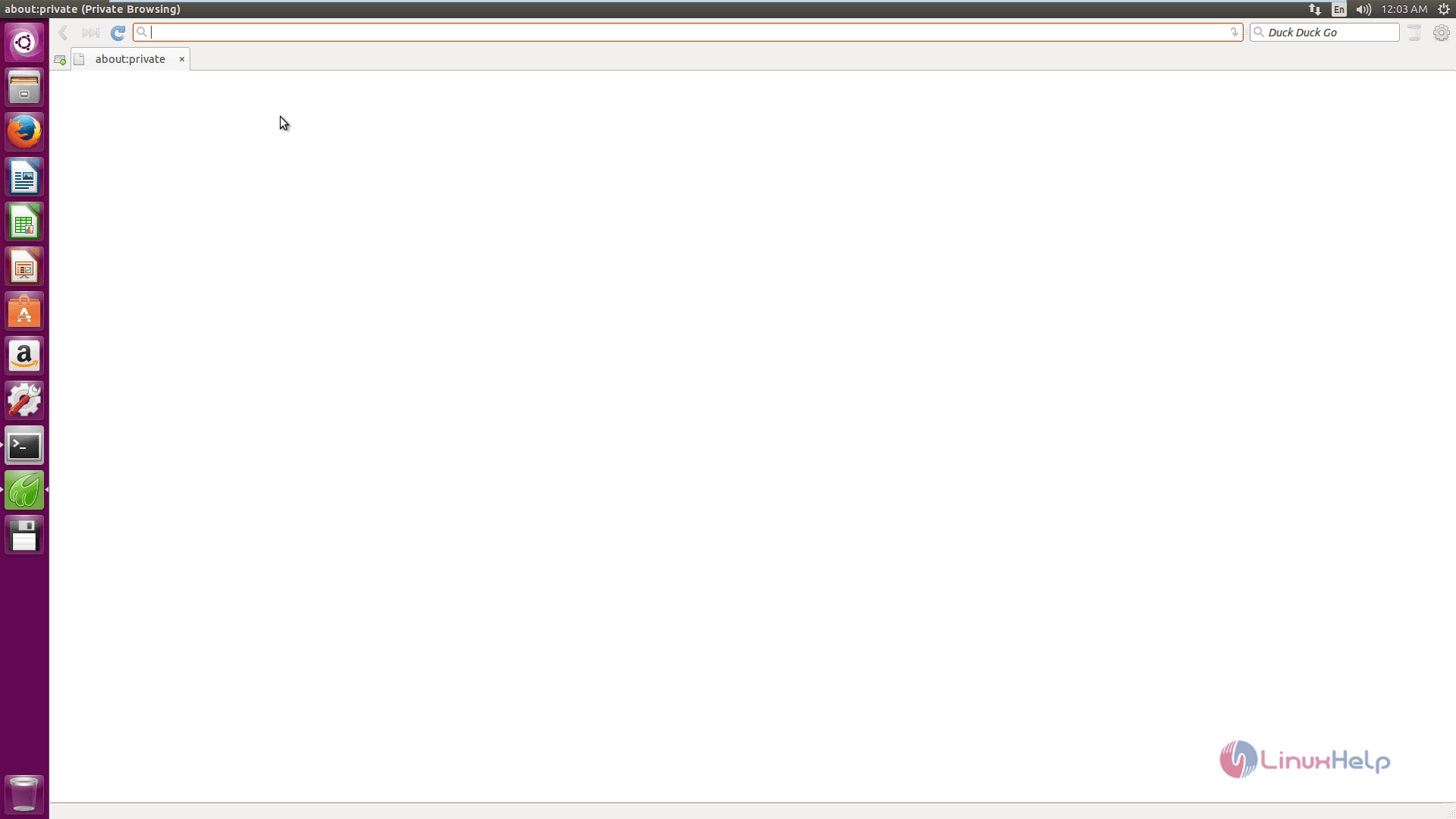
Private Browsing
The Midori provides a private browsing feature. Here you can perform a secret browsing.
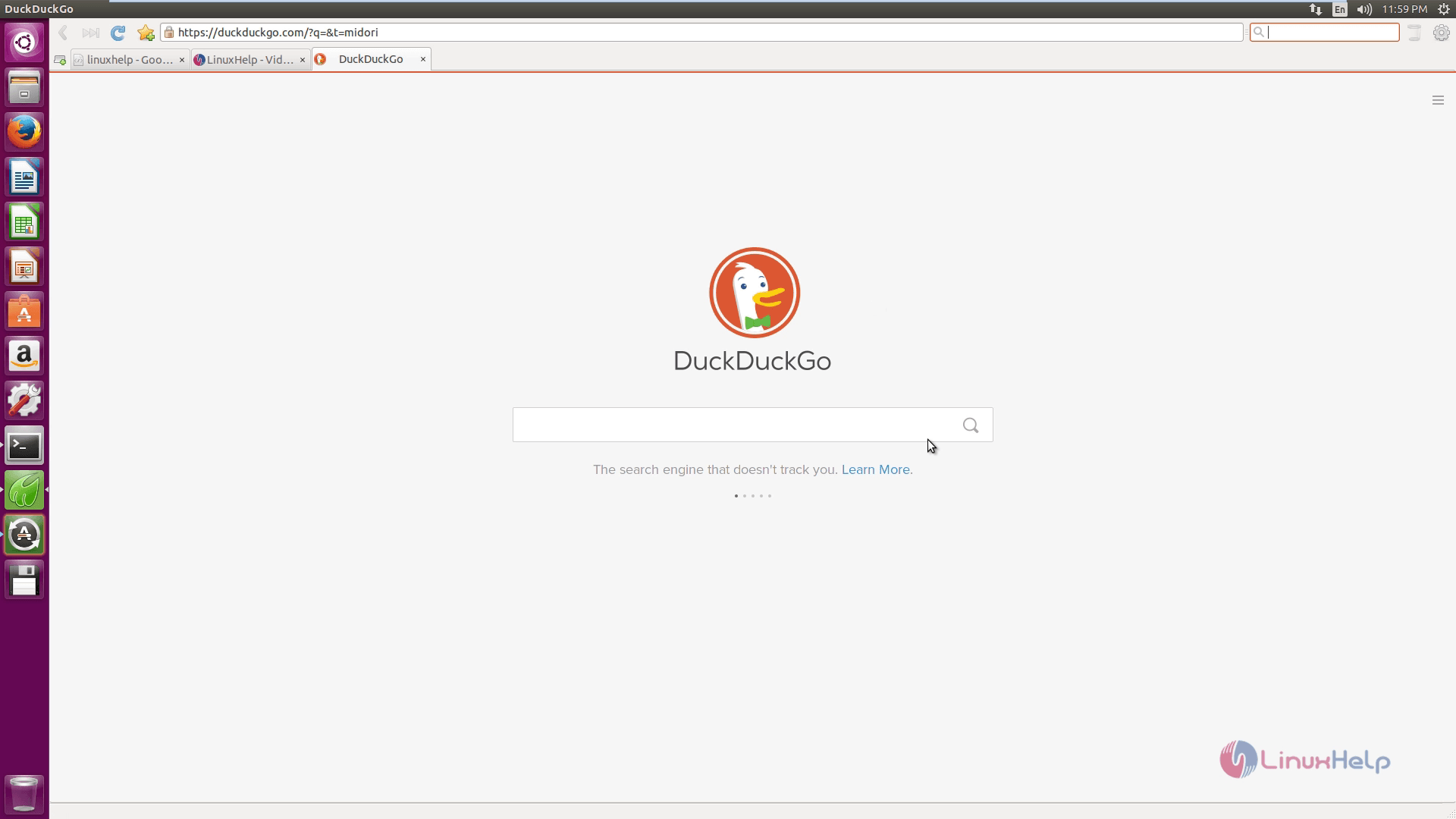
Default Search Engine
Duck Duck Go! is a default search engine for Midori, which is a privacy-aware internet search engine.
Comments ( 0 )
No comments available