How to install Minitube in Ubuntu
To install Minitube in Ubuntu
Minitube is an open source YouTube client designed for Linux-based operating systems. It is used to watch YouTube videos easily, which also consumes less CPU utilization. Minitube suits for the users, who wants to seek videos faster. Installation of Minitube in Ubuntu is explained in this article.
Installation of Minitube
Minitube can be installed in any debian based Operating systems.
To install Minitube in 32 bit systems, run the following commands.
root@linuxhelp:~# apt-get install gdebi
root@linuxhelp:~# wget http://flavio.tordini.org/files/minitube/minitube.deb
root@linuxhelp:~# gdebi minitube.deb
To install in 64 bit Systems, follow the below steps.
Debian package can be downloaded and installed by using the “ dpkg” command. You can also use “ gdebi” command for installing the debian packages as given below.
root@linuxhelp:~# apt-get install gdebi
Reading package lists... Done
Building dependency tree
Reading state information... Done
The following extra packages will be installed:
  gdebi-core gksu gnome-icon-theme libcairo-perl libgksu2-0 libglib-perl libgtk2-perl libpango-perl
Suggested packages:
  libfont-freetype-perl libgtk2-perl-doc
The following NEW packages will be installed:
  gdebi gdebi-core gksu gnome-icon-theme libcairo-perl libgksu2-0 libglib-perl libgtk2-perl libpango-perl
0 upgraded, 9 newly installed, 0 to remove and 252 not upgraded.
Need to get 2,107 kB of archives.
After this operation, 7,850 kB of additional disk space will be used.
Do you want to continue? [Y/n] y
Get:1 http://in.archive.ubuntu.com/ubuntu/ wily/main gdebi-core all 0.9.5.7 [9,962 B]
Get:2 http://in.archive.ubuntu.com/ubuntu/ wily/universe libgksu2-0 amd64 2.0.13~pre1-6ubuntu7 [72.1 kB]
Get:3 http://in.archive.ubuntu.com/ubuntu/ wily/universe gksu amd64 2.0.2-9ubuntu1 [51.5 kB]
.
.
.
Setting up libcairo-perl (1.105-1) ...
Setting up libglib-perl (3:1.307-3) ...
Setting up libpango-perl (1.226-2) ...
Setting up libgtk2-perl (2:1.2496-1) ...
Processing triggers for gconf2 (3.2.6-3ubuntu5) ...
Setting up gksu (2.0.2-9ubuntu1) ...
Setting up gdebi (0.9.5.7) ...
Processing triggers for libc-bin (2.21-0ubuntu4) ...
Run the below command to download the Debian package.
root@linuxhelp:~# wget http://flavio.tordini.org/files/minitube/minitube64.deb
--2016-08-25 09:11:36--  http://flavio.tordini.org/files/minitube/minitube64.deb
Resolving flavio.tordini.org (flavio.tordini.org)... 95.211.228.155
Connecting to flavio.tordini.org (flavio.tordini.org)|95.211.228.155|:80... connected.
HTTP request sent, awaiting response... 200 OK
Length: 844594 (825K) [application/octet-stream]
Saving to: ‘ minitube64.deb’

minitube64.deb                             100%[==========================================================================================> ] 824.80K  59.1KB/s   in 18s

2016-08-25 09:11:57 (45.5 KB/s) - ‘ minitube64.deb’  saved [844594/844594]
Now its time to install the debian package with “ gdebi” command
root@linuxhelp:~# gdebi minitube64.deb
Reading package lists... Done
Building dependency tree
Reading state information... Done
Reading state information... Done
Requires the installation of the following packages: libphonon4qt5-4 libqt5script5 phonon-backend-gstreamer-common phonon4qt5 phonon4qt5-backend-gstreamer

YouTube app
 Watch YouTube videos in a new way: you type a keyword, Minitube gives you an endless video stream.
 Minitube is not about cloning the YouTube website, it aims to create a new TV-like experience.
 Please support Minitube for Linux development with a donation!
Do you want to install the software package? [y/N]:y
Get:1 http://in.archive.ubuntu.com/ubuntu/ wily/main libphonon4qt5-4 amd64 4:4.8.3-0ubuntu2 [153 kB]
Get:2 http://in.archive.ubuntu.com/ubuntu/ wily/main libqt5script5 amd64 5.4.2+dfsg-4 [710 kB]
Get:3 http://in.archive.ubuntu.com/ubuntu/ wily/main phonon-backend-gstreamer-common amd64 4:4.8.2-0ubuntu1 [11.1 kB]
Get:4 http://in.archive.ubuntu.com/ubuntu/ wily/main phonon4qt5-backend-gstreamer amd64 4:4.8.2-0ubuntu1 [112 kB]
Get:5 http://in.archive.ubuntu.com/ubuntu/ wily/universe phonon4qt5 amd64 4:4.8.3-0ubuntu2 [4174 B]
Fetched 990 kB in 6s (70.2 kB/s)
Selecting previously unselected package libphonon4qt5-4:amd64.
(Reading database ... 178139 files and directories currently installed.)
Preparing to unpack .../libphonon4qt5-4_4%3a4.8.3-0ubuntu2_amd64.deb ...
Unpacking libphonon4qt5-4:amd64 (4:4.8.3-0ubuntu2) ...
.
.
.
Selecting previously unselected package minitube.
(Reading database ... 178168 files and directories currently installed.)
Preparing to unpack minitube64.deb ...
Unpacking minitube (2.5.2) ...
Setting up minitube (2.5.2) ...
Processing triggers for hicolor-icon-theme (0.15-0ubuntu1) ...
Processing triggers for gnome-menus (3.13.3-6ubuntu1) ...
Processing triggers for desktop-file-utils (0.22-1ubuntu3) ...
Processing triggers for bamfdaemon (0.5.2~bzr0+15.10.20150627.1-0ubuntu1) ...
Rebuilding /usr/share/applications/bamf-2.index...
Processing triggers for mime-support (3.58ubuntu1) ...
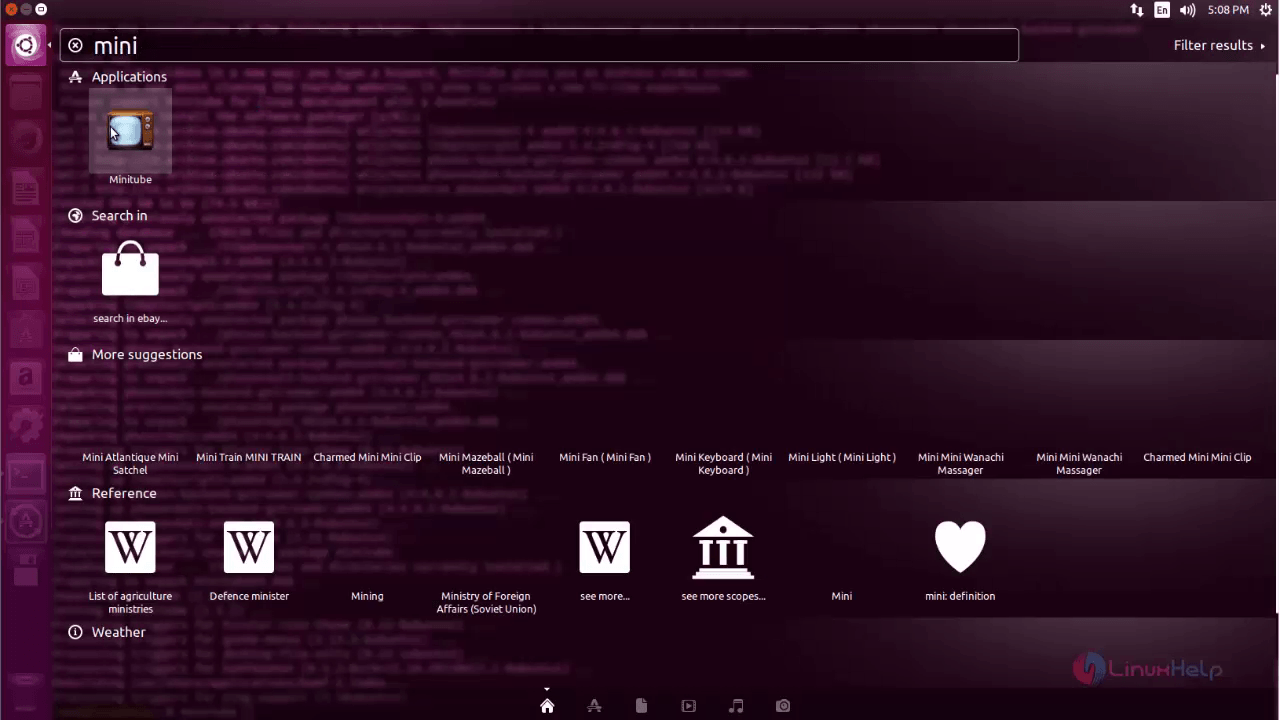
After installing Minitube, open the minitube application through the Unity dash as shown below.
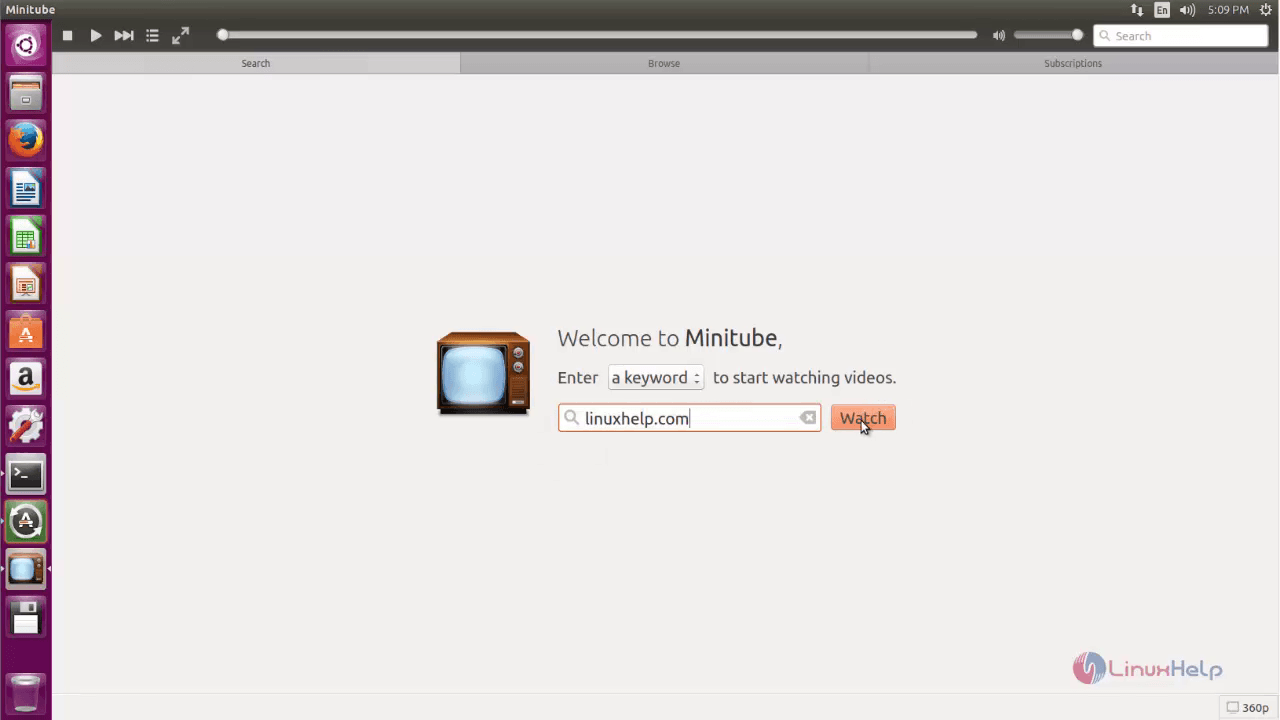
Enter the keyword for a video and click on watch option.
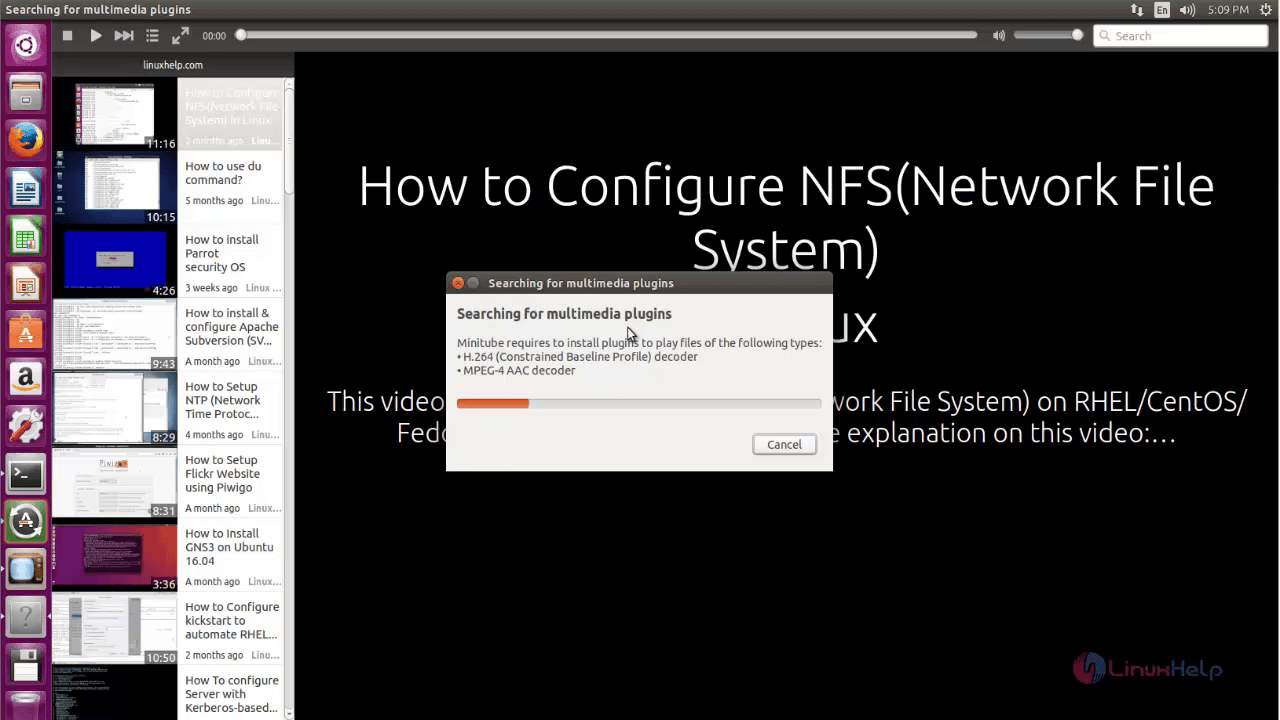
It automatically install the required plugins.
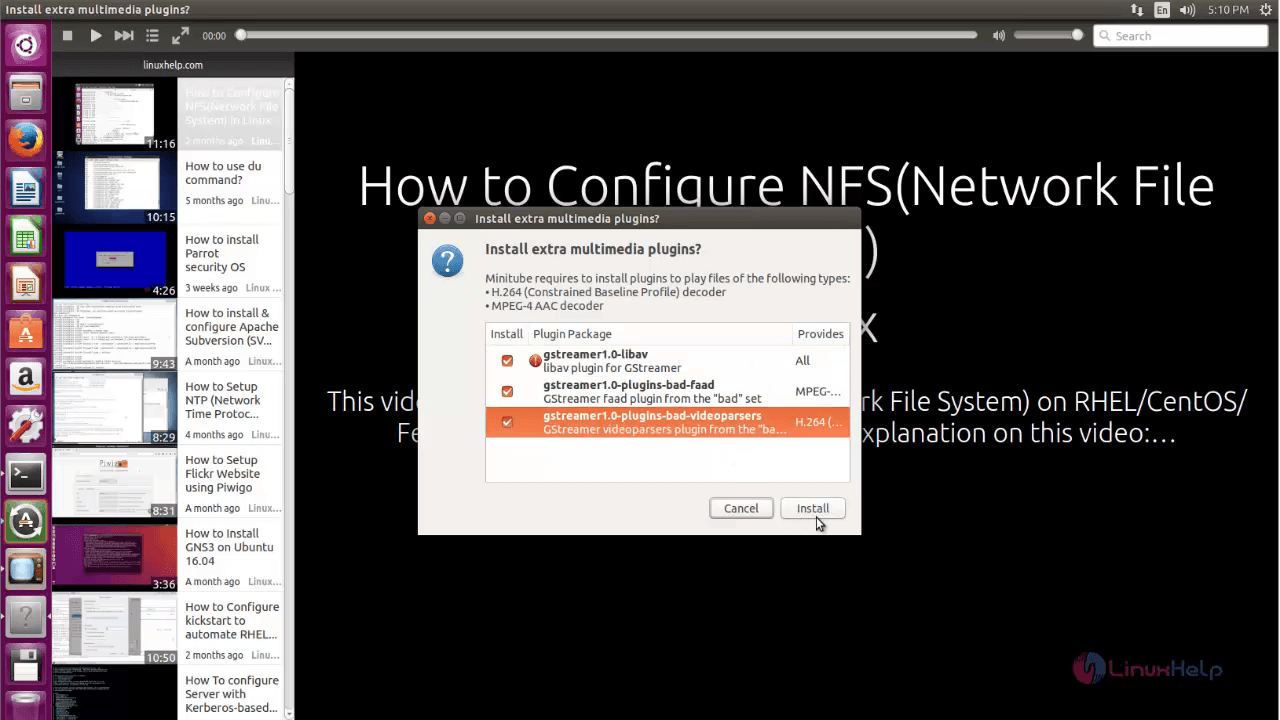
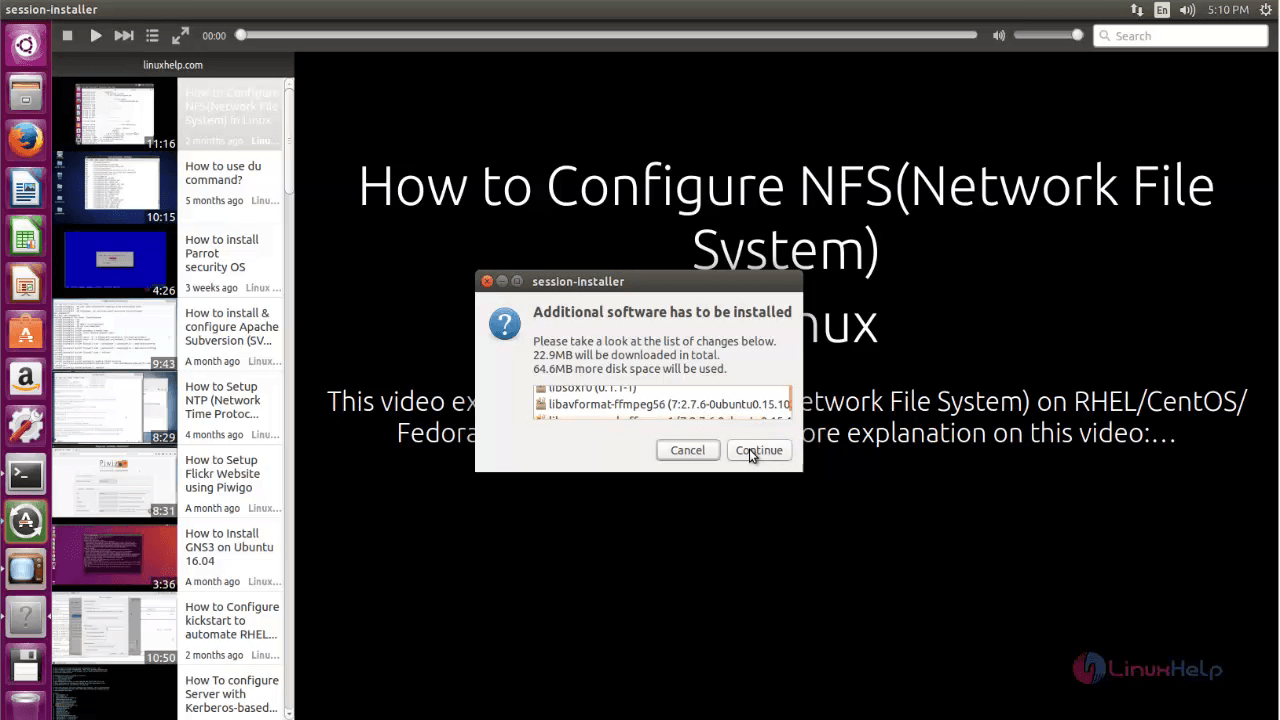
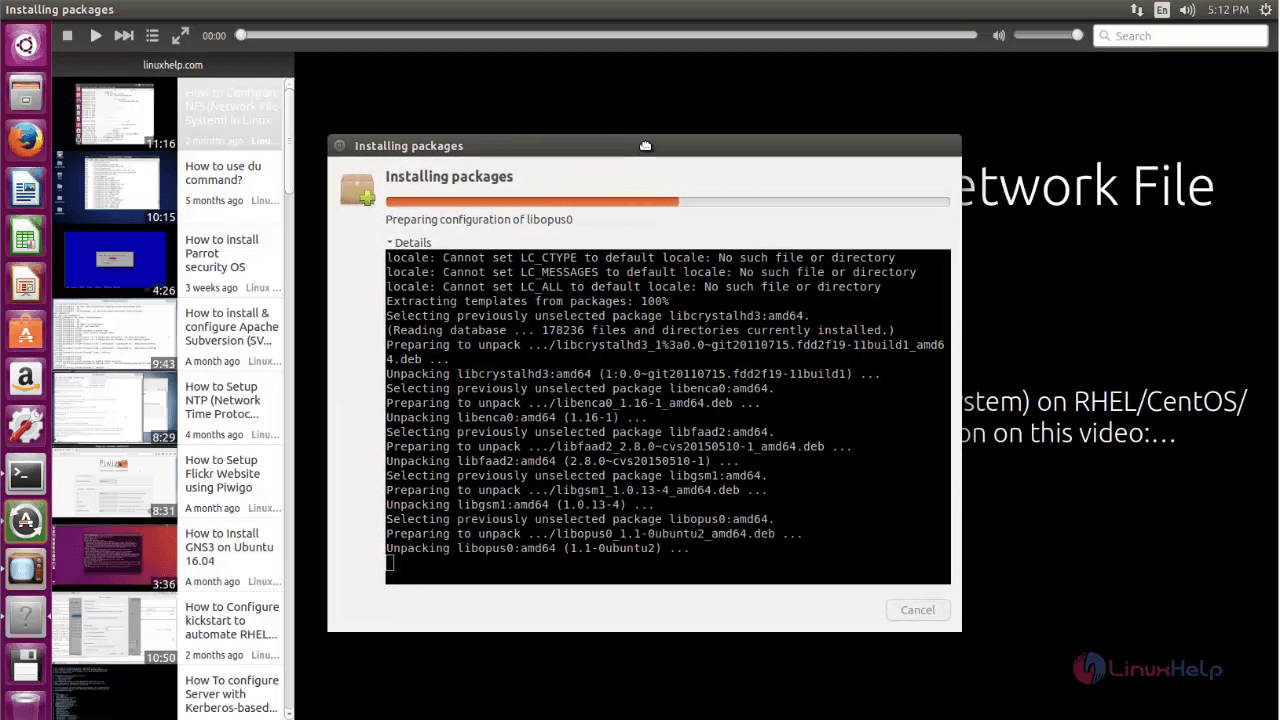
If you want to install extra multimedia plugins, select the packages and then click on the install option.
Here click on the continue option for further process.
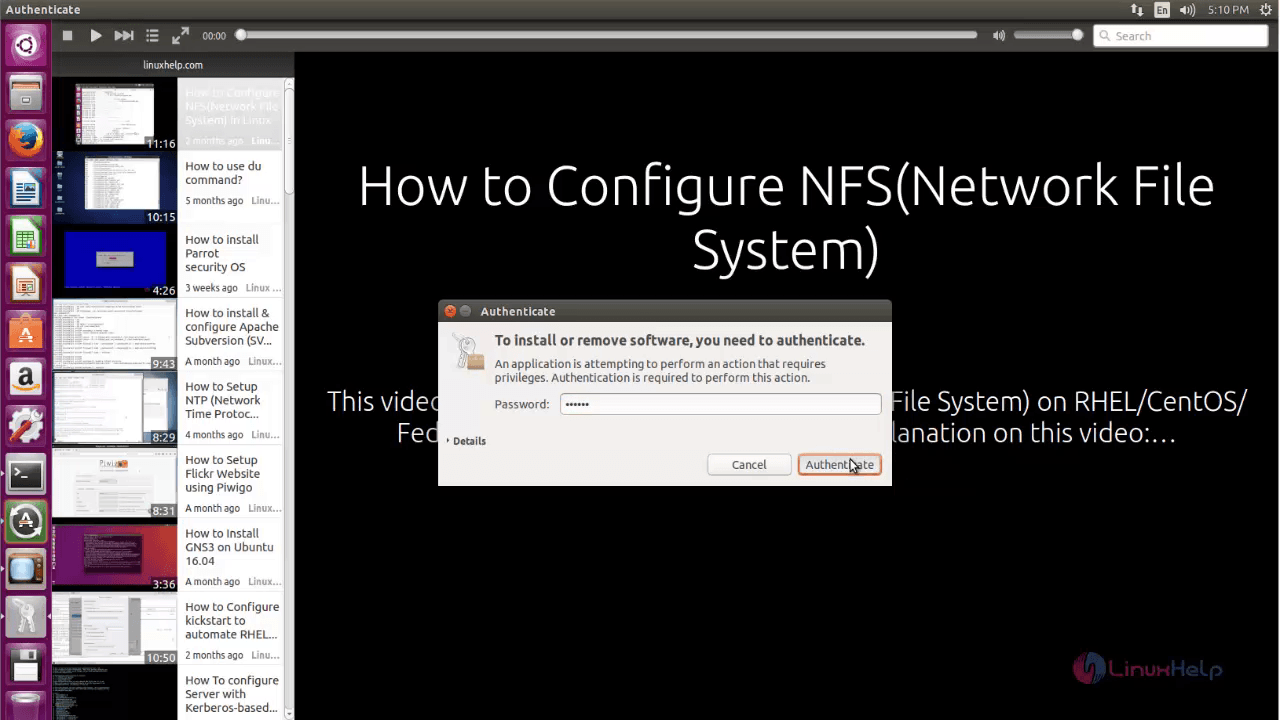
If you want to install or remove the software enter the password for authentication. Then click on authenticate option.
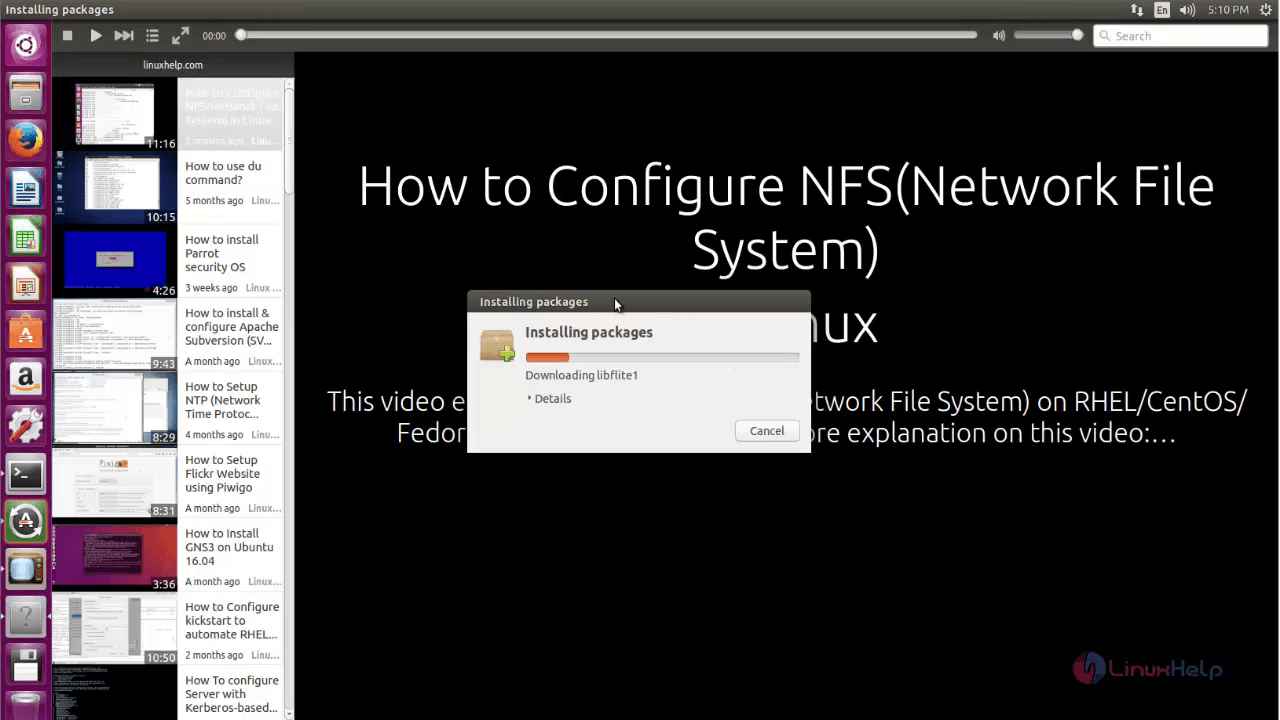
It takes few minutes to install the packages as shown below.
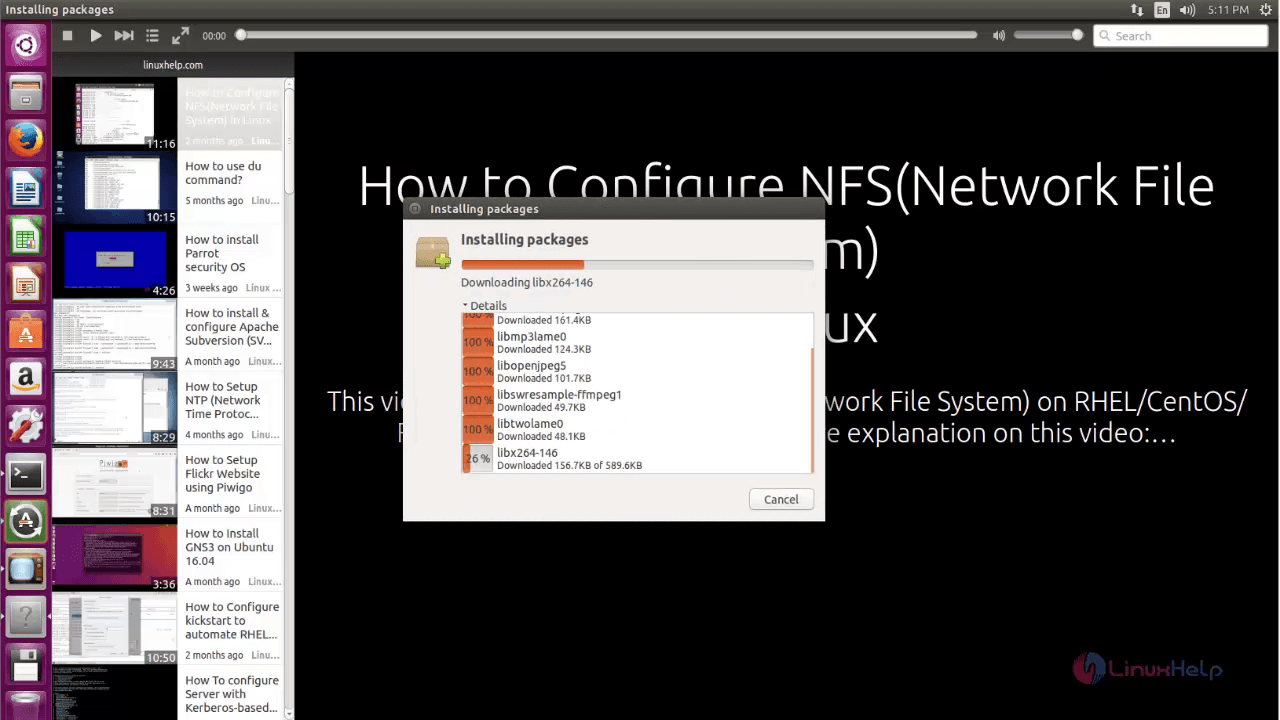
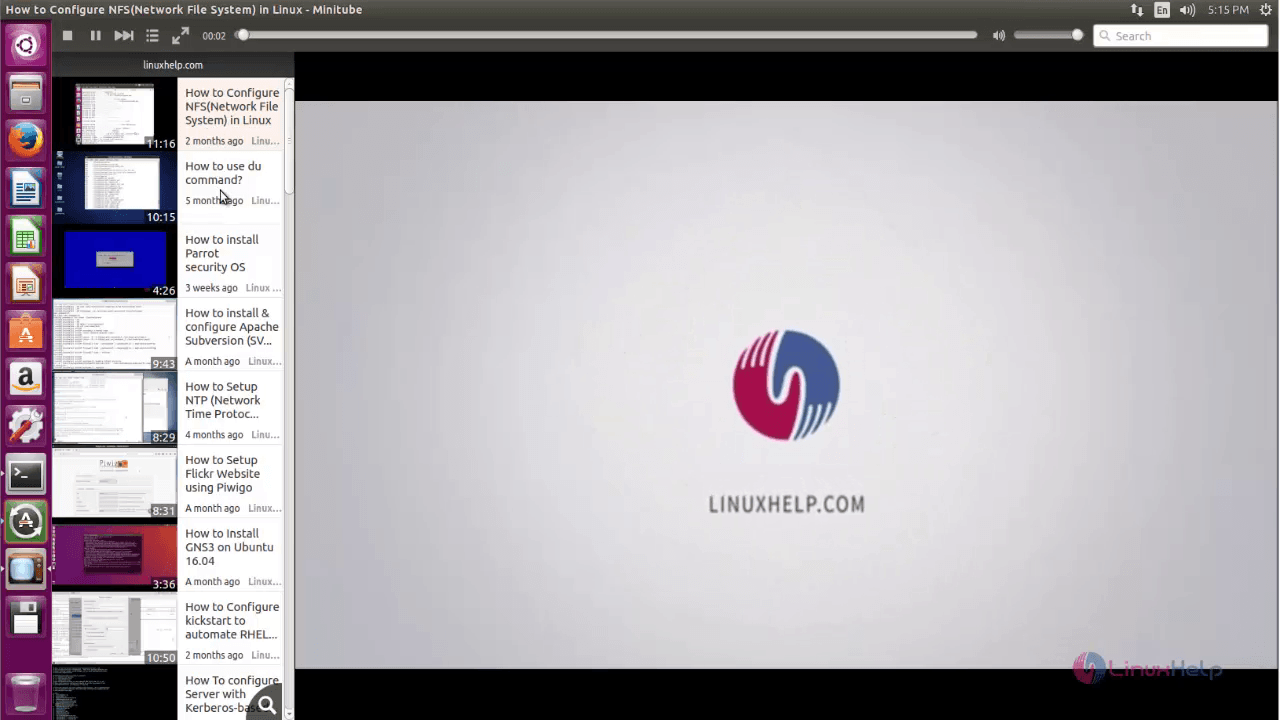
Finally, you can view and watch youtube videos easily.
Comments ( 0 )
No comments available