How to install Mixxx 2.0.0 on Linux Mint 18.3
To install Mixxx 2.0.0 on Linux Mint 18.3
Mixxx is free mixing software used mainly by DJs, as it provides everything needed to create live mixes. It lets its users to beatmatch songs and crossfades them together, like its done with turntables and a mixer. The comprehensive MIDI controller and vinyl control support give you the tactile feel you need for ultimate control of your mixes. To obtain the lowest latency and highest responsiveness, Mixxx uses hardware video acceleration and takes advantage of multi-core CPUs. It is so simple to install Mixxx 2.0.0 on Linux Mint 18.3.
Installing Mixxx 2.0.0
First, make sure you update your system repository by making use of the following command.
linuxhelp user # apt-get update
Get:1 http://archive.canonical.com/ubuntu xenial InRelease [11.5 kB]
Hit:2 http://archive.ubuntu.com/ubuntu xenial InRelease
Ign:3 http://packages.linuxmint.com sylvia InRelease
Get:4 http://archive.canonical.com/ubuntu xenial/partner amd64 Packages [3,132 B]
Hit:5 http://packages.linuxmint.com sylvia Release
Get:7 http://security.ubuntu.com/ubuntu xenial-security InRelease [102 kB]
Get:8 http://archive.canonical.com/ubuntu xenial/partner i386 Packages [3,124 B]
.
.
Get:24 http://archive.ubuntu.com/ubuntu xenial-updates/universe Translation-en [242 kB]
Get:25 http://archive.ubuntu.com/ubuntu xenial-updates/multiverse amd64 Packages [16.2 kB]
Get:26 http://archive.ubuntu.com/ubuntu xenial-updates/multiverse i386 Packages [15.3 kB]
Get:27 http://archive.ubuntu.com/ubuntu xenial-backports/universe amd64 Packages [7,080 B]
Get:28 http://archive.ubuntu.com/ubuntu xenial-backports/universe i386 Packages [7,064 B]
Get:29 http://archive.ubuntu.com/ubuntu xenial-backports/universe Translation-en [3,812 B]
Fetched 5,323 kB in 10s (488 kB/s)
Reading package lists... Done
Once it is done, you shall install Mixxx by making use of the following command.
linuxhelp user # apt-get install mixxx -y
Reading package lists... Done
Building dependency tree
Reading state information... Done
The following additional packages will be installed:
  libavcodec-ffmpeg56 libavutil-ffmpeg54 libchromaprint0 libcrystalhd3 libhidapi-libusb0 libid3tag0 libmad0
  libmp3lame0 libopenjpeg5 libopusfile0 libportmidi0 libqt4-sql-sqlite librubberband2v5 libschroedinger-1.0-0
  libshine3 libsnappy1v5 libsoundtouch1 libsoxr0 libswresample-ffmpeg1 libtwolame0 libva1 libvamp-hostsdk3v5
  libvamp-sdk2v5 libx264-148 libx265-79 libxvidcore4 libzvbi-common libzvbi0 mixxx-data
Suggested packages:
  libchromaprint-tools python-acoustid firmware-crystalhd libqt4-dev
Recommended packages:
  va-driver-all | va-driver
The following NEW packages will be installed:
.
.
Setting up libqt4-sql-sqlite:amd64 (4:4.8.7+dfsg-5ubuntu2) ...
Setting up librubberband2v5:amd64 (1.8.1-6ubuntu2) ...
Setting up libsoundtouch1:amd64 (1.9.2-2) ...
Setting up libvamp-hostsdk3v5:amd64 (2.6~repack0-2) ...
Setting up libvamp-sdk2v5:amd64 (2.6~repack0-2) ...
Setting up mixxx-data (2.0.0~dfsg-4) ...
Setting up libchromaprint0:amd64 (1.3-1) ...
Setting up libhidapi-libusb0:amd64 (0.8.0~rc1+git20140818.d17db57+dfsg-1) ...
Setting up mixxx (2.0.0~dfsg-4) ...
Processing triggers for libc-bin (2.23-0ubuntu9) .
Now that Mixxx is installed, you shall launch the application from your Linux Mint search field.

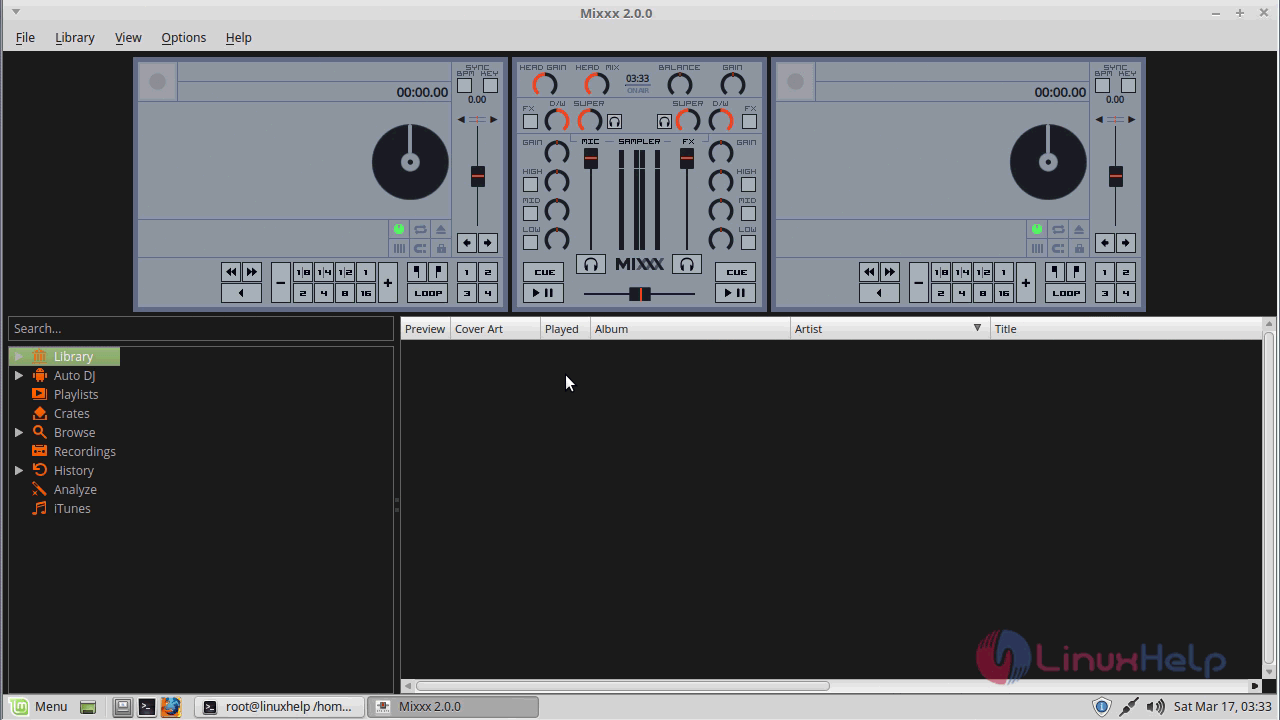
Mixxx application is now open.
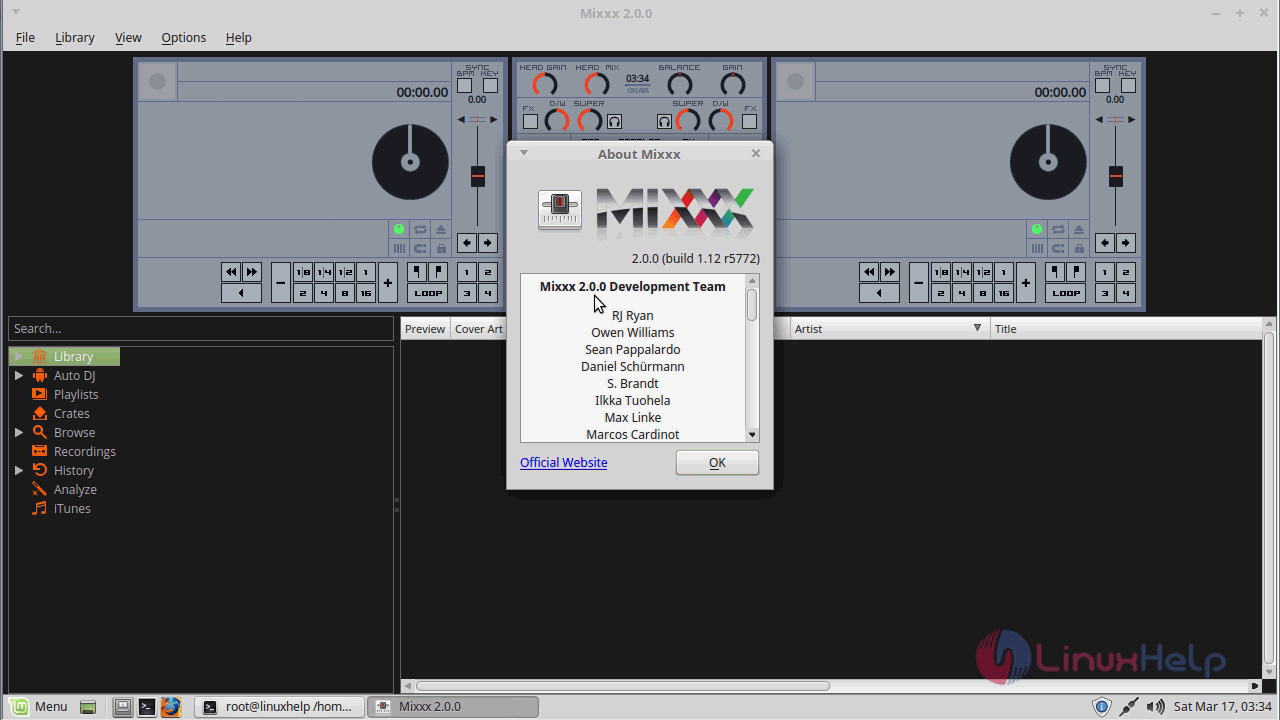
You can learn more about the application.
With this, the method to install Mixxx comes to an end.
Comments ( 0 )
No comments available