How to install MPV player on Ubuntu 18.04
To install MPV player on Ubuntu 18.04
Mpv is media player software, based on MPlayer and mplayer2. It is free and open-source software released under a mix of licenses including GNU General Public License version 2 or later (GPLv2+), It runs on several operating systems, including the Unix-like variants Berkeley Software Distribution (BSD), Linux, and macOS, and on the non-Unix Windows. It is cross-platform, running on the ARM, PowerPC and MIPS architecture. In this tutorial, we will cover the installation of MPV on Ubuntu 18.04.
Installatio9n
Add the repository of MPV using PPA
root@linuxhelp1:~# add-apt-repository ppa:mc3man/mpv-tests
 \*Note: any issues regarding ytdl:
Update to the latest upstream version before filing issue with me or at mpv github
The latest min. version required for 16.04 is 2017.08.09

\*Note -  mpv.conf is the new default for a config file
Best, new default  location is ~/.config/mpv/ using mpv.conf

\*New -
Now uses a default profile named pseudo-gui
This is used via mpv.desktop, mainly for playback from context menu,
  mime associations & DnD on a launcher icon.
The upstream default is idle=once, I've set these builds to idle=yes

To return to  idle once  in your local config file add –
.
.
More info: https://launchpad.net/~mc3man/+archive/ubuntu/mpv-tests
Press \[ENTER\] to continue or Ctrl-c to cancel adding it.

Hit:1 http://in.archive.ubuntu.com/ubuntu bionic InRelease
Hit:2 http://security.ubuntu.com/ubuntu bionic-security InRelease
Hit:3 http://in.archive.ubuntu.com/ubuntu bionic-updates InRelease
Get:4 http://ppa.launchpad.net/mc3man/mpv-tests/ubuntu bionic InRelease \[15.4 kB\]
Hit:5 http://in.archive.ubuntu.com/ubuntu bionic-backports InRelease
Get:6 http://ppa.launchpad.net/mc3man/mpv-tests/ubuntu bionic/main amd64 Packages \[1,068 B\]
Get:7 http://ppa.launchpad.net/mc3man/mpv-tests/ubuntu bionic/main i386 Packages \[1,072 B\]
Get:8 http://ppa.launchpad.net/mc3man/mpv-tests/ubuntu bionic/main Translation-en \[356 B\]
Fetched 17.9 kB in 2s (8,027 B/s)
Reading package lists... Done
Install the MPV package using the following command
root@linuxhelp1:~# apt-get install mpv -y
Reading package lists... Done
Building dependency tree
Reading state information... Done
The following packages were automatically installed and are no longer required:
  apache2-bin apache2-data apache2-utils libapr1 libaprutil1 libaprutil1-dbd-sqlite3
  libaprutil1-ldap
Use 'sudo apt autoremove' to remove them.
The following additional packages will be installed:
  i965-va-driver libaacs0 libbdplus0 libbluray2 libbs2b0 libdvdnav4 libdvdread4 libfdk-aac1
  libgme0 libmodplug1 libmysofa0 librubberband2 libsoxr0 libssh-gcrypt-4 libuchardet0
  libva-drm2 libva-wayland2 libva-x11-2 libva2 libvdpau1 libxvidcore4 mesa-va-drivers
  mesa-vdpau-drivers va-driver-all vdpau-driver-all
Suggested packages:
  i965-va-driver-shaders libbluray-bdj libdvdcss2 libvdpau-va-gl1 nvidia-vdpau-driver
  nvidia-legacy-340xx-vdpau-driver
The following NEW packages will be installed:
.
.
Setting up libva-drm2:amd64 (2.1.0-3) ...
Processing triggers for man-db (2.8.3-2) ...
Processing triggers for gnome-menus (3.13.3-11ubuntu1.1) ...
Setting up libgme0:amd64 (0.6.2-1) ...
Setting up libfdk-aac1:amd64 (0.1.5-1) ...
Setting up libbdplus0:amd64 (0.1.2-2) ...
Setting up libva-x11-2:amd64 (2.1.0-3) ...
Processing triggers for hicolor-icon-theme (0.17-2) ...
Setting up libmysofa0:amd64 (0.6~dfsg0-2) ...
Setting up libdvdread4:amd64 (6.0.0-1) ...
Setting up libdvdnav4:amd64 (6.0.0-1) ...
Setting up mesa-vdpau-drivers:amd64 (18.0.5-0ubuntu0~18.04.1) ...
Setting up libva-wayland2:amd64 (2.1.0-3) ...
Setting up va-driver-all:amd64 (2.1.0-3) ...
Setting up mpv (2:0.29.0+git1~zzbionic) ...
Setting up vdpau-driver-all:amd64 (1.1.1-3ubuntu1) ...
Processing triggers for libc-bin (2.27-3ubuntu1) ...
Once Installation is done you can access the MPV from the Menu as shown here
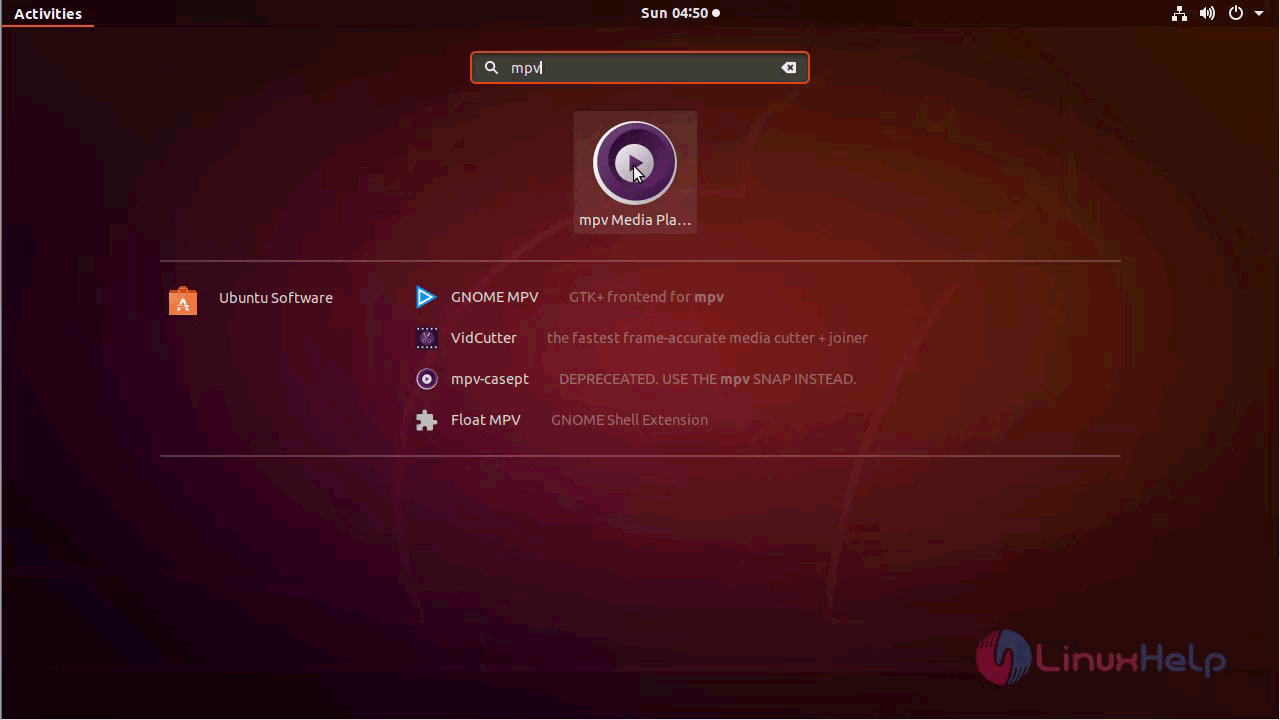
MPV application
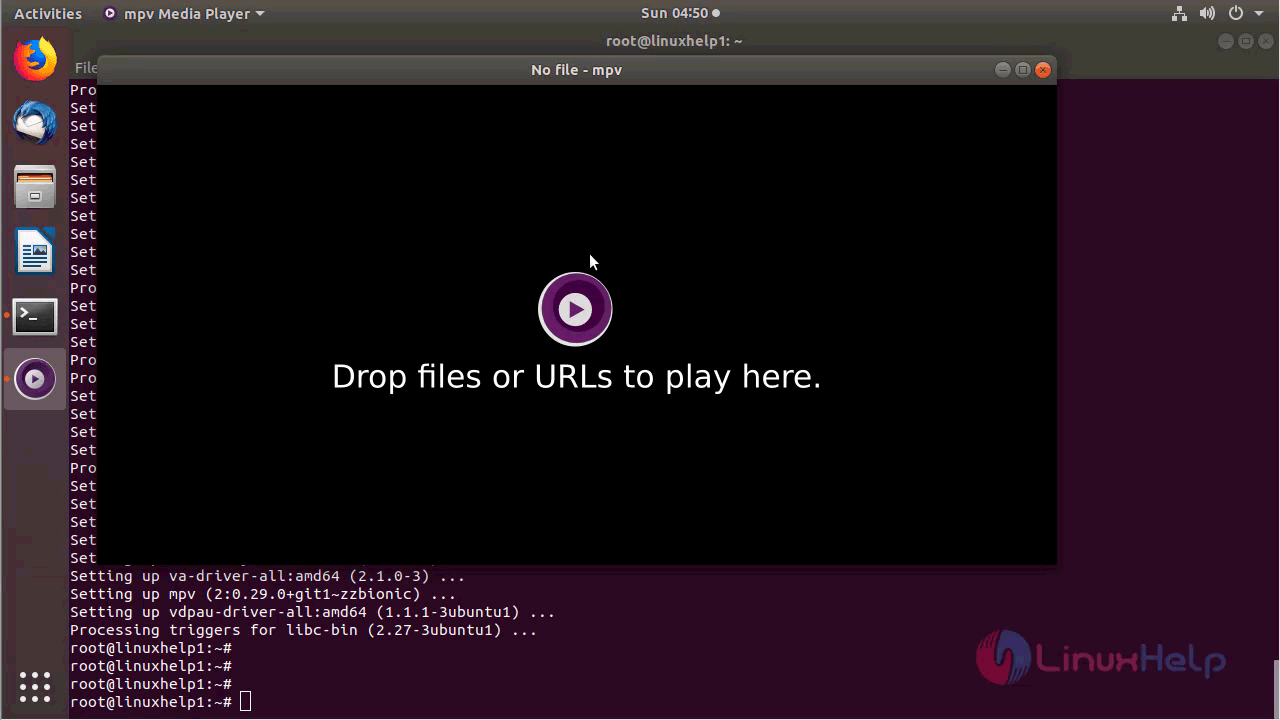
Open an Video file using the mpv player as follows
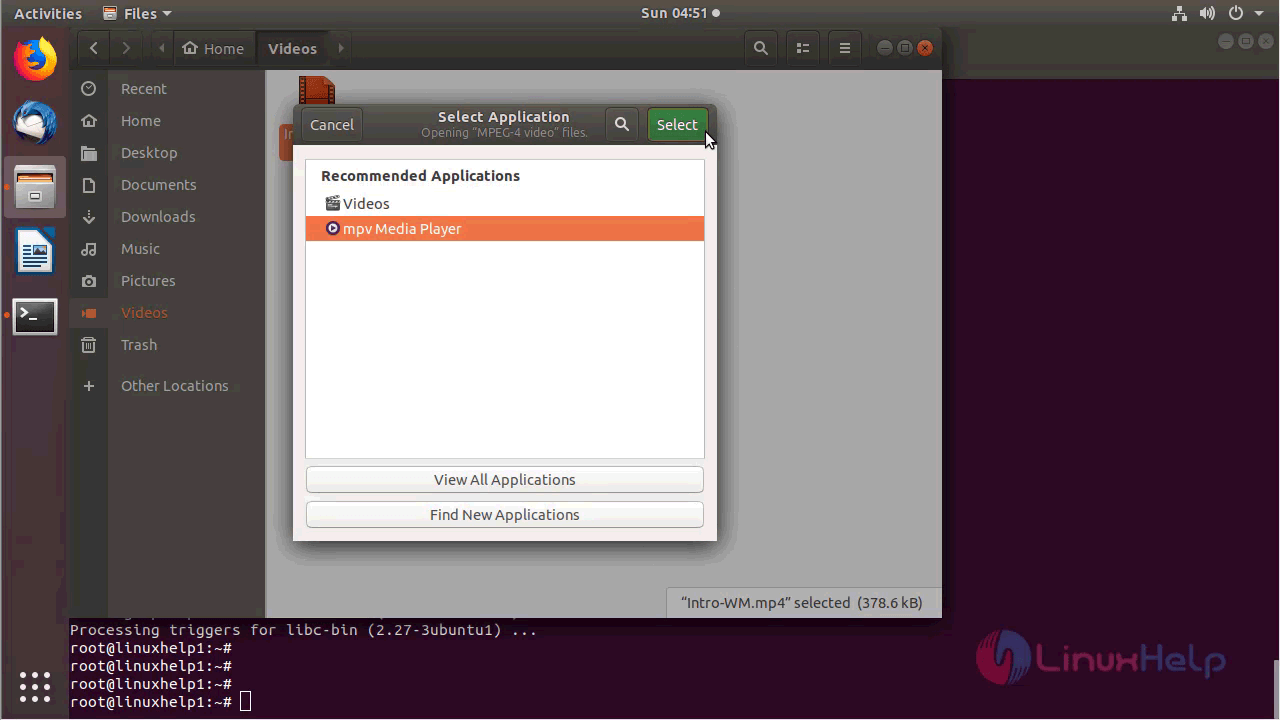
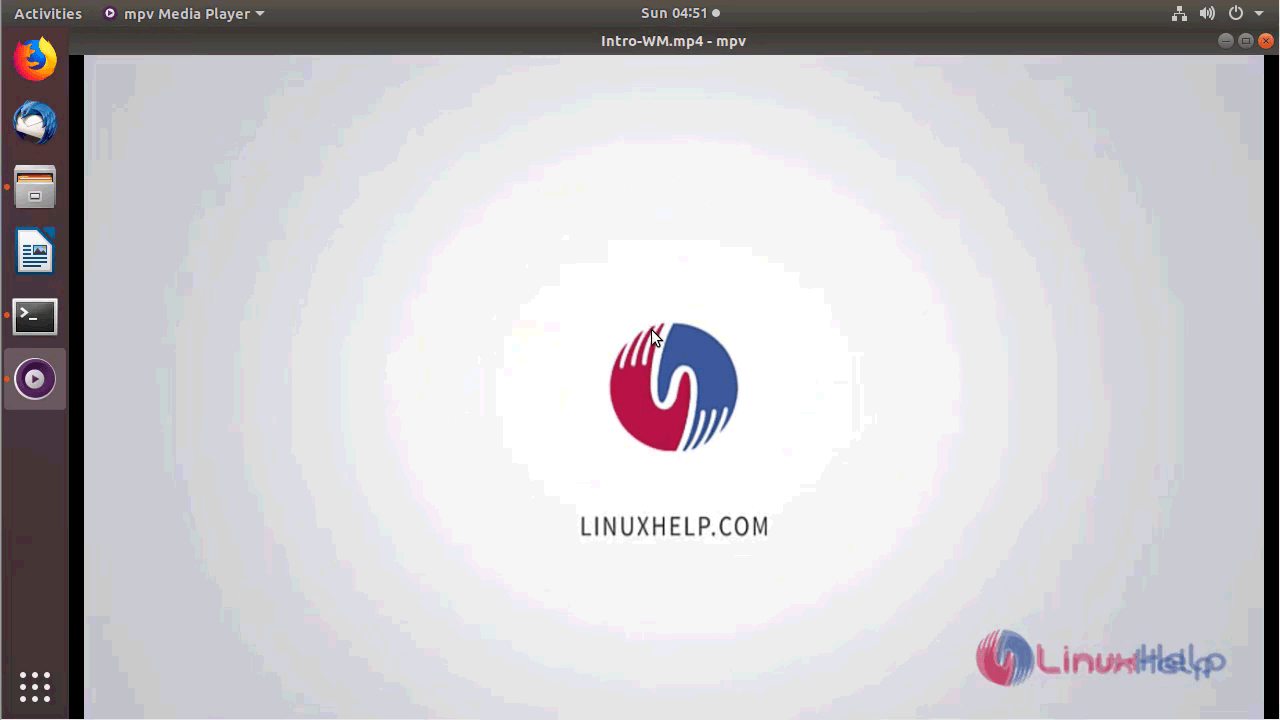
The version of MPV can be found in Help-> About
root@linuxhelp1:~# mpv -V
mpv git-2018-07-22-45beb70 Copyright © 2000-2018 mpv/MPlayer/mplayer2 projects
 built on Thu Jul 26 15:04:40 UTC 2018
ffmpeg library versions:
   libavutil       56.18.102
   libavcodec      58.21.106
   libavformat     58.17.101
   libswscale      5.2.100
   libavfilter     7.26.100
   libswresample   3.2.100
ffmpeg version: git-2018-07-26-a8ce6fb
With this, the method to install MPV on Ubuntu 18.04 comes to an end.
Comments ( 0 )
No comments available