• Categories
    Category
    {{ postCtrl.tags }}
    • {{ category.tag_type }}

      • {{tag.tag_name}}
      • View more
  • Categories
    Category
    {{ postCtrl.tags }}
    • {{ category.tag_type }}

      • {{tag.tag_name}}
      • View more
  • News
  • Tutorials
  • Forums
  • Tags
  • Users
Tutorial News Comments FAQ Related Articles

How to install Musique 1.1 on Ubuntu 18.04

{{postValue.id}}

To install Musique 1.1 on Ubuntu 18.04

Musique is a free and open source music player available for Linux, Mac, and Windows. It has high-quality listening experience with a clean and innovative interface. Musique will find and show the song lyrics in the Info View, hiding everything but what' s related to the currently playing track.

Installation

Before you install Musique, update the system repository

root@linuxhelp1:~# apt-get update
Hit:1 http://in.archive.ubuntu.com/ubuntu bionic InRelease
Hit:2 http://in.archive.ubuntu.com/ubuntu bionic-updates InRelease      
Hit:3 http://in.archive.ubuntu.com/ubuntu bionic-backports InRelease    
Hit:4 http://security.ubuntu.com/ubuntu bionic-security InRelease       
Reading package lists... Done

As musique is available in default system repo you can install directly as follows

root@linuxhelp1:~# apt-get install musique -y
Reading package lists... Done
Building dependency tree      
Reading state information... Done

The following packages were automatically installed and are no longer required:

  apache2-bin apache2-data apache2-utils libapr1 libaprutil1 libaprutil1-dbd-sqlite3
  libaprutil1-ldap linux-headers-4.15.0-13 linux-headers-4.15.0-13-generic
  linux-image-4.15.0-13-generic linux-image-extra-4.15.0-13-generic
Use ' sudo apt autoremove'  to remove them.
.
.
Setting up libqt4-declarative:amd64 (4:4.8.7+dfsg-7ubuntu1) ...
Setting up libqtgui4:amd64 (4:4.8.7+dfsg-7ubuntu1) ...
Setting up qt-at-spi:amd64 (0.4.0-8) ...
Setting up libphonon4:amd64 (4:4.10.0-2) ...
Setting up libqt4-opengl:amd64 (4:4.8.7+dfsg-7ubuntu1) ...
Setting up phonon-backend-gstreamer:amd64 (4:4.9.0-1) ...
Setting up phonon:amd64 (4:4.10.0-2) ...
Setting up musique (1.1-2.1build1) ...
Processing triggers for libc-bin (2.27-3ubuntu1) ...

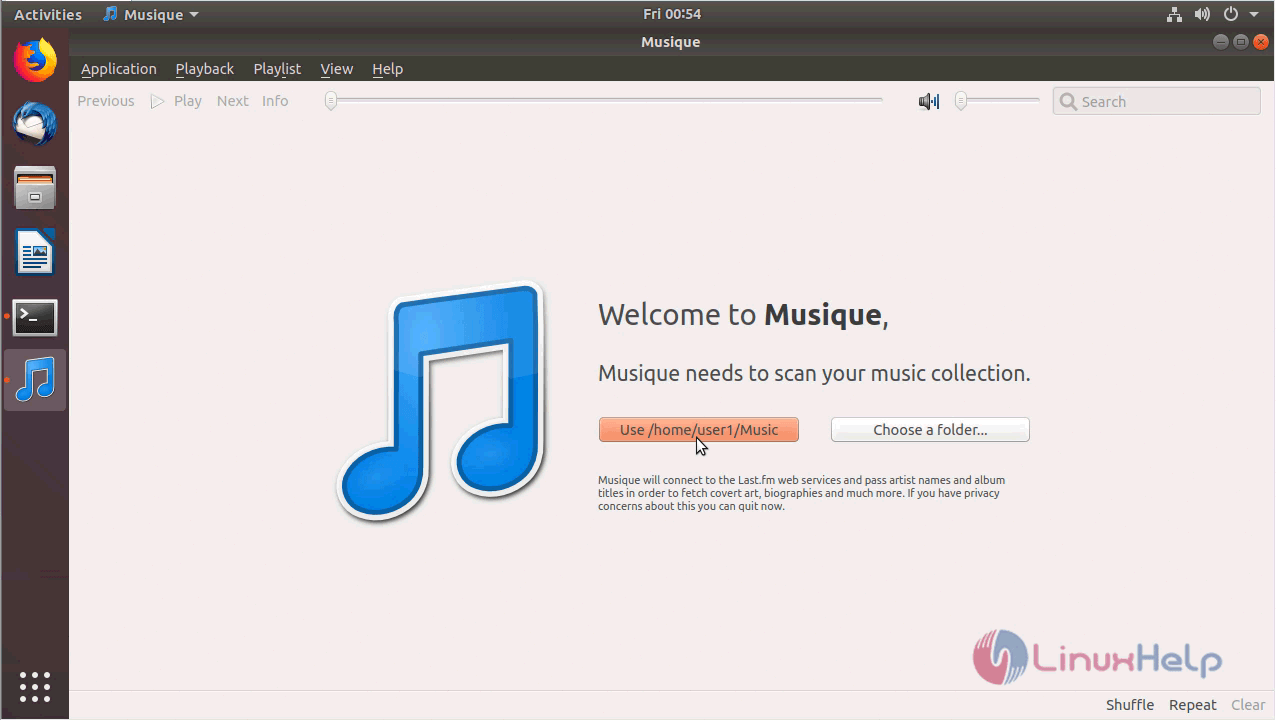
After installing you can access the application from the menu
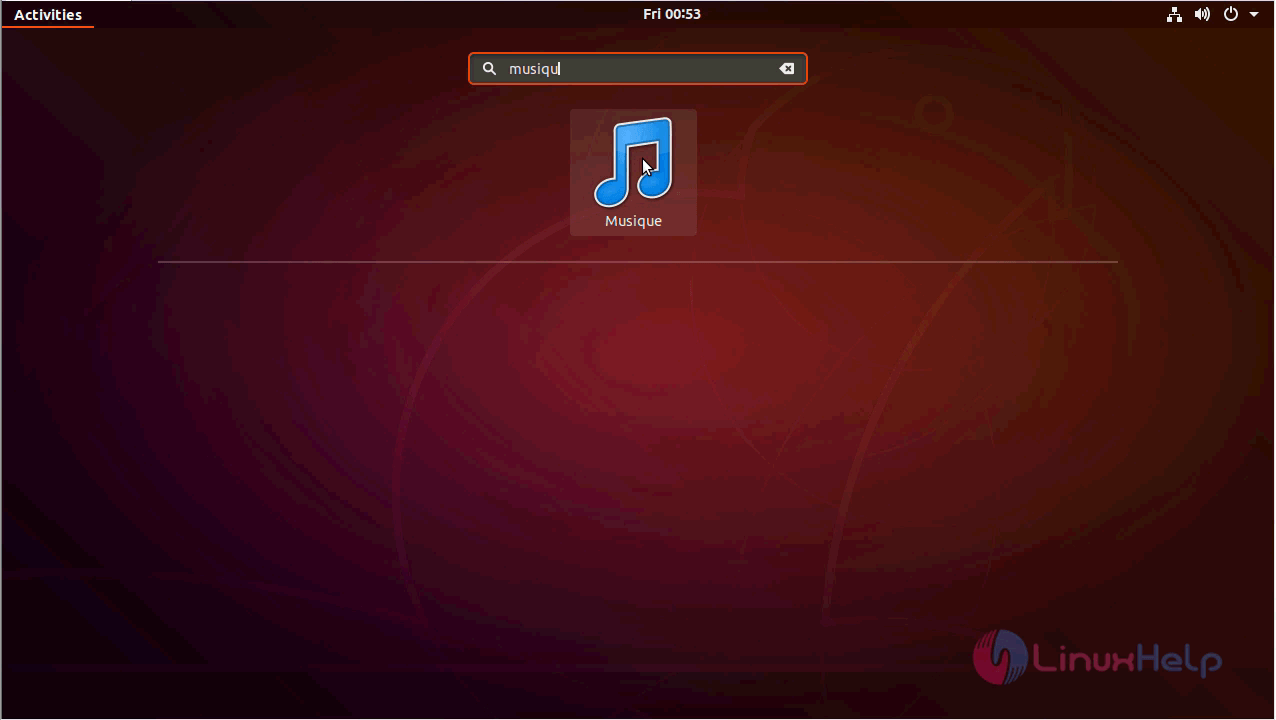
snap1


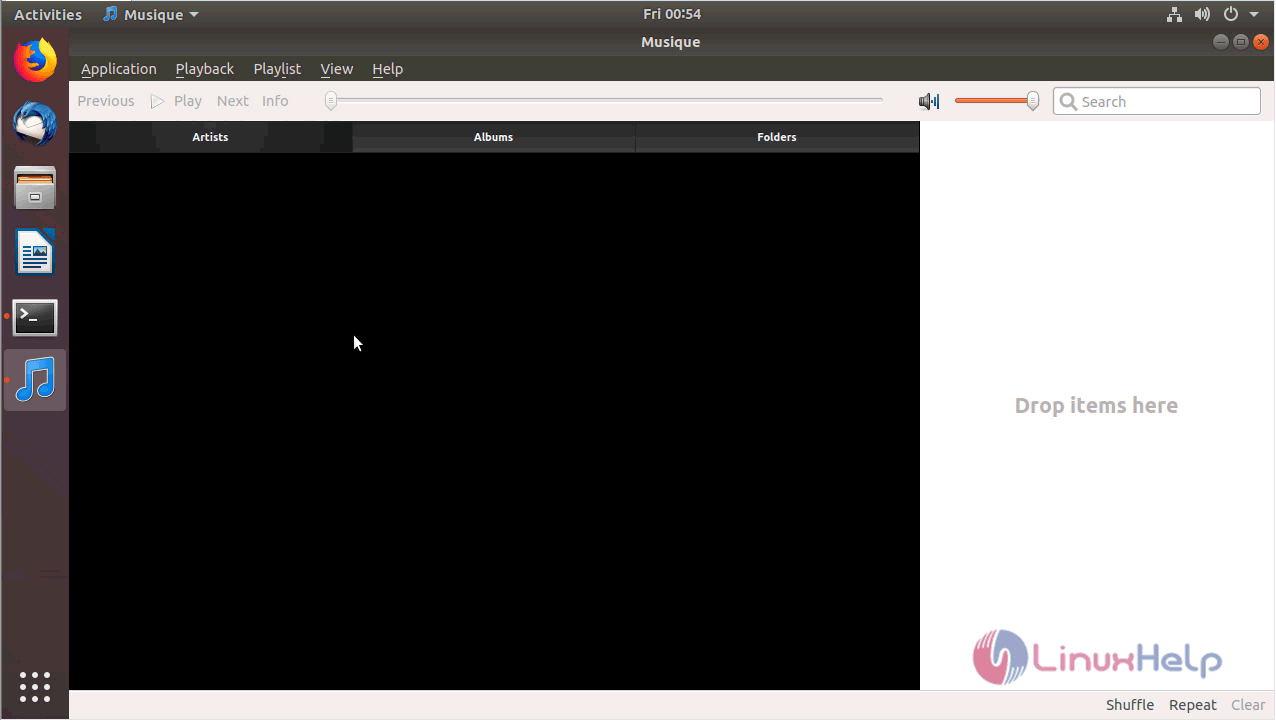
snap2


snap3

with this, the method to install Musique 1.1 on Ubuntu 18.04 comes to an end.


Tags:
gabriel
Author: 

Comments ( 0 )

No comments available

Add a comment
{{postCtrl.cmtErrMsg}}

Frequently asked questions ( 5 )

Q

what are all the formats does it supports ?

A

Musique Player supports almost all audio formats which includes FLAC, OGG Vorbis, Monkey’s Audio (APE), Musepack (MPC), WavPack (WV), True Audio (TTA

Q

Does it consumes more Cpu space?

A

No it is a llight weight application

Q

Does it support multiple language?

A

Translated to more than 20 languages including German, French, Spanish, Portuguese, Italian, Russian and Chinese.

Q

Does editing overwrites my file?

A

Musique never ever modifies your files, it stores all of its data in its own database.

Q

Can I organise my files?

A

Browse by artist photos, album covers and folders too, so you can organize your music your way.

Back To Top!
Rank
User
Points

Top Contributers

userNamenaveelansari
135850

Top Contributers

userNameayanbhatti
92510

Top Contributers

userNamehamzaahmed
32150

Top Contributers

1
userNamelinuxhelp
31040

Top Contributers

userNamemuhammadali
24500
Can you help Ganesh Konka ?
Zentya 6.1 http proxy configuration

please send link for creating zentyal 6.1 for http proxy and firewall as gateway.

Networking
  • Routing
  • trunk
  • Netmask
  • Packet Capture
  • domain
  • HTTP Proxy
Server Setup
  • NFS
  • KVM
  • Memory
  • Sendmail
  • WebDAV
  • LXC
Shell Commands
  • Cloud commander
  • Command line archive tools
  • last command
  • Shell
  • terminal
  • Throttle
Desktop Application
  • Linux app
  • Pithos
  • Retrospect
  • Scribe
  • TortoiseHg
  • 4Images
Monitoring Tool
  • Monit
  • Apache Server Monitoring
  • EtherApe 
  • Arpwatch Tool
  • Auditd
  • Barman
Web Application
  • Nutch
  • Amazon VPC
  • FarmWarDeployer
  • Rukovoditel
  • Mirror site
  • Chef
Contact Us | Terms of Use| Privacy Policy| Disclaimer
© 2025 LinuxHelp.com All rights reserved. Linux™ is the registered trademark of Linus Torvalds. This site is not affiliated with linus torvalds in any way.