How to Install Mywebsql on linuxmint-18.03
To Install Mywebsql on linuxmint-18.03
MyWebSQL is an open source web-based client used for managing databases. It is designed with the simple interface and supports all major web browsers like Chrome, Firefox, and Opera. It allows the users to create and edit the table structure without writing queries. In this tutorial, we will see the installation of Mywebsql on Linux mint 18.3
Installation
Download the mywebsql package by using wget command.
linuxhelp ~ # wget https://excellmedia.dl.sourceforge.net/project/mywebsql/stable/mywebsql-3.7.zip
--2018-07-04 19:38:46--  https://excellmedia.dl.sourceforge.net/project/mywebsql/stable/mywebsql-3.7.zip
Resolving excellmedia.dl.sourceforge.net (excellmedia.dl.sourceforge.net)... 202.153.32.19
Connecting to excellmedia.dl.sourceforge.net (excellmedia.dl.sourceforge.net)|202.153.32.19|:443... connected.
HTTP request sent, awaiting response... 200 OK
Length: 1683612 (1.6M) [application/octet-stream]
Saving to: ‘;mywebsql-3.7.zip’;

mywebsql-3.7.zip             100%[=============================================>]   1.61M  1.10MB/s    in 1.5s

2018-07-04 19:38:49 (1.10 MB/s) - ‘;mywebsql-3.7.zip’; saved [1683612/1683612]
The downloaded package is a zip file, so we need to unzip the package now
linuxhelp ~ # unzip mywebsql-3.7.zip
Archive:  mywebsql-3.7.zip
   creating: mywebsql/backups/
  inflating: mywebsql/backups/.htaccess
  inflating: mywebsql/backups/readme.txt
  inflating: mywebsql/cache.php
   creating: mywebsql/config/
  inflating: mywebsql/config/.htaccess
.
.
.
  inflating: mywebsql/themes/pinky/menu.css
  inflating: mywebsql/themes/pinky/README.md
  inflating: mywebsql/themes/pinky/results.css
  inflating: mywebsql/themes/pinky/theme.css
  inflating: mywebsql/themes/pinky/treeview.css
   creating: mywebsql/tmp/
  inflating: mywebsql/tmp/.htaccess
  inflating: mywebsql/tmp/readme.txt
Change the ownership and permission for the extracted directory
linuxhelp ~ # ls
mywebsql  mywebsql-3.7.zip
linuxhelp ~ # chown -R www-data:www-data mywebsql
linuxhelp ~ # chmod -R 775 mywebsql
Move the mywebsql directory into the /html location
linuxhelp ~ # mv mywebsql /var/www/html/
Now we have to create a new virtualhost configuration for accessing the mywebsql application
linuxhelp ~ # cd /etc/apache2/sites-available/
linuxhelp sites-available # vim mysql.conf
<VirtualHost *:80>
ServerName www.linuxhelp1.com
DocumentRoot /var/www/html/mywebsql/
<Directory /var/www/html/mywebsql/>
AllowOverride All
allow from all
</Directory>
</VirtualHost>
Enable the site access
linuxhelp sites-available # a2ensite mysql.conf
Enabling site mysql.
To activate the new configuration, you need to run:
  service apache2 reload
Enable the rewrite modules.
linuxhelp sites-available # a2enmod rewrite
Enabling module rewrite.
To activate the new configuration, you need to run:
  service apache2 restart
Entry to the host file.
linuxhelp sites-available # vim /etc/hosts
<Give your ip>   <Give your domain name>
Next, install the following php extensions by running the following command and press y to continue with the installation.
linuxhelp sites-available # apt-get install php7.2-pgsql -y
Reading package lists... Done
Building dependency tree
Reading state information... Done
The following additional packages will be installed:
  libpq5
The following NEW packages will be installed:
  libpq5 php7.2-pgsql
0 upgraded, 2 newly installed, 0 to remove and 311 not upgraded.

.
.
.
Setting up php7.2-pgsql (7.2.7-1+ubuntu16.04.1+deb.sury.org+1) ...

Creating config file /etc/php/7.2/mods-available/pgsql.ini with new version

Creating config file /etc/php/7.2/mods-available/pdo_pgsql.ini with new version
Processing triggers for libc-bin (2.23-0ubuntu9) ...
Processing triggers for libapache2-mod-php7.2 (7.2.7-1+ubuntu16.04.1+deb.sury.org+1) ...
Restart the apache2 service
linuxhelp sites-available # systemctl restart apache2.service
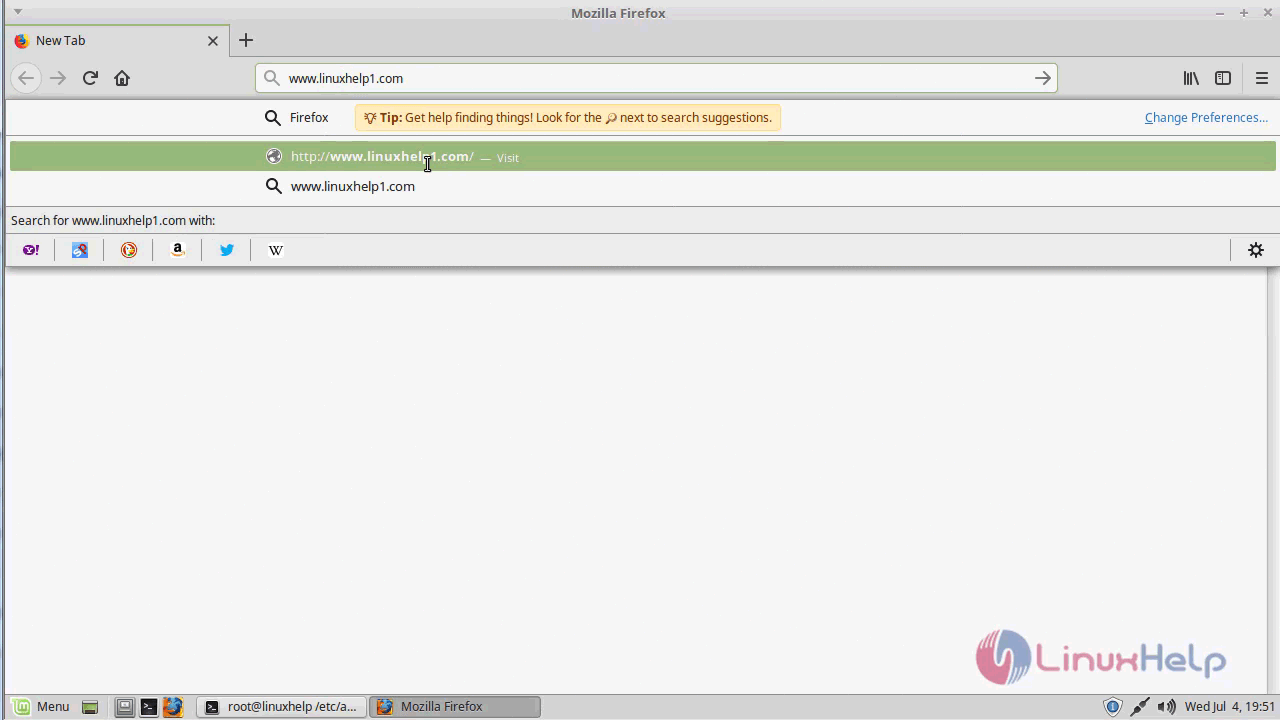
Open the browser and navigate to following URL http:// ip address or domain name/mywebsql.
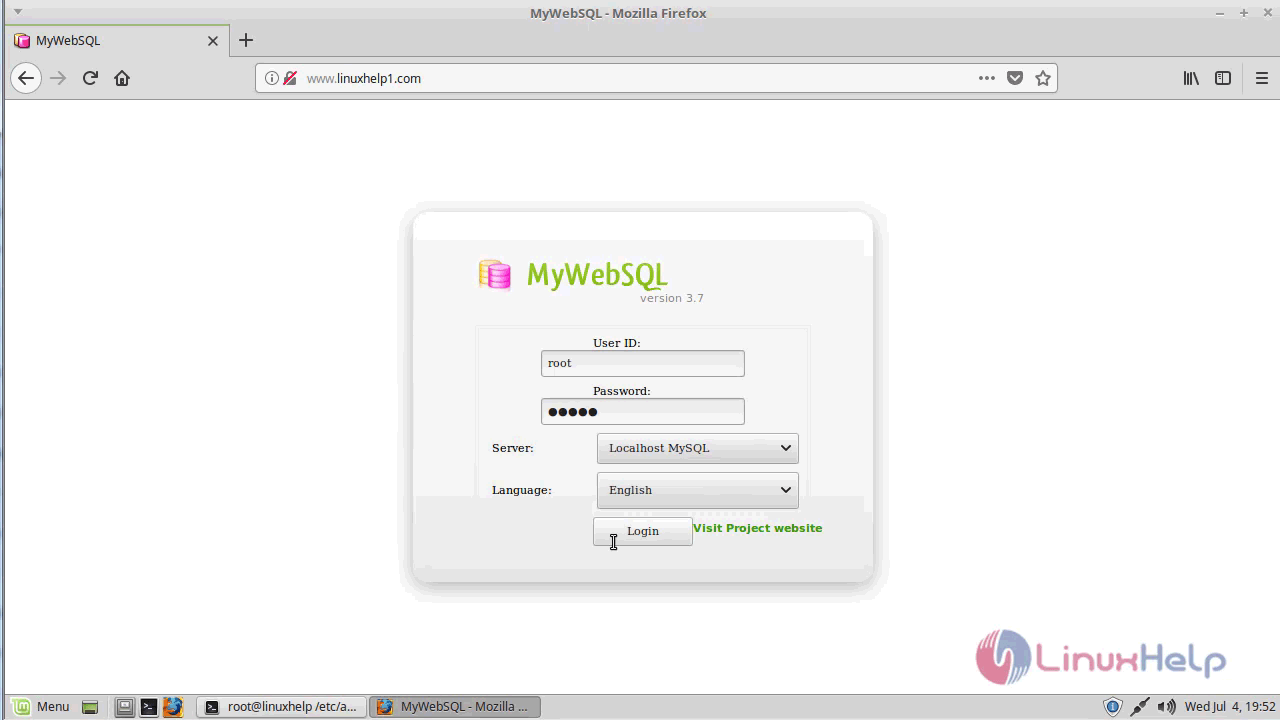
The MyWebSQL login page appears. Enter the required credentials and hit login.
The MyWebSQL is running successfully. Now the user can manage the database, tables, and schemas.
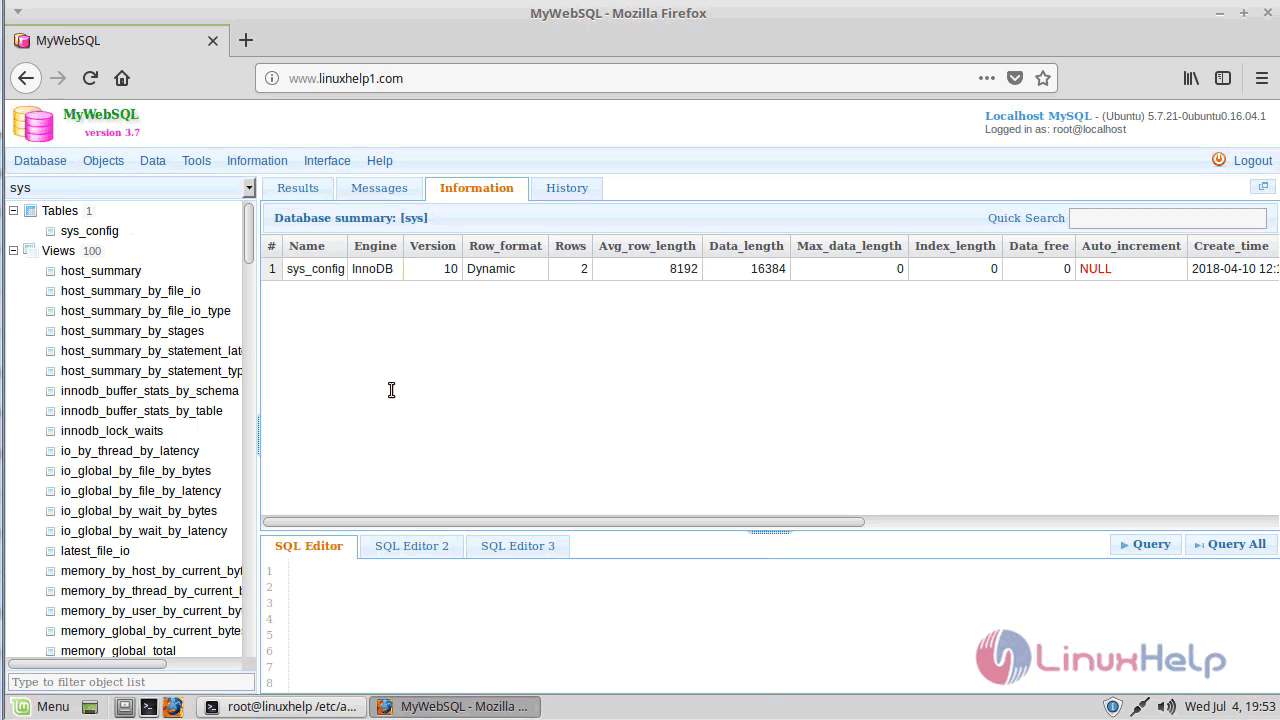
With this, the method to install MyWebsql on linuxmint-18.03 comes to an end
Comments ( 0 )
No comments available