How to install Nagios XI on CentOS 6
To install Nagios XI on Centos 6
Nagios XI is Network Monitoring tools which frequently check all of your network resources and send’ s email alerts before it’ s downtime and much more. Nagios XI is Commercial paid version similar to Nagios Core (open source version), but it has many features while compared to Nagios Core.
Download
Go to Nagios Offical website https://www.nagios.org/ to download Nagios XI package, it can also available for 60 days trial version.
Installation
After downloading extract and install the package.
[root@nagios ~]# tar -xzf xi-5.4.13.tar.gz
[root@nagios ~]# cd nagiosxi/
Now you must find a script file called “ fullinstall” , use the below command to execute the script to install Nagios XI.
[root@nagios nagiosxi]# ./fullinstall
========================
Nagios XI Full Installer
========================

This script will do a complete install of Nagios XI by executing all necessary sub-scripts.

IMPORTANT: This script should only be used on a ' clean'  install of CentOS or RedHat. Do NOT use this on a system that has been tasked with other purposes or has an existing install of Nagios Core. To
create such a clean install you should have selected ONLY the ' Base'  package in the OS installer.
Do you want to continue? [Y/n] y
Proceeding with installation...
Checking MySQL credentials...
.
.
.
Things look okay - No serious problems were detected during the pre-flight check
RET: 0
Running configuration check...
Stopping nagios:No lock file found in /usr/local/nagios/var/nagios.lock
Starting nagios: done.
Login appears okay
Cookies appear okay
import appear okay
export appear okay

NagiosQL data imported OK.
RESULT=0
Running ' ./F-startdaemons' ...
Stopping httpd:                                            [  OK  ]
Starting httpd:                                            [  OK  ]
ndo2db was not running... could not stop
Starting ndo2db: done.
Running configuration check...
Stopping nagios: done.
Starting nagios: done.
rm: cannot remove `/usr/local/nagiosxi/var/subsys/npcd.pid' : No such file or directory
NPCD was not running.
NPCD started.
Shutting down ntpd:                                        [FAILED]
Starting ntpd:                                             [  OK  ]
Stopping crond:                                            [  OK  ]
Starting crond:                                            [  OK  ]
Daemons started OK
RESULT=0
Running ' ./Z-webroot' ...
RESULT=0

Nagios XI Installation Complete!
You can access the Nagios XI web interface by visiting http://< ip-address> /nagiosxi/ Now the installation is almost about to finish, let’ s finish it with configuring it via a web browser, Go to the mentioned link to access Nagios web console. Type your email id and password for Nagios admin web console.
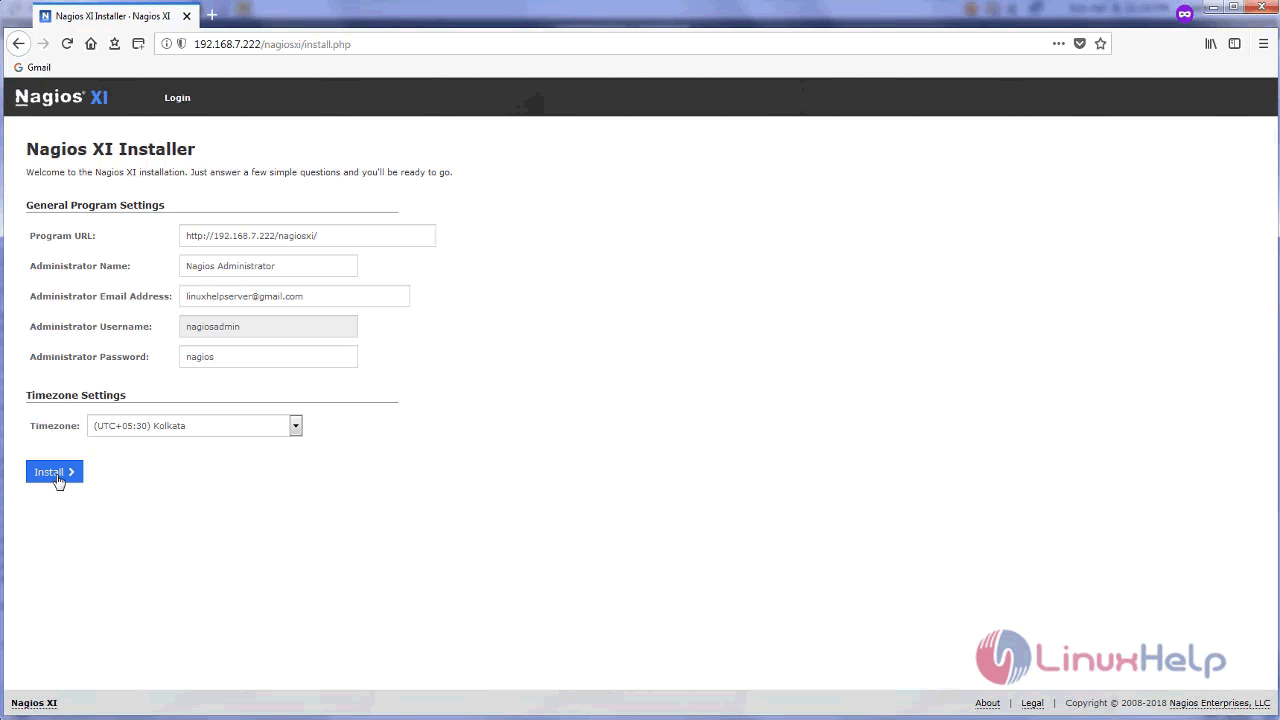
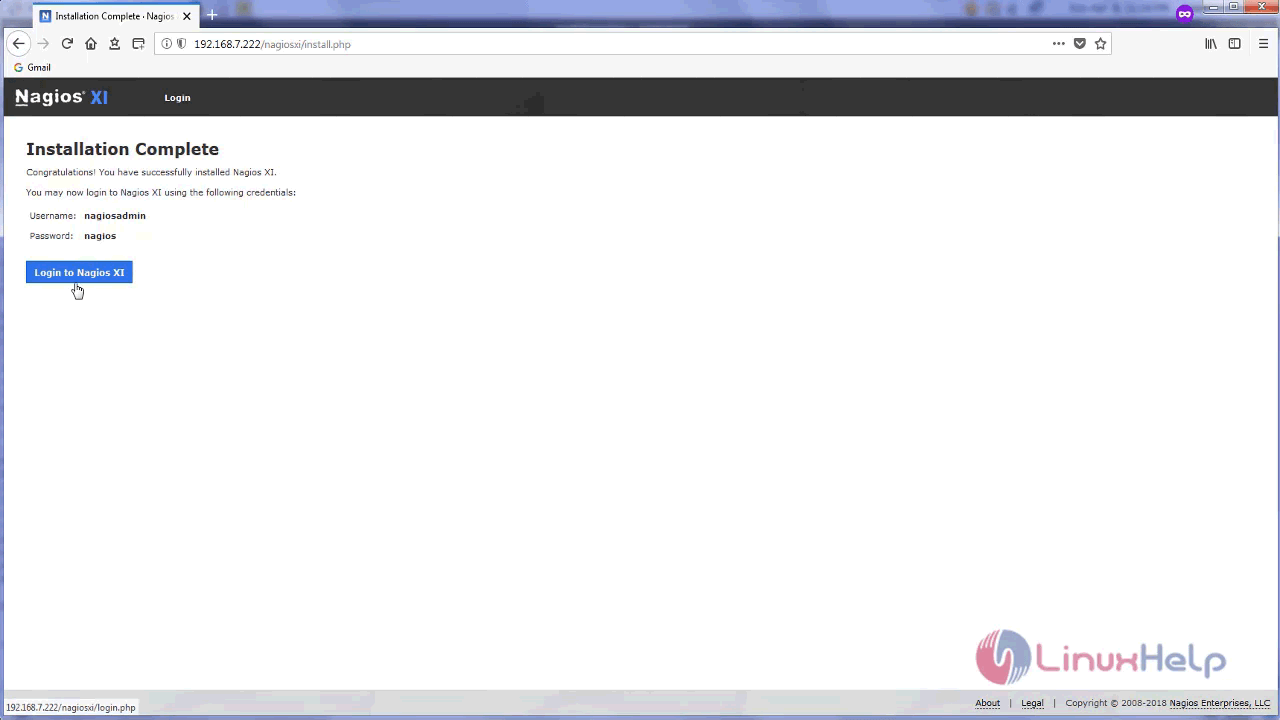
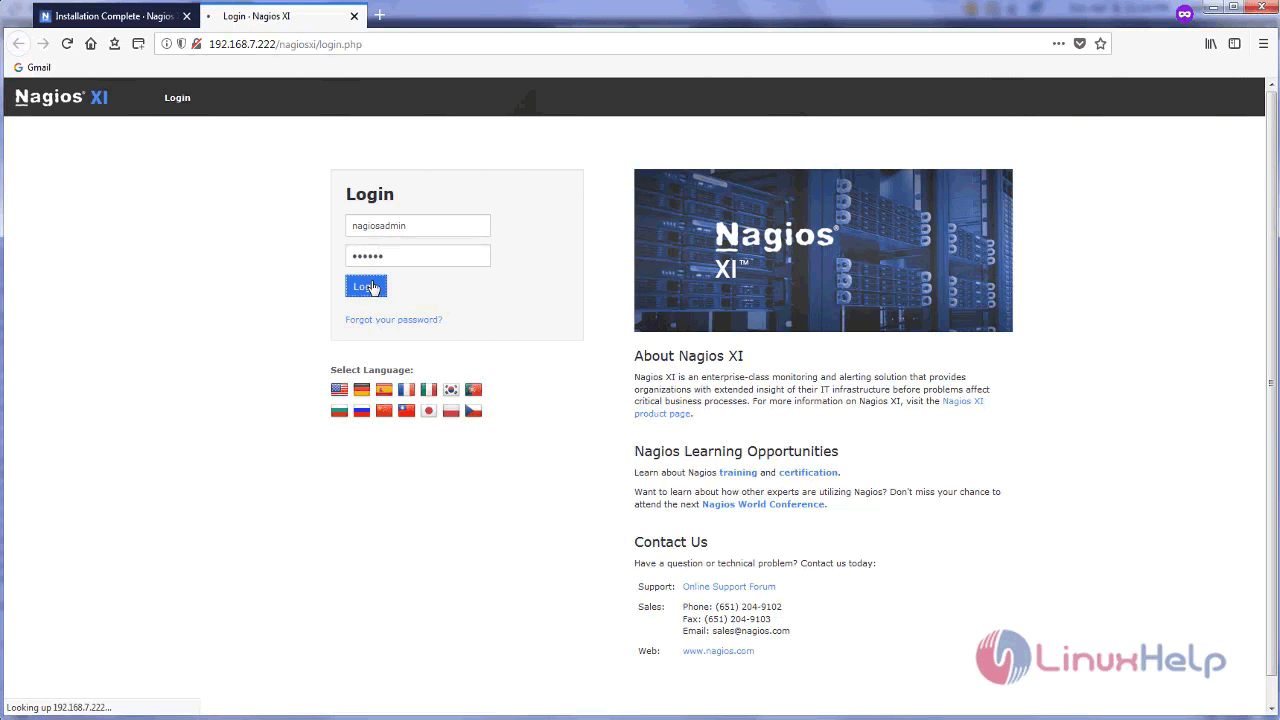
Login with your credentials.
Accept the license terms and submit.
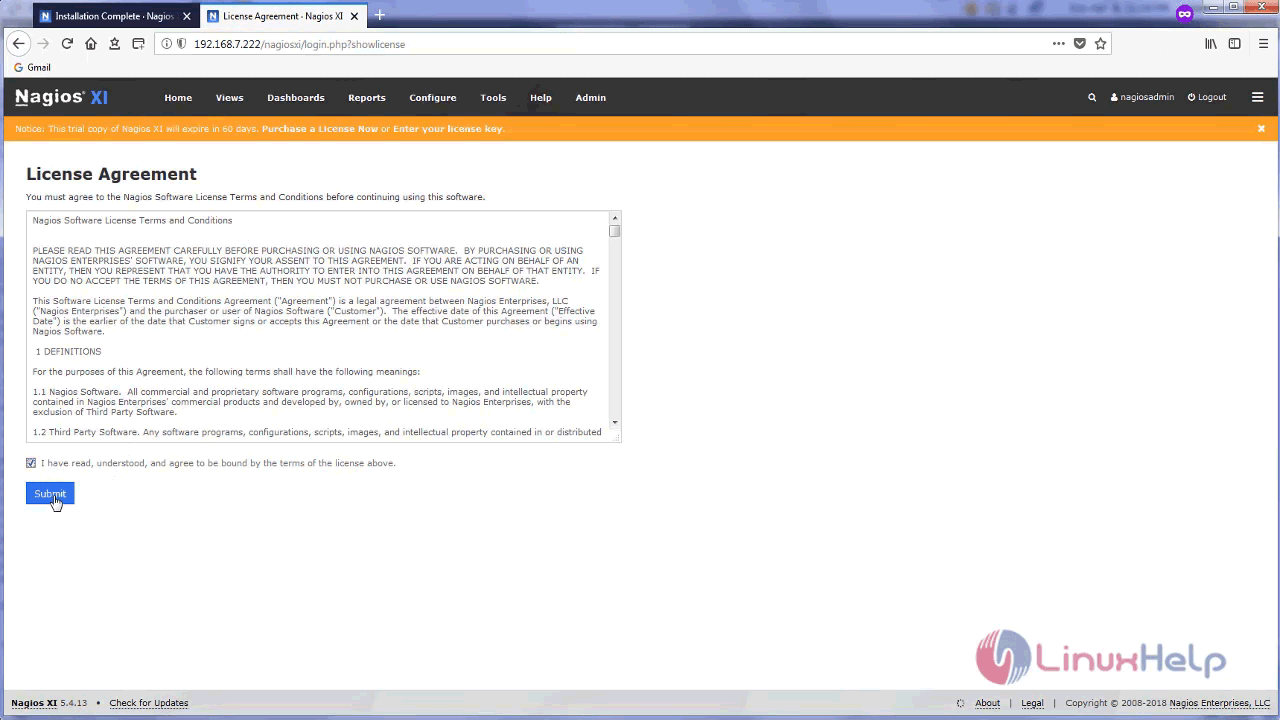
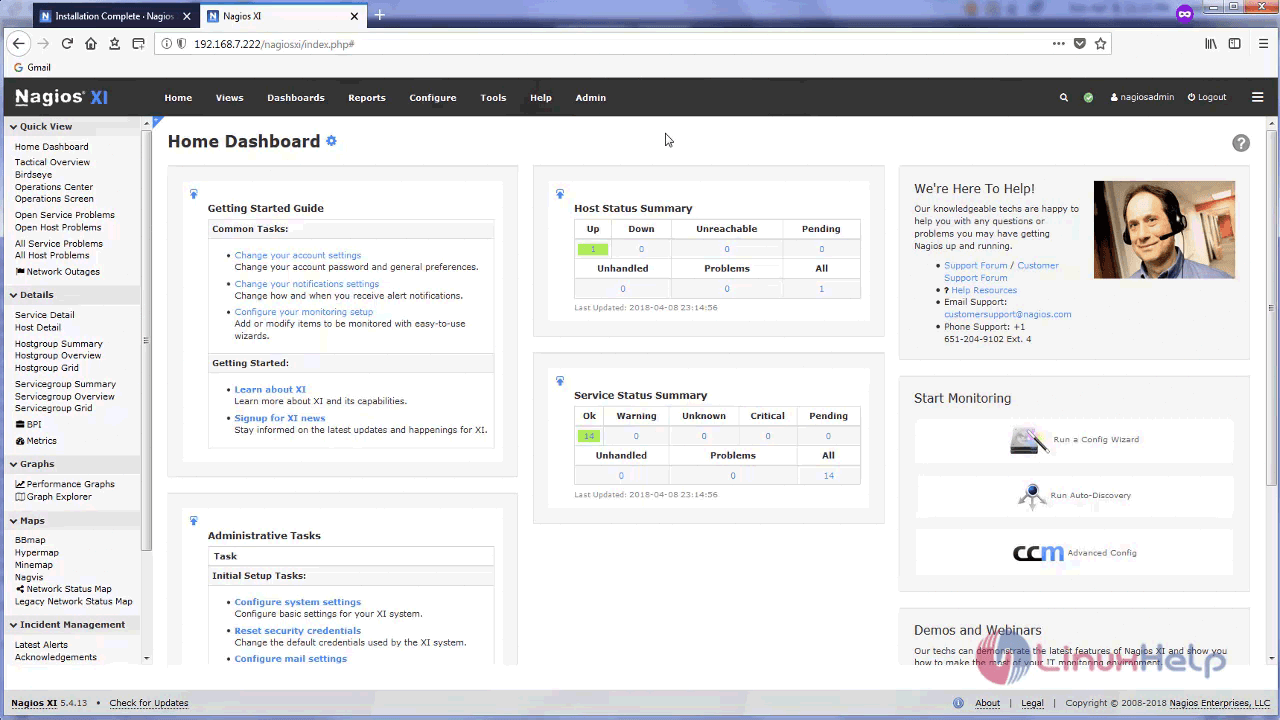
you will see the Nagios Xl dashboard now.
With this, the method to install Nagios XI on Centos 6 comes to an end.
Comments ( 0 )
No comments available