How to Install NetBeans IDE 8.2 in Ubuntu 18.04
To Install NetBeans IDE 8.2 in Ubuntu 18.04
The NetBeans is an open-source integrated development environment which provides a much powerful Java application framework platform that allows programmers to easily develop Java-based web applications, mobile applications, and desktop applications. In this tutorial, we will cover the installation of NetBeans IDE 8.2 in Ubuntu 18.04.
Installation
First, we need java to be installed on our machine so add the PPA repo of java as follows.
root@linuxhelp1:~# add-apt-repository ppa:webupd8team/java
 Oracle Java (JDK) Installer (automatically downloads and installs Oracle JDK8). There are no actual Java files in this PPA.

Important ->  Why Oracle Java 7 And 6 Installers No Longer Work: http://www.webupd8.org/2017/06/why-oracle-java-7-and-6-installers-no.html
.
.
Hit:5 http://in.archive.ubuntu.com/ubuntu bionic-backports InRelease
Get:6 http://ppa.launchpad.net/webupd8team/java/ubuntu bionic/main amd64 Packages [1,556 B]
Get:7 http://ppa.launchpad.net/webupd8team/java/ubuntu bionic/main i386 Packages [1,556 B]
Get:8 http://ppa.launchpad.net/webupd8team/java/ubuntu bionic/main Translation-en [928 B]
Fetched 19.4 kB in 3s (5,787 B/s)
Reading package lists... Done
Now, you need to update the system repository.
root@linuxhelp1:~# apt-get update
Hit:1 http://ppa.launchpad.net/webupd8team/java/ubuntu bionic InRelease
Hit:2 http://in.archive.ubuntu.com/ubuntu bionic InRelease
Hit:3 http://security.ubuntu.com/ubuntu bionic-security InRelease
Hit:4 http://in.archive.ubuntu.com/ubuntu bionic-updates InRelease
Hit:5 http://in.archive.ubuntu.com/ubuntu bionic-backports InRelease
Reading package lists... Done
Now, install a Java as follows.
root@linuxhelp1:~# apt-get install oracle-java8-installer
Reading package lists... Done
Building dependency tree
Reading state information... Done
The following packages were automatically installed and are no longer required:
  apache2-bin apache2-data apache2-utils libapr1 libaprutil1 libaprutil1-dbd-sqlite3
  libaprutil1-ldap
Use ' sudo apt autoremove'  to remove them.
The following additional packages will be installed:
.
.
Unpacking gsfonts-x11 (0.25) ...
Setting up gsfonts-x11 (0.25) ...
Processing triggers for mime-support (3.60ubuntu1) ...
Setting up oracle-java8-set-default (8u171-1~webupd8~0) ...
Processing triggers for man-db (2.8.3-2) ...
Processing triggers for shared-mime-info (1.9-2) ...
Processing triggers for gnome-menus (3.13.3-11ubuntu1) ...
Processing triggers for hicolor-icon-theme (0.17-2) ...
Processing triggers for fontconfig (2.12.6-0ubuntu2) ...
Download a Netbeans package from the terminal using wget command.
root@linuxhelp1:~# wget -c http://download.netbeans.org/netbeans/8.2/final/bundles/netbeans-8.2-linux.sh
--2018-05-14 19:21:57--  http://download.netbeans.org/netbeans/8.2/final/bundles/netbeans-8.2-linux.sh
Resolving download.netbeans.org (download.netbeans.org)... 104.108.220.248
Connecting to download.netbeans.org (download.netbeans.org)|104.108.220.248|:80... connected.
HTTP request sent, awaiting response... 200 OK
Length: 223882240 (214M) [application/x-sh]
Saving to: ‘ netbeans-8.2-linux.sh’

netbeans-8.2-linux.sh   100%[==============================> ] 213.51M   975KB/s    in 3m 43s

2018-05-14 19:25:41 (979 KB/s) - ‘ netbeans-8.2-linux.sh’  saved [223882240/223882240]
After the download completes, navigate to the directory where the NetBeans IDEinstaller has been downloaded. make the installer script executable and start installing it.
root@linuxhelp1:~# chmod +x netbeans-8.2-linux.sh
root@linuxhelp1:~# ./netbeans-8.2-linux.sh
Configuring the installer...
Searching for JVM on the system...
Extracting installation data...
Running the installer wizard...
You will see the following installer wizard appear on the screen.
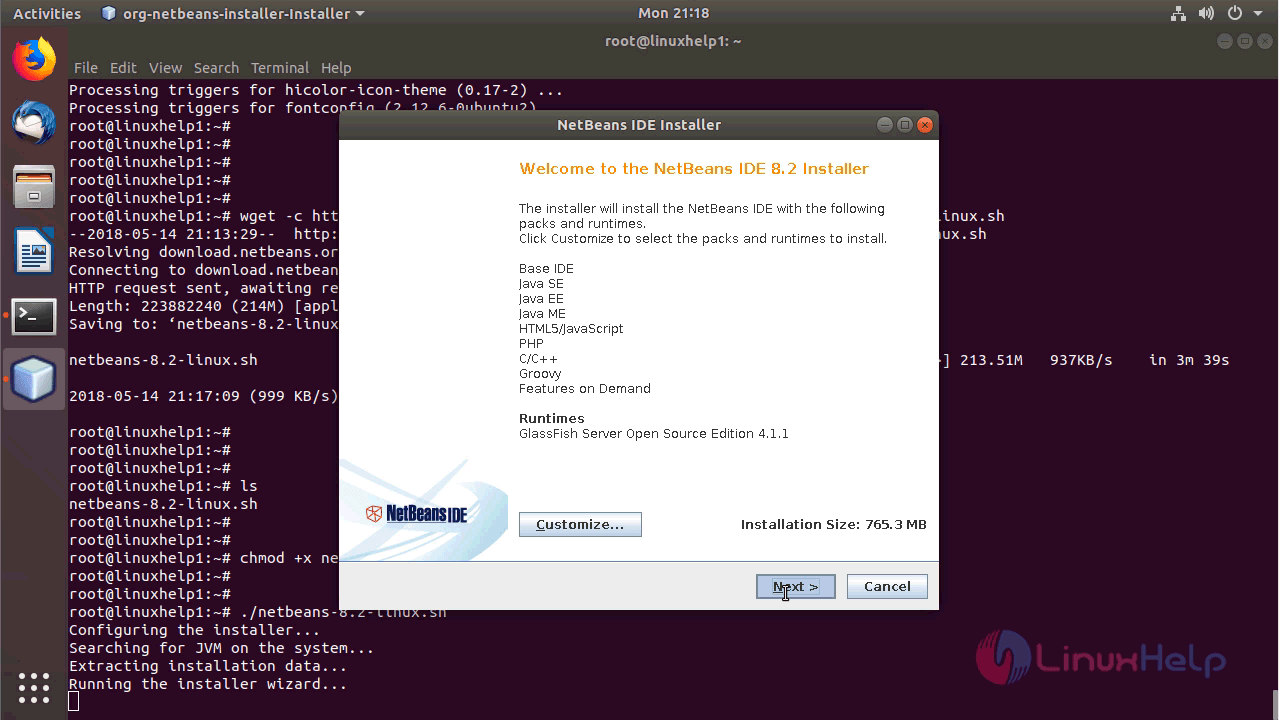
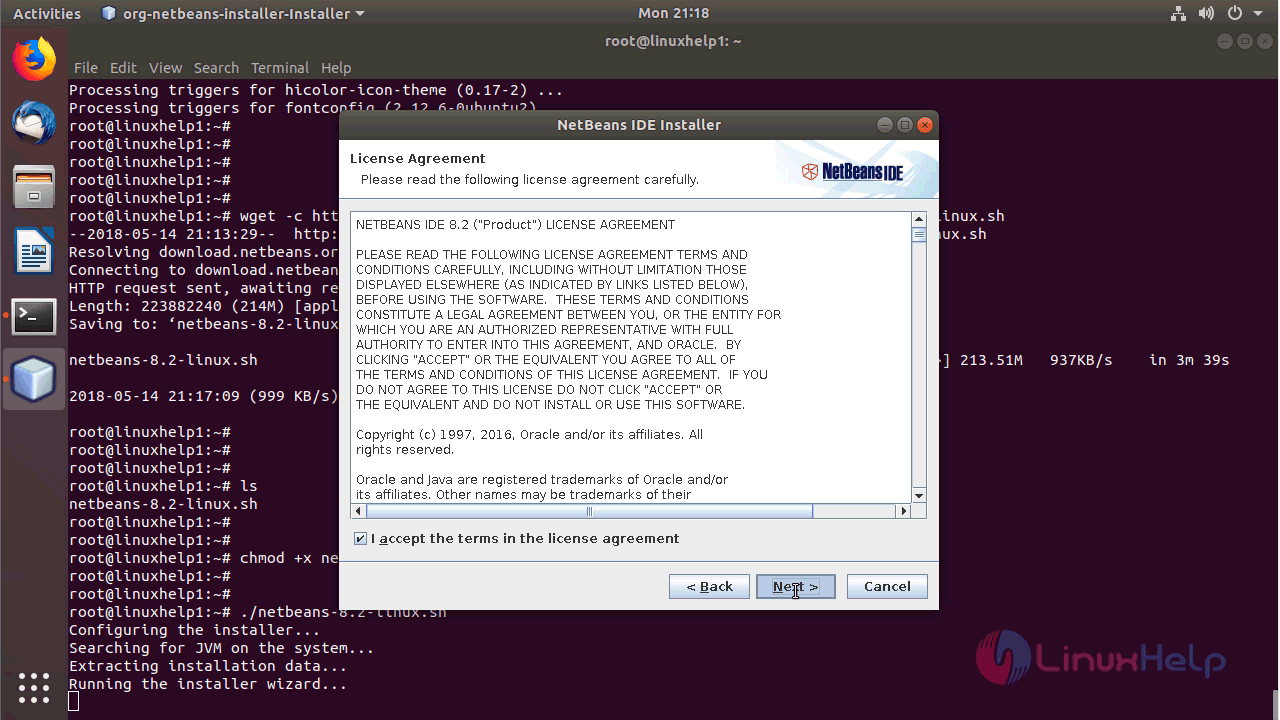
Accept the license agreement and click next.
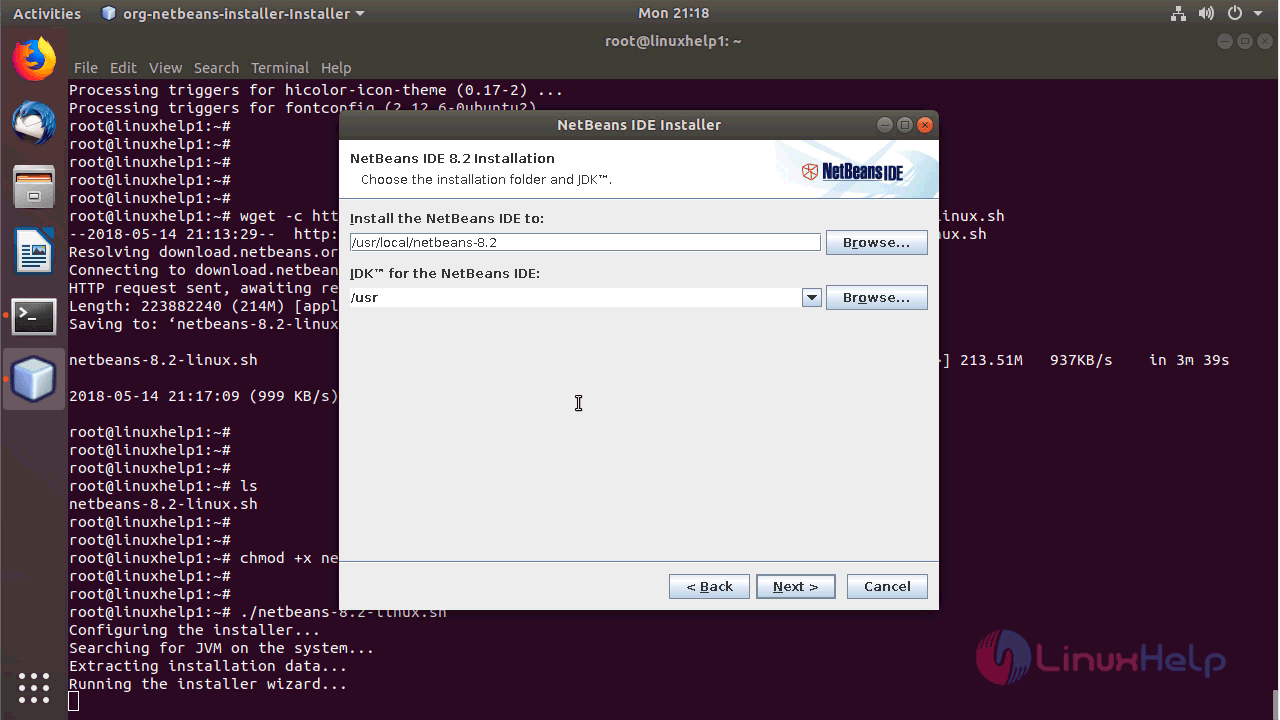
Choose the installation path of NetBeans and click next.
Verify the summary of installation and click install.
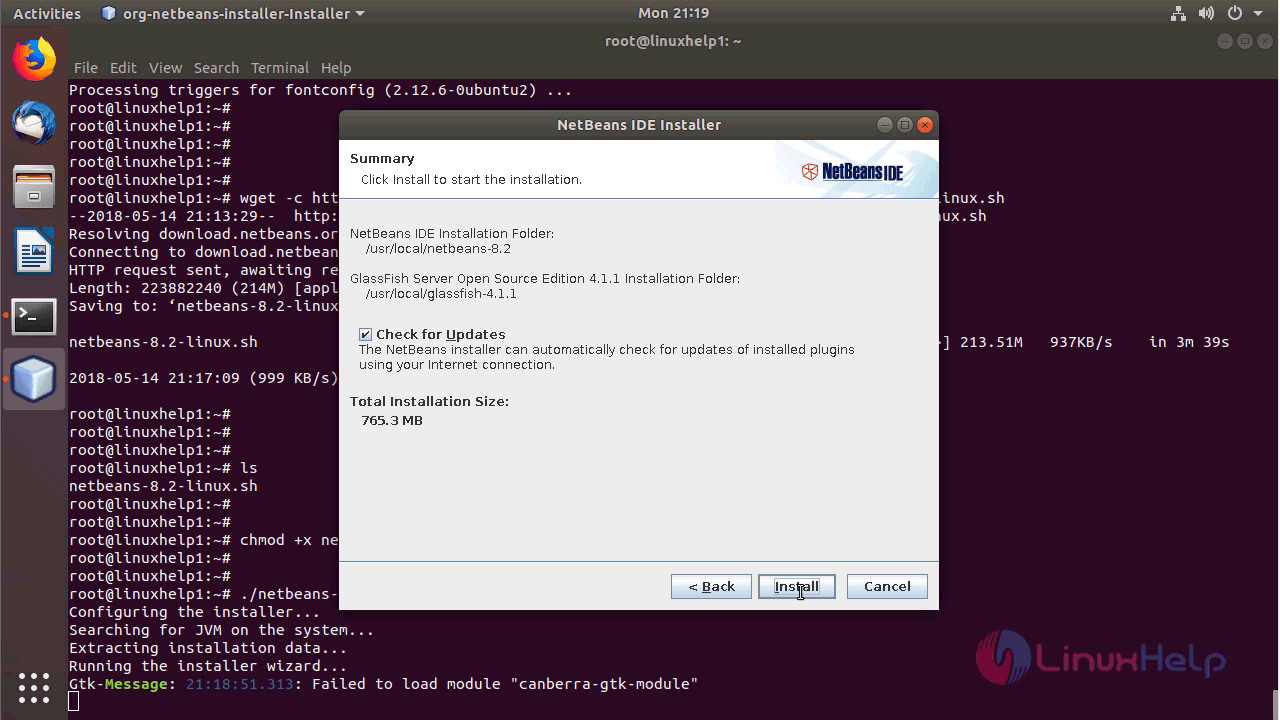
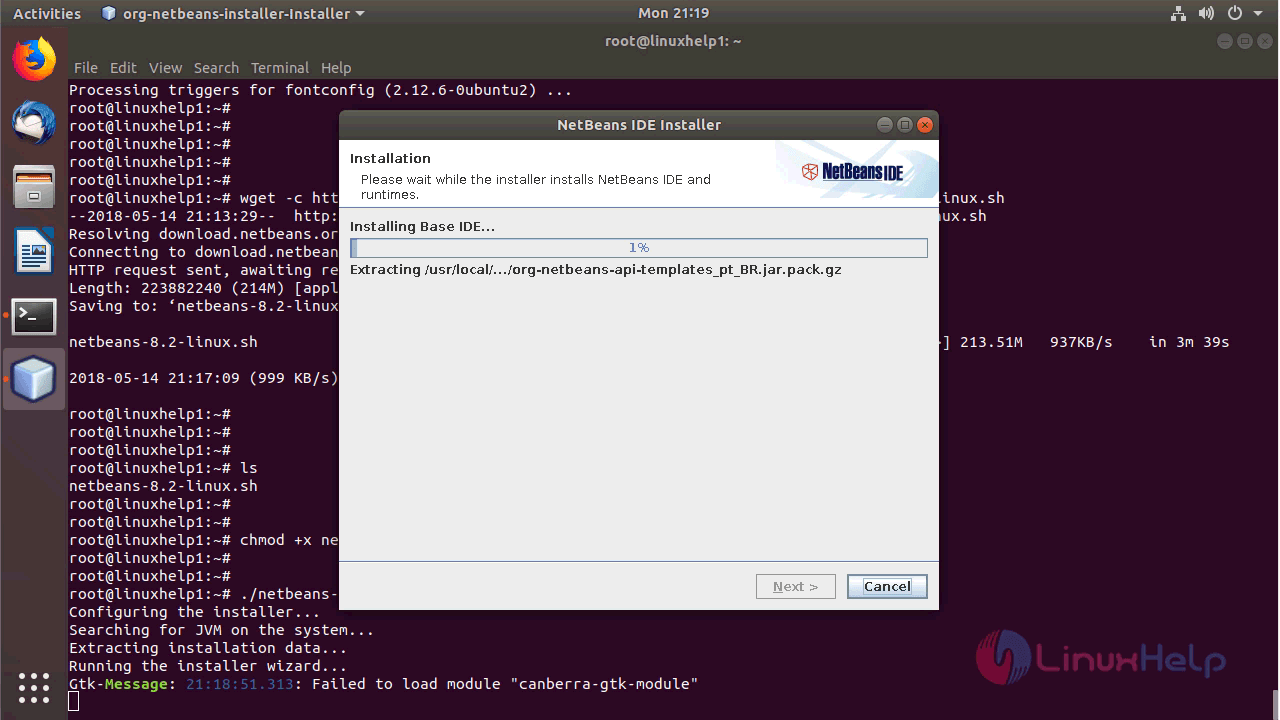
The Netbeans application is installing now.
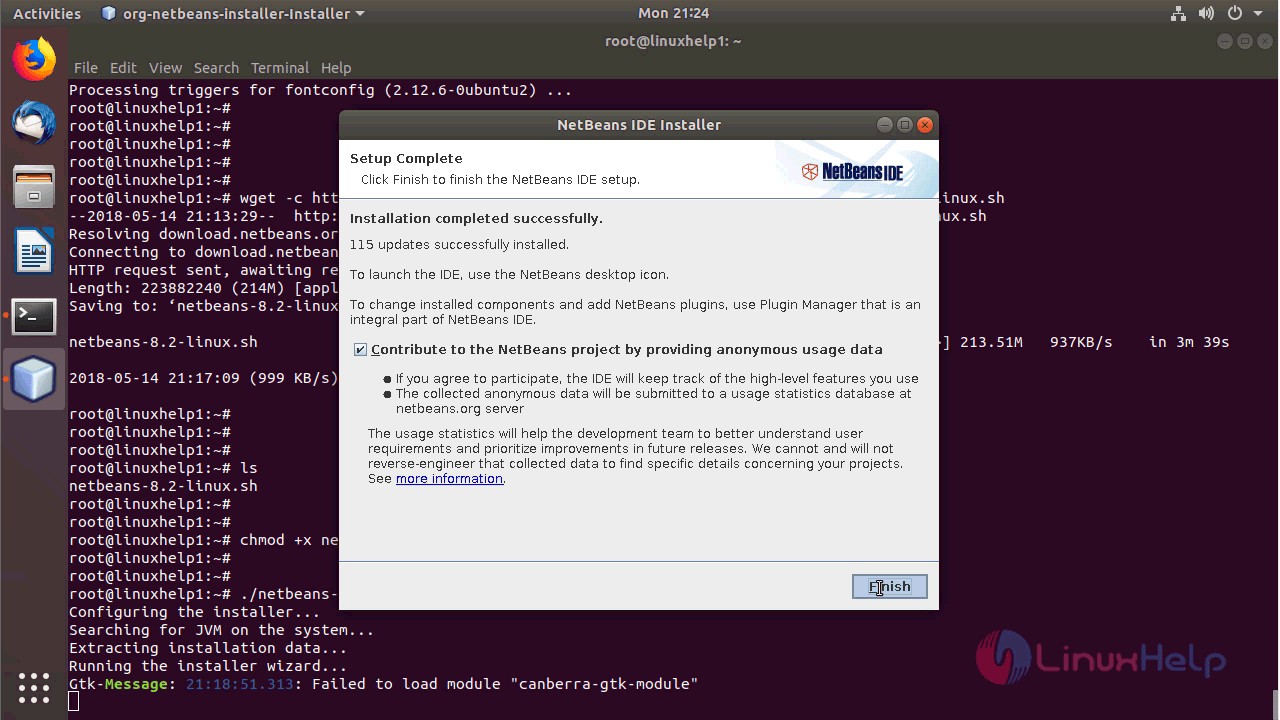
Click finish once installation is done.
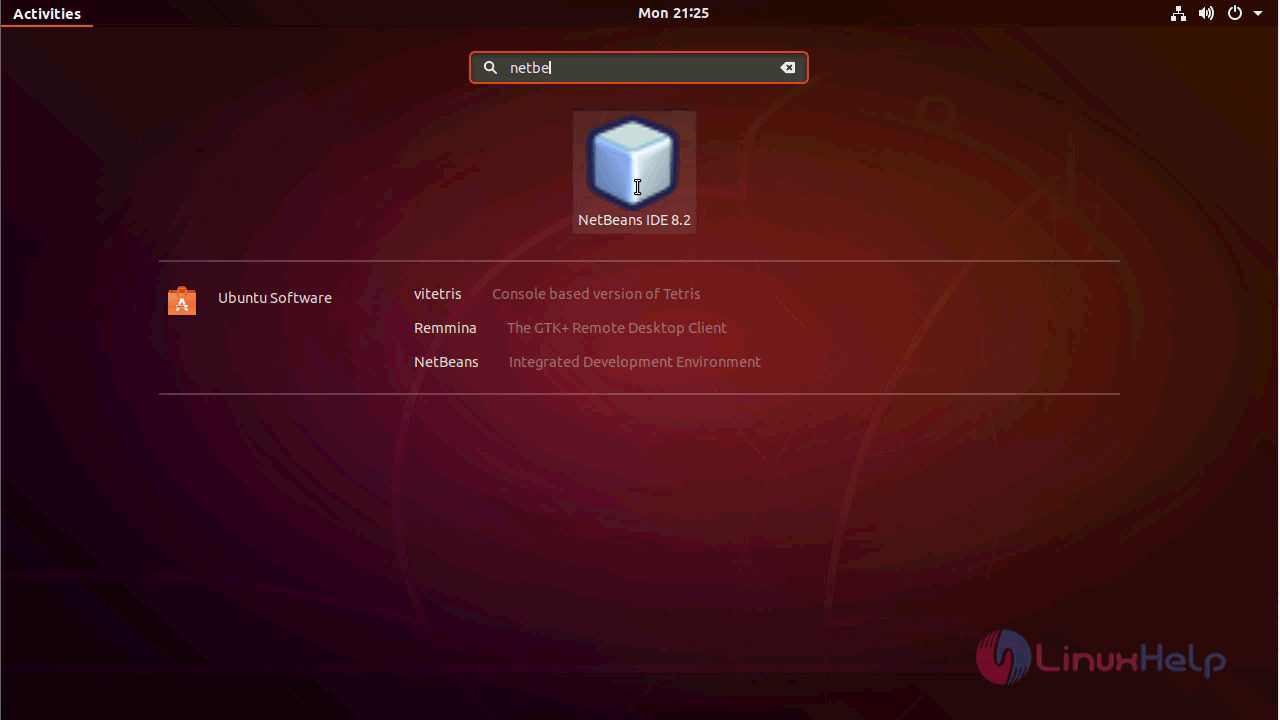
Access the application from the activity menu.
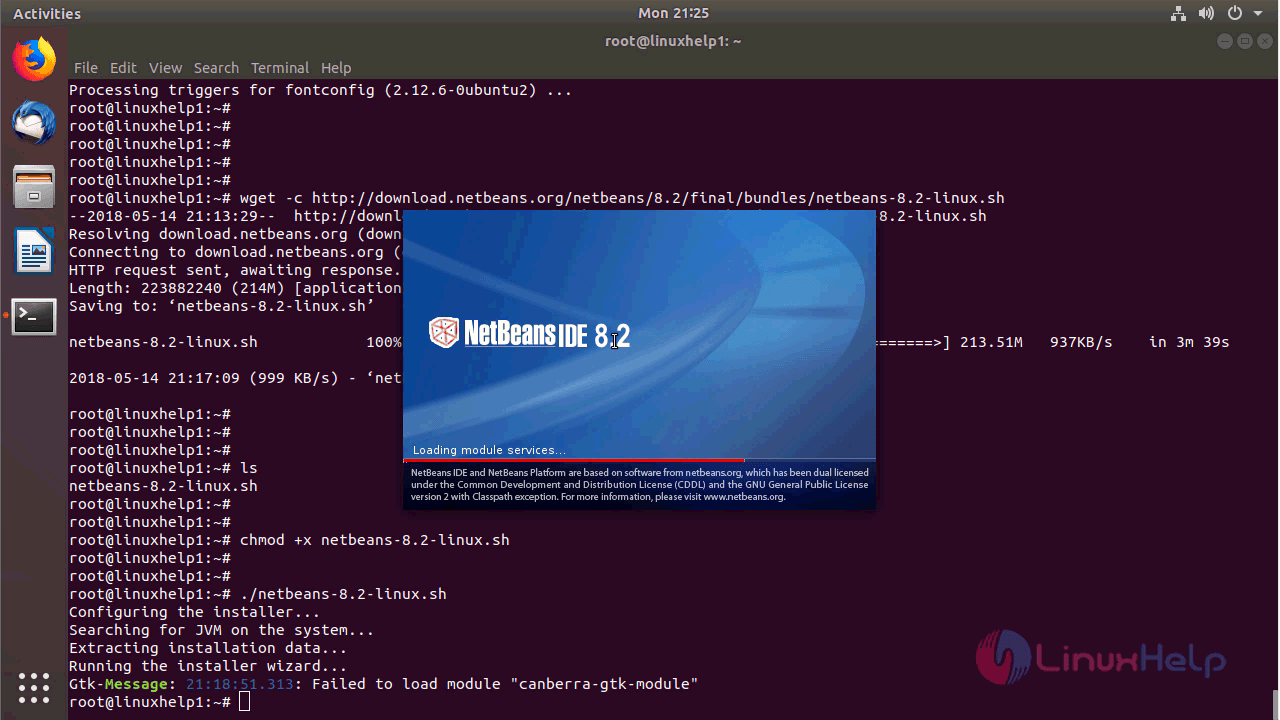
The Netbeans is initializing now.
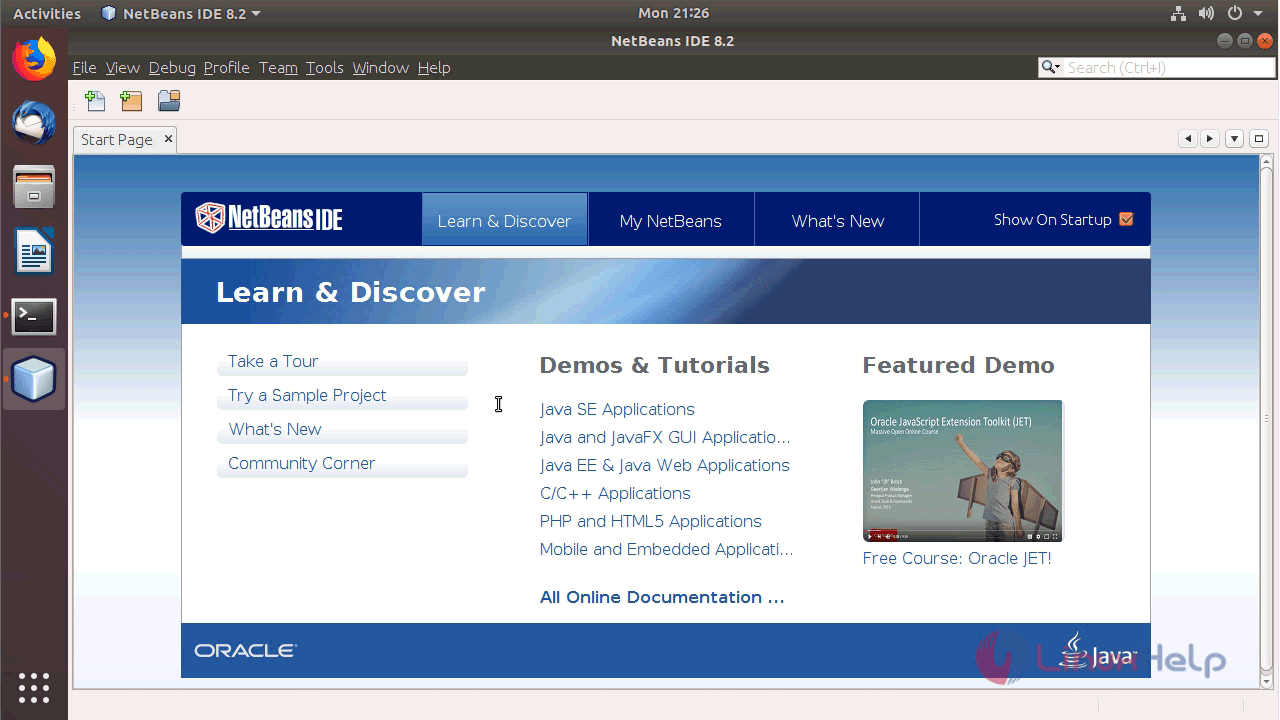
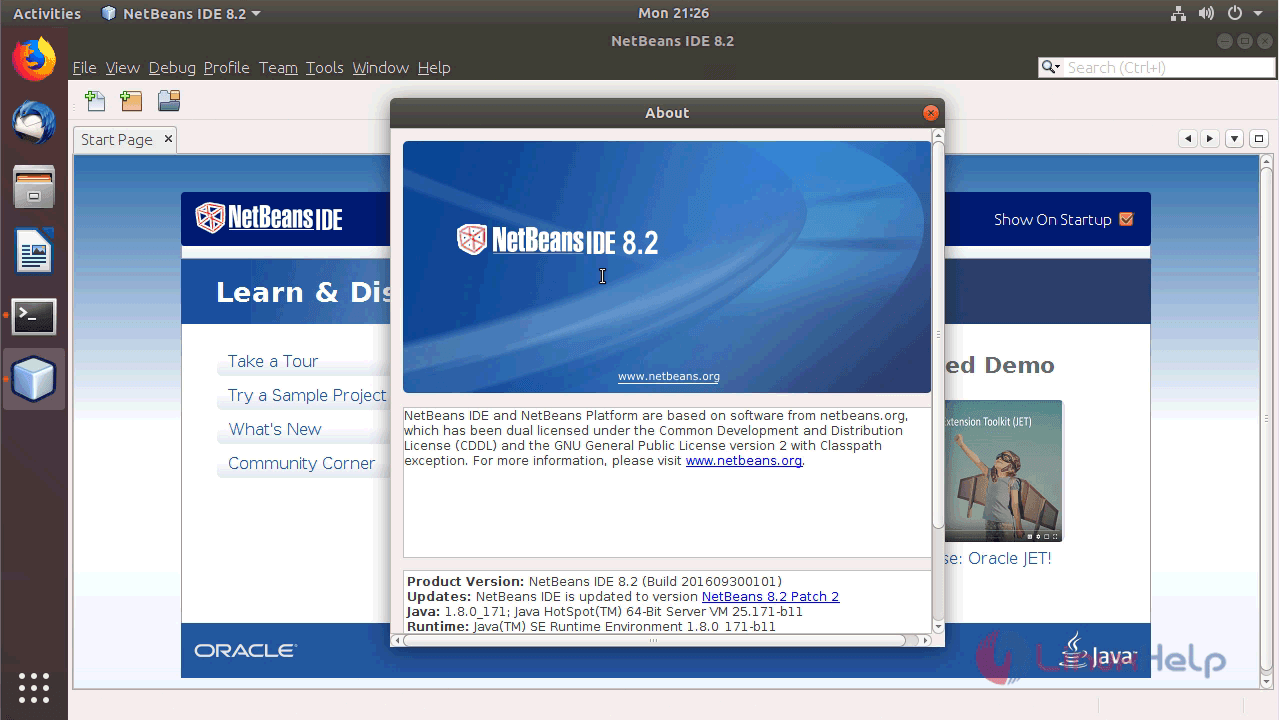
With this, the method to Install NetBeans IDE 8.2 in Ubuntu 18.04 comes to an end.
Comments ( 2 )